



Consile
Freemium
Consile is an all-in-one team operations platform that integrates tasks, attendance, leave, and HR functions in a secure workspace.
Notta is an AI transcription service that converts audio into actionable meeting notes, summaries, and translations.
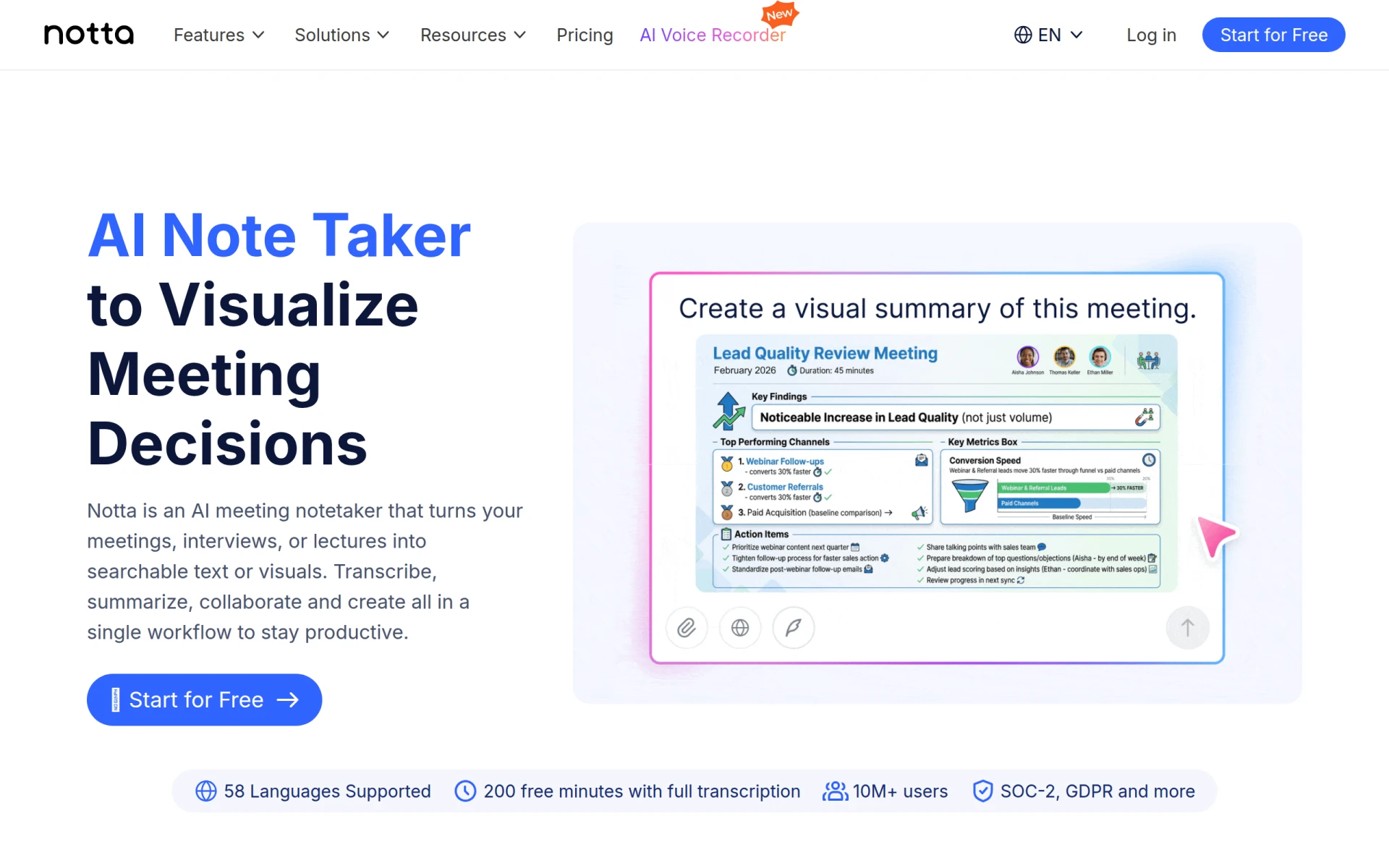
Notta is an AI-powered transcription service designed to transform audio recordings into written text, offering a seamless way to generate meeting notes, summaries, and translations. Its primary purpose is to convert spoken content into usable information, thereby enhancing the efficiency of documentation and follow-ups in professional settings. By providing tools for speaker identification and external integrations, Notta addresses common challenges in capturing accurate meeting details and ensuring that crucial information is not lost after discussions.
Notta offers several practical advantages for businesses and professionals. The AI transcription feature saves time by eliminating the need for manual note-taking, allowing users to focus on the discussion rather than documentation. Speaker identification improves the clarity of notes by attributing comments to the correct individuals, which is essential in team settings. The summarization tool condenses lengthy discussions into digestible insights, making it easier to review key points and next steps. Overall, Notta enhances productivity by making information retrieval more efficient and ensuring that important details are captured and easily accessible.
Notta is particularly beneficial in various professional scenarios. For instance, during team meetings, users can record discussions and receive accurate transcriptions and summaries, which can be reviewed later for action items. In educational settings, teachers can use Notta to transcribe lectures for students, providing valuable study materials. Additionally, remote teams can utilize the voice translation feature to facilitate communication across language barriers, ensuring that all team members can participate fully, regardless of their primary language.
Notta is ideal for professionals such as project managers, team leaders, and educators who frequently conduct meetings or presentations. It is also beneficial for remote teams needing effective communication tools for collaboration across different languages. However, it may not be the best fit for users looking for a purely manual note-taking solution or those who prefer to avoid technology-driven transcription methods.
Pricing information for Notta is currently not available on the website.
Notta provides a comprehensive solution for businesses and individuals needing efficient transcription of meetings and audio recordings. Its key features, such as AI transcription, speaker identification, and voice translation, address common challenges in documentation and communication. While it offers significant advantages in enhancing productivity and ensuring accurate record-keeping, potential users should consider the absence of clear pricing information. Overall, Notta is a valuable tool for those looking to streamline their meeting documentation processes.
Consile is an all-in-one team operations platform that integrates tasks, attendance, leave, and HR functions in a secure workspace.
A comprehensive guide to keyboard shortcuts for Windows, MacOS, and Linux, enhancing productivity and workflow efficiency.
Online Whiteboard is a free collaborative tool for brainstorming and visualizing ideas in real-time with teams.
Audioread converts text from articles, PDFs, and emails into natural-sounding audio for easy listening.
Ayfie is a personal assistant software that helps users manage tasks and improve productivity through intelligent automation.
AIApply is a job application tool that helps users create tailored resumes, cover letters, and auto-apply for jobs quickly.
Weekly roundup of new AI tools, launches, and trending software. No spam — unsubscribe anytime.
No credit card required · Cancel anytime
Weekly roundup of new AI tools, launches, and trending software. No spam — unsubscribe anytime.
No credit card required · Cancel anytime








