Overview
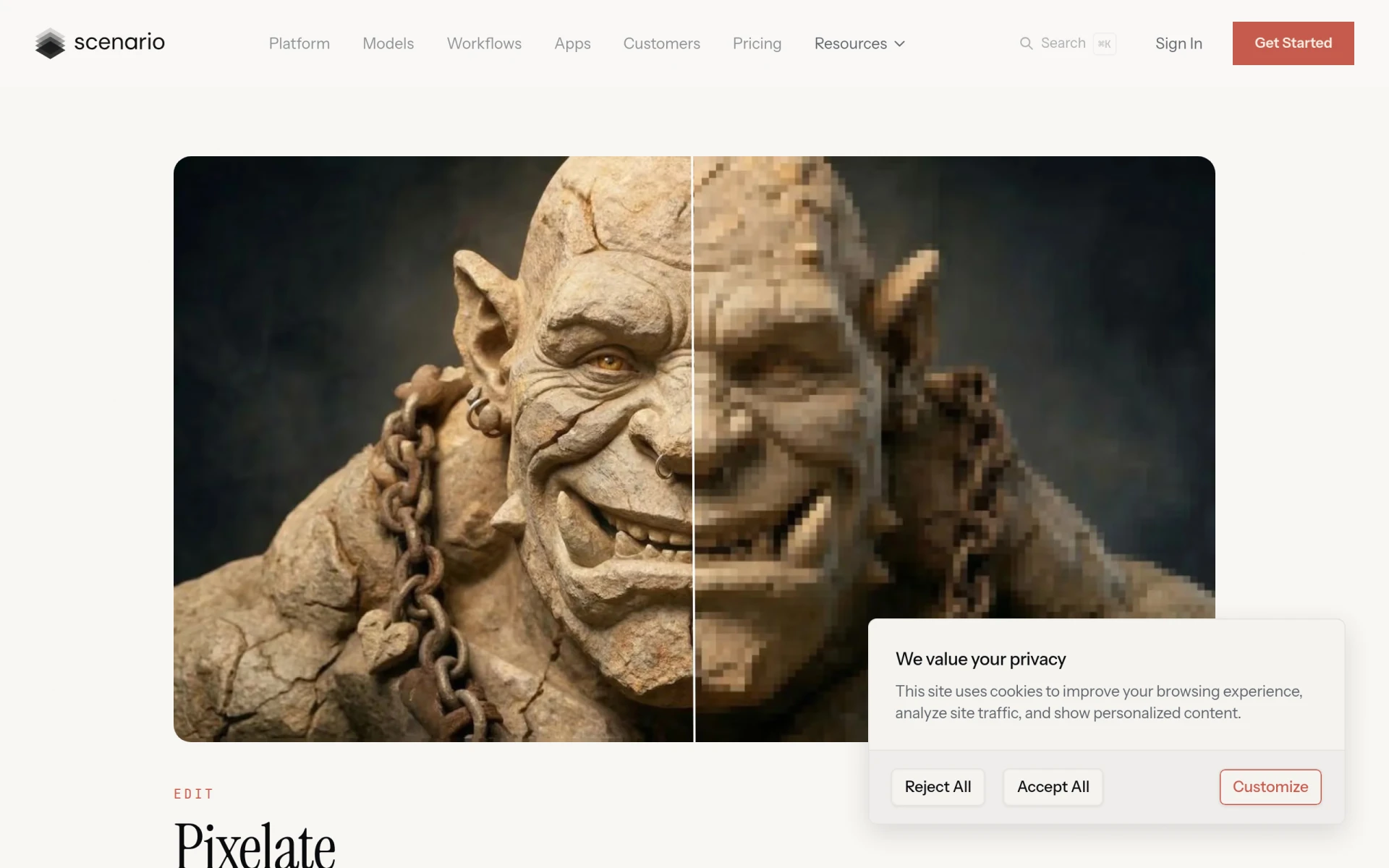
Pixelicious is a graphic design tool specifically designed for generating pixel art from any image. Its primary purpose is to simplify the process of transforming photos or illustrations into pixel art, which is commonly used in game development, retro design projects, and stylistic digital art. This tool addresses the need for artists and designers to create pixelated images quickly without extensive manual editing, providing a streamlined approach to pixel art creation.
Key Features
- Instant pixel art conversion
- Customizable resolution
- Flexible color palettes
- Noise and background control
- Adjustable grid sizes
- Automatic color extraction
- Palette size adjustments
- User-friendly interface
Benefits
Pixelicious offers several practical advantages that can add real value to your design projects. Firstly, it saves time by allowing users to convert images to pixel art with just a few clicks, eliminating the need for manual pixel-by-pixel editing. Secondly, the customizable options enable artists to maintain control over the final output, whether they desire a classic 8-bit look or a more detailed pixel style. Additionally, the ability to manage noise and backgrounds enhances the professional quality of the artwork.
Common Use Cases
Pixelicious is particularly useful in various scenarios, such as:
- Game developers creating retro-style sprites for their games, where pixel art is essential.
- Artists looking to stylize their illustrations into pixelated formats for social media or digital portfolios.
- Designers needing to produce assets for marketing materials that require a nostalgic or artistic flair.
- Hobbyists experimenting with pixel art for personal projects or creative expression.
Who Should Use It
Pixelicious is ideal for game developers, graphic designers, digital artists, and hobbyists who want to create pixel art efficiently. It appeals to users who appreciate versatility in design tools and those who may not have extensive experience in pixel art creation. However, it may not be the best fit for professional illustrators who prefer a more hands-on, detailed approach or those who require extensive features beyond image conversion.
Pricing Overview
Pricing information for Pixelicious is currently unavailable. It is advisable to visit their website for any updates regarding pricing models or subscription options.
Pros
- The tool allows for immediate conversion of images into pixel art, saving considerable time for users.
- Customizable grid sizes enable flexibility in achieving the desired level of detail.
- Users can create unique color palettes, enhancing the personal touch of their artwork.
- The noise and background control features improve the overall quality of the pixel art produced.
- The interface is designed to be user-friendly, making it accessible for beginners.
Cons
- Some users may find the lack of advanced editing features limiting if they require more detailed customization.
- The absence of clear pricing information could be a barrier for potential users.
- Users looking for a comprehensive graphic design suite may need to seek additional software for other design needs.
Conclusion
Pixelicious stands out as a straightforward and effective tool for anyone interested in creating pixel art from images. While it excels in providing immediate and customizable pixel art generation, it may not cater to users seeking an all-encompassing graphic design solution. Overall, for those focused on pixel art, it offers valuable functionalities that enhance creativity and efficiency in design projects.