Overview
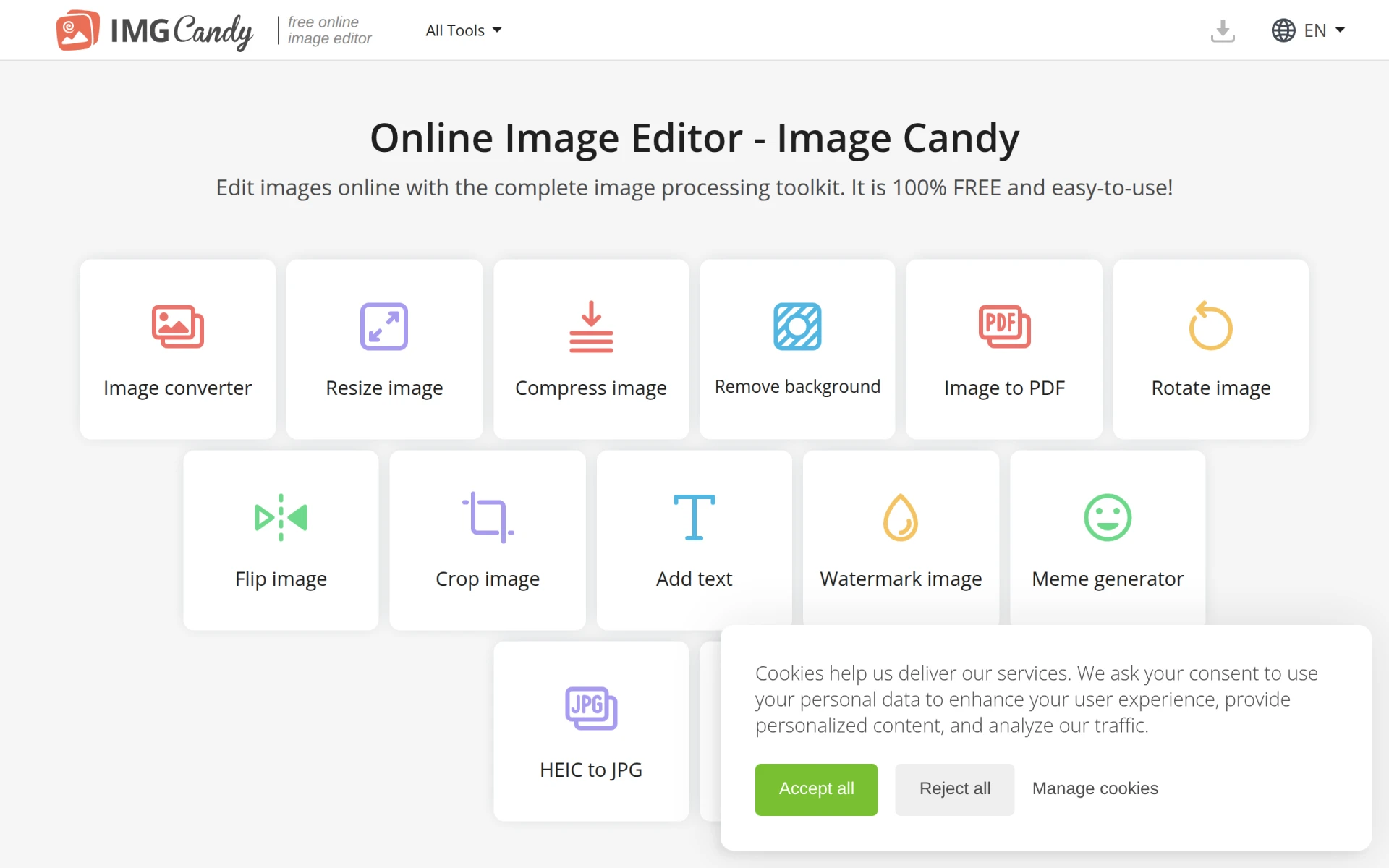
Image Candy is an online image editing tool designed to provide users with a comprehensive suite of features for manipulating images. Its primary purpose is to allow users to edit images without the need for expensive software or complex installations. The platform addresses common image editing needs, including conversion, resizing, and compression, making it accessible for a wide range of users from casual to professional.
Key Features
- Image Converter
- Resize Image
- Compress Image
- Remove Background
- Image to PDF Conversion
- Rotate Image
- Flip Image
- Crop Image
- Add Text to Photo
- Watermark Image
- Meme Generator
- HEIC to JPG Conversion
- Video to GIF Conversion
Benefits
Image Candy offers practical advantages such as ease of use, as it does not require any software installation, making it ideal for quick edits on the go. Its accessibility as a free tool allows users to avoid costly subscriptions while still achieving professional-quality edits. Additionally, the range of features available means that users can perform multiple tasks in one location, enhancing efficiency.
Common Use Cases
Image Candy is suitable for various scenarios, including:
- A student needing to resize images for a presentation.
- A small business owner creating promotional materials with custom graphics.
- A freelance designer who requires quick edits during client meetings.
- Social media managers generating memes or adding text to images for campaigns.
- Photographers converting images into different formats for client delivery.
Who Should Use It
Image Candy is ideal for individuals and small businesses looking for a straightforward and effective image editing solution. It caters well to casual users, such as social media enthusiasts, as well as professionals who need quick edits without the steep learning curve of more complex software. However, it may not be the best fit for users seeking advanced editing features or those who prefer offline solutions.
Pricing Overview
Image Candy is completely free to use, with no hidden charges or premium features.
Conclusion
In summary, Image Candy provides a solid solution for users in need of basic image editing tools without any financial commitment. Its user-friendly interface and variety of features make it a practical choice for many, but those requiring advanced capabilities may need to explore alternatives. Overall, it is a valuable resource for anyone looking to perform quick and easy edits online.