Overview
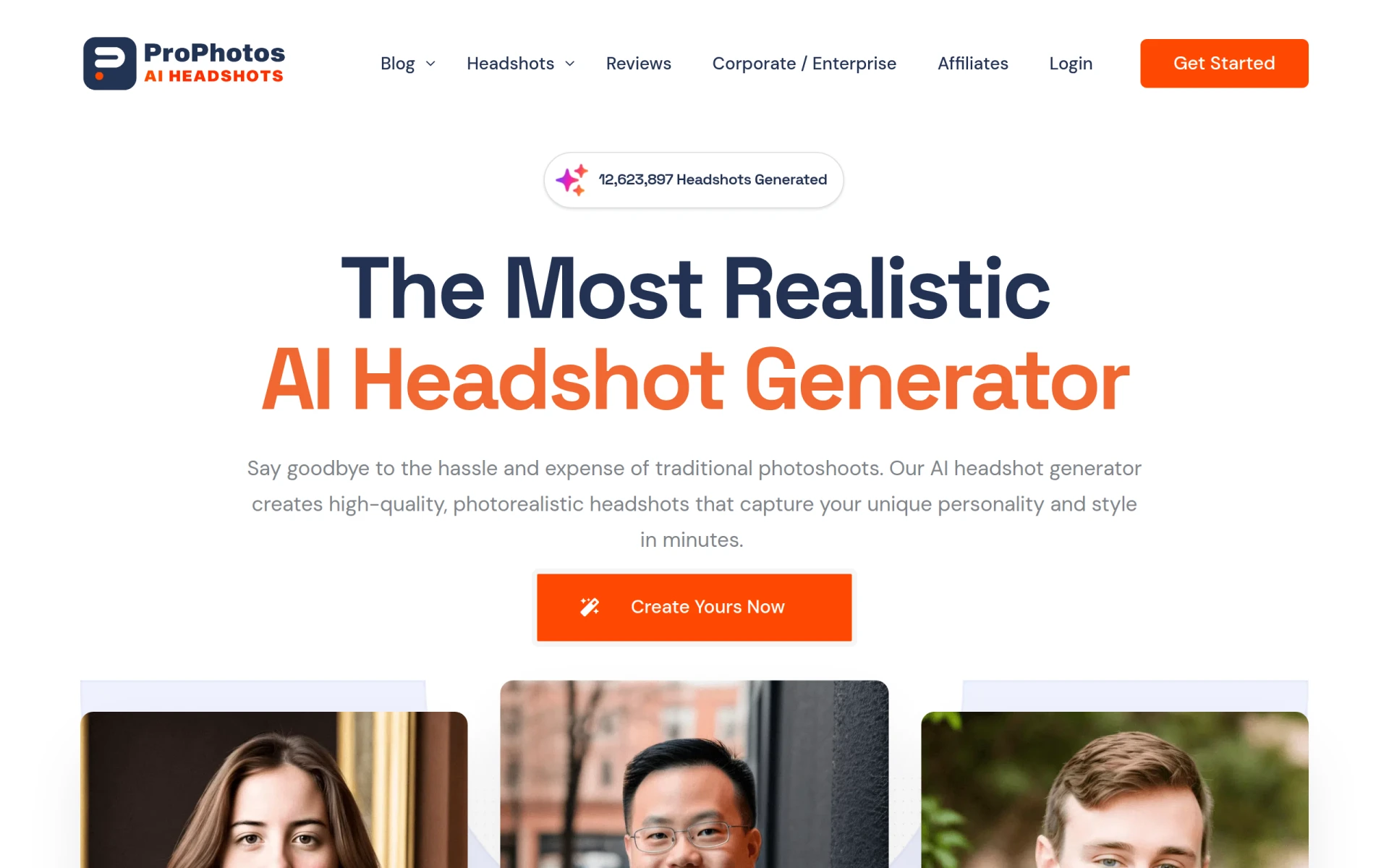
ProPhotos is a photo editing software that leverages artificial intelligence to streamline the process of enhancing images. Its primary purpose is to provide users with advanced editing features that can significantly improve photo quality and aesthetics without requiring extensive editing skills. ProPhotos addresses common challenges faced by both amateur and professional photographers, such as time-consuming editing tasks and the need for high-quality results. By automating various editing processes, it helps users save time while achieving professional-grade edits.
Key Features
- AI-powered image enhancement
- One-click background removal
- Batch processing for multiple images
- Customizable filters and effects
- Skin retouching and blemish removal
- Color correction tools
- Image resizing and cropping
- Integration with popular social media platforms
- User-friendly interface
- Export options in multiple formats
Benefits
ProPhotos offers practical advantages that can enhance the editing experience for its users. The AI-powered features reduce the time needed for editing, allowing users to focus on creativity rather than technical tasks. The one-click background removal feature simplifies complex editing tasks, making it accessible even for those with limited experience. The ability to process multiple images simultaneously is a significant time-saver, particularly for photographers handling bulk projects. Moreover, the customizable filters and effects provide flexibility, enabling users to achieve their desired aesthetic efficiently.
Common Use Cases
ProPhotos can be particularly useful in various scenarios, such as:
- A freelance photographer needing to edit multiple client images quickly before delivery.
- A social media manager looking to enhance promotional images for an upcoming campaign.
- An e-commerce business owner who wants to improve the visual appeal of product images for their online store.
- An event planner needing to touch up photos from a recent event to share with clients.
- A blogger wishing to create visually appealing images for their articles without extensive editing knowledge.
Who Should Use It
ProPhotos is ideal for:
- Amateur photographers seeking an easy-to-use tool for basic editing.
- Professional photographers looking for efficient ways to manage their editing workload.
- Social media managers tasked with creating engaging content.
- E-commerce businesses focused on enhancing product imagery.
It may not be the best fit for highly experienced photographers who prefer manual control over every aspect of editing or those who require specialized features not offered by ProPhotos.
Pricing Overview
Pricing details for ProPhotos are not explicitly available on the website. Interested users should check the official site for the latest pricing information.
Pros and Cons
Pros
- The AI-powered editing features significantly reduce editing time.
- One-click background removal simplifies complex tasks for users.
- Batch processing allows for efficient handling of multiple images.
- Customizable filters provide creative freedom.
- User-friendly interface makes it accessible for all skill levels.
Cons
- Advanced users may find the automation limiting for detailed edits.
- Pricing information is not readily available, which may deter potential users.
- Some features may require an internet connection for optimal performance.
Conclusion
ProPhotos presents a compelling solution for those in need of efficient photo editing. Its AI-driven features and user-friendly design cater to a wide range of users, from novices to professionals. While it offers several advantages, such as time savings and ease of use, it may not fulfill the needs of users seeking highly specialized editing capabilities. Potential users should evaluate their specific requirements against what ProPhotos offers before making a decision.