



Consile
Freemium
Consile is an all-in-one team operations platform that integrates tasks, attendance, leave, and HR functions in a secure workspace.
 R
R
Rows AI streamlines data analysis with a no-code approach, allowing users to ask questions and receive insights instantly.
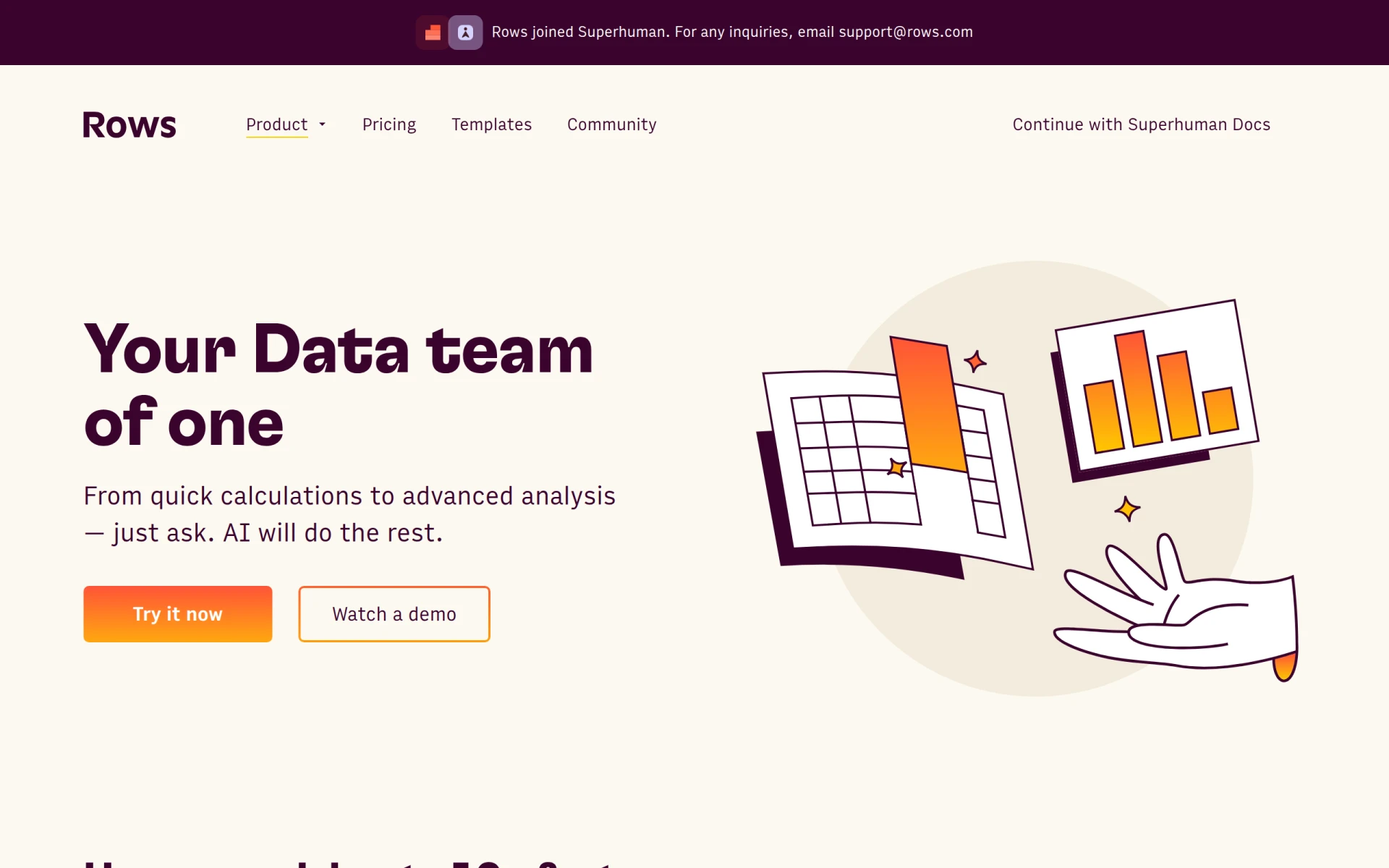
Rows AI is a productivity tool designed to simplify data analysis through a no-code platform. Its primary purpose is to enable users to analyze and transform data by simply asking questions in plain language. By automating data analysis, Rows AI eliminates the need for complex formulas or extensive menu navigation, making it accessible to users without a technical background. This software addresses the common challenges of data interpretation and manipulation, providing insights that would typically require significant time and expertise to extract.
Rows AI provides practical advantages by significantly reducing the time and expertise required for data analysis. It allows businesses to derive actionable insights quickly, enabling better decision-making. The no-code interface empowers non-technical users, making data analysis more inclusive within organizations. Additionally, its automation capabilities free up valuable time for data teams to focus on strategic tasks rather than manual data manipulation.
Rows AI is ideal for various scenarios, including:
Rows AI is suitable for individuals and teams who require data analysis but lack extensive technical skills. This includes small business owners, marketing teams, project managers, and data analysts. However, it may not be the best fit for organizations with complex data ecosystems that require high-level customization or advanced analytical capabilities.
Pricing information is currently unavailable on the Rows AI website.
Pros:
Cons:
Rows AI presents a user-friendly solution for data analysis, catering to those who may not have a technical background. It effectively automates various aspects of data handling, enabling users to gain insights quickly and efficiently. While it offers significant advantages for smaller teams and organizations, larger enterprises with complex data needs may require more robust tools. Overall, Rows AI is worth considering for businesses looking to enhance their data analysis capabilities without the complexities of traditional software.
Consile is an all-in-one team operations platform that integrates tasks, attendance, leave, and HR functions in a secure workspace.
A comprehensive guide to keyboard shortcuts for Windows, MacOS, and Linux, enhancing productivity and workflow efficiency.
Online Whiteboard is a free collaborative tool for brainstorming and visualizing ideas in real-time with teams.
Audioread converts text from articles, PDFs, and emails into natural-sounding audio for easy listening.
Ayfie is a personal assistant software that helps users manage tasks and improve productivity through intelligent automation.
AIApply is a job application tool that helps users create tailored resumes, cover letters, and auto-apply for jobs quickly.
Weekly roundup of new AI tools, launches, and trending software. No spam — unsubscribe anytime.
No credit card required · Cancel anytime
Weekly roundup of new AI tools, launches, and trending software. No spam — unsubscribe anytime.
No credit card required · Cancel anytime








