Introduction
For content creators, finding the ideal AI video editing tool can be a daunting task. With numerous options available, each boasting unique features, the decision-making process can feel overwhelming. You want a tool that not only meets your editing needs but also enhances your creative output.
Why Content Creators Struggle With Evaluating multiple AI video editing tools can be overwhelming
Content creators often find themselves caught in a whirlwind of choices when it comes to AI video editing tools. The rapid evolution of technology means that new features and tools are constantly emerging, making it challenging to keep up. For instance, you might be a YouTuber looking for quick editing solutions, but with so many tools offering similar promises, it becomes difficult to differentiate between them. Moreover, each tool may cater to different aspects of video creation, such as speed, ease of use, or advanced editing capabilities, leaving you unsure of which tool aligns best with your specific needs.
What to Look For in Media & Entertainment Tools
- User-Friendliness: A tool that is intuitive and easy to navigate helps you focus on creativity rather than getting bogged down in technicalities.
- Integration Capabilities: The ability to seamlessly integrate with other platforms or tools can enhance your workflow and save time.
- Feature Set: Evaluate the specific features offered, such as automatic caption generation or video effects, to see how they align with your content style.
- Pricing Structure: Understanding the cost and what you get for your investment is crucial, especially if you are managing a budget.
- Support and Community: Tools with strong support networks or communities can provide valuable resources as you learn the ins and outs of the software.
Best Comparison of AI Video Editing Tools
Gling - Best for YouTube content creators
Gling is an AI-driven video editing software specifically tailored for YouTube creators. Its standout feature is automatic pause detection, which identifies pauses in your footage, allowing for seamless editing and a more polished final product. This is especially beneficial for vloggers who may not have the time or expertise to manually edit their content. Gling also has a viral clip generation feature that automatically identifies and highlights the most engaging segments of longer videos, making it easier to create shareable content.
- AI-driven video editing: Simplifies the editing process, allowing creators to focus on content.
- Automatic pause detection: Saves time by identifying pauses in videos for easy editing.
- Viral clip generation: Automatically generates clips that are more likely to be shared and viewed.
- Easy link-based video creation: Facilitates quick sharing and collaboration.
- Support for various video formats: Ensures versatility in content creation.
Pricing: Freemium - Gling offers a free trial to explore its features. Best for: YouTube content creators, vloggers needing quick editing solutions, beginners in video editing.
Instories - Best for small businesses
Instories is an AI video and content creation platform that simplifies the video production process for a variety of users. Its AI Video Generator can create engaging videos from templates, which is particularly useful for small businesses aiming to enhance their marketing efforts without extensive resources. The platform also includes background removal and captioning features, making it easy to produce professional-quality videos quickly.
- AI Video Generator: Helps users create high-quality videos with minimal effort.
- Image Generator: Allows for enhanced visuals that can complement video content.
- Video Editing Tools: Offers a suite of editing features to refine videos.
- Background Removal: Simplifies the editing process by allowing users to focus on subjects.
- Captioning Features: Enhances accessibility and engagement for video content.
Pricing: Freemium - Pricing information is not explicitly available on the website. Best for: Small businesses looking to enhance their marketing efforts, marketing teams needing quick video content for campaigns, freelancers aiming to produce high-quality videos efficiently.
Pictory - Best for marketing teams
Pictory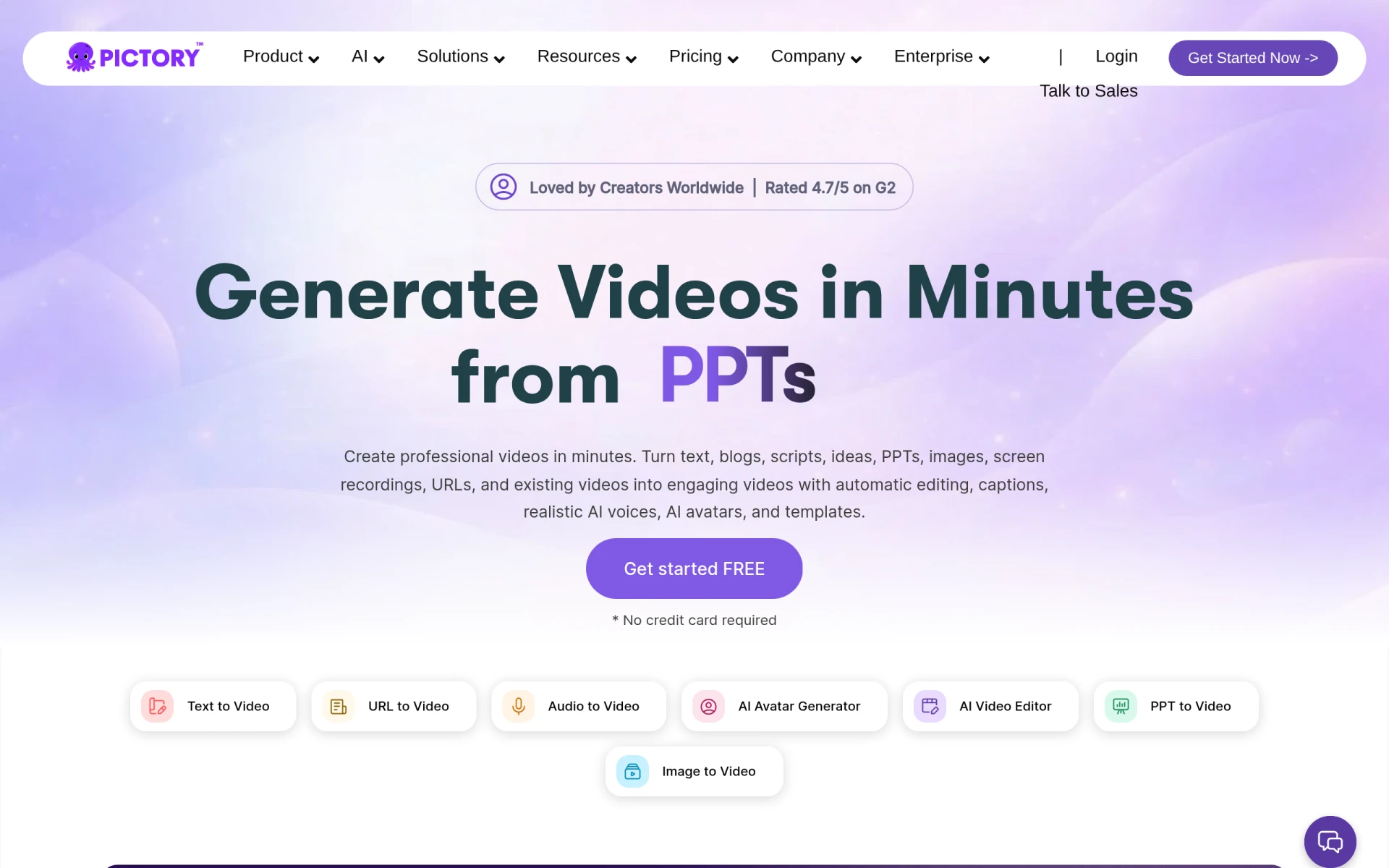 harnesses the power of AI to transform text and images into professional videos quickly and efficiently. The text-to-video conversion feature stands out, allowing marketing teams to repurpose written content into engaging videos. With customizable templates and automatic caption generation, Pictory provides a streamlined workflow for those who need to produce content rapidly without sacrificing quality.
- Text to video conversion: Transforms written content into engaging video formats.
- AI voiceovers: Adds a professional touch to videos, enhancing viewer engagement.
- Customizable templates: Offers flexibility to maintain brand consistency.
- Automatic caption generation: Improves accessibility and engagement.
- Image and video integration: Simplifies the process of creating cohesive videos.
Pricing: Paid - Plans start from $25 per month. Best for: Small businesses looking to enhance their marketing efforts with video content, marketing teams that require a quick turnaround on video projects, freelancers who want to offer video content creation as part of their services.
Vidu AI - Best for creating social media content
Vidu AI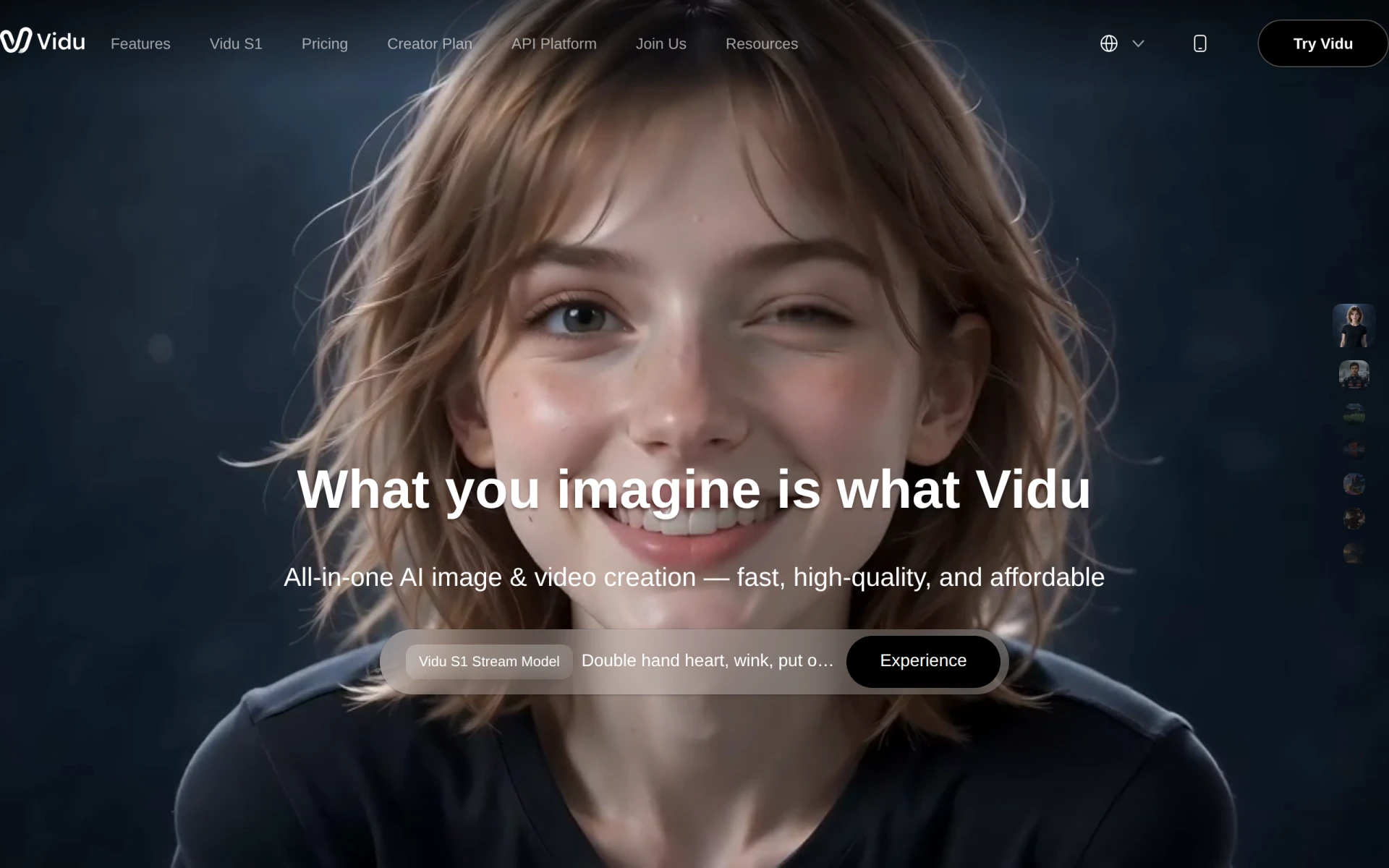 stands out as an AI-powered video generator that creates videos from text, images, and references. Its unique selling point is the AI sound effect generator, which allows creators to add sound effects effortlessly, enhancing the overall viewer experience. This tool is especially suited for marketing professionals and influencers who need to produce eye-catching videos for social media platforms.
- Text to Video: Converts text into engaging video format quickly.
- Image to Video: Enables users to create videos from static images.
- Reference Video Integration: Allows users to create videos inspired by existing content.
- AI Sound Effect Generator: Enhances videos with relevant sound effects.
- AI Image Generator: Assists creators in producing high-quality visuals.
Pricing: Freemium - Multiple pricing plans are tailored to different user needs, specific details not available. Best for: Marketing professionals seeking to create video ads and social media content, small and medium-sized businesses aiming to enhance their online presence, content creators and influencers looking for efficient ways to produce videos.
VideoGen - Best for freelancers
VideoGen is an AI-powered video generator designed for quick and easy video creation. It excels in converting images to videos, allowing freelancers to create marketing materials rapidly. The AI voiceover integration and sound effects add a professional touch to the videos, ensuring high-quality output that can impress clients and audiences alike.
- AI Video Generation: Facilitates the quick creation of videos from various inputs.
- Image to Video Conversion: Simplifies the process of turning still images into dynamic videos.
- AI Voiceover Integration: Adds a professional audio component to videos.
- AI Sound Effects: Enhances the overall quality of the video.
- AI Image Editing: Provides tools for refining visuals before video creation.
Pricing: Freemium - Offers a single pricing plan at $16 per month with additional credits available for purchase. Best for: Small businesses looking to create marketing videos, freelancers offering video services, marketing teams needing quick turnaround for promotional content.
BlinkVideo - Best for dynamic captions
BlinkVideo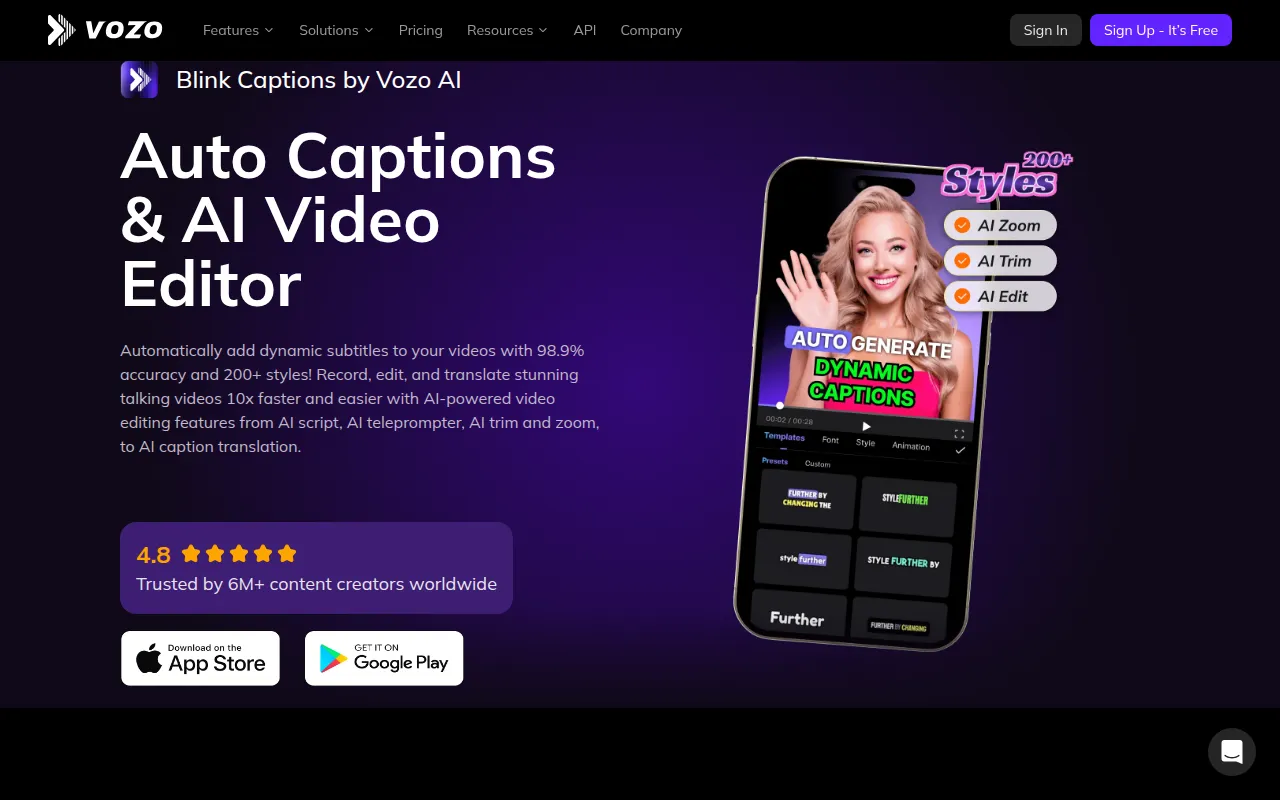 is an AI-powered video editing tool that excels in generating accurate captions in over 127 languages. This feature is crucial for content creators looking to enhance their social media engagement and make their videos accessible to a broader audience. With a focus on accuracy and customization, BlinkVideo ensures that your captions are not only accurate but also visually appealing.
- AI Auto Caption Generation: Saves time by automatically generating captions for videos.
- 98.9% accuracy in subtitle generation: Ensures that your captions are reliable and professional.
- Support for 127+ languages: Expands your reach to a global audience.
- Export options including SRT and TXT formats: Provides flexibility for different use cases.
- Customizable captions with over 200 styles: Enhances the visual appeal of your videos.
Pricing: Freemium - Offers a subscription model with a limited-time free trial for new users. Best for: Content creators looking to enhance their social media engagement, marketers executing video campaigns requiring dynamic captions, educators producing accessible video materials.
Flick - Best for social media management
Flick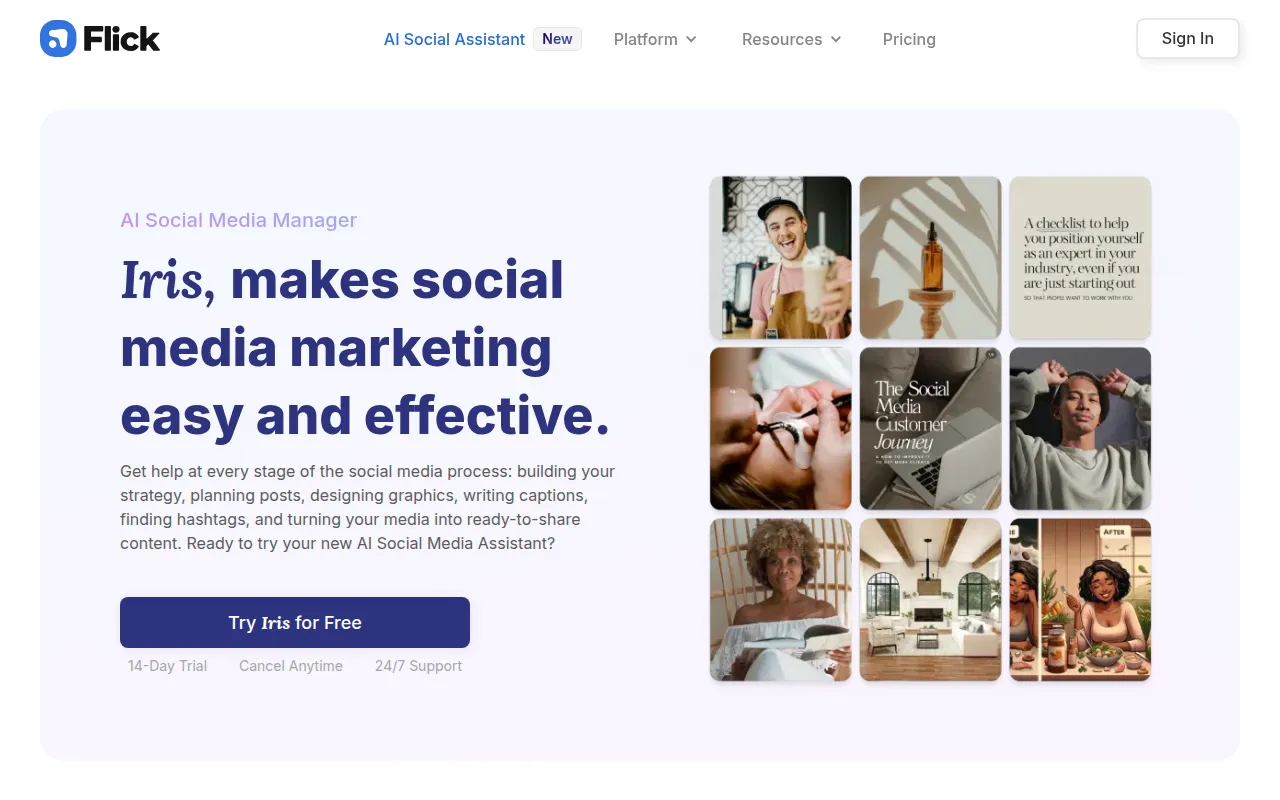 is an AI-driven social media management tool that simplifies content creation and audience engagement for brands. While not a dedicated video editing tool, Flick provides essential features for content creators looking to streamline their social media strategies. Its AI content generation and hashtag suggestions allow users to create engaging posts that can increase visibility and engagement across platforms.
- AI Content Generation: Helps create engaging text and video content.
- Hashtag Suggestions: Maximizes reach and engagement on social media posts.
- Post Scheduling: Streamlines content posting across various platforms.
- Analytics and Reporting: Provides insights into content performance.
- Caption Writing Assistance: Ensures that your posts have compelling captions.
Pricing: Freemium - Offers a 7-day free trial with unspecified pricing details. Best for: Small businesses looking to establish a social media presence, freelancers managing multiple clients' social media accounts, marketing teams seeking to streamline collaboration.
Glam AI - Best for engaging video content
Glam AI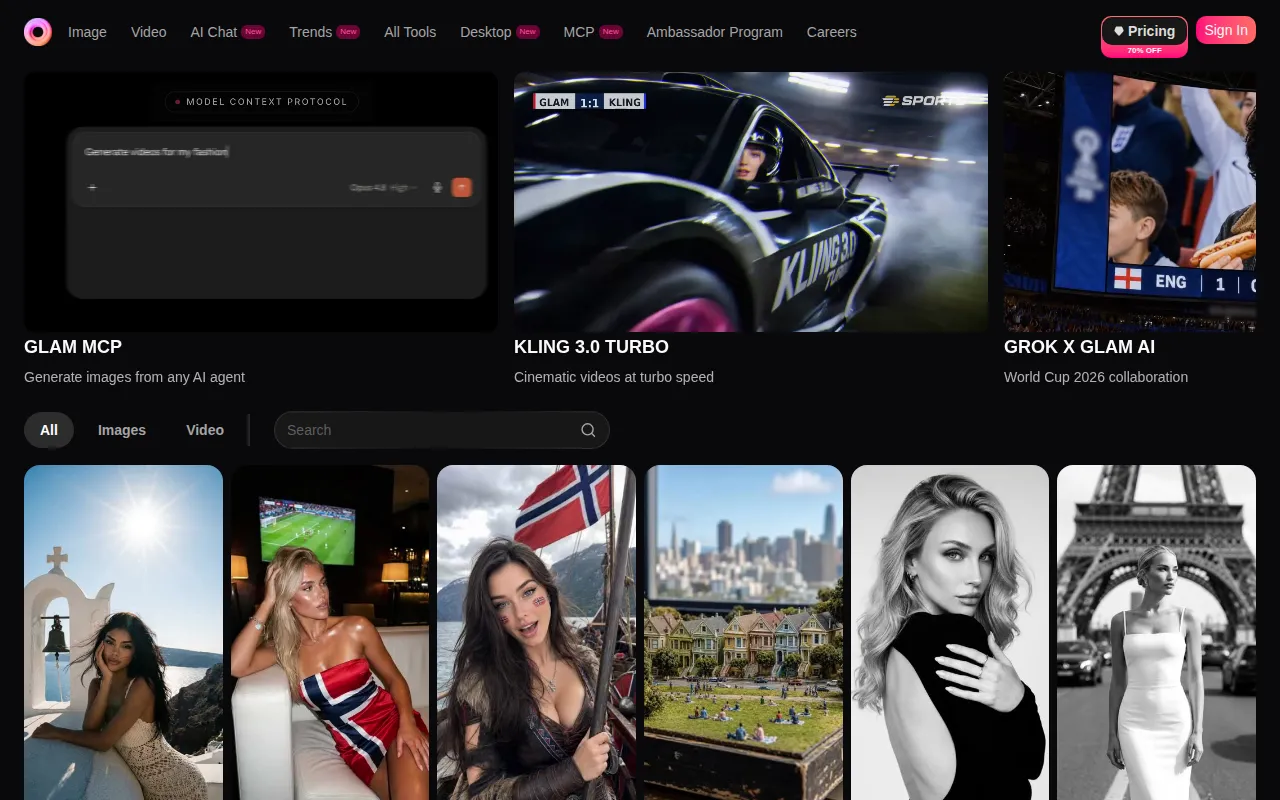 is designed to transform photos into engaging AI videos with innovative effects and editing features. This tool is particularly beneficial for social media managers and influencers wanting to create visually striking content quickly. With its trend-based effects and motion swap capabilities, Glam AI enables users to tell dynamic stories that capture audience attention.
- AI Video Creation: Simplifies the process of creating engaging videos from photos.
- Photo to Video Transformation: Allows users to turn static images into dynamic video content.
- Trend-Based Effects: Keeps your content fresh and relevant.
- Motion Swap for dynamic storytelling: Enhances viewer engagement through creative editing.
- Multi-Angle Camera functionality: Provides versatility in video creation.
Pricing: Freemium - Pricing information is currently unavailable. Best for: Social media managers looking to enhance their content quickly, influencers wanting to engage their audience with trendy videos, small business owners creating promotional materials.
insMind - Best for visual content creation
insMind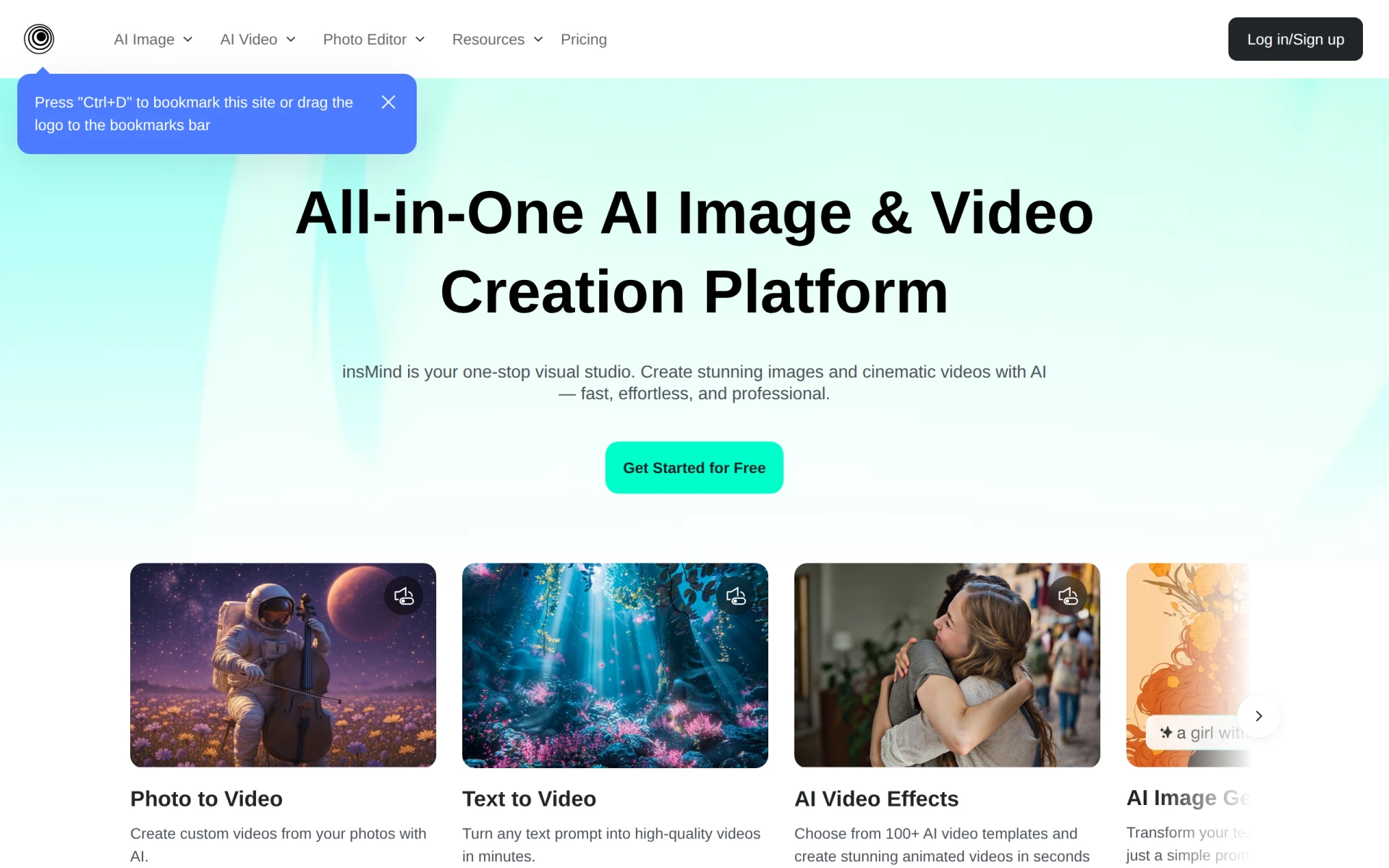 is an AI-powered platform that simplifies the generation and editing of images and videos. Its features cater to marketing teams and freelancers looking for quick visual content solutions. The background removal and image enhancement capabilities make it easy to produce professional-quality visuals without extensive editing experience.
- AI Image Generation: Simplifies the creation of high-quality visuals.
- Video Editing: Provides essential tools for refining video content.
- Background Removal: Streamlines the editing process for clean visuals.
- Image Enhancement: Ensures that all visuals maintain high quality.
- Template Library: Offers pre-designed templates to speed up content creation.
Pricing: Freemium - Pricing details are not readily available on the insMind website. Best for: Marketing teams looking for quick visual content solutions, freelancers needing to create professional portfolios, small businesses wanting to produce marketing materials in-house.
Levio - Best for engaging video production
Levio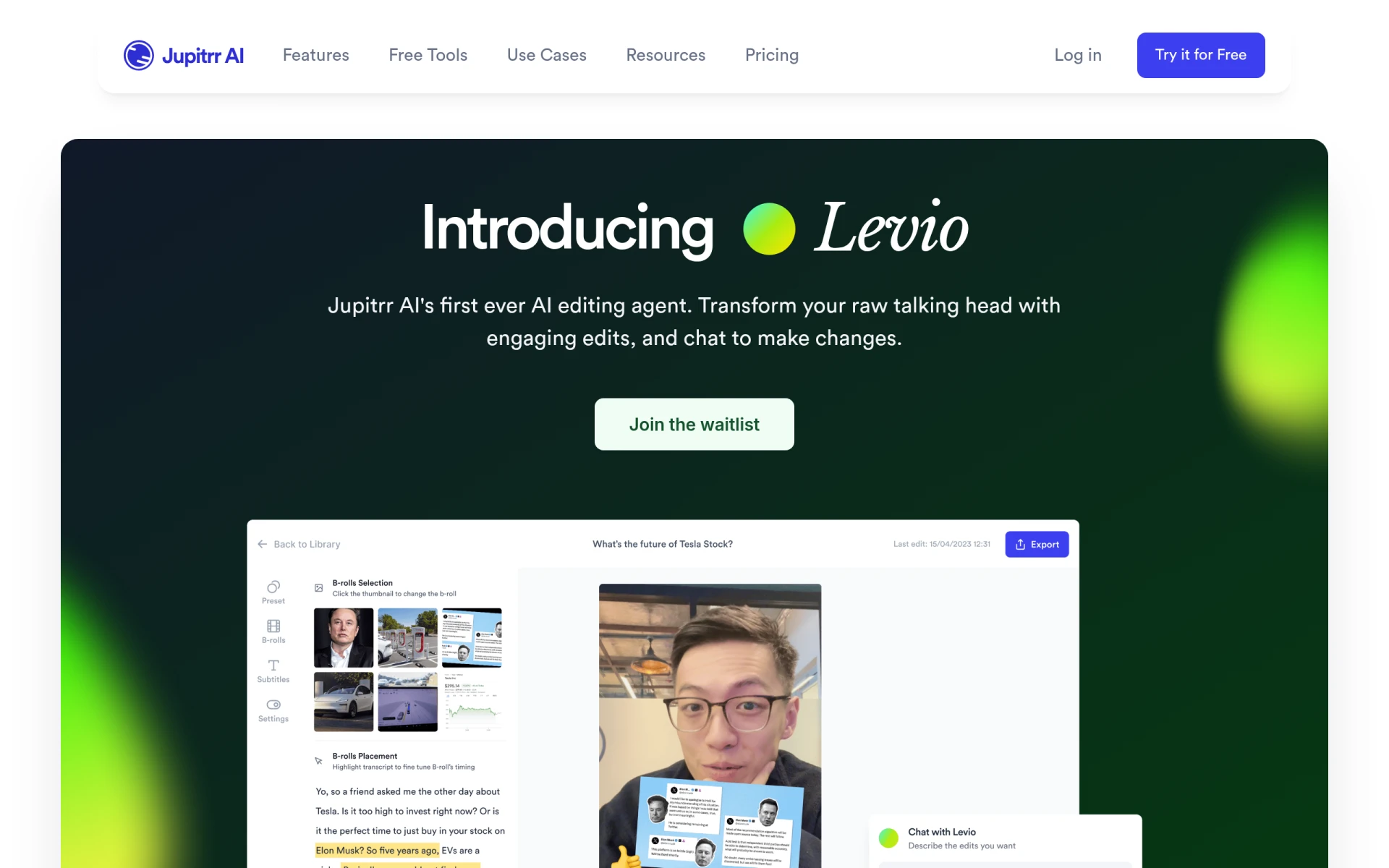 functions as an AI-powered video editing assistant that simplifies the process of creating engaging videos. Its automatic generation of engaging video hooks is a standout feature that helps capture viewer attention right from the start. Additionally, the inclusion of animated subtitles and B-roll footage integration enhances storytelling, making it ideal for content creators looking to produce compelling videos quickly.
- AI-driven editing assistance: Provides support throughout the editing process.
- Automatic generation of engaging video hooks: Captures viewer attention effectively.
- Addition of animated subtitles: Enhances viewer engagement with dynamic text.
- Integration of B-roll footage: Adds depth to storytelling.
- Inclusion of GIFs and emojis: Makes videos more relatable and engaging.
Pricing: Contact - Pricing details are currently not available. Best for: Content creators looking for quick video production tools, marketing teams needing efficient video editing solutions, social media managers wanting engaging content.
Quick Comparison
| Tool | Best For | Starting Price | Rating |
|---|
| Gling | YouTube content creators | Free | 0.0/5 |
| Instories | Small businesses | Free | 0.0/5 |
| Pictory | Marketing teams | $25/mo | 0.0/5 |
| Vidu AI | Social media content | Free | 0.0/5 |
| VideoGen | Freelancers | $16/mo | 0.0/5 |
| BlinkVideo | Dynamic captions | Free | 0.0/5 |
| Flick | Social media management | Free | 0.0/5 |
| Glam AI | Engaging video content | Free | 0.0/5 |
| insMind | Visual content creation | Free | 0.0/5 |
| Levio | Engaging video production | Contact | 0.0/5 |
Best Choice for Beginners
Gling stands out as the best choice for beginners due to its user-friendly interface and automatic features. The automatic pause detection feature significantly reduces the complexity of editing, making it easier for those who are new to video production. Additionally, the viral clip generation feature helps beginners identify what content resonates, allowing them to learn and grow their skills quickly.
Best Choice for Professionals
Pictory is the best choice for professionals, particularly marketing teams that require advanced features and quick turnaround times. With its text-to-video conversion and customizable templates, professionals can create high-quality videos efficiently. The inclusion of AI voiceovers and automatic caption generation enhances the overall production quality, making it an excellent tool for polished marketing materials.
Best Value Pick
VideoGen is the best value pick, offering a robust feature set at a competitive price point of $16 per month. Its ability to generate videos quickly and efficiently, combined with essential features like AI voiceover integration, provides a significant return on investment for freelancers and small businesses looking to create marketing content without breaking the bank.
Conclusion
Choosing the right AI video editing tool is crucial for content creators looking to streamline their workflow and produce high-quality videos. With the options available in this guide, you can confidently select a tool that fits your unique needs and enhances your creative output.