Overview
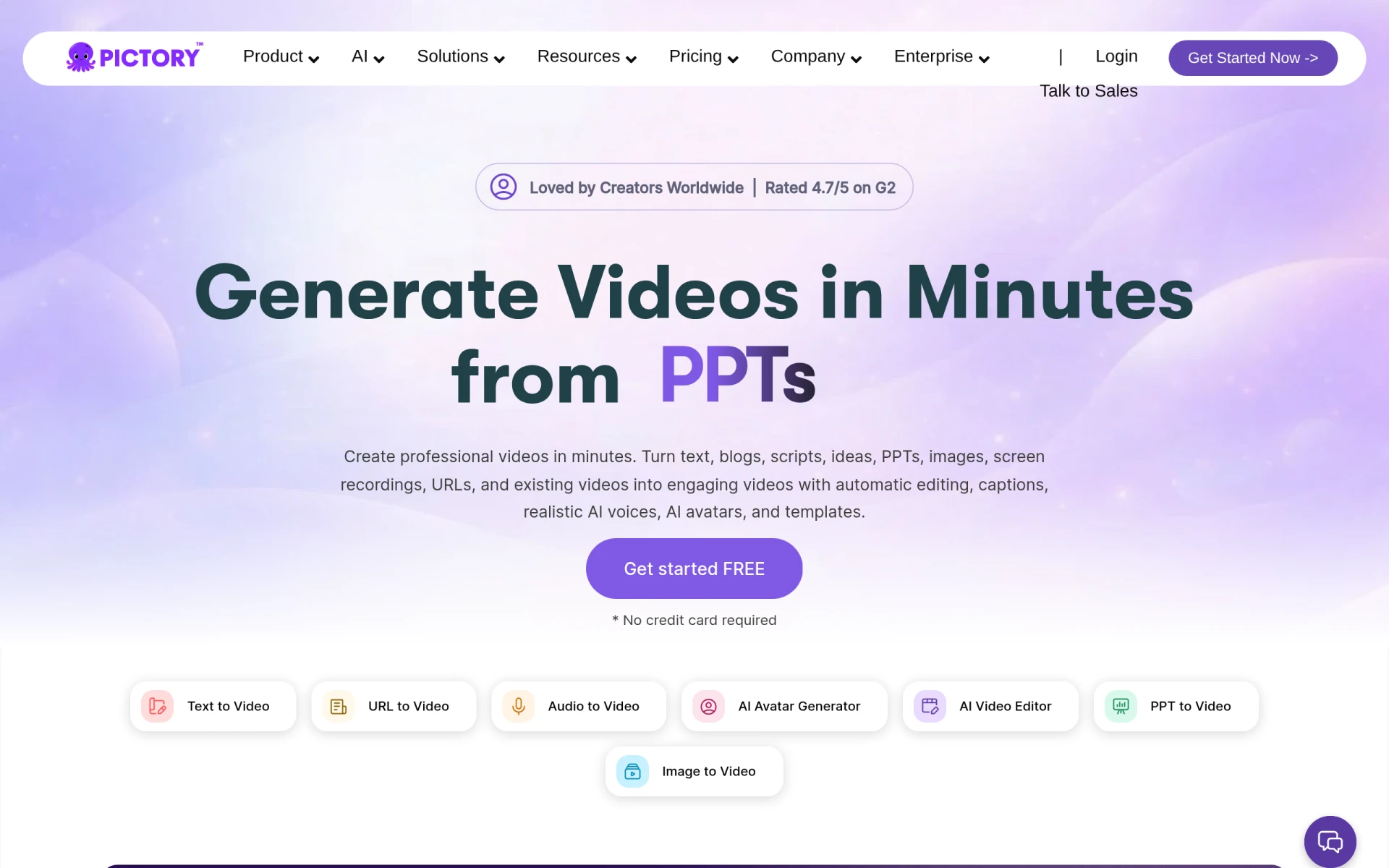
Pictory is an innovative AI-driven video editing tool that enables users to create professional-quality videos in minutes. By transforming text, prompts, URLs, PowerPoint presentations, images, and audio recordings into polished video content, Pictory provides a powerful solution for individuals and businesses looking to enhance their video marketing efforts. The primary purpose of Pictory is to simplify the video creation process, making it accessible even to those without extensive video editing experience. By automating various aspects of video production, Pictory addresses common challenges, such as time constraints and the need for technical skills, allowing users to focus on content rather than complex editing tasks.
Key Features
- Text to video conversion
- AI voiceovers
- Customizable templates
- Automatic caption generation
- Image and video integration
- Brandable video outputs
- Support for various input formats
- User-friendly interface
- Collaboration tools for teams
- Cloud-based storage
Benefits
Pictory offers significant practical advantages for users looking to create engaging video content. By leveraging AI technology, it drastically reduces the time and effort required to produce videos, making it an excellent choice for busy professionals and marketers. The ability to generate captions automatically enhances the accessibility of videos, which is crucial for reaching a broader audience. Additionally, customizable templates allow users to maintain brand consistency while producing high-quality videos. Overall, Pictory enables users to create visually appealing and professional videos without needing extensive knowledge of video editing techniques.
Common Use Cases
Pictory is ideal for various scenarios, including:
- Marketers who need to quickly produce promotional videos for social media.
- Educators looking to create engaging video presentations for their students.
- Businesses that want to convert written content, such as blogs or reports, into engaging videos.
- Content creators who need to produce videos regularly without a dedicated video editing team.
- Trainers and coaches who want to develop video tutorials or instructional content efficiently.
Who Should Use It
Pictory is best suited for:
- Small businesses looking to enhance their marketing efforts with video content.
- Marketing teams that require a quick turnaround on video projects.
- Freelancers who want to offer video content creation as part of their services.
- Educators and trainers focused on creating instructional materials.
However, it may not be the best fit for professional video editors seeking advanced editing features or complete control over the editing process.
Pricing Overview
Pictory offers pricing plans starting from $25 per month, catering to different user needs and budgets.
Conclusion
In summary, Pictory stands out as a practical tool for anyone looking to create videos efficiently and effectively. Its AI-driven features simplify the video production process, making it accessible for users with varying levels of experience. While it excels in rapid video creation and ease of use, professional editors might find it lacking in advanced capabilities. Overall, Pictory represents a valuable resource for businesses and individuals aiming to leverage video content in their communication strategies.