Wondershare Filmora
Freemium
Wondershare Filmora is a user-friendly video editing software ideal for creating high-quality videos with ease.
Struggling to find the right AI video editing software? This guide compares the best tools to help you choose wisely.
Choosing the right AI video editing software can feel overwhelming, especially with so many options available. Every video editor wants to create stunning content quickly and efficiently, but the wrong choice can lead to wasted time and mediocre results.
Video editors often face the challenge of selecting from a vast array of tools, each claiming to be the best. The sheer volume of features, pricing models, and learning curves can create confusion. For instance, an independent filmmaker may need advanced color correction, while a social media manager might prioritize quick editing tools. This mismatch can lead to frustration when the software doesn’t meet the specific needs of the project, resulting in delays and dissatisfaction.
Wondershare Filmora is a user-friendly video editing software designed for those seeking to create high-quality videos with minimal effort. Its intuitive interface allows small businesses and content creators to produce promotional videos or vlogs quickly, making it ideal for those without extensive editing experience.
The software stands out due to its extensive media library that provides stock footage and music, enabling users to enhance their projects easily. Moreover, its motion graphics and title customization capabilities allow for professional-looking results, even for beginners.
Pricing: Freemium with subscription and one-time purchase options. Best for: Small businesses creating promotional videos, content creators editing YouTube vlogs, educators producing online courses.
DaVinci Resolve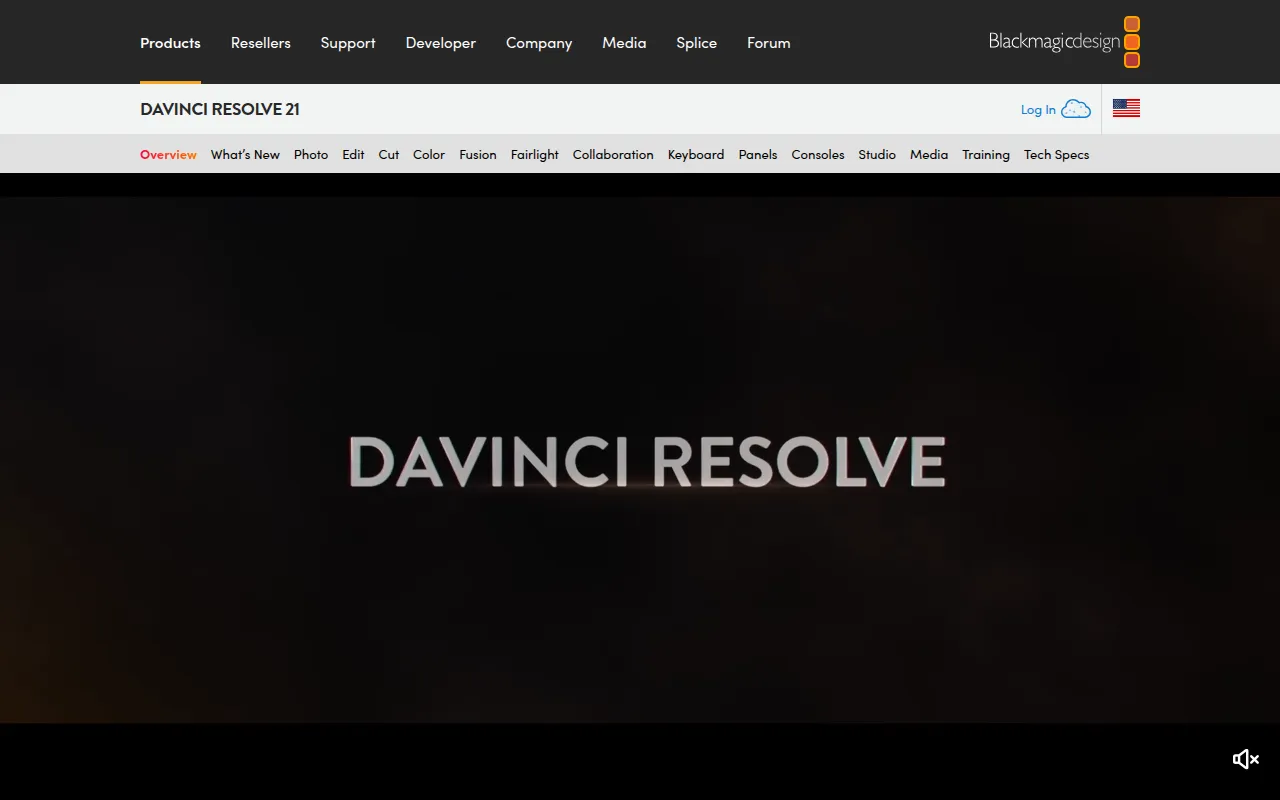 is a comprehensive video editing software that caters to professional requirements with its integration of editing, color correction, visual effects, and audio post-production. This tool is ideal for professional video editors and filmmakers who need a robust set of features for detailed projects.
What makes DaVinci Resolve stand out is its advanced color grading tools that are unmatched in the industry, allowing for exquisite visual storytelling. Additionally, the software supports multi-user collaboration, making it perfect for teams working on complex projects.
Pricing: Freemium with a paid version, DaVinci Resolve Studio, available for $295. Best for: Professional video editors, filmmakers working on independent projects, content creators on platforms like YouTube.
Spikes Studio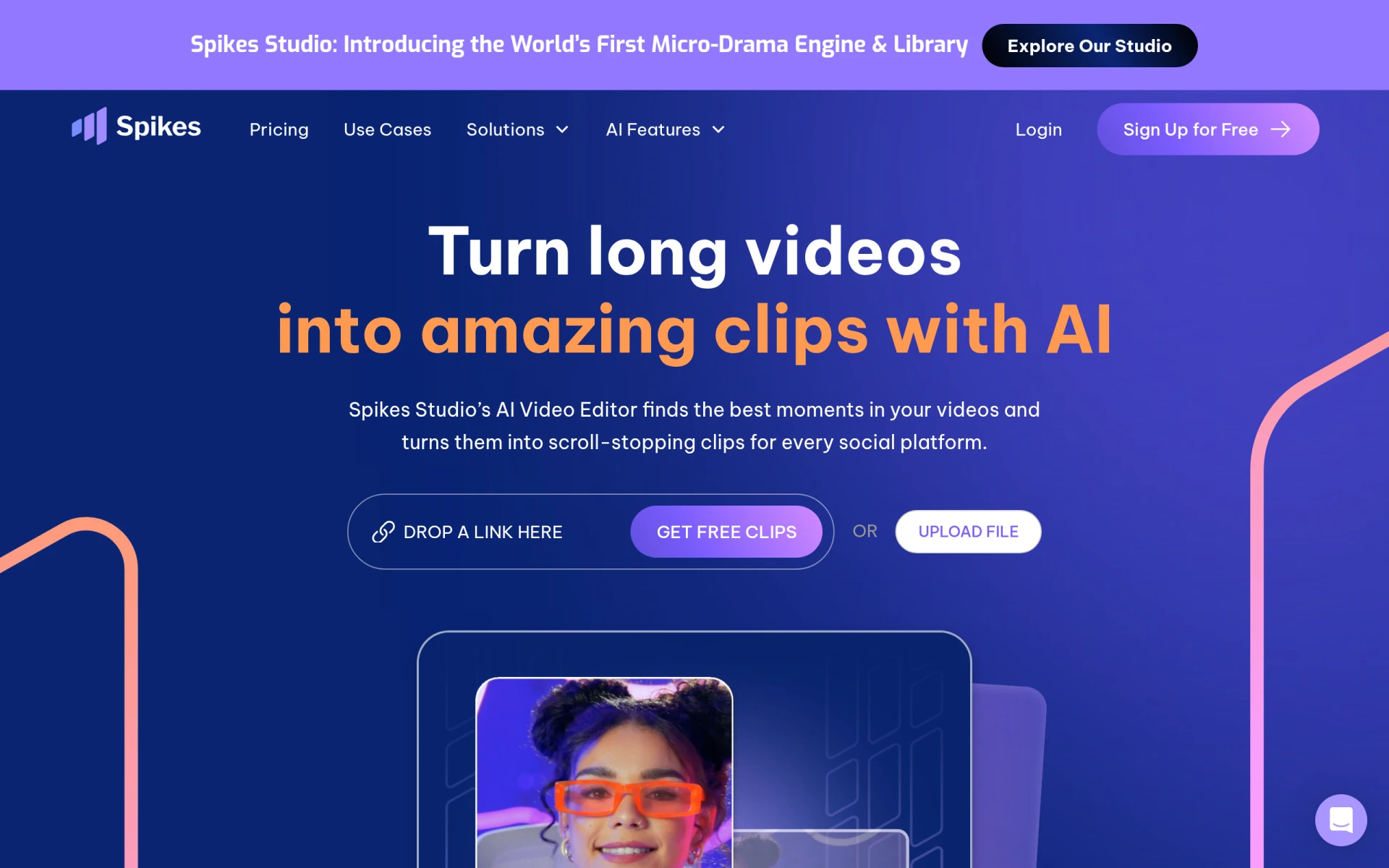 is an AI-driven video editing tool that simplifies the process of creating engaging clips for platforms like YouTube, TikTok, and Twitch. This tool is designed for content creators and social media managers looking for efficient editing solutions without compromising on quality.
The standout feature of Spikes Studio is its capability to automate the editing process, which saves users valuable time. With built-in performance analytics, users can also track how their videos perform on various platforms, allowing for data-driven content strategies.
Pricing: Freemium with a Pro plan starting at $14.09 per month (billed annually). Best for: Content creators looking for efficient video editing solutions, social media managers managing multiple accounts, marketing teams needing quick video snippets for campaigns.
Adobe Premiere Pro is a leading professional video editing software designed for filmmakers and content creators who aspire to craft high-quality videos. Its robust features support intricate editing processes while maintaining a user-friendly interface, making it a favored choice among professionals.
What sets Adobe Premiere Pro apart is its non-linear editing capabilities that allow for seamless integration of multiple video tracks and effects. This flexibility is essential for filmmakers working on complex projects that require precision and creativity in editing.
Pricing: Paid subscription model. Best for: Independent filmmakers, content creators for social media, marketing teams producing promotional videos.
Opus Clip is an innovative AI-driven video editing tool that excels in transforming longer videos into short, engaging clips optimized for social media sharing. This tool is perfect for content creators who want to maximize their reach without spending excessive time on editing.
The AI Clipping feature stands out by intelligently identifying key moments in longer videos, making it easier for users to produce captivating content quickly. This capability is particularly beneficial for marketing teams looking to create appealing snippets for campaigns.
Pricing: Freemium with a starter plan for $15 per month. Best for: Individual content creators, marketing teams, social media managers.
Wonder Studio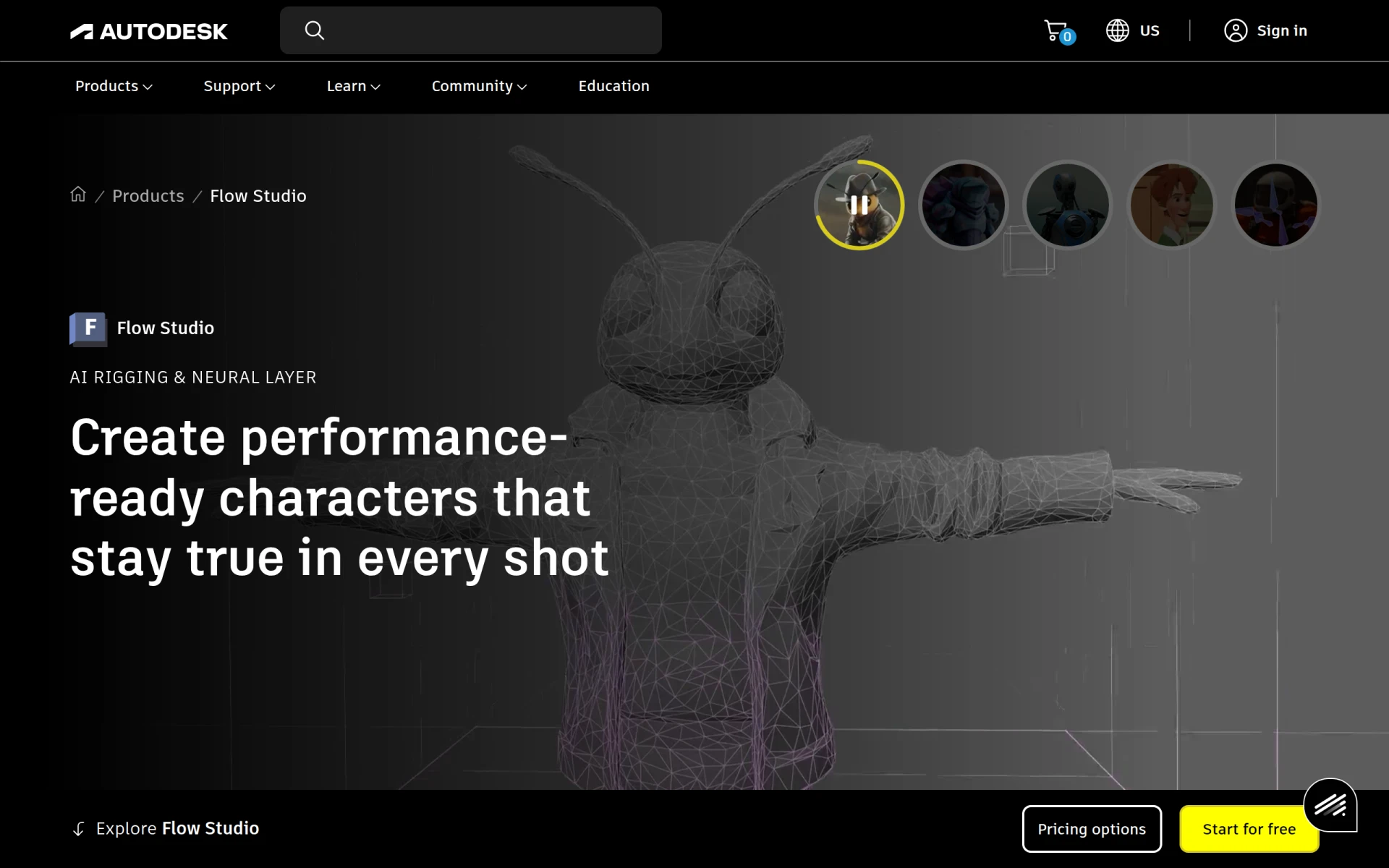 is an innovative video editing tool that simplifies the creation of high-quality animations and visual effects. This tool is particularly beneficial for independent filmmakers and marketing teams looking to incorporate engaging animations into their projects.
What makes Wonder Studio unique is its AI-driven animation creation capabilities that allow users to produce complex visual effects without extensive technical knowledge. This feature empowers creators to focus on storytelling while the software handles the technical intricacies of animation.
Pricing: Contact for details. Best for: Independent filmmakers, marketing teams, content creators on social media.
Animoto is a video editing tool designed for creating professional-quality videos swiftly and easily. Its user-friendly drag-and-drop interface makes it an excellent choice for small businesses and freelancers needing to produce promotional content quickly.
What stands out about Animoto is its library of customizable video creation templates that cater to various industries, allowing users to create videos tailored to their needs without starting from scratch. This feature is particularly advantageous for those with limited editing experience.
Pricing: Freemium with pricing details not publicly listed. Best for: Small businesses looking to create promotional videos, marketing teams needing quick video content for campaigns, freelancers wanting to showcase their work through portfolio videos.
Creative Reality Studio enables users to create professional videos from still images using AI technology. This tool is ideal for content creators and educators looking for innovative ways to present information visually.
The standout feature of Creative Reality Studio is its text-to-video conversion, which allows users to turn scripts into engaging videos, making it perfect for instructional content and promotional materials alike. This capability streamlines the video creation process, enabling users to produce content quickly and efficiently.
Pricing: Freemium with details not publicly disclosed. Best for: Content creators seeking to enhance their visual output, marketing professionals aiming to create quick promotional content, educators looking for innovative ways to present information.
VideoGen is an AI-powered video generator that enables users to create and edit videos swiftly and easily. This tool is tailored for small businesses and freelancers in need of efficient video production solutions.
What distinguishes VideoGen is its AI voiceover integration and sound effects, which enhance the overall quality of videos without requiring professional voice talent. This feature is particularly useful for marketing teams aiming for quick turnaround times on promotional content.
Pricing: Freemium with a single pricing plan at $16 per month. Best for: Small businesses looking to create marketing videos, freelancers offering video services, marketing teams needing quick turnaround for promotional content.
Vimeo AI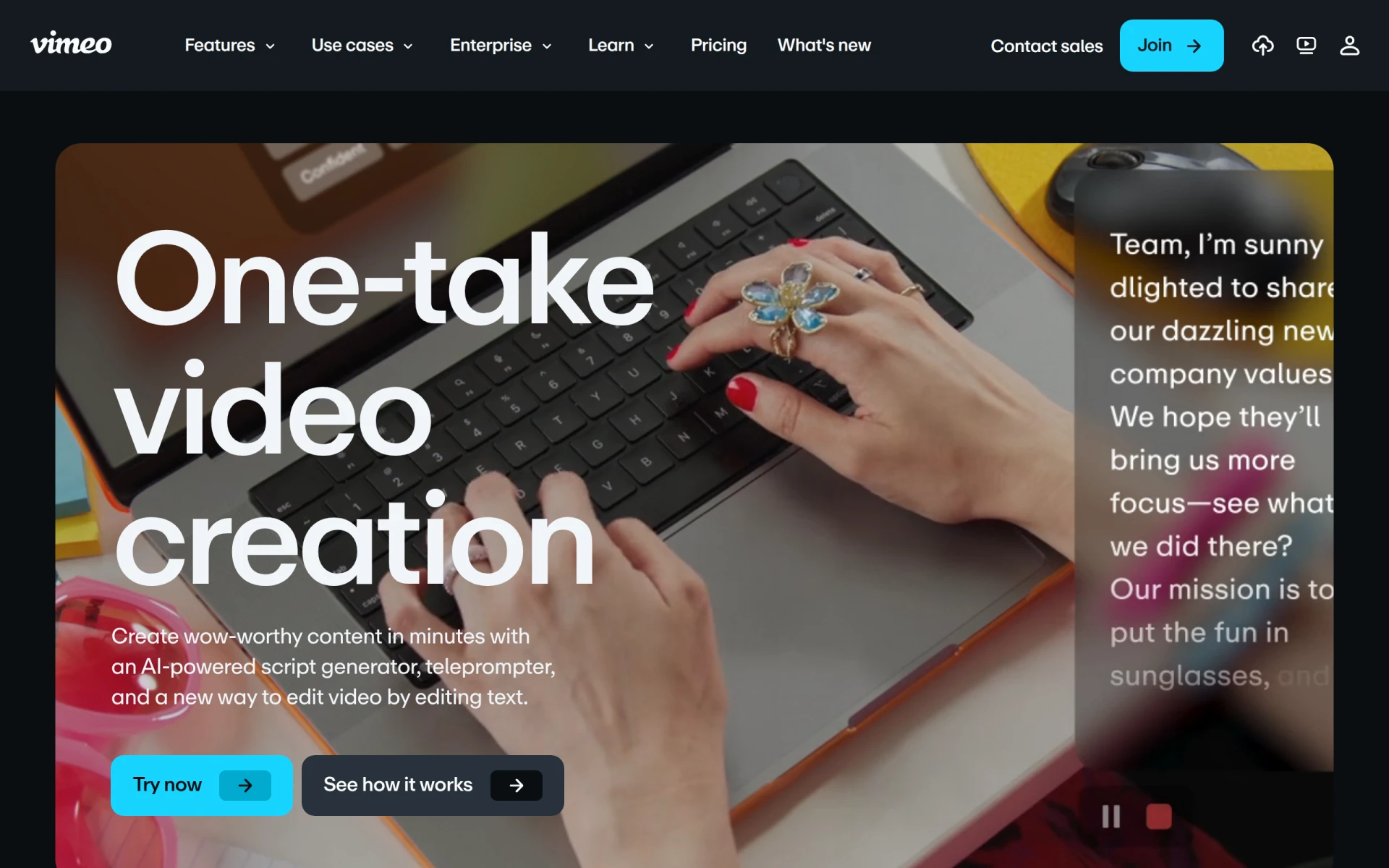 offers a suite of tools for creating and editing videos quickly with AI-powered features, catering to various production needs. Its capabilities make it particularly beneficial for educators and marketing teams looking to streamline their video creation processes.
The standout aspect of Vimeo AI is its AI script writing and teleprompter software, which assists educators in delivering polished presentations. This feature helps maintain a smooth flow during recordings, enhancing the overall quality of instructional videos.
Pricing: Freemium with details not publicly listed. Best for: Marketing teams needing quick promotional content, educators creating instructional videos, freelancers enhancing their video portfolios.
| Tool | Best For | Starting Price | Rating |
|---|---|---|---|
| Wondershare Filmora | Small Businesses | Free / Subscription | 0.0/5 |
| DaVinci Resolve | Professionals | Free / $295 | 0.0/5 |
| Spikes Studio | Social Media Managers | Free / $14.09/mo | 0.0/5 |
| Adobe Premiere Pro | Filmmakers | Paid | 0.0/5 |
| Opus Clip | Quick Edits | Free / $15/mo | 0.0/5 |
| Wonder Studio | Animation and VFX | Contact | 0.0/5 |
| Animoto | Quick Promotional Videos | Free / Not listed | 0.0/5 |
Creative Reality Studio (D-ID) | Innovative Presentations | Free / Not listed | 0.0/5 |
| VideoGen | Small Businesses | Free / $16/mo | 0.0/5 |
| Vimeo AI | Educators | Free / Not listed | 0.0/5 |
Wondershare Filmora is the best choice for beginners due to its intuitive interface and user-friendly features. The drag-and-drop functionality and extensive media library allow new users to create high-quality videos without extensive editing skills.
DaVinci Resolve stands out as the best choice for professionals. Its advanced color grading, professional editing tools, and collaborative features make it an essential tool for filmmakers and video editors seeking to create cinematic-quality content.
Opus Clip offers excellent value with its freemium model and ability to transform long videos into engaging short clips. The $15 per month plan provides access to powerful AI editing features, making it a cost-effective option for content creators looking to maximize their output.
In the ever-evolving landscape of video editing, choosing the right AI tool can significantly impact your workflow and output quality. Assess your specific needs, explore the options listed, and select a tool that empowers your creativity.
Wondershare Filmora is a user-friendly video editing software ideal for creating high-quality videos with ease.
DaVinci Resolve is a comprehensive video editing software that integrates editing, color correction, visual effects, and audio post-production.
Spikes Studio is an AI-driven video editing tool designed to create engaging clips for platforms like YouTube, TikTok, and Twitch.
Adobe Premiere Pro is a professional video editing software designed for filmmakers and content creators to craft high-quality videos.
Opus Clip is an AI-driven video editing tool that transforms long videos into short, engaging clips for social media platforms.
Wonder Studio is an innovative video editing tool that simplifies the creation of high-quality animations and visual effects.
Animoto is a video editing tool designed for creating professional-quality videos quickly and easily.
Create professional videos from still images using text or audio, powered by AI technology.
VideoGen is an AI-powered video generator that enables users to create and edit videos quickly and easily.
Vimeo AI offers tools for creating and editing videos quickly using AI-powered features, catering to various video production needs.
Look for user-friendliness, advanced editing features, integration options, pricing flexibility, and AI capabilities. These factors will help you choose software that meets your specific editing needs.
Assess your specific requirements based on your project type, budget, and editing experience. Consider tools that offer the features you need and check if they have free trials or freemium options to test before purchasing.
Yes, several AI video editing tools offer free versions, such as Wondershare Filmora and DaVinci Resolve. These can provide essential features for beginners without financial commitment.
Pricing varies widely, from free versions to subscription plans starting around $14.09 per month. For professional-grade tools, costs can go up to $295 for advanced features.
Wondershare Filmora is ideal for beginners due to its intuitive interface and easy-to-use features, allowing new editors to create quality videos quickly.
Absolutely. AI tools automate repetitive tasks such as cutting and optimizing clips, which significantly speeds up the editing process and allows you to focus on creative aspects.
Consider whether the paid version offers features that directly address your editing needs, such as advanced effects, additional storage, or enhanced collaboration tools. Evaluate if the investment aligns with your production goals.
Weekly roundup of new AI tools, launches, and trending software. No spam — unsubscribe anytime.
No credit card required · Cancel anytime
Weekly roundup of new AI tools, launches, and trending software. No spam — unsubscribe anytime.
No credit card required · Cancel anytime