Overview
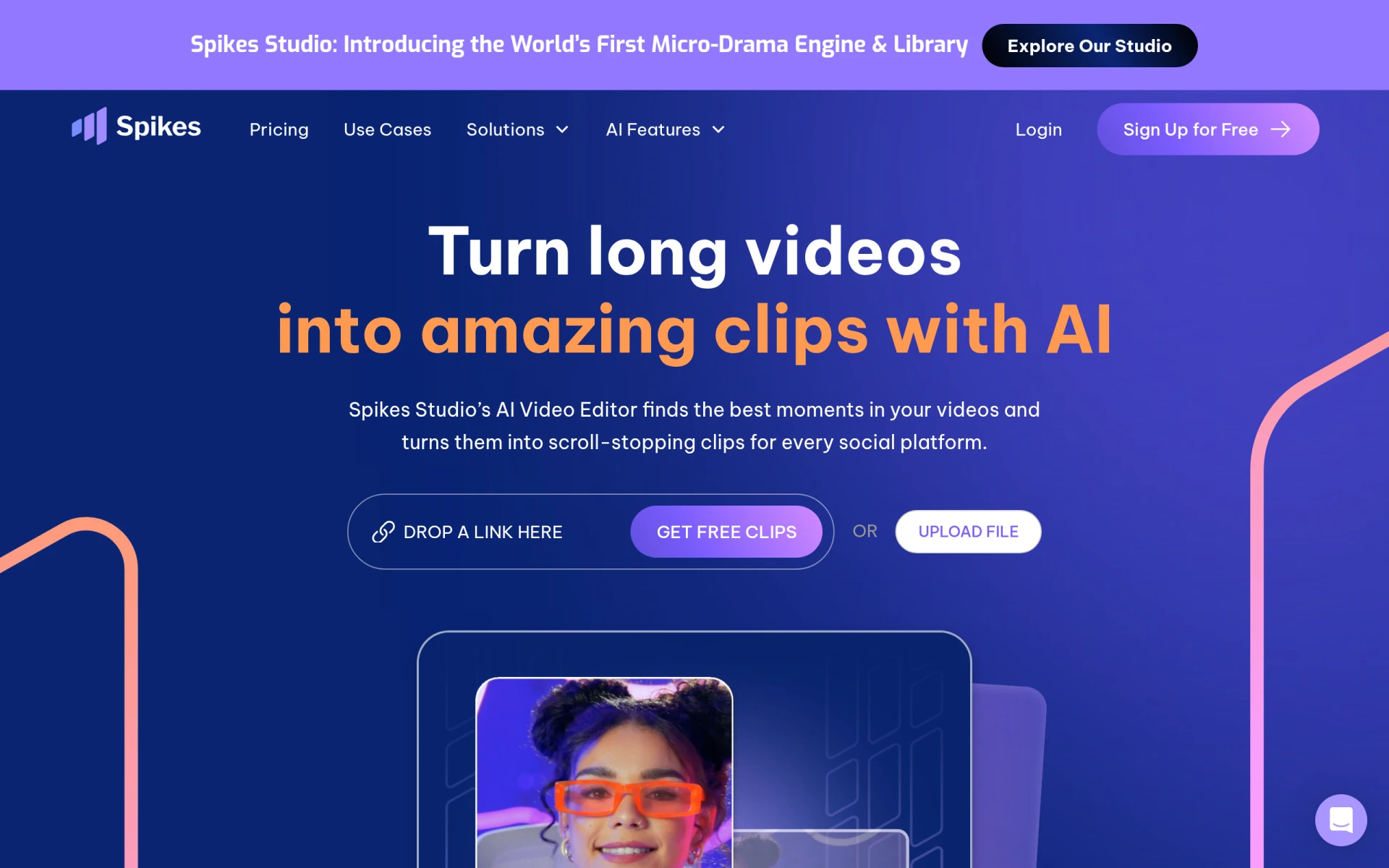
Spikes Studio is an innovative AI-powered video editing software that aims to simplify the process of transforming long-form video content into engaging, bite-sized clips. Its primary purpose is to assist content creators in efficiently repurposing existing video footage for various social media platforms. By utilizing advanced algorithms, Spikes Studio identifies standout moments in videos, creating shareable clips that can capture audience attention across platforms such as YouTube, Twitch, TikTok, and Instagram Reels.
The tool addresses common challenges faced by video creators, such as the time-consuming nature of editing and the difficulty of selecting the best segments from lengthy videos. With Spikes Studio, users can streamline their editing process, allowing them to focus more on content creation and audience engagement rather than tedious editing tasks.
Key Features
- AI Video Editing
- Social Customization
- Video Publishing
- Performance Analytics
- Video Management
- Automated Captions
- B-roll Suggestions
- Music and Sound Effects Integration
Benefits
Spikes Studio offers several practical advantages that can enhance the video editing experience for creators. By automating the identification of key moments in videos, it significantly reduces editing time, which can be especially beneficial for creators who produce content regularly. The software also provides social media customization options, enabling users to tailor their clips to suit different platforms and audience preferences. With analytics features, creators can track the performance of their clips, helping inform future content decisions and strategies.
Common Use Cases
Content creators can use Spikes Studio in various scenarios, such as:
- A YouTuber who wants to create teaser clips for their full-length videos to share on Instagram and TikTok.
- A Twitch streamer looking to highlight memorable moments from their live streams for promotional purposes.
- A marketing team needing to produce engaging video snippets for social media campaigns quickly.
- A freelancer managing multiple clients' video content, requiring an efficient tool to generate clips without excessive manual editing.
Who Should Use It
Spikes Studio is ideal for individual content creators, social media managers, marketing teams, and businesses looking to enhance their video marketing efforts. It may not be the best fit for professional video editors who require more advanced editing features and manual control over the editing process.
Pricing Overview
Spikes Studio offers a free plan with basic features, while the Pro plan is available for $14.09 per month when billed annually. An enterprise option is also available for $56.34 per month, designed for larger teams or organizations.
Conclusion
In summary, Spikes Studio presents a valuable solution for content creators seeking to simplify video editing and maximize the impact of their content across social media platforms. Its AI-driven technology and user-friendly features make it an appealing choice for those looking to save time while producing engaging video clips. However, users with more advanced editing needs may find it lacking in certain areas. Overall, Spikes Studio is worth considering for anyone focused on enhancing their video marketing strategy without getting bogged down by complex editing processes.