ArkDesign
Freemium
ArkDesign is a graphic design tool that simplifies the design process with AI-driven features for users of all skill levels.
Struggling to find free graphic design tools as a beginner? Discover accessible options to kickstart your design journey.
Struggling to find free graphic design tools as a beginner? Discover accessible options to kickstart your design journey.
Many beginners in graphic design face significant challenges when trying to learn the craft. Often, the lack of financial resources makes it difficult to access professional-grade tools, leading to frustration and discouragement. Imagine a new designer eager to create but being overwhelmed by expensive software that requires extensive expertise. This scenario is all too common, creating barriers that discourage creativity and learning.
ArkDesign stands out as a graphic design tool that simplifies the design process through its AI-driven features. This tool is perfect for beginners who want to create professional-looking designs without prior experience. The AI assistance helps guide users through the design process, making it easier to produce impressive visuals quickly.
With a rich template library and robust image editing tools, ArkDesign empowers users to customize their designs to fit their branding needs. The collaboration features also allow teams to work together seamlessly, making it an excellent choice for small businesses or freelancers looking to produce client deliverables efficiently.
Pricing: Freemium model available. Best for: Small businesses needing marketing materials.
Noah is a design tool that focuses on providing a straightforward experience for users. This makes it an ideal choice for beginners who want to create unique visual content efficiently. The drag-and-drop interface simplifies the design process, allowing users to focus on their creativity rather than getting bogged down by complex functions.
With a variety of templates and collaboration tools, Noah caters to freelancers and small business owners who need quick, professional-looking designs. The image editing features enable users to customize their designs easily, ensuring they can produce content that meets their specific needs.
Pricing: Freemium model available. Best for: Freelancers seeking simplicity.
AutoDraw is an innovative online drawing tool that leverages machine learning to assist users in creating quick sketches and drawings. For beginners who may struggle with drawing from scratch, AutoDraw offers a unique solution by recognizing rough sketches and providing artist-generated suggestions. This tool is perfect for those who want to create quick visual representations without detailed artistic skills.
The user-friendly interface makes it accessible to anyone, including educators looking to enhance creativity in classrooms. Its cloud-based accessibility ensures that users can work on their designs from anywhere, making it a convenient tool for freelancers and small business owners alike.
Pricing: Free to use. Best for: Educators and freelancers needing efficient sketching tools.
Canva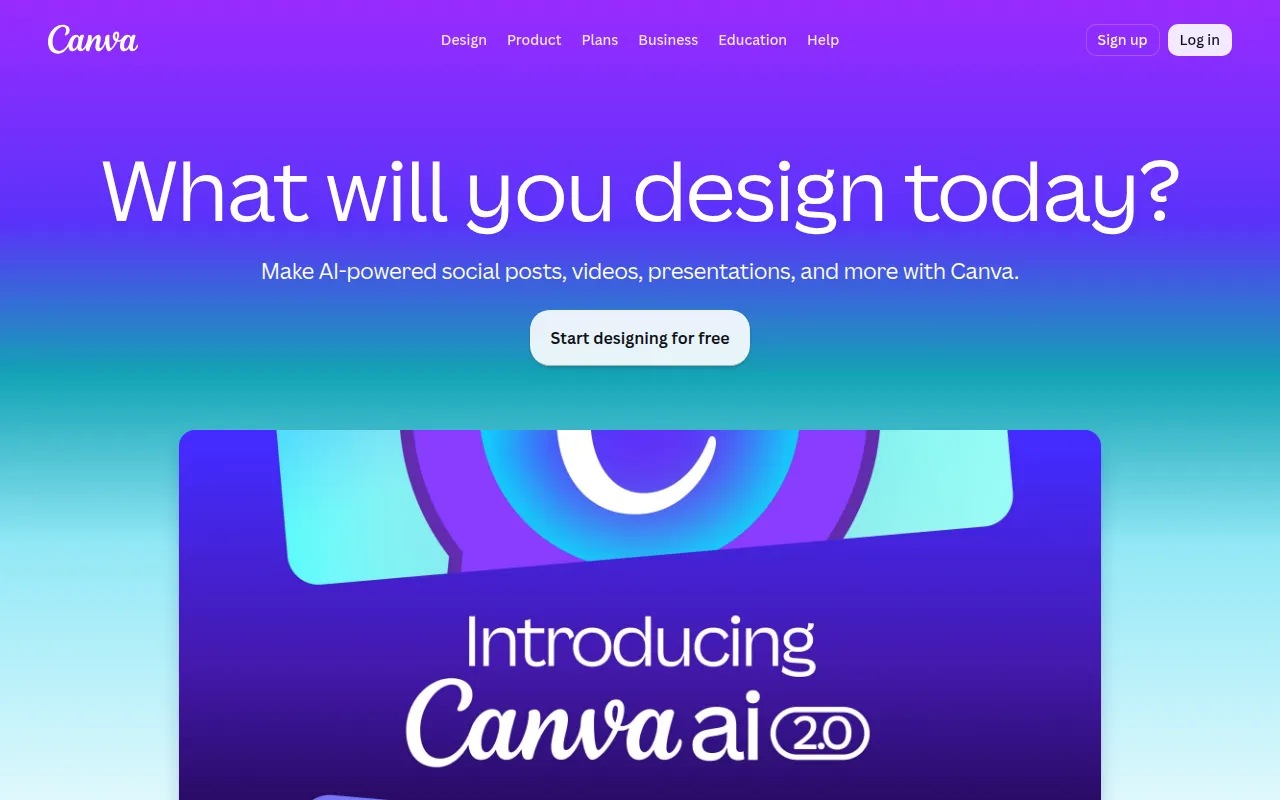 is one of the most popular graphic design tools, perfect for beginners who want to create stunning visuals for various purposes. Its drag-and-drop interface and extensive template library make it easy for anyone to dive into design. Whether you are creating social media posts, presentations, or marketing materials, Canva provides the resources you need to succeed.
The collaboration tools included in Canva allow teams to work together on projects, making it an excellent choice for social media managers and small business owners. With image and video editing capabilities, users can customize their content to reflect their unique brand identity.
Pricing: Freemium model available. Best for: Social media managers and small business owners.
Rustic AI is a graphic design tool that simplifies creating stunning visual content through its user-friendly features. This tool is ideal for beginners who need a versatile design tool that can handle various projects. With AI-powered design assistance, Rustic AI helps users create professional-quality graphics without extensive training.
The template library caters to different design needs, ensuring that users can find the right starting point for their projects. The customization options allow users to personalize their designs, making this tool a great choice for small businesses and marketing teams looking to produce graphics quickly.
Pricing: Contact for pricing information. Best for: Marketing teams and freelancers requiring a versatile design tool.
BnbIcons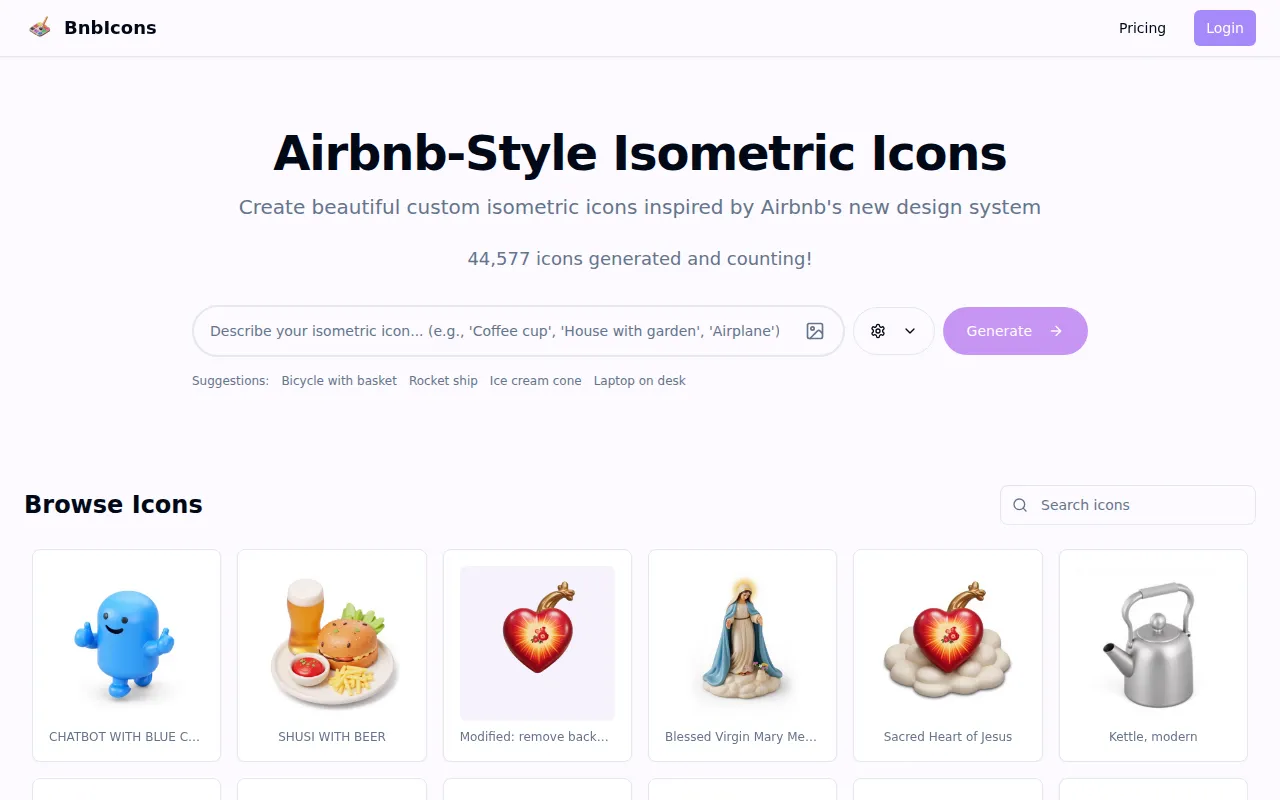 focuses on enabling users to generate custom isometric icons inspired by Airbnb. This tool is particularly useful for beginners looking to enhance their design projects with professional-looking icons. The user-friendly interface and customizable design elements make it accessible for those without extensive design experience.
With AI-driven design assistance, BnbIcons provides users with suggestions that can help them create cohesive branding elements for their projects. This is especially beneficial for marketing teams and freelancers working on client projects that require unique and personalized icons.
Pricing: Freemium model available. Best for: Marketing teams and freelancers needing custom icons.
Microsoft Designer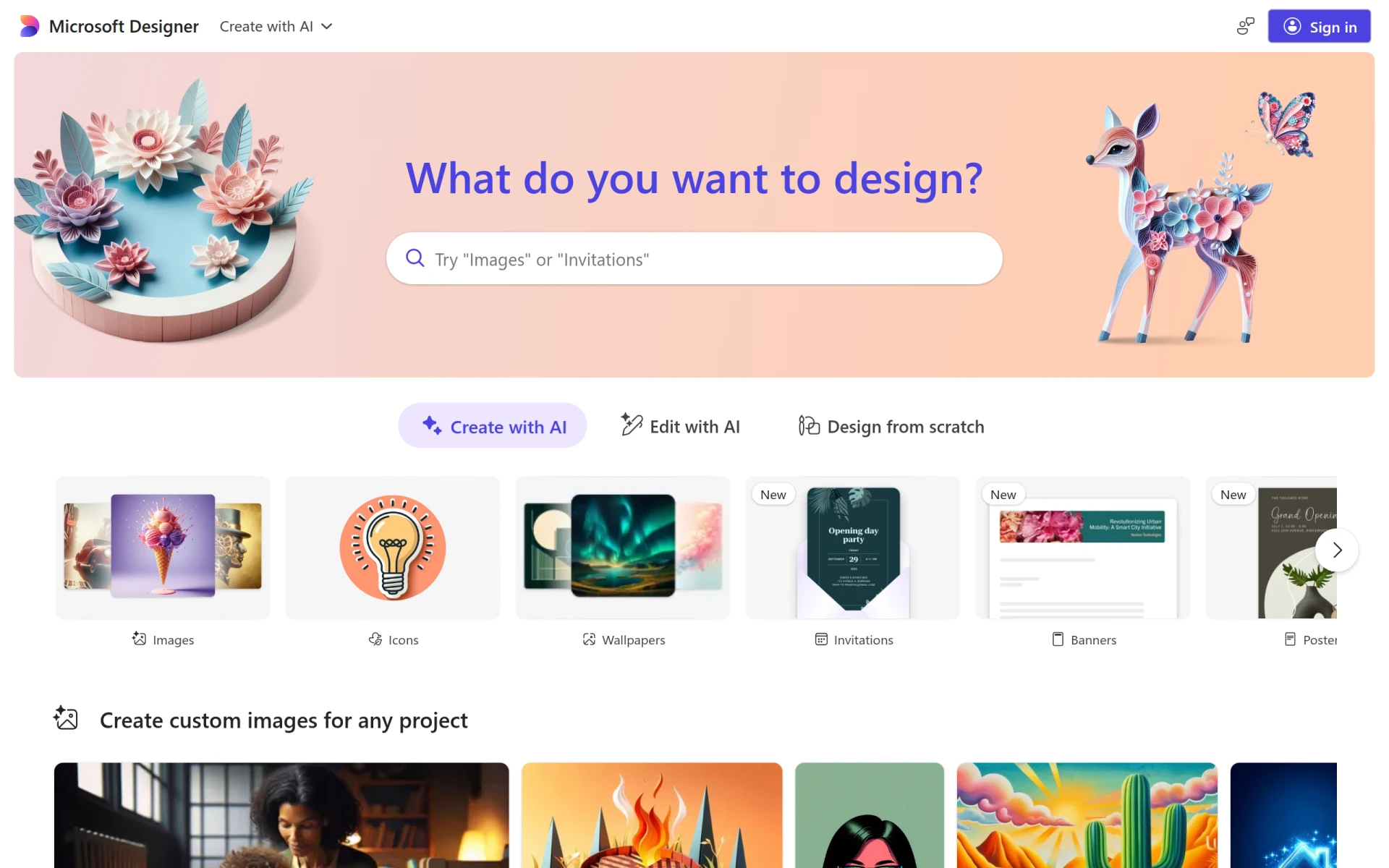 is a graphic design tool that enables users to create professional-quality visuals quickly and easily. With a user-friendly interface and a built-in template library, beginners can start designing right away without feeling overwhelmed. This tool is ideal for small businesses seeking to enhance their online presence through eye-catching graphics.
The image editing tools and text customization features allow users to create unique designs that reflect their brand identity. The drag-and-drop functionality further simplifies the design process, making it accessible for users of all skill levels.
Pricing: Freemium model available. Best for: Small businesses looking to enhance their online presence.
Pikto AI Studio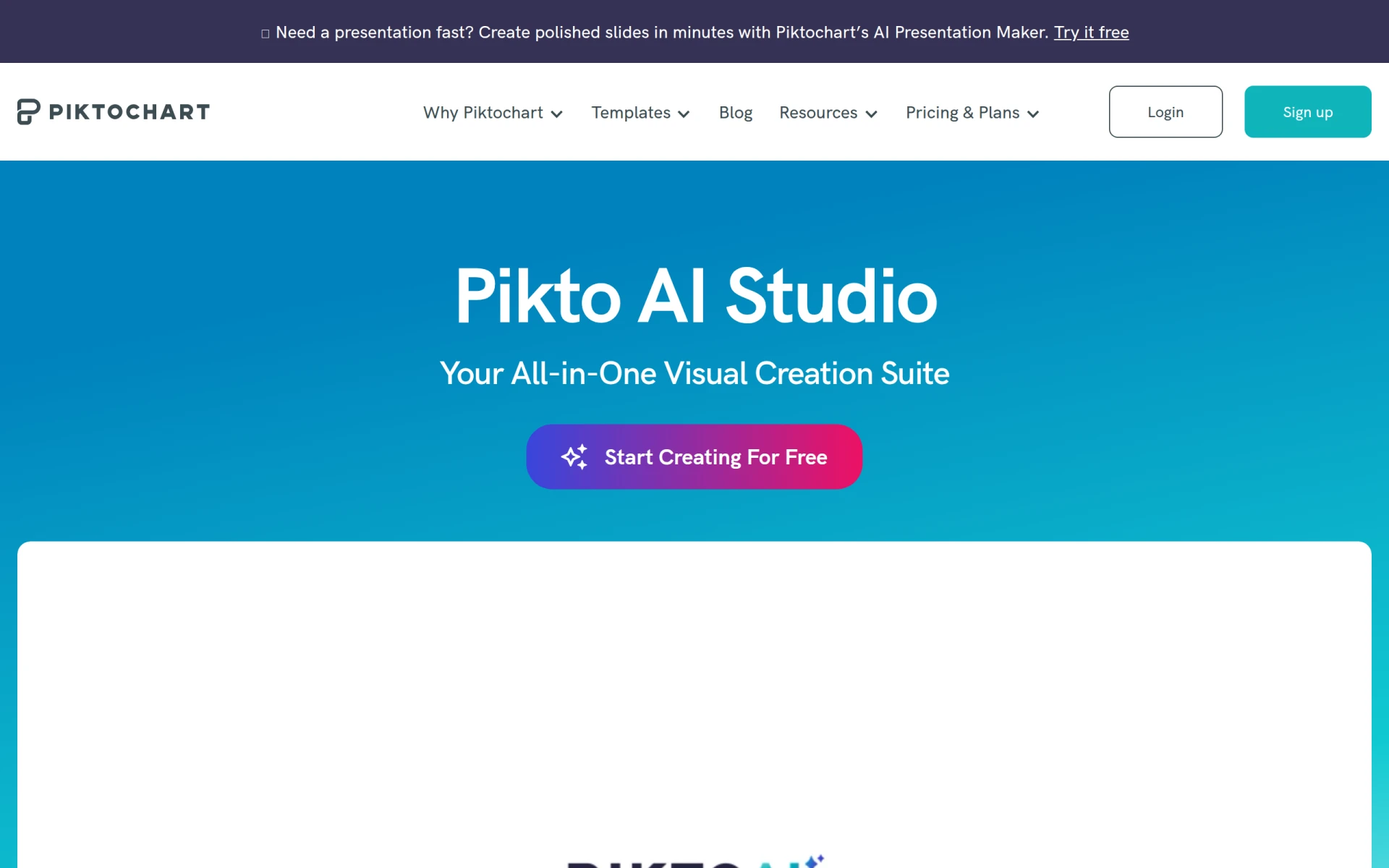 is a graphic design tool that simplifies creating visuals through its AI-powered templates and design elements. This tool is especially beneficial for beginners who want to produce graphics quickly without extensive design skills. The drag-and-drop interface makes it easy to create professional-looking visuals in a matter of minutes.
With customizable graphics and collaboration tools, Pikto AI Studio caters to small businesses and marketing teams needing quick graphic solutions. Its high-resolution exports ensure that designs are suitable for various applications, from online marketing to print materials.
Pricing: Freemium model available. Best for: Marketing teams and small businesses needing quick graphic solutions.
Pebblely is a graphic design tool that simplifies creating visual content through its user-friendly features and templates. This tool is ideal for beginners who need a straightforward approach to design. With its drag-and-drop interface, users can easily create professional-quality graphics without feeling overwhelmed.
The template library and customizable graphics make Pebblely a great choice for small businesses and marketing teams looking for quick design solutions. The collaboration tools also enable teams to work together effectively, enhancing the overall design quality.
Pricing: Freemium model available. Best for: Small businesses and marketing teams.
ZMO is an AI image generation tool that allows users to create custom images quickly and efficiently. This tool is particularly beneficial for graphic designers looking for quick image solutions without labor-intensive processes. The user-friendly interface and template library make it accessible for beginners who want to produce professional-quality images.
The customization options enable users to tailor images to fit their specific projects, ensuring they can achieve their desired results. ZMO is an excellent choice for marketing teams and social media managers who need fast visual content to engage their audiences.
Pricing: Freemium model available. Best for: Graphic designers and marketing teams needing fast visual content.
| Tool | Best For | Starting Price | Rating |
|---|---|---|---|
| ArkDesign | Small businesses needing marketing materials | Freemium | 0.0/5 |
| Noah | Freelancers seeking simplicity | Freemium | 0.0/5 |
Autodraw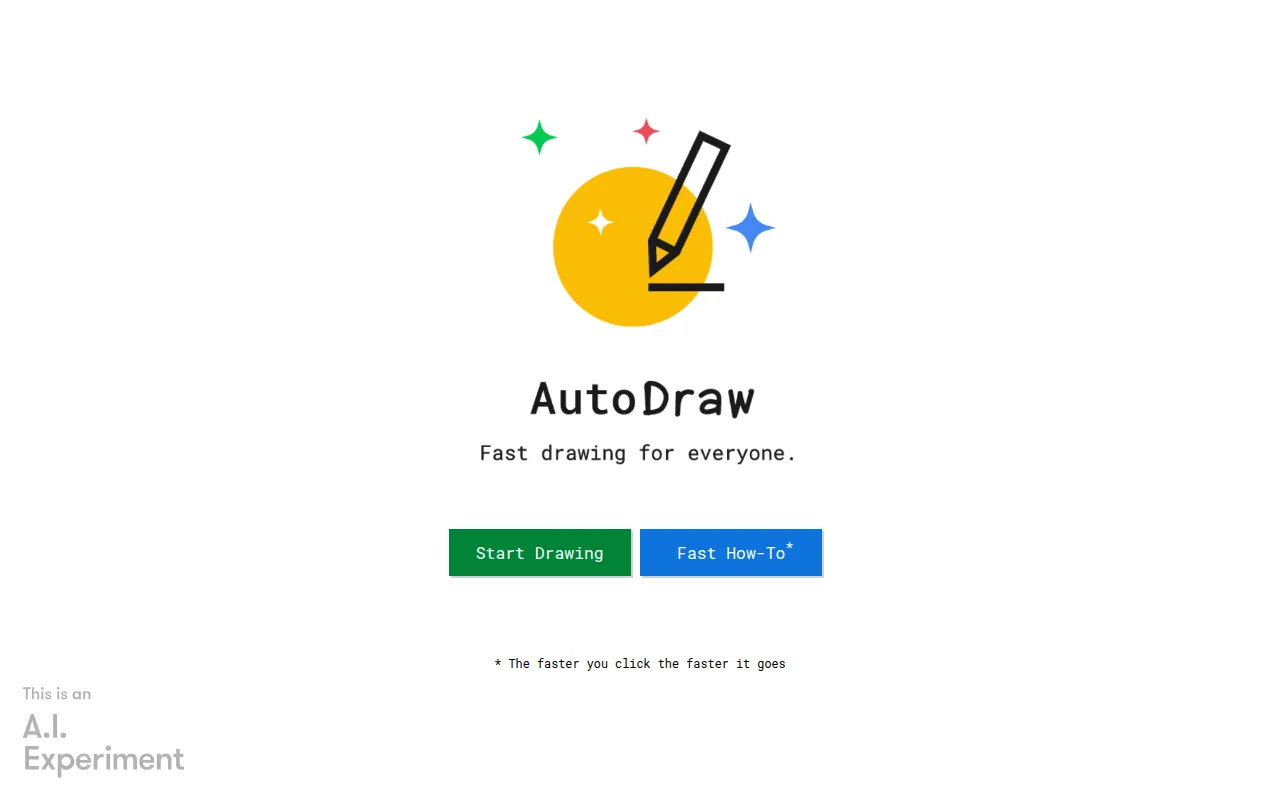 | Quick sketches | Free | 0.0/5 |
| Canva | Social media managers | Freemium | 0.0/5 |
| Rustic AI | Versatile design needs | Contact | 0.0/5 |
| BnbIcons | Unique icon design | Freemium | 0.0/5 |
| Microsoft Designer | Small businesses enhancing online presence | Freemium | 0.0/5 |
| Pikto AI Studio | Quick graphic solutions | Freemium | 0.0/5 |
| Pebblely | User-friendly design tools | Freemium | 0.0/5 |
| ZMO | Quick image solutions | Freemium | 0.0/5 |
For beginners, Canva stands out as the best choice due to its user-friendly interface and extensive template library. It allows users to create stunning visuals with minimal effort, making it perfect for those just starting their design journey.
For professionals, ArkDesign is the best choice, offering advanced features such as AI design assistance and collaboration tools that streamline the design process. Its capabilities cater to users looking for a powerful design solution.
Canva also serves as the best value pick, thanks to its freemium model that provides a wealth of resources for free. This price-to-feature ratio ensures users receive significant value without financial investment.
Embarking on a graphic design journey does not have to be financially burdensome. With various free tools available, beginners can effectively learn and create impressive designs. Take advantage of these resources to start your design journey today.
ArkDesign is a graphic design tool that simplifies the design process with AI-driven features for users of all skill levels.
Noah is a design tool focusing on graphic design, enabling users to create unique visual content efficiently.
AutoDraw is an online drawing tool that uses machine learning to help users create quick sketches and drawings.
Canva is a user-friendly graphic design tool that enables anyone to create stunning visuals for various purposes without prior design experience.
Rustic AI is a graphic design tool that simplifies the creation of stunning visual content for various applications.
BnbIcons allows users to generate custom isometric icons inspired by Airbnb, enhancing design projects with ease.
Microsoft Designer is a graphic design tool that enables users to create professional-quality visuals quickly and easily.
Pikto AI Studio is a graphic design tool that simplifies creating visuals through AI-powered templates and design elements.
Pebblely is a graphic design tool that simplifies the creation of visual content through user-friendly features and templates.
ZMO is an AI image generation tool that allows users to create custom images quickly and efficiently.
The best free graphic design tools for beginners include Canva, ArkDesign, and Autodraw. Each offers user-friendly features and templates to help you create stunning visuals.
Consider factors such as ease of use, available templates, collaboration features, and whether the tool meets your specific design needs. A user-friendly interface is particularly important for beginners.
Yes, tools like Canva and GIMP offer free alternatives to Adobe Photoshop, providing image editing and graphic design capabilities without the associated costs.
Many of the tools listed, such as Canva and ArkDesign, allow for commercial use as long as you comply with their licensing agreements. Always check the specific terms for each tool.
Look for features like a user-friendly interface, a template library, collaboration tools, and export options to ensure the tool meets your design needs effectively.
Absolutely! With the right tools and resources, beginners can learn graphic design from scratch. Many free tools provide tutorials and templates to guide you.
Most of the recommended tools, like Canva and Microsoft Designer, have mobile versions or apps, allowing you to design on the go.
Weekly roundup of new AI tools, launches, and trending software. No spam — unsubscribe anytime.
No credit card required · Cancel anytime
Weekly roundup of new AI tools, launches, and trending software. No spam — unsubscribe anytime.
No credit card required · Cancel anytime