Introduction
Finding the right video editing software can feel overwhelming for new YouTubers. With countless options available, each promising to make your video creation process easier, it can be challenging to determine which tool truly meets your needs.
Why YouTubers Struggle With Finding the right video editing software can be overwhelming for new content creators
Many new content creators encounter several challenges when choosing video editing software. First, the sheer volume of available tools can lead to decision paralysis. Each software claims to offer unique features, making it hard to discern which will actually help you create high-quality videos quickly. Additionally, beginners may not fully understand their own editing needs, leading to frustration when tools don’t live up to expectations. For example, a YouTuber may invest time in a complex editing suite only to find they need simpler functionality for basic edits.
What to Look For in Video Content Creation Tools
- User-Friendliness: A straightforward interface is essential for YouTubers, especially beginners who may feel overwhelmed by complicated features.
- AI Integration: AI-driven tools can significantly streamline the editing process, automating repetitive tasks and enhancing creativity.
- Format Support: Ensure the software supports various video formats, as YouTube allows multiple file types and resolutions.
- Collaboration Features: If working with a team, look for tools that facilitate easy collaboration and sharing of projects.
- Export Options: Quick and efficient export options are crucial for timely uploads to your channel.
Best Top Video Editing Software for YouTubers in 2024
Gling - Best for Quick Editing Solutions
Gling stands out for its AI-driven video editing capabilities, specifically designed to help YouTube creators streamline their workflow. By utilizing automatic pause detection, it allows users to focus on creating content without worrying about tedious editing tasks. Additionally, Gling offers viral clip generation, making it easier to produce shareable content from longer videos.
Another impressive feature is the easy link-based video creation, which enables creators to collaborate seamlessly. This is especially beneficial for YouTubers who often work with guest speakers or collaborators, allowing for quick and efficient project handling.
- AI-driven video editing: Automates repetitive tasks, allowing creators to focus on content.
- Automatic pause detection: Identifies pauses in video, ensuring smoother transitions.
- Viral clip generation: Helps create engaging clips from longer videos for social media sharing.
- Easy link-based video creation: Facilitates collaboration with other creators.
- Support for various video formats: Ensures compatibility with YouTube's requirements.
Pricing: Freemium - Gling offers a free trial. Best for: YouTube content creators and beginners needing quick editing solutions.
Instories - Best for Marketing Teams
Instories excels as an AI video and content creation platform, designed to simplify the video production process for various users, including YouTubers. Its range of features, such as an AI video generator and image editing tools, enables creators to produce high-quality videos efficiently without extensive technical skills.
The background removal and captioning features are particularly beneficial for creating polished, professional-looking videos that capture viewers' attention. This makes Instories an excellent choice for YouTubers looking to enhance their marketing efforts alongside their video content.
- AI Video Generator: Quickly produces videos with minimal input from users.
- Image Generator: Allows for the creation of engaging visuals that complement video content.
- Video Editing Tools: Provides essential editing features for quick adjustments.
- Background Removal: Ensures clean, professional-looking video backgrounds.
- Captioning Features: Enhances video accessibility and viewer engagement.
Pricing: Freemium - Pricing information is not explicitly available. Best for: Small businesses and marketing teams needing quick video content for campaigns.
Swell AI - Best for Content Repurposing
Swell AI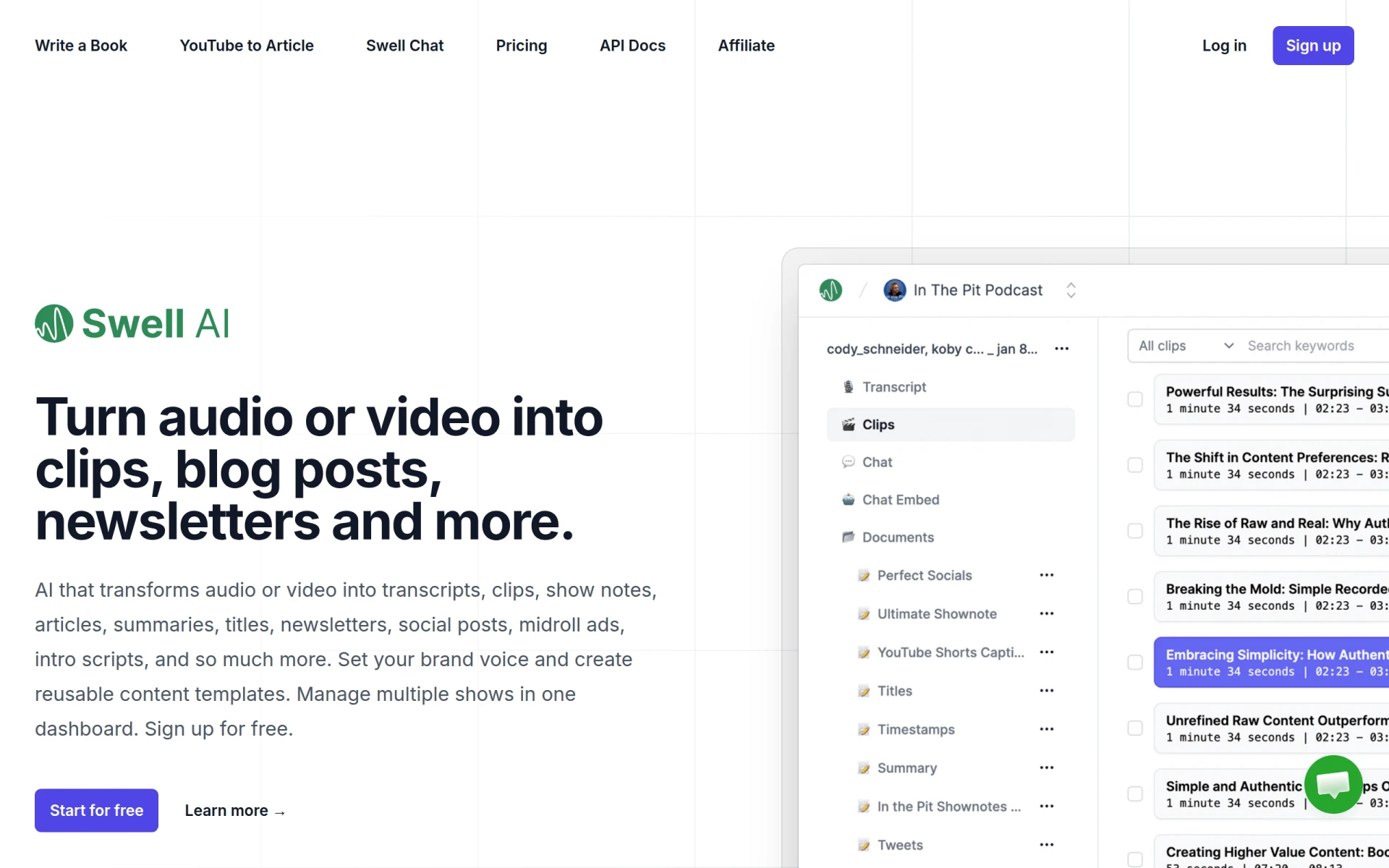 is designed for content creators looking to maximize their output by transforming audio and video into various marketing formats. This tool is perfect for YouTubers who want to repurpose existing content into articles, social media posts, and newsletters, saving time and effort in content creation.
Its transcription feature is particularly useful for creating written content from video, allowing YouTubers to engage with audiences across multiple platforms. This capability not only enhances content reach but also boosts the creator's overall content strategy.
- Audio and video transcription: Converts spoken content into written form for blog posts or articles.
- Content generation for articles and blog posts: Enables creators to expand their reach through written content.
- Creation of social media posts: Facilitates easy sharing of video highlights and insights.
- Generation of newsletters and show notes: Saves time on additional content creation tasks.
- Midroll ads and intro scripts creation: Assists in monetizing content effectively.
Pricing: Freemium - Pricing information is not explicitly provided. Best for: Marketers and content creators needing to produce diverse formats from existing media.
Pictory - Best for Text-to-Video Transformation
Pictory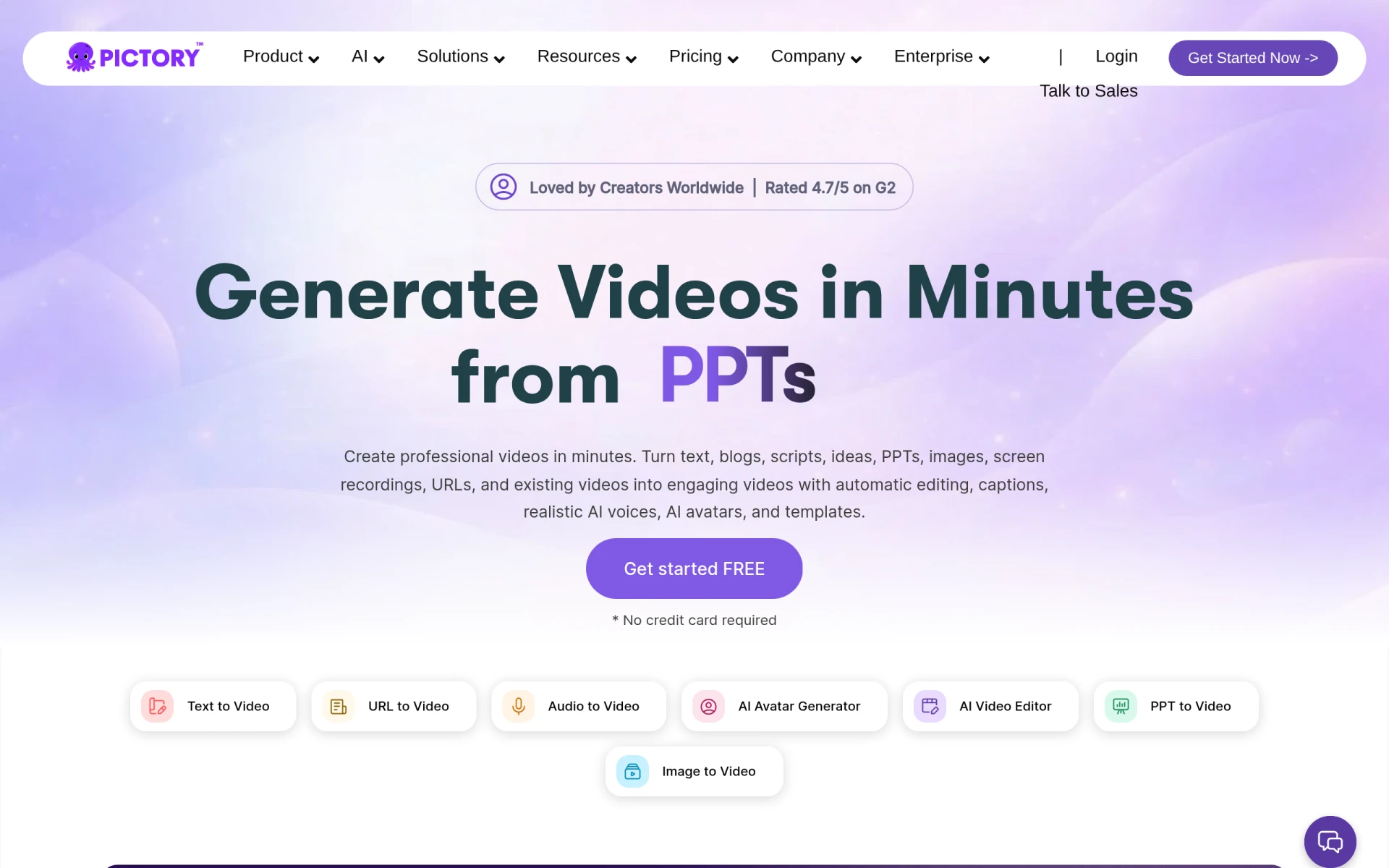 is an innovative AI-powered video editing tool that specializes in transforming text and images into professional-quality videos. This is particularly advantageous for YouTubers who may struggle with video scripting or who want to create visually striking content quickly.
The customizable templates and AI voiceovers allow creators to maintain their unique style while producing videos efficiently. Furthermore, automatic caption generation ensures that videos are accessible to a broader audience, enhancing viewer engagement.
- Text to video conversion: Transforms written content into engaging videos effortlessly.
- AI voiceovers: Provides professional audio without the need for voice recording.
- Customizable templates: Allows creators to maintain a consistent brand image.
- Automatic caption generation: Increases accessibility and engages viewers.
- Image and video integration: Enhances visual appeal with minimal effort.
Pricing: Paid - Plans start from $25 per month. Best for: Small businesses and freelancers offering video content creation services.
VideoGen - Best for Quick Video Creation
VideoGen is an AI-powered video generator that enables users to create and edit videos quickly and easily. Its user-friendly interface is perfect for YouTubers who may not have extensive editing skills but want to produce professional content rapidly.
With features such as AI voiceover integration and AI sound effects, VideoGen enhances the overall quality of videos without requiring much technical knowledge. This makes it an excellent choice for creators aiming to produce engaging content without the lengthy editing process.
- AI Video Generation: Quickly creates videos based on user input.
- Image to Video Conversion: Enables users to transform images into engaging video content.
- AI Voiceover Integration: Adds professional audio to videos effortlessly.
- AI Sound Effects: Enhances video quality with minimal effort.
- AI Image Editing: Simplifies the creation of visually appealing content.
Pricing: Freemium - A single pricing plan at $16 per month is available. Best for: Small businesses looking to create marketing videos and freelancers offering video services.
VideoIdeas.ai - Best for Script and Idea Generation
VideoIdeas.ai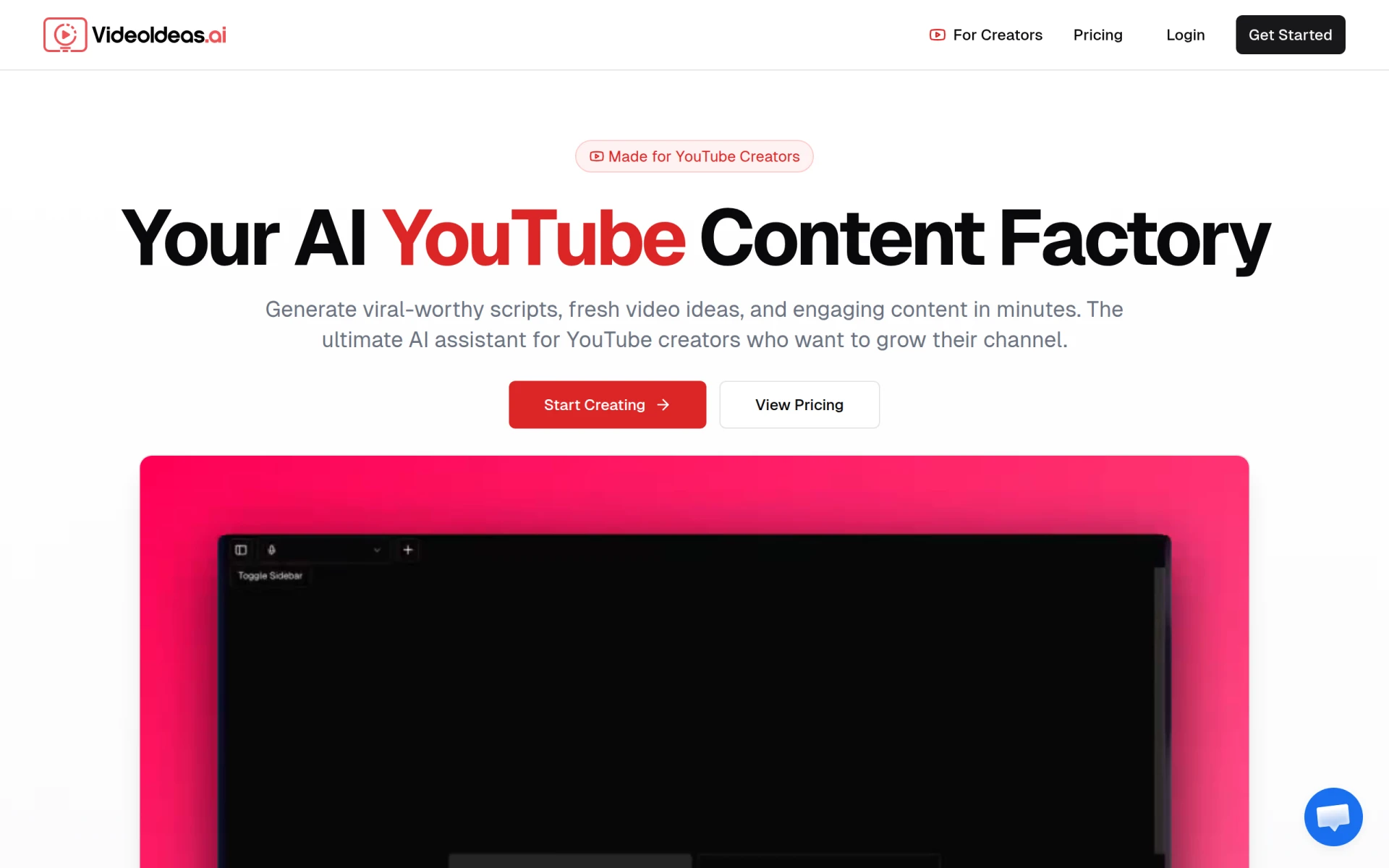 is specifically designed to assist YouTube creators in generating engaging video scripts and ideas efficiently. This tool is invaluable for those struggling with content planning and scripting, offering a variety of options tailored to different video formats.
With full video scripts and viral short-form content generation, VideoIdeas.ai is perfect for YouTubers looking to enhance their channel’s performance and audience engagement. Its channel analysis feature provides insights that can help creators refine their content strategies.
- Full Video Scripts: Offers detailed scripts to streamline content creation.
- YouTube Channel Analysis: Provides insights for content optimization.
- Viral Short-Form Content: Generates ideas for trending videos.
- Video Ad Scripts: Assists in creating effective promotional content.
- Style Cloning: Mimics successful styles to enhance viewer engagement.
Pricing: Freemium - Basic plan at $8/month and Pro plan at $24/month, both billed annually. Best for: Aspiring YouTube creators and established content producers.
VideoShorts - Best for Short Video Creation
VideoShorts is an AI-powered video editing tool that specializes in creating engaging short videos quickly and efficiently. This tool is ideal for YouTubers looking to expand their content across various social media platforms, including TikTok and Instagram.
With customizable templates and text overlay options, VideoShorts allows creators to maintain their unique branding while producing captivating short-form content. The integration of music and efficient video trimming features ensures that the final product is polished and ready for sharing.
- AI-driven editing: Streamlines the editing process for quick video production.
- Customizable templates: Helps maintain brand consistency.
- Text overlay options: Enhances engagement through visual storytelling.
- Music integration: Adds an audio dimension to videos effortlessly.
- Video trimming: Simplifies the editing process for short clips.
Pricing: Freemium - Pricing information is not explicitly available. Best for: Small businesses and social media marketers.
Vidu AI - Best for Creative Content Generation
Vidu AI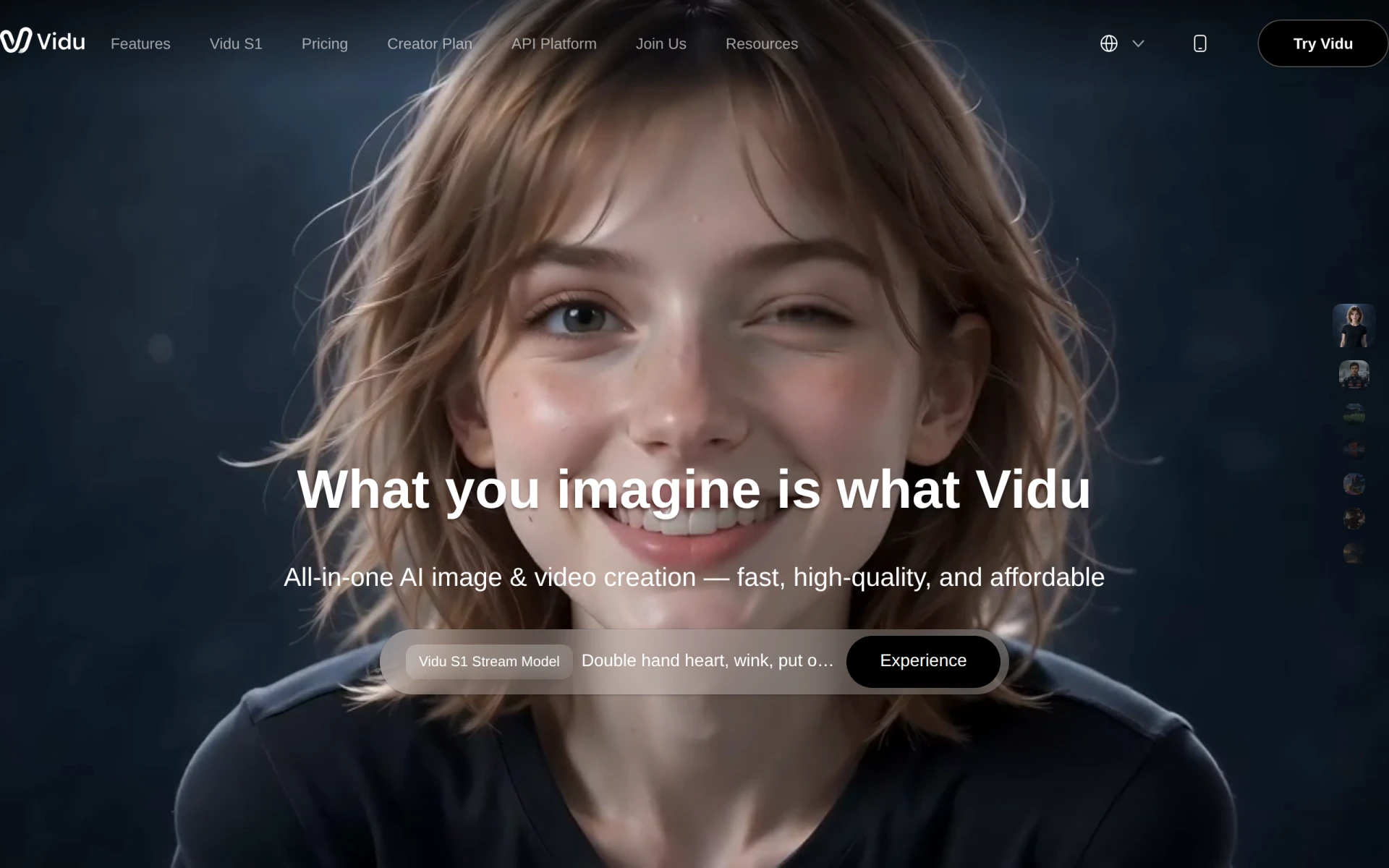 is an AI-powered video generator that allows users to create videos from text, images, and references rapidly. This tool is particularly beneficial for YouTubers who require efficient content creation solutions without sacrificing quality.
Vidu AI's ability to integrate various media types enables creators to produce diverse video content quickly. The platform’s AI sound effect generator and image generator further enhance the creative possibilities, making it ideal for those looking to stand out in a crowded marketplace.
- Text to Video: Converts written content into engaging videos rapidly.
- Image to Video: Transforms images into dynamic video content.
- Reference Video Integration: Allows for inspiration and adaptation from existing videos.
- AI Sound Effect Generator: Adds professional audio elements to videos.
- AI Image Generator: Provides unique visuals to enhance video quality.
Pricing: Freemium - Multiple pricing plans tailored to different user needs are available. Best for: Marketing professionals and content creators looking for efficient production methods.
2short.ai - Best for Social Media Integration
2short.ai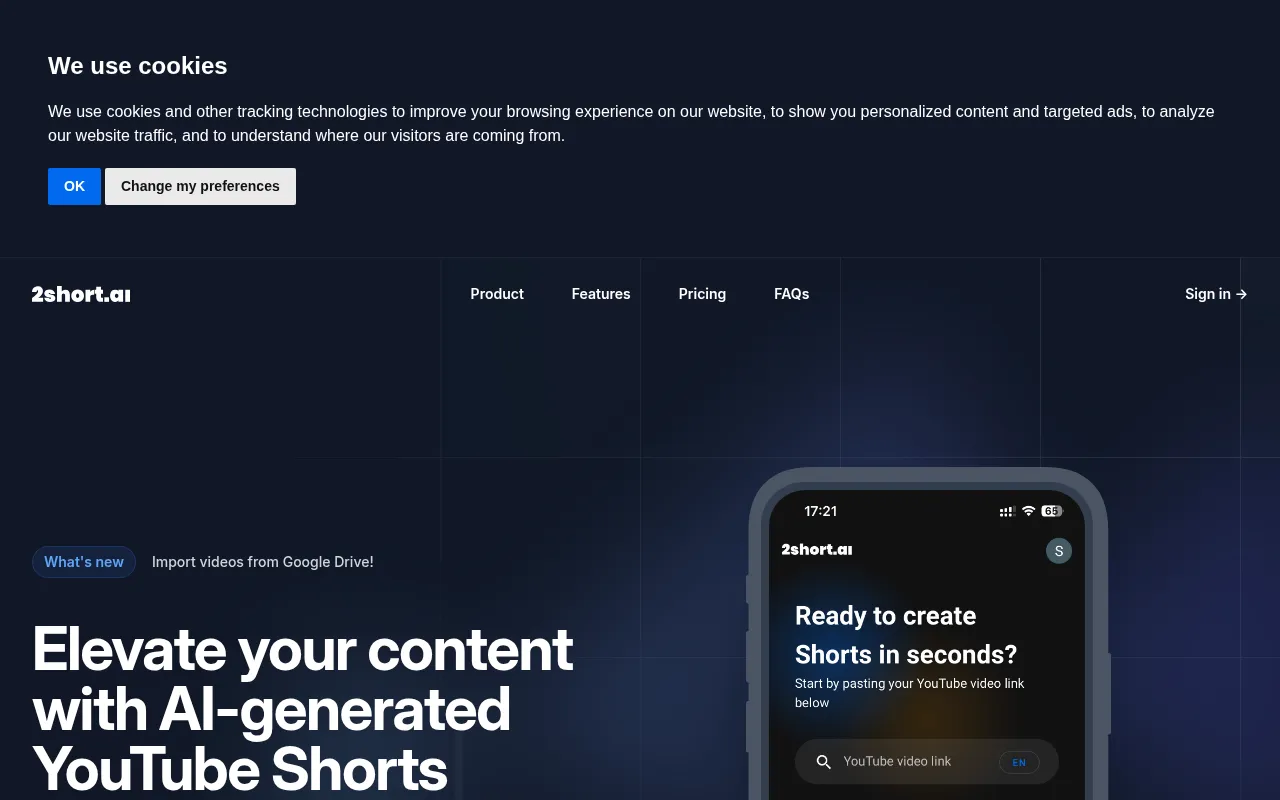 is an AI-powered tool designed to transform long YouTube videos into engaging short clips perfect for platforms like TikTok and Instagram. This is particularly useful for YouTubers aiming to broaden their audience through compelling short-form content.
With features like AI video highlight extraction and customizable clip lengths, 2short.ai simplifies the process of creating shareable content. This makes it an excellent choice for creators looking to enhance their social media presence.
- AI Video Highlight Extraction: Automatically identifies engaging moments in long videos.
- Import Videos from Google Drive: Facilitates easy access to video files.
- One-Click Short Creation: Streamlines the process of producing short clips.
- Supports TikTok and Instagram Reels: Ensures compatibility with popular platforms.
- Customizable Clip Length: Allows for tailored content based on audience preferences.
Pricing: Freemium - Pricing information is not publicly available. Best for: Content creators looking to enhance their social media presence.
BlinkVideo - Best for Accessible Content Creation
BlinkVideo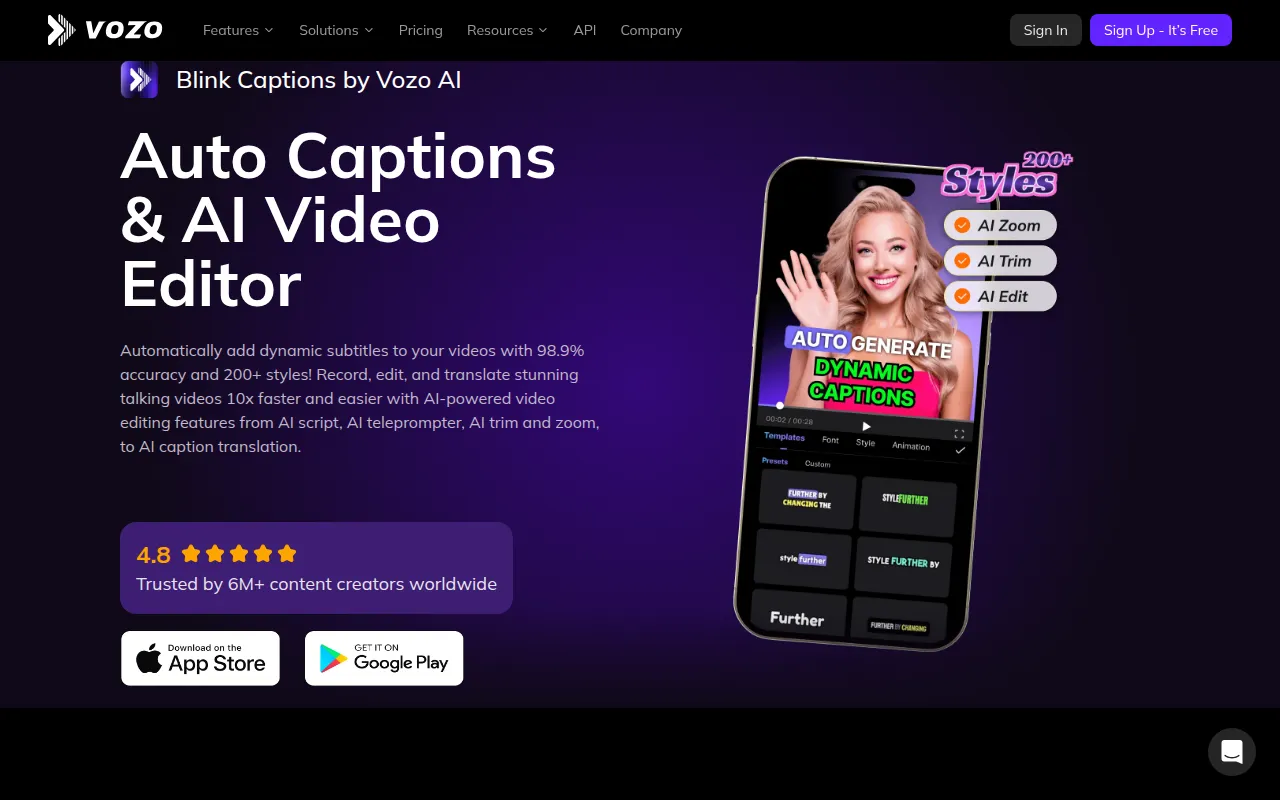 is an AI-powered video editing tool that focuses on generating accurate captions in over 127 languages. This is crucial for YouTubers looking to reach a global audience and enhance engagement through accessible content.
With its 98.9% accuracy in subtitle generation, BlinkVideo ensures that your videos are not only engaging but also accessible to viewers with hearing impairments. This makes it an essential tool for creators who prioritize inclusivity in their content.
- AI Auto Caption Generation: Simplifies the process of adding subtitles.
- 98.9% accuracy in subtitle generation: Ensures high-quality captions for all videos.
- Support for 127+ languages: Expands reach to a global audience.
- Export options including SRT and TXT formats: Facilitates easy sharing and utilization of captions.
- Customizable captions with over 200 styles: Allows for personalized branding in captions.
Pricing: Freemium - A subscription model with a limited-time free trial is available. Best for: Content creators looking to enhance social media engagement.
Quick Comparison
| Tool | Best For | Starting Price | Rating |
|---|
| Gling | YouTube content creators | Freemium | 0.0/5 |
| Instories | Marketing teams | Freemium | 0.0/5 |
| Swell AI | Content repurposing | Freemium | 0.0/5 |
| Pictory | Text-to-video transformation | $25/mo | 0.0/5 |
| VideoGen | Quick video creation | $16/mo | 0.0/5 |
| VideoIdeas.ai | Script and idea generation | $8/mo | 0.0/5 |
| VideoShorts | Short video creation | Freemium | 0.0/5 |
| Vidu AI | Creative content generation | Freemium | 0.0/5 |
| 2short.ai | Social media integration | Freemium | 0.0/5 |
| BlinkVideo | Accessible content creation | Freemium | 0.0/5 |
Best Choice for Beginners
Gling is the best choice for beginners due to its user-friendly interface and AI-driven features that simplify the editing process. With automatic pause detection and viral clip generation, beginners can create engaging content without feeling overwhelmed.
Best Choice for Professionals
Pictory is the best choice for professionals, offering advanced features such as text-to-video conversion and customizable templates. Its ability to generate high-quality videos quickly makes it ideal for experienced creators looking to maintain a consistent output.
Best Value Pick
VideoIdeas.ai stands out as the best value pick, offering a freemium model with a Basic plan at just $8/month. This provides aspiring YouTube creators with essential tools for script and idea generation without breaking the bank.
Conclusion
Finding the right video editing software is essential for YouTubers aiming to create engaging content efficiently. With these top tools at your disposal, you can confidently enhance your video production process and connect with your audience more effectively.