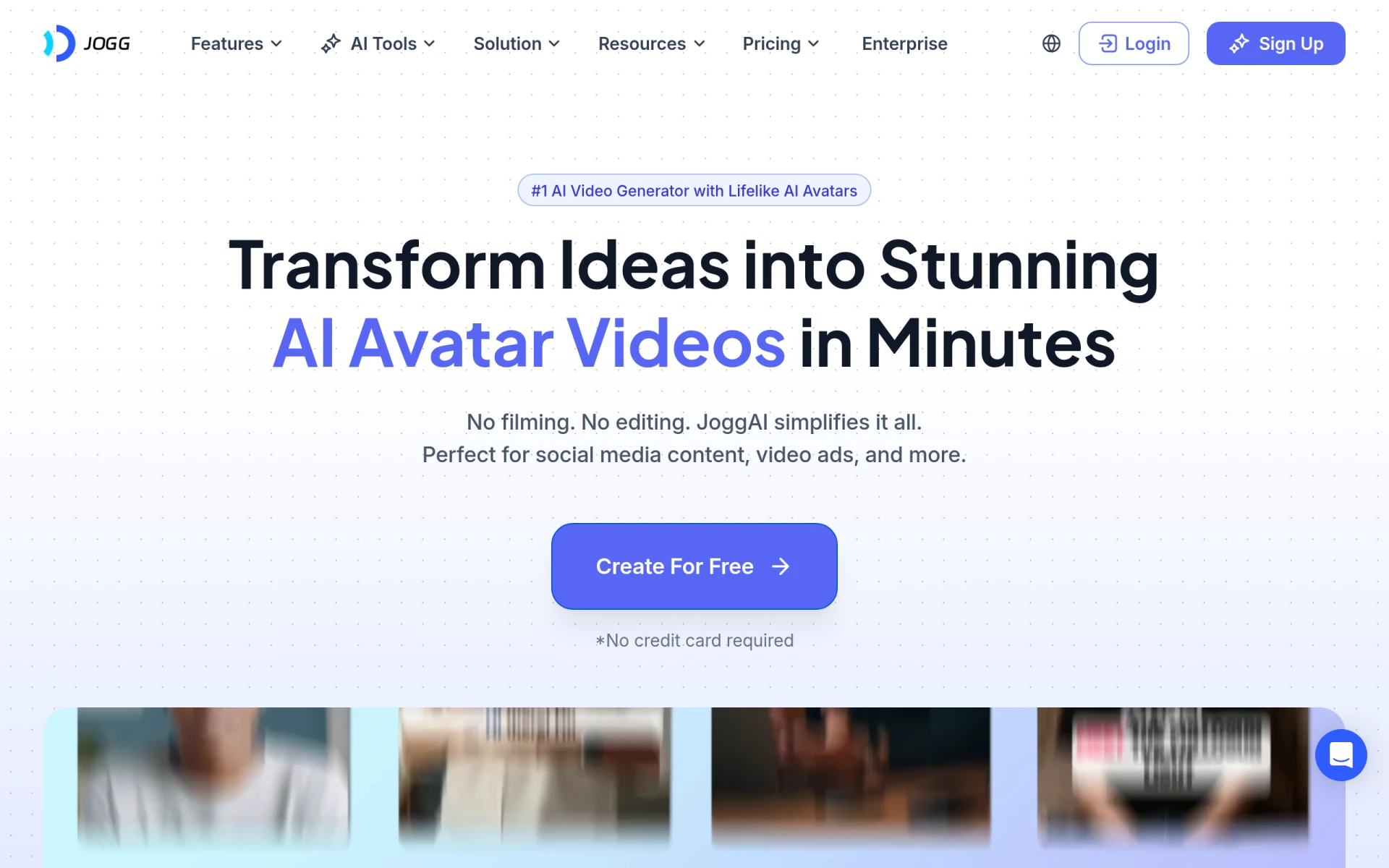
Overview
VideoShorts is a video editing platform that leverages artificial intelligence to help users create short, impactful videos. Its primary purpose is to simplify the video creation process, especially for those who may not have extensive technical skills. VideoShorts addresses common challenges such as time constraints, lack of video editing expertise, and the need for high-quality content in a fast-paced digital environment. By automating many of the editing tasks, the software allows users to focus on their message and creativity rather than getting bogged down in technical details.
Key Features
- AI-driven editing: Automates video editing tasks to save time and effort.
- Customizable templates: Offers a range of templates tailored for different themes and styles.
- Text overlay options: Allows users to add captions and text to enhance storytelling.
- Music integration: Provides a library of royalty-free music tracks to enrich videos.
- Video trimming: Easily cut and trim video clips to focus on key moments.
- Export options: Supports multiple video formats for different platforms and uses.
- User-friendly interface: Designed for users of all skill levels with intuitive navigation.
- Cloud storage: Enables users to store and access their projects from anywhere.
Benefits
VideoShorts provides practical advantages for users by streamlining the video creation process, which can significantly reduce the time from concept to publication. This efficiency allows businesses and individuals to produce content more regularly, enhancing their online presence. The AI-driven features ensure that even those with minimal video editing experience can create professional-looking videos, thus lowering the barrier to entry for video content creation. With customizable templates, users can maintain their brand identity while appealing to their audience's preferences. Overall, VideoShorts enables users to engage their viewers more effectively, potentially leading to higher conversion rates and improved audience retention.
Common Use Cases
VideoShorts is particularly effective for various scenarios, such as:
- Social media marketing campaigns where quick, engaging videos can capture audience attention.
- Content creation for YouTube, where creators can produce short videos without extensive editing time.
- Promotional videos for events or products that require a fast turnaround.
- Educational content where instructors need to create informative yet engaging clips quickly.
- Personal projects, such as vlogs or family videos, that benefit from easy-to-use editing tools.
Who Should Use It
VideoShorts is ideal for small businesses looking to enhance their marketing efforts through video content, social media managers who need to produce regular updates, and influencers seeking to create engaging material without extensive editing knowledge. It may not be the best fit for professional video editors who require advanced features and customization options typically found in more complex software. Additionally, users with specific needs for high-end visual effects may find the platform limiting.
Pricing Overview
Pricing for VideoShorts is not explicitly available on the website.
Pros
- The AI-driven editing features significantly reduce the time needed to create videos.
- Offers a variety of customizable templates to suit different content needs.
- User-friendly interface makes it accessible for individuals with no prior editing experience.
- Provides a library of royalty-free music to enhance video quality.
- Cloud storage allows for easy project access from various devices.
Cons
- Some users may find the limited advanced editing features insufficient for complex projects.
- The quality of automated edits may vary depending on the content being used.
- Lack of clear pricing information may deter potential users from trying the software.
Conclusion
In summary, VideoShorts offers a practical solution for users looking to create short videos quickly and effectively. Its AI-driven features and user-friendly design make it suitable for a wide range of applications, from social media marketing to personal projects. However, those seeking advanced editing tools or specific pricing information might need to explore other options. Overall, it provides value to users who prioritize efficiency and ease of use in video creation.