Introduction
Creating captivating video content on YouTube is a challenge that many content creators face. The right editing tools can make a significant difference in the quality of videos you produce. If you're looking to enhance your video quality and streamline your editing process, you're in the right place.
Why Content Creators Struggle With Creating engaging video content requires advanced editing capabilities
Many content creators find themselves overwhelmed by the demands of video editing. They often juggle the need for creativity with the technical skills required to produce high-quality content. For instance, a vlogger may have fantastic ideas but struggle to translate those into visually appealing videos due to limited editing experience or inadequate tools. This results in frustration and can lead to a dip in viewer engagement.
What to Look For in Video Production Tools
- Ease of Use: An intuitive interface is crucial for quick editing, especially for creators without extensive technical skills.
- AI Features: AI-driven functionalities can significantly reduce editing time and enhance creativity.
- Flexibility with Formats: Support for multiple video formats ensures compatibility with various platforms.
- Collaboration Options: Features that allow for easy sharing and collaboration can streamline the editing process for teams.
- Pricing Structure: A cost-effective pricing model can help manage budgets while accessing powerful editing tools.
Best Top Video Editing Tools for YouTubers
Gling - Best for Quick Editing Solutions
Gling is an innovative AI-driven video editing software tailored for YouTube creators. It stands out for its ability to significantly streamline the video creation process, making it ideal for those who need to produce content quickly without compromising on quality. The automatic pause detection feature allows creators to focus more on their message rather than the editing intricacies, which is a boon for busy vloggers.
Furthermore, Gling's viral clip generation feature helps users create engaging snippets from longer videos, perfect for promoting content across social media platforms. This capability not only saves time but also enhances audience reach.
- AI-driven video editing: Speeds up the editing process by automating repetitive tasks.
- Automatic pause detection: Detects pauses in speech to help edit out unnecessary segments effortlessly.
- Viral clip generation: Turns longer videos into engaging short clips for social media sharing.
- Easy link-based video creation: Allows for quick video assembly from provided links.
- Support for various video formats: Ensures compatibility with different platforms.
Pricing: Freemium - Currently, specific pricing details are unavailable. Best for: YouTube content creators and vloggers needing quick editing solutions.
2short.ai - Best for Social Media Clips
2short.ai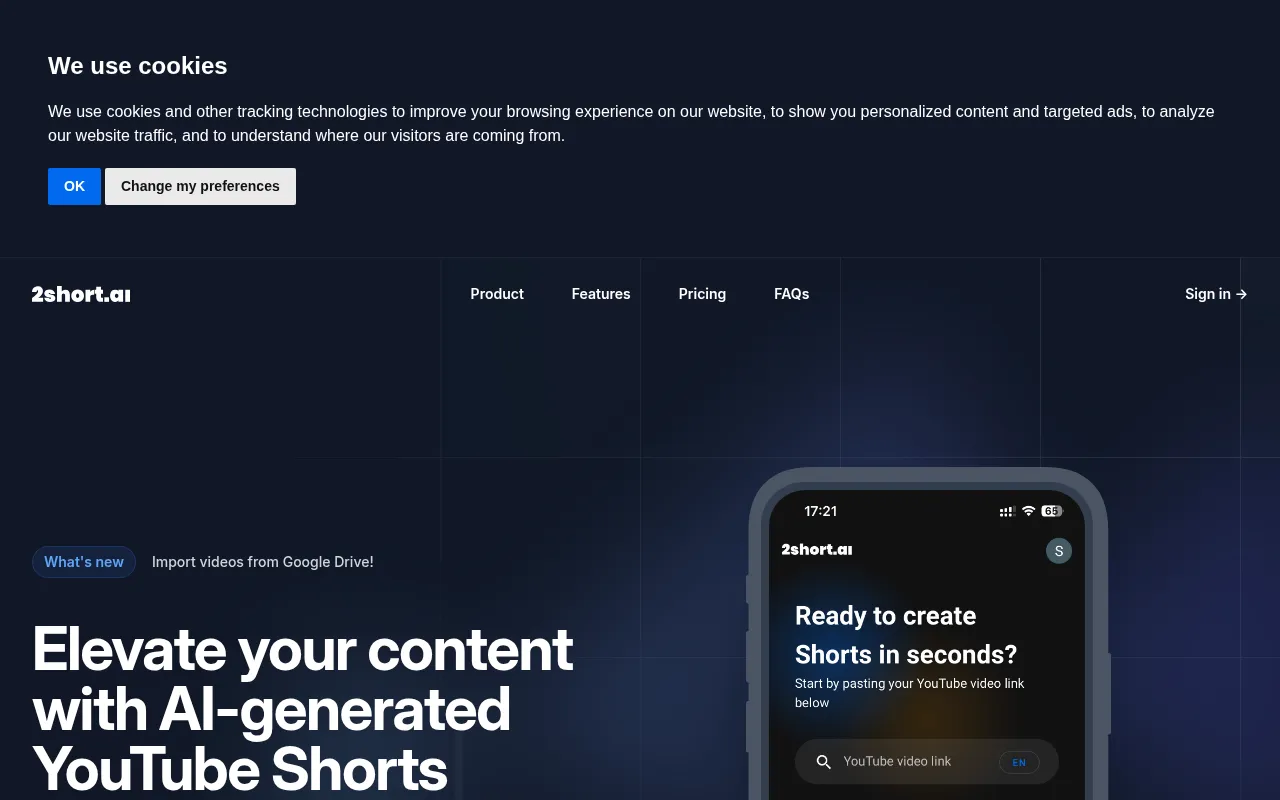 is another powerful AI-powered tool that focuses on transforming long YouTube videos into bite-sized clips ideal for platforms like TikTok and Instagram. This feature is particularly beneficial for creators looking to maximize their content distribution and engagement across multiple channels. With one-click short creation, users can quickly create engaging snippets that resonate with social media audiences.
The ability to import videos directly from Google Drive adds a layer of convenience, allowing creators to work seamlessly without additional uploads. This tool is especially valuable for marketers aiming to promote products through engaging short videos.
- AI Video Highlight Extraction: Automatically identifies and extracts the most engaging parts of videos.
- Import Videos from Google Drive: Streamlines the editing process by allowing direct access to files.
- One-Click Short Creation: Simplifies the process of creating short clips.
- Supports TikTok and Instagram Reels: Ensures content is optimized for popular social media platforms.
- Customizable Clip Length: Provides flexibility in creating clips of varying durations.
Pricing: Freemium - Pricing information is currently not publicly available. Best for: Content creators enhancing their social media presence.
VideoGen - Best for Quick Video Generation
VideoGen is designed for users who need to create and edit videos swiftly. Its AI-powered video generation capabilities make it an excellent choice for small businesses and freelancers who require high-quality marketing videos without the hassle of complex editing software. The image-to-video conversion feature allows users to transform static images into dynamic video content, which is particularly useful for creating engaging promotional materials.
The integration of AI voiceovers and sound effects also helps elevate the overall quality of the videos produced, making them more engaging for viewers. This makes VideoGen a comprehensive tool for those looking to enhance their video production capabilities.
- AI Video Generation: Quickly creates videos based on user inputs.
- Image to Video Conversion: Transforms images into videos, adding dynamic elements.
- AI Voiceover Integration: Enhances videos with professional-quality narration.
- AI Sound Effects: Adds background audio to make videos more engaging.
- AI Image Editing: Allows for quick image enhancements directly within the platform.
Pricing: Freemium - VideoGen offers a single pricing plan at $16 per month with additional credits available for purchase. Best for: Small businesses and freelancers offering video services.
BlinkVideo - Best for Multilingual Captions
BlinkVideo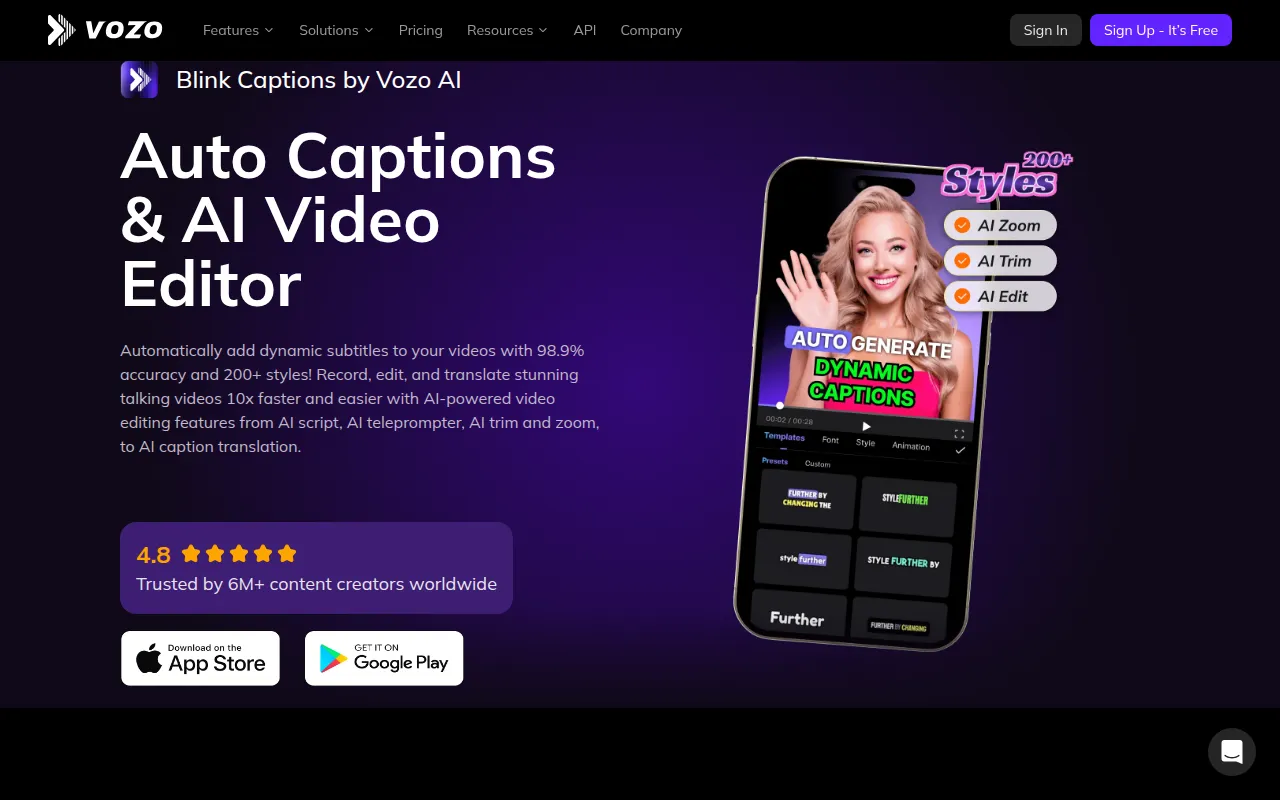 is an AI-powered video editing tool that excels in generating accurate captions in over 127 languages, making it ideal for content creators looking to enhance their reach and engagement. The accuracy of 98.9% in subtitle generation ensures that your audience understands your message, regardless of their language. This feature is particularly crucial for creators targeting global audiences.
The customizable captions with over 200 styles allow users to maintain brand consistency while enhancing viewer engagement. This tool is perfect for marketers executing video campaigns that require dynamic captions to capture attention.
- AI Auto Caption Generation: Automatically generates captions, saving editing time.
- 98.9% accuracy in subtitle generation: Ensures messages are conveyed clearly across languages.
- Support for 127+ languages: Expands audience reach significantly.
- Export options including SRT and TXT formats: Convenient for sharing captions across platforms.
- Customizable captions with over 200 styles: Allows for branding and style preferences.
Pricing: Freemium - BlinkVideo offers a subscription model with a limited-time free trial for new users. Best for: Content creators enhancing social media engagement.
Captions - Best for Shareable Content
Captions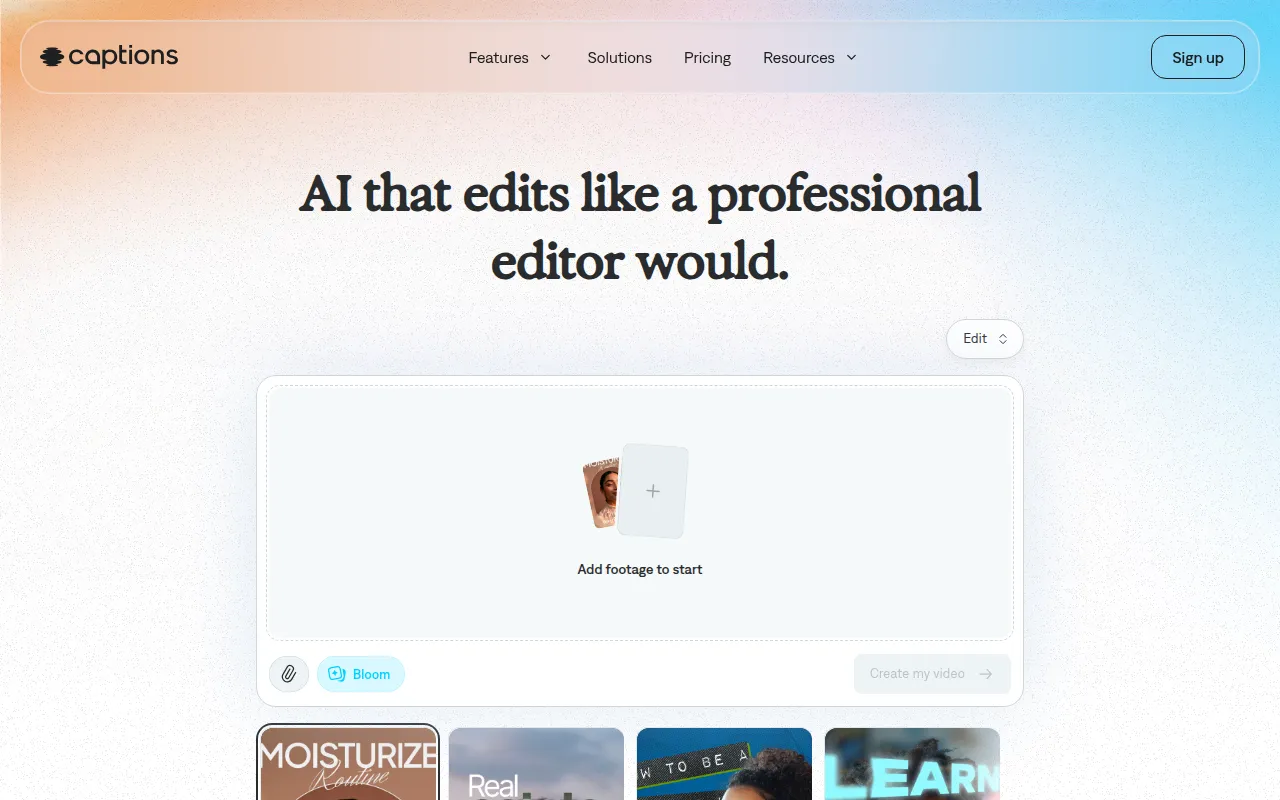 is an AI video editing tool that simplifies the process of turning ideas into shareable videos. Its chat-based editing feature is particularly user-friendly, making it accessible for users at all skill levels. This is a significant advantage for those who may find traditional editing software daunting.
The library of curated AI edit styles allows users to create visually appealing videos quickly. Additionally, the feature for custom B-roll generation ensures that creators can add dynamic elements to their videos without needing extensive video libraries.
- AI Video Generation: Automates video creation from ideas.
- Chat-based Editing: Makes editing intuitive and easy for everyone.
- Library of Curated AI Edit Styles: Provides creative options for video aesthetics.
- Digital Twins or Custom AI Actors: Enhances storytelling through relatable characters.
- Custom B-Roll Generation: Adds dynamic visuals without extensive resources.
Pricing: Freemium - The most popular subscription is priced at $24.99 per month. Best for: Small businesses and marketing teams.
DaVinci Resolve - Best for Professional Editing
DaVinci Resolve is a comprehensive video editing software that combines multiple aspects of video production, including editing, color correction, visual effects, and audio post-production. Its professional-grade tools make it an excellent choice for serious content creators and filmmakers working on independent projects.
The advanced color correction features allow creators to enhance their visual storytelling significantly. Additionally, DaVinci Resolve's visual effects capabilities provide users with the tools they need to add dynamic elements to their videos, making it ideal for those who want to push the boundaries of their creativity.
- Professional video editing tools: Offers precise cuts and transitions for smooth storytelling.
- Advanced color correction features: Enhances the visual quality of videos dramatically.
- Visual effects capabilities: Allows users to integrate stunning effects into their projects.
- Motion graphics tools: Perfect for creating animated titles and effects.
- Audio post-production tools: Ensures sound quality matches the visual experience.
Pricing: Freemium - DaVinci Resolve is available for free, with a paid version called DaVinci Resolve Studio priced at $295. Best for: Professional video editors and content creators on platforms like YouTube.
Instories - Best for Simplified Video Production
Instories is an AI video and content creation platform designed to simplify video production. Its user-friendly interface and powerful editing tools make it a great choice for those who need to create engaging video content quickly. The background removal feature is particularly useful for ensuring that the focus remains on the subject of the video.
This tool is especially valuable for marketing teams that need to produce quick content for campaigns, as it allows for rapid video generation without sacrificing quality. Overall, Instories caters to a wide range of users looking to enhance their video marketing efforts.
- AI Video Generator: Quickly produces videos from user inputs.
- Image Generator: Creates visuals to complement video content.
- Video Editing Tools: Offers essential editing features in a user-friendly format.
- Background Removal: Helps focus on the main subject of the video.
- Captioning Features: Adds text elements to enhance viewer engagement.
Pricing: Freemium - Pricing information is not explicitly available on the website. Best for: Small businesses and freelancers producing high-quality videos efficiently.
HiClip - Best for Social Media Optimization
HiClip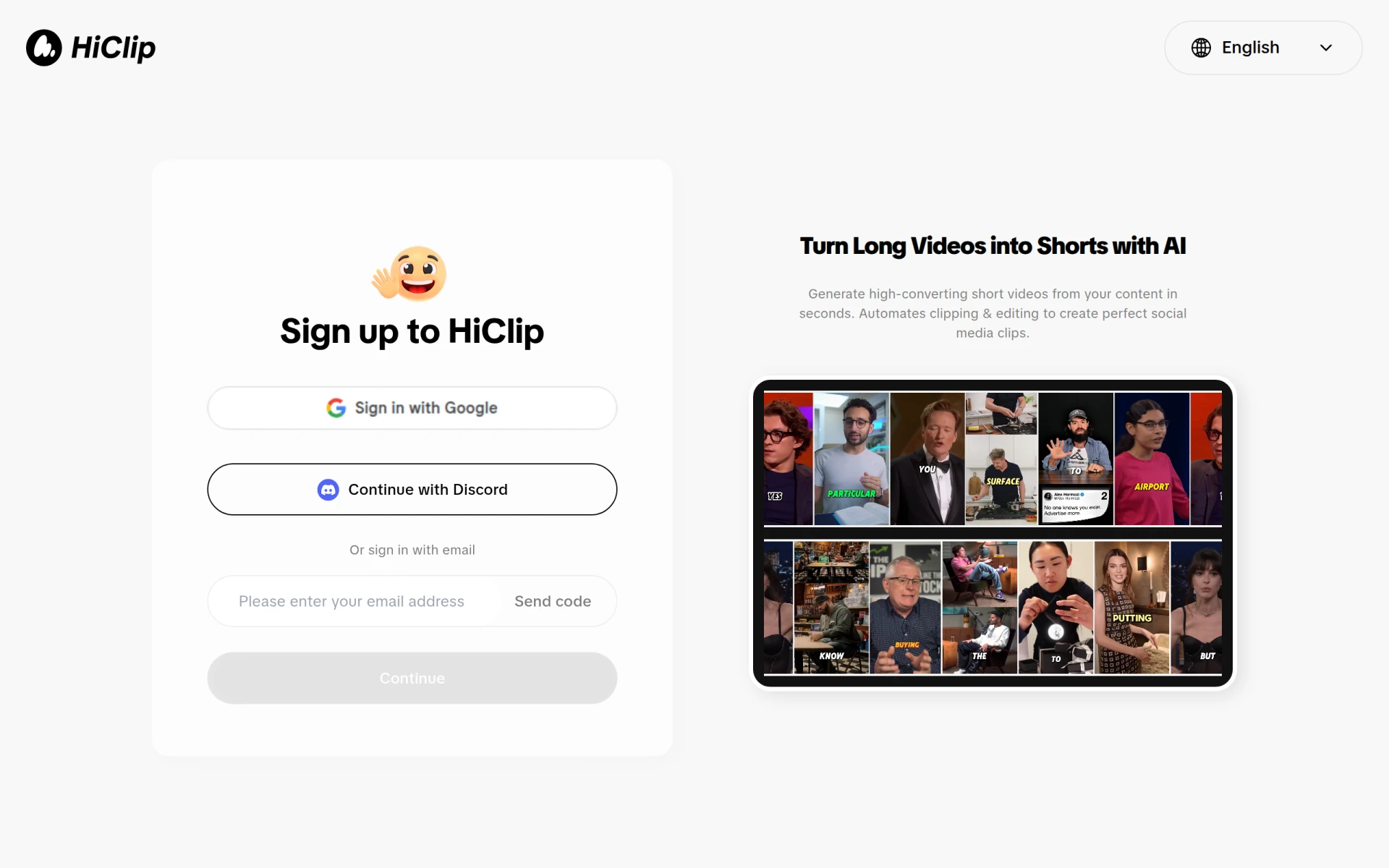 is an AI-powered video editing tool that specializes in transforming long-form videos into engaging short clips suitable for social media. Its emphasis on social media optimization ensures that creators can effectively reach their audiences on platforms where shorter content thrives.
The customizable templates offered by HiClip allow users to maintain their brand identity while producing quick promotional materials. This tool is particularly beneficial for marketers and social media managers who need to generate engaging clips rapidly.
- AI Clipping: Automates the process of creating short clips from longer videos.
- Video Editing: Provides essential tools for quick edits.
- Social Media Optimization: Ensures content is tailored for various platforms.
- Customizable Templates: Allows for branding consistency across videos.
- User-Friendly Interface: Makes it easy for anyone to create engaging content.
Pricing: Freemium - Pricing information is currently unavailable. Best for: Content creators enhancing their video marketing efforts.
Levio - Best for Engaging Video Production
Levio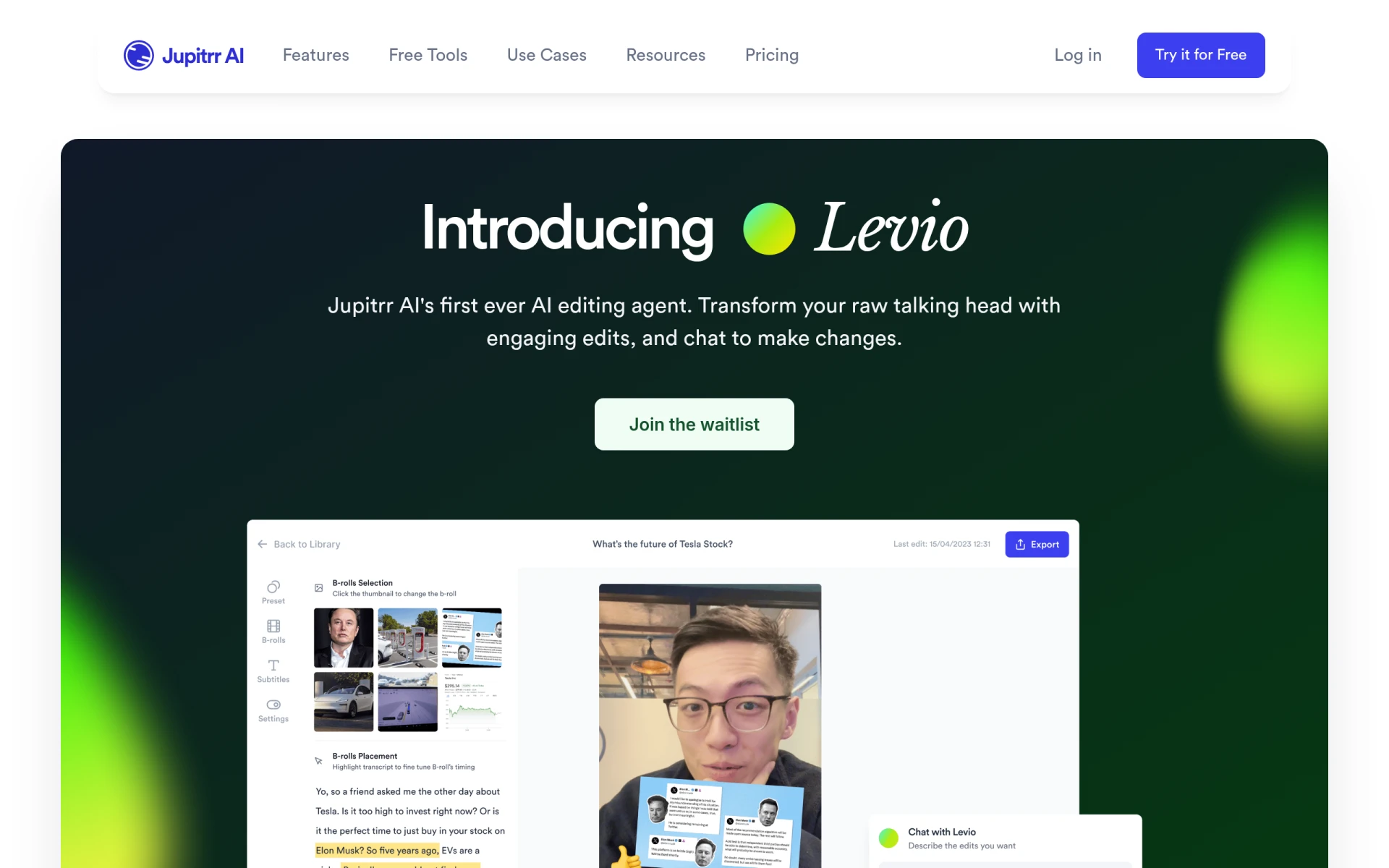 is an AI-powered video editing assistant designed to simplify the video creation process. It helps users produce engaging videos quickly by automatically generating hooks and adding animated subtitles, making content more relatable and engaging for viewers.
The integration of B-roll footage and the inclusion of GIFs and emojis further enhance storytelling, allowing creators to connect with their audience on a deeper level. Levio is particularly useful for content creators who want to produce high-quality videos without spending excessive time on the editing process.
- AI-driven editing assistance: Streamlines the editing process for efficiency.
- Automatic generation of engaging video hooks: Captures viewer attention quickly.
- Addition of animated subtitles: Enhances viewer engagement through visuals.
- Integration of B-roll footage: Enriches storytelling with supplementary visuals.
- Inclusion of GIFs and emojis: Adds relatability to videos.
Pricing: Contact - Pricing details are currently not available. Best for: Content creators looking for quick video production tools.
MagicLight - Best for Long-Form Video Creation
MagicLight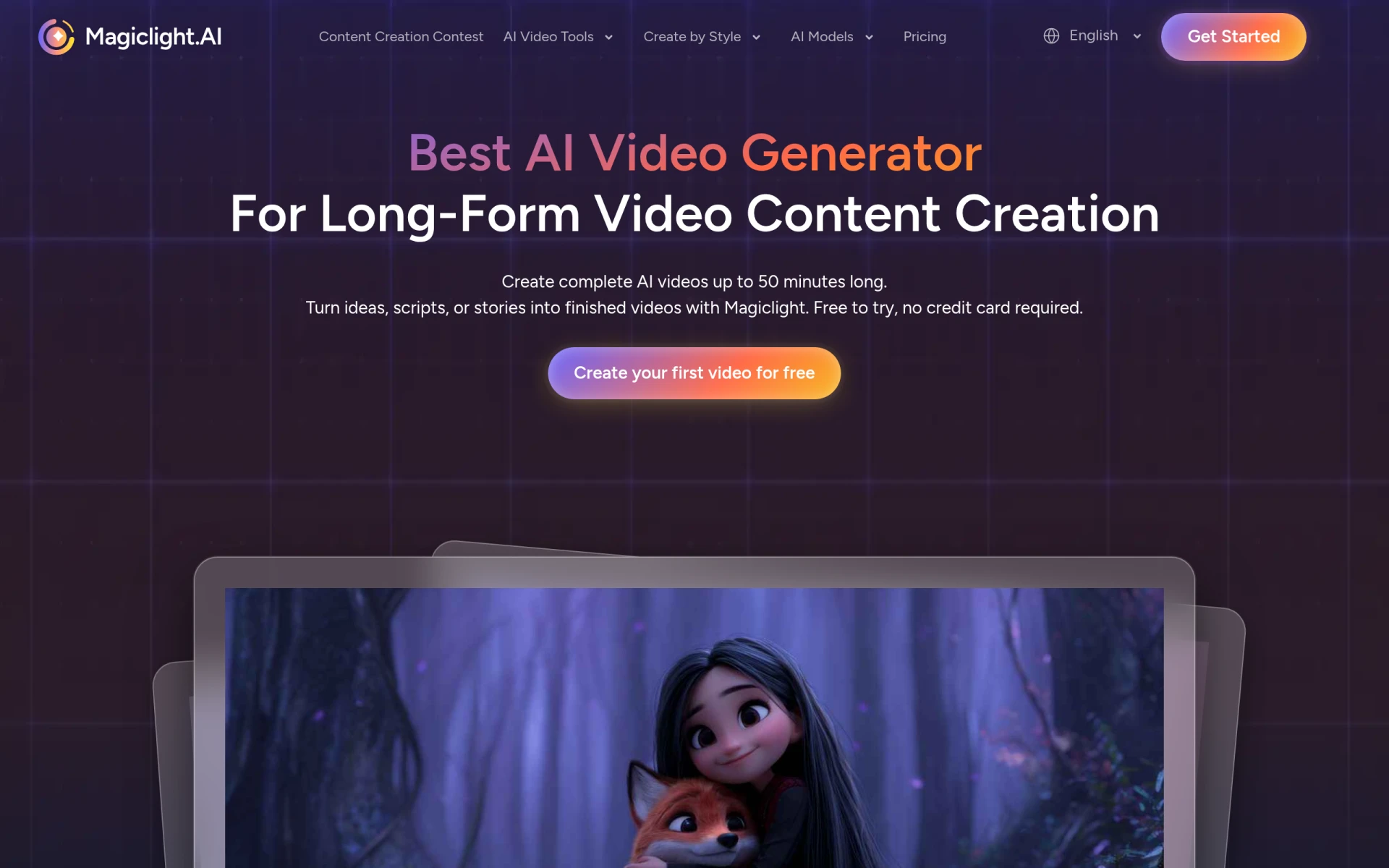 is an AI video generator that specializes in creating long-form videos of up to 50 minutes from scripts, stories, or concepts. This tool stands out for those looking to produce in-depth content without the labor-intensive process typically associated with long-form video production.
The smooth multi-scene animations and character animations with natural movements make MagicLight an engaging option for educators and marketers alike. The voice synthesis for narration adds a professional touch, making it great for instructional and promotional content.
- AI-driven video generation: Facilitates the creation of extensive video content quickly.
- Long-form video creation up to 50 minutes: Ideal for detailed storytelling.
- Smooth multi-scene animations: Enhances visual engagement.
- Character animation with natural movements: Brings stories to life.
- Voice synthesis for narration: Adds a professional audio layer to videos.
Pricing: Freemium - Pricing information is currently unavailable. Best for: Educators and marketers creating engaging long-form content.
Quick Comparison
| Tool | Best For | Starting Price | Rating |
|---|
| Gling | Quick editing solutions | Free | 0.0/5 |
| 2short.ai | Social media clips | Free | 0.0/5 |
| VideoGen | Quick video generation | $16/mo | 0.0/5 |
| BlinkVideo | Multilingual captions | Free | 0.0/5 |
| Captions | Shareable content | $24.99/mo | 0.0/5 |
| DaVinci Resolve | Professional editing | Free | 0.0/5 |
| Instories | Simplified video production | Free | 0.0/5 |
| HiClip | Social media optimization | Free | 0.0/5 |
| Levio | Engaging video production | Contact | 0.0/5 |
| MagicLight | Long-form video creation | Free | 0.0/5 |
Best Choice for Beginners
Gling stands out as the best choice for beginners due to its user-friendly interface and AI-driven features. It simplifies the editing process by automating tedious tasks, allowing new creators to focus on their content rather than getting bogged down by technical complexities.
Best Choice for Professionals
DaVinci Resolve is the best choice for professionals, offering advanced features like precise cuts, color correction, and visual effects. Its comprehensive suite of tools empowers seasoned editors to produce high-quality, visually stunning videos that meet industry standards.
Best Value Pick
VideoGen is the best value pick due to its affordable pricing of $16 per month combined with its powerful features for quick video generation. This price-to-feature ratio offers an excellent ROI for small businesses and freelancers looking to enhance their video marketing efforts.
Conclusion
In the competitive landscape of YouTube content creation, the right video editing tools can make all the difference. By leveraging these top tools, you can enhance your video quality and streamline your editing process, ultimately elevating your content to new heights.