Overview
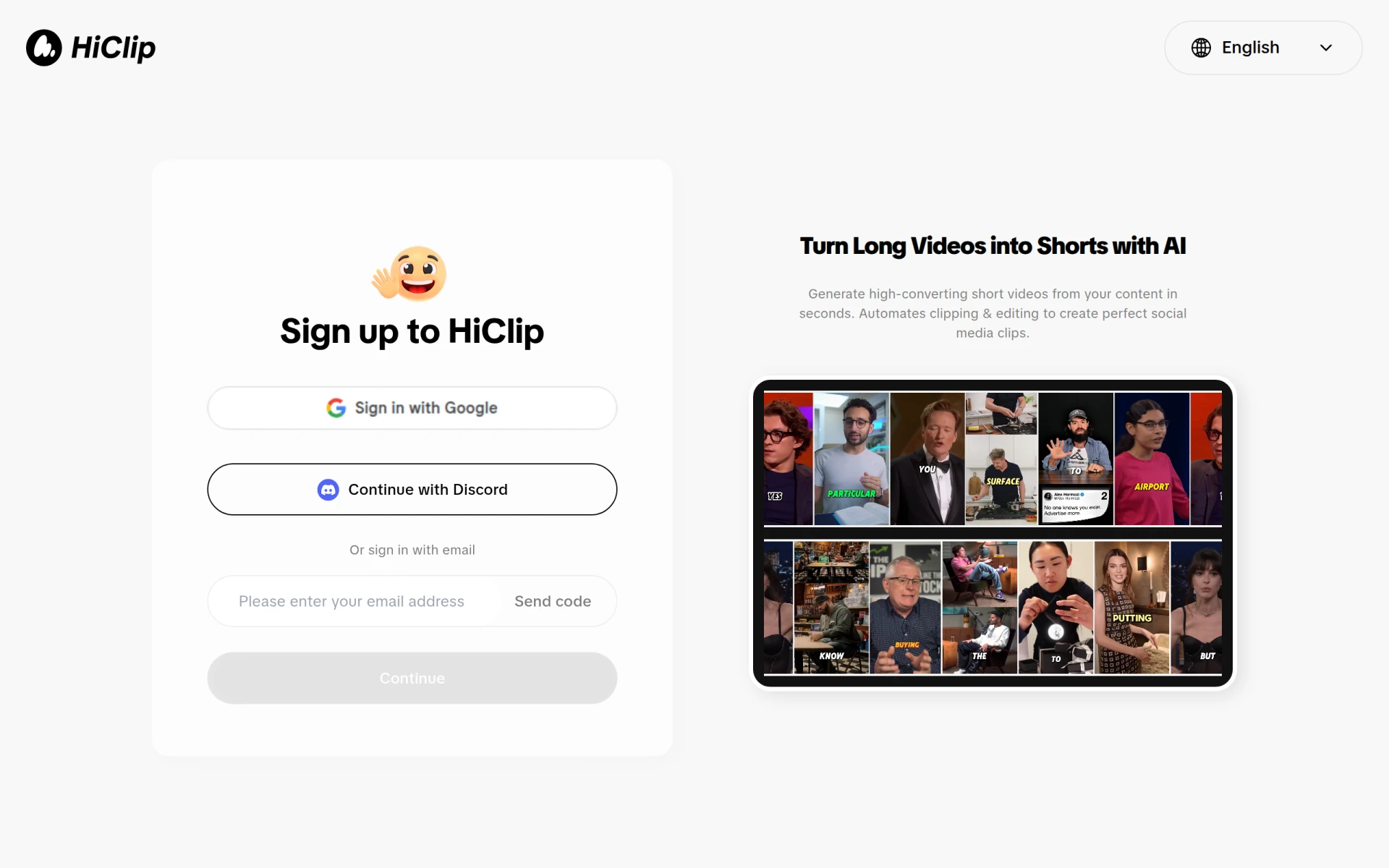
HiClip is a video editing tool designed to facilitate the conversion of long videos into short, engaging clips suitable for social media platforms. Its primary purpose is to automate the editing process, enabling users to generate high-converting videos quickly. This addresses the common challenge faced by content creators and marketers who need to produce compelling short videos efficiently without extensive manual editing.
Key Features
- AI Clipping: Automatically identifies and extracts key moments from longer videos.
- Video Editing: Provides tools for trimming, cutting, and rearranging video clips.
- Social Media Optimization: Prepares videos in formats ideal for various social media platforms.
- Customizable Templates: Offers templates to enhance the visual appeal of videos.
- User-Friendly Interface: Designed for ease of use, even for those with minimal editing experience.
- Export Options: Allows users to export videos in different resolutions and formats.
- Performance Analytics: Provides insights on video engagement and performance metrics.
- Cloud Storage: Facilitates easy access to projects from any device with internet connectivity.
Benefits
Utilizing HiClip offers several advantages for businesses and content creators. By automating the video clipping process, users can save significant time and resources that would otherwise be spent on manual editing. The ability to create optimized videos quickly can enhance social media engagement, ultimately driving more traffic and conversions. Additionally, the user-friendly interface ensures that even those without extensive editing skills can produce professional-looking content.
Common Use Cases
HiClip is particularly beneficial in various scenarios:
- A marketing team producing promotional videos for a new product launch can efficiently create short clips from longer presentations.
- Content creators on platforms like YouTube can generate short highlight reels to promote their content across social media.
- Educational institutions can extract key lecture moments to share quick tips or insights with students on social media.
- Businesses can create engaging video content for their social media channels, increasing brand visibility and engagement.
Who Should Use It
HiClip is ideal for:
- Content creators looking to enhance their video marketing efforts.
- Marketing teams aiming to produce quick promotional materials.
- Social media managers who need to generate engaging clips from longer videos.
- Educators who want to share bite-sized educational content.
However, it may not be the best fit for professional video editors who require more advanced editing features and greater control over the editing process.
Pricing Overview
Pricing information for HiClip is currently unavailable on the website.
Conclusion
HiClip presents a practical solution for those looking to streamline their video editing process, especially for social media applications. Its AI-driven features can significantly reduce the time needed to create engaging video content. While it may not meet the complex needs of professional video editors, it serves as an excellent tool for marketers, educators, and content creators seeking to produce high-quality clips quickly and easily.