Why Look for Alternatives to Browse AI?
While Browse AI offers a user-friendly interface for scraping and monitoring data from websites without the need for coding skills, it does have its limitations that prompt users to seek alternatives. One primary concern is its freemium pricing model, which lacks transparency regarding paid plans. Users may find themselves uncertain about potential costs as they scale their data scraping needs, making budget management challenging. Additionally, Browse AI may not cater well to advanced data extraction scenarios or specific use cases that require more robust features, leading users to explore more tailored options.
Moreover, users have reported occasional issues with data accuracy and the need for manual intervention in scraping tasks. This can be particularly frustrating for businesses that rely on precise data for critical decision-making. The tool's capabilities may fall short in complex automated workflows that require integration with multiple applications, a common need among organizations looking to streamline their operations. As a result, many users are searching for alternatives that can offer more dependable performance, flexibility, and a clearer understanding of costs associated with scaling their data automation efforts.
Best Alternatives to Browse AI in 2026
Parsio - Best for Document Data Extraction
Parsio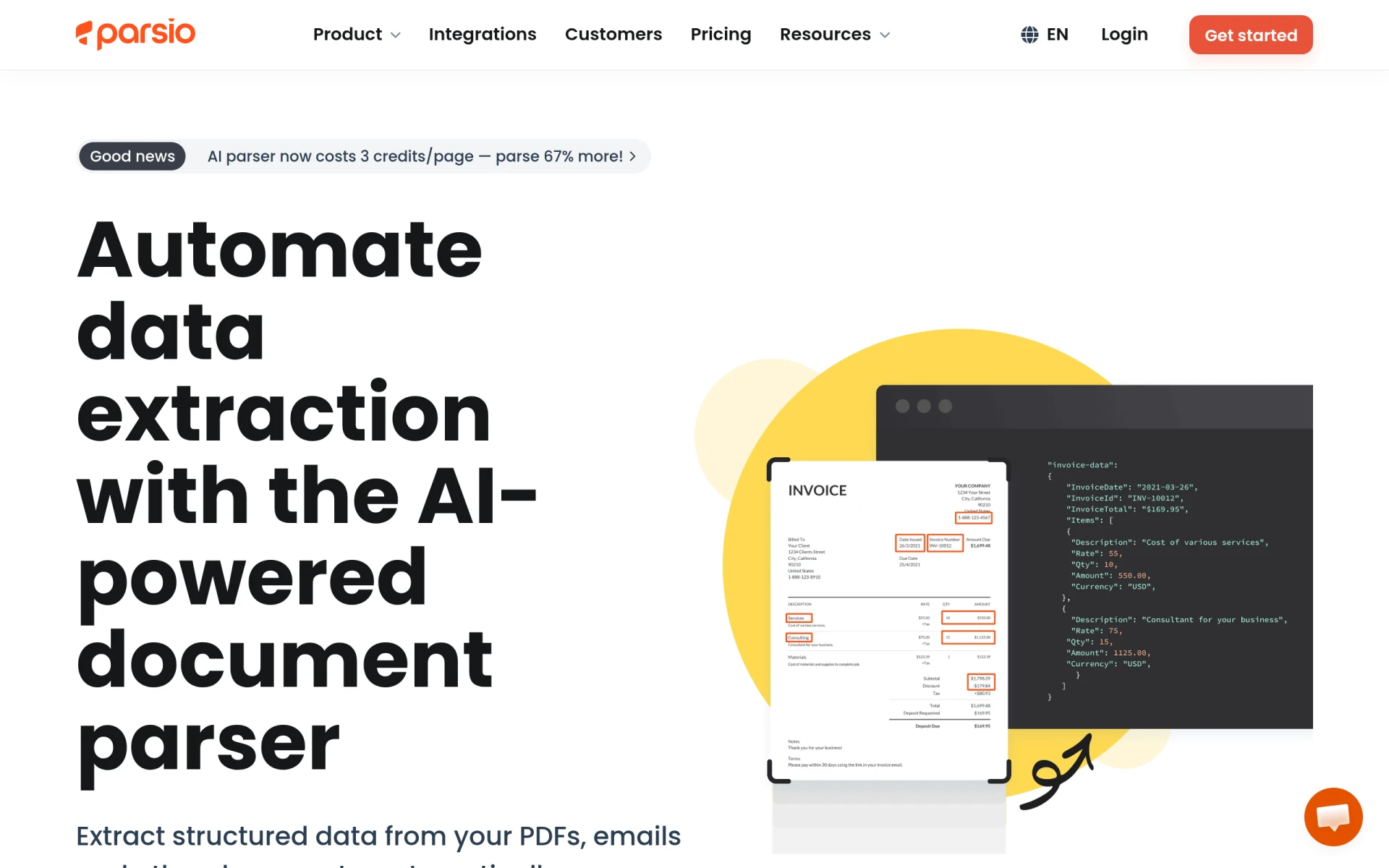 stands out as an exceptional alternative to Browse AI, particularly for users needing to automate document and email data extraction. Unlike Browse AI, which focuses primarily on web scraping, Parsio leverages AI to parse various document types without requiring templates. This makes it especially appealing for businesses that frequently handle structured documents like invoices, receipts, and contracts. The platform's ability to handle different formats and extract data accurately allows users to save significant time that would otherwise be spent on manual data entry.
Additionally, Parsio's freemium model enables users to start with a free tier, providing 100 credits per month, which can be an excellent option for small businesses or individuals looking to test the platform before committing to a paid plan starting at $24 per month. The ease of use and no-template requirement gives Parsio an edge over Browse AI for users focused on document automation, making it a compelling choice for organizations that prioritize data extraction from diverse document types.
- Key Strength: AI-powered document parsing without templates, ideal for various document types.
- Key Strength: Offers a freemium tier with 100 credits for document processing.
- Key Strength: High accuracy in data extraction, reducing manual work.
- Limitation: Primarily focused on document parsing, less effective for general web scraping needs.
Pricing: Freemium with paid plans starting at $24 per month. Best for: Businesses needing efficient document data extraction.
Octoparse AI - Best for Workflow Automation
Octoparse AI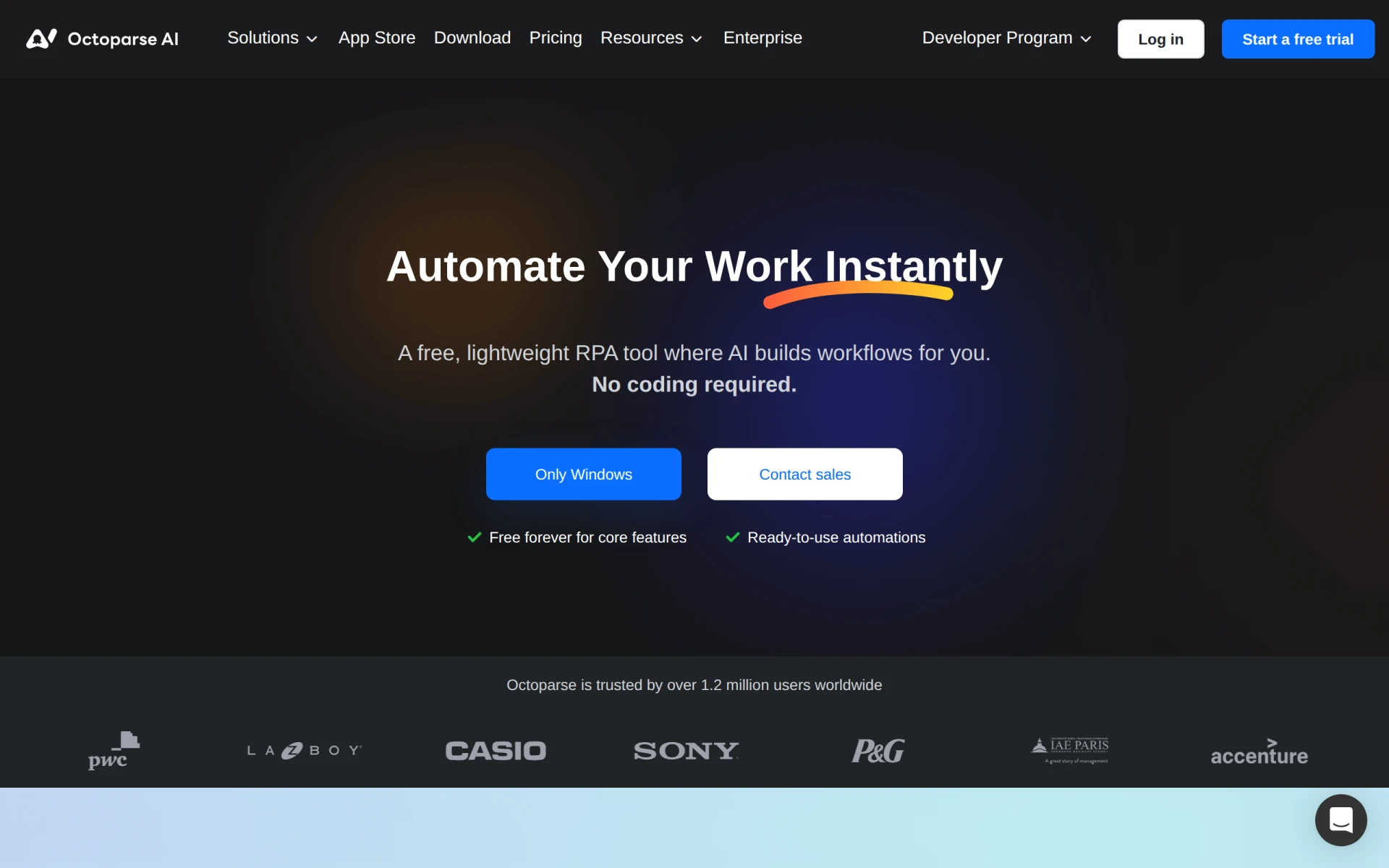 is another strong contender as an alternative to Browse AI, particularly for users seeking a no-code solution for workflow automation. This platform allows users to automate repetitive tasks without any programming knowledge, making it accessible for a broader audience. Unlike Browse AI, which is primarily a web scraping tool, Octoparse AI enhances productivity by enabling users to create automated workflows that can integrate with various desktop environments. This versatility makes it a great choice for businesses looking to streamline operations across different departments.
Moreover, Octoparse AI's freemium model includes a free plan, allowing users to test its features before opting for a paid subscription starting at $29 per month. This pricing strategy is advantageous for startups and small businesses that may be hesitant to invest heavily upfront. The platform also provides extensive tutorials and a community forum, which can be invaluable for new users. Overall, Octoparse AI is an excellent alternative for those who require a broader range of automation capabilities beyond web scraping.
- Key Strength: No-code automation for workflows, enhancing productivity across tasks.
- Key Strength: Provides extensive tutorials and community support for new users.
- Key Strength: Integrates seamlessly with desktop environments, broadening its application.
- Limitation: May require a learning curve for users unfamiliar with automation concepts.
Pricing: Freemium with paid plans starting at $29 per month. Best for: Users looking for comprehensive workflow automation without coding.
Lutra AI - Best for App Integration
Lutra AI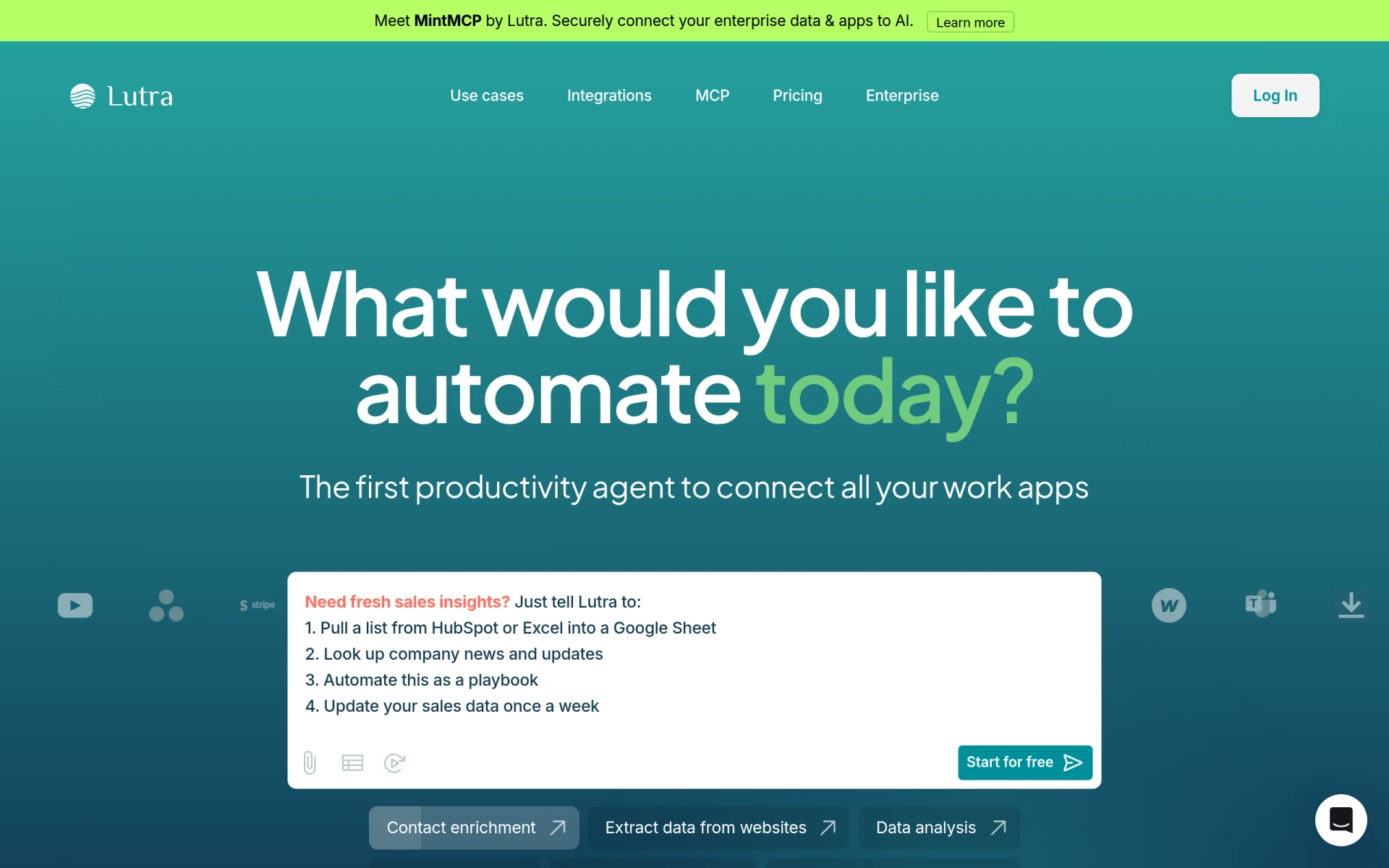 is a powerful alternative that shines in its ability to connect various applications and automate workflows efficiently. While Browse AI focuses primarily on data scraping, Lutra AI goes beyond that by offering seamless integration capabilities with a wide range of apps. This makes it an ideal choice for organizations that rely on multiple software solutions and need to synchronize data across platforms. Users can automate tasks such as data entry, notifications, and report generation, significantly reducing manual workload and increasing operational efficiency.
The pricing model of Lutra AI is transparent and straightforward, employing a subscription-based approach along with usage credits. This model allows users to tailor their usage according to their needs, providing flexibility that can be a significant advantage over Browse AI's unclear pricing structure. Overall, Lutra AI is a fantastic option for businesses seeking a more integrated approach to automation and workflow management.
- Key Strength: Robust app integration capabilities, connecting various platforms seamlessly.
- Key Strength: Flexible subscription and usage credit model for cost-effective automation.
- Key Strength: Streamlines workflows by automating data synchronization tasks.
- Limitation: May not be as effective for users focused solely on web scraping.
Pricing: Freemium with a subscription and usage credit model. Best for: Organizations needing to integrate multiple applications and automate workflows.
Cheat Layer - Best for Natural Language Automation
Cheat Layer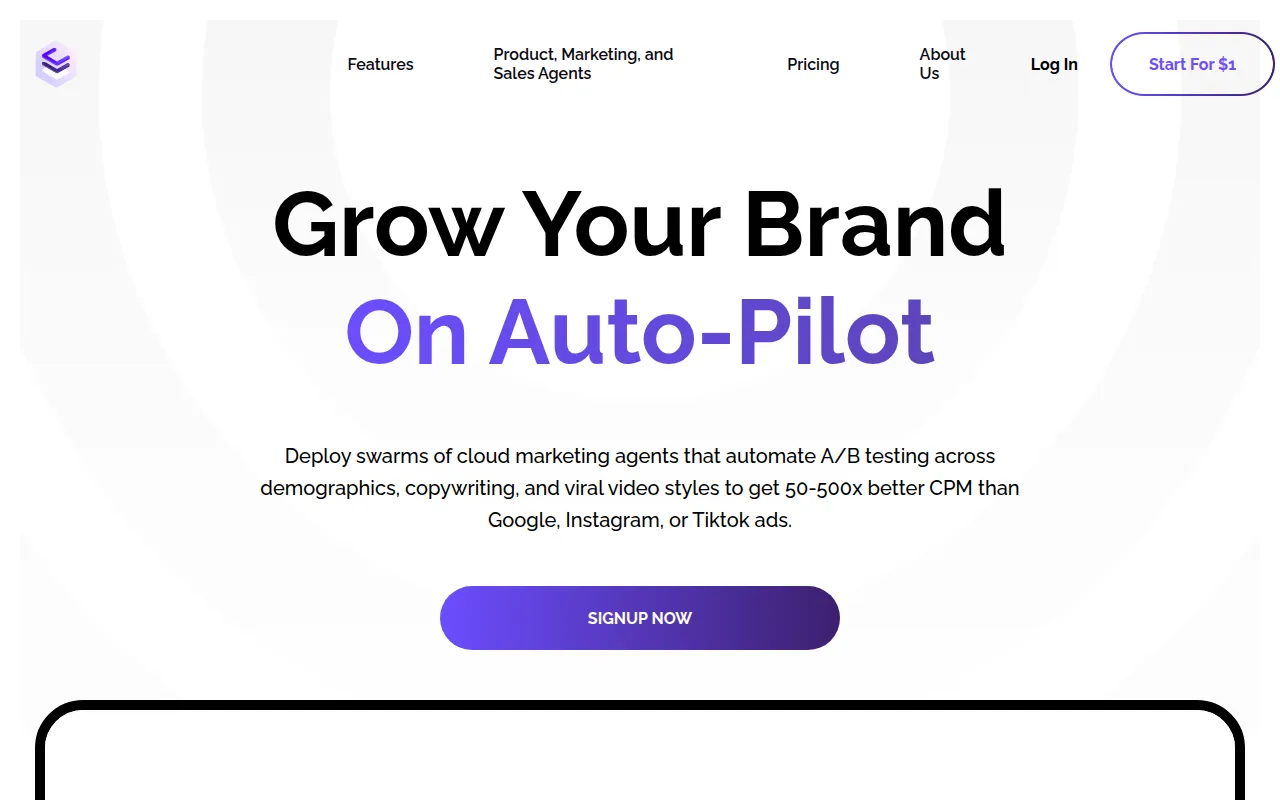 offers a unique approach to automation by enabling users to automate complex tasks using natural language commands. This sets it apart from Browse AI, which primarily focuses on web scraping and data monitoring. With Cheat Layer, users can simply describe the task they want to automate, and the platform utilizes a custom-trained GPT-3 model to execute those commands. This intuitive interface makes Cheat Layer particularly appealing for non-technical users who may feel overwhelmed by traditional automation tools.
Additionally, Cheat Layer operates on a freemium basis, allowing users to explore its capabilities without financial commitment. Although specific pricing details are currently unavailable, the potential for businesses to automate intricate tasks without needing to learn coding languages is a significant advantage. This feature makes Cheat Layer ideal for small to medium-sized businesses that want to increase efficiency without the steep learning curve associated with more complex automation platforms.
- Key Strength: Allows task automation through natural language commands, simplifying the process.
- Key Strength: Custom-trained GPT-3 model enhances task execution accuracy.
- Key Strength: Freemium model encourages experimentation and learning.
- Limitation: Lack of detailed pricing information may deter some users.
Pricing: Freemium; specific pricing details unavailable. Best for: Non-technical users seeking natural language-based automation.
Creatio - Best for No-Code Workflow Automation
Creatio presents itself as a robust no-code platform designed for automating workflows and creating applications efficiently. It offers a more comprehensive approach than Browse AI, which is primarily focused on data scraping. With Creatio, users can design and implement custom workflows tailored to their specific business needs without requiring any coding expertise. This flexibility is particularly valuable for organizations looking to create bespoke automation solutions that fit their unique operational challenges.
While pricing information for Creatio is not publicly available, the platform's extensive capabilities in process automation and application development make it a worthwhile consideration for businesses willing to invest in a powerful automation tool. Creatio's focus on empowering users to build their own solutions aligns well with the growing demand for no-code platforms in today’s business landscape, making it a fitting alternative for users who need more than just scraping functionality.
- Key Strength: No-code platform for custom workflow automation and application creation.
- Key Strength: Extensive feature set tailored for business process improvements.
- Key Strength: Empowers users to build tailored solutions without needing technical skills.
- Limitation: Pricing information not publicly available, which may create uncertainty for potential users.
Pricing: Freemium; contact for specific pricing details. Best for: Businesses needing a no-code solution for workflow automation.
Pipefy - Best for Streamlining Processes
Pipefy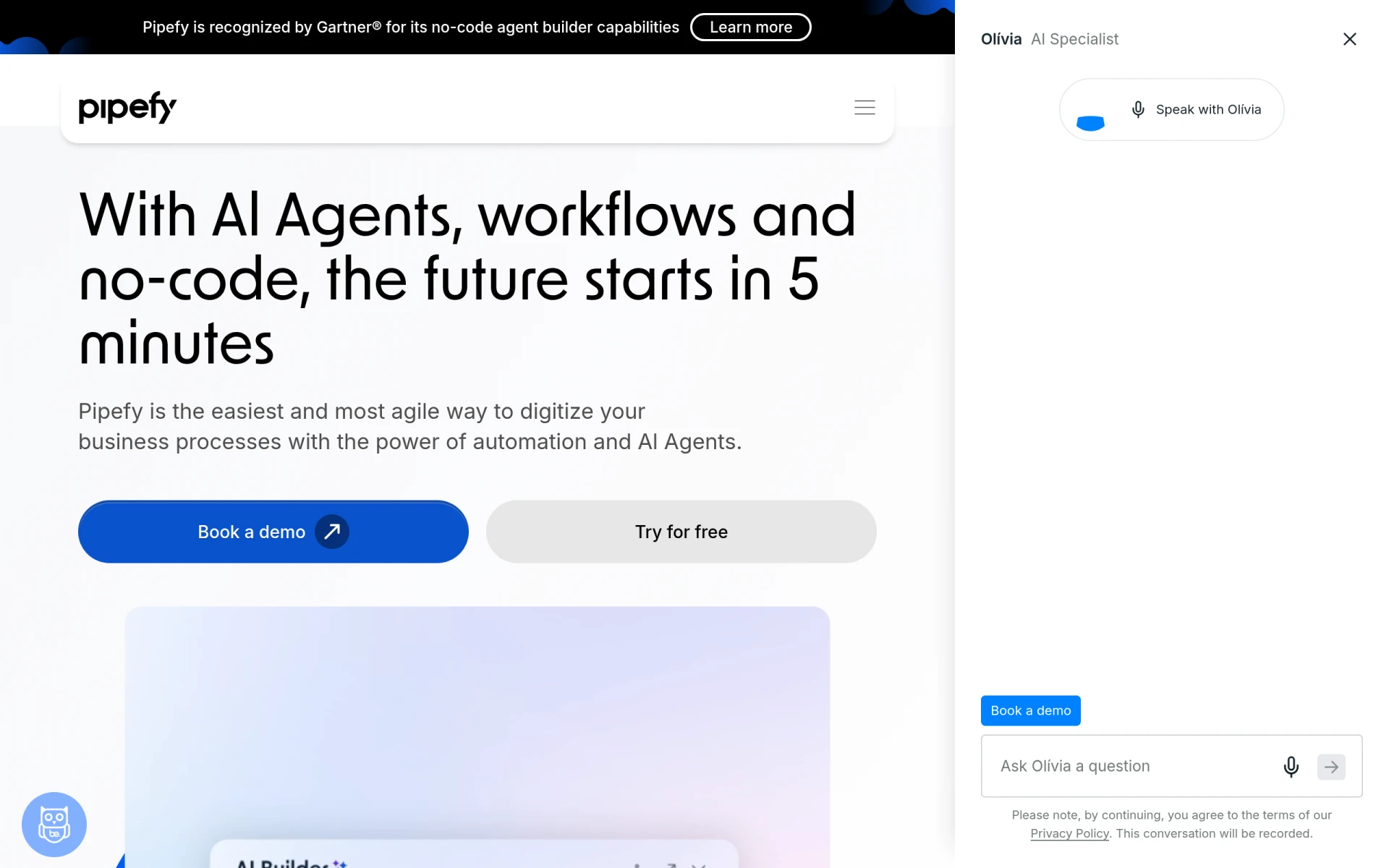 is an excellent alternative for users looking to streamline their processes using a no-code workflow automation platform. Unlike Browse AI, which is limited to web scraping, Pipefy enables teams to automate their workflows and manage processes more effectively through its user-friendly interface. The platform allows users to create automated workflows that can be easily customized to fit specific business needs, making it an attractive option for organizations aiming to enhance productivity across various departments.
With a freemium model in place, Pipefy offers a free plan alongside additional pricing options that can be obtained through direct inquiries. This flexibility makes it accessible for teams of all sizes, from startups to larger enterprises. Pipefy's ability to centralize task management and automate repetitive processes positions it as a strong contender for businesses seeking a comprehensive solution beyond data scraping.
- Key Strength: No-code platform for creating customized workflows and process automation.
- Key Strength: Centralizes task management, enhancing team collaboration and productivity.
- Key Strength: Freemium model with additional pricing options for scalability.
- Limitation: Users may need to invest time in learning the platform’s features to maximize its potential.
Pricing: Freemium with additional pricing options available upon inquiry. Best for: Teams looking to streamline processes and enhance collaboration.
Pabbly Connect - Best for Application Integration
Pabbly Connect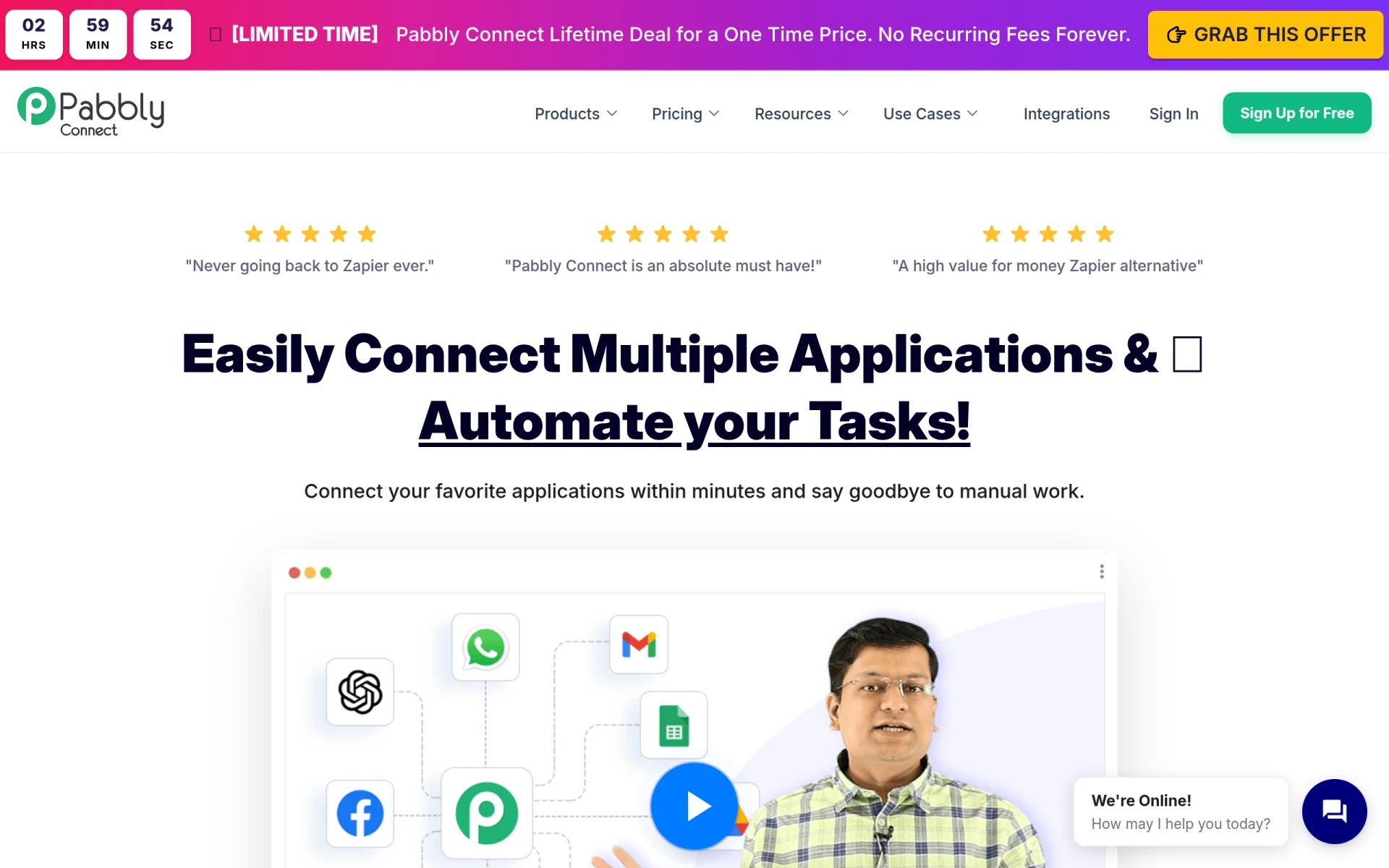 stands out as a versatile automation tool that enables users to integrate multiple applications and automate repetitive tasks seamlessly. Unlike Browse AI, which is focused on data scraping, Pabbly Connect allows users to create automated workflows that connect various apps and services, significantly simplifying processes across different platforms. This capability makes it particularly beneficial for businesses that rely on numerous software solutions and need to ensure smooth data flow between them.
The platform operates on a freemium basis, with a paid plan available at $79 per month or a lifetime access plan for $249. This pricing structure gives users the flexibility to choose a plan that fits their needs and budget. Pabbly Connect's ability to automate tasks such as data syncing, notifications, and report generation makes it a robust alternative for organizations looking to improve operational efficiency without getting bogged down by manual processes.
- Key Strength: Comprehensive application integration capabilities for seamless workflow automation.
- Key Strength: Freemium model with flexible pricing options for various budgets.
- Key Strength: Simplifies complex tasks by connecting multiple applications.
- Limitation: Higher pricing may be a barrier for small businesses with limited budgets.
Pricing: Freemium with paid plans starting at $79/month or $249 for lifetime access. Best for: Businesses needing robust application integration and automation.
browse.sh - Best for Open Source Automation
browse.sh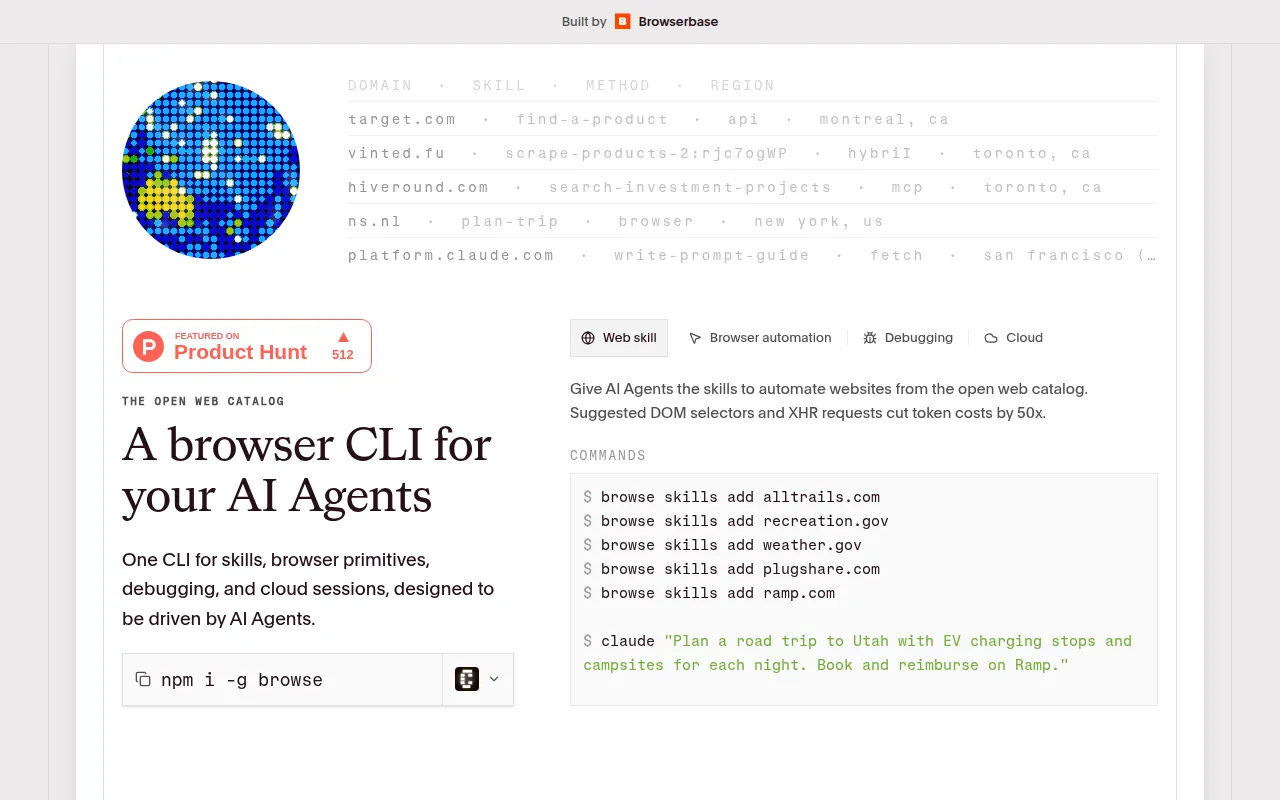 offers a unique perspective on browser automation skills, providing an open catalog that enables AI agents to perform online tasks efficiently. This sets it apart from Browse AI, which focuses on web scraping and monitoring data. browse.sh allows users to define and share their automation skills, fostering a collaborative environment where users can leverage each other's expertise. This community-driven approach can lead to innovative solutions and broader capabilities than what is typically available in standard automation tools.
As a free tool, browse.sh is highly accessible for users looking to explore browser automation without financial commitment. Its open-source nature encourages experimentation and modification, making it suitable for tech-savvy users who want to customize their automation processes. However, the lack of a user-friendly interface may pose challenges for non-technical users. Overall, browse.sh is an excellent choice for those seeking an open-source solution for browser automation.
- Key Strength: Open catalog for defining and sharing browser automation skills.
- Key Strength: Encourages collaboration and innovation among users.
- Key Strength: Free access allows for experimentation and customization.
- Limitation: May lack a user-friendly interface, making it less accessible for non-technical users.
Pricing: Free; no paid plans available. Best for: Tech-savvy users interested in open-source browser automation.
Nanonets - Best for Enterprise Data Processing
Nanonets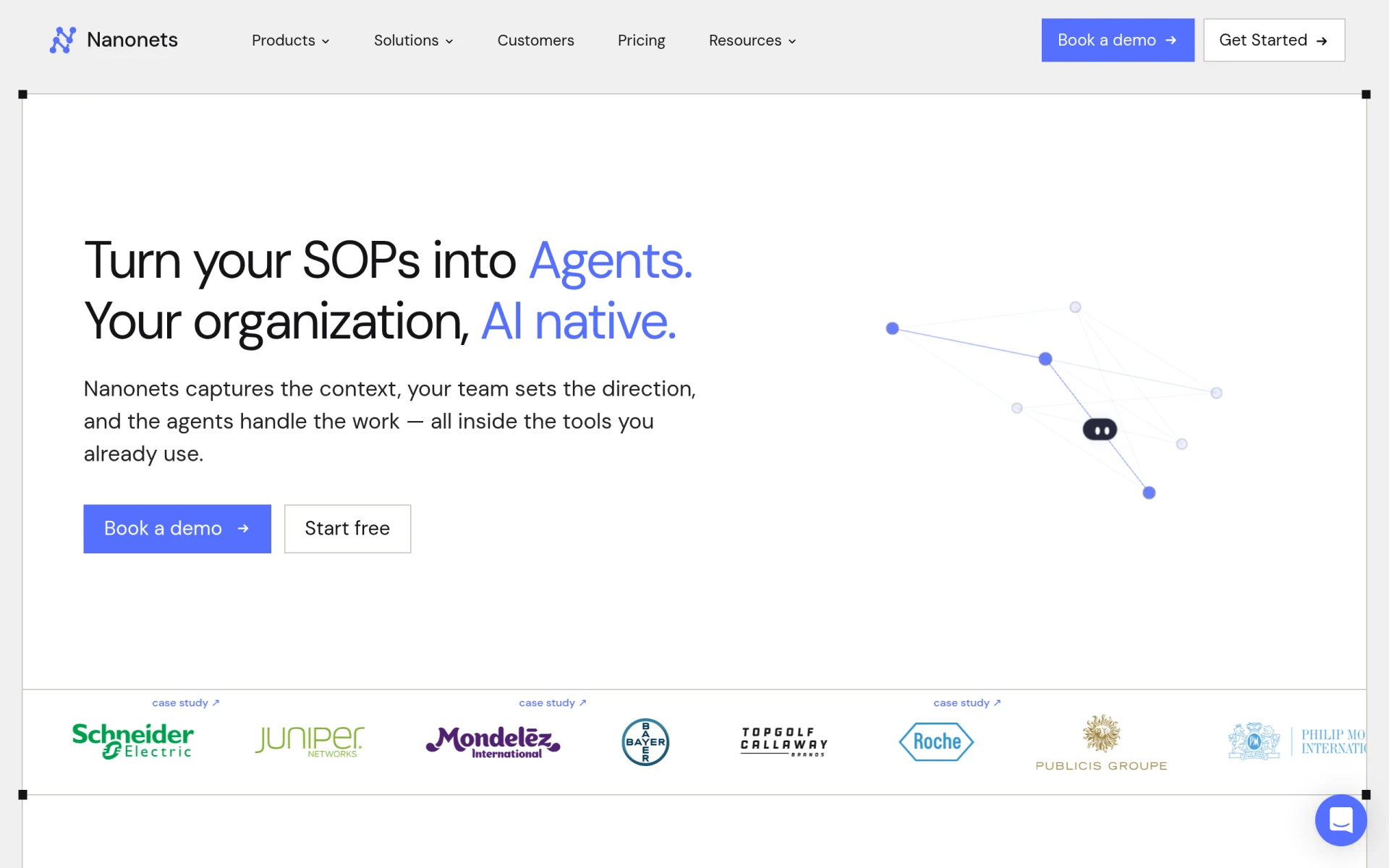 focuses on automating enterprise data processing tasks, making it suitable for organizations that need to handle large volumes of data without manual intervention. This positions it as a strong alternative to Browse AI, which is primarily geared towards web scraping. Nanonets offers robust data processing capabilities that integrate seamlessly with systems like SAP and Salesforce, making it an ideal choice for larger businesses that require clean data for their operations. The platform's ability to automate data extraction, validation, and reporting significantly reduces the time and effort spent on these tasks.
Nanonets operates on a freemium model where users pay based on the credits they utilize, which allows for flexibility in budgeting. This pricing model is particularly beneficial for enterprises that may have fluctuating data processing needs, enabling them to scale their usage accordingly. Overall, Nanonets is an excellent option for businesses looking to automate data processing tasks without incurring platform fees.
- Key Strength: Robust enterprise data processing capabilities with integration for major systems.
- Key Strength: Flexible pricing model based on credits used, allowing for scalable costs.
- Key Strength: High accuracy in data extraction and validation, reducing manual effort.
- Limitation: May be too complex for smaller businesses with simpler needs.
Pricing: Freemium with a pay-as-you-go credit model. Best for: Enterprises needing efficient data processing solutions.
Swyft AI - Best for RevOps Optimization
Swyft AI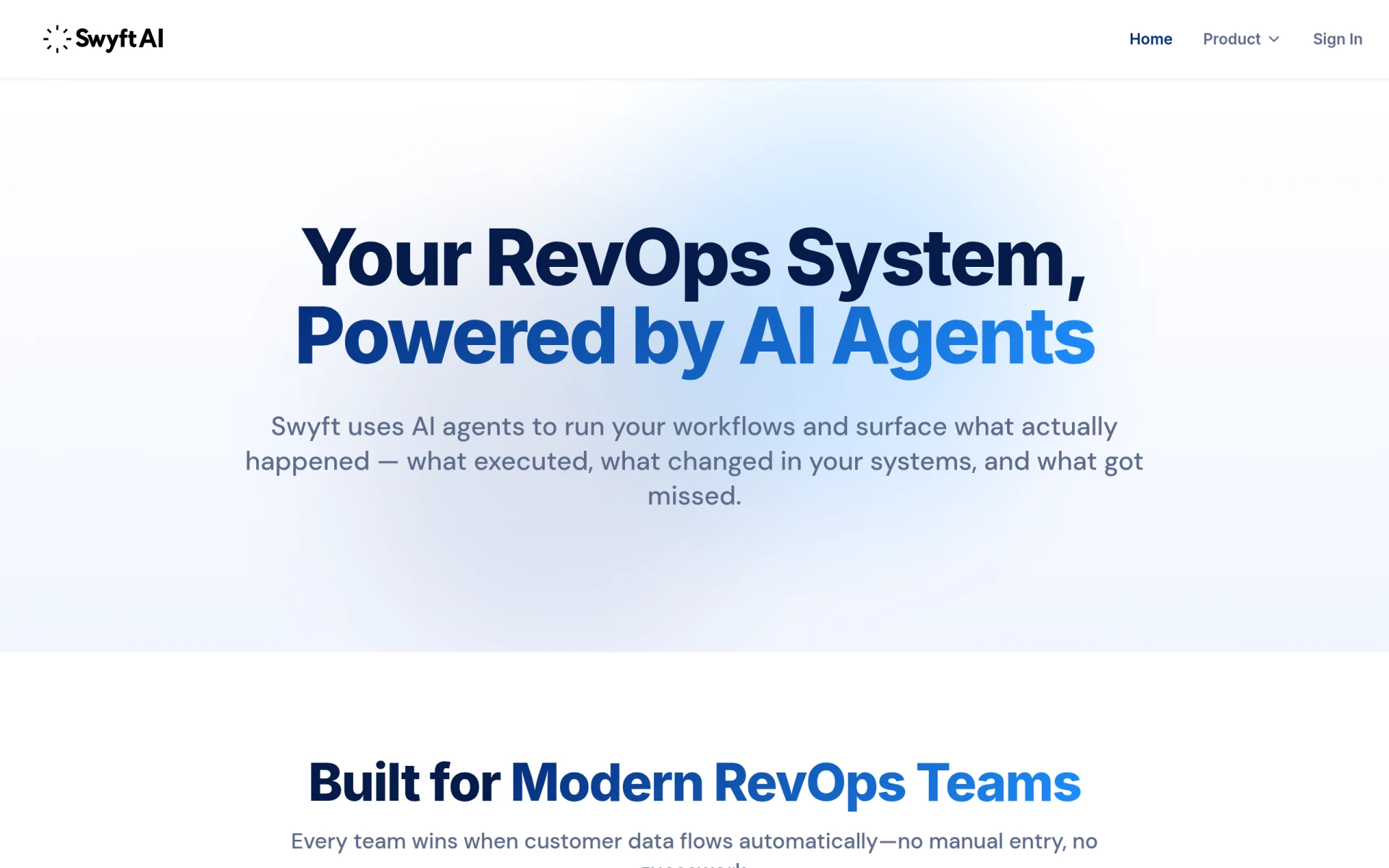 is designed to optimize Revenue Operations (RevOps) workflows by analyzing customer interactions and syncing data across systems. This focus differentiates it from Browse AI, which primarily provides data scraping capabilities. Swyft AI’s ability to analyze and automate tasks related to customer data and interactions makes it a valuable tool for businesses looking to enhance their revenue processes. The platform's intelligent automation features can help teams streamline their efforts, improve customer engagement, and ultimately drive sales growth.
Pricing information for Swyft AI is currently unavailable, but the tool's potential to enhance RevOps makes it a compelling option for organizations focused on improving their revenue efficiency. By providing insights into customer behavior and automating interactions, Swyft AI offers a unique value proposition that can lead to more informed decision-making and better resource allocation.
- Key Strength: Optimizes RevOps workflows through customer interaction analysis.
- Key Strength: Syncs data across systems for improved revenue processes.
- Key Strength: Intelligent automation features enhance team productivity.
- Limitation: Lack of publicly available pricing may deter potential users.
Pricing: Freemium; specific pricing details unavailable. Best for: Organizations focused on optimizing revenue operations.
FormsFlow - Best for Form Automation
FormsFlow is a low-code form automation platform designed to streamline form creation and workflow management for businesses. Unlike Browse AI, which is focused on data scraping, FormsFlow enables organizations to automate their forms and associated workflows, making it a perfect fit for teams that rely heavily on data collection and processing. This tool is particularly beneficial for organizations that need to manage multiple forms and workflows efficiently, as it simplifies the process of form creation, data collection, and analysis.
With a freemium model that offers flexible pricing based on deployment preferences and features, FormsFlow is accessible for businesses of all sizes. Its easy-to-use interface allows non-technical users to create and manage forms without needing extensive training, making it an ideal alternative for teams looking to enhance their data collection efforts without the complexity of traditional automation tools.
- Key Strength: Low-code platform for easy form creation and workflow management.
- Key Strength: Flexible pricing based on deployment and feature needs.
- Key Strength: User-friendly interface suitable for non-technical users.
- Limitation: May not offer as extensive automation capabilities as some competitors.
Pricing: Freemium with flexible pricing plans. Best for: Teams needing to automate form creation and management.
Integrately - Best for Quick Integrations
Integrately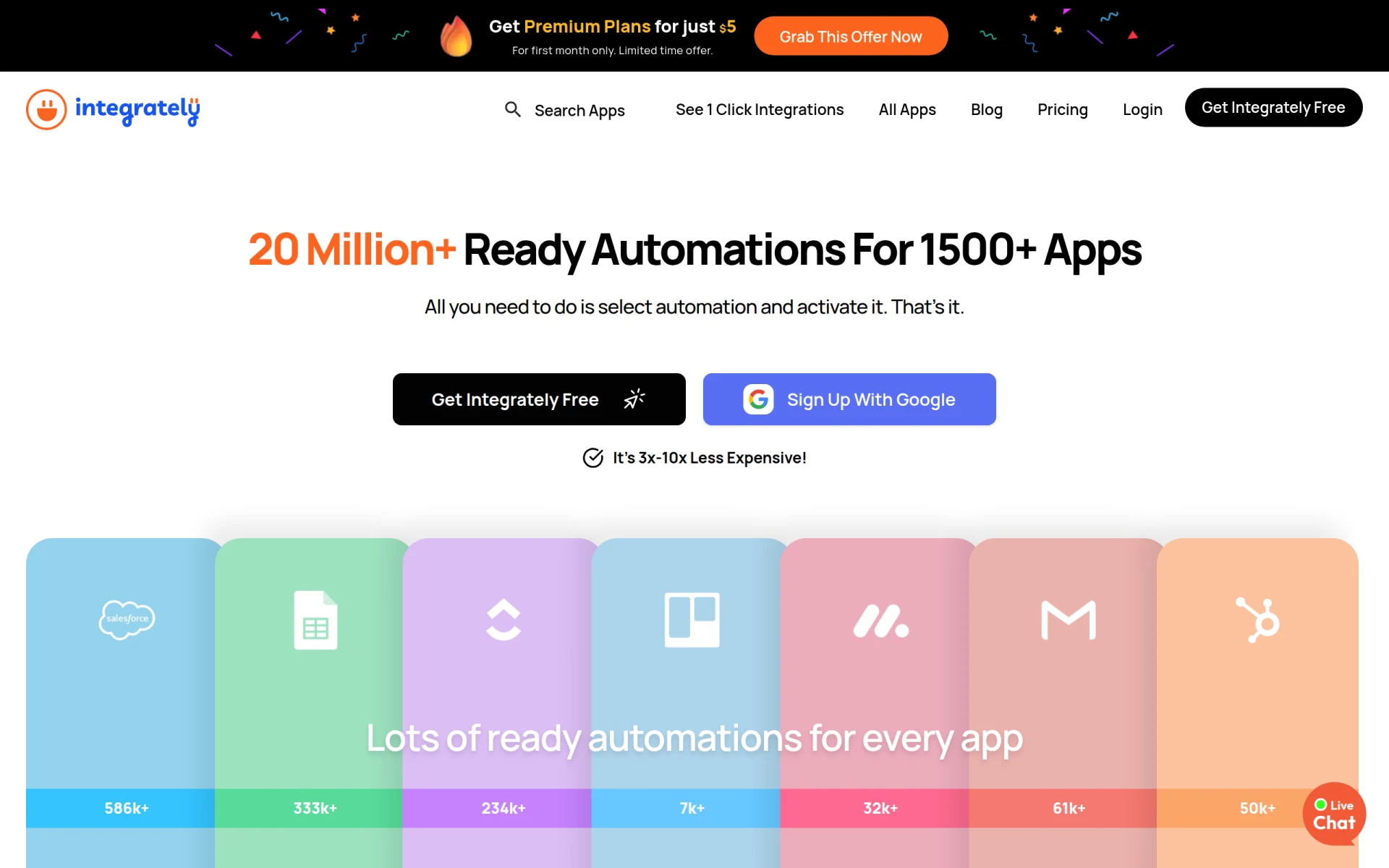 excels in providing users with a straightforward automation tool that connects over 1500 apps with ready-to-use automations, requiring no technical skills. This ease of use makes it a great alternative to Browse AI, which is primarily focused on web scraping. With Integrately, users can quickly set up automated workflows that streamline their processes, saving valuable time and reducing the potential for manual errors. The platform's extensive library of pre-built automations allows users to get started immediately without the need for extensive configuration.
Integrately offers a freemium model with a free plan available and premium plans starting at just $5 for the first month. This low-cost entry point is particularly appealing for small businesses and startups looking to leverage automation without breaking the bank. Overall, Integrately is an excellent choice for users who prioritize simplicity and speed in setting up automation workflows.
- Key Strength: Extensive library of pre-built automations for quick integration.
- Key Strength: User-friendly interface requiring no technical skills.
- Key Strength: Affordable pricing with a low-cost entry point.
- Limitation: Limited customization options for more complex automation needs.
Pricing: Freemium with premium plans starting at $5 for the first month. Best for: Users seeking quick and easy application integrations.
Kudra - Best for Document Processing Automation
Kudra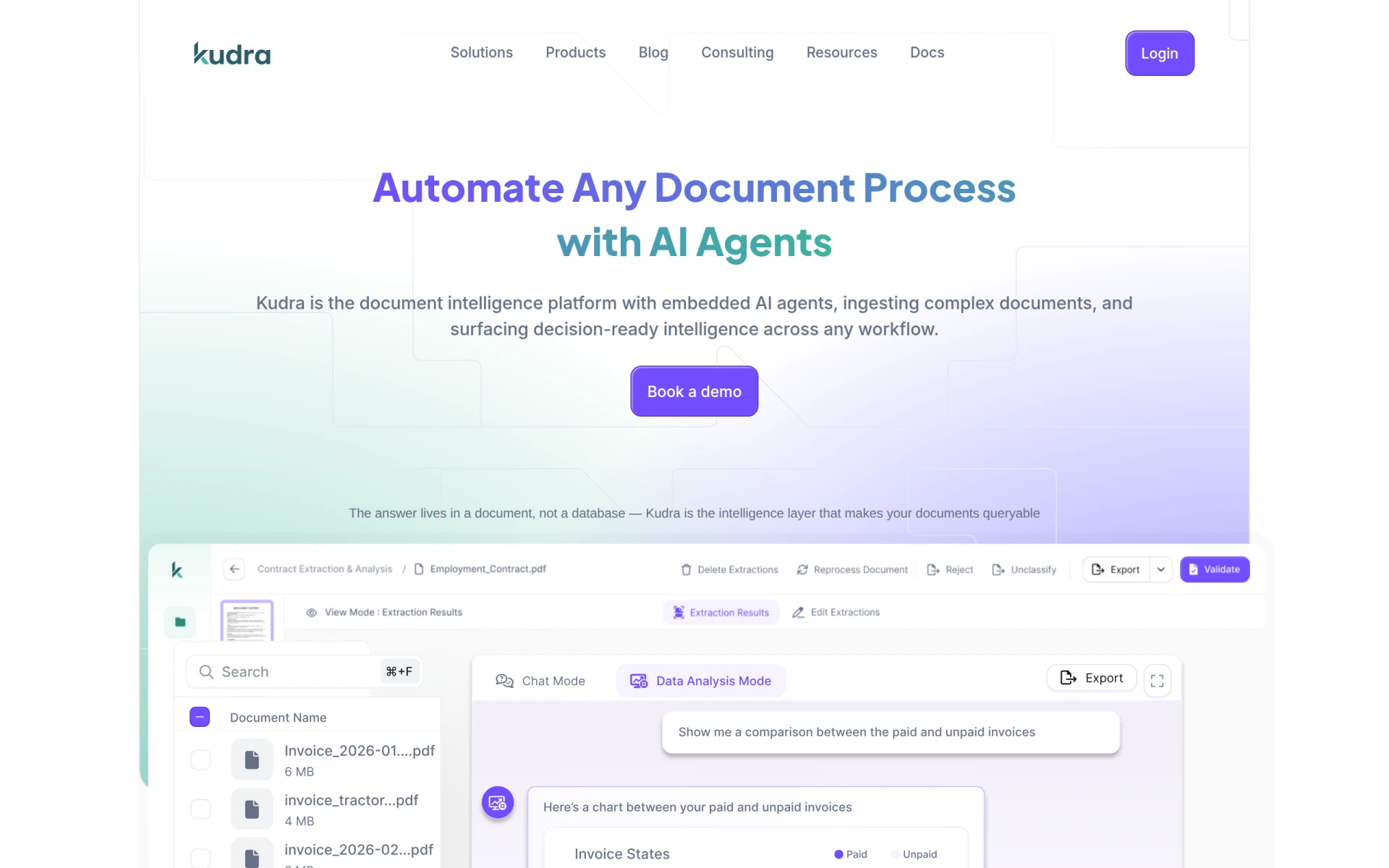 is an automation tool that specializes in document processing using AI to enhance efficiency and reduce operational costs. This positions it as a strong alternative to Browse AI, which primarily focuses on scraping web data. Kudra's ability to automate the processing of various document types makes it particularly appealing for businesses that require quick and accurate data extraction without manual intervention. This tool is ideal for organizations that handle large volumes of documents and need to ensure data accuracy and integrity in their operations.
While specific pricing details for Kudra are not publicly available, interested users are encouraged to inquire through their website for customized options. The platform's focus on document automation aligns well with the growing demand for efficient data processing solutions in today's fast-paced business environment. Overall, Kudra is a compelling choice for organizations looking to streamline their document processing tasks.
- Key Strength: AI-driven document processing automation for enhanced efficiency.
- Key Strength: Reduces operational costs by automating manual data entry.
- Key Strength: High accuracy in data extraction from various document types.
- Limitation: Lack of publicly available pricing may create uncertainty for potential users.
Pricing: Freemium; specific pricing details unavailable. Best for: Businesses needing efficient document processing solutions.
Fluent - Best for Marketing Reporting Automation
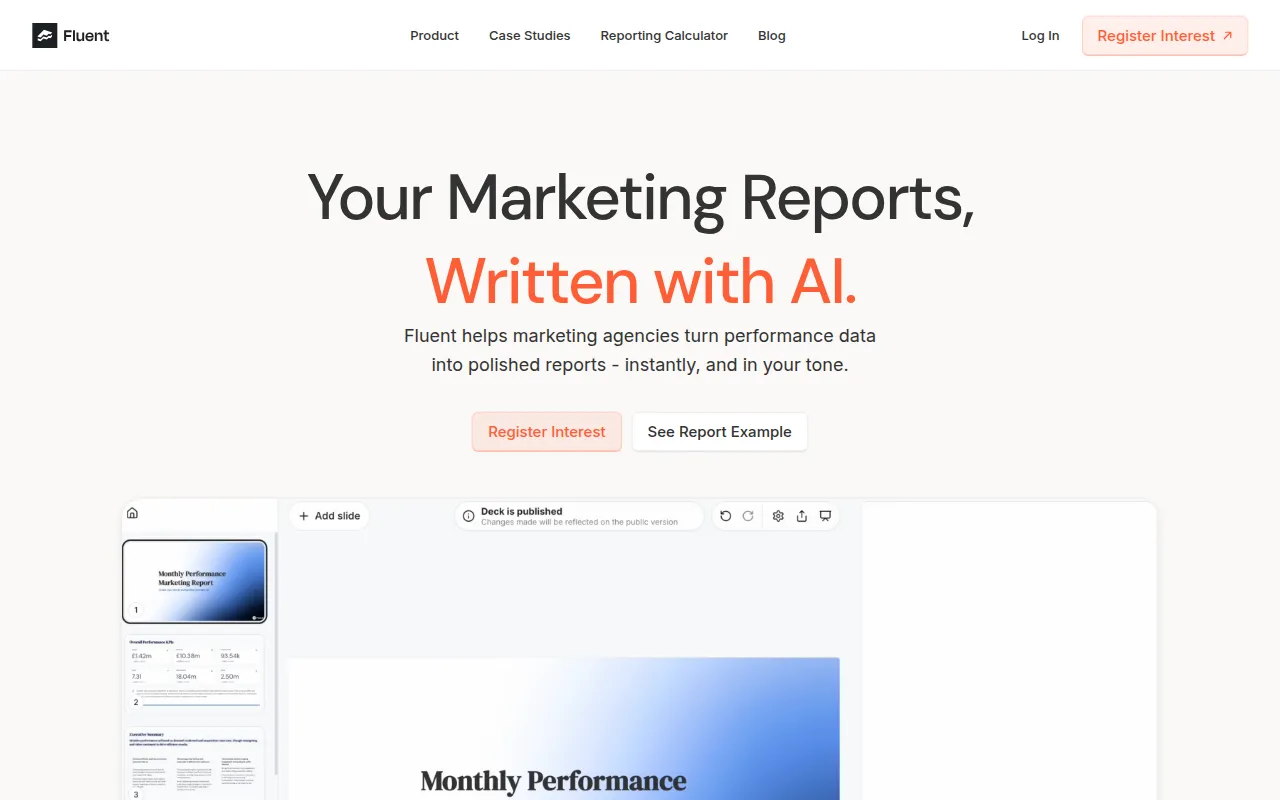
Fluent focuses on automating client reporting for marketing agencies, allowing users to generate customized narrative slide decks and insights instantly. This makes it a distinct alternative to Browse AI, which is primarily focused on data scraping and monitoring. Fluent automates the reporting process, enabling marketing teams to save time and provide clients with data-driven insights without the complexities associated with manual reporting. This efficiency can significantly enhance the value of marketing services provided to clients.
While specific pricing information for Fluent is not publicly available, the tool's capabilities in automated reporting and insights generation make it a valuable asset for marketing agencies looking to improve their reporting processes. By automating the creation of reports, Fluent allows marketing teams to focus on strategy and execution rather than getting bogged down in data compilation and analysis.
- Key Strength: Automates client reporting for marketing agencies, enhancing efficiency.
- Key Strength: Generates customized narrative insights quickly and easily.
- Key Strength: Saves time and reduces manual errors in reporting processes.
- Limitation: Lack of detailed pricing information may deter potential users.
Pricing: Freemium; specific pricing details unavailable. Best for: Marketing agencies needing efficient reporting solutions.
Celigo - Best for Intelligent Automation
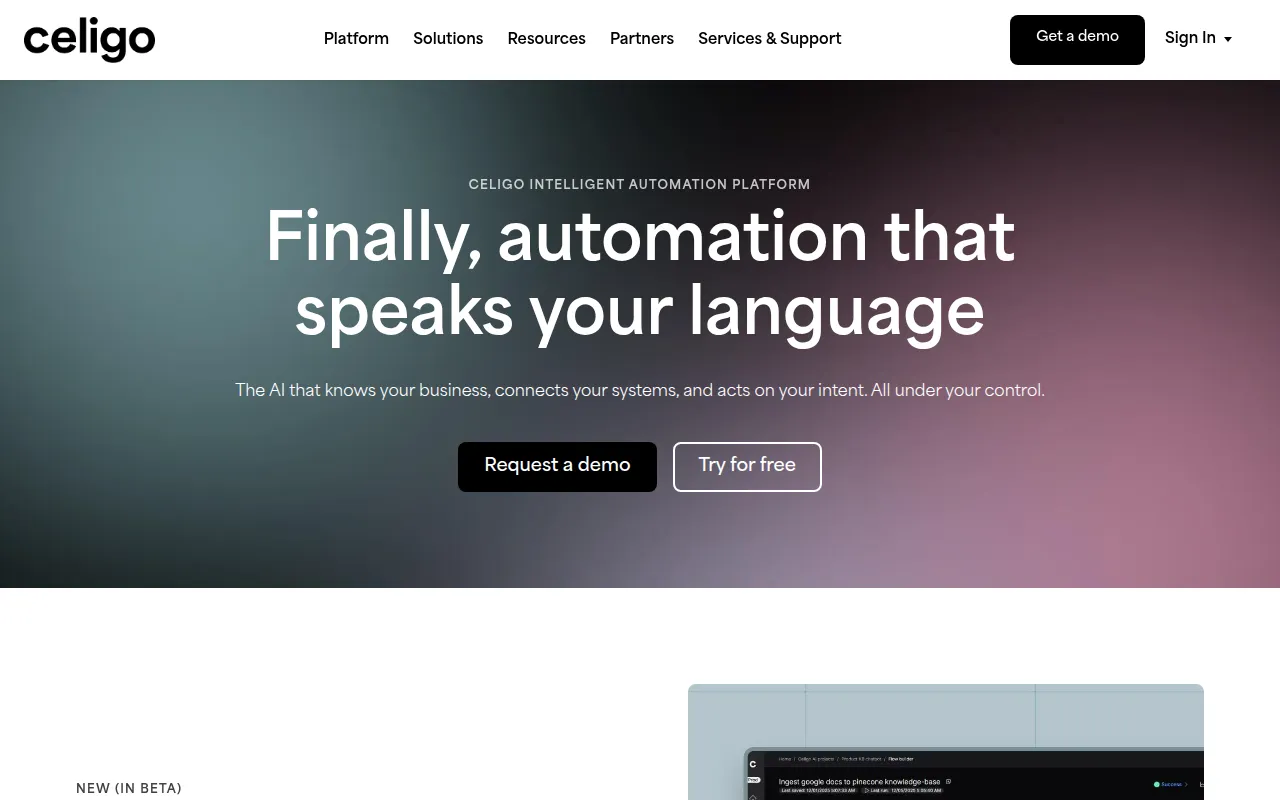
Celigo is an intelligent automation platform that excels at connecting data, applications, and workflows to enhance business operations. Unlike Browse AI, which is limited to web scraping, Celigo provides a comprehensive solution for organizations looking to integrate and automate their entire operation. The platform's ability to connect various applications and streamline workflows makes it an ideal choice for businesses that require a holistic approach to automation. Celigo’s intelligent features make it suitable for organizations dealing with complex data flows and integrations.
Operating on a freemium model, Celigo offers a flat-rate pricing structure based on the number of endpoints and flows, providing clarity in budgeting that is often lacking with other tools. This pricing model can be particularly advantageous for larger organizations that need to scale their automation efforts efficiently. Overall, Celigo is an excellent option for businesses seeking a powerful automation solution that goes beyond simple data scraping.
- Key Strength: Comprehensive intelligent automation capabilities for connecting applications and workflows.
- Key Strength: Flat-rate pricing model provides clarity in budgeting.
- Key Strength: Suitable for organizations with complex data integration needs.
- Limitation: May be more complex to set up compared to simpler automation tools.
Pricing: Freemium with flat-rate pricing based on endpoints and flows. Best for: Organizations needing intelligent automation across applications and workflows.
Feature Comparison Table
| Tool | Best For | Starting Price | Free Plan | Standout Feature |
|---|
| Browse AI | Web scraping | Free | Yes | No-code scraping tool |
| Parsio | Document data extraction | $24/mo | Yes | No-template document parsing |
| Octoparse AI | Workflow automation | $29/mo | Yes | No-code automation |
| Lutra AI | App integration | Varies | Yes | Robust app connections |
| Cheat Layer | Natural language automation | N/A | Yes | Natural language commands |
| Creatio | No-code workflow automation | N/A | Yes | Custom workflow creation |
| Pipefy | Process streamlining | N/A | Yes | No-code workflow customization |
| Pabbly Connect | Application integration | $79/mo | Yes | Comprehensive app connectivity |
| browse.sh | Open source automation | Free | Yes | Collaborative skills catalog |
| Nanonets | Enterprise data processing | Varies | Yes | Seamless enterprise integration |
| Swyft AI | RevOps optimization | N/A | Yes | Customer interaction analysis |
| FormsFlow | Form automation | N/A | Yes | Low-code form creation |
| Integrately | Quick integrations | $5/mo | Yes | Pre-built automations |
| Kudra | Document processing automation | N/A | Yes | AI-driven document processing |
| Fluent | Marketing reporting automation | N/A | Yes | Customized narrative reporting |
| Celigo | Intelligent automation | N/A | Yes | Flat-rate pricing model |
How to Choose the Right Alternative to Browse AI
When selecting an alternative to Browse AI, it's essential to evaluate your specific needs and the use cases that are most relevant to your organization. If your primary focus is on document data extraction, tools like Parsio or Kudra might be your best options due to their specialized capabilities in handling various document formats efficiently. On the other hand, if you require comprehensive workflow automation that integrates multiple applications, consider options like Octoparse AI or Pabbly Connect, which offer robust solutions for streamlining processes across platforms.
For businesses that prioritize ease of use and quick setup, Integrately or Cheat Layer may be the ideal choices, as they allow users to implement automation with minimal technical knowledge. Alternatively, if your organization operates at an enterprise level with complex data processing needs, Nanonets or Celigo could provide the advanced features necessary to handle such demands. Ultimately, understanding the unique requirements of your organization will help you make a confident choice about the best alternative to Browse AI.
Final Verdict
In conclusion, the best alternative to Browse AI highly depends on your specific needs. For document processing, Parsio and Kudra excel, while Octoparse AI and Pabbly Connect are ideal for broader workflow automation. If you seek ease of use, Integrately or Cheat Layer will serve you well. For enterprise-level requirements, Nanonets and Celigo stand out. Each alternative offers unique features that can effectively meet your automation needs, making it crucial to assess what best aligns with your operational goals.