Craiyon
Free
AI
Craiyon is an AI art generator that transforms text prompts into unique images quickly and easily.
Explore top Canva Text to Image alternatives! Discover features, pricing, and user-friendliness. Find your ideal design tool today.
Looking for alternatives to
Canva Text to Image is a graphic design tool that transforms text prompts into visually appealing images, enhancing creative projects.
View Canva Text to Image Profile →While Canva Text to Image is a popular tool for generating images from text prompts, it is not without its limitations. Users often note that the output quality can vary significantly depending on the complexity of the prompt. Additionally, the freemium model can lead to frustration, as many advanced features are locked behind subscription tiers that may not offer clear value for every user. For those who require more professional-grade outputs or specific creative needs, this can be a significant drawback. Users looking for high-resolution images or specific styles may find Canva Text to Image lacking, prompting a search for alternatives that better meet their creative demands.
Moreover, Canva Text to Image can struggle with certain creative tasks, such as generating highly detailed or niche imagery that requires nuanced understanding. The tool's capabilities are sometimes limited by its algorithm, which may not always interpret prompts as intended. As a result, users who need more precision or customization in their image generation often seek alternatives that provide better control over the creative process. The growing demand for unique designs tailored to specific contexts has led many to explore other platforms that offer advanced features, improved user interfaces, and pricing structures that cater to diverse needs.
Craiyon is an innovative AI art generator that excels at transforming text prompts into unique images quickly and efficiently. Unlike Canva Text to Image, Craiyon is completely free to use, making it an attractive option for users who are hesitant to pay for design software. Its straightforward interface allows for easy input of text prompts, and within moments, users can receive several distinct images based on their descriptions. This speed and simplicity are particularly advantageous for those who need immediate visual content for social media, blogs, or presentations.
Moreover, Craiyon offers a wide range of creative possibilities, allowing users to experiment with different styles and concepts without the constraints often found in more structured design tools. While it may not match the depth of customization offered by Canva, Craiyon compensates with its ability to produce surprising and often delightful results that can spark inspiration. Users looking for a fast and fun way to visualize ideas should definitely consider Craiyon, especially if they prioritize speed and creativity over detailed editing capabilities.
Pricing: Free. Best for: Users needing quick, unique images without financial commitment.
NightCafe Studio stands out as a powerful AI art generator that helps users create intricate and unique artwork by leveraging advanced algorithms. Compared to Canva Text to Image, NightCafe offers a deeper level of artistic control, allowing users to manipulate various parameters such as style, aesthetics, and complexity. This feature is particularly useful for artists and designers who want to achieve specific visual effects or explore different artistic directions without the constraints of a more simplified tool like Canva.
The platform also fosters a vibrant community of creators who share their art, providing inspiration and collaboration opportunities. NightCafe’s freemium model allows users to experiment with basic features for free, while offering additional capabilities through subscription tiers. This makes it an excellent choice for both casual users and serious artists looking for a robust platform to expand their creative horizons. The ability to generate high-quality images that can be used in professional projects sets NightCafe apart from Canva Text to Image, making it a compelling alternative for those seeking depth in their creative endeavors.
Pricing: Freemium, with additional features available through paid tiers. Best for: Artists and designers looking for advanced customization and community engagement.
ProPhotos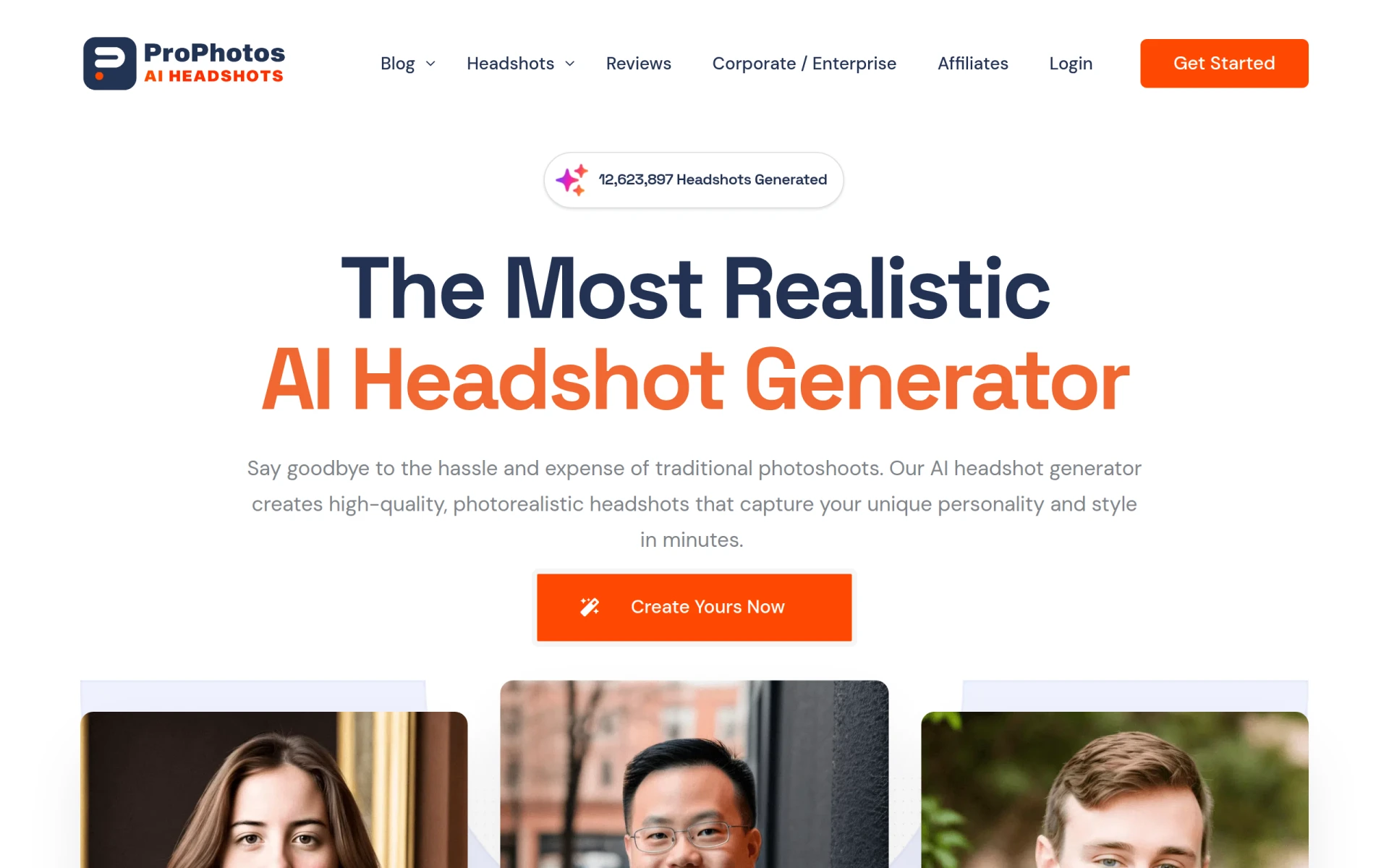 is an AI-powered photo editing tool designed to streamline the image enhancement process. While Canva Text to Image focuses primarily on generating new images from text prompts, ProPhotos excels in editing existing images, making it a valuable alternative for users who often need to refine or enhance their visual content. It allows for quick adjustments in lighting, color, and other essential photo editing aspects, making it suitable for professionals in photography or marketing who require polished images in a timely manner.
This tool is particularly appealing for users who appreciate simplicity in editing while still desiring professional results. ProPhotos' user interface is intuitive, making it accessible even to those with minimal design experience. Though it does not generate images from scratch like Canva, its strength lies in its editing capabilities, which can elevate the quality of images significantly. Users looking to enhance their existing visuals rather than create from scratch will find ProPhotos to be a powerful complement to their design toolkit.
Pricing: Freemium, with advanced features available in paid plans. Best for: Users needing efficient photo editing and enhancement capabilities.
ArkDesign is a graphic design tool that simplifies the design process with AI-driven features suitable for users of all skill levels. Unlike Canva Text to Image, which primarily focuses on generating images from text, ArkDesign offers a broader suite of design capabilities, including templates, layouts, and design elements tailored to various projects. This makes it an excellent choice for users who need more than just image generation and are looking for a comprehensive design solution.
The platform is particularly user-friendly, catering to beginners who may feel overwhelmed by more complex design software. ArkDesign’s AI features assist in layout suggestions and design adjustments, making it easier for users to create visually appealing content quickly. This tool is especially useful for businesses and marketers who need to produce a variety of graphic materials efficiently. While it may not match Canva Text to Image in generating unique images, ArkDesign compensates with its extensive design features that support a wide range of creative projects.
Pricing: Freemium, with additional features available through subscription. Best for: Users seeking an all-in-one graphic design solution.
Sivi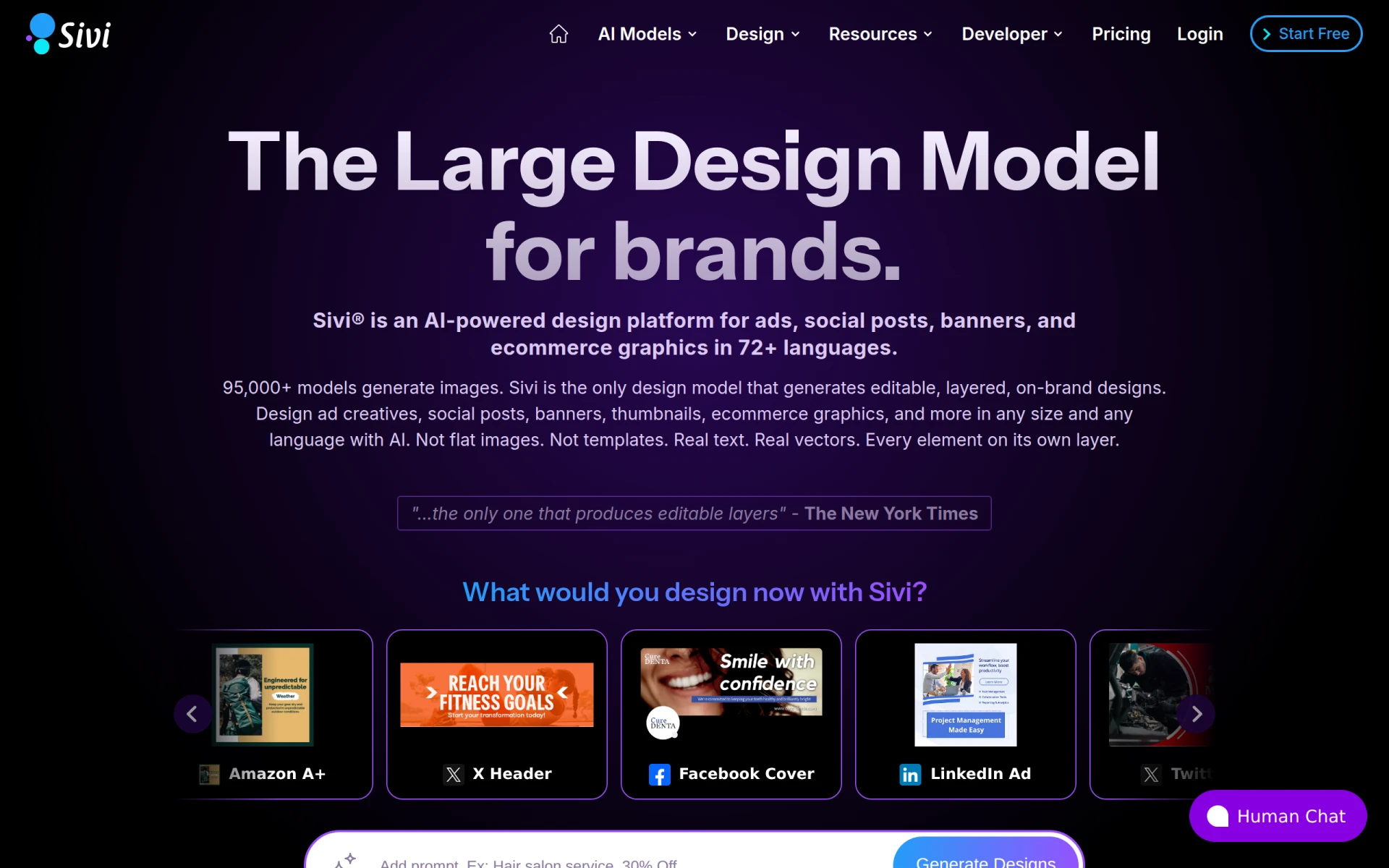 is an AI-powered design platform that stands out for its ability to create editable ads, social posts, and banners in over 72 languages. This feature makes Sivi an ideal alternative for businesses and marketers targeting diverse audiences across different regions. Unlike Canva Text to Image, which primarily focuses on image generation, Sivi provides a more comprehensive approach to creating marketing materials, allowing users to tailor their content to specific linguistic and cultural contexts.
The platform's freemium model is accessible for users wanting to test its capabilities, with paid plans starting at $16 per month for users who require advanced features. This pricing structure makes Sivi appealing for small businesses and startups looking to enhance their marketing efforts without overextending their budget. The ability to generate localized content efficiently sets Sivi apart from Canva, making it a valuable tool for those aiming to create impactful marketing campaigns that resonate with diverse audiences.
Pricing: Freemium, with paid plans starting at $16 per month. Best for: Businesses needing multilingual marketing materials.
Kitkoo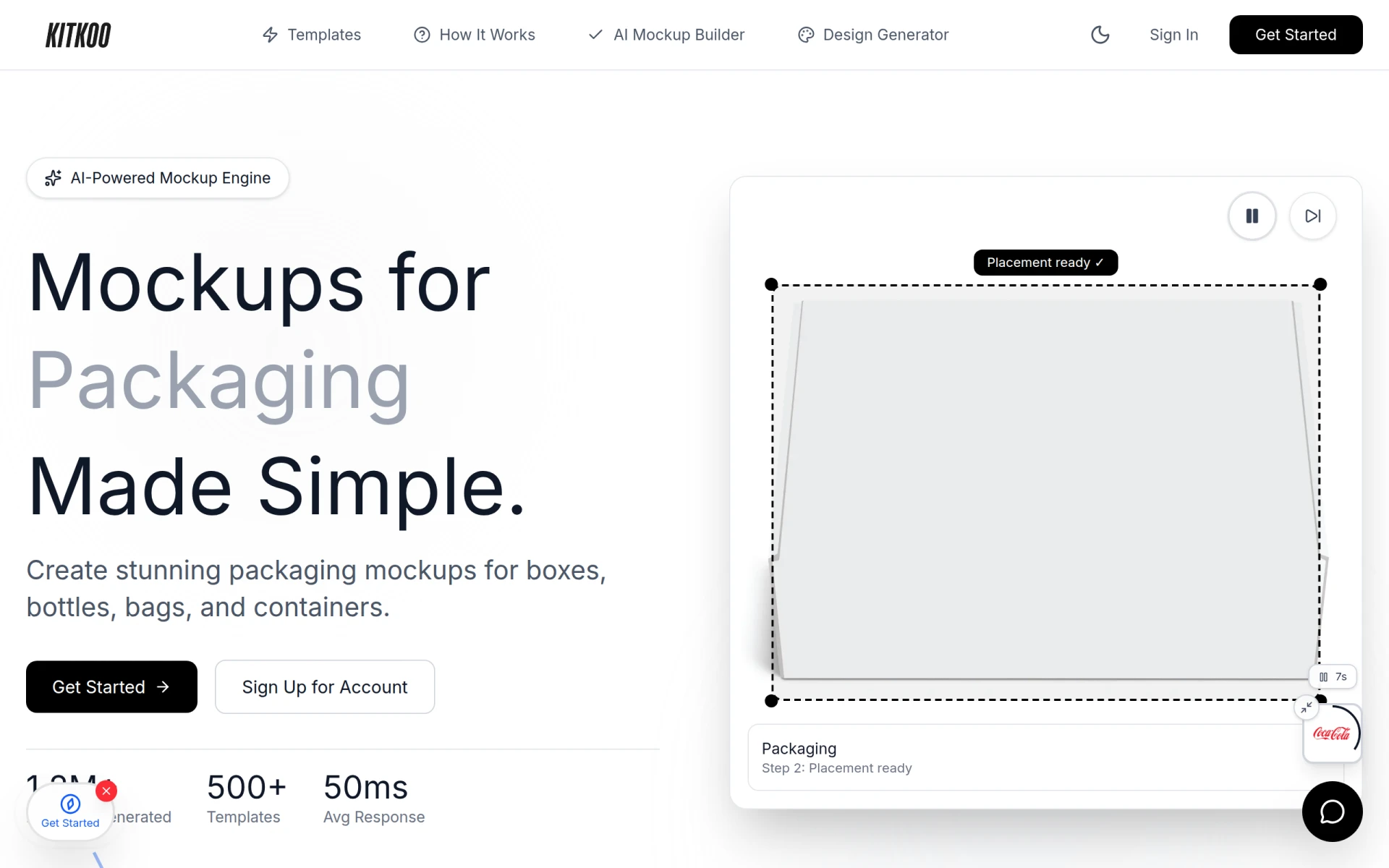 is an AI-powered mockup generator that allows users to create professional product mockups with minimal effort. This tool is particularly beneficial for e-commerce businesses and product designers looking to showcase their products in a realistic and visually appealing manner. Unlike Canva Text to Image, which is geared toward generating images from text prompts, Kitkoo specializes in creating high-quality mockups that can be used for marketing and promotional purposes.
The platform offers a freemium model with subscription plans starting at $29 per month, providing access to a variety of templates and customization options. Kitkoo's user-friendly interface makes it easy for users to upload their designs and see them applied to different product types, which can significantly enhance product presentations. For those in need of high-quality mockups that effectively convey their product's appeal, Kitkoo presents a strong alternative to Canva Text to Image.
Pricing: Freemium, with subscription plans starting at $29 per month. Best for: E-commerce businesses needing professional mockups.
TattoosAI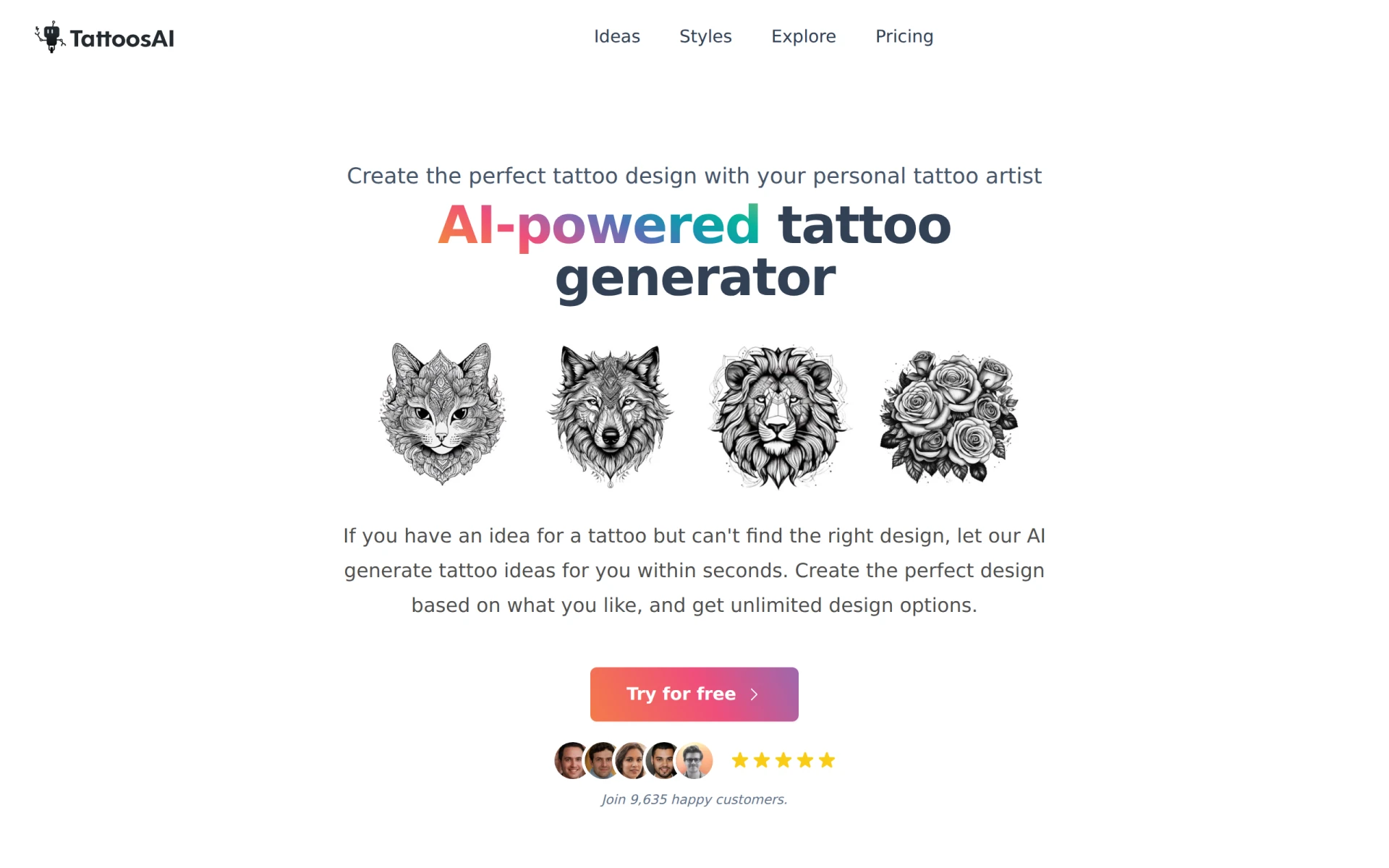 is an innovative platform that generates custom tattoo designs based on user input, offering unlimited creative options for those seeking unique body art. Unlike Canva Text to Image, which focuses on general image generation, TattoosAI specializes in a specific niche that caters to tattoo enthusiasts and artists. This specialization allows for a tailored experience that can produce highly personalized designs based on detailed prompts.
The platform operates on a freemium basis, with subscription plans starting at $4.99 per month when billed annually. This affordability makes it accessible for users looking to explore tattoo design without significant financial commitment. TattoosAI’s focus on customization and creative freedom makes it a standout option for individuals and tattoo artists who want to experiment with different styles and concepts. Users seeking a dedicated tool for tattoo design will find TattoosAI to be a compelling alternative to Canva Text to Image.
Pricing: Freemium, with subscription plans starting at $4.99 per month when billed annually. Best for: Tattoo enthusiasts and artists looking for custom designs.
Snaptrude is an AI-powered Building Information Modeling (BIM) software designed specifically for architects and designers. Unlike Canva Text to Image, which focuses on generating images from text prompts, Snaptrude streamlines the architectural design process from concept to presentation. This tool helps architects create detailed designs and models, making it ideal for professionals in the architecture field who require precision and functionality in their design process.
The platform offers a freemium model with a free tier and subscription plans starting at $60 per month for individuals. Snaptrude's robust features allow architects to visualize their designs in real time, providing an efficient workflow that enhances collaboration among team members. For architects looking for a specialized tool that caters to their unique needs in design and modeling, Snaptrude serves as an excellent alternative to Canva Text to Image.
Pricing: Freemium, with subscription plans starting at $60 per month. Best for: Architects and designers needing specialized BIM software.
Magic Patterns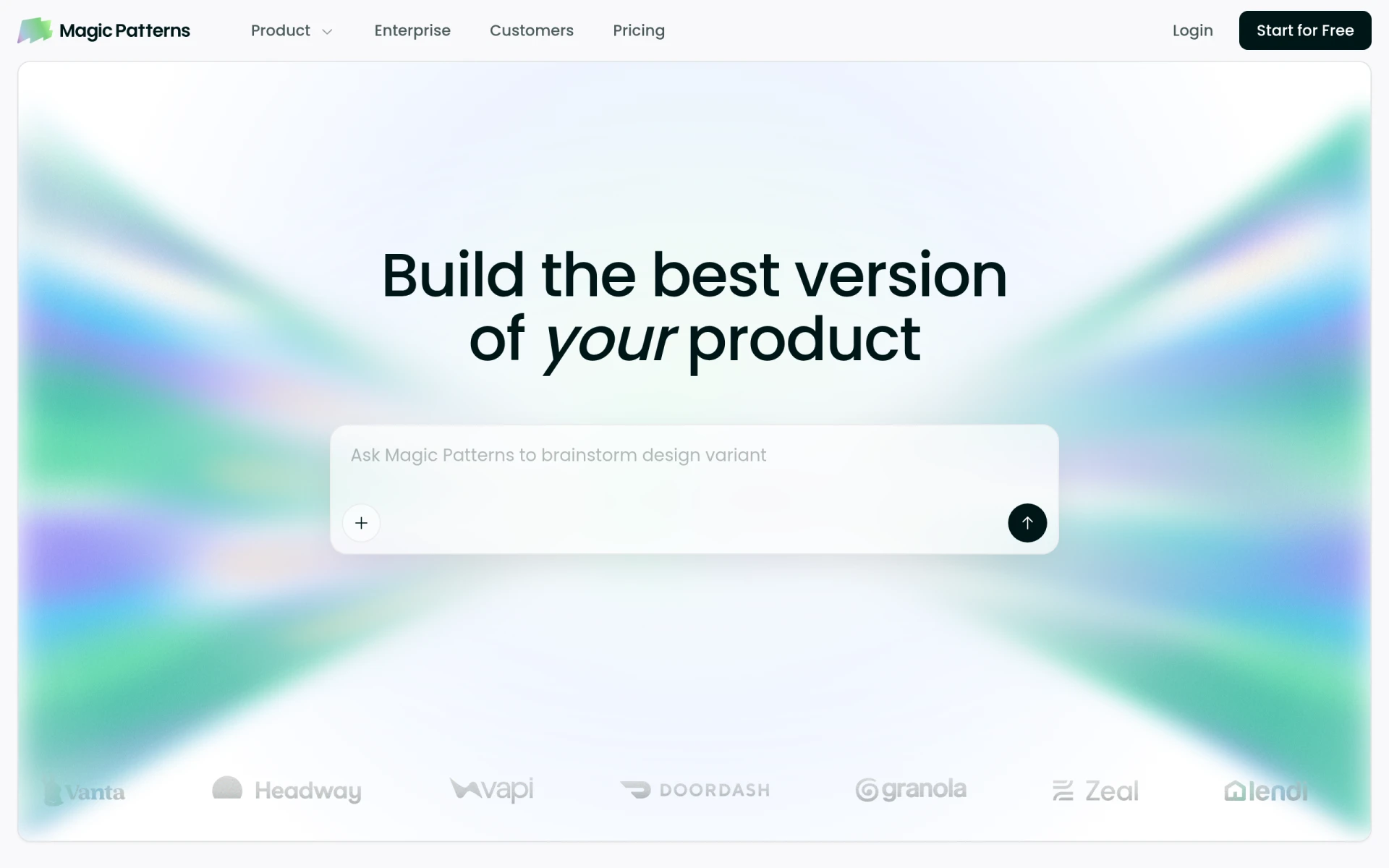 is an AI design tool that excels at transforming prompts into production-ready UI designs, making it particularly useful for product teams and designers looking to prototype rapidly. Unlike Canva Text to Image, which primarily generates images, Magic Patterns focuses on creating user interface elements that can be directly applied to web and app designs. This feature is invaluable for teams that prioritize speed and efficiency in the design process.
The platform operates on a freemium model, offering basic features for free while providing additional capabilities for paid users. Magic Patterns’ ability to generate UI designs quickly allows teams to iterate on ideas without getting bogged down in the details, facilitating a more agile design process. For product teams and designers seeking a tool that can enhance their workflow by producing ready-to-use UI components, Magic Patterns presents a strong alternative to Canva Text to Image.
Pricing: Freemium, with advanced features available through paid plans. Best for: Product teams and designers needing to prototype UI designs quickly.
Artbreeder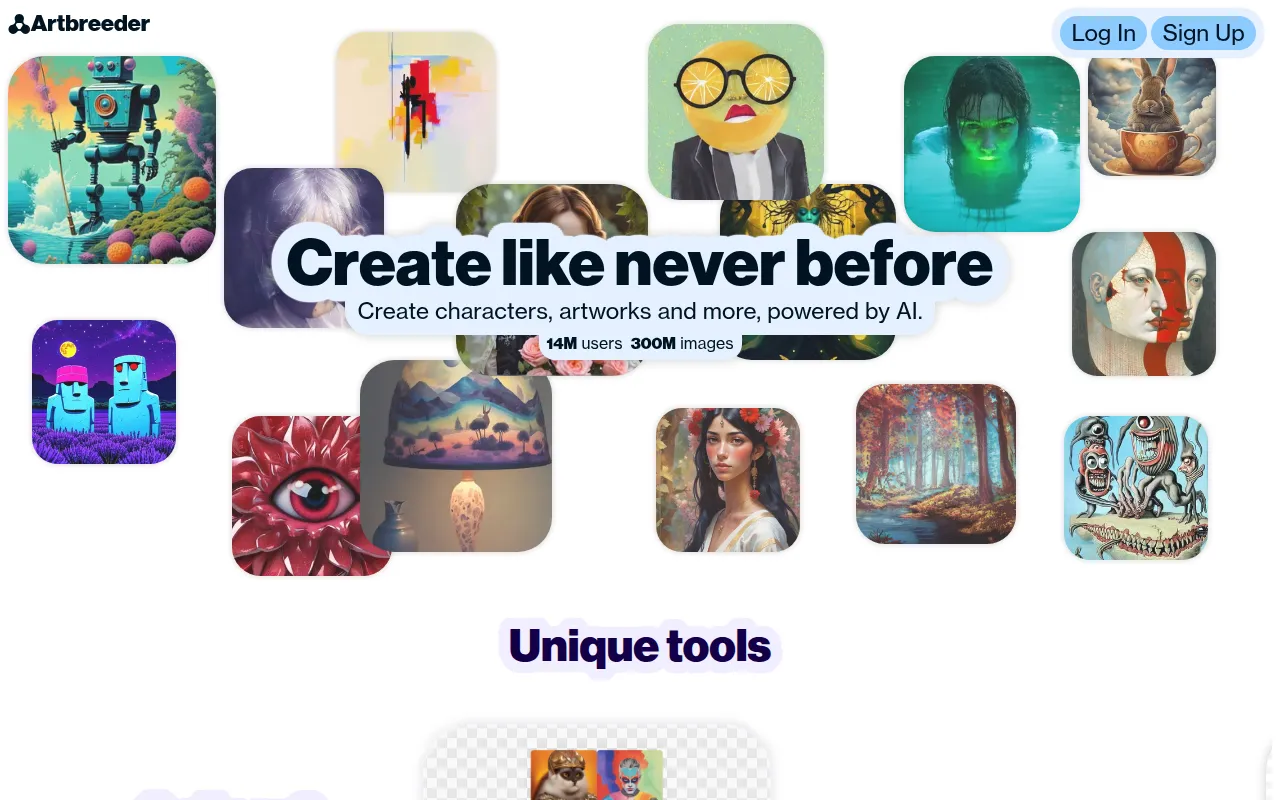 is an AI-driven collaborative tool that allows users to create and explore unique images through user collaboration. Unlike Canva Text to Image, which focuses on generating images from text prompts, Artbreeder emphasizes a community-driven approach where users can blend and modify images collaboratively. This makes it an excellent option for artists and creators who enjoy experimenting with various styles and aesthetics.
The platform utilizes a freemium model, offering users a free tier along with paid subscriptions that unlock additional features. Artbreeder’s collaborative nature encourages creativity and allows users to see how others have interpreted similar prompts, leading to a rich exchange of ideas and artistic growth. For those who thrive on collaboration and wish to explore visual possibilities, Artbreeder is a standout alternative to Canva Text to Image.
Pricing: Freemium, with various pricing plans starting from a free tier to paid subscriptions. Best for: Artists and creators seeking a collaborative environment for image creation.
Logopony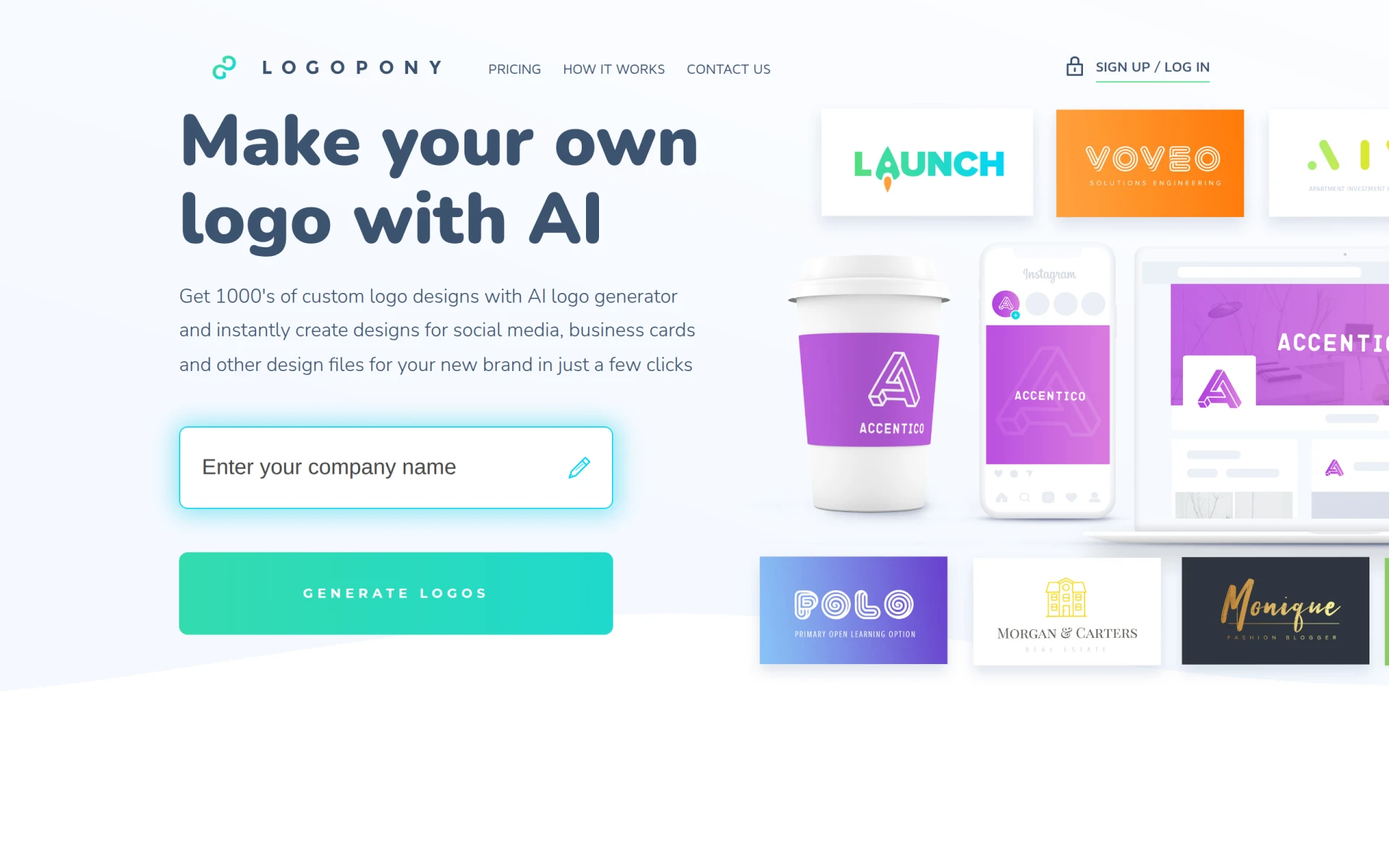 is an AI-driven logo generator that enables users to create professional logos quickly and easily. Unlike Canva Text to Image, which is more focused on general image generation, Logopony specializes in logo design, offering users a streamlined process for creating branding materials. This makes it an ideal choice for entrepreneurs and small business owners looking to establish their brand identity without the need for extensive design experience.
The platform operates on a freemium model, allowing users to generate logos for free while offering additional features and customization options through paid plans. Logopony’s focus on logo design makes it a powerful alternative for users who need to create a strong brand presence quickly. For those who prioritize efficiency and ease of use in logo creation, Logopony stands out as a worthy alternative to Canva Text to Image.
Pricing: Freemium, with additional features available in paid plans. Best for: Entrepreneurs and small businesses needing quick logo designs.
Idesigns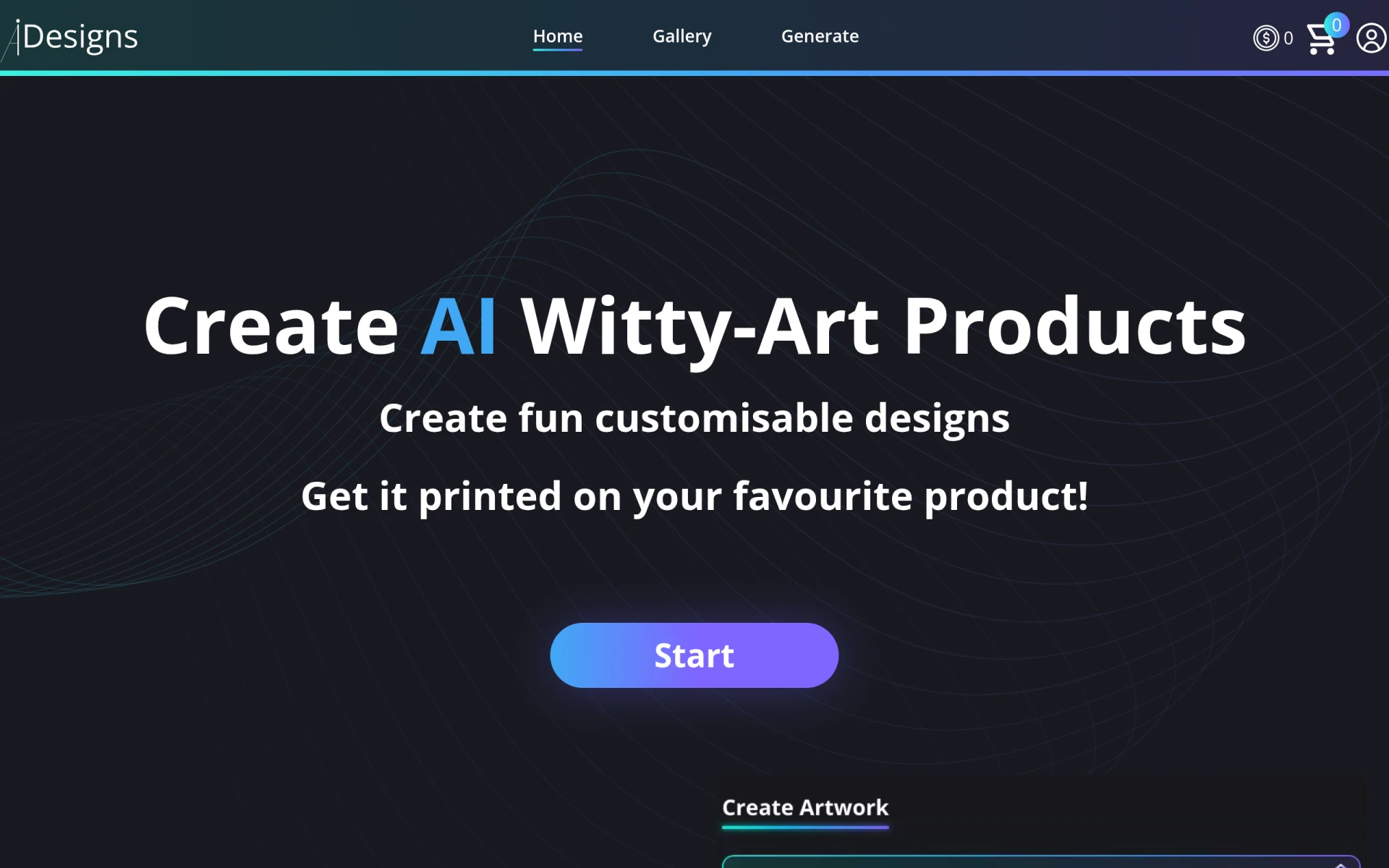 offers an AI-powered platform for creating and customizing unique designs and products. Unlike Canva Text to Image, which specializes in generating images from text prompts, Idesigns focuses on providing users with tools to create tailored designs for various products, including merchandise and promotional items. This makes it a suitable alternative for businesses looking to create unique branding materials or customized products that stand out.
The platform operates on a freemium model, allowing users to explore its capabilities without an initial investment. Idesigns’ focus on customization empowers users to create designs that reflect their brand's identity and vision, making it particularly appealing for small businesses and entrepreneurs. For users seeking a platform that prioritizes personalized design solutions, Idesigns presents a compelling alternative to Canva Text to Image.
Pricing: Freemium, with features not explicitly available on the website. Best for: Businesses needing customized design products.
Patterned AI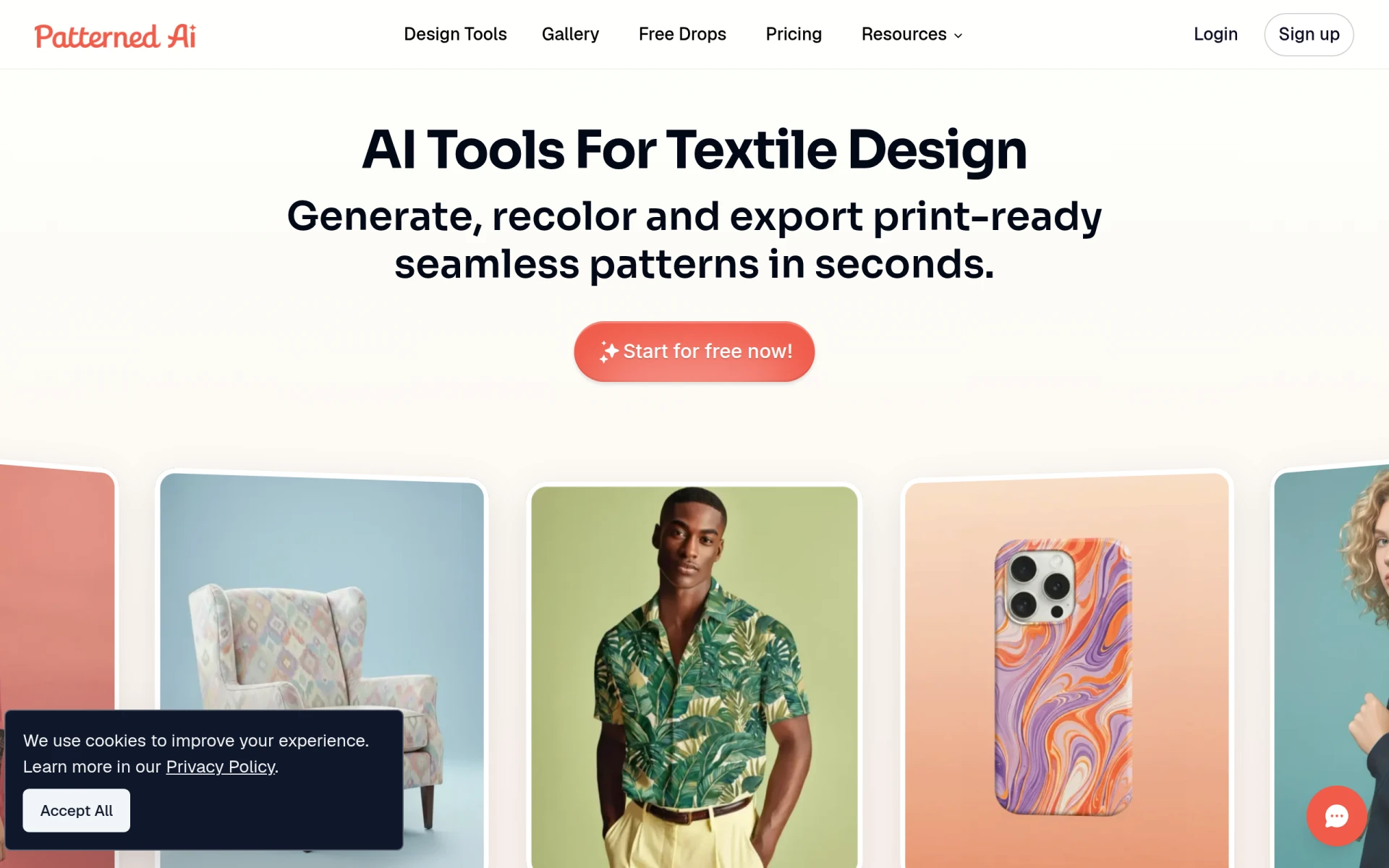 is an innovative tool that focuses on creating seamless patterns for fashion and textile design. Unlike Canva Text to Image, which primarily generates images from text, Patterned AI specializes in a niche area that caters specifically to designers in the fashion industry. This focus allows users to create intricate, repeatable patterns that can be used in various design projects, making it an invaluable tool for textile designers and fashion brands.
The platform offers tiered monthly and annual subscription plans, allowing users to choose a pricing model that best fits their needs. Patterned AI’s ability to generate high-quality patterns quickly sets it apart from Canva Text to Image, particularly for designers seeking specialized solutions. For those in the fashion and textile industries, Patterned AI provides a unique alternative that enhances the design process with a focus on pattern creation.
Pricing: Freemium, with tiered monthly and annual subscription plans available. Best for: Fashion and textile designers needing seamless patterns.
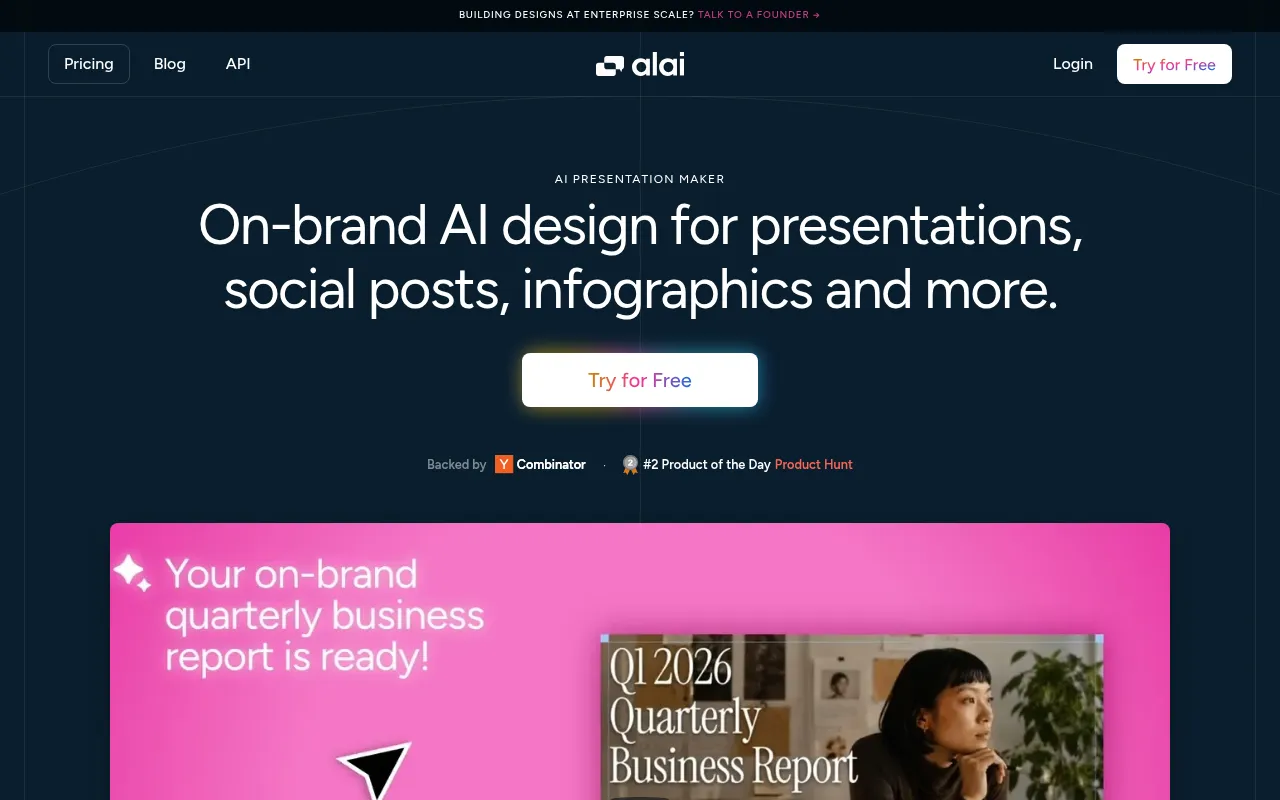
Alai is an AI-driven presentation design tool that aids users in creating stunning presentations quickly and easily. Unlike Canva Text to Image, which focuses on generating images from text prompts, Alai specializes in the presentation format, streamlining the process of designing visually appealing slides. This makes it an excellent alternative for professionals, educators, and students who need to create engaging presentations without extensive design skills.
The platform operates on a freemium model, allowing users to explore its capabilities before committing to a paid plan. Alai’s focus on presentations allows users to access templates, design elements, and formatting tools specifically tailored for creating impactful slideshows. For those who prioritize speed and efficiency in presentation design, Alai presents a compelling alternative to Canva Text to Image.
Pricing: Freemium, with additional features available in paid plans. Best for: Professionals and students needing quick and effective presentation design.
Pixela AI is a unique tool that generates high-quality textures for game development using artificial intelligence. Unlike Canva Text to Image, which focuses on general image creation, Pixela AI specializes in producing textures specifically designed for use in video games. This makes it an invaluable resource for game developers looking for high-quality assets that can enhance their projects without the need for extensive graphic design skills.
The platform operates on a freemium model, providing users with access to basic features for free while offering advanced capabilities through paid subscriptions. Pixela AI’s focus on game development textures allows it to cater specifically to the needs of designers in the gaming industry, making it a standout alternative for those seeking specialized solutions. For game developers looking to streamline their asset creation process, Pixela AI presents a compelling alternative to Canva Text to Image.
Pricing: Freemium, with pricing information currently unavailable on the website. Best for: Game developers needing specialized textures for their projects.
| Tool | Best For | Starting Price | Free Plan | Standout Feature |
|---|---|---|---|---|
| Canva Text to Image | Image Generation | Freemium | Yes | Wide range of templates |
| Craiyon | Quick Image Generation | Free | Yes | Generates unique images quickly |
| NightCafe Studio | Advanced Artwork | Freemium | Yes | Advanced artistic control |
| ProPhotos | Photo Editing | Freemium | Yes | Efficient photo enhancement |
| ArkDesign | Simplified Graphic Design | Freemium | Yes | Comprehensive design features |
| Sivi | Multilingual Design | $16/month | Yes | Create content in 72 languages |
| Kitkoo | Mockup Creation | $29/month | Yes | Professional-grade mockups |
| TattoosAI | Custom Tattoo Design | $4.99/month | Yes | Unlimited creative tattoo options |
| Snaptrude | Architectural Design | $60/month | Yes | Specialized BIM software |
| Magic Patterns | UI Design Prototyping | Freemium | Yes | Production-ready UI designs |
| Artbreeder | Collaborative Image Creation | Freemium | Yes | Collaborative blending of images |
| Logopony | Quick Logo Design | Freemium | Yes | Fast and professional logos |
| Idesigns | Customized Designs | Freemium | Yes | Tailored designs for products |
| Patterned AI | Seamless Patterns | Freemium | Yes | Specialized pattern creation |
| Alai | Presentation Design | Freemium | Yes | Quickly create engaging slides |
| Pixela AI | Game Development Textures | Freemium | No | High-quality game textures |
When selecting an alternative to Canva Text to Image, it's essential to consider your specific design needs and goals. If you are primarily focused on generating unique images quickly and cost-effectively, Craiyon may be your best bet, as it offers a completely free service with rapid image generation capabilities. For users who prioritize artistic control and community engagement, NightCafe Studio provides a more advanced platform for creating unique artwork.
On the other hand, if your needs lean more towards photo editing, ProPhotos stands out with its efficient enhancement tools. For businesses focusing on marketing materials or mockup creation, Sivi and Kitkoo offer specialized features that cater to those specific needs. Ultimately, the best choice will depend on whether you require image generation, editing capabilities, or design tools tailored for specific industries.
In conclusion, while Canva Text to Image serves as a robust tool for generating images from text prompts, its limitations prompt many users to explore alternatives that better fit their unique requirements. For those seeking quick and creative image generation, Craiyon is a top contender; for advanced artistic needs, NightCafe Studio is unmatched. Meanwhile, Sivi and Kitkoo cater specifically to marketing and product design, respectively. Ultimately, the best choice varies based on individual use cases, so users should assess their specific goals to find the most suitable alternative.
Craiyon is an AI art generator that transforms text prompts into unique images quickly and easily.
NightCafe Studio is an AI art generator that helps users create unique artwork using advanced algorithms.
ProPhotos is an AI-powered photo editing tool designed to enhance images quickly and efficiently.
ArkDesign is a graphic design tool that simplifies the design process with AI-driven features for users of all skill levels.
Sivi is an AI-powered design platform that helps brands create editable ads, social posts, and banners in over 72 languages.
Kitkoo is an AI-powered mockup generator that enables users to create professional product mockups effortlessly.
TattoosAI is an AI-driven platform that generates custom tattoo designs based on user input, offering unlimited creative options.
Snaptrude is an AI-powered BIM software designed for architects, streamlining the design process from concept to presentation.
Magic Patterns is an AI design tool that transforms prompts into production-ready UI designs, facilitating rapid prototyping for product teams.
Artbreeder is an AI-driven collaborative tool for creating and exploring unique images through user collaboration.
Logopony is an AI-driven logo generator that enables users to create professional logos quickly and easily.
Idesigns offers an AI-powered platform for creating and customizing unique designs and products.
Patterned AI is an AI-driven tool for creating seamless patterns for fashion and textile design.
Alai is an AI-driven presentation design tool that helps users create stunning presentations quickly and easily.
Pixela AI generates high-quality textures for game development using artificial intelligence, streamlining the design process for developers.
Switching from Canva Text to Image can provide you with higher quality outputs and features better suited to your specific needs. Many users seek alternatives due to the limitations in output quality and the frustrations tied to Canva's freemium model.
One of the best overall alternatives is Adobe Express, which offers robust image generation capabilities and a user-friendly interface. It caters to both amateur and professional designers, ensuring high-quality outputs.
Pricing varies widely among alternatives, with some offering free tiers while others require subscriptions. Tools like GIMP and Photopea are free, while platforms like Adobe Express may have both free and premium options depending on the features you need.
Yes, several free alternatives exist, including DALL-E Mini and DeepAI, which allow you to generate images from text prompts without any cost. These tools may have limitations in terms of resolution and features compared to paid services.
To migrate your projects, start by exporting your existing designs as images or PDFs from Canva. Then, choose an alternative that allows for importing or recreating your designs, ensuring you have all necessary assets and text prompts prepared.
A common concern is the potential loss of familiar features or ease of use that Canva provides. However, many alternatives offer intuitive interfaces and unique features that can enhance your creative process once you become accustomed to them.
Weekly roundup of new AI tools, launches, and trending software. No spam — unsubscribe anytime.
No credit card required · Cancel anytime
Weekly roundup of new AI tools, launches, and trending software. No spam — unsubscribe anytime.
No credit card required · Cancel anytime