Why Look for Alternatives to Galileo?
While Galileo offers an AI-driven approach to design, many users find limitations that prompt them to seek alternatives. One of the most significant pain points is the lack of detailed pricing information. Users often prefer to understand the cost structure upfront to gauge whether the tool fits their budget. The absence of transparent pricing can be a deterrent for small businesses and freelancers who need to manage their design expenses closely. Additionally, users have reported that Galileo may not fully cater to specific use cases, such as complex prototyping or advanced customization options that some projects demand.
Furthermore, despite its AI capabilities, users have expressed concerns regarding the learning curve associated with Galileo. Those who are new to design tools may find it challenging to navigate its features effectively, leading to frustration and inefficiency. This is particularly true for teams needing rapid deployment and collaboration, as the tool's interface may not be as intuitive as alternatives on the market. As a result, many users are actively searching for alternatives that offer greater flexibility, better pricing models, and enhanced usability for various design scenarios.
Best Alternatives to Galileo in 2026
PrismUI - Best for Intuitive UI Design
PrismUI is a user interface design tool that stands out for its simplicity and customization options. Compared to Galileo, PrismUI offers a more streamlined user experience, making it appealing for designers who prefer intuitive tools. Its features cater to both novice and experienced designers, allowing users to create stunning interfaces without the steep learning curve often associated with more complex design software. PrismUI's focus on usability can significantly enhance productivity, as users can quickly implement their ideas into tangible designs.
Additionally, PrismUI offers highly customizable components, enabling designers to tailor their projects according to specific brand guidelines or user requirements. This flexibility is a significant advantage over Galileo, which may lack such personalized options. The tool also integrates seamlessly with various design workflows, making it suitable for teams that require collaborative features. Overall, PrismUI is an excellent choice for those seeking a straightforward, yet powerful design tool that prioritizes user experience and adaptability.
- Key Strength: Intuitive design interface that enhances user experience.
- Key Strength: Highly customizable components for tailored designs.
- Key Strength: Seamless integration with existing design workflows.
- Limitation: Limited advanced features for complex projects.
Pricing: Freemium. Best for: Designers looking for a user-friendly interface.
Magic Patterns - Best for Rapid Prototyping
Magic Patterns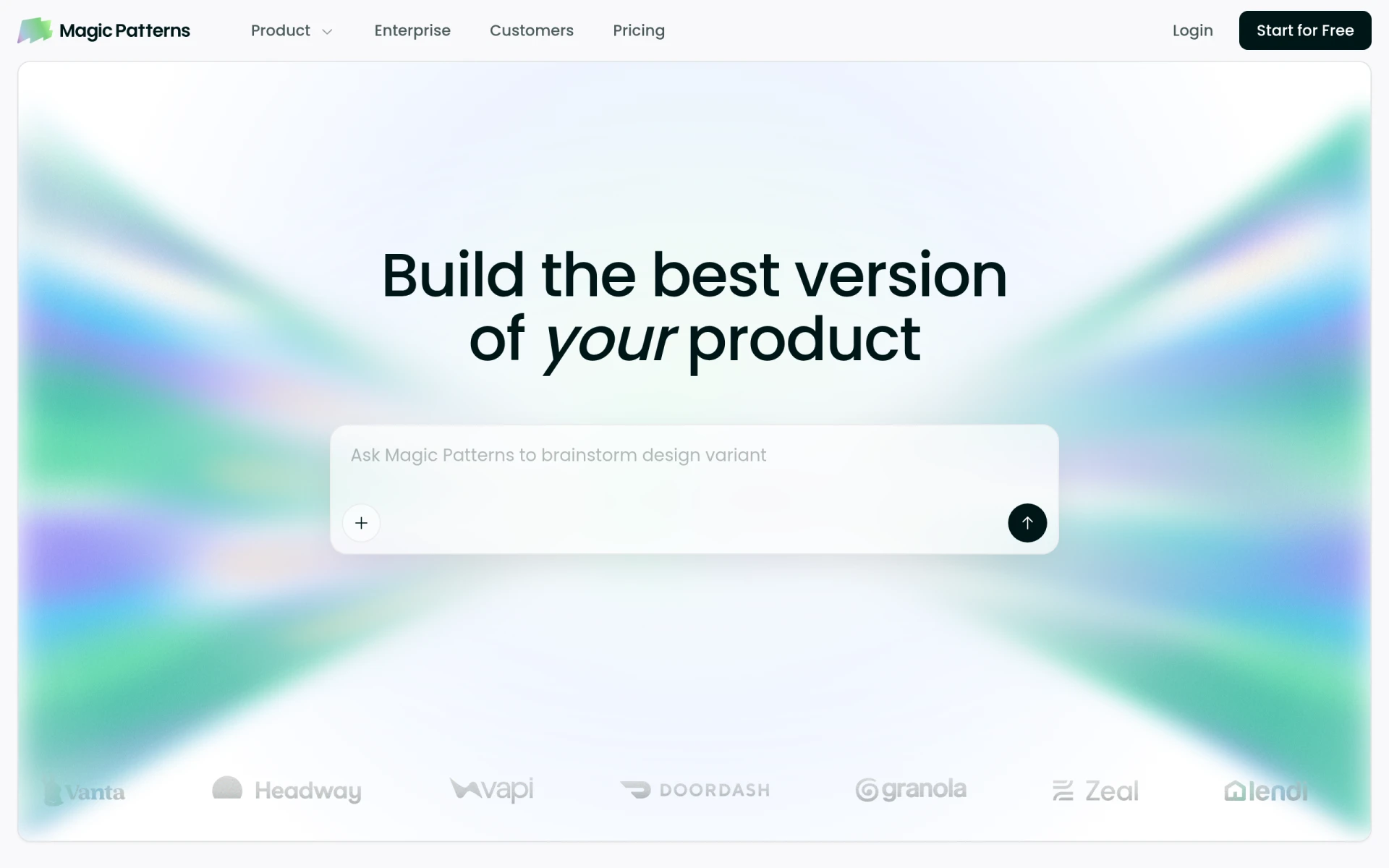 revolutionizes the design process by transforming simple prompts into production-ready UI designs within moments. This tool is particularly advantageous for product teams that require rapid prototyping capabilities. While Galileo offers AI-driven features, Magic Patterns takes this a step further by streamlining the creation process, allowing teams to visualize concepts quickly and iterate based on user feedback. Its ability to generate designs almost instantaneously makes it an ideal choice for fast-paced environments where time is of the essence.
Moreover, Magic Patterns excels in its versatility, catering to a wide range of design applications, from web interfaces to mobile apps. This adaptability makes it a strong competitor against Galileo, which may not be as flexible in accommodating varying design needs. The platform incorporates AI technology to assist designers in generating unique patterns and layouts, thus enhancing creativity and innovation within teams. Overall, Magic Patterns is best suited for those who prioritize speed and efficiency in their design workflows.
- Key Strength: Instant production-ready UI designs from text prompts.
- Key Strength: Versatile applications for web and mobile design.
- Key Strength: Streamlined process for rapid prototyping.
- Limitation: May require additional adjustments for final polish.
Pricing: Freemium. Best for: Teams needing quick design iterations.
Flowstep - Best for Instant Design Transformations
Flowstep is an innovative AI design assistant that transforms text prompts into polished UI designs in real time. This tool stands out due to its ability to streamline the design process significantly. Compared to Galileo, Flowstep offers a more direct approach to creating designs, allowing users to input their ideas and see them materialize without navigating complex menus. This instant feedback loop can be invaluable for teams that require a fast turnaround on design projects, enabling them to iterate and refine their concepts quickly.
Furthermore, Flowstep's AI capabilities ensure that designs are not only created quickly but are also aligned with current design trends and best practices. This feature sets it apart from Galileo, which may not provide the same level of design intelligence. The tool also caters to users of all skill levels, making it accessible for beginners while still offering enough depth for experienced designers. Overall, Flowstep is an excellent choice for anyone looking to enhance their design workflow through immediate transformations and user-friendly features.
- Key Strength: Instant transformation of text prompts into UI designs.
- Key Strength: User-friendly interface suitable for all skill levels.
- Key Strength: Aligned with current design trends for quality output.
- Limitation: Limited customization options for advanced users.
Pricing: Freemium with Starter plan at $15/month. Best for: Designers needing rapid design transformations.
Motiff - Best for AI-Powered Design Generation
Motiff is an AI-powered UI generator that excels in creating production-ready designs from various inputs. This tool offers a unique advantage over Galileo by providing users with the ability to generate designs based on diverse inputs, such as images, sketches, or even written descriptions. This flexibility allows designers to leverage their creativity fully, resulting in more personalized and innovative designs. Motiff's approach to design generation is particularly beneficial for teams seeking to explore multiple design directions quickly.
Additionally, Motiff's AI capabilities ensure that the generated designs are not only visually appealing but also functional and user-friendly. Compared to Galileo, Motiff provides a more comprehensive design solution that can cater to a wider range of projects, from simple web interfaces to more complex applications. The ease of use and the quality of output make Motiff a compelling alternative for designers who value efficiency and creativity in their workflows. Overall, Motiff is an excellent choice for those looking to harness the power of AI in their design processes.
- Key Strength: Generates designs from various types of inputs.
- Key Strength: Combines aesthetic appeal with functional design.
- Key Strength: Supports a wide range of design projects.
- Limitation: May require user input for fine-tuning designs.
Pricing: Freemium with a paid plan at $16/month. Best for: Designers seeking versatile design generation capabilities.
ArkDesign - Best for All Skill Levels
ArkDesign is a graphic design tool that simplifies the design process with its AI-driven features, making it ideal for users of all skill levels. Unlike Galileo, which may pose challenges for beginners, ArkDesign is designed with accessibility in mind. Its user-friendly interface allows new designers to create stunning visuals without feeling overwhelmed. This ease of use is a significant advantage for teams looking to onboard new members quickly and efficiently.
Moreover, ArkDesign's AI capabilities enhance the design experience by suggesting improvements and providing templates that cater to various design needs. This feature is particularly beneficial for teams working on diverse projects, as it allows for rapid iteration and creativity. While Galileo focuses primarily on UI design, ArkDesign encompasses a broader range of graphic design applications, making it a more versatile option for users who require flexibility in their design tasks. Overall, ArkDesign is the perfect choice for those who want a comprehensive design tool that caters to all skill levels.
- Key Strength: User-friendly interface for beginners.
- Key Strength: AI suggestions for improvements and templates.
- Key Strength: Versatile applications across various design types.
- Limitation: May lack advanced features for professional designers.
Pricing: Freemium. Best for: Beginners and teams requiring an accessible design tool.
Alai - Best for Presentation Design
Alai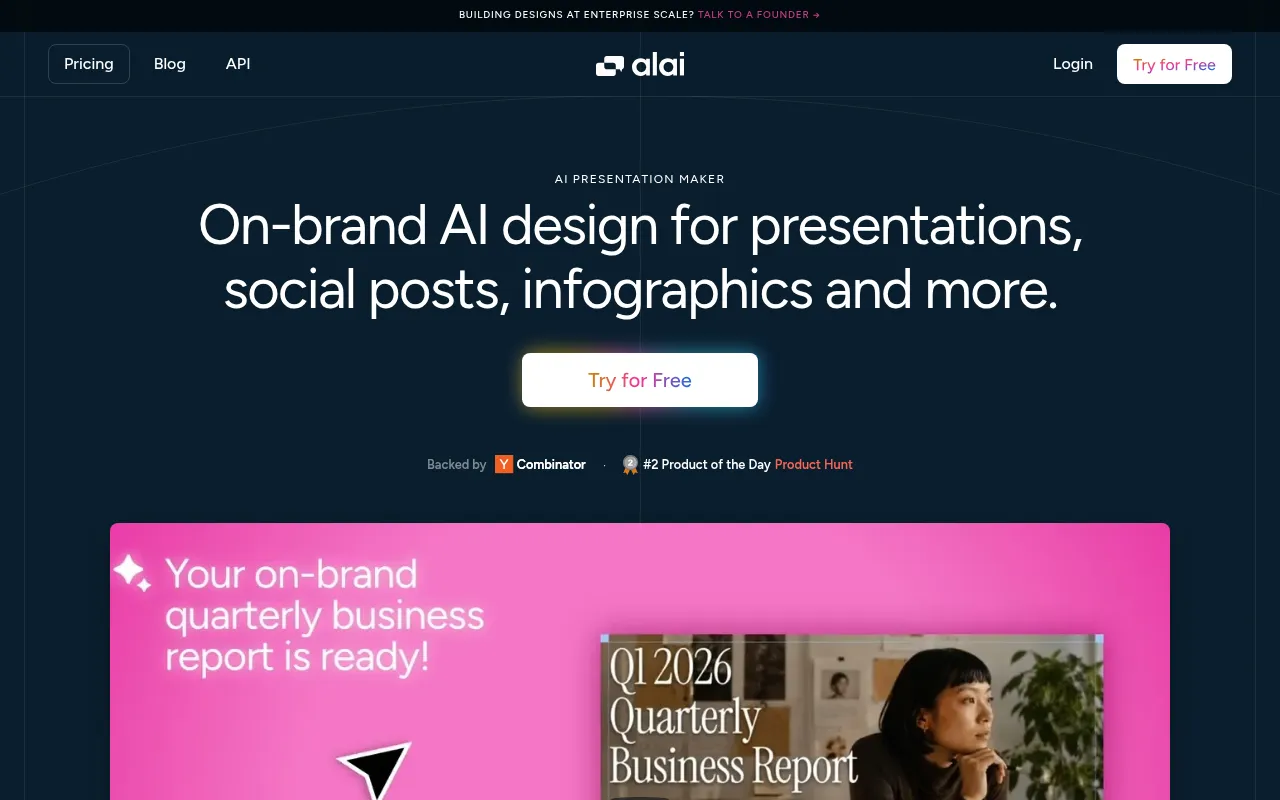 is an AI-driven presentation design tool that enables users to create visually appealing presentations efficiently. While Galileo specializes in user interface design for web and mobile applications, Alai focuses specifically on the presentation aspect of design. This specialization makes it an excellent alternative for users who need to craft engaging slides and presentations quickly. Alai's AI capabilities help users generate unique slide layouts, ensuring that presentations are not only informative but also visually captivating.
Moreover, Alai's ease of use allows for rapid creation and editing of presentations, making it suitable for professionals who often need to deliver compelling content on tight deadlines. The tool integrates various design elements, including images, charts, and graphics, which can be easily manipulated to suit specific needs. Compared to Galileo, Alai offers a more streamlined approach to presentation design, making it a preferred choice for business professionals, educators, and marketers. Overall, Alai is ideal for users seeking to enhance their presentation design workflow.
- Key Strength: Specializes in creating visually appealing presentations.
- Key Strength: AI-generated unique slide layouts for engaging content.
- Key Strength: Rapid creation and editing for tight deadlines.
- Limitation: Limited features for general graphic design tasks.
Pricing: Freemium. Best for: Professionals needing efficient presentation tools.
Idesigns - Best for Custom Design Creation
Idesigns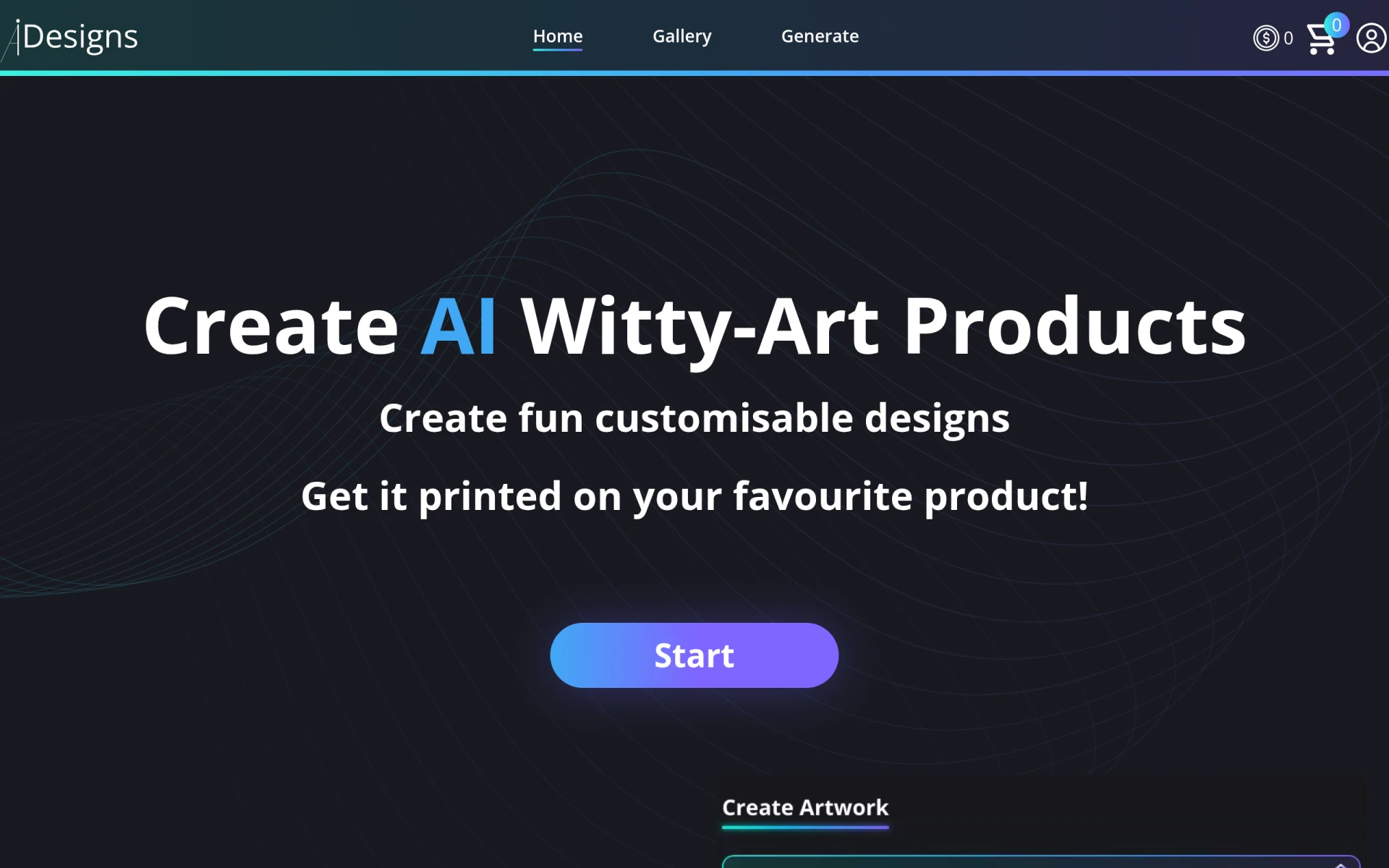 is an AI-powered platform focused on creating and customizing unique designs and products. Unlike Galileo, which is primarily UI-focused, Idesigns offers a broader scope for users looking to create custom designs that extend beyond traditional interfaces. This versatility makes it an excellent choice for designers who need to work on branding, marketing materials, or product designs. Idesigns empowers users to leverage AI technology to generate unique and creative outputs, fostering innovation in design projects.
Furthermore, Idesigns supports a collaborative environment, allowing teams to work together seamlessly on various design projects. This feature is crucial for organizations that rely on teamwork and feedback during the design process. While Galileo may provide a solid foundation for UI design, Idesigns takes customization to the next level, ensuring that users can develop products that truly reflect their vision. Overall, Idesigns is an ideal alternative for those seeking a comprehensive design platform that emphasizes creativity and collaboration.
- Key Strength: Focus on custom design creation across various applications.
- Key Strength: Collaborative features for team-based design projects.
- Key Strength: AI-driven outputs that foster innovation.
- Limitation: May lack specific UI-focused features found in other tools.
Pricing: Freemium. Best for: Designers looking for customization in their projects.
mnml AI - Best for Architectural Visualization
mnml AI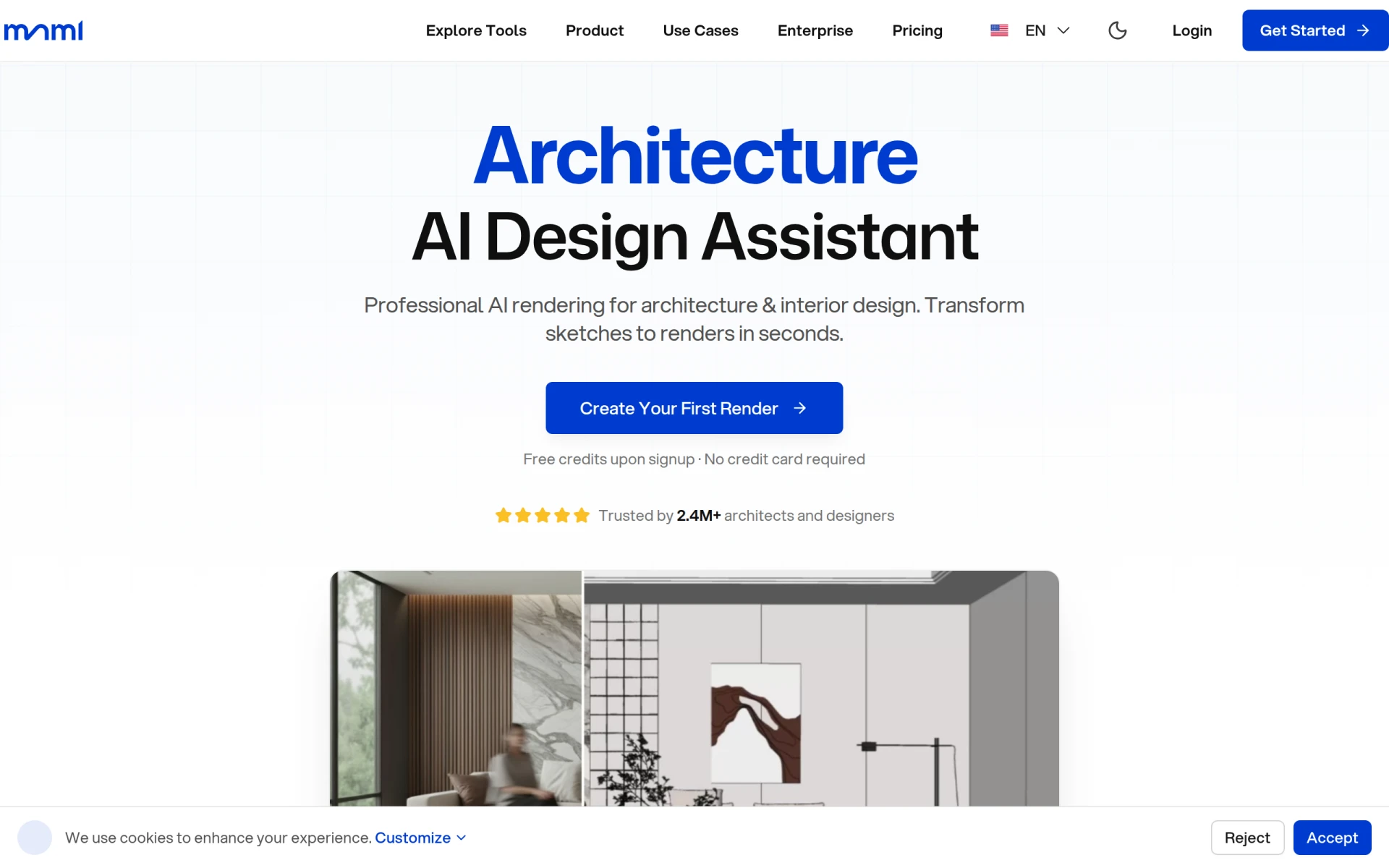 provides advanced AI architecture rendering tools that enable architects and designers to create photorealistic visualizations quickly. Unlike Galileo, which primarily focuses on UI design, mnml AI specializes in architectural applications, making it an excellent choice for users in the architecture and interior design fields. This tool allows users to produce high-quality renderings that can help visualize concepts and designs effectively, ensuring that clients receive a clear representation of the final product.
Moreover, mnml AI operates on a credit-based pricing model, which can be beneficial for users who need flexibility in their usage. This system allows designers to pay only for what they use, making it a cost-effective solution for projects with varying demands. The platform's emphasis on photorealism and detail sets it apart from Galileo, which may not cater to the same level of architectural visualization. Overall, mnml AI is an ideal alternative for professionals requiring sophisticated rendering capabilities.
- Key Strength: Advanced architectural rendering tools for photorealistic designs.
- Key Strength: Credit-based pricing model for flexible usage.
- Key Strength: Focus on detailed visualizations for architecture and interior design.
- Limitation: Not suitable for general graphic design tasks.
Pricing: Freemium with a credit-based model. Best for: Architects and interior designers needing rendering solutions.
SketchBubble AI - Best for Efficient Slide Creation
SketchBubble AI is a presentation maker designed specifically to help users create visually appealing slides efficiently. While Galileo excels in UI design, SketchBubble AI focuses on the specific needs of presentation design, providing templates and tools that cater to professionals who need to craft impactful presentations quickly. The platform offers a range of customizable templates, ensuring that users can find a design that suits their content and style preferences.
Moreover, SketchBubble AI's user-friendly interface allows for quick edits and adjustments, making it suitable for users who may not have extensive design experience. This ease of use is a significant advantage over Galileo, which might not prioritize presentation-specific features. The tool's ability to streamline the slide creation process makes it an excellent choice for educators, marketers, and business professionals who need to deliver compelling presentations on short notice. Overall, SketchBubble AI is a strong contender for anyone looking to enhance their presentation design workflow.
- Key Strength: Focus on presentation design with customizable templates.
- Key Strength: User-friendly interface for quick edits.
- Key Strength: Streamlined slide creation process for efficiency.
- Limitation: Limited features for general graphic design projects.
Pricing: Freemium. Best for: Professionals needing efficient slide-making tools.
Stockimg AI - Best for Quick Graphic Creation
Stockimg AI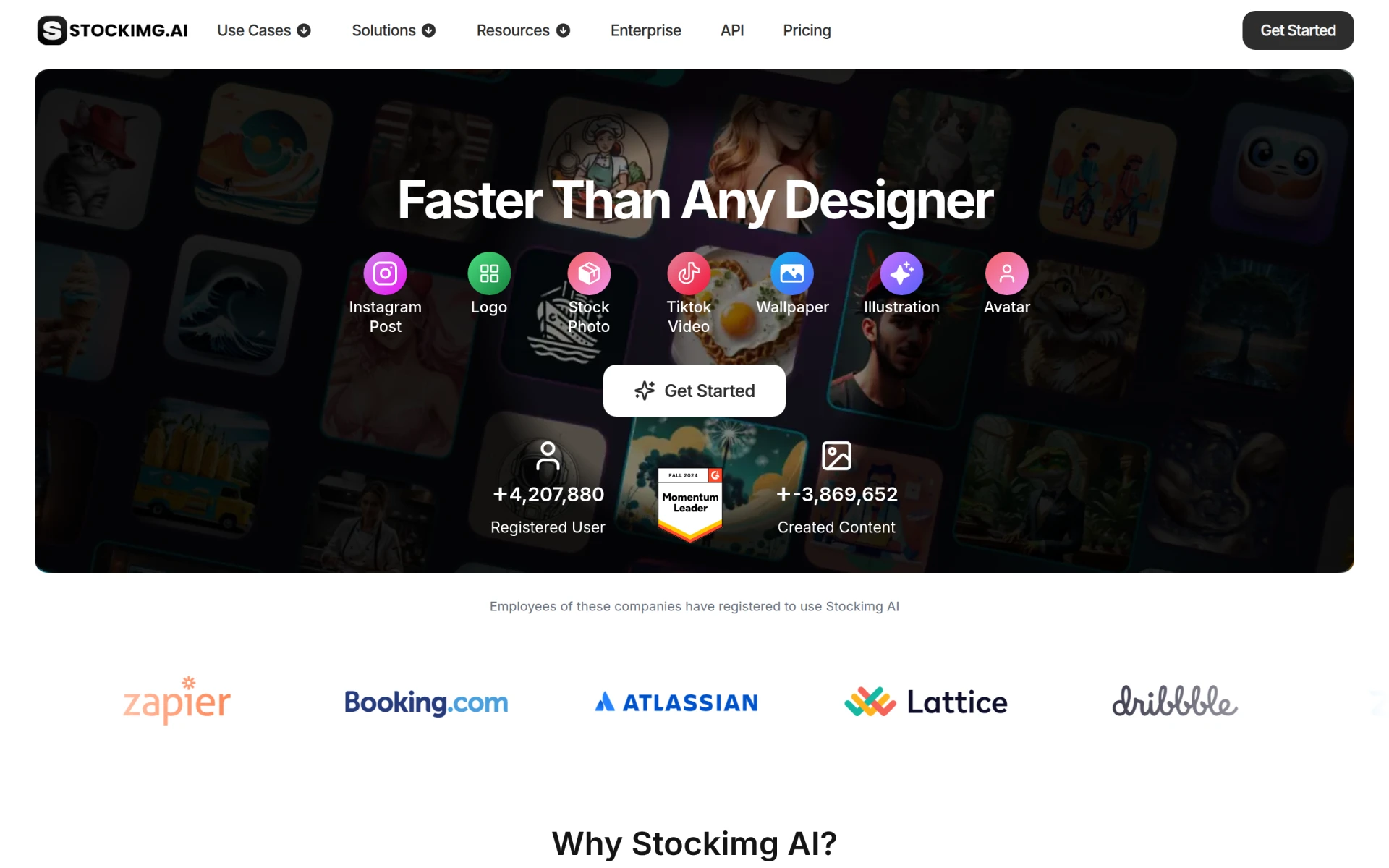 is an AI-driven design tool that offers users the ability to create logos, illustrations, wallpapers, and more with remarkable speed and efficiency. Compared to Galileo, Stockimg AI provides a more diverse range of graphic design capabilities, making it an excellent choice for users who require not only UI design but also other graphic assets. This versatility allows users to generate custom visuals quickly, catering to various needs from branding to marketing collateral.
Furthermore, Stockimg AI's intuitive interface and AI assistance streamline the design process, ensuring that users can focus on creativity rather than technical challenges. This feature is particularly beneficial for small businesses and freelancers who may not have extensive design resources at their disposal. While Galileo focuses primarily on user interfaces, Stockimg AI's broad application scope makes it a compelling alternative for users seeking efficiency and variety in their graphic design projects. Overall, Stockimg AI is ideal for anyone needing quick and effective design solutions.
- Key Strength: Ability to create a wide range of graphic assets quickly.
- Key Strength: Intuitive interface with AI assistance for streamlined design.
- Key Strength: Versatile applications for branding and marketing needs.
- Limitation: May lack advanced features for professional-grade designs.
Pricing: Freemium. Best for: Users needing quick graphic creation tools.
Kitkoo - Best for Professional Mockups
Kitkoo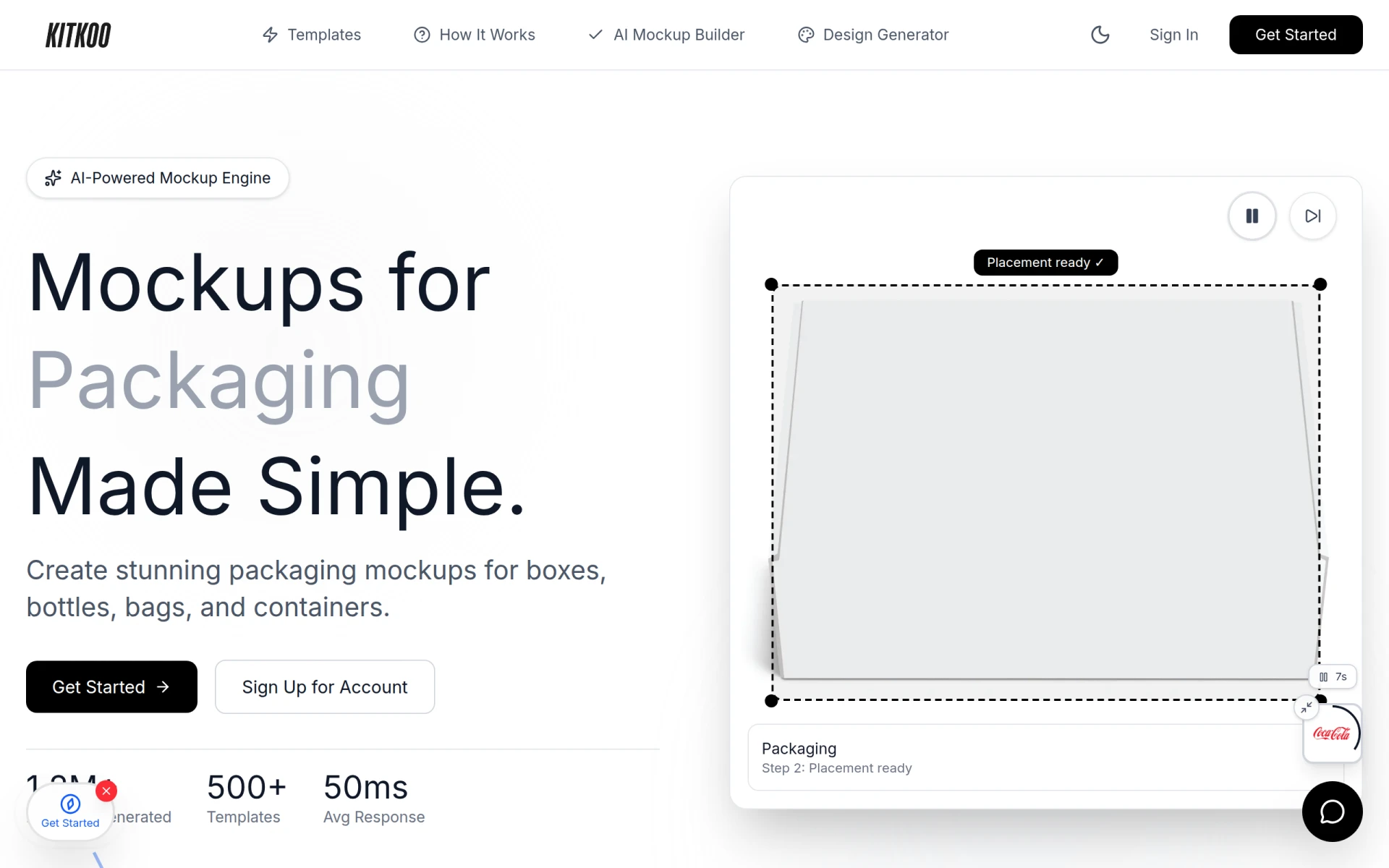 is an AI-powered mockup generator that allows users to create professional product mockups effortlessly. Compared to Galileo, which focuses on UI design, Kitkoo provides dedicated tools for generating high-quality mockups that can showcase products in various settings. This specialization makes it a great choice for designers and marketers who need realistic representations of their products for presentations or marketing materials.
Moreover, Kitkoo offers a subscription plan starting at $29 per month, which provides access to a range of templates and customization options. This pricing structure is beneficial for teams that need to create multiple mockups regularly. While Galileo may not cater specifically to mockup generation, Kitkoo's focus on this area ensures that users can produce visually striking representations of their work quickly and efficiently. Overall, Kitkoo is an ideal alternative for anyone looking to enhance their product presentation capabilities.
- Key Strength: Specialized tools for creating professional product mockups.
- Key Strength: Extensive library of templates for diverse needs.
- Key Strength: User-friendly interface for quick design generation.
- Limitation: Limited features outside of mockup generation.
Pricing: Freemium with subscription plans starting at $29/month. Best for: Designers needing high-quality product mockups.
Template.net - Best for Editable Template Solutions
Template.net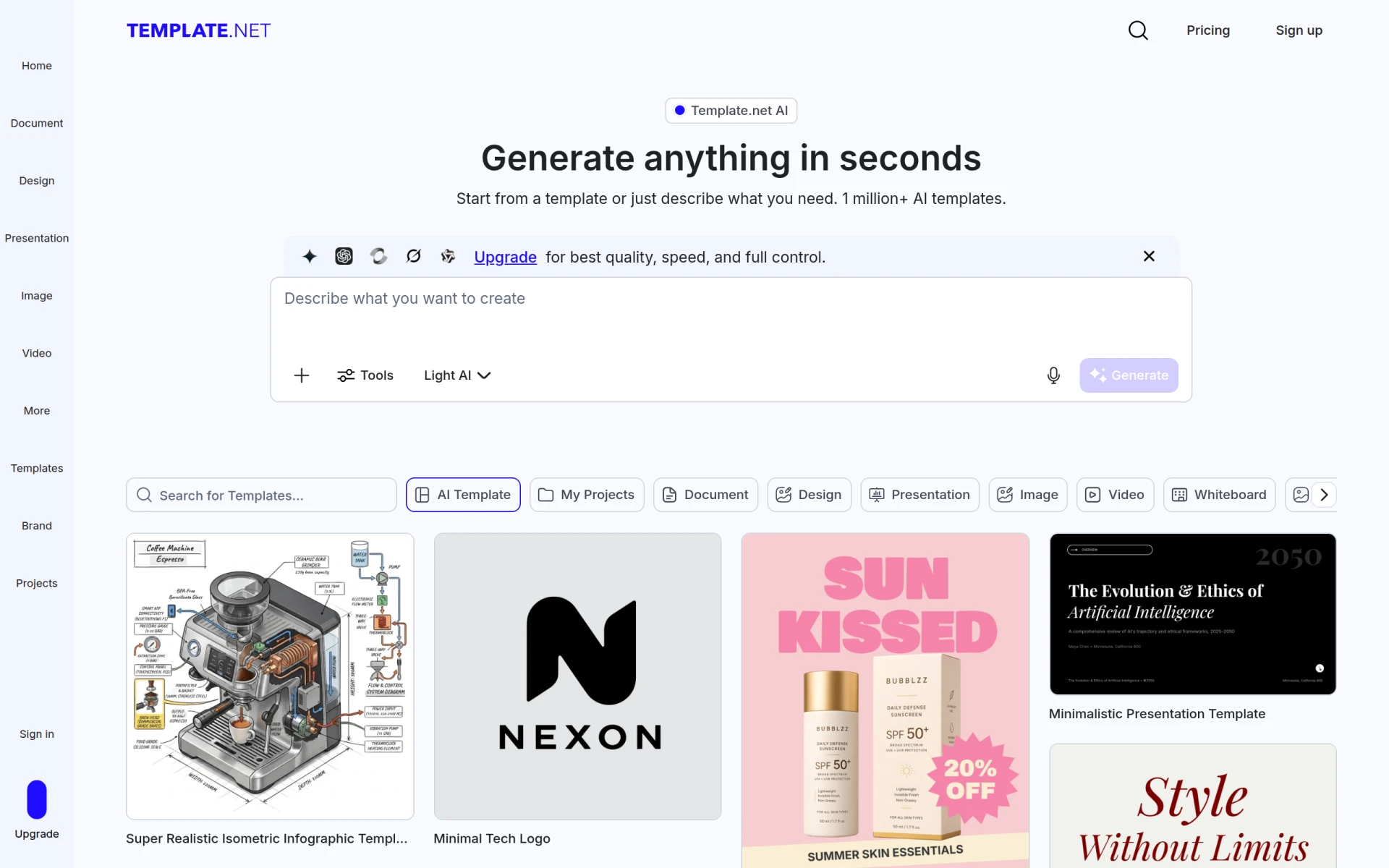 is an AI-powered design tool that simplifies the process of generating fully editable templates and assets without requiring a signup. This no-fuss approach differentiates it from Galileo, which might require users to navigate a more complex setup process. Template.net is particularly useful for users who need customizable templates for a variety of applications, including marketing materials, presentations, and social media content.
Moreover, the platform's subscription-based pricing model offers monthly and yearly plans, allowing users to choose the option that best fits their needs. This flexibility is advantageous for freelancers and small businesses looking for cost-effective solutions. Template.net’s extensive library of templates ensures that users can find designs that match their specific requirements, enhancing their productivity and creativity. Overall, Template.net is an excellent choice for individuals seeking efficient and customizable design solutions.
- Key Strength: Extensive library of fully editable templates.
- Key Strength: No signup required for immediate access.
- Key Strength: Cost-effective subscription model for various needs.
- Limitation: Limited design tools compared to full-fledged software.
Pricing: Freemium with subscription-based pricing. Best for: Users needing customizable templates for various applications.
GPT Mate - Best for Content Creation Support
GPT Mate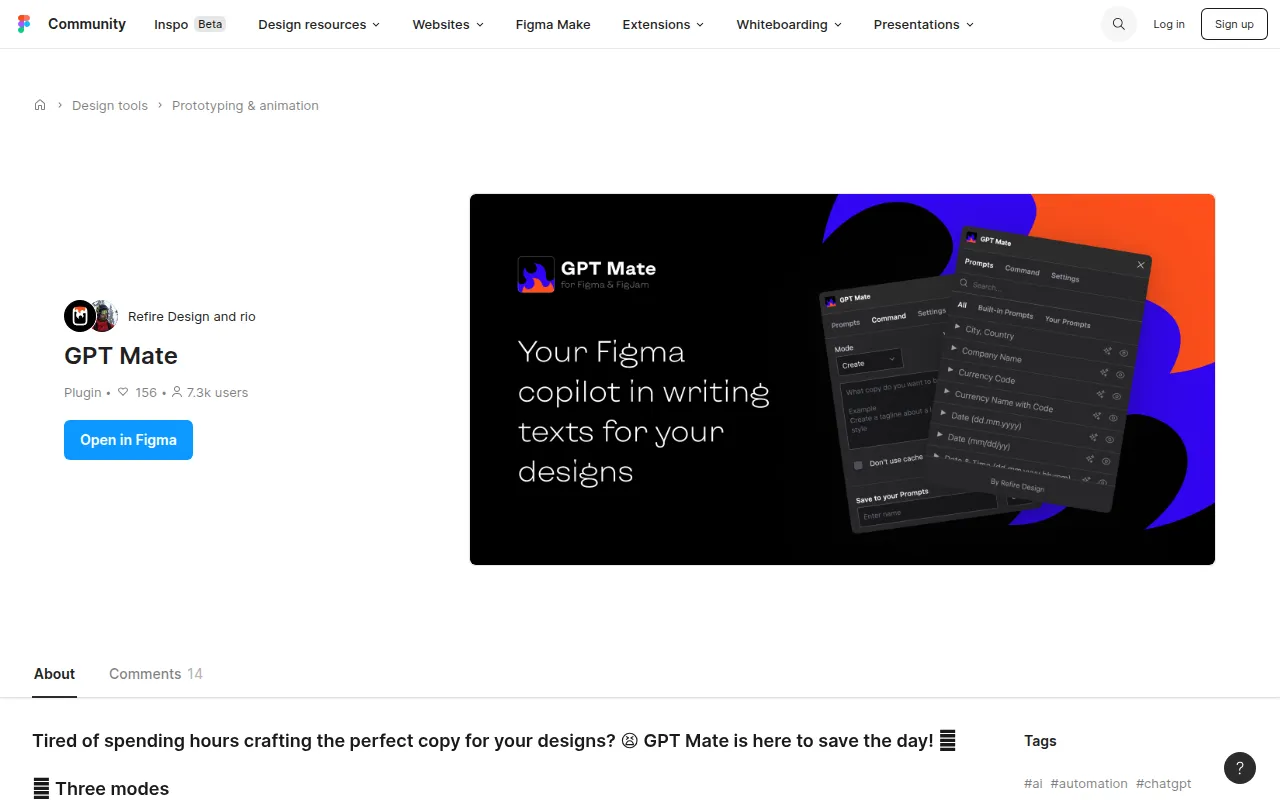 is an AI writing tool designed to streamline content creation for design projects. While Galileo focuses on design, GPT Mate complements the process by assisting users in developing the textual content necessary for their designs. This integration of writing and design can be particularly beneficial for marketers and designers who need cohesive and compelling narratives to accompany their visual projects.
Moreover, GPT Mate's AI capabilities can help users generate ideas, refine their messaging, and even produce drafts based on specific prompts. This functionality sets it apart from Galileo, which may not offer similar writing support. The tool is especially useful for teams that require collaboration between designers and content creators, ensuring that both visual and textual elements align effectively. Overall, GPT Mate is an excellent alternative for anyone looking to enhance their design projects with strong, relevant content.
- Key Strength: Provides writing support specifically for design projects.
- Key Strength: Assists in generating ideas and refining messaging.
- Key Strength: Facilitates collaboration between design and content teams.
- Limitation: May not provide extensive design features on its own.
Pricing: Freemium. Best for: Teams needing integrated content creation support.
Sivi - Best for Multilingual Design Needs
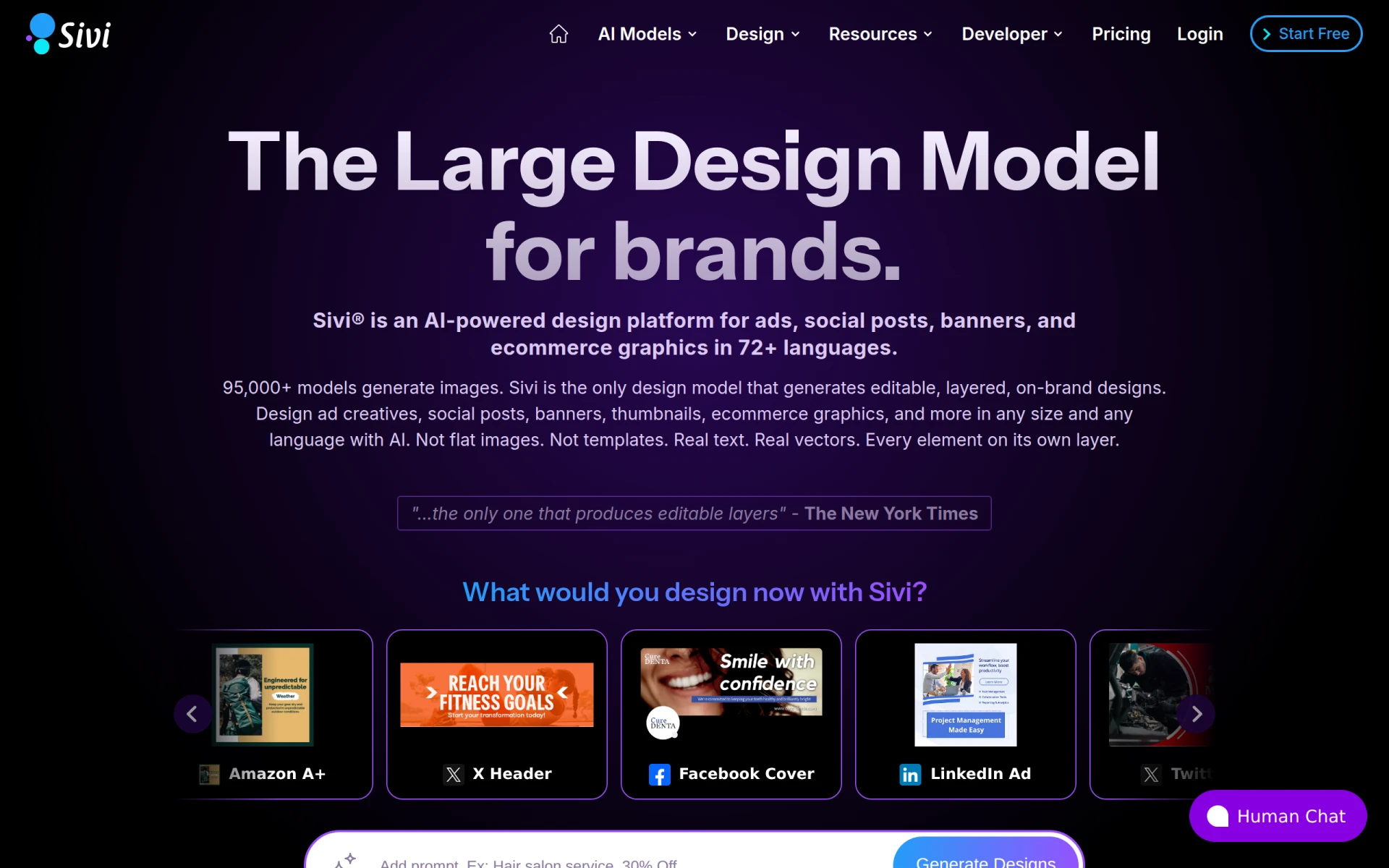
Sivi is an AI-powered design platform that helps brands create editable ads, social posts, and banners in over 72 languages. This multilingual capability is a significant advantage for businesses operating in diverse markets, setting it apart from Galileo, which may not cater to such a wide range of linguistic needs. Sivi’s focus on creating localized content ensures that brands can effectively engage with audiences across different regions.
Additionally, Sivi offers a free plan along with paid options starting at $16 per month, making it accessible for small businesses and startups. The platform's ease of use allows users to create visually appealing designs quickly, ensuring that they can adapt their marketing efforts to various cultural contexts. This adaptability is crucial for brands looking to expand their reach in today's global marketplace. Overall, Sivi is the perfect choice for businesses focusing on multilingual content creation and advertising.
- Key Strength: Supports design in over 72 languages for global reach.
- Key Strength: Quick creation of editable ads and marketing materials.
- Key Strength: Accessible pricing for small businesses and startups.
- Limitation: Limited advanced design features compared to more specialized tools.
Pricing: Freemium with paid plans starting at $16/month. Best for: Brands needing multilingual design solutions.
Patterned AI - Best for Fashion and Textile Design
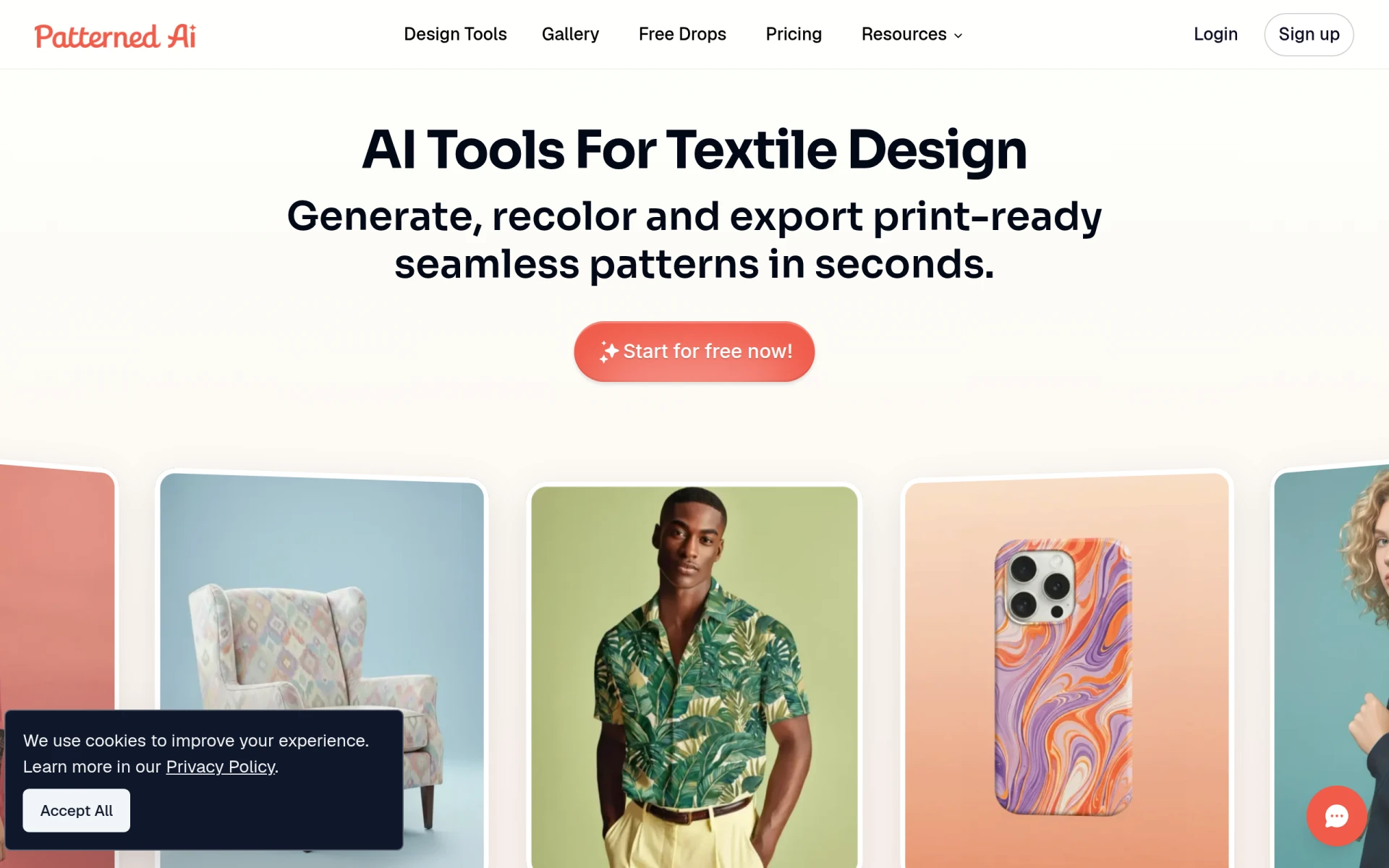
Patterned AI is an innovative tool that specializes in creating seamless patterns for fashion and textile design. This focus distinguishes it from Galileo, which primarily targets UI design. Patterned AI's ability to generate unique patterns quickly makes it an excellent choice for designers in the fashion industry who need to create eye-catching textiles and prints. The platform utilizes AI technology to streamline the pattern creation process, allowing designers to explore various styles and themes effortlessly.
Additionally, Patterned AI offers tiered monthly and annual subscription plans, providing flexibility for users based on their design needs. The tool's emphasis on seamless pattern generation ensures that fashion designers can produce high-quality outputs that align with current trends. While Galileo may not provide the same specialized features for textile design, Patterned AI fills this niche effectively, making it an ideal alternative for designers focused on fashion and textiles.
- Key Strength: Specializes in creating seamless patterns for fashion design.
- Key Strength: AI-driven technology for quick pattern generation.
- Key Strength: Flexible subscription plans for various user needs.
- Limitation: Limited applications outside of fashion and textile design.
Pricing: Freemium with tiered monthly and annual subscriptions. Best for: Fashion designers seeking specialized pattern creation tools.
Feature Comparison Table
| Tool | Best For | Starting Price | Free Plan | Standout Feature |
|---|
| Galileo | UI design | Freemium | Yes | AI-driven UI creation |
| PrismUI | Intuitive UI Design | Freemium | Yes | Highly customizable components |
| Magic Patterns | Rapid Prototyping | Freemium | Yes | Instant production-ready designs |
| Flowstep | Instant Design Transformations | Freemium | Yes | Real-time design generation |
| Motiff | AI-Powered Design Generation | Freemium | Yes | Generates designs from diverse inputs |
| ArkDesign | All Skill Levels | Freemium | Yes | User-friendly AI features |
| Alai | Presentation Design | Freemium | Yes | AI-generated slide layouts |
| Idesigns | Custom Design Creation | Freemium | Yes | Collaboration features |
| mnml AI | Architectural Visualization | Freemium | Yes | Photorealistic rendering tools |
| SketchBubble AI | Efficient Slide Creation | Freemium | Yes | Customizable presentation templates |
| Stockimg AI | Quick Graphic Creation | Freemium | Yes | Wide range of graphic assets |
| Kitkoo | Professional Mockups | Freemium | Yes | High-quality product mockups |
| Template.net | Editable Template Solutions | Freemium | Yes | Immediate access to templates |
| GPT Mate | Content Creation Support | Freemium | Yes | Integrated writing support |
| Sivi | Multilingual Design Needs | Freemium | Yes | Supports 72+ languages |
| Patterned AI | Fashion and Textile Design | Freemium | Yes | Seamless pattern generation |
How to Choose the Right Alternative to Galileo
When selecting an alternative to Galileo, it is essential to consider your specific design needs and workflow preferences. If you are primarily focused on user interfaces and require a straightforward tool, PrismUI may be the best fit due to its intuitive interface and customizable features. For teams that need rapid prototyping capabilities, Magic Patterns and Flowstep offer excellent solutions with their instant design generation features.
If your work involves architectural visualization or fashion design, tools like mnml AI and Patterned AI are tailored to meet those specialized requirements. On the other hand, if you are a business professional looking to enhance your presentation skills, Alai and SketchBubble AI provide dedicated features for creating compelling slides. Ultimately, assessing your specific use cases and team dynamics will help you make the best choice for your design projects.
Final Verdict
In conclusion, while Galileo offers solid UI design capabilities, there are numerous alternatives that cater to various design needs and workflows. For intuitive UI design, PrismUI is a top choice, while teams needing rapid iteration may prefer Magic Patterns or Flowstep. For specialized design tasks, consider mnml AI for architectural projects or Patterned AI for fashion design. Choosing the right tool ultimately depends on your specific requirements and how each platform aligns with your workflow.