Why Look for Alternatives to Genpire?
While Genpire has gained popularity for its AI-powered capabilities in generating factory-ready tech packs from sketches or prompts, it is not without its limitations. Users often report concerns regarding the pricing structure, which can be opaque and may not provide sufficient value for all use cases. Depending on the user’s design needs, they might find that Genpire lacks specific features or versatility, especially for teams that require more than just tech pack generation. For instance, the tool may not handle intricate design specifications or various design styles as effectively as some competitors.
Moreover, users commonly express frustrations with Genpire's user interface and overall user experience. While it is designed to be user-friendly, some users feel overwhelmed by its functionalities, which could lead to a steep learning curve. This can deter new users or smaller teams that require a more straightforward approach. Additionally, the tool might not integrate seamlessly with other software commonly used in design workflows, creating inefficiencies for collaborative teams. These limitations have prompted many to explore alternatives that cater to their specific design needs more effectively.
Best Alternatives to Genpire in 2026
Magic Patterns - Best for Rapid Prototyping
Magic Patterns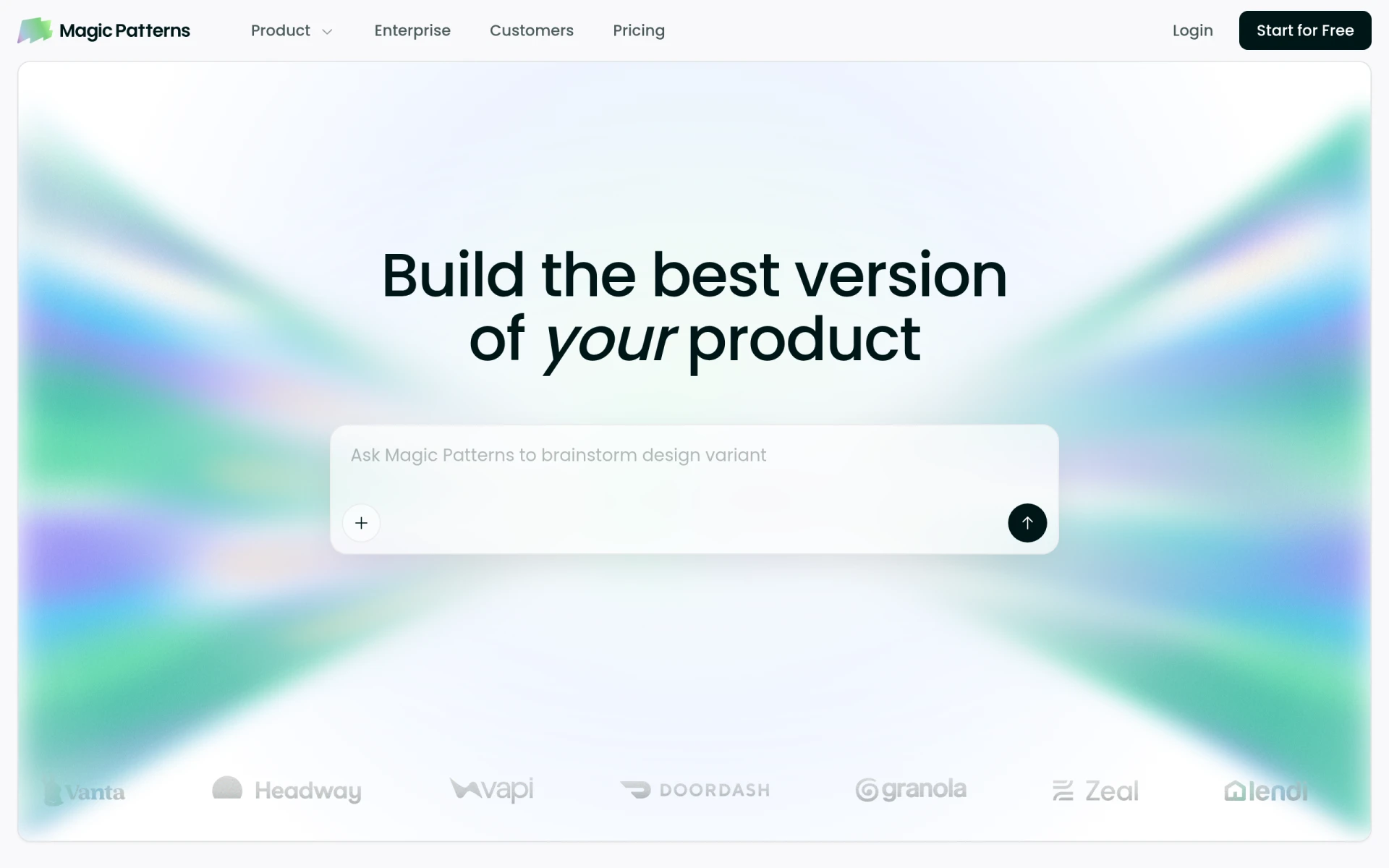 is an innovative AI design tool that excels in transforming prompts into production-ready UI designs, making it ideal for product teams looking to prototype rapidly. Unlike Genpire, which focuses primarily on tech packs, Magic Patterns diversifies its offerings by catering to UI/UX designers who need quick iterations on user interfaces. With an intuitive interface, Magic Patterns allows designers to generate multiple design options in minutes, which can significantly speed up the prototyping phase of product development. This flexibility makes it an attractive choice for startups and teams that thrive on agile methodologies.
What sets Magic Patterns apart from Genpire is its focus on UI design rather than just tech pack generation. The tool provides templates and customizable elements that facilitate the creative process, allowing designers to tweak and refine their designs without starting from scratch. This is particularly beneficial for teams that require a consistent design language across different platforms. However, while Magic Patterns offers powerful design capabilities, it may not cater as effectively to those who need detailed technical specifications for manufacturing, which is where Genpire shines.
- Key Strength: Rapid generation of UI designs from simple prompts.
- Key Strength: Extensive library of customizable templates and design elements.
- Key Strength: User-friendly interface that simplifies the design process.
- Limitation: May lack detailed tech pack features for manufacturing.
Pricing: Freemium model; specific tiers not publicly available. Best for: Product teams looking for rapid UI prototyping.
PixAI - Best for Anime-Style Artwork
PixAI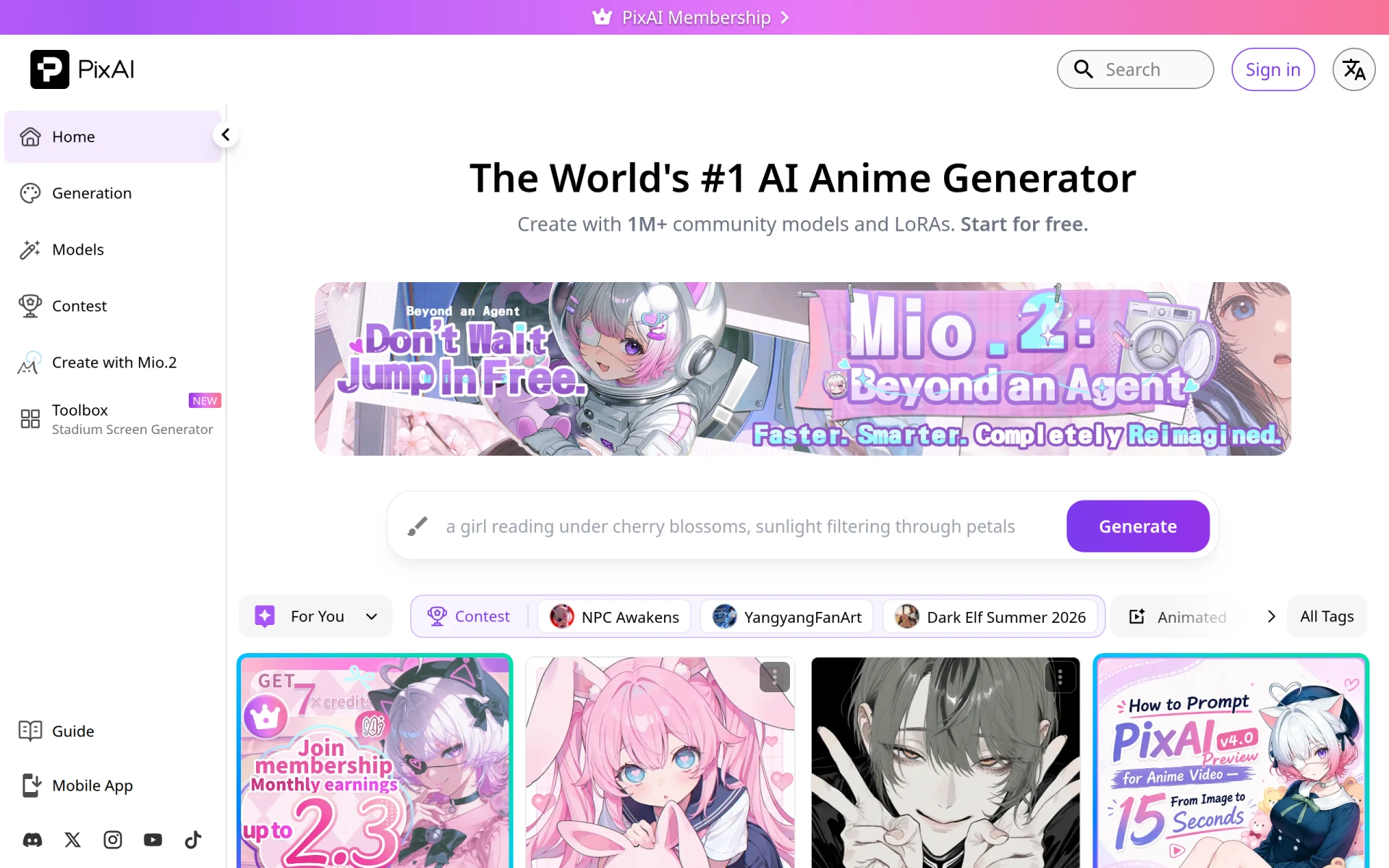 is a unique AI art generator that allows users to create anime-style artwork effortlessly using community models and prompts. This tool stands out as a fantastic alternative to Genpire for artists and designers focused on anime aesthetics and digital illustrations. While Genpire is primarily aimed at design professionals needing tech packs, PixAI caters to a different audience that values artistic expression and creativity in digital art. With its easy-to-use interface and engaging community, users can explore various styles and techniques, making it an ideal platform for both beginners and seasoned artists.
In comparison to Genpire, PixAI focuses on art generation rather than technical design specifications. The community-driven aspect of PixAI allows users to share their creations and gain inspiration from others, fostering a collaborative environment that is less prevalent in Genpire. This makes it particularly appealing for those who thrive in creative communities. However, users should be aware that while PixAI excels in generating artistic content, it may not serve the functional needs of designers looking for detailed technical outputs necessary for manufacturing processes.
- Key Strength: Specialized in generating anime-style artwork with ease.
- Key Strength: Community-driven features allow for sharing and collaboration.
- Key Strength: Intuitive interface that simplifies art creation.
- Limitation: Limited functionality for producing technical design documents.
Pricing: Freemium model with daily free credits for art generation. Best for: Artists and designers focused on anime-style illustrations.
Kitkoo - Best for Professional Mockups
Kitkoo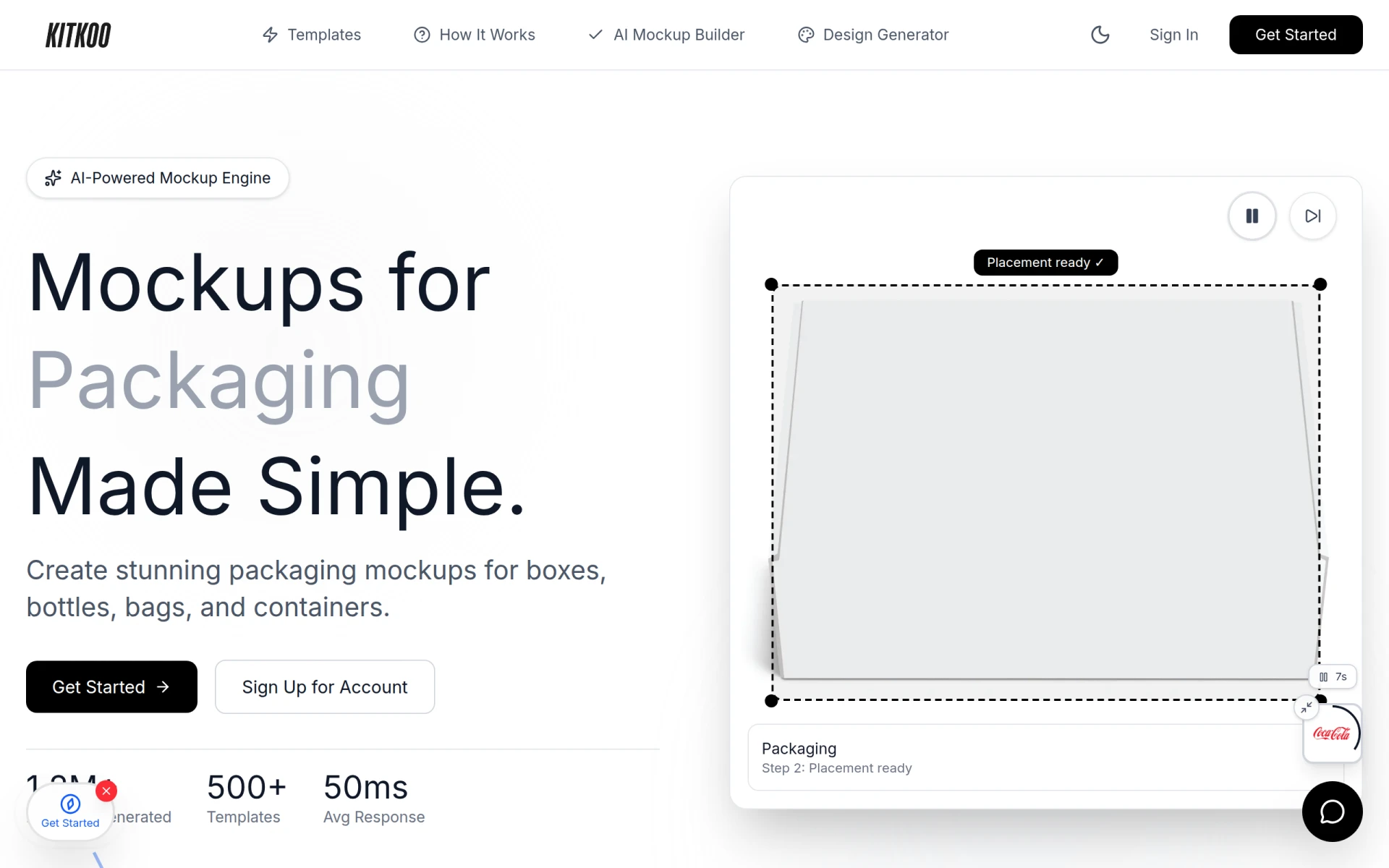 is an AI-powered mockup generator that enables users to create professional product mockups effortlessly. This tool is particularly beneficial for designers who need to visualize their products in a realistic context, making it a strong alternative to Genpire, which primarily focuses on tech pack creation. Kitkoo allows users to upload their designs and generate high-quality mockups quickly, which can be crucial for marketing and presentation purposes. This capability is especially valuable for e-commerce businesses and product teams that need to showcase their designs attractively.
When comparing Kitkoo to Genpire, it's clear that Kitkoo offers a more specialized focus on mockup generation rather than comprehensive tech pack support. The ease of use and quality of mockups produced by Kitkoo are significant advantages for marketing teams, as they can create visually appealing representations of their products without extensive graphic design skills. However, users should note that while Kitkoo excels in mockup generation, it does not provide the detailed specifications required for manufacturing, a core feature of Genpire.
- Key Strength: Fast and high-quality mockup generation from existing designs.
- Key Strength: User-friendly interface that requires minimal design skills.
- Key Strength: Ideal for marketing and e-commerce applications.
- Limitation: Lacks robust features for tech pack creation and detailed specifications.
Pricing: Subscription plans starting at $29 per month with a free trial available. Best for: E-commerce businesses and marketing teams needing professional mockups.
Gencraft - Best for Versatile Image Creation
Gencraft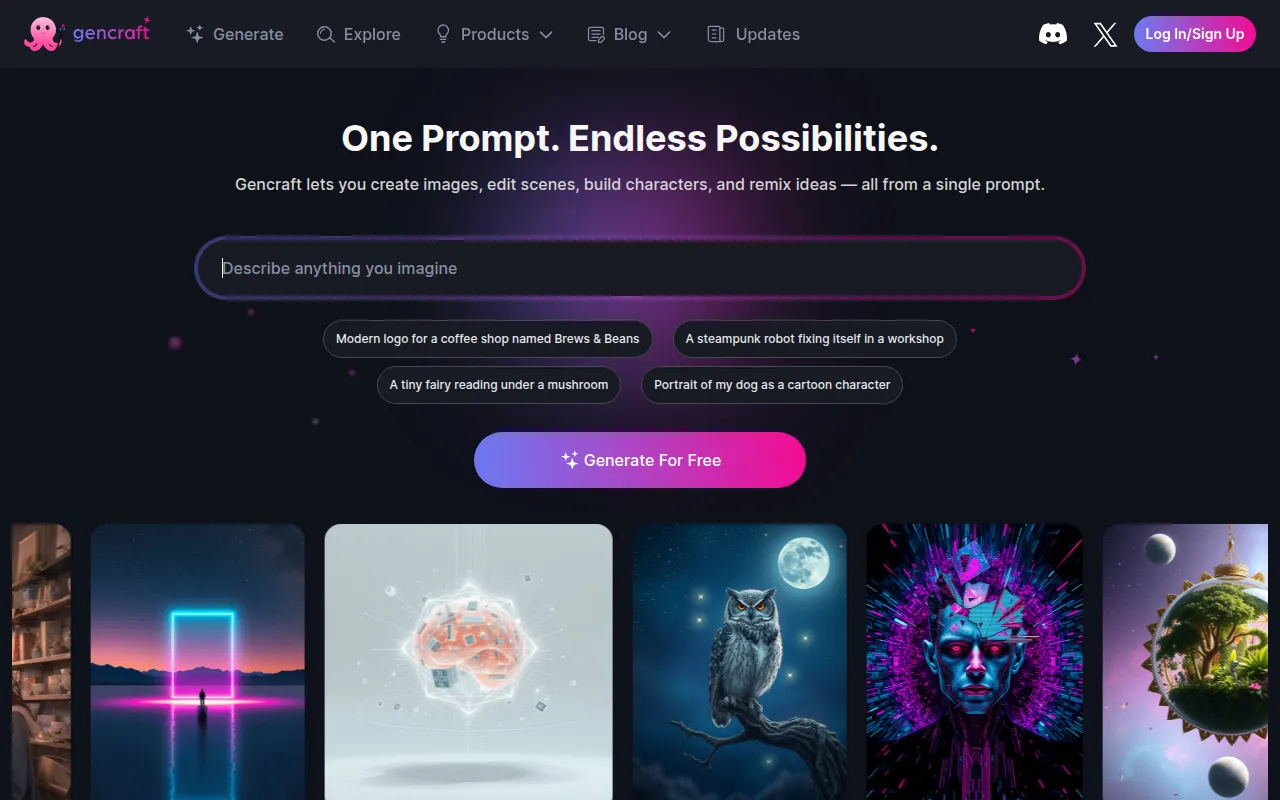 is an AI art generator that allows users to create images, avatars, and variations through intuitive design tools. It serves as a versatile platform for users looking to experiment with different styles and concepts, making it a noteworthy alternative to Genpire. Unlike Genpire, which is tailored for tech pack generation, Gencraft provides a broader range of creative options, allowing designers to create unique visuals that can be used across various applications, from social media to product branding. This flexibility can be particularly advantageous for creative professionals who desire a tool that adapts to different design needs.
What distinguishes Gencraft from Genpire is its emphasis on creative exploration and artistic freedom. Users can leverage the platform's diverse features to generate not just static images but also avatars and design variations that can enhance their projects. This capability makes Gencraft an excellent choice for marketers, social media managers, and content creators who need to produce eye-catching designs quickly. However, it is essential to recognize that Gencraft may not provide the in-depth technical requirements necessary for those focused solely on manufacturing specifications, thus making it less suitable for traditional product development workflows.
- Key Strength: Wide range of creative options for image generation.
- Key Strength: Ability to create avatars and design variations easily.
- Key Strength: Flexible tool for various design applications.
- Limitation: Limited focus on technical specifications for manufacturing.
Pricing: Freemium model; specific pricing details currently not available. Best for: Creative professionals seeking versatile image creation tools.
Idesigns - Best for Custom Design Creation
Idesigns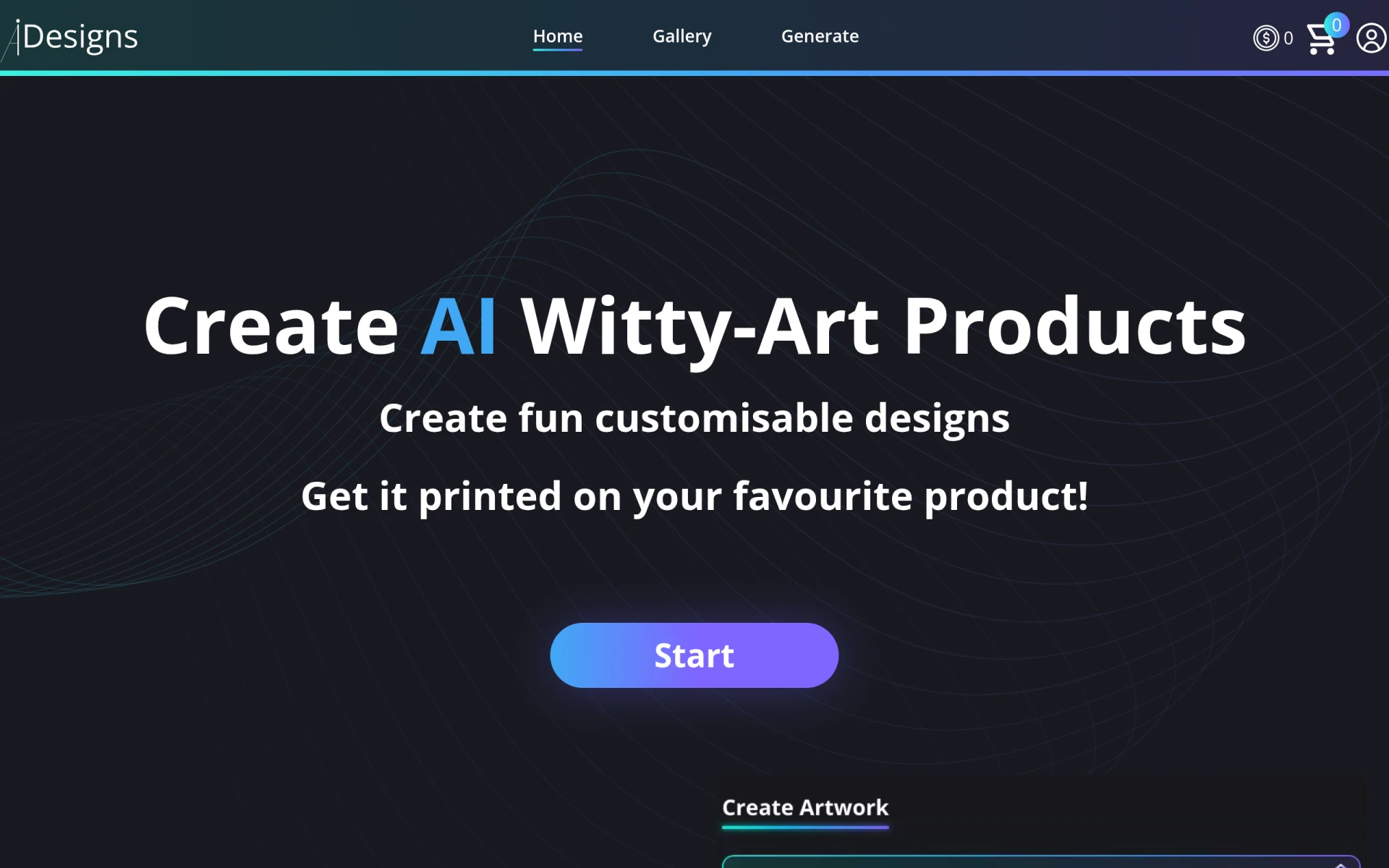 offers an AI-powered platform for creating and customizing unique designs and products. This tool is particularly useful for designers who want to craft tailored designs that meet specific requirements, making it a compelling alternative to Genpire. Idesigns enables users to explore various design options and make adjustments in real time, which can enhance creativity and project outcomes. While Genpire is focused on producing tech packs, Idesigns provides a more flexible approach to design that can be beneficial for various industries, particularly in fashion and product design.
When comparing Idesigns to Genpire, the former shines in its ability to allow users to create customized designs from scratch or modify existing templates. This adaptability can be crucial for designers who need to cater to different client needs or market trends. The interactive nature of Idesigns encourages user engagement, fostering a more dynamic design process. However, as with some alternatives, Idesigns may not offer the same level of detail in technical specifications as Genpire, which could be a drawback for those focused on production-ready outputs.
- Key Strength: Customizable design options that cater to specific needs.
- Key Strength: Real-time adjustments enhance creativity.
- Key Strength: Adaptable for various industries, including fashion.
- Limitation: Lacks comprehensive tech pack generation features.
Pricing: Freemium model; specific pricing information currently not available. Best for: Designers looking for customizable design solutions.
GPT Mate - Best for Streamlined Content Creation
GPT Mate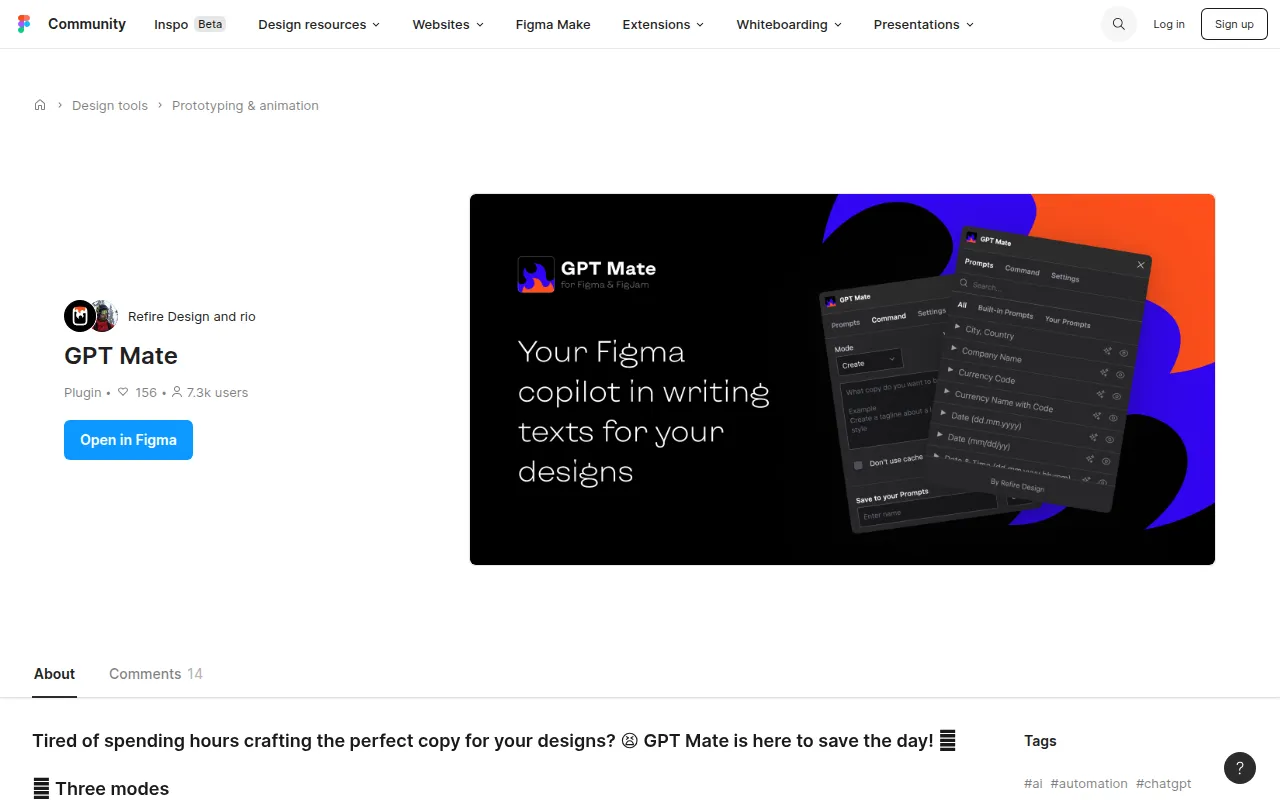 is an AI writing tool designed to streamline content creation for design projects. This tool is particularly advantageous for designers who find themselves overwhelmed with the writing aspects of their projects, such as creating product descriptions, design rationales, or marketing content. Unlike Genpire, which focuses solely on design outputs, GPT Mate enhances the overall design process by assisting with text generation, making it an excellent complement for design teams that need to produce written materials efficiently.
Comparing GPT Mate to Genpire reveals that while Genpire excels in producing tech packs, GPT Mate addresses the often-overlooked aspect of content writing in design workflows. This can be particularly helpful for marketing teams and freelance designers who need to convey their ideas clearly and persuasively. The AI capabilities of GPT Mate allow for quick generation of high-quality text, which can save valuable time in the design process. However, users should keep in mind that GPT Mate does not provide design functionalities, so it is best suited as a supplementary tool rather than a direct replacement for Genpire.
- Key Strength: Efficient generation of high-quality written content for design projects.
- Key Strength: Reduces the time spent on content creation.
- Key Strength: Ideal for marketing teams needing persuasive copy.
- Limitation: Lacks design generation features, focusing only on writing.
Pricing: Freemium model; specific pricing information currently not available. Best for: Designers needing assistance with content writing.
CGDream - Best for Stunning Visuals
CGDream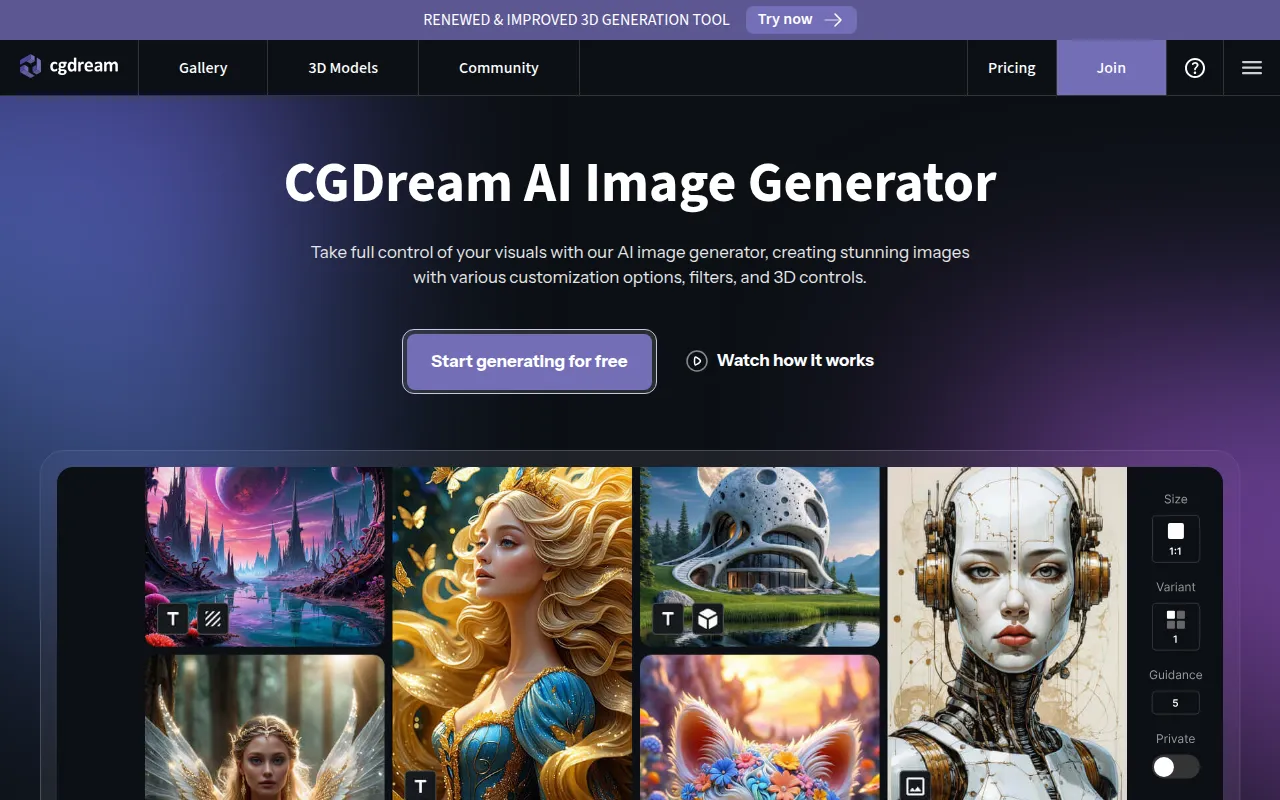 is a free AI image generator that allows users to create and customize stunning visuals from text, images, or 3D models. This tool serves as a robust alternative to Genpire, particularly for users who prioritize creativity and visual impact over technical specifications. CGDream enables designers to explore various visual styles and concepts, making it an excellent choice for artists, marketers, and content creators who need to produce eye-catching designs quickly. The platform's flexibility in accepting different input formats allows for a diverse range of outputs that can cater to various project needs.
In contrast to Genpire, which focuses primarily on tech pack creation, CGDream offers a broader creative toolkit that can be invaluable for users looking to generate high-quality visuals without extensive technical knowledge. The tool's user-friendly interface makes it accessible for those unfamiliar with graphic design software, allowing for quick experimentation and iteration. However, it is essential to note that CGDream may not provide the detailed documentation and specifications necessary for manufacturing, which could be a limitation for traditional product design workflows.
- Key Strength: Versatile image generation from multiple input formats.
- Key Strength: User-friendly interface that encourages experimentation.
- Key Strength: Ideal for creating visually stunning content.
- Limitation: Lacks technical specification generation for manufacturing.
Pricing: Freemium model with 3000 monthly credits available. Best for: Content creators and marketers needing stunning visuals.
ProPhotos - Best for Photo Editing
ProPhotos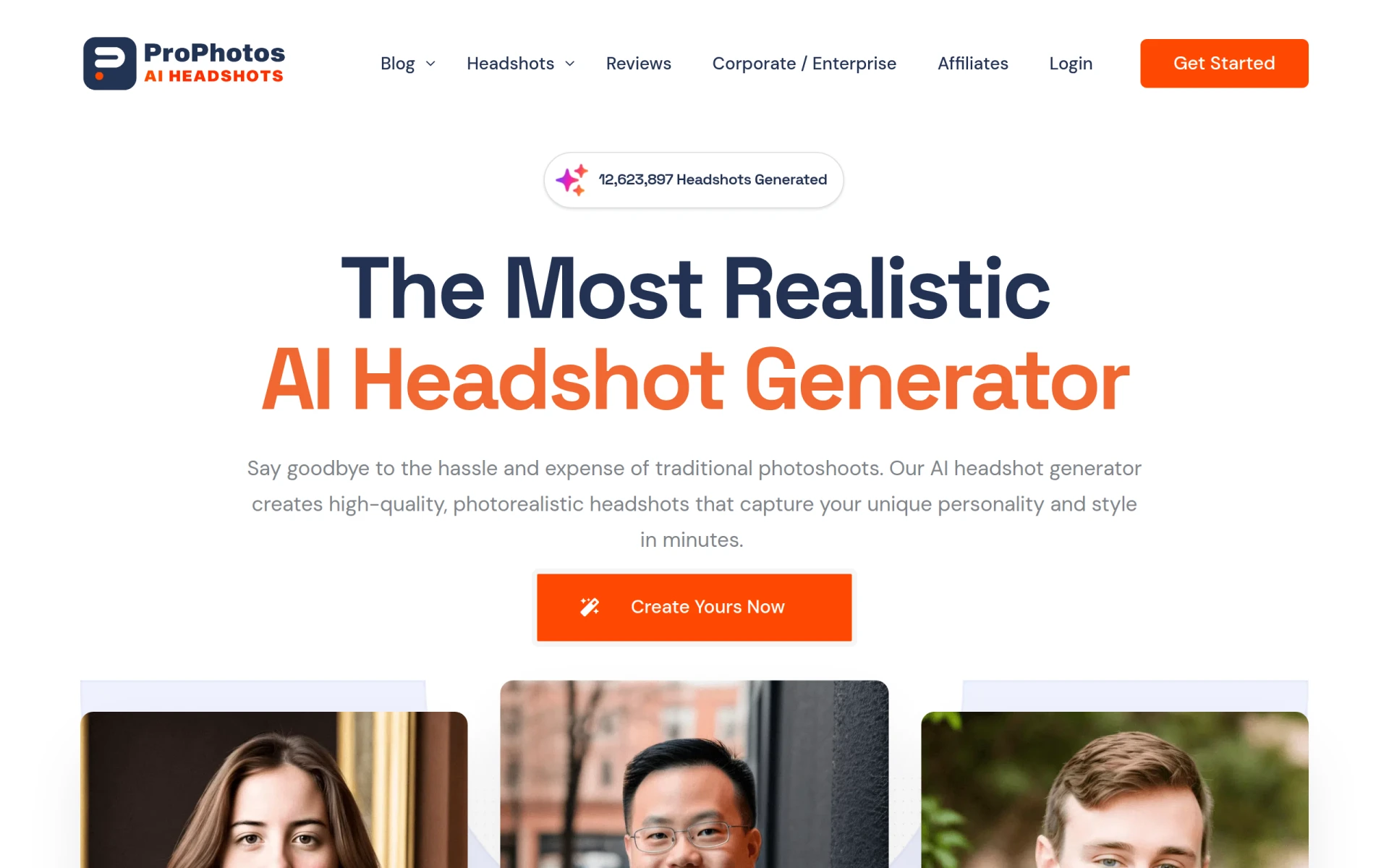 is an AI-powered photo editing tool designed to enhance images quickly and efficiently. This tool is particularly useful for designers and marketers who require high-quality images for presentations, social media, and marketing campaigns. While Genpire is focused on tech pack generation, ProPhotos excels in transforming raw images into polished visuals, making it an attractive alternative for users who prioritize image quality in their design process. The AI capabilities of ProPhotos allow for quick edits, adjustments, and enhancements, which can save time and improve the overall quality of a project.
When comparing ProPhotos to Genpire, it becomes clear that ProPhotos serves a different purpose by focusing on image enhancement rather than technical specifications. This can be particularly beneficial for businesses that rely heavily on visual content for branding and marketing. The ease of use and speed of ProPhotos can significantly streamline the workflow for teams that need to produce high-quality images rapidly. However, users should keep in mind that ProPhotos does not provide the design generation capabilities found in Genpire, making it best suited for those who need to enhance existing images rather than create new design outputs.
- Key Strength: Fast and efficient photo editing capabilities.
- Key Strength: Ideal for enhancing images for marketing and social media.
- Key Strength: User-friendly interface suitable for quick edits.
- Limitation: Lacks design generation features.
Pricing: Freemium model; specific pricing details not explicitly available. Best for: Designers and marketers needing quick photo enhancements.
Kive - Best for Product Photography
Kive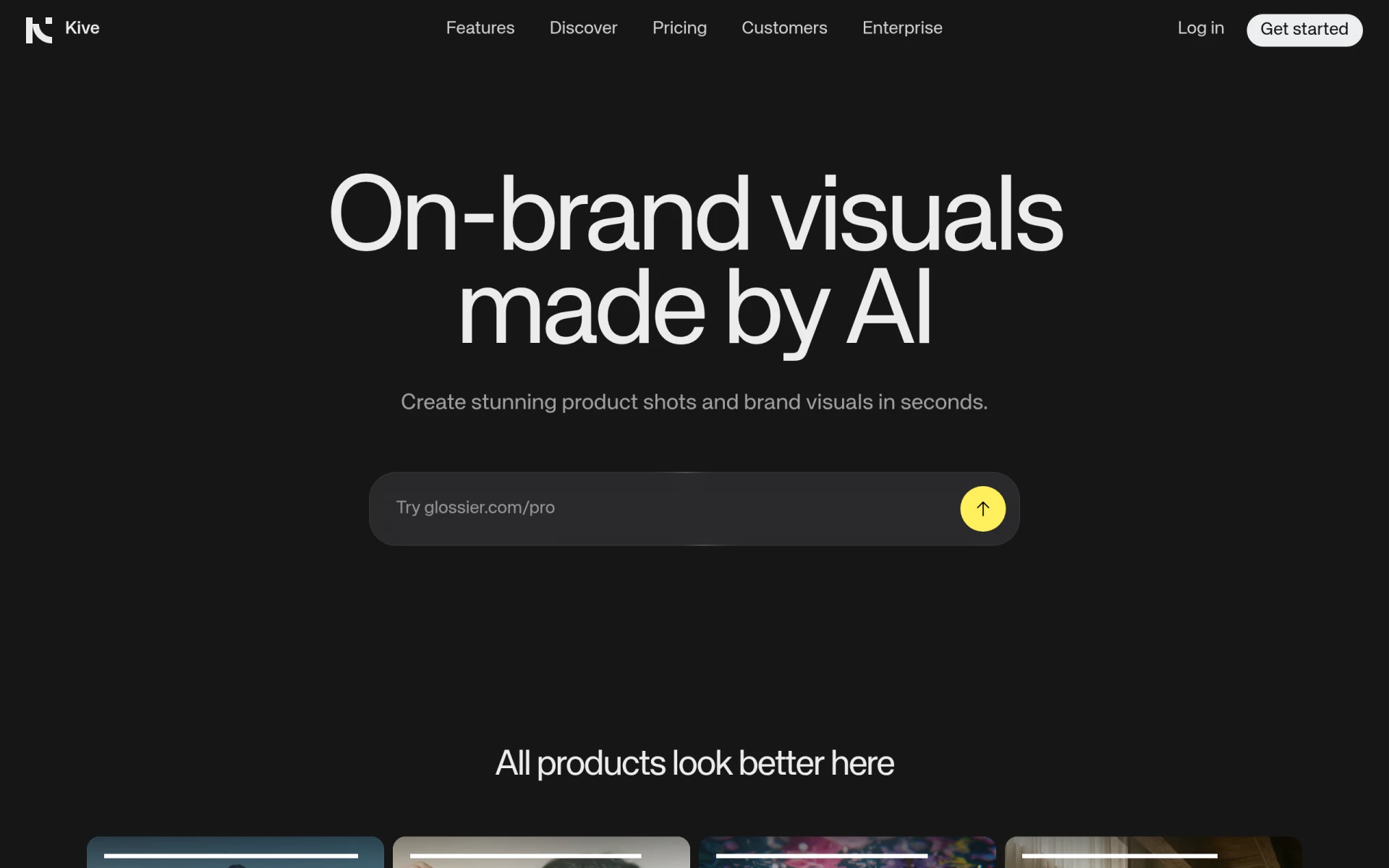 is an AI-powered tool that enables users to create high-quality product photography quickly and efficiently. This platform is particularly advantageous for e-commerce businesses and product designers who need to showcase their products in the best light. Unlike Genpire, which is primarily focused on tech packs, Kive specializes in producing visually appealing product images that can enhance a brand's online presence. The AI capabilities of Kive streamline the photography process, allowing users to create professional-quality images without the need for extensive photography skills or equipment.
When comparing Kive to Genpire, it is evident that Kive provides a more specialized solution for product photography, which can be crucial for marketing and sales. The tool's ability to generate high-quality images quickly can significantly reduce the time and resources required for product shoots. However, users should consider that Kive's primary focus on photography means it may not provide the detailed documentation and specifications that Genpire offers for tech pack creation, which could be a drawback for some users.
- Key Strength: Quick generation of high-quality product photography.
- Key Strength: Streamlined process that requires minimal photography skills.
- Key Strength: Ideal for enhancing e-commerce product listings.
- Limitation: Lacks features for tech pack generation and detailed specifications.
Pricing: Freemium model; specific pricing details require direct inquiry. Best for: E-commerce businesses needing quality product photography.
Flowstep - Best for Instant UI Designs
Flowstep is an AI design assistant that transforms text prompts into production-ready UI designs instantly. This tool is particularly beneficial for designers who need quick turnaround times for user interface projects, making it an excellent alternative to Genpire. While Genpire is focused on tech packs for manufacturing, Flowstep specializes in UI design, allowing designers to create user-friendly interfaces efficiently. The speed and accuracy of Flowstep's outputs can significantly enhance productivity for teams working on digital products.
In contrast to Genpire, Flowstep provides a more specialized focus on user interface design, which can be crucial for product teams operating in fast-paced environments. The tool allows designers to input text prompts and receive instant design outputs, which can facilitate rapid iterations and refinements. However, users should note that while Flowstep excels in UI design, it may not offer the same level of detail in technical specifications as Genpire, making it less suitable for those focused solely on manufacturing outputs.
- Key Strength: Instant generation of production-ready UI designs from text.
- Key Strength: Facilitates rapid iterations and design refinements.
- Key Strength: User-friendly interface for quick design processes.
- Limitation: Limited functionality for generating technical specifications for manufacturing.
Pricing: Freemium model with a Starter plan at $15/month and custom pricing for enterprises. Best for: Product teams needing rapid UI design solutions.
Logopony - Best for Quick Logo Generation
Logopony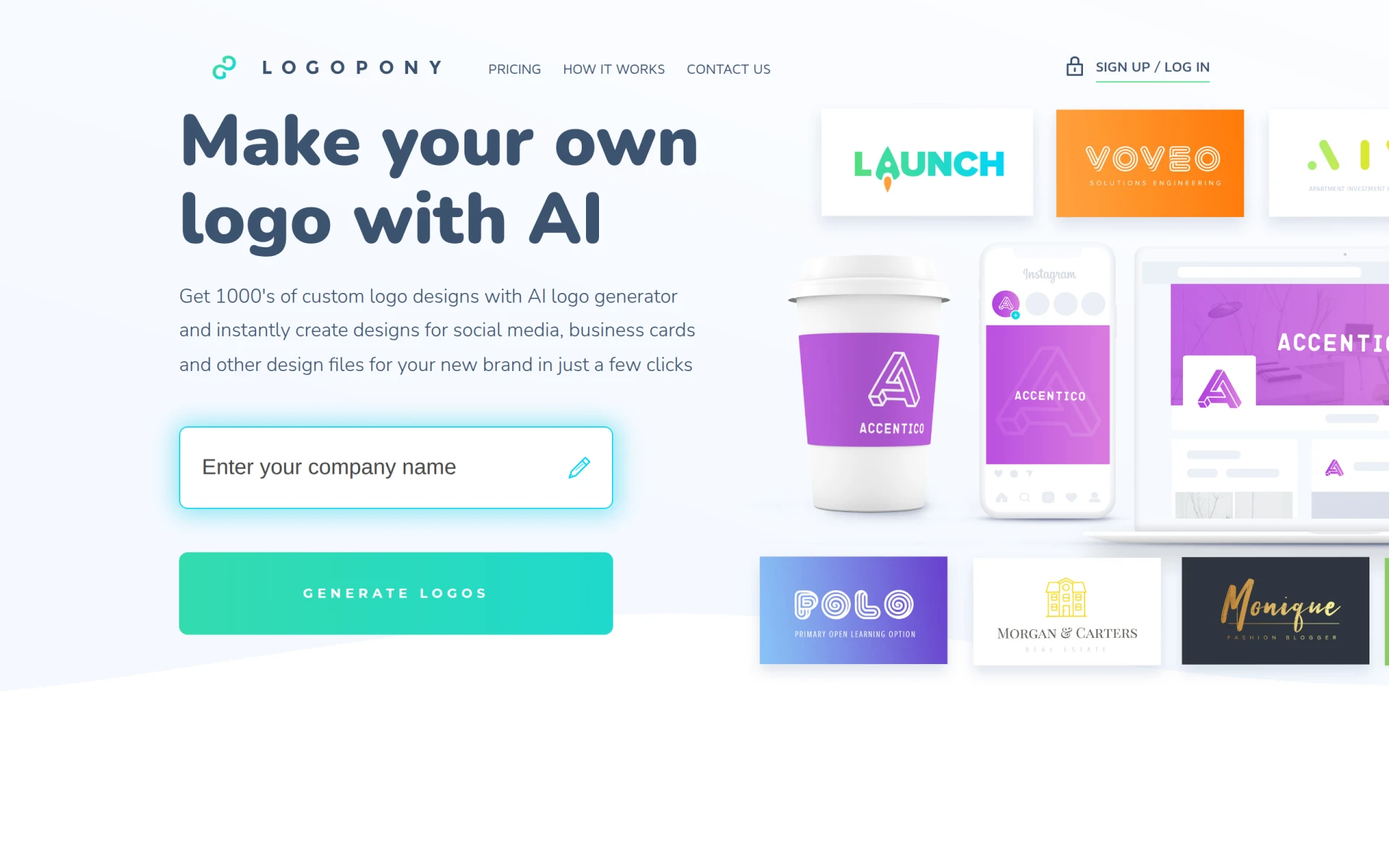 is an AI-driven logo generator that enables users to create professional logos quickly and easily. This tool is particularly beneficial for startups and small businesses that need to establish their brand identity without extensive design resources. Unlike Genpire, which is focused on tech pack generation, Logopony simplifies the logo creation process, allowing users to input their brand name and preferences to generate unique logo designs. This can be a time-saving solution for entrepreneurs who need to get their brand up and running quickly.
When comparing Logopony to Genpire, it is clear that Logopony serves a different purpose by focusing on brand identity rather than technical design requirements. The simplicity and speed of the logo generation process make it an attractive option for those who may not have design expertise but want a professional-looking logo. However, users should be aware that while Logopony excels in logo creation, it may not provide the detailed technical specifications necessary for manufacturing, which is a core strength of Genpire.
- Key Strength: Quick and easy generation of professional logos.
- Key Strength: User-friendly interface suitable for non-designers.
- Key Strength: Ideal for startups needing to establish brand identity.
- Limitation: Lacks features for tech pack generation and detailed specifications.
Pricing: Freemium model; specific pricing information not explicitly provided. Best for: Startups and small businesses needing quick logo solutions.
Imagine - Best for Multimedia Content Creation
ImagineArt is an AI creative suite for generating images, videos, and voiceovers from text prompts, making it a versatile alternative to Genpire. This tool is particularly useful for creators and marketers who need to produce diverse multimedia content efficiently. Unlike Genpire, which is focused on tech packs, ImagineArt enables users to create a wide range of content types that can enhance marketing strategies and creative projects. The ability to generate multiple formats from a single prompt can significantly streamline the content creation process for teams.
When comparing ImagineArt to Genpire, the former offers a broader range of creative possibilities that can be crucial for businesses seeking to engage their audiences through various mediums. The integration of video and audio generation capabilities allows users to create comprehensive marketing materials without needing separate tools. However, it's important to note that ImagineArt does not focus on technical specifications required for manufacturing, which is where Genpire excels, making it less suitable for traditional product design workflows.
- Key Strength: Versatile content generation for images, videos, and audio.
- Key Strength: Streamlines the multimedia content creation process.
- Key Strength: Ideal for marketers and creators needing diverse content.
- Limitation: Lacks features for generating technical specifications for manufacturing.
Pricing: Freemium model; specific pricing information not explicitly stated. Best for: Creators and marketers needing diverse multimedia content.
OpenArt - Best for Comprehensive Creative Solutions
OpenArt is an AI-powered creator studio for generating videos, images, and audio, all in one platform. This tool is particularly beneficial for designers and marketers who seek an all-in-one solution for their creative needs. Unlike Genpire, which is primarily focused on tech pack generation, OpenArt provides a holistic approach to content creation, allowing users to produce various formats without switching between multiple tools. This can significantly enhance productivity and streamline workflows for creative teams.
When comparing OpenArt to Genpire, it is evident that OpenArt caters to a wider range of creative applications, which can be beneficial for businesses looking to engage audiences through multiple mediums. The platform's comprehensive features allow for seamless transitions between video, image, and audio generation, making it an attractive option for marketers and content creators. However, users should consider that OpenArt does not provide the detailed technical documentation necessary for manufacturing, which is a key strength of Genpire and essential for traditional product design workflows.
- Key Strength: Comprehensive content creation across videos, images, and audio.
- Key Strength: Streamlined workflows for creative teams.
- Key Strength: Ideal for marketers needing an all-in-one creative solution.
- Limitation: Lacks features for generating technical specifications for manufacturing.
Pricing: Freemium model; specific pricing information not explicitly detailed. Best for: Designers and marketers needing an all-in-one creative platform.
Prisma - Best for Artistic Photo Transformation
Prisma is an AI-powered photo and video editing tool that transforms images into artistic styles with ease. This tool is particularly advantageous for designers and artists who want to add a creative flair to their images quickly. Unlike Genpire, which focuses on creating tech packs, Prisma specializes in artistic transformations, allowing users to enhance their visuals with various filters and effects. This can be particularly useful for marketing campaigns and social media content where eye-catching visuals are crucial.
When comparing Prisma to Genpire, it is clear that Prisma serves a different purpose by focusing on artistic enhancements rather than technical specifications. The ability to apply artistic styles to photos and videos can significantly enhance the aesthetic appeal of content, making it an attractive option for marketers and content creators. However, users should keep in mind that while Prisma excels in artistic transformations, it does not provide the comprehensive design functionalities required for tech pack creation, making it less suitable for product development workflows.
- Key Strength: Quick application of artistic styles to photos and videos.
- Key Strength: Ideal for enhancing visuals for marketing and social media.
- Key Strength: User-friendly interface suitable for quick edits.
- Limitation: Lacks features for generating technical specifications.
Pricing: Freemium model; specific pricing details not explicitly outlined. Best for: Designers and marketers needing artistic photo transformations.
Alai - Best for Presentation Designs
Alai is an AI-driven presentation design tool that helps users create stunning presentations quickly and easily. This tool is particularly beneficial for professionals who need to deliver impactful presentations without spending excessive time on design. Unlike Genpire, which focuses on tech packs, Alai streamlines the presentation creation process, allowing users to produce visually appealing slides efficiently. This can be crucial for corporate teams, educators, and entrepreneurs who need to present their ideas effectively.
When comparing Alai to Genpire, it is clear that Alai serves a different purpose by specializing in presentation design rather than technical specifications. The simplicity and speed of the design process make it an attractive option for those who may not have extensive design experience but want to create professional-looking presentations. However, users should consider that while Alai excels in presentation creation, it may not provide the detailed documentation required for manufacturing, which is a core strength of Genpire.
- Key Strength: Quick and easy creation of professional presentations.
- Key Strength: User-friendly interface suitable for non-designers.
- Key Strength: Ideal for corporate teams and educators needing impactful presentations.
- Limitation: Lacks features for tech pack generation and detailed specifications.
Pricing: Freemium model; specific pricing information currently not available. Best for: Professionals needing to create engaging presentations quickly.
Feature Comparison Table
| Tool | Best For | Starting Price | Free Plan | Standout Feature |
|---|
| Genpire | Tech pack creation | Freemium | Yes | Factory-ready tech packs from sketches |
| Magic Patterns | Rapid prototyping | Freemium | Yes | Production-ready UI designs from prompts |
| PixAI | Anime-style artwork | Freemium | Yes | Community models for art generation |
| Kitkoo | Professional mockups | $29/month | Yes | Effortless product mockup generation |
| Gencraft | Versatile image creation | Freemium | Yes | Intuitive design tools for images and avatars |
| Idesigns | Custom design creation | Freemium | Yes | Real-time design customization |
| GPT Mate | Streamlined content creation | Freemium | Yes | Efficient text generation for design projects |
| CGDream | Stunning visuals | Freemium | Yes | Image generation from text and images |
| ProPhotos | Photo editing | Freemium | Yes | Quick enhancements for images |
| Kive | Product photography | Freemium | Inquire | High-quality product photography generation |
| Flowstep | Instant UI designs | $15/month | Yes | Production-ready UI designs from text prompts |
| Logopony | Quick logo generation | Freemium | Yes | Professional logo creation in minutes |
Imagine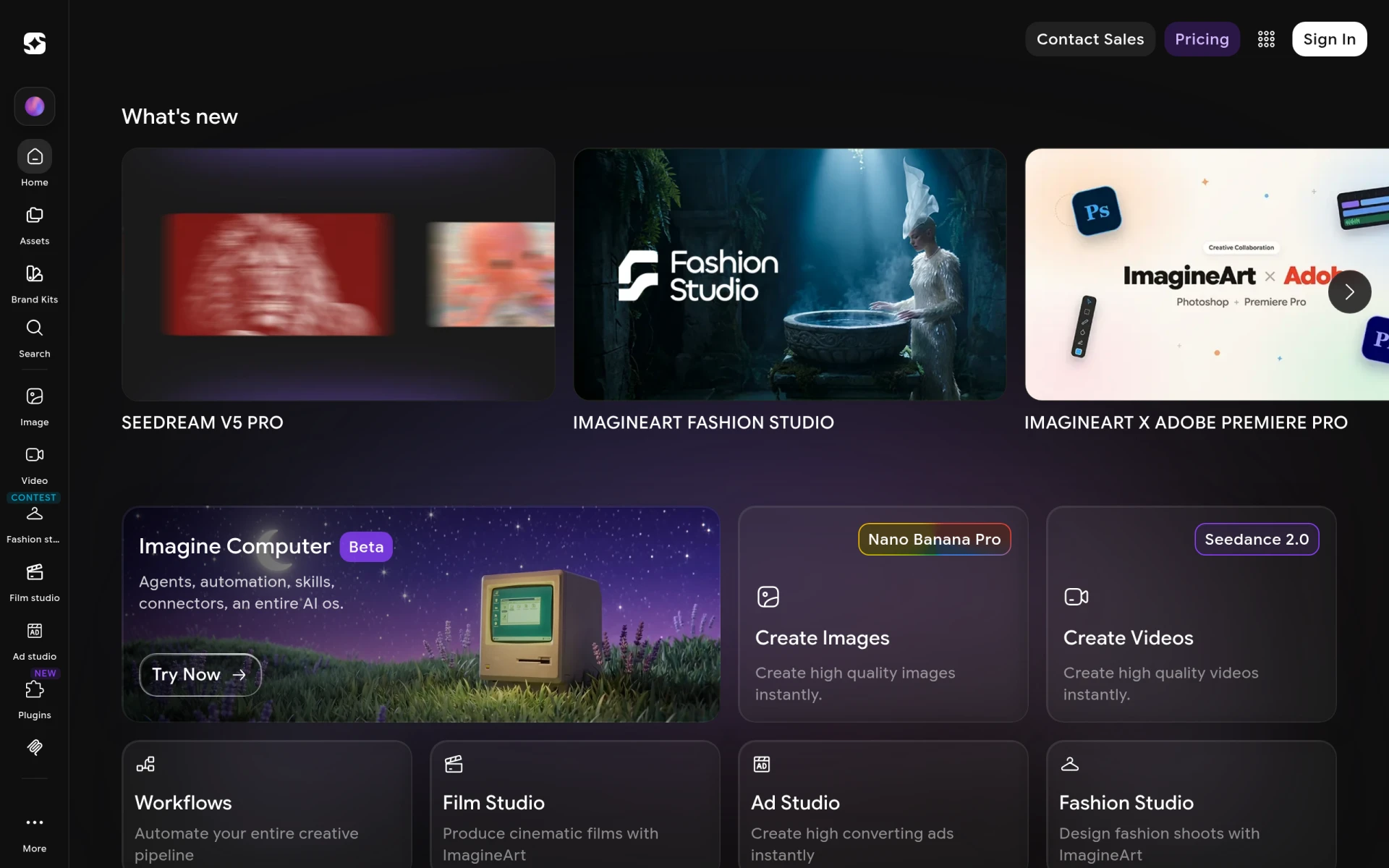 | Multimedia content creation | Freemium | Yes | Images, videos, and audio from text |
| OpenArt | Comprehensive creative solutions | Freemium | Yes | All-in-one platform for creators |
| Prisma | Artistic photo transformation | Freemium | Yes | Artistic styles applied to images |
| Alai | Presentation designs | Freemium | Yes | Quick creation of professional presentations |
How to Choose the Right Alternative to Genpire
When selecting the right alternative to Genpire, it is essential to consider your specific design needs and project requirements. If you are primarily focused on producing tech packs for manufacturing, it may be worth exploring tools that offer comprehensive design specifications, such as Gencraft or Kitkoo. However, if your focus is more on creative aspects, such as UI design or artistic visuals, then tools like Magic Patterns or PixAI may be more suitable. These platforms provide specialized features that cater to different aspects of the design process.
For teams working in fast-paced environments, tools like Flowstep or ImagineArt can significantly enhance productivity by allowing for quick iterations and multimedia content generation. Conversely, if you are a startup or small business in need of branding elements, consider using Logopony or Alai for quick logo and presentation designs. Ultimately, the best alternative will depend on balancing your project goals, the required features, and your team's comfort level with the tools available.
Final Verdict
In conclusion, while Genpire serves a specific niche in tech pack generation, there are numerous alternatives available that cater to various design needs. For rapid prototyping, Magic Patterns is an excellent choice, whereas PixAI stands out for artistic creations. Kitkoo excels in mockup generation, and Gencraft offers versatile image creation options. Depending on your specific requirements, you can confidently choose the tool that aligns best with your design objectives.