Why Look for Alternatives to KiloClaw?
While KiloClaw offers a range of automated features for email management, calendar scheduling, and project monitoring, users have reported several limitations that can hinder productivity. One of the primary concerns is the lack of detailed pricing information, which makes it difficult for potential users to assess whether the premium plans align with their budget. Additionally, KiloClaw may not be as adaptable as some users would like, particularly when it comes to customizing workflows or integrating with specific applications that are vital to their operations. These shortcomings can lead users to seek alternatives that offer more transparency and flexibility.
Moreover, users have noted that KiloClaw sometimes struggles with complex scheduling scenarios, where multiple stakeholders are involved, or when integrating with third-party tools. This can create frustration, especially for teams that rely heavily on seamless communication and efficient task management. As a result, many users are exploring alternatives that not only automate tasks but also enhance collaboration and improve overall workflow efficiency, ultimately leading to better productivity outcomes.
Best Alternatives to KiloClaw in 2026
ZenAI - Best for Workflow Automation
ZenAI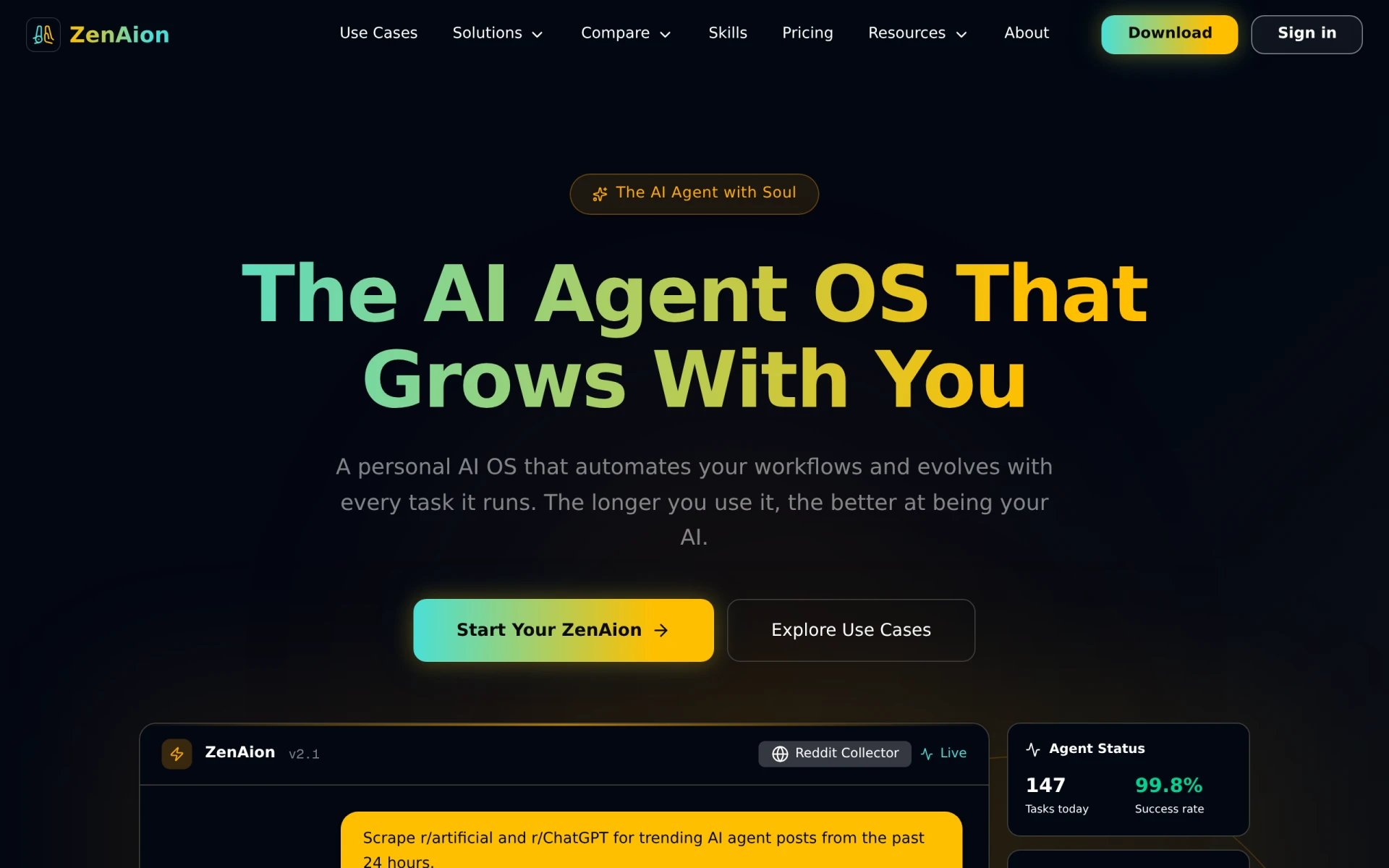 is an advanced hands-free AI assistant that excels in automating workflows such as email management, scheduling, and even code review. Unlike KiloClaw, ZenAI adapts to user behavior over time, optimizing its suggestions based on how you interact with it. This adaptability means that ZenAI can often anticipate your needs better than KiloClaw, making it a suitable choice for users who handle a diverse range of tasks and appreciate personalized automation. Additionally, ZenAI’s user-friendly interface and robust integration capabilities with popular tools give it a competitive edge, allowing users to streamline their workflows seamlessly.
Choosing ZenAI is particularly beneficial for professionals in fast-paced environments where efficiency is key. Its ability to handle complex scheduling scenarios and provide intelligent suggestions can significantly reduce the time spent on administrative tasks. Furthermore, ZenAI’s flexible pricing, which includes pay-as-you-go options, makes it accessible for both individuals and teams looking to enhance their productivity without committing to a high upfront cost.
- Key Strength: Adaptive suggestions based on user behavior enhance efficiency.
- Key Strength: Seamless integrations with a variety of applications.
- Key Strength: Flexible pricing plans cater to different budgets and needs.
- Limitation: May require a learning curve for new users to leverage its full potential.
Pricing: Freemium with pay-as-you-go and subscription options. Best for: Professionals needing personalized automation for diverse tasks.
Sidekick - Best for Appointment Scheduling
Sidekick is an AI-driven appointment scheduling tool that stands out for its simplicity and effectiveness in meeting coordination. Unlike KiloClaw, which offers a broader range of features, Sidekick specializes in making the scheduling process as efficient as possible. It integrates directly with email and web applications, allowing users to coordinate meetings effortlessly. This makes it ideal for professionals who prioritize quick and straightforward scheduling solutions over more complex project management features.
For teams that frequently set up meetings with clients or colleagues, Sidekick provides an intuitive interface that minimizes back-and-forth communication. Its ability to suggest optimal meeting times based on participants' availability is a significant advantage over KiloClaw. Furthermore, Sidekick's affordable pricing at $5 per month for premium features makes it an attractive option for small businesses and freelancers looking to manage their time effectively without breaking the bank.
- Key Strength: Streamlined meeting coordination reduces scheduling conflicts.
- Key Strength: Integration with both email and web applications enhances usability.
- Key Strength: Affordable pricing makes it accessible for small teams.
- Limitation: Limited features outside of scheduling may not suit all users.
Pricing: Freemium with a premium plan at $5 per month. Best for: Users needing an efficient scheduling solution.
Jace - Best for Email Management
Jace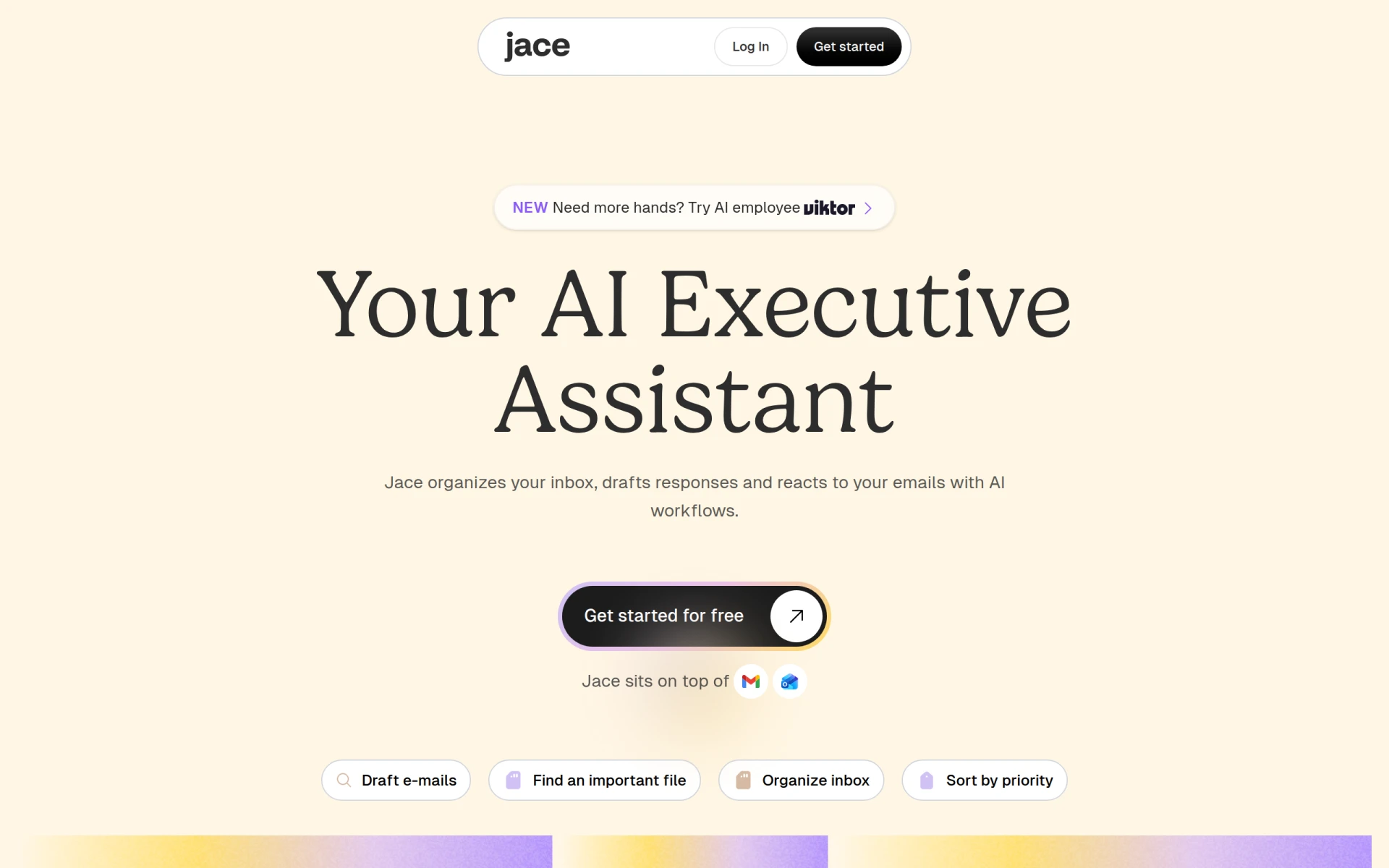 is an AI-powered email assistant that significantly enhances productivity by automating email replies, organizing inboxes, and scheduling meetings. Compared to KiloClaw, Jace focuses more heavily on email management, making it a superior choice for users overwhelmed by their inboxes. With features like smart email drafting and categorization, Jace allows users to handle high volumes of communication with ease, ensuring nothing slips through the cracks.
This tool is especially beneficial for professionals whose work revolves around email correspondence, such as sales teams or customer support representatives. Jace's capabilities in drafting replies not only save time but also maintain a consistent tone and style, which is crucial for brand communication. Additionally, with paid plans starting at $20 per month after a free trial, Jace strikes a balance between affordability and powerful features, making it a strong alternative for those who prioritize email efficiency.
- Key Strength: Advanced email drafting features streamline communication.
- Key Strength: Efficient inbox organization helps users manage their time better.
- Key Strength: Integrated scheduling for meetings enhances productivity.
- Limitation: Focus on email may not suit users needing a broader productivity suite.
Pricing: Freemium with paid plans starting at $20 per month after a trial. Best for: Professionals focused on managing high volumes of emails.
happycapy - Best for Task Delegation
Happycapy transforms your browser into an AI-native computer, enabling efficient task delegation and workflow automation. Unlike KiloClaw, which has a more traditional approach to task management, Happycapy's innovative browser integration allows users to automate repetitive tasks directly within their web environment. This feature is particularly beneficial for users who spend significant time online, as it reduces the friction of switching between applications to manage tasks.
For teams that rely heavily on web-based tools, Happycapy's ability to delegate tasks and automate workflows in real-time can lead to significant productivity boosts. Its user-friendly interface makes it accessible for users at all skill levels, and with paid options starting at $20 per month, it offers a competitively priced solution for anyone looking to streamline their online productivity without the need for extensive training.
- Key Strength: Browser integration enhances task management within web applications.
- Key Strength: Real-time automation of repetitive tasks increases efficiency.
- Key Strength: User-friendly design makes it easy for anyone to adopt.
- Limitation: Limited offline functionality may hinder users with inconsistent internet access.
Pricing: Freemium with paid options starting at $20 per month. Best for: Users needing task automation within web browsers.
Goodmeetings - Best for Optimizing Meeting Organization
Goodmeetings is an AI-driven appointment scheduling tool that focuses on optimizing meeting organization by automating scheduling processes. Unlike KiloClaw, which provides a more generalized set of productivity features, Goodmeetings hones in on the intricacies of coordination, making it a valuable asset for businesses that frequently conduct meetings. Its automation capabilities help eliminate the back-and-forth commonly associated with scheduling, allowing teams to focus on their core tasks.
This tool is particularly useful for larger organizations or teams that deal with multiple clients and stakeholders. Goodmeetings can significantly reduce the time spent on scheduling, ensuring that everyone is on the same page without the hassle of manual coordination. Although pricing information is currently unavailable, the value it provides in terms of time savings and efficiency could justify a potential premium investment for teams that prioritize organized meeting processes.
- Key Strength: Automation of scheduling processes reduces administrative workload.
- Key Strength: Focused on meeting organization enhances clarity and efficiency.
- Key Strength: Ideal for teams managing multiple stakeholders.
- Limitation: Lack of publicly available pricing may deter some users.
Pricing: Freemium; specific pricing information not available. Best for: Teams that conduct frequent meetings.
Shortwave - Best for Email Automation
Shortwave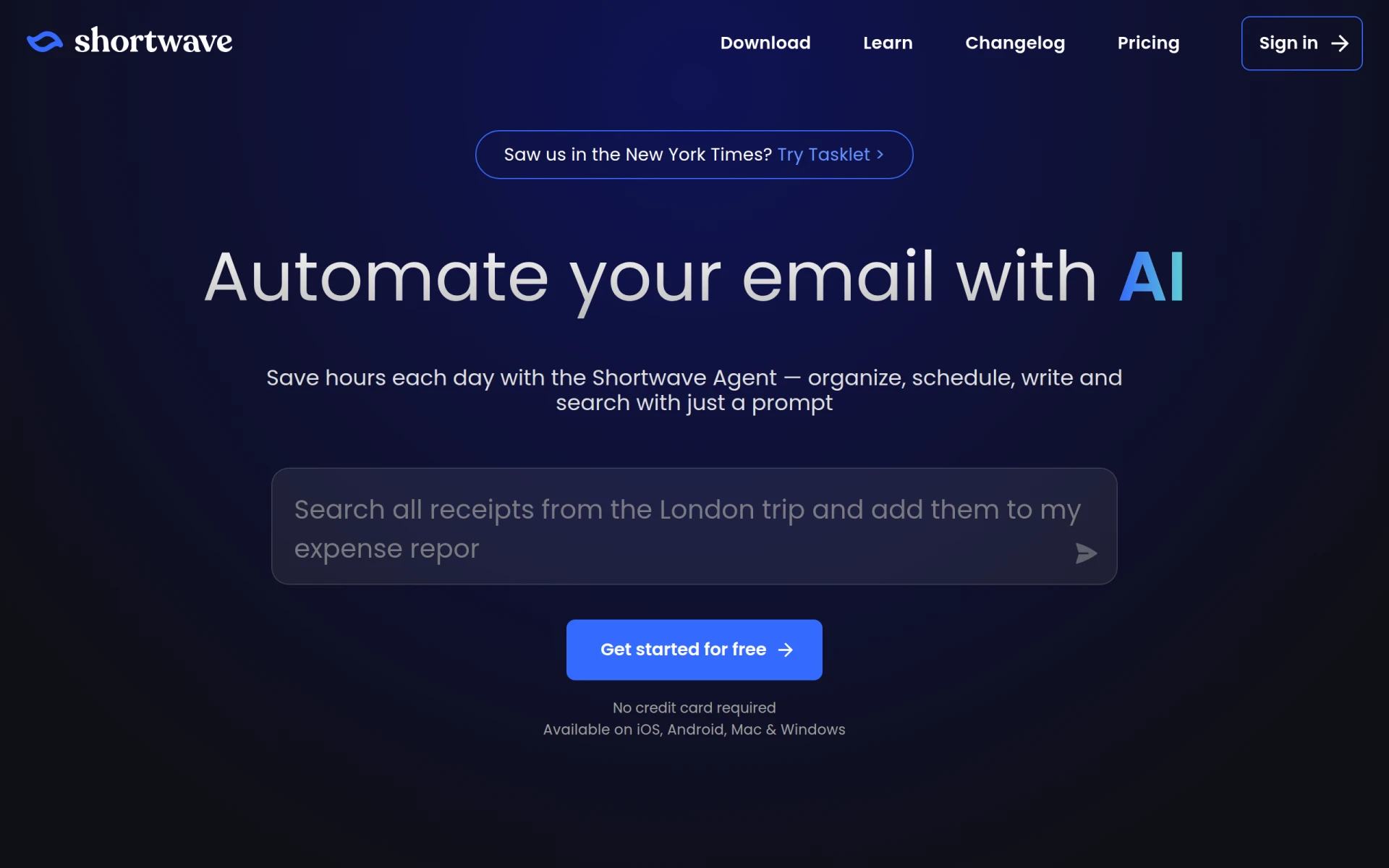 is an AI-powered email automation tool designed to enhance productivity by efficiently organizing, writing, and managing emails. Compared to KiloClaw, Shortwave provides a more focused approach to email tasks, making it ideal for users who need robust email management capabilities. Its features include smart categorization, automatic replies, and a streamlined interface that allows users to manage their inbox with minimal effort, thus saving time and reducing stress.
This tool is particularly advantageous for professionals who rely heavily on email communication as part of their daily operations. With paid plans starting at $30 per seat per month, Shortwave offers scalable solutions for teams that require advanced email functionalities. The emphasis on email automation sets it apart from KiloClaw, making it a strong contender for those looking to enhance their email workflow.
- Key Strength: Advanced email categorization improves inbox organization.
- Key Strength: Smart automation features save time on repetitive tasks.
- Key Strength: Scalable pricing for teams makes it suitable for various business sizes.
- Limitation: Higher starting price may not suit budget-conscious users.
Pricing: Freemium with plans starting at $30 per seat per month. Best for: Professionals needing advanced email management.
Clevis - Best for Workflow Optimization
Clevis is a workflow automation tool designed to optimize productivity by integrating various applications and automating repetitive tasks. While KiloClaw offers a blend of features, Clevis specifically targets users looking to streamline their workflows across multiple platforms. This focus on integration makes Clevis a powerful alternative for users who rely on diverse applications to manage their projects and tasks effectively.
Users will find that Clevis allows for smoother transitions between tools, reducing the need for manual data entry and ensuring that information flows seamlessly from one application to another. For teams that require tight coordination between different software solutions, Clevis provides the necessary automation to facilitate this interaction. Unfortunately, pricing information is currently not available on their website, which may present a challenge for potential users seeking clarity on costs.
- Key Strength: Strong integration capabilities enhance cross-platform workflow.
- Key Strength: Automates repetitive tasks to save time and reduce errors.
- Key Strength: Focused on optimizing productivity through application synergy.
- Limitation: Lack of transparent pricing may deter potential users.
Pricing: Freemium; specific pricing information not available. Best for: Teams needing to integrate multiple applications for workflow efficiency.
MuleRun - Best for Task Management
MuleRun is an AI-driven workflow automation tool that enhances productivity by efficiently managing tasks across various projects. Unlike KiloClaw, which provides a broader suite of features, MuleRun focuses on task management and streamlining processes within teams. Its capabilities allow users to automate reminders, track progress, and manage deadlines, making it an excellent choice for project managers and teams that need to keep their tasks organized.
For users dealing with multiple ongoing projects, MuleRun’s task management features can significantly reduce the chaos of juggling deadlines and responsibilities. The tool offers a free tier along with paid plans starting at $16 per month when billed annually, making it a cost-effective solution for users looking to improve their task management capabilities without incurring high costs.
- Key Strength: Efficient task management features help keep projects on track.
- Key Strength: Automation of reminders and deadlines enhances accountability.
- Key Strength: Affordable pricing options cater to various budgets.
- Limitation: Limited features outside of task management may not suit all users.
Pricing: Freemium with paid plans starting at $16 per month when billed annually. Best for: Project managers looking for focused task management tools.
Otio AI - Best for Research and Writing
Otio AI serves as an AI-powered research assistant that enhances writing and research workflows for users across various fields. While KiloClaw focuses on email and calendar management, Otio AI is tailored for professionals and students who require assistance in organizing their research and drafting documents. Its capabilities include gathering relevant information, summarizing content, and providing writing suggestions that can elevate the quality of work.
This tool is especially advantageous for those engaged in academic or professional writing, as it streamlines the research process and helps users stay organized. Although pricing information is currently not available, the value it offers in enhancing writing and research workflows could justify an investment for users who prioritize high-quality outputs and efficiency in their tasks.
- Key Strength: Advanced research capabilities streamline the information-gathering process.
- Key Strength: Writing suggestions enhance the quality of drafts.
- Key Strength: Ideal for academic and professional users needing research support.
- Limitation: Lack of pricing information may deter potential users.
Pricing: Freemium; specific pricing information not available. Best for: Professionals and students needing enhanced research and writing tools.
QuickSearchPlus - Best for Unified Scheduling
QuickSearchPlus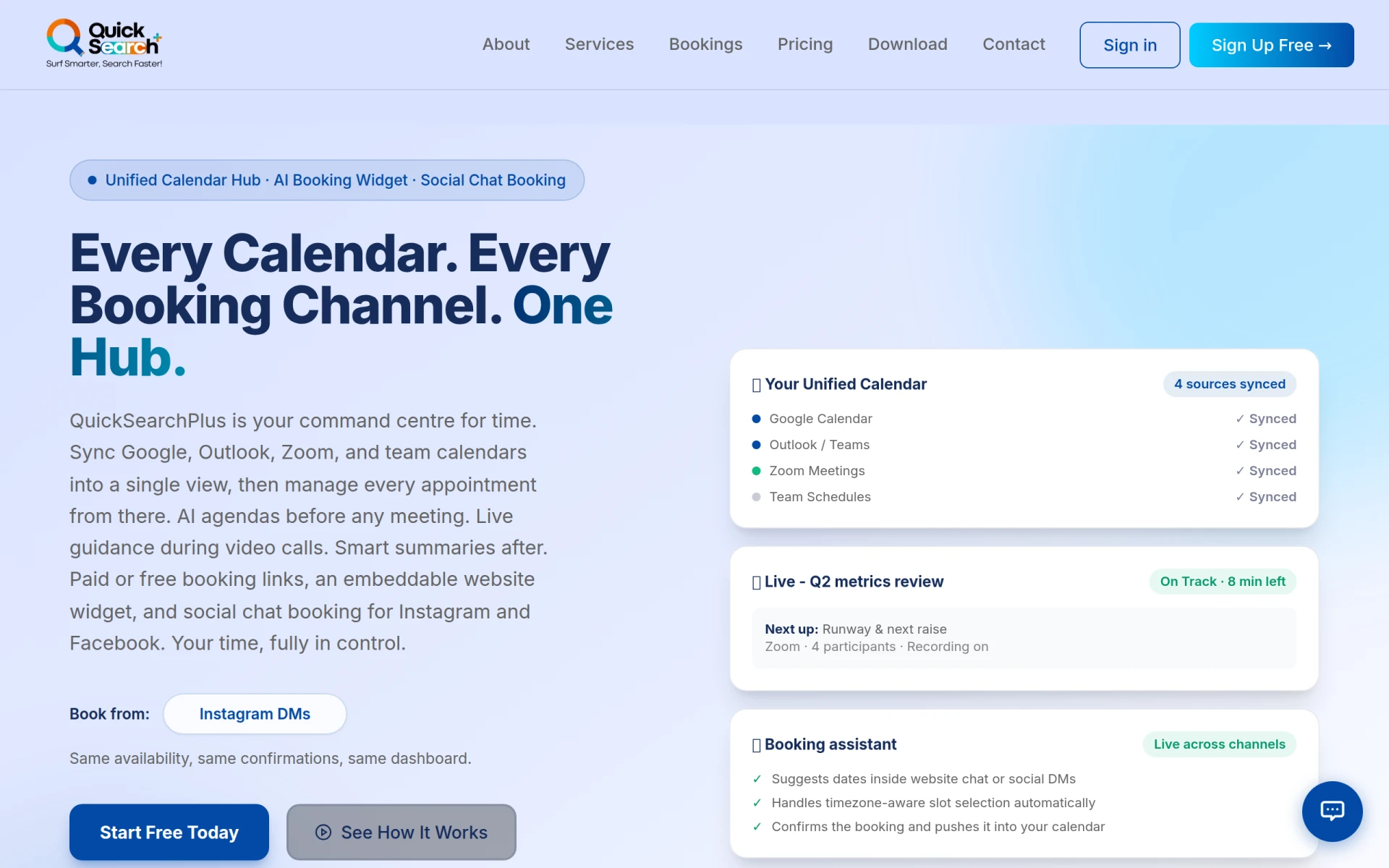 is an AI-driven appointment scheduling tool that unifies calendars and facilitates bookings through social media and a website widget. Unlike KiloClaw, which offers a variety of productivity features, QuickSearchPlus specializes in providing a comprehensive scheduling solution that integrates seamlessly with existing calendars. This makes it an excellent choice for users who need to manage appointments across multiple platforms while ensuring that their schedules remain synchronized.
For businesses that rely on social media for client interactions, QuickSearchPlus offers the added advantage of facilitating bookings directly through social channels, thereby enhancing accessibility for clients. With a transparent pricing model that includes a free forever plan, it allows users to try out the service without any financial commitment, making it an attractive option for freelancers and small businesses looking to manage their scheduling needs effectively.
- Key Strength: Unifies calendar management across multiple platforms.
- Key Strength: Direct booking through social media enhances client accessibility.
- Key Strength: Transparent pricing model allows for budget-friendly options.
- Limitation: May lack advanced features found in more comprehensive tools.
Pricing: Freemium with various subscription options. Best for: Users needing a unified scheduling solution across platforms.
Paperclips Web - Best for Customizable Automation
Paperclips Web is a workflow automation tool designed to simplify and enhance productivity through customizable automation. Unlike KiloClaw, which offers a variety of built-in features, Paperclips Web allows users to tailor their automation processes to suit their specific needs. This flexibility makes it ideal for teams that have unique workflows and require a tool that can adapt to their specific processes.
For organizations that thrive on customization, Paperclips Web provides the ability to create bespoke automation strategies that can lead to significant time savings and increased operational efficiency. However, pricing information is currently not available, which may be a drawback for potential users who want to understand the cost implications before committing to a new tool.
- Key Strength: Highly customizable automation processes enhance user flexibility.
- Key Strength: Streamlines unique workflows tailored to specific team needs.
- Key Strength: Potential for significant time savings through bespoke automation.
- Limitation: Lack of transparent pricing may deter some users.
Pricing: Freemium; specific pricing information not available. Best for: Teams needing customizable automation solutions.
Strawberry - Best for Browser Automation
Strawberry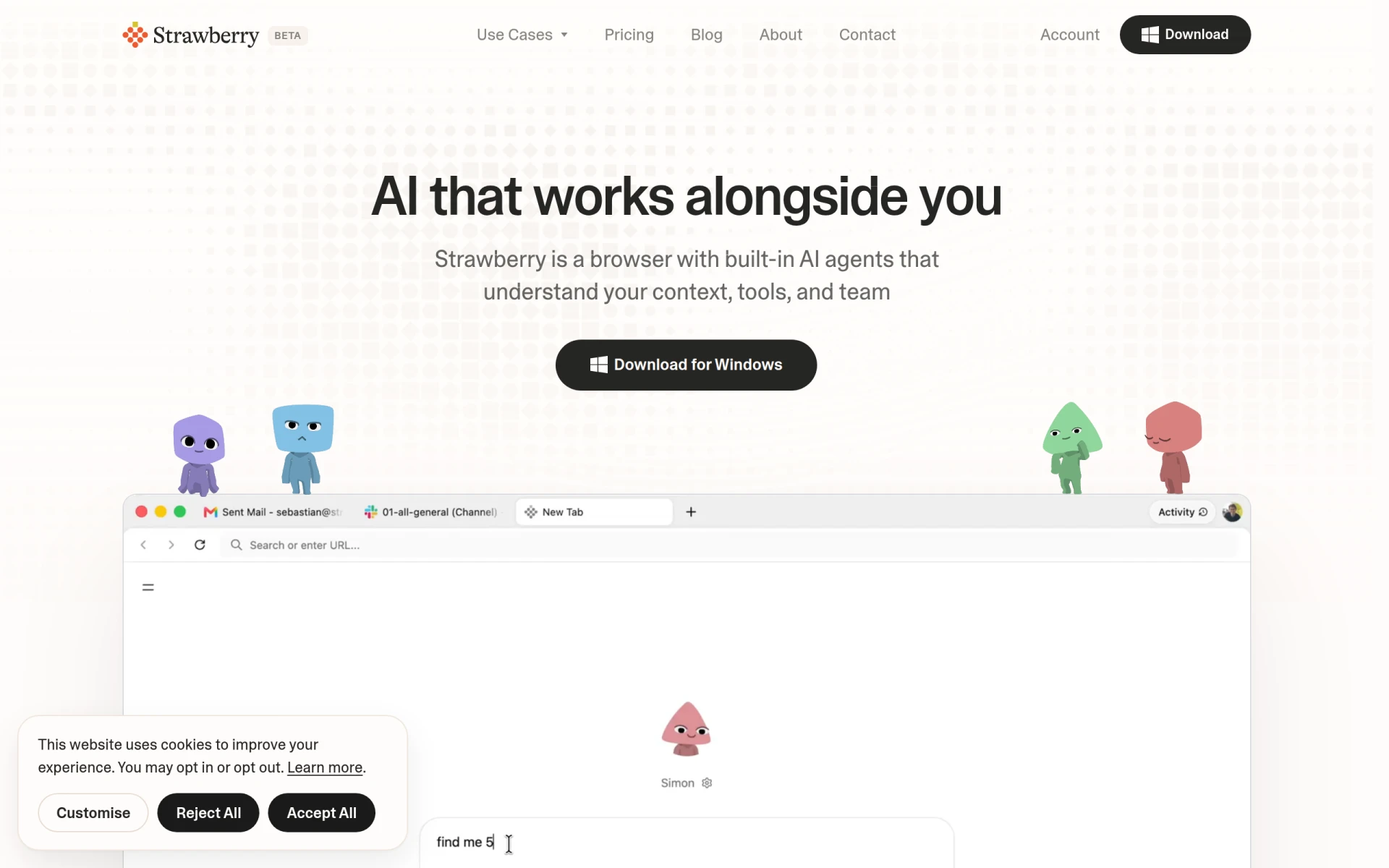 is an AI-powered browser that automates tasks and enhances productivity with built-in assistants. Unlike KiloClaw, which operates more as a comprehensive productivity tool, Strawberry focuses on improving task efficiency directly within the web browser environment. This makes it particularly advantageous for users who spend a significant amount of time online and want to automate repetitive tasks without switching between multiple applications.
For individuals and teams that require a high level of efficiency in their online activities, Strawberry offers features that streamline workflows and reduce manual input. With tiered pricing starting at $20 per month for additional features, it provides an accessible solution for users looking to enhance their browser experience and maximize productivity without straining their budgets.
- Key Strength: Automation of tasks within the browser enhances workflow efficiency.
- Key Strength: Built-in assistants streamline online activities.
- Key Strength: Affordable tiered pricing makes it accessible for many users.
- Limitation: Limited functionality outside of the browser may not suit all needs.
Pricing: Freemium with tiered pricing starting at $20 per month. Best for: Users needing browser-based task automation.
Appa List - Best for Discovering AI Tools
Appa List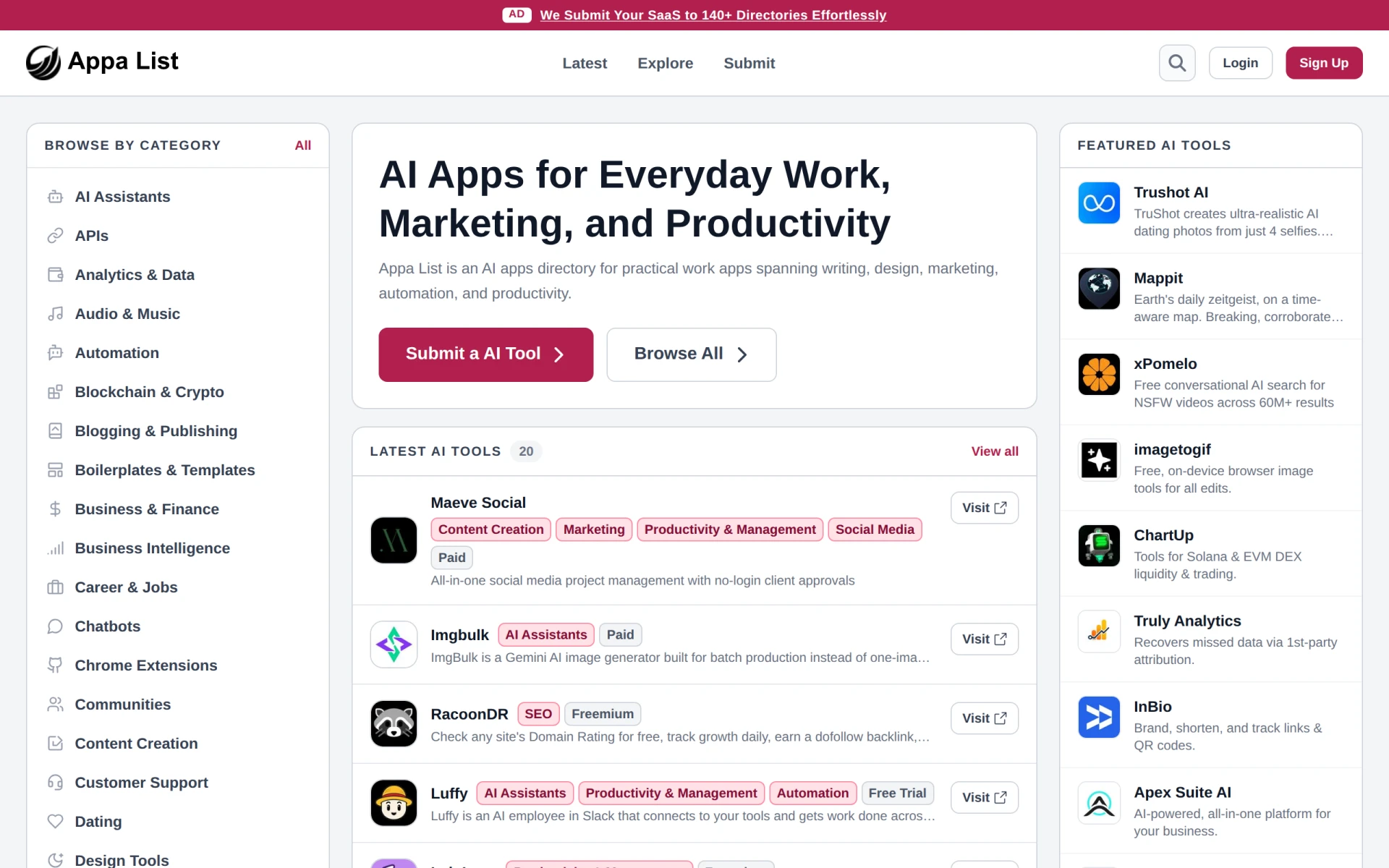 is a comprehensive directory of AI applications designed to enhance productivity across various tasks. Unlike KiloClaw, which focuses on specific productivity features, Appa List serves as a resource for users looking to explore a wide range of AI tools. This makes it an excellent option for individuals and teams seeking to discover new applications that can complement their existing workflows.
For users interested in expanding their productivity toolkit, Appa List provides valuable insights and a curated selection of tools that cater to different needs. However, the lack of publicly available pricing details may pose a challenge for potential users seeking clarity before exploring the tools listed. Nonetheless, the resourcefulness of Appa List can lead to significant enhancements in productivity as users discover AI solutions tailored to their specific requirements.
- Key Strength: Comprehensive directory of AI applications for varied productivity needs.
- Key Strength: Curated insights help users discover suitable tools.
- Key Strength: Expands users' productivity toolkit effectively.
- Limitation: Lack of pricing information for listed tools may deter exploration.
Pricing: Freemium; specific pricing details not publicly available. Best for: Users seeking to discover new AI productivity tools.
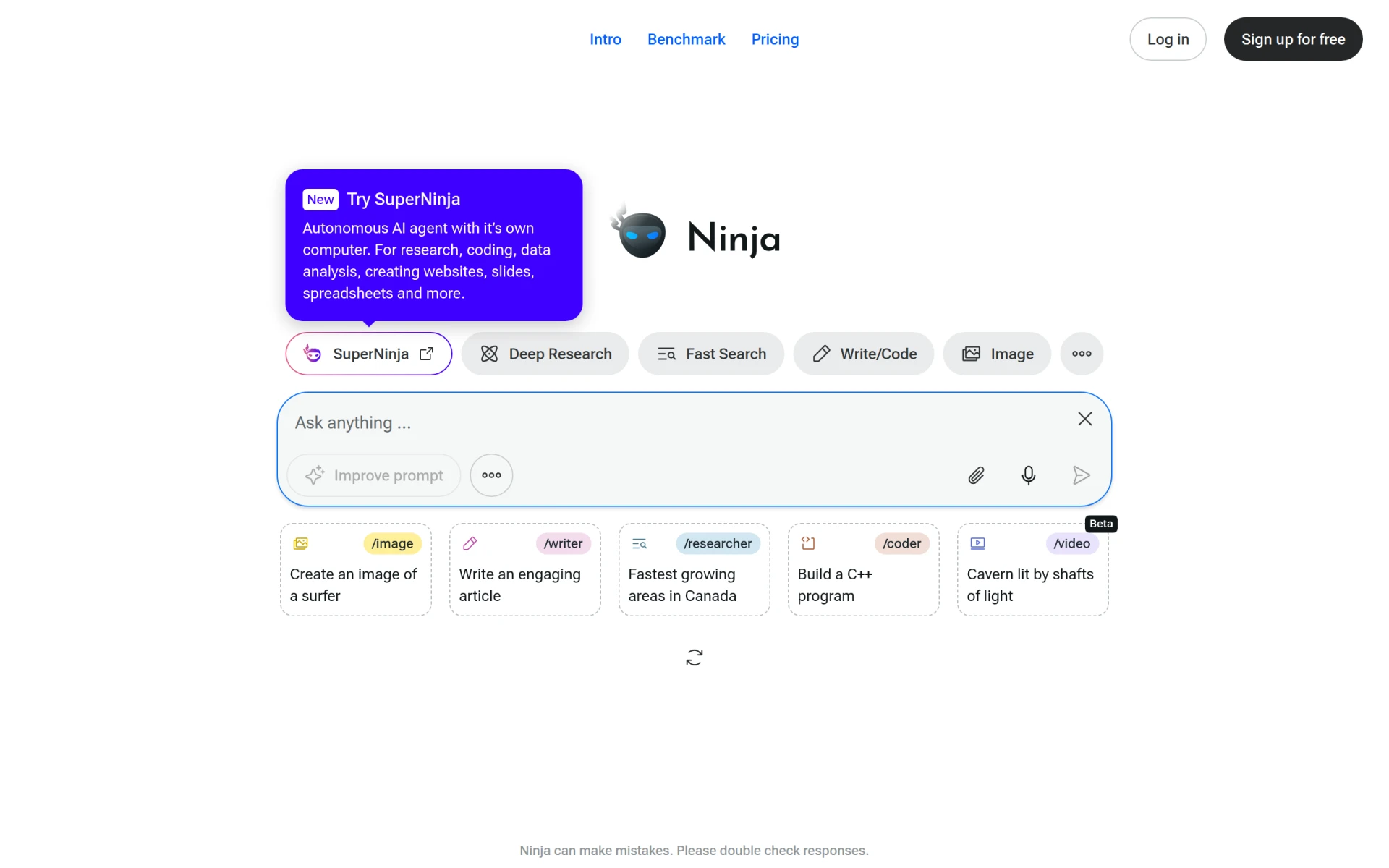
Ninja AI - Best for Intelligent Task Management
Ninja AI is an all-in-one AI agent designed to enhance productivity through intelligent task management and automation. Unlike KiloClaw, which offers a mix of features, Ninja AI stands out for its comprehensive approach to task management, enabling users to gain insights into their work patterns and automate processes accordingly. This makes it particularly suitable for teams looking for a holistic solution to manage their tasks effectively.
With capabilities that include intelligent prioritization and real-time task tracking, Ninja AI helps users stay on top of their responsibilities without becoming overwhelmed. Although specific pricing information is currently unavailable, the potential benefits of using Ninja AI for comprehensive task management may justify further exploration for teams that prioritize efficient workflow and productivity.
- Key Strength: Intelligent task management enhances workflow efficiency.
- Key Strength: Comprehensive approach to automation streamlines processes.
- Key Strength: Real-time insights help users prioritize effectively.
- Limitation: Lack of transparent pricing may deter potential users.
Pricing: Freemium; specific pricing information not available. Best for: Teams seeking intelligent task management solutions.
Checklist.gg - Best for Checklist Management
Checklist.gg is an AI-powered checklist management tool designed to optimize workflow and enhance task organization. Unlike KiloClaw, which covers broader productivity features, Checklist.gg focuses specifically on helping users create, manage, and track checklists effectively. This makes it particularly useful for professionals who thrive on organization and need a dedicated tool for managing detailed tasks and projects.
With features that allow users to create customizable checklists and track progress in real-time, Checklist.gg can significantly improve accountability and task completion rates. However, the lack of publicly available pricing information could be a drawback for potential users who want clarity before adopting a new tool. Nonetheless, for those who prioritize checklist management, Checklist.gg offers a focused solution that can enhance productivity.
- Key Strength: Customizable checklists boost task organization.
- Key Strength: Real-time tracking enhances accountability.
- Key Strength: Focused tool for users needing checklist management.
- Limitation: Lack of pricing information may deter potential users.
Pricing: Freemium; specific pricing information not available. Best for: Professionals needing dedicated checklist management tools.
Feature Comparison Table
| Tool | Best For | Starting Price | Free Plan | Standout Feature |
|---|
| KiloClaw | Email management and scheduling | Freemium | Yes | Project monitoring capabilities |
| ZenAI | Workflow automation | Freemium | Yes | Adaptive suggestions based on user behavior |
| Sidekick | Appointment scheduling | Freemium | Yes | Integration with email and web applications |
| Jace | Email management | Freemium | Yes | Smart email drafting features |
happycapy | Task delegation | Freemium | Yes | Browser-based automation capabilities |
| Goodmeetings | Meeting organization | Freemium | Yes | Focused scheduling automation |
| Shortwave | Email automation | Freemium | Yes | Advanced inbox organization |
| Clevis | Workflow optimization | Freemium | Yes | Strong application integration |
| MuleRun | Task management | Freemium | Yes | Deadline automation features |
| Otio AI | Research and writing | Freemium | Yes | Advanced research capabilities |
| QuickSearchPlus | Unified scheduling | Freemium | Yes | Social media booking integration |
| Paperclips Web | Customizable automation | Freemium | Yes | Highly customizable automation processes |
| Strawberry | Browser automation | Freemium | Yes | Built-in assistants for online tasks |
| Appa List | Discovering AI tools | Freemium | Yes | Comprehensive directory of AI applications |
| Ninja AI | Intelligent task management | Freemium | Yes | Real-time insights for task prioritization |
| Checklist.gg | Checklist management | Freemium | Yes | Customizable checklists with tracking |
How to Choose the Right Alternative to KiloClaw
When considering an alternative to KiloClaw, it is essential to identify your specific needs and priorities. If your work primarily revolves around email communication, tools like Jace or Shortwave may be more suitable, as they offer advanced email management features that can significantly enhance your workflow. Conversely, if scheduling meetings is your primary concern, Sidekick or Goodmeetings could provide simpler, more effective solutions tailored for that purpose.
For those looking to streamline workflows and automate tasks across various applications, ZenAI and Clevis offer robust integration capabilities that can adapt to your existing systems. Meanwhile, if your focus is on task management, MuleRun or Ninja AI could provide the dedicated features necessary for effective project oversight. By assessing your specific use case and evaluating the strengths of each tool, you can make an informed decision that aligns with your productivity goals.
Final Verdict
In conclusion, while KiloClaw provides a solid foundation for email and project management, several alternatives offer specialized features that may better suit your needs. For personalized workflow automation, ZenAI is a strong contender, whereas Jace excels in email management. Meanwhile, for those needing efficient scheduling solutions, Sidekick and Goodmeetings stand out. Ultimately, the best choice will depend on your specific use case and the features that matter most to you.