

Adobe Photoshop vs Adobe Firefly
Discover the key differences between Adobe Photoshop and Adobe Firefly in 2026. Find out which design tool suits your needs best!
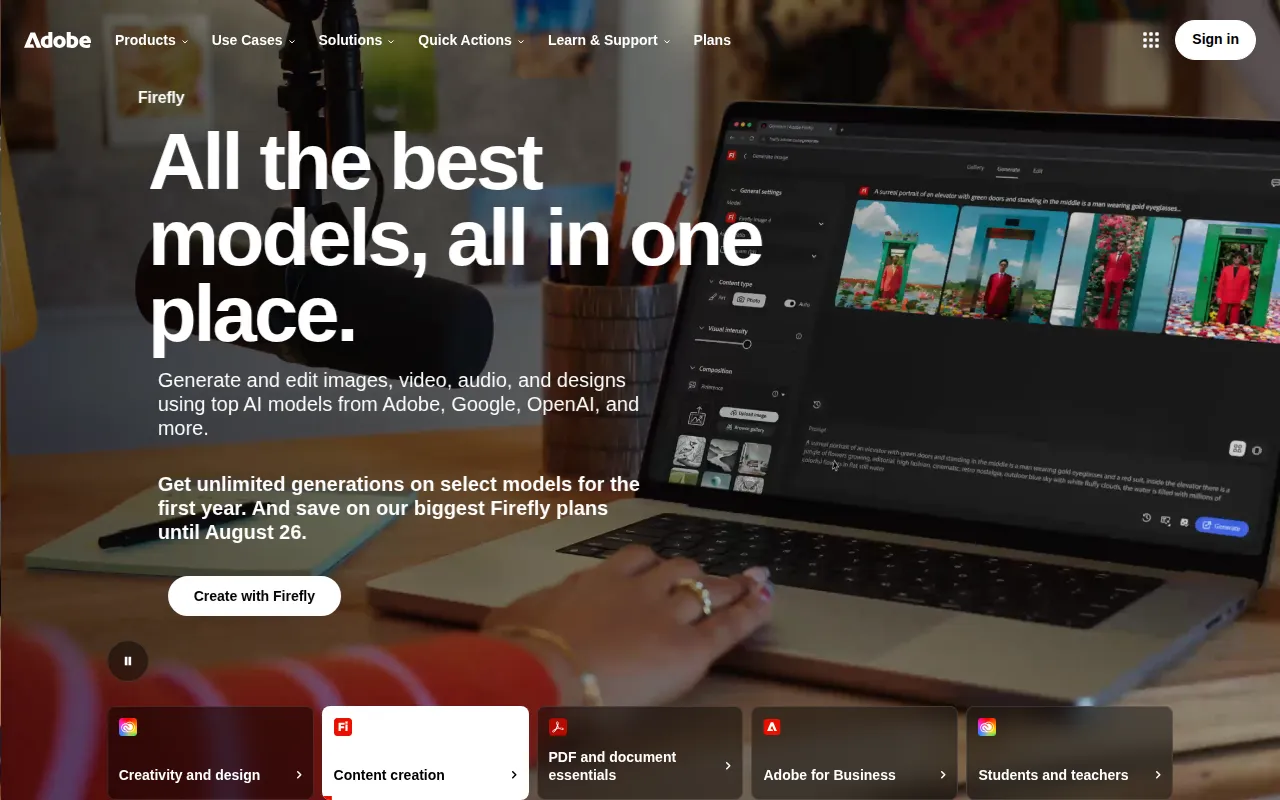
Adobe Photoshop
Adobe Photoshop is a leading graphic design software that enables users to create and edit images with precision and creativity.
View Profile →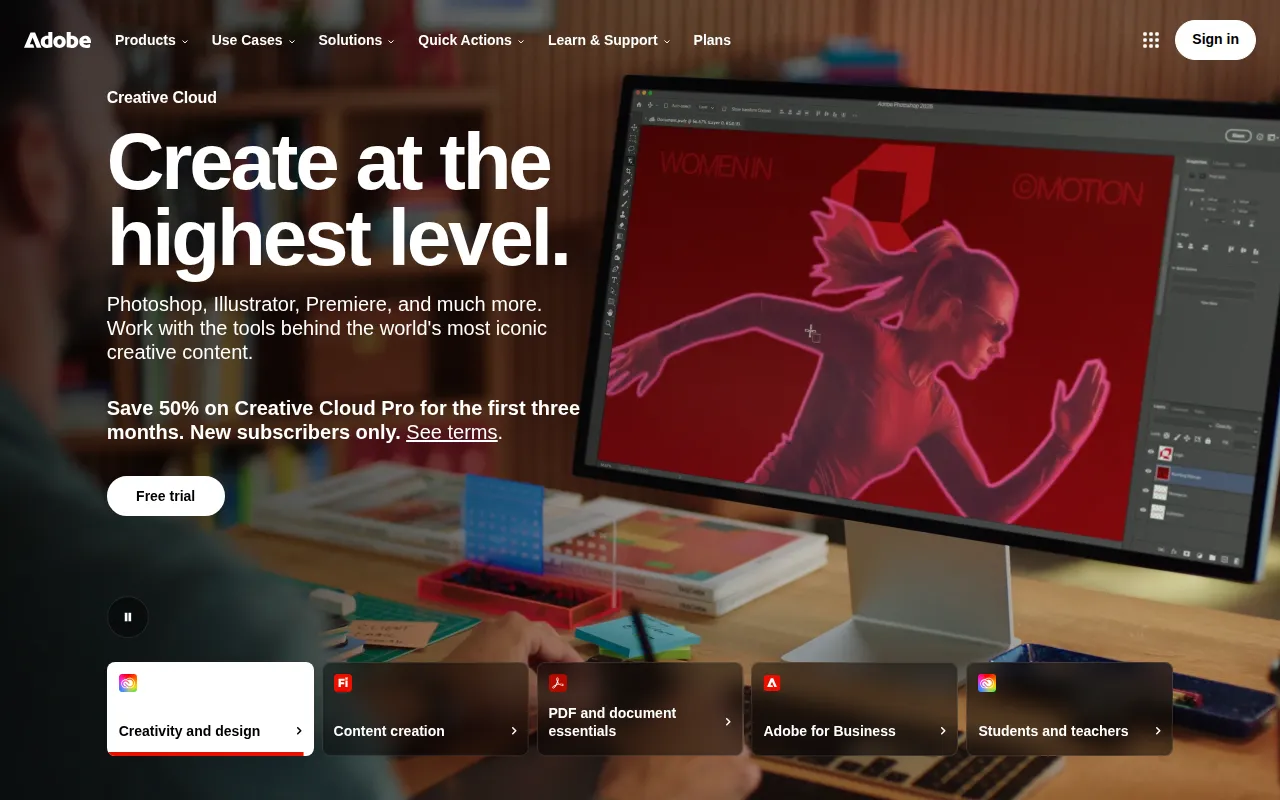
Adobe Firefly
Adobe Firefly is an AI-powered creative tool designed for generating and editing images, videos, and designs.
View Profile →Overview
In the world of graphic design, Adobe Photoshop and Adobe Firefly represent two powerful yet distinct tools tailored to different user needs. Adobe Photoshop is a traditional graphic design software favored by professional designers for its precision and extensive features. In contrast, Adobe Firefly is an innovative AI-powered tool aimed at those looking to leverage artificial intelligence for image generation and editing, appealing to both novices and experienced creators seeking efficiency.
Adobe Photoshop Overview
Adobe Photoshop has been a cornerstone of graphic design for decades, renowned for its comprehensive suite of features that allow users to manipulate images with remarkable precision. Its core use case revolves around raster graphics editing, providing tools for photo retouching, digital painting, and graphic design. Photoshop is designed primarily for professional graphic designers, photographers, and artists who require a robust platform for creating visually stunning imagery. Its strengths lie in its advanced editing capabilities, including layer management, masking, and a plethora of filters and effects that can transform simple images into extraordinary works of art.
One of Photoshop’s most notable strengths is its versatility. Whether a user is crafting a detailed digital painting, designing a website layout, or retouching a photograph, Photoshop offers an extensive range of tools to meet those needs. Additionally, its integration with other Adobe Creative Cloud applications fosters a seamless workflow, allowing users to move between different software like Adobe Illustrator and Adobe InDesign without losing momentum. For example, a graphic designer might create vector graphics in Illustrator and then import them into Photoshop for further enhancement and integration into a larger project, illustrating the efficiency that Photoshop brings to a designer's toolkit.
Adobe Firefly Overview
Adobe Firefly is a groundbreaking AI-powered creative tool that aims to simplify the design process by enabling users to generate and edit images, videos, and designs effortlessly. Its core use case centers around leveraging artificial intelligence to automate creative tasks, making it particularly appealing to beginners and those looking for quick design solutions. Firefly is designed for a broad audience, including social media marketers, small business owners, and even seasoned designers seeking rapid prototyping and inspiration. The tool’s ability to generate high-quality visuals from simple text prompts brings a new level of accessibility to design.
One of Firefly's most notable strengths is its ease of use. Users can generate stunning visuals without needing extensive design skills or knowledge of complex software. For instance, a small business owner could type in a prompt describing their product, and Firefly would produce relevant images that can be used directly for marketing purposes. Moreover, the tool's AI capabilities enable it to learn and adapt based on user preferences, enhancing its output over time. This feature not only saves time but also encourages creativity by allowing users to explore various artistic styles and ideas that they might not have considered otherwise.
Feature Comparison
| Feature | Adobe Photoshop | Adobe Firefly |
|---|---|---|
| Image Editing | Advanced tools for precise editing, including layers, masks, and brushes. | AI-assisted editing with automated suggestions and enhancements. |
| Image Generation | Manual creation and manipulation of images using various tools. | Generates images from text prompts, offering quick design solutions. |
| Collaboration Tools | Integrates with other Adobe apps for seamless file sharing and teamwork. | Offers basic collaboration features but lacks advanced integration with other tools. |
| User Interface | Complex interface with a steep learning curve but highly customizable. | User-friendly interface designed for quick access and ease of use. |
| Learning Resources | Extensive tutorials, forums, and community support available. | Growing library of AI-focused tutorials and user guides. |
| Price Model | Subscription-based pricing through Adobe Creative Cloud. | Freemium model with limited free access and potential premium features. |
| Performance | Highly performant with robust capabilities, suitable for large file handling. | Performance may vary depending on AI processing loads and internet connectivity. |
| Customizability | Highly customizable with plugins and extensions for added functionality. | Limited customization options due to its AI-driven nature. |
| Target Audience | Professional designers, photographers, and digital artists. | Beginners and casual users looking for quick design solutions. |
| Output Quality | Exceptional quality in high-resolution and print-ready formats. | High-quality outputs but may vary depending on AI interpretation. |
Pricing Comparison
When it comes to pricing, Adobe Photoshop operates on a subscription model through Adobe Creative Cloud. As of 2026, the pricing starts at approximately $20.99 per month for individual users, with additional plans for businesses and teams that offer collaborative features and enhanced support. This subscription includes regular updates and access to all the latest tools, making it a worthwhile investment for professionals who rely on continuous improvements and support in their work. However, the cost can add up, especially for freelancers or small businesses on a tight budget.
In contrast, Adobe Firefly follows a freemium pricing model, where users can access a basic version of the tool for free. This allows anyone to experiment with the AI-driven features without any upfront cost. While specific premium features or additional functionalities may require payment, the lack of a clear pricing structure can lead to uncertainty about long-term costs. However, for users who only need casual design capabilities or occasional creative assistance, Firefly’s free access might be an excellent option, providing good value for money without the commitment of a subscription.
Pros and Cons
Adobe Photoshop Pros and Cons
- Pro: Extensive range of advanced editing tools, perfect for professional use.
- Pro: Highly versatile, allowing for various types of design work from photography to digital painting.
- Pro: Strong community support with a wealth of tutorials and resources available.
- Con: Steep learning curve for beginners, requiring time and effort to master.
- Con: Subscription-based pricing can be costly for solo freelancers or small businesses.
Adobe Firefly Pros and Cons
- Pro: User-friendly interface that simplifies the design process for beginners.
- Pro: AI-driven capabilities allow for quick generation of visuals from text prompts.
- Pro: Freemium access makes it accessible to a wide range of users without upfront costs.
- Con: Limited customization options compared to more traditional design tools.
- Con: Performance may depend on internet connectivity and AI processing capabilities.
Which Should You Choose?
If you are a professional graphic designer or photographer, Adobe Photoshop is the clear choice. Its extensive feature set and precision tools are designed for those who require high-quality outputs and detailed control over their designs. For instance, a graphic designer working on a complex advertising campaign would benefit from Photoshop's advanced layering and editing capabilities, which allow for meticulous adjustments and creative freedom.
On the other hand, if you are a small business owner or a social media marketer looking for quick and efficient design solutions, Adobe Firefly may be more suited to your needs. The ability to generate visuals from simple text prompts saves time and effort, allowing you to create engaging content quickly. For example, a marketer could utilize Firefly to generate promotional graphics for a new product launch with minimal effort, freeing up time to focus on other aspects of their campaign.
For casual users who may want to dabble in graphic design without a significant investment, Adobe Firefly offers a risk-free opportunity to explore creative avenues. In this case, the freemium model allows users to create visually appealing content without the commitment of a subscription, making it a practical choice for those who may not require the full range of Photoshop's capabilities.
Conclusion
In conclusion, both Adobe Photoshop and Adobe Firefly serve unique purposes within the design landscape. Photoshop remains the industry standard for professional designers seeking depth and precision, while Firefly offers an innovative solution for those looking to harness AI for quick and creative design. Ultimately, your choice should align with your specific needs, expertise, and budget, ensuring you select the tool that best supports your creative journey.
Frequently Asked Questions
Adobe Photoshop is generally considered better for professional graphic design due to its comprehensive features and precision. However, Adobe Firefly excels in AI-driven capabilities, making it a strong choice for users seeking quick and innovative solutions.
Adobe Photoshop typically requires a monthly subscription, which can be a significant investment for professionals. Adobe Firefly aims to be more accessible, offering a range of pricing options, including a free tier with limited features.
Adobe Photoshop is ideal for detailed photo editing, complex designs, and professional-grade artwork. In contrast, Adobe Firefly is suited for quick image generation, simple edits, and users who want to harness AI for creative projects.
When migrating from Adobe Photoshop to Adobe Firefly, consider the learning curve and any potential feature limitations. While Firefly offers unique AI tools, some advanced functionalities of Photoshop may not have direct equivalents.
Adobe Photoshop does not typically offer a free version, while Adobe Firefly includes a free tier that allows users to explore its features with some limitations, making it more approachable for beginners.
If you prioritize traditional graphic design and detailed editing capabilities, Adobe Photoshop is your best bet. However, if you're interested in AI-driven tools for creativity and efficiency, Adobe Firefly may be the better choice.