

AI HUB by Picsart vs Adobe Firefly
Discover the features and benefits of AI HUB by Picsart and Adobe Firefly in 2026. Find the perfect design tool for your needs!
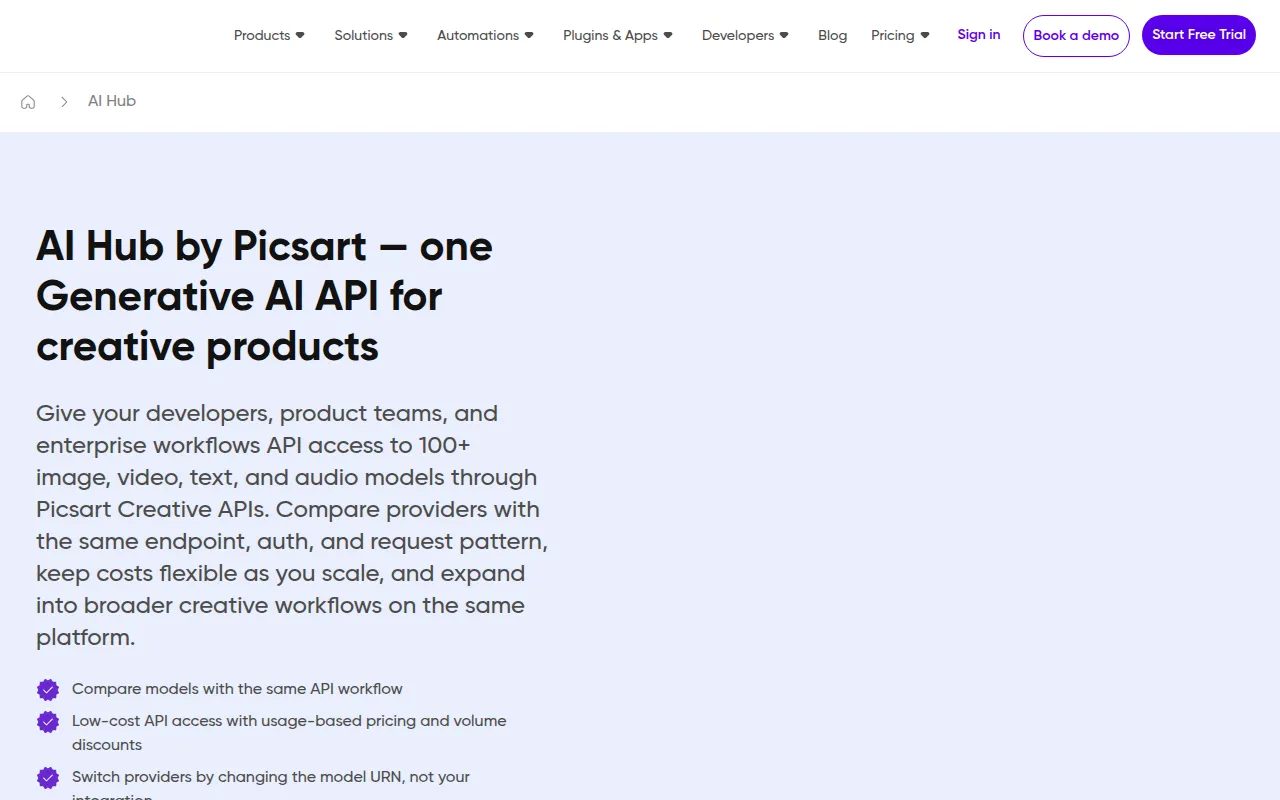
AI HUB by Picsart
AI HUB by Picsart is a design tool that leverages AI technology to enhance creative workflows and streamline design processes.
View Profile →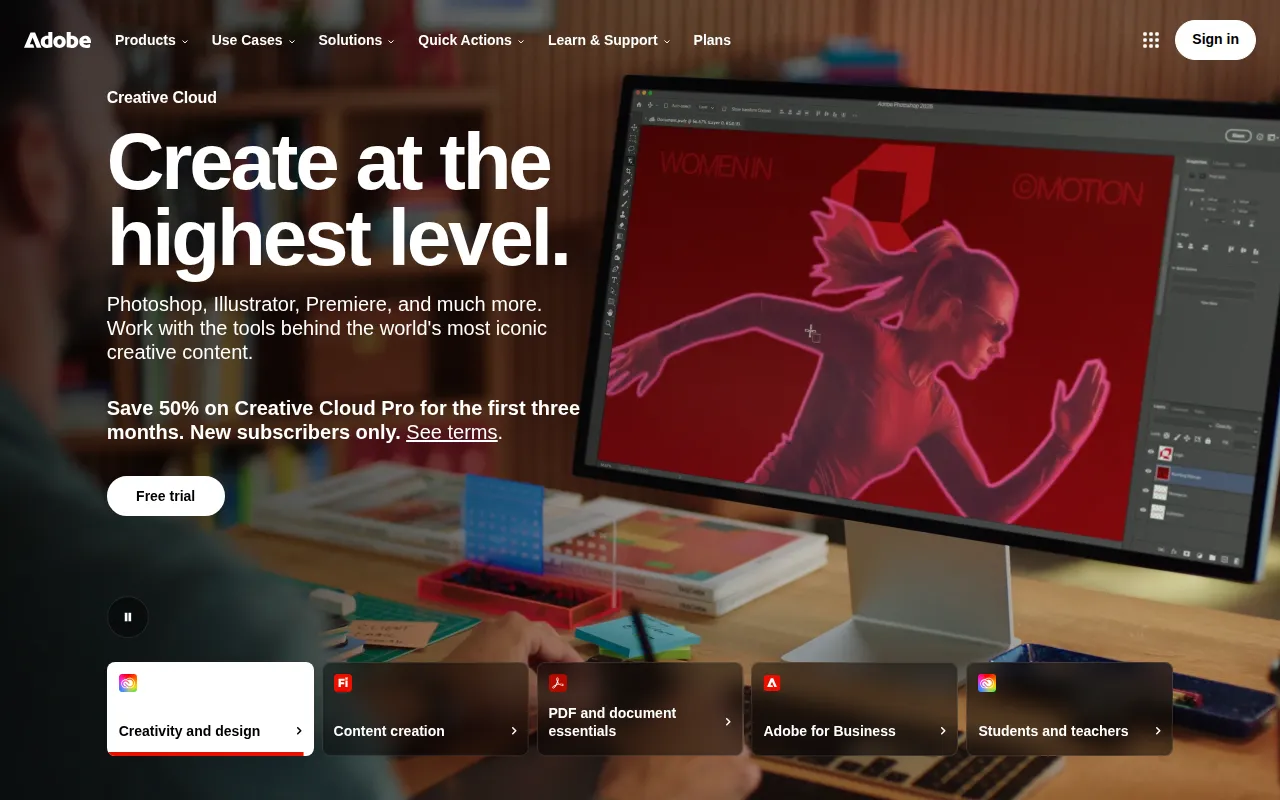
Adobe Firefly
Adobe Firefly is an AI-powered creative tool designed for generating and editing images, videos, and designs.
View Profile →Overview
In the rapidly evolving landscape of design tools, both AI HUB by Picsart and Adobe Firefly stand out as innovative solutions for creative professionals. AI HUB caters to users seeking to streamline their design processes with AI-driven features, while Adobe Firefly appeals to those looking for a versatile tool to generate and edit various media types. This comparison will help graphic designers, marketers, and content creators decide which tool suits their specific needs best.
AI HUB by Picsart Overview
AI HUB by Picsart is a cutting-edge design tool that leverages artificial intelligence to enhance creative workflows, making it an invaluable asset for designers, marketers, and social media managers. With its user-friendly interface, the platform allows users to create stunning visuals quickly and efficiently. The tool offers a range of features, including automated image enhancement, template suggestions, and AI-driven design recommendations, all aimed at simplifying the design process and enabling users to focus on creativity rather than technicalities. Whether you are a seasoned designer or a beginner, AI HUB provides a plethora of resources to elevate your projects.
One of AI HUB's most notable strengths lies in its collaborative features, which are particularly beneficial for teams working on joint projects. Users can share designs in real time, receive feedback, and iterate on concepts without the hassle of version control issues. Additionally, AI HUB's integration with other Picsart tools, such as video editing and animation, provides a seamless experience for users looking to produce multimedia content. This ability to unify various aspects of design under one roof makes AI HUB a compelling option for anyone looking to streamline their creative workflows.
Adobe Firefly Overview
Adobe Firefly is an AI-powered creative tool designed to generate and edit images, videos, and designs efficiently. It is tailored for a wide audience, including graphic designers, content creators, and businesses looking to enhance their visual storytelling. Firefly employs advanced machine learning algorithms to understand user preferences and generate unique content based on simple prompts, making it exceptionally intuitive for users of all skill levels. With features like text-to-image generation and customizable templates, Adobe Firefly empowers users to produce high-quality visuals with minimal effort.
Furthermore, Adobe Firefly excels in its integration with the broader Adobe ecosystem, allowing users to export their creations directly into other Adobe applications like Photoshop and Illustrator. This enhances workflow efficiency, as users can easily move between different design processes without losing momentum. The tool's rich library of assets and resources, including stock imagery and design elements, adds another layer of convenience, positioning Adobe Firefly as a comprehensive solution for anyone serious about digital design.
Feature Comparison
| Feature | AI HUB by Picsart | Adobe Firefly |
|---|---|---|
| Image Generation | AI-driven image enhancement and suggestions | Text-to-image generation with customizable prompts |
| Video Editing | Integrated video editing tools | Basic video editing capabilities |
| Collaboration | Real-time collaboration and feedback features | Limited collaboration tools |
| Template Availability | Wide variety of design templates | Extensive library of customizable templates |
| Export Options | Direct export to social media platforms | Seamless integration with Adobe apps like Photoshop |
| User Interface | Intuitive and beginner-friendly | Feature-rich but may have a learning curve |
| Support Resources | Comprehensive tutorials and community support | Robust Adobe support and learning resources |
| Customization | Limited customization options | Highly customizable design elements |
| AI Features | Automated design recommendations | Advanced machine learning algorithms for content generation |
| Mobile Accessibility | Mobile app available for on-the-go editing | Limited mobile functionality |
Pricing Comparison
Both AI HUB by Picsart and Adobe Firefly offer freemium models, allowing users to access a range of features without incurring costs. However, detailed pricing information for both tools is currently unavailable, making it challenging for potential users to assess the value for money accurately. Generally, the freemium version of AI HUB provides access to essential design tools, while premium features may be unlocked through a subscription or one-time purchase, which could be more economical for teams or frequent users.
Adobe Firefly also follows a similar pricing strategy, where users can start with the basic features for free and opt for premium capabilities as needed. The value proposition for both tools lies in their advanced AI features, which aim to reduce the time spent on design tasks. In evaluating the pricing, it is essential for users to consider their specific needs—whether they require extensive features or are looking for a simple design solution. Despite the lack of explicit pricing details, both tools are positioned competitively within the design tool market.
Pros and Cons
AI HUB by Picsart Pros and Cons
- Pro: User-friendly interface that simplifies the design process for beginners.
- Pro: Strong collaboration features ideal for teams working on shared projects.
- Pro: Integrated video editing tools enhance multimedia content creation.
- Con: Limited customization options compared to more advanced design tools.
- Con: Some features may require a paid tier for full access.
Adobe Firefly Pros and Cons
- Pro: Advanced AI features that generate high-quality visuals from text prompts.
- Pro: Seamless integration with the Adobe ecosystem enhances workflow efficiency.
- Pro: Extensive library of templates and design assets available.
- Con: Steeper learning curve due to its advanced features.
- Con: Limited collaboration tools compared to competitors like AI HUB.
Which Should You Choose?
If you are a solo freelancer looking for a simple and efficient design tool, AI HUB by Picsart may be the better choice. Its intuitive interface and collaborative features make it easy to create stunning visuals quickly, allowing you to focus more on your creative work and less on technical challenges. Additionally, the integrated video editing options can provide added versatility for content creation across multiple platforms.
On the other hand, if you are a professional designer or part of a larger team that requires extensive customization and integration with other design software, Adobe Firefly is likely the right fit. Its advanced AI capabilities for content generation, combined with the robust Adobe ecosystem, enable you to create complex designs efficiently while leveraging existing resources. This could significantly enhance your productivity and the quality of your output.
For businesses and marketing teams that need a combination of quick design solutions and video content creation, AI HUB by Picsart offers an excellent balance of features that cater to diverse needs. Conversely, if your focus is on generating high-quality visuals from creative prompts and you already use Adobe products, investing time in learning Adobe Firefly could yield substantial long-term benefits.
Conclusion
In conclusion, both AI HUB by Picsart and Adobe Firefly offer unique advantages that cater to different user needs. AI HUB excels in its user-friendly interface and collaborative features, making it ideal for beginners and teams. Meanwhile, Adobe Firefly provides advanced content generation capabilities and seamless integration with the Adobe suite, appealing to professional designers. Ultimately, your choice will depend on your specific requirements and workflow preferences.
Frequently Asked Questions
The better tool depends on your specific needs. AI HUB excels in AI-driven features for streamlined design processes, while Adobe Firefly offers a broader range of media generation and editing capabilities.
AI HUB by Picsart typically offers a subscription model with competitive pricing tailored for individual users and teams. Adobe Firefly's pricing varies based on the Adobe Creative Cloud subscription, which may be more cost-effective for users already in the Adobe ecosystem.
AI HUB by Picsart is ideal for quick graphic design tasks and social media content creation, leveraging AI for efficiency. Adobe Firefly is better suited for users needing versatile media generation, including video, images, and animations, making it great for comprehensive marketing campaigns.
Migrating from one tool to another may involve a learning curve and potential challenges in transferring existing projects. Users should consider compatibility with file formats and whether their design assets can be easily adapted between the two platforms.
AI HUB offers a free plan with limited access to its AI features, making it a good starting point for individual users. Adobe Firefly has a free trial, allowing users to explore its capabilities before committing, but may have more restrictions on usage.
A tie-breaker could be the integration with other tools. If you use Adobe products extensively, Firefly might be the better choice due to seamless integration, while AI HUB could be preferable for those focused on standalone AI design capabilities.