

AI HUB by Picsart vs Adobe Photoshop
Discover the differences between AI HUB by Picsart and Adobe Photoshop in 2026. Find the right design tool for your needs!
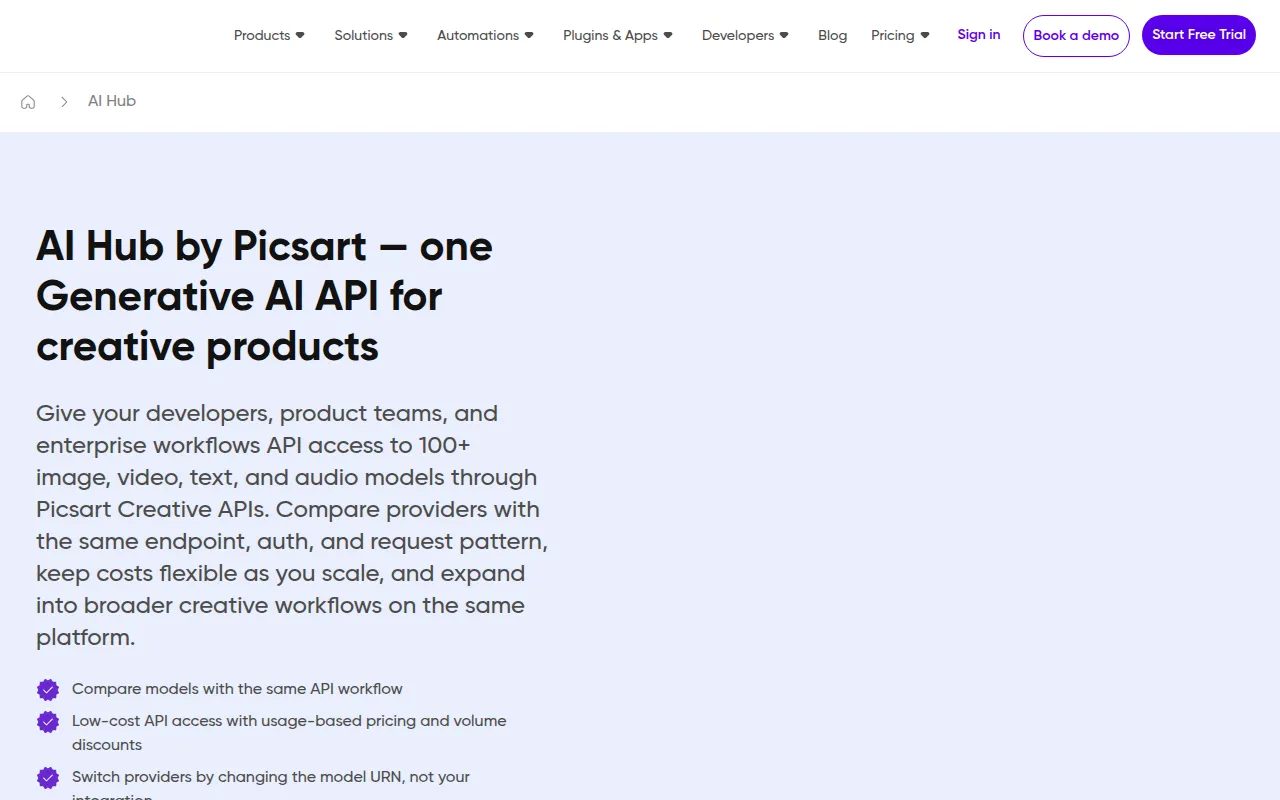
AI HUB by Picsart
AI HUB by Picsart is a design tool that leverages AI technology to enhance creative workflows and streamline design processes.
View Profile →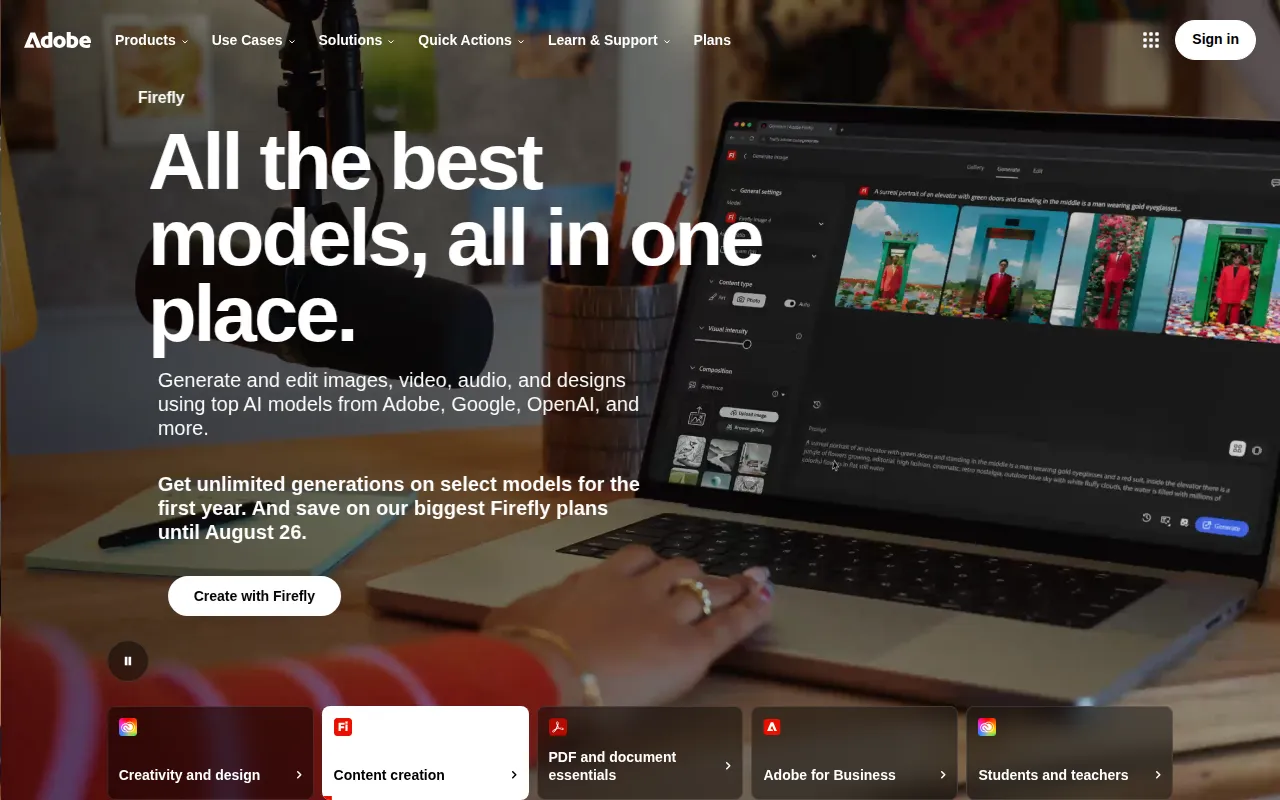
Adobe Photoshop
Adobe Photoshop is a leading graphic design software that enables users to create and edit images with precision and creativity.
View Profile →Overview
In the ever-evolving world of design tools, AI HUB by Picsart and Adobe Photoshop stand out as two popular options. This comparison is particularly relevant for graphic designers, marketers, and content creators who seek robust design solutions tailored to their specific needs. While AI HUB by Picsart focuses on leveraging artificial intelligence to enhance creative workflows, Adobe Photoshop remains a time-tested powerhouse for detailed image editing and graphic design.
AI HUB by Picsart Overview
AI HUB by Picsart is a cutting-edge design tool that harnesses the capabilities of artificial intelligence to streamline creative workflows and enhance the design process. It is particularly well-suited for users who may not have extensive design experience but want to create professional-quality graphics with ease. The platform offers a variety of features, including automated design suggestions, image enhancement tools, and user-friendly templates that cater to social media managers, content creators, and small business owners looking to produce eye-catching visuals quickly.
Notable strengths of AI HUB by Picsart include its intuitive interface, which allows users to navigate the tool effortlessly. The AI-driven features enable quick edits and design adjustments, making it a great option for users who need to generate content on the fly. Additionally, the tool's integration with various social media platforms facilitates seamless sharing of created designs, making it an ideal choice for marketers and businesses looking to maintain a strong online presence without investing extensive time in design.
Adobe Photoshop Overview
Adobe Photoshop is renowned as the leading graphic design software, offering unparalleled precision and creativity for both amateur and professional designers. This tool is designed for a wide range of users, from photographers and illustrators to web designers and digital artists. With its powerful image manipulation capabilities, Photoshop allows users to create and edit images, apply advanced effects, and produce stunning graphics that can be used in various media formats.
One of the most significant strengths of Adobe Photoshop is its extensive feature set, which includes advanced layering, masking, and retouching tools. Users can dive deep into the details of their projects, adjusting every aspect of an image to achieve their desired outcome. Moreover, Photoshop's compatibility with other Adobe Creative Cloud applications, such as Illustrator and After Effects, enhances its versatility for complex design projects, making it a staple in the toolkit of many design professionals.
Feature Comparison
| Feature | AI HUB by Picsart | Adobe Photoshop |
|---|---|---|
| User Interface | Intuitive and beginner-friendly | Complex, steep learning curve for beginners |
| AI Features | Automated design suggestions and enhancements | Limited AI features, manual adjustments required |
| Template Availability | Wide range of customizable templates | Limited templates, focus on custom design |
| Image Editing | Basic editing tools for social media | Advanced editing capabilities with extensive tools |
| Collaboration Tools | Built-in sharing options for social platforms | Requires external tools for collaboration |
| Integration with Other Tools | Integrates with various online platforms | Integrates within Adobe Creative Cloud suite |
| Learning Resources | Accessible tutorials and guides | Extensive tutorials but can be overwhelming |
| Performance | Fast for basic tasks | Resource-intensive, may slow down on older systems |
| Export Options | Multiple formats for social media | Wide range of formats, including print-ready files |
| Customer Support | Online support available | Comprehensive support and community forums |
Pricing Comparison
AI HUB by Picsart operates on a freemium model, allowing users to access a range of tools and features without any initial investment. Although specific pricing for premium features is currently unavailable, the tool offers enough functionality in its free version to attract casual users and small businesses looking to create quick designs without a subscription commitment. This model is particularly appealing for users who may only require occasional access to design tools.
In contrast, Adobe Photoshop follows a subscription-based pricing model through its Creative Cloud service. Users can choose between a monthly or annual subscription, with prices typically starting around $20 per month for individual users. Businesses and professionals seeking additional features or team collaboration tools may need to invest in higher-tier plans, which can significantly increase costs. However, the depth of features and capabilities provided by Photoshop justifies the expense for many professional designers, making it a worthwhile investment for those who require advanced design tools.
Pros and Cons
AI HUB by Picsart Pros and Cons
- Pro: Intuitive interface that is easy for beginners to navigate
- Pro: AI-driven features automate design processes and save time
- Pro: Freemium model allows users to access basic features without cost
- Con: Limited advanced editing capabilities compared to professional tools
- Con: Specific pricing for premium features is currently unavailable
Adobe Photoshop Pros and Cons
- Pro: Extensive feature set for detailed and professional-level design
- Pro: Industry-standard tool used by professionals worldwide
- Pro: Robust community support and extensive learning resources available
- Con: High subscription cost may be prohibitive for casual users
- Con: Steeper learning curve for beginners can be daunting
Which Should You Choose?
If you are a solo freelancer or small business owner seeking to produce quick and visually appealing social media graphics, AI HUB by Picsart is an excellent choice. The tool’s user-friendly interface and AI-driven features make it easy to create professional designs without extensive design knowledge. The freemium model also allows you to experiment with the tool at no cost, making it accessible for those on a budget.
On the other hand, if you are a professional designer or photographer who requires advanced editing capabilities and the ability to manipulate images with precision, Adobe Photoshop is the superior option. The comprehensive feature set and integration with other Adobe applications provide a seamless workflow for complex projects, justifying the investment in a subscription model.
For teams working on collaborative projects, Adobe Photoshop may offer better integration options within the Adobe Creative Cloud ecosystem, allowing for efficient teamwork and project management. However, if your design needs are focused on social media content and you require quick, easy-to-use tools, AI HUB by Picsart will better serve your purposes.
Ultimately, the choice between these two tools will depend on your specific needs, budget, and level of design expertise. Consider your workflow and the types of projects you undertake regularly to make a confident decision.
Conclusion
In conclusion, both AI HUB by Picsart and Adobe Photoshop have their unique strengths and cater to different types of users. For those looking for an accessible, AI-driven design tool without financial commitment, AI HUB by Picsart is an excellent option. Conversely, for professionals seeking comprehensive features and high-quality results, Adobe Photoshop remains the industry standard. Choose the tool that aligns best with your design goals and workflow.
Frequently Asked Questions
The better option depends on your specific needs. AI HUB by Picsart excels in AI-driven features that streamline creative processes, while Adobe Photoshop offers unmatched versatility for detailed image editing and graphic design.
AI HUB by Picsart typically offers a more affordable pricing structure aimed at individuals and small teams, while Adobe Photoshop generally has a higher subscription fee, reflecting its extensive features and established reputation.
AI HUB by Picsart is ideal for quick content creation and social media graphics, leveraging AI to enhance creativity. In contrast, Adobe Photoshop is best suited for professional photographers and graphic designers who require advanced editing capabilities and precision.
When migrating, consider the learning curve associated with each tool, file compatibility, and whether your existing projects can be easily adapted. AI HUB by Picsart may require adjustments in workflow, especially if you are accustomed to Photoshop's detailed features.
AI HUB by Picsart offers a robust free plan with essential features for casual users, while Adobe Photoshop does not have a free version but provides a trial period to test its comprehensive capabilities before committing to a subscription.
Consider your primary design goals: if you need quick, AI-assisted designs for social media, choose AI HUB by Picsart. For in-depth photo editing and complex graphic projects, Adobe Photoshop remains the industry standard.