

AI Image Enlarger vs Adobe Photoshop
Discover the key differences between AI Image Enlarger and Adobe Photoshop in 2026. Find the best design tool for your needs!
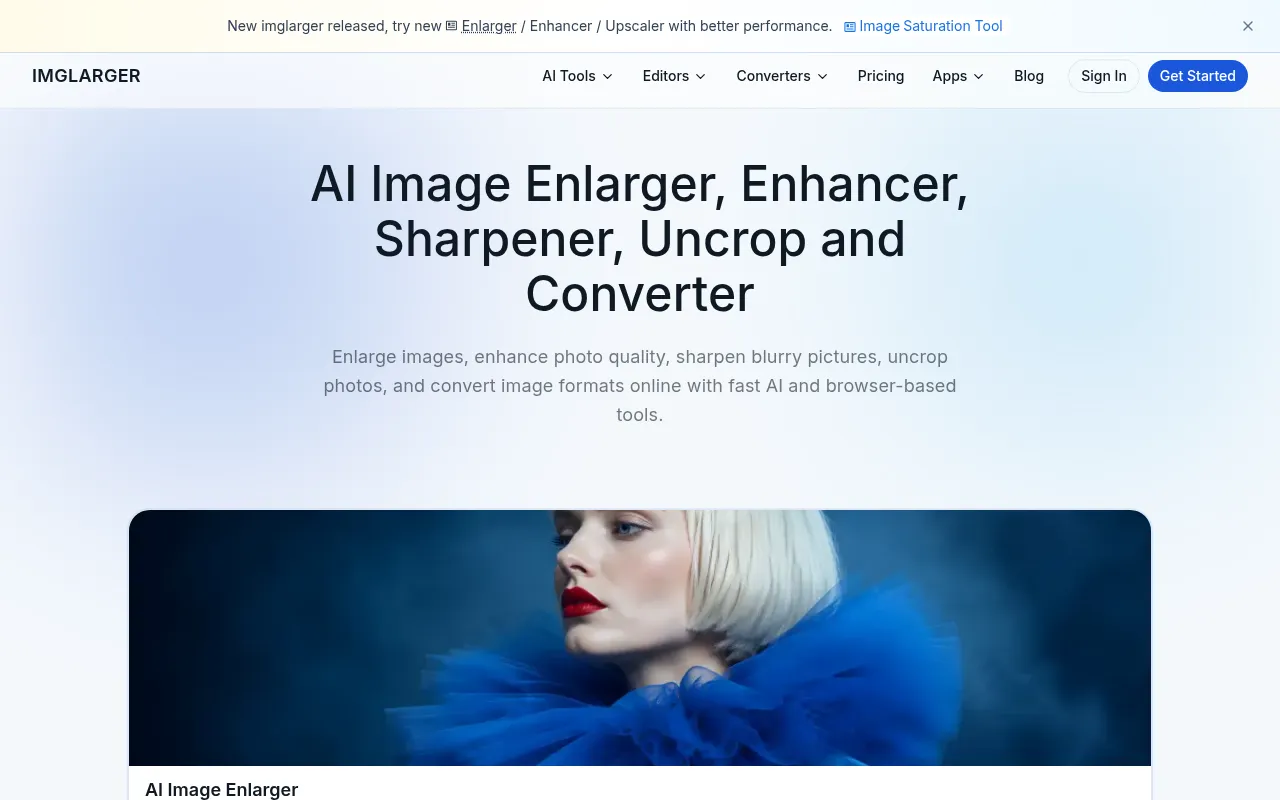

AI Image Enlarger
AI Image Enlarger is an online tool for enhancing and upscaling images using advanced AI technology.
View Profile →
Adobe Photoshop
Adobe Photoshop is a leading graphic design software that enables users to create and edit images with precision and creativity.
View Profile →Overview
This article compares AI Image Enlarger and Adobe Photoshop, two powerful design tools that cater to different user needs. AI Image Enlarger is ideal for users seeking a straightforward solution for enhancing image resolution without extensive design skills, while Adobe Photoshop is tailored for professionals looking for comprehensive editing capabilities in graphic design.
AI Image Enlarger Overview
AI Image Enlarger is an online tool specifically designed to upscale and enhance images using advanced artificial intelligence technology. Its primary focus is to help users improve the quality of low-resolution images by increasing their size without compromising clarity. This is particularly beneficial for photographers, social media marketers, and small business owners who need high-quality visuals for their projects but may not have the technical skills or resources to use more complex software. The tool employs sophisticated algorithms that analyze each image, allowing for a seamless enlargement process that retains fine details and sharpness, making it a go-to tool for quick fixes.
The core strength of AI Image Enlarger lies in its user-friendly interface and instant results. Users can simply upload their images, select the desired enlargement factor, and download the enhanced version within minutes. The freemium model also allows users to start with a free tier, making it accessible for those with occasional needs. As users become more familiar with the tool, they can opt for paid plans that unlock additional features and credits, which is especially advantageous for those who require extensive image enhancements on a regular basis.
Adobe Photoshop Overview
Adobe Photoshop is a leading graphic design software that has become synonymous with professional image editing and creation. With its wide array of tools and features, Photoshop caters to photographers, designers, and artists who demand precision and creativity in their projects. The software allows users to manipulate images at a pixel level, offering capabilities such as layer management, masking, retouching, and the application of various effects and filters. This level of control makes it the preferred choice for professionals who need to create visually stunning graphics, whether for print, web, or multimedia.
Feature Comparison
| Feature | AI Image Enlarger | Adobe Photoshop |
|---|---|---|
| Image Upscaling | Yes, up to 400% without quality loss | Not specifically designed for upscaling |
| User Interface | Simple, intuitive, online | Complex, feature-rich desktop application |
| Editing Tools | Basic adjustments (brightness, contrast) | Extensive editing tools (layers, filters, brushes) |
| File Format Support | JPEG, PNG | Supports multiple formats including PSD, TIFF, RAW |
| AI Technology | Advanced AI algorithms for image enhancement | Limited AI features (neural filters) |
| Collaboration Features | None | Cloud documents, shared libraries |
| Export Options | Direct download of enhanced images | Extensive export options with settings configurations |
| Learning Curve | Minimal, quick to learn | Steep, requires time to master |
| Mobile Accessibility | Available on mobile browsers | Mobile app available but limited functionality |
| Pricing Structure | Freemium with paid upgrades | Subscription-based, various plans |
Pricing Comparison
AI Image Enlarger offers a freemium model that allows users to access basic features without any cost. The free tier includes a limited number of image upscaling options per month, which is perfect for casual users or those who only need to enhance images occasionally. For users requiring more extensive capabilities, paid plans are available, offering additional features and credits for a monthly or annual fee. These plans provide better value for frequent users who need to upscale multiple images regularly, ensuring they can achieve high-quality results without breaking the bank.
On the other hand, Adobe Photoshop operates on a subscription basis as part of Adobe Creative Cloud. The pricing starts with a monthly fee that grants full access to Photoshop along with cloud storage and additional Adobe services. While the upfront cost may seem higher than AI Image Enlarger, the extensive features and capabilities available in Photoshop justify the investment, particularly for professionals and businesses that rely on high-quality graphics. Adobe also offers discounted rates for students and educators, making it more accessible for those in academic settings.
Pros and Cons
AI Image Enlarger Pros and Cons
- Pro: User-friendly interface that requires minimal technical skills.
- Pro: Fast processing times, allowing for quick image enhancement.
- Pro: Freemium model makes it accessible for casual users.
- Con: Limited editing features compared to more comprehensive tools.
- Con: No collaboration features for team projects.
Adobe Photoshop Pros and Cons
- Pro: Extensive tools and features for professional-grade editing.
- Pro: Versatility in creating and manipulating various types of graphics.
- Pro: Strong community support with numerous tutorials and resources available.
- Con: Higher cost due to subscription model, which may not suit casual users.
- Con: Steeper learning curve that can be daunting for beginners.
Which Should You Choose?
If you are a solo freelancer who needs to enhance images occasionally, AI Image Enlarger is the ideal option for you. Its freemium model allows you to start enhancing images without any investment, and its simplicity ensures you can quickly achieve the desired results. This tool is particularly suited for those who may not have graphic design experience but still require high-quality visuals for portfolios, social media, or marketing materials.
For small to medium businesses that require regular image editing as part of their branding and marketing strategy, Adobe Photoshop would be the better choice. The investment in a subscription allows access to a comprehensive suite of tools that can help create professional-grade graphics, ensuring your business stands out. Additionally, the collaboration features in Photoshop are beneficial for teams working on projects together, making it a strong option for businesses looking to streamline their design processes.
If you are a graphic designer or photographer who requires extensive editing capabilities and advanced features, Adobe Photoshop is the clear winner. The level of detail and precision you can achieve with Photoshop surpasses that of AI Image Enlarger. Furthermore, the ability to use Photoshop in conjunction with other Adobe Creative Cloud applications provides a seamless workflow for creating complex and high-quality designs.
In contrast, if you are a casual user who occasionally needs to upscale images without delving into complex editing tasks, AI Image Enlarger will serve you well. Its ease of use and quick results cater perfectly to those who prioritize efficiency and simplicity over advanced features.
Conclusion
In conclusion, both AI Image Enlarger and Adobe Photoshop serve distinct user needs within the design tool space. If you are looking for a quick and easy solution for image enhancement, AI Image Enlarger is a fantastic choice. However, for those seeking a comprehensive graphic design tool with extensive editing capabilities, Adobe Photoshop is undoubtedly the better option. Evaluate your specific needs and choose the tool that aligns best with your design goals.
Frequently Asked Questions
The better choice depends on your needs. AI Image Enlarger excels in simplifying the process of image upscaling for users with limited design experience, while Adobe Photoshop offers an extensive suite of professional editing tools for those requiring detailed graphic design capabilities.
AI Image Enlarger typically offers a more affordable pricing model, often including a free plan with basic features, while Adobe Photoshop operates on a subscription basis with a higher cost that reflects its advanced functionalities.
AI Image Enlarger is perfect for users needing quick and effective image upscaling, such as bloggers or social media managers. In contrast, Adobe Photoshop is suited for graphic designers and photographers who require complex editing tools and capabilities for detailed projects.
When migrating from AI Image Enlarger to Adobe Photoshop, consider the learning curve and the functionality you will gain. However, if switching to AI Image Enlarger, evaluate whether its simpler interface meets your basic needs without advanced features.
AI Image Enlarger offers a free plan with fundamental upscaling features, making it accessible for casual users. Adobe Photoshop, however, does not provide a free plan, although it offers a trial period for users to explore its extensive capabilities.
If you find yourself needing both upscaling simplicity and advanced editing tools, consider using AI Image Enlarger for quick enhancements alongside Adobe Photoshop for in-depth editing, allowing you to leverage the strengths of both platforms.