Overview
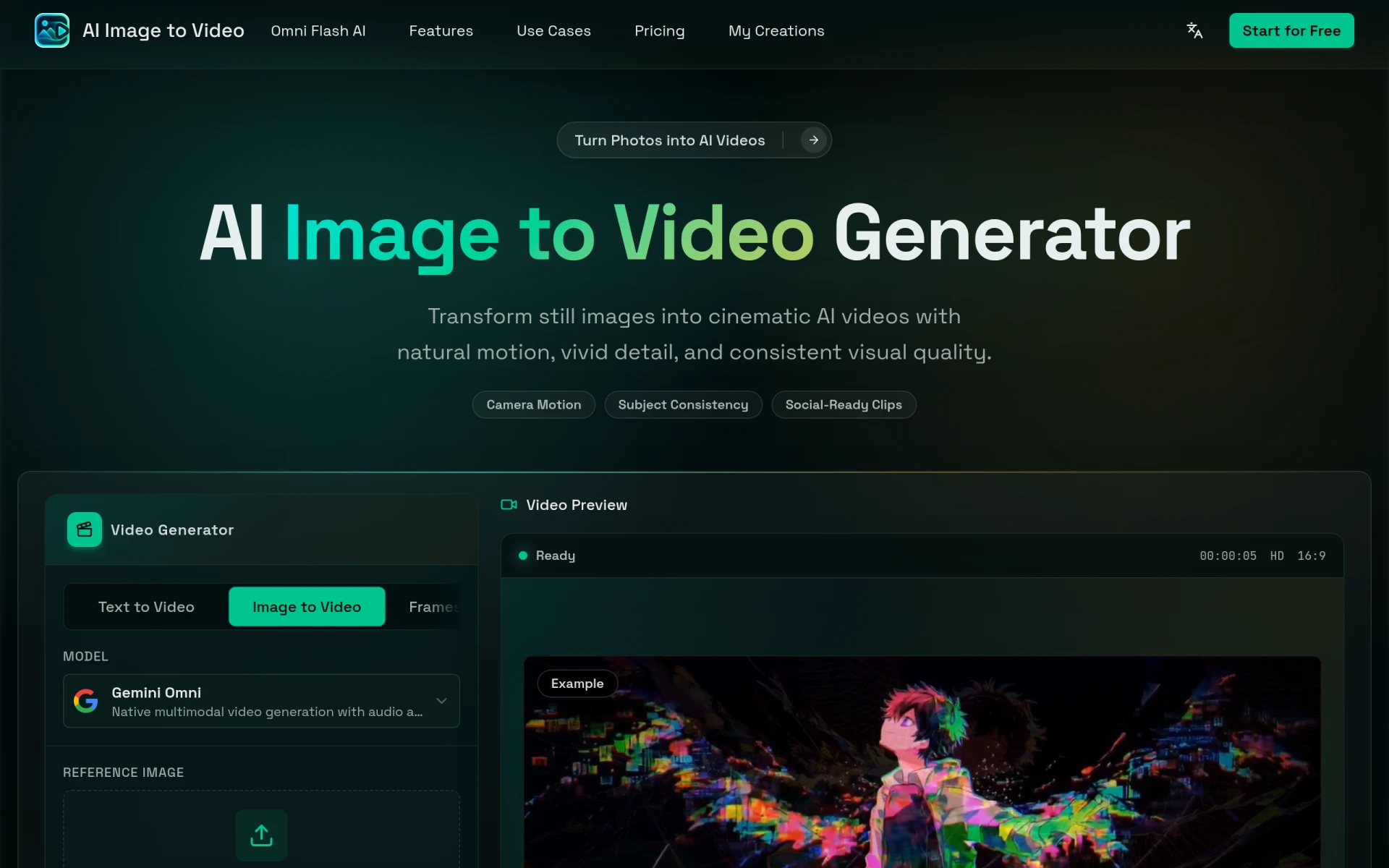
AI Image to Video is a free online image-to-video generator that allows users to convert still images into dynamic videos. This tool is particularly useful for creating engaging content for social media, marketing campaigns, and personal projects. By utilizing advanced AI algorithms, it addresses the challenge of producing video content quickly and efficiently without the need for extensive video editing skills. The primary purpose of this software is to enable users to bring their images to life, enhancing storytelling and visual engagement across various platforms.
Key Features
- Image to Video Generation: Convert static images into animated videos.
- Text to Video Generation: Create videos from provided text prompts.
- Multiple Aspect Ratios: Offers various aspect ratios for different platforms.
- High-Quality Video Output: Generates videos with vivid details and natural motion.
- Social Media Compatibility: Produces clips optimized for sharing on social media.
- Reference Image Upload: Allows users to upload reference images for enhanced video creation.
- Concurrent Generations: Supports multiple video generations at the same time.
- Watermark-Free Videos: Provides users with clean video outputs without watermarks.
Benefits
AI Image to Video offers practical advantages for users looking to create video content with minimal effort. The ability to transform images into videos enhances creative expression and allows marketers to produce compelling visual content quickly. Furthermore, the software's user-friendly interface makes it accessible to individuals without technical expertise in video production. This tool not only saves time but also provides a cost-effective solution for generating high-quality videos, which can be particularly valuable for small businesses and freelancers.
Common Use Cases
AI Image to Video is suitable for a variety of scenarios. For instance, social media marketers can use it to create eye-catching promotional videos from product images. Content creators can generate videos for storytelling by animating portraits or landscapes. Additionally, artists can showcase their work dynamically, and businesses can highlight their offerings through engaging video presentations. The flexibility of the tool accommodates diverse creative needs, making it a versatile option for anyone looking to enhance their visual content.
Who Should Use It
This software is ideal for social media managers, digital marketers, content creators, and small business owners looking to produce engaging video content quickly. Individuals without extensive video editing experience will find it particularly beneficial due to its straightforward interface. However, users seeking advanced video editing functionalities or those who require extensive customization options may find AI Image to Video less suitable for their needs.
Pricing Overview
AI Image to Video operates on a credit-based pricing model, with plans starting at $8.39 per month for the Hobby plan, which includes 200 credits and allows users to generate up to 20 high-quality videos each month.
Conclusion
AI Image to Video is a valuable tool for anyone looking to create engaging videos from images with ease. Its user-friendly interface, high-quality output, and flexibility make it a strong option for various users, including marketers, content creators, and small businesses. While it may not offer the extensive features of more advanced video editing software, it effectively addresses the need for quick and accessible video generation. Understanding its capabilities and limitations can help potential users make an informed decision about whether it meets their specific needs.