Overview
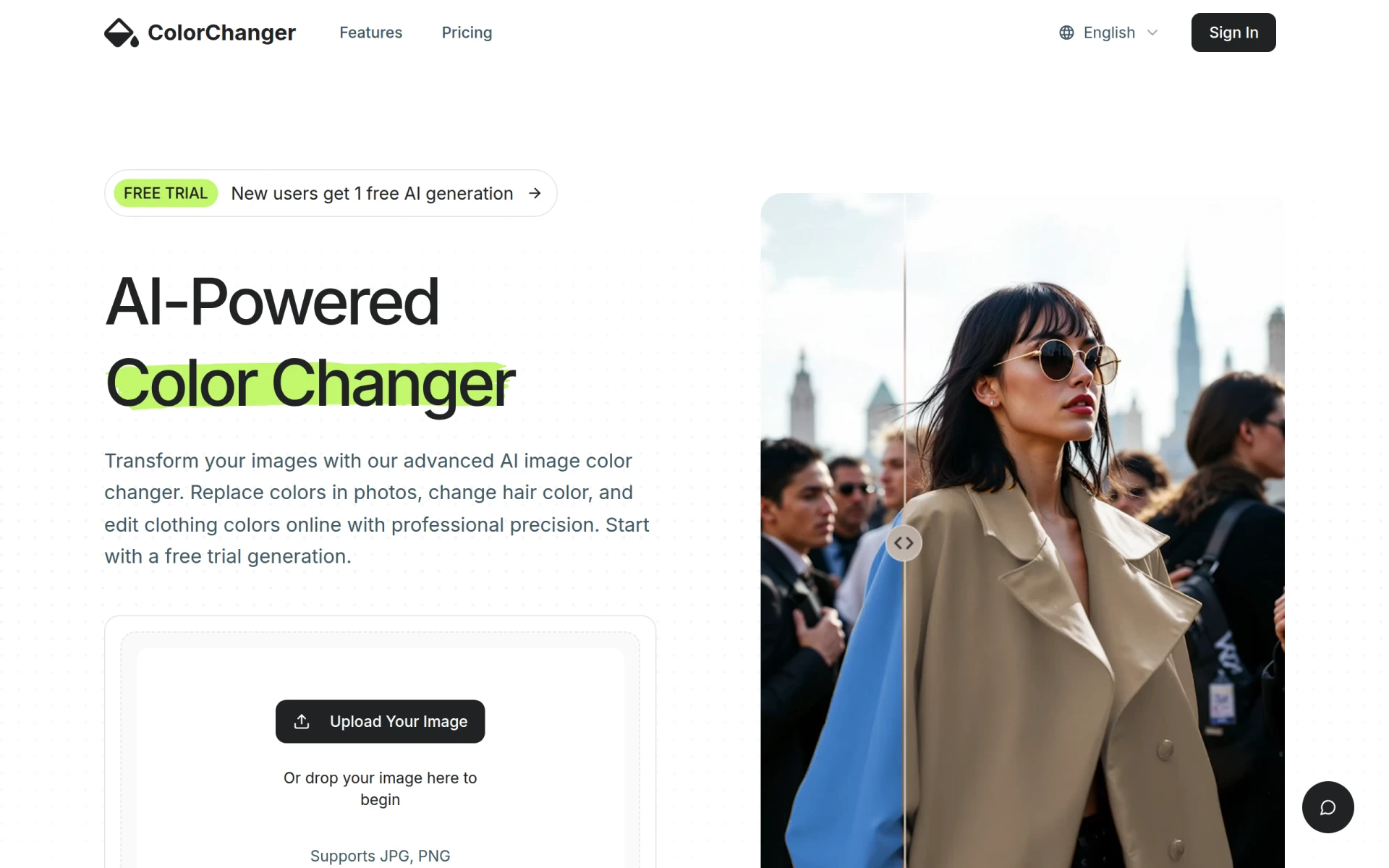
ColorChanger is an AI-powered online tool designed for image color editing, specifically targeting the fashion and e-commerce sectors. Its primary purpose is to allow users to alter colors of various objects in photos, including hair and clothing, without the need for complex software like Photoshop. This tool addresses challenges faced by businesses and individuals needing quick and professional color changes in images, thus streamlining the editing process for designers and marketers alike.
Key Features
- AI-Powered Color Changing
- Supports JPG and PNG formats
- High-Definition (HD) downloads
- Watermark-free exports
- Cloud storage for 24 hours
- Ad-free experience
- User-friendly interface
- Batch processing available with credits
Benefits
ColorChanger offers practical advantages that translate into real business value. By simplifying the color editing process, users can save time and resources typically spent on traditional graphic design software. The AI-driven technology ensures professional results, enhancing the quality of marketing materials and product images. This efficiency is particularly beneficial for e-commerce businesses that rely on visual appeal to drive sales. The tool's affordability and flexible pricing model make it accessible for both casual users and professionals, allowing for effective color modifications without the need for extensive technical skills.
Common Use Cases
- A fashion retailer needing to present clothing in various colors for online listings.
- A social media manager looking to create engaging content with altered hair colors in images.
- A photographer wanting to quickly edit images for a portfolio to showcase diverse styles.
- An e-commerce brand requiring consistent color adjustments for product images across different platforms.
- Freelancers working on client projects that demand rapid turnaround for image modifications.
Who Should Use It
ColorChanger is ideal for fashion designers, e-commerce businesses, social media marketers, and graphic designers who require quick and effective color edits. However, it may not be the best fit for users who need more advanced image manipulation features or those who prefer desktop-based software for heavy editing tasks.
Pricing Overview
ColorChanger offers a pay-as-you-go model starting at $2.99 for a one-time purchase of 20 generation credits, which is suitable for occasional projects.
Conclusion
In summary, ColorChanger provides an efficient solution for individuals and businesses looking to alter colors in images quickly and professionally. While it excels in ease of use and affordability, it may not cater to users requiring extensive editing capabilities. Ultimately, it is a valuable tool for those focused on fashion, e-commerce, and quick image adjustments.