Overview
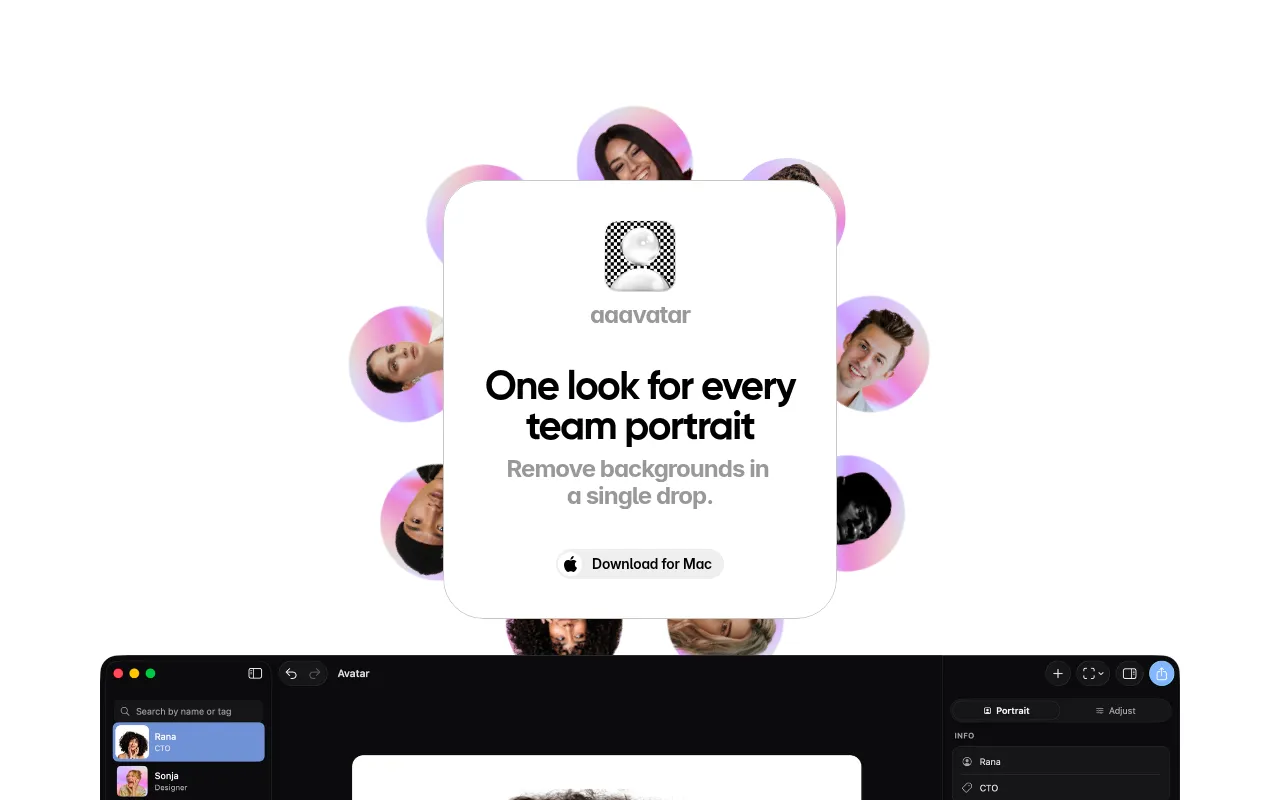
Aaavatar is a graphic design tool specifically designed for creating professional team portraits. Its primary purpose is to facilitate the process of producing high-quality images for team presentations, social media, and professional networking platforms. By automating background removal and providing retouching features, Aaavatar addresses common challenges faced by businesses in need of polished team imagery. This tool helps users save time and reduce the complexity associated with traditional photo editing methods.
Key Features
- Background removal: Automatically removes backgrounds from photos with a single drop.
- Customizable backgrounds: Choose from presets, match brand colors, or upload personal backgrounds.
- One-click retouching: Fill in missing shoulders and auto-align faces for consistent portrait quality.
- Export options: Save images directly to LinkedIn, Slack, email, and other platforms.
- Mac compatibility: Designed for easy use on Mac operating systems.
- User-friendly interface: Intuitive design for seamless navigation and quick results.
- Batch processing: Handle multiple images simultaneously for efficiency.
- High-resolution output: Ensure images are suitable for professional presentations and online use.
Benefits
Aaavatar provides significant practical advantages for businesses looking to enhance their visual branding. By automating the background removal process, it significantly reduces the time and effort required to prepare team portraits. The ability to customize backgrounds allows companies to maintain brand consistency across their visual assets. Additionally, the one-click retouching feature ensures that images are polished and professional, which can enhance a company’s image in the eyes of clients and partners. Overall, Aaavatar contributes to improved efficiency in producing high-quality images that effectively represent teams.
Common Use Cases
Aaavatar is ideal for various scenarios, such as:
- A marketing team needing professional photos for a campaign that showcases their personnel.
- A startup preparing for a website launch, requiring clean and branded team portraits for their About Us page.
- Freelancers looking for polished images for their LinkedIn profiles to attract potential clients.
- HR departments creating internal presentations or team directories with consistent and professional visuals.
- Companies looking to maintain a strong brand presence on social media with high-quality team images.
Who Should Use It
Aaavatar is best suited for marketing teams, small to medium-sized enterprises, freelancers, and HR professionals who require polished personnel images quickly and efficiently. However, it may not be the best fit for users who require extensive customization options or advanced editing features typically found in more complex graphic design software.
Pricing Overview
Pricing information for Aaavatar is currently unavailable, and users are encouraged to check the official website for the latest details.
Conclusion
In summary, Aaavatar is a valuable tool for businesses seeking to create professional team portraits quickly and efficiently. With its automated background removal and one-click retouching features, it streamlines the process of producing high-quality images. While it may not offer extensive customization options, it effectively serves its primary purpose of enhancing team imagery. Companies should consider their specific needs and whether Aaavatar aligns with their branding and image requirements before making a decision.