Overview
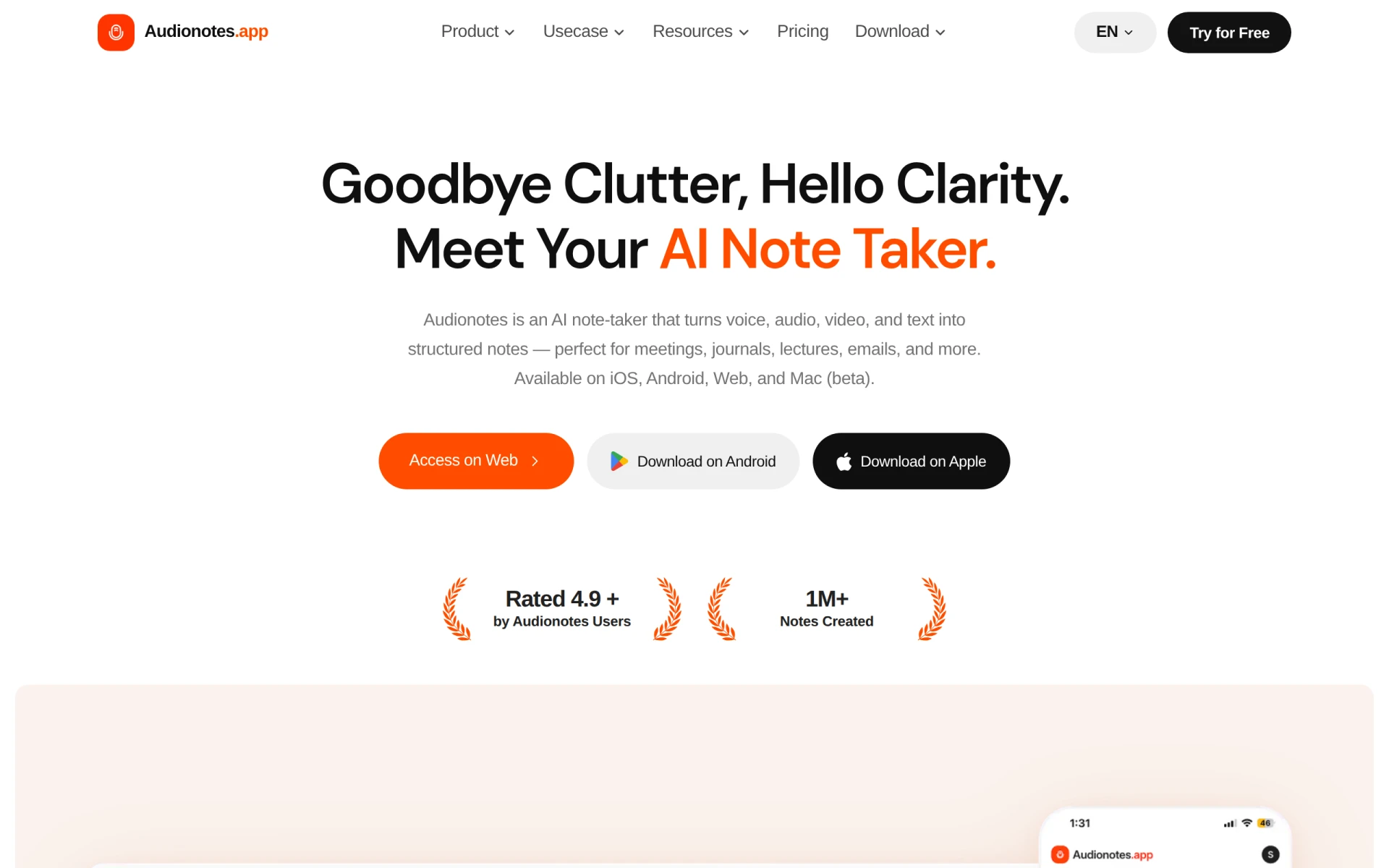
Audionotes is an innovative AI note-taking application designed to convert voice, audio, video, and text into well-structured notes. It serves as a powerful tool for individuals and teams looking to enhance their productivity by capturing and organizing information efficiently. With support for over 99 languages, the software is ideal for diverse users, including students, professionals, and anyone who frequently engages in meetings, lectures, or content creation.
The primary purpose of Audionotes is to simplify the note-taking process and eliminate the clutter often associated with traditional methods. By leveraging advanced AI capabilities, Audionotes transforms raw audio and text data into clear, actionable insights. This not only saves time but also ensures that important information is easily accessible and organized for future reference.
Key Features
- Voice and audio recording: Capture audio notes directly within the app.
- Transcription: Convert audio recordings into written text in real-time.
- Translation: Offers transcripts in over 99 languages to cater to a global audience.
- Summarization: Automatically generates summaries of lengthy audio or text content.
- File upload: Allows users to upload audio/video files and text notes for transcription and organization.
- YouTube integration: Users can add links to YouTube videos for note generation.
- Search functionality: Easily locate specific notes or keywords within your notes.
- Organization tools: Tag and categorize notes for better management.
- Cross-platform availability: Accessible on iOS, Android, Web, and Mac (beta).
- Unlimited notes: Create and store an unlimited number of notes without additional costs in the free version.
Benefits
Audionotes provides several practical advantages, significantly enhancing the way users capture and manage information. By automating the transcription and organization processes, the software allows users to focus on the content rather than the mechanics of note-taking. This leads to increased efficiency, as users can quickly convert ideas into structured formats that are easy to review and share.
The ability to transcribe and translate notes in multiple languages opens up opportunities for users working in multilingual environments or those who need to collaborate with international teams. Furthermore, the summarization feature ensures that users can quickly grasp the essential points of lengthy discussions or lectures, saving valuable time.
Common Use Cases
Audionotes is particularly useful in various scenarios, including:
- Meetings: Capture discussions and decisions made during team meetings, ensuring no important details are overlooked.
- Lectures and classes: Students can record lectures and receive transcriptions for study purposes, allowing for better retention of information.
- Content creation: Writers and content creators can quickly convert their spoken ideas into text, facilitating a smoother creative process.
- Research: Researchers can record interviews or discussions and transcribe them into structured notes for analysis.
- Personal journaling: Users can document their thoughts and experiences through voice notes, which are then organized for easy access.
Who Should Use It
Audionotes is ideal for a wide range of users, including:
- Students who need to capture lectures and study materials efficiently.
- Professionals who attend numerous meetings and require organized notes.
- Content creators looking for a streamlined way to convert verbal ideas into written form.
- Researchers conducting interviews or discussions that require accurate transcription.
However, it may not be the best fit for users who prefer traditional note-taking methods or those who do not frequently engage with audio or video content.
Pricing Overview
Audionotes offers a free plan with core features and a Pro plan priced at $129.99 per year. The free version includes unlimited voice and text notes, while the Pro version unlocks additional features such as advanced organization tools and unlimited transcription capabilities.
Conclusion
In summary, Audionotes stands out as a robust AI note-taking tool that simplifies the process of capturing and organizing information from various sources. With its extensive features and cross-platform compatibility, it caters to a diverse audience, from students to professionals. While it offers significant advantages in terms of efficiency and accessibility, users should consider their specific note-taking preferences and needs before adopting this solution.