Overview
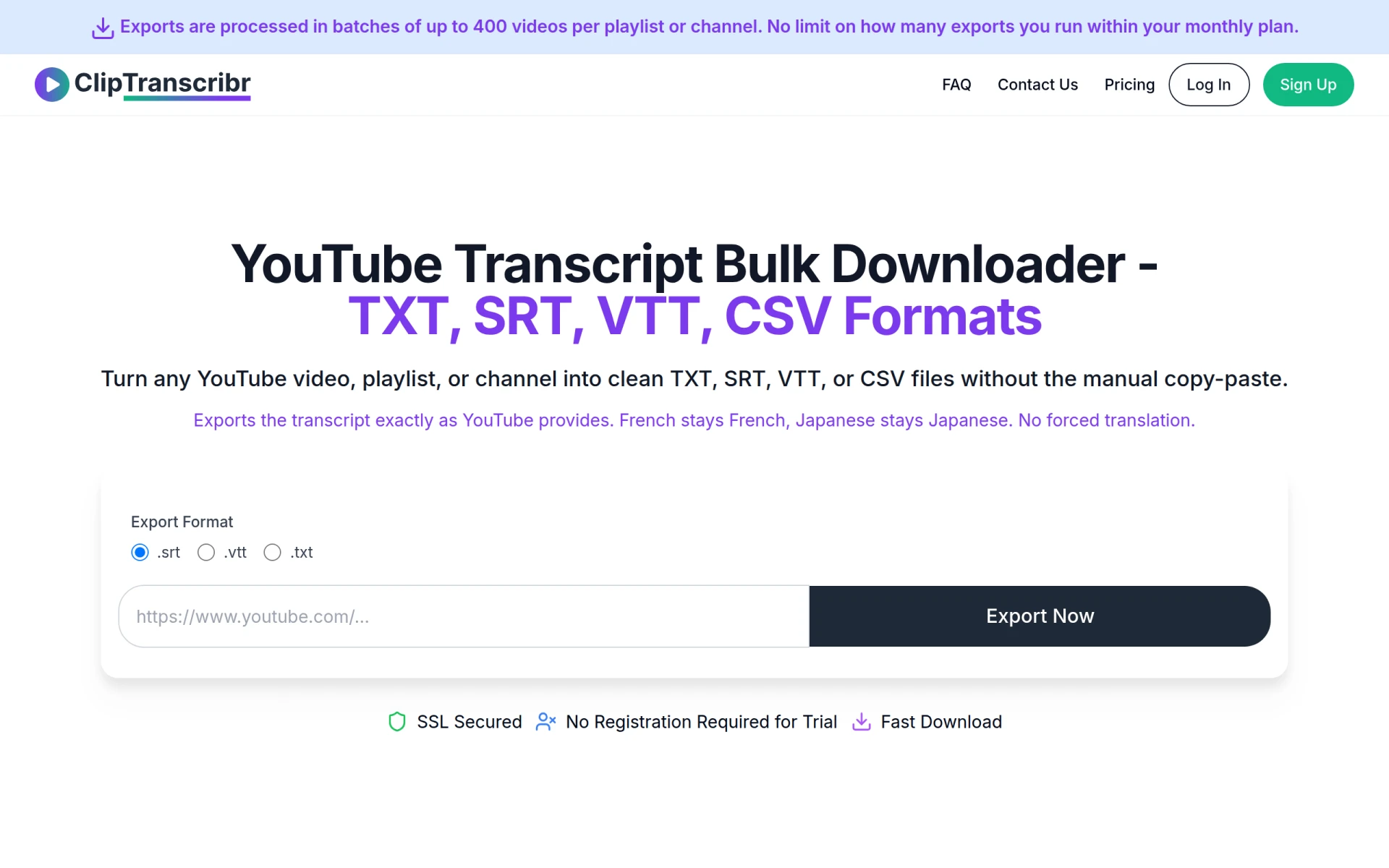
ClipTranscribr is a specialized tool designed to help users export transcripts from YouTube videos efficiently. Its primary purpose is to facilitate the downloading of transcripts from individual videos or entire channels without the need for manual copy-pasting. By addressing the limitations of YouTube's built-in transcript panel, which is primarily for on-page reading, ClipTranscribr provides a streamlined solution for video content creators, researchers, and anyone needing transcripts in various formats. This tool enables users to obtain transcripts in SRT, VTT, TXT, or CSV formats, ensuring accuracy and maintaining the original language of the transcripts.
Key Features
- Unlimited single video transcript exports
- Bulk export of entire channels or playlists
- Supports formats: SRT, VTT, TXT, CSV
- Exports transcripts as provided by YouTube without forced translation
- Processes exports in batches of up to 400 videos
- No limit on the number of exports within a monthly plan
- SSL secured for user safety
- No registration required for trial usage
- Fast download speeds for transcripts
- Affordable pricing plans for various user needs
Benefits
The practical advantages of using ClipTranscribr include significant time savings for content creators who need accurate transcripts for editing, accessibility, or content repurposing. By automating the transcript export process, users can focus more on content creation rather than manual transcription work. Additionally, the tool's ability to handle bulk exports makes it particularly beneficial for businesses or educators who require transcripts for multiple videos, enhancing productivity and efficiency. Users can also ensure that the transcripts are in the correct format for their specific needs, facilitating easier integration into other tools or platforms.
Common Use Cases
Content creators often need transcripts for their videos to enhance accessibility and SEO. For instance, a YouTube educator might use ClipTranscribr to download transcripts for an entire course series to provide students with supplementary materials. Marketers may also use the tool to analyze competitor videos by exporting transcripts for keyword research. Researchers could leverage the bulk export feature to gather data from numerous videos for analysis or reporting. Additionally, small businesses might need transcripts for customer testimonials to repurpose them into promotional materials.
Who Should Use It
ClipTranscribr is ideal for content creators, educators, marketers, and researchers looking for an efficient way to acquire YouTube transcripts. It is particularly beneficial for small teams or freelancers who need to handle multiple videos without committing to extensive manual work. However, larger enterprises with more complex transcription needs or those requiring integrations with other software may find ClipTranscribr less suitable.
Pricing Overview
ClipTranscribr offers a free tier for unlimited single video exports and several paid plans starting at $1.99 per month for bulk exports. Users can choose plans based on their expected volume of transcripts, with options for processing up to 350 videos for $4.99 per month.
Conclusion
In summary, ClipTranscribr serves as a valuable tool for anyone needing to extract transcripts from YouTube videos efficiently. Its user-friendly interface, combined with flexible pricing and a range of supported formats, makes it a competitive option in the market. While it excels in providing bulk export capabilities and quick processing times, potential users should evaluate their specific needs to determine if this tool aligns with their requirements. Overall, ClipTranscribr is worth considering for those who frequently work with video content and require reliable transcript access.