Overview
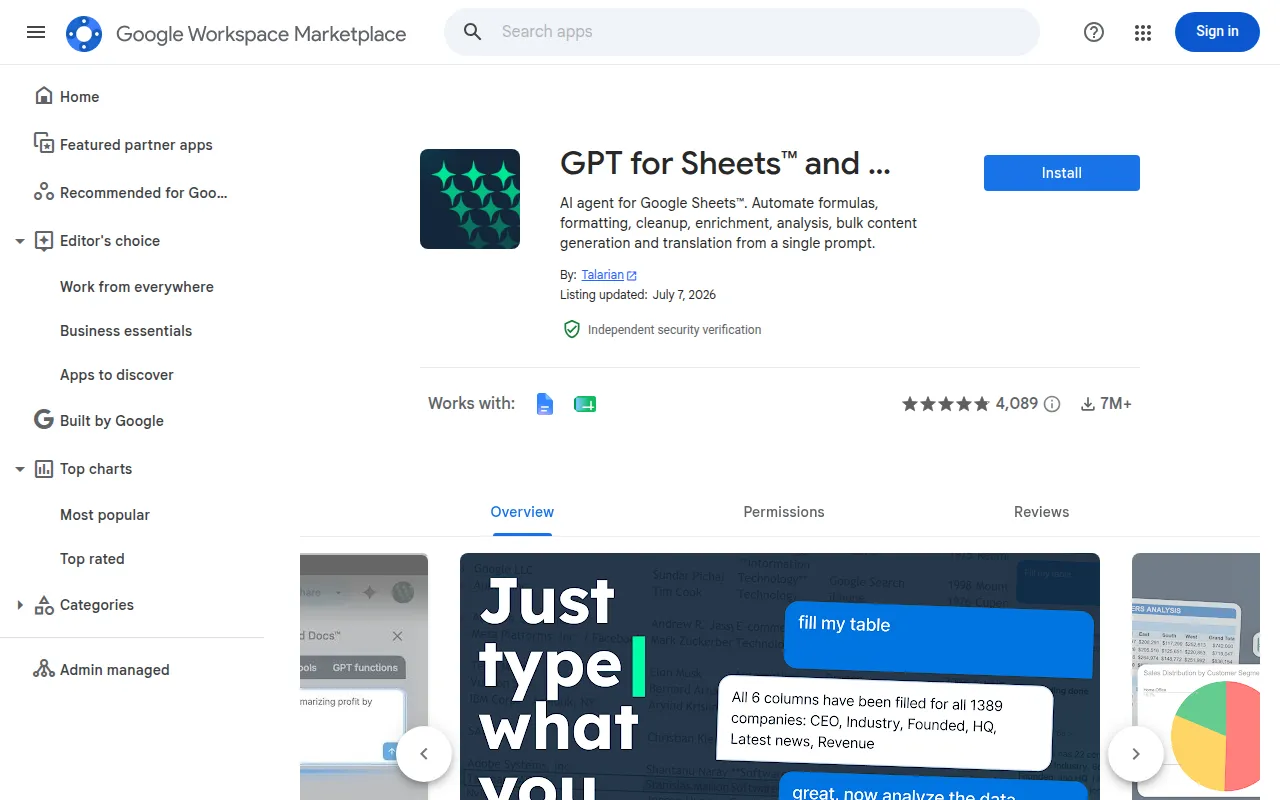
GPT for Sheets and Docs is an AI-powered productivity tool designed to enhance user experience within Google Sheets and Docs. Its primary purpose is to leverage artificial intelligence for generating text, analyzing data, and automating repetitive tasks, thus allowing users to focus on more strategic activities. This tool addresses common challenges such as writer's block, the need for data-driven insights, and the desire for improved efficiency in document creation and data handling.
Key Features
- AI text generation
- Data analysis automation
- Content suggestions
- Template creation
- Language translation
- Summarization of lengthy documents
- Customizable prompts
- Integration with Google Workspace applications
Benefits
Using GPT for Sheets and Docs provides practical advantages such as improved writing speed and creativity, reduced time spent on data analysis, and enhanced collaboration among team members. By automating mundane tasks, it allows users to allocate their time more effectively toward high-value projects. The tool’s ability to generate contextually relevant content and insights can significantly enhance decision-making processes.
Common Use Cases
Common scenarios for utilizing GPT for Sheets and Docs include:
- A marketing team creating engaging content for campaigns faster than before.
- A financial analyst automating the generation of reports based on complex datasets.
- A project manager summarizing meeting notes and distributing action items efficiently.
- Freelancers generating proposals and contracts that require a professional tone.
- Educators creating lesson plans and materials based on curriculum standards.
Who Should Use It
GPT for Sheets and Docs is ideal for content creators, marketers, data analysts, and educators who frequently work with Google Sheets and Docs. It is particularly beneficial for teams that rely on collaboration and need a tool that enhances productivity. However, users who prefer traditional writing methods or those working in highly specialized fields may find the AI-generated content less suitable for their needs.
Pricing Overview
Pricing information is not specified on the official site, and users should check the website for the most accurate and up-to-date details.
Pros and Cons
Pros
- The AI text generation feature helps overcome writer's block effectively.
- Automation of data analysis saves significant time for users.
- Content suggestions enhance the quality of written documents.
- Template creation simplifies the process of document preparation.
- Integration with Google Workspace facilitates seamless workflows.
Cons
- The effectiveness of AI-generated content may vary depending on context.
- Users may need time to adjust to AI-generated suggestions.
- Lack of detailed pricing information can be a barrier for potential users.
Conclusion
GPT for Sheets and Docs is a valuable tool for enhancing productivity and creativity within Google Sheets and Docs. It is designed to assist users by automating routine tasks and generating quality content. While it offers significant advantages, potential users should consider their specific needs and whether AI-generated content aligns with their preferences and requirements.