Overview
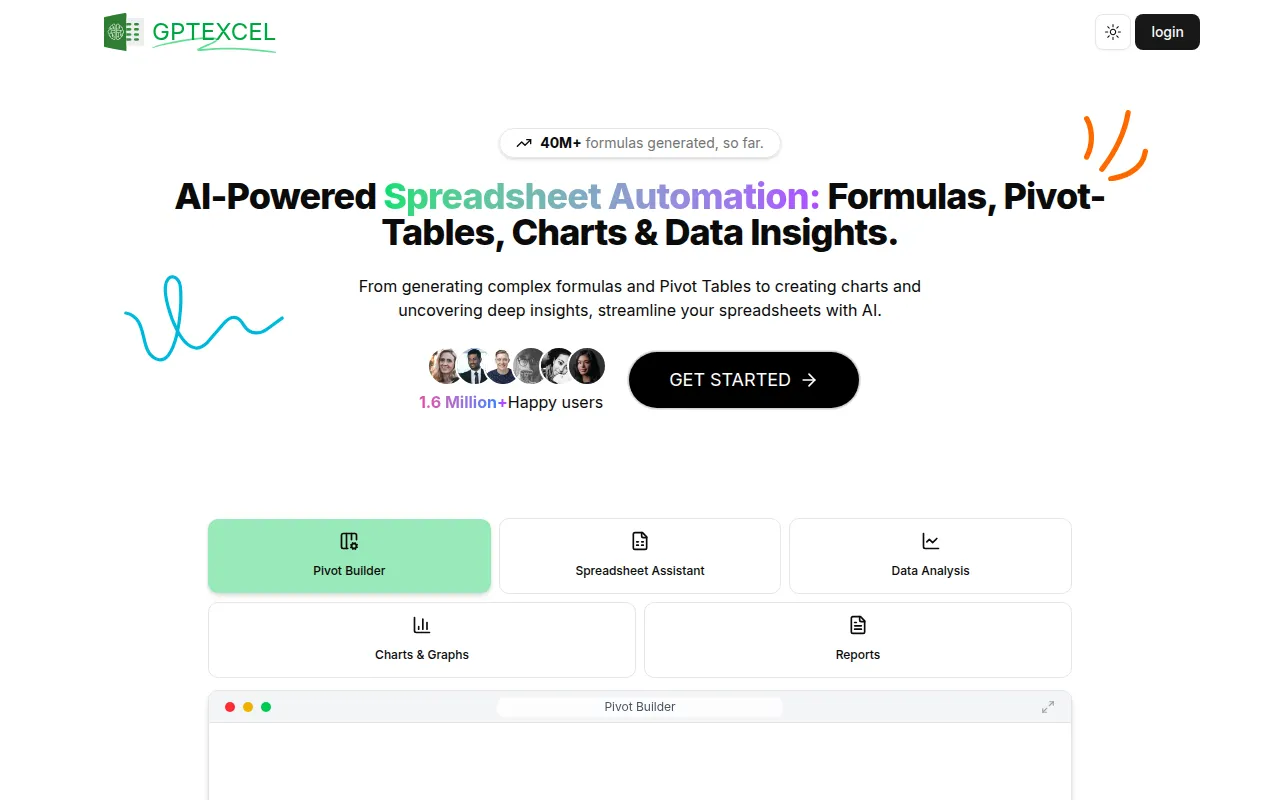
GPTExcel is a productivity tool designed to enhance the efficiency of spreadsheet management through advanced AI functionalities. Its primary purpose is to assist users in generating complex Excel formulas, Pivot Tables, SQL queries, VBA scripts, and regular expressions. By automating these tasks, GPTExcel addresses common challenges faced by individuals and businesses, such as time-consuming data manipulation and a steep learning curve for creating intricate formulas.
Key Features
- AI Formula Generation
- Pivot Table Creation
- SQL Query Generation
- VBA Script Generation
- Regex Generation
- Data Visualization Tools
- Chart and Graph Creation
- Spreadsheet Assistant
Benefits
The practical advantages of using GPTExcel include significant time savings by automating repetitive tasks, reducing the risk of errors commonly associated with manual formula entry, and facilitating quick data insights through automated analysis. By leveraging AI, users can focus on interpreting results rather than getting bogged down in complex formula construction.
Common Use Cases
Realistic scenarios for GPTExcel include:
- A financial analyst generating complex financial models without needing extensive Excel knowledge.
- A marketing team automating data reporting and visualization to track campaign performance.
- A project manager using Pivot Tables to summarize data from various project metrics efficiently.
Who Should Use It
GPTExcel is ideal for professionals who regularly work with spreadsheets, including data analysts, financial professionals, and project managers. However, it may not be the best fit for users who prefer traditional spreadsheet methods or those with very simple data needs that do not require advanced functionalities.
Pricing Overview
Pricing information is currently unavailable on the GPTExcel website.
Conclusion
GPTExcel offers a robust set of features for users looking to enhance their spreadsheet capabilities through AI automation. While it provides substantial benefits in terms of productivity and efficiency, potential users should assess whether its advanced functionalities align with their specific needs before adopting the tool.