Overview
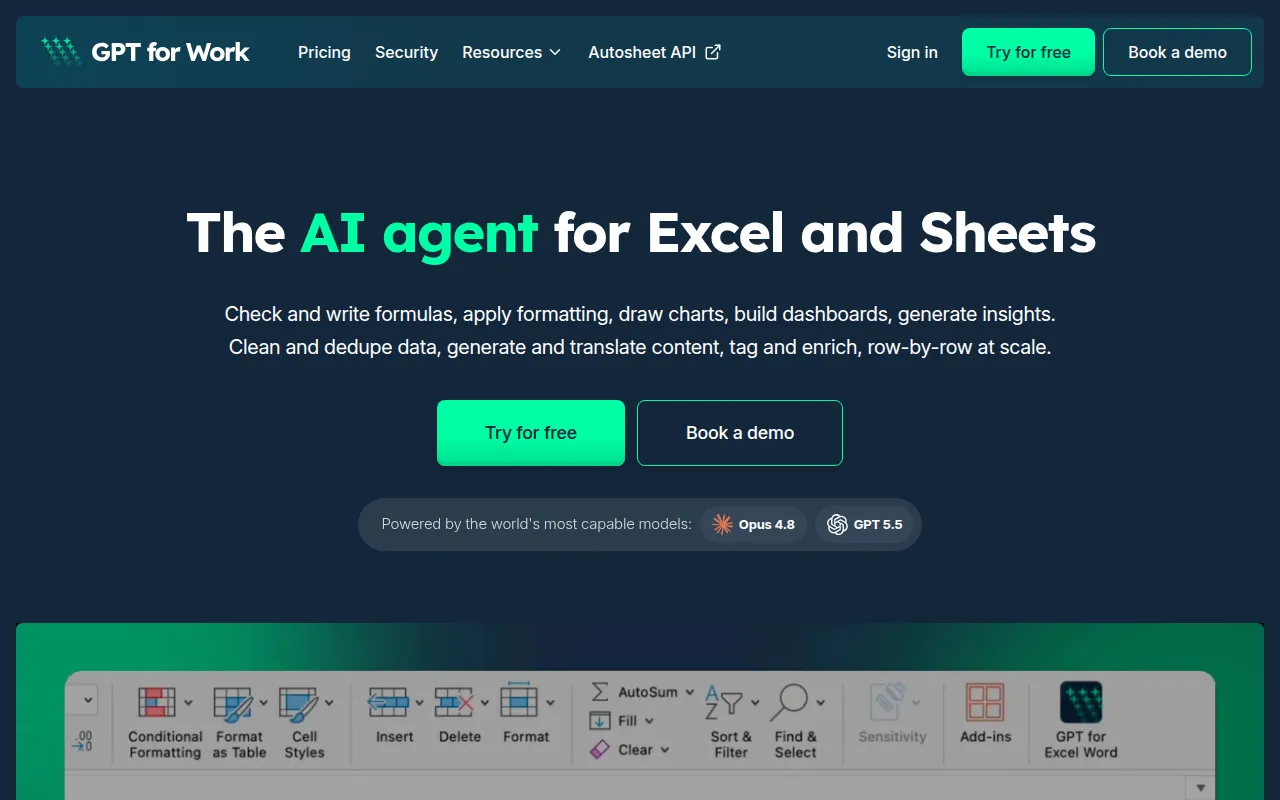
GPTforWork is an AI agent specifically designed for Microsoft Excel and Google Sheets, developed by Talarian. Its primary purpose is to assist users in managing their spreadsheet tasks more efficiently. By allowing users to interact with the AI through a chat panel, GPTforWork enables users to execute various functions directly in their spreadsheets using plain language. This includes tasks such as writing formulas, formatting cells, and analyzing data. The software effectively addresses common spreadsheet challenges, such as data organization, formula application, and content generation, making it a valuable tool for users who handle large amounts of data.
Key Features
- Formula Assistance
- Data Formatting
- Chart Creation
- Dashboard Building
- Data Cleaning
- Content Generation
- Language Translation
- Row-by-Row Data Enrichment
- Integration with Excel
- Integration with Google Sheets
Benefits
GPTforWork offers several practical advantages for users looking to enhance their spreadsheet capabilities. The AI can significantly speed up the process of data manipulation, allowing users to generate insights and reports more quickly. It reduces the learning curve for new users by enabling them to input commands in natural language rather than requiring knowledge of specific formulas or functions. Additionally, its ability to clean and deduplicate data helps maintain data integrity, which is crucial for accurate reporting and analysis.
Common Use Cases
GPTforWork can be utilized in various scenarios, including:
- A marketing team analyzing campaign data to derive actionable insights.
- An accountant preparing financial reports by quickly generating necessary formulas and formatting.
- A project manager tracking project milestones and budgets in a visually appealing dashboard.
- A data analyst cleaning large datasets to ensure accuracy before analysis.
- A content creator translating data entries into multiple languages for global outreach.
Who Should Use It
Ideal users of GPTforWork include business professionals who frequently work with spreadsheets, such as analysts, marketers, and project managers. It's particularly beneficial for those who may not have advanced spreadsheet skills but need to perform complex tasks efficiently. However, it may not be the best fit for users who prefer traditional spreadsheet methods or those who require highly specialized spreadsheet functions that the AI may not cover.
Pricing Overview
GPTforWork offers a pay-as-you-go model along with subscription options, allowing users to choose the pricing structure that best fits their needs. Users can purchase credits for use, with a minimum purchase requirement, and credits are valid for at least 12 months.
Conclusion
In summary, GPTforWork presents a practical solution for users seeking to optimize their productivity within Excel and Google Sheets. Its AI-driven capabilities make it easier to perform complex tasks without requiring extensive spreadsheet knowledge. While it offers numerous benefits, potential users should assess whether its features meet their specific needs and if they are comfortable with the pricing model before making a decision.