Overview
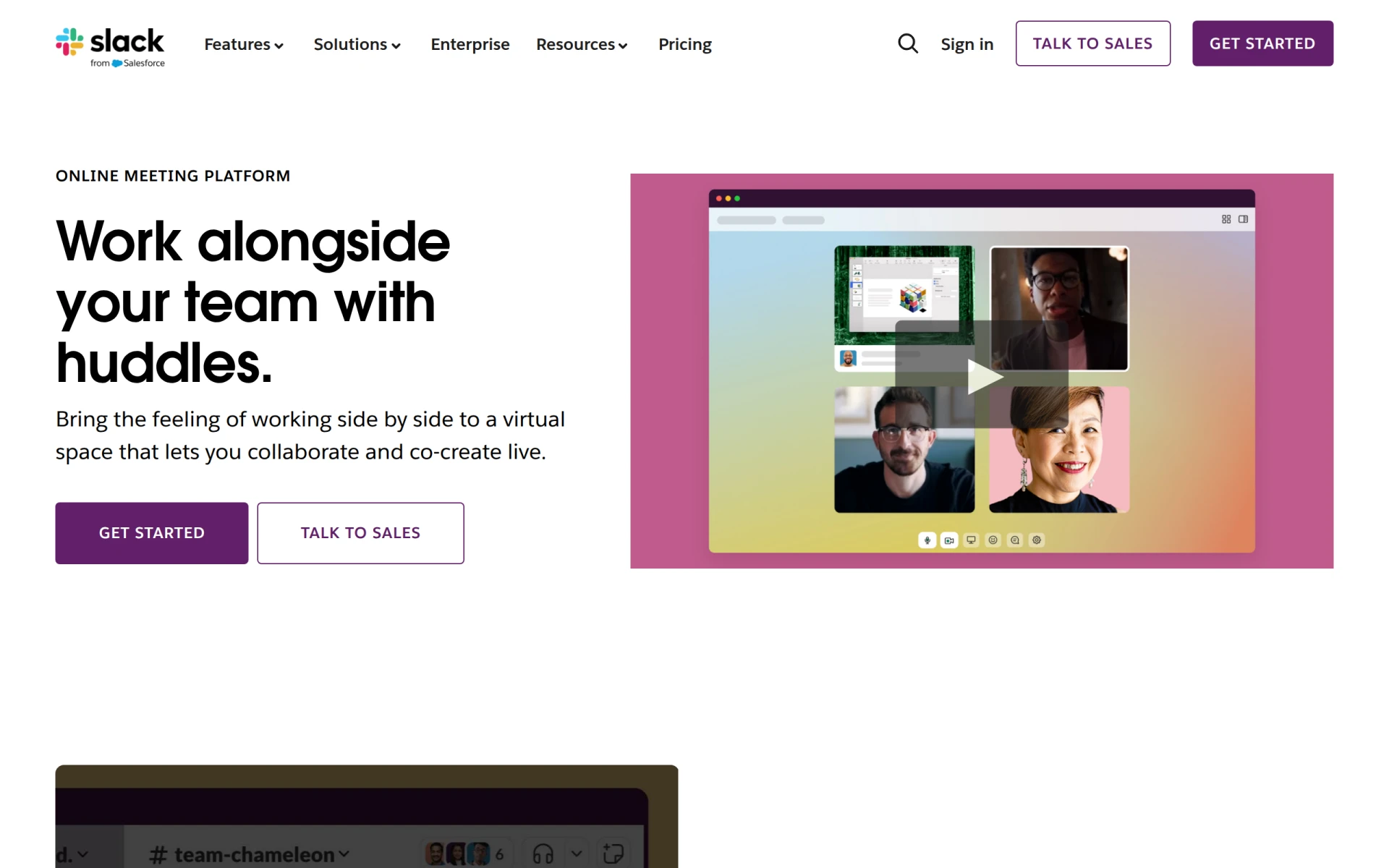
Huddles is a video conferencing tool that is part of the Slack platform, aimed at facilitating quick and efficient virtual meetings. Its primary purpose is to allow teams to connect instantly through audio or video calls without leaving their messaging environment. By enabling seamless communication, Huddles addresses common issues such as delays in scheduling meetings and the fragmentation of communication across different tools. This integration allows for a more cohesive workflow, helping teams to collaborate in real time and maintain a sense of presence even when working remotely.
Key Features
- Instant audio and video calls
- Screen sharing capabilities
- AI-generated meeting notes
- Direct integration within Slack
- Easy access to previous meeting notes
- Customizable team channels
- Support for multiple participants
- User-friendly interface
Benefits
Huddles provides several practical advantages for teams, primarily by enhancing collaboration and productivity. The ability to initiate conversations quickly reduces the need for lengthy email chains or scheduling conflicts, allowing for more agile decision-making. The screen sharing feature is particularly beneficial for visual discussions, enabling team members to work together on documents or presentations in real time. Furthermore, the AI meeting notes feature saves time by automatically documenting conversations, allowing participants to focus on the discussion rather than note-taking.
Common Use Cases
Huddles can be particularly useful in several scenarios. For instance, a marketing team can use it to brainstorm campaign ideas while reviewing materials together. A software development team may hold huddles for quick stand-up meetings to discuss progress and blockers without the need for formal scheduling. Additionally, remote teams can leverage Huddles for daily check-ins, maintaining a sense of connection and teamwork despite geographical distances.
Who Should Use It
Huddles is ideal for teams already using Slack, as it integrates seamlessly into their existing communication flow. It is particularly suited for small to medium-sized businesses that require efficient collaboration tools without the complexity of standalone video conferencing solutions. However, larger enterprises with specific compliance needs or those requiring extensive features may find Huddles less comprehensive compared to dedicated video conferencing platforms.
Pricing Overview
The pricing details for Huddles are not explicitly available. Users should check the Slack website for information on subscription plans that include Huddles functionality as part of the overall Slack offering.
Conclusion
Huddles offers a straightforward and effective solution for teams looking to enhance their virtual collaboration. While it excels in facilitating quick and easy meetings within the Slack environment, potential users should consider their specific needs, especially if they require more advanced features or have larger team sizes. Overall, Huddles can be a valuable tool for teams aiming to improve communication and productivity in a remote work setting.