Overview
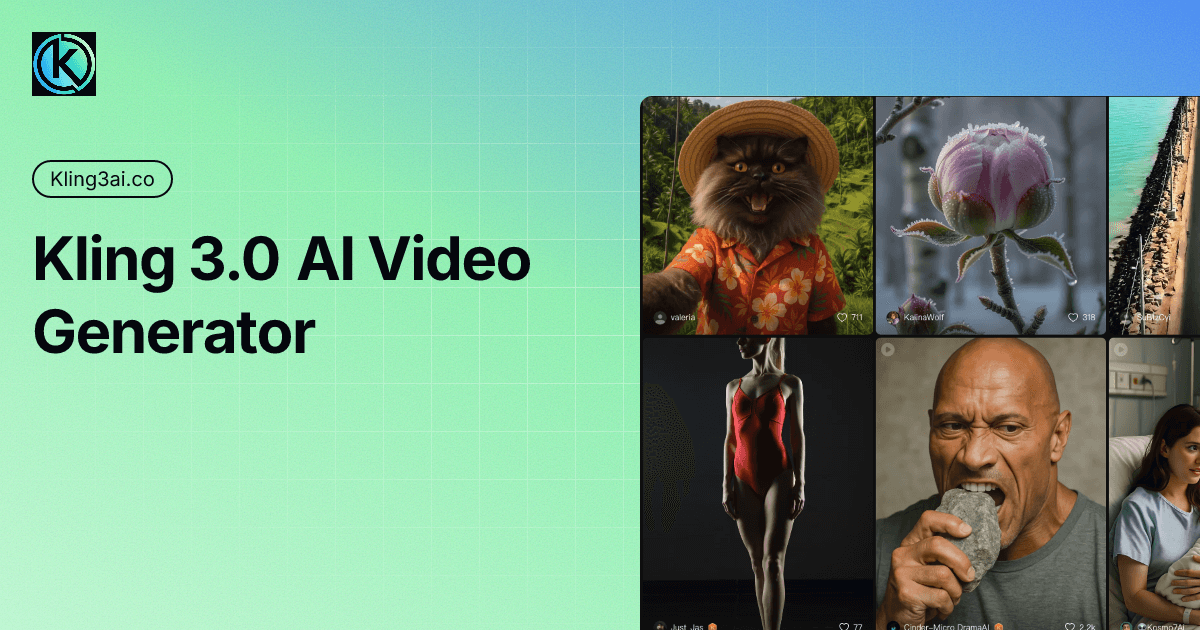
Kling 3.0 is an advanced AI-driven video generation tool that allows users to transform text and images into high-quality 4K videos. Its primary purpose is to simplify the video creation process, enabling users—regardless of their technical expertise—to produce professional-looking videos quickly. By leveraging the power of artificial intelligence, Kling 3.0 addresses common challenges in video production, such as the need for extensive editing skills, technical equipment, and time-consuming processes.
Key Features
- AI Director Engine: Utilizes AI to orchestrate video creation with minimal user input.
- 4K Resolution: Generates videos in stunning native 4K quality for professional outputs.
- Multi-shot Storyboarding: Supports coherent multi-shot narratives for complex storytelling.
- Physics-accurate Motion: Ensures realistic movements within the video composition.
- Text-to-Video Conversion: Converts written content directly into engaging video presentations.
- Image-to-Video Conversion: Transforms static images into dynamic video sequences.
- Enhanced Audio: Provides native audio integration for a professional sound experience.
- User-friendly Interface: Designed for ease of use, catering to both beginners and experienced creators.
Benefits
Kling 3.0 offers practical advantages that resonate with users across various industries. First, it significantly reduces the time and effort required to produce high-quality videos, making it an excellent tool for content creators, marketers, and educators. Second, the AI capabilities of Kling 3.0 minimize the learning curve associated with traditional video editing software, allowing users to focus on creativity rather than technical challenges. Finally, the high-resolution output ensures that users can produce content suitable for diverse platforms, enhancing their engagement with audiences.
Common Use Cases
Kling 3.0 is particularly beneficial in several scenarios, including:
- Marketing Campaigns: Businesses can create promotional videos to highlight products or services efficiently.
- Educational Content: Educators can produce engaging lessons or tutorials that combine visual and audio elements to enhance learning.
- Social Media Posts: Content creators can quickly generate videos tailored for social media platforms, boosting follower engagement.
- Corporate Presentations: Companies can craft professional presentations that incorporate video to convey messages more effectively.
- Event Recaps: Users can summarize events or conferences with captivating highlight reels that include multiple angles and shots.
Who Should Use It
Kling 3.0 is ideal for a wide range of users, including:
- Marketers looking to create engaging video content for campaigns.
- Educators who want to enhance their teaching materials with interactive videos.
- Small business owners seeking to improve their online presence through video marketing.
- Content creators and influencers who need quick and effective video production tools.
- Freelancers working in multimedia production who require an efficient way to meet client needs.
However, it may not be the best fit for advanced video editors who prefer granular control over every aspect of video production.
Pricing Overview
Kling 3.0 offers a tiered pricing model, allowing users to choose a plan that fits their needs. The Basic plan is priced at $9.90 for 99 credits, while the Major plan costs $29.90 for 330 credits. Both plans include features such as music download and no watermark downloads.
Conclusion
In summary, Kling 3.0 stands out in the video editing landscape by providing an accessible and powerful tool for creating high-quality videos without the need for extensive technical skills. Its AI-driven features and straightforward interface make it suitable for various users, from marketers to educators. While it may not satisfy the demands of seasoned video professionals, its combination of functionality and ease of use positions it as a valuable resource for many.