Overview
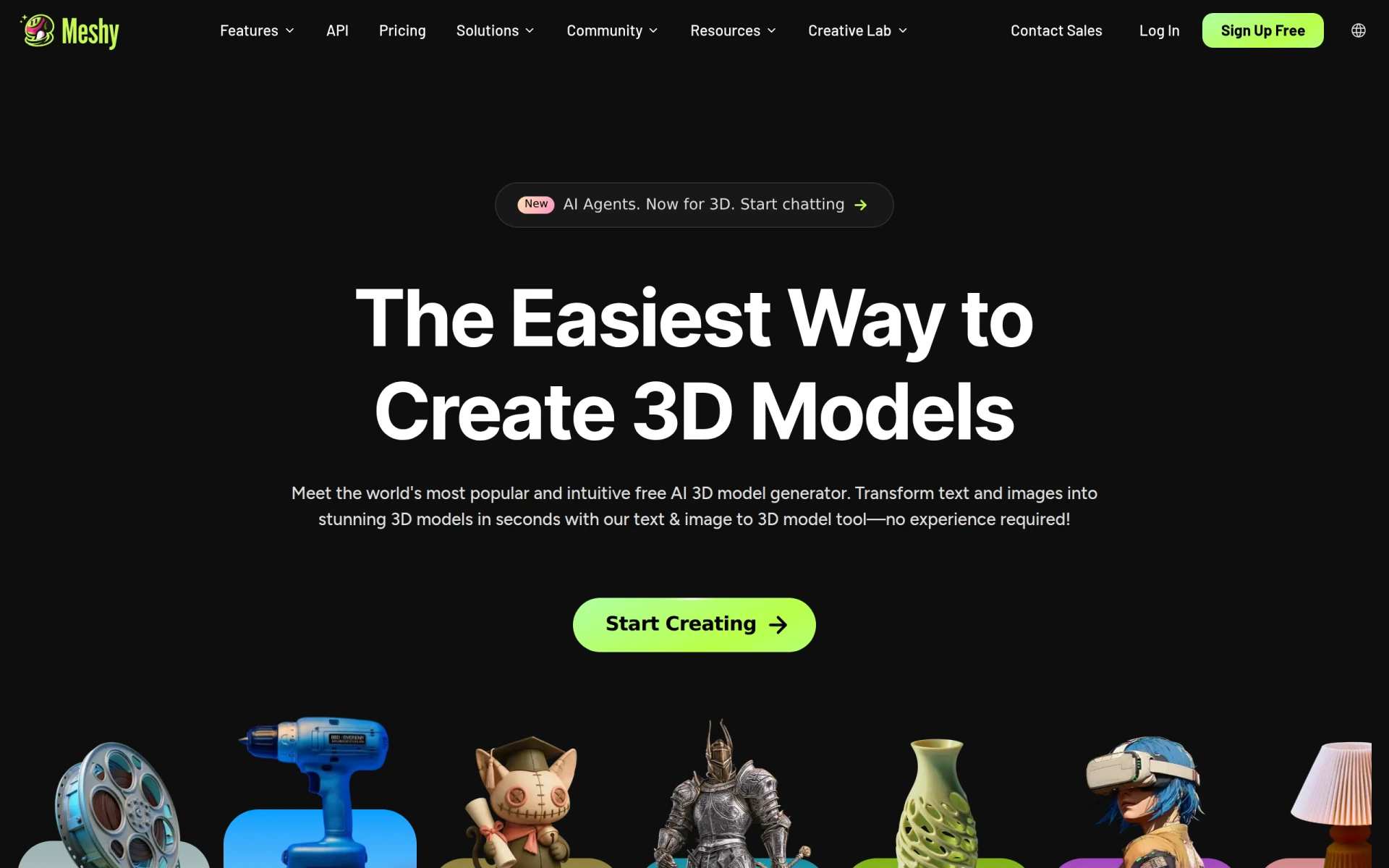
Meshy is an innovative AI-powered platform designed for the creation of 3D models from both text descriptions and image inputs. It streamlines the modeling process, enabling users to generate production-ready 3D assets in just 20-30 seconds. The software is particularly beneficial for developers, designers, and creatives who need to create 3D models for various applications, including gaming and 3D printing. By transforming complex ideas and visual references into tangible models, Meshy addresses the challenges of time-consuming traditional modeling techniques and the need for specialized skills in 3D design.
Key Features
- AI Model Generation from Text
- AI Model Generation from Images
- Export Options for FBX, OBJ, GLB, and STL Formats
- High-Fidelity Image-to-3D Conversion
- AI Texturing Capabilities
- Animation Features
- Interactive AI Agent for Guidance
- Flexible Pricing Plans for Various User Needs
Benefits
Meshy provides practical advantages by significantly reducing the time and effort required to create 3D models. Users can quickly bring their ideas to life without needing extensive knowledge of 3D software, thus lowering the barriers to entry in 3D modeling. The ability to export models in multiple formats ensures compatibility with various applications, making it a versatile tool for artists and developers alike. Additionally, the interactive AI agent offers assistance throughout the modeling process, enhancing user experience and satisfaction.
Common Use Cases
Meshy is particularly useful in various situations, including:
- Game development where quick prototyping of 3D assets is essential.
- 3D printing projects that require rapid model generation from sketches or concepts.
- Educational purposes, allowing students to visualize and create 3D designs without prior experience.
- Graphic design projects that involve creating custom 3D graphics for marketing materials.
- Architecture and interior design, where clients can see 3D representations of their projects.
Who Should Use It
Ideal users of Meshy include:
- Game developers who need fast asset creation.
- Graphic designers looking to incorporate 3D elements into their work.
- Educators and students in fields related to design and technology.
- Freelancers and small business owners needing efficient 3D modeling solutions.
Users who may find Meshy less suitable include those requiring highly specialized or intricate modeling capabilities, as the software is designed for rapid generation rather than detailed manual modeling.
Pricing Overview
Meshy offers a free tier along with Pro, Studio, and Enterprise plans to cater to different user requirements. Specific pricing details were not provided in the scraped content.
Pros
Meshy allows for rapid generation of 3D models from text and images. The software supports multiple export formats suitable for a variety of applications. Users benefit from an interactive AI agent that provides guidance throughout the modeling process. The platform is accessible for beginners and does not require extensive 3D modeling experience. Flexible pricing plans make it adaptable for individual creators and larger teams.
Cons
Meshy may not provide the level of detail required for highly intricate models. Some users might find the learning curve of AI-generated outputs challenging. The dependency on internet connectivity for AI processing could be a drawback for some users. Specific pricing details could not be confirmed, which may affect budgeting decisions. The software may not be suitable for advanced users looking for in-depth customization options.
Conclusion
Overall, Meshy presents a compelling solution for those in need of quick and efficient 3D model generation. While it excels in speed and ease of use, it may not fully satisfy users requiring advanced modeling features. As a tool designed for creators of all skill levels, it offers significant value, especially for rapid prototyping and visualization. However, users should consider their specific needs before fully committing to the platform.