Overview
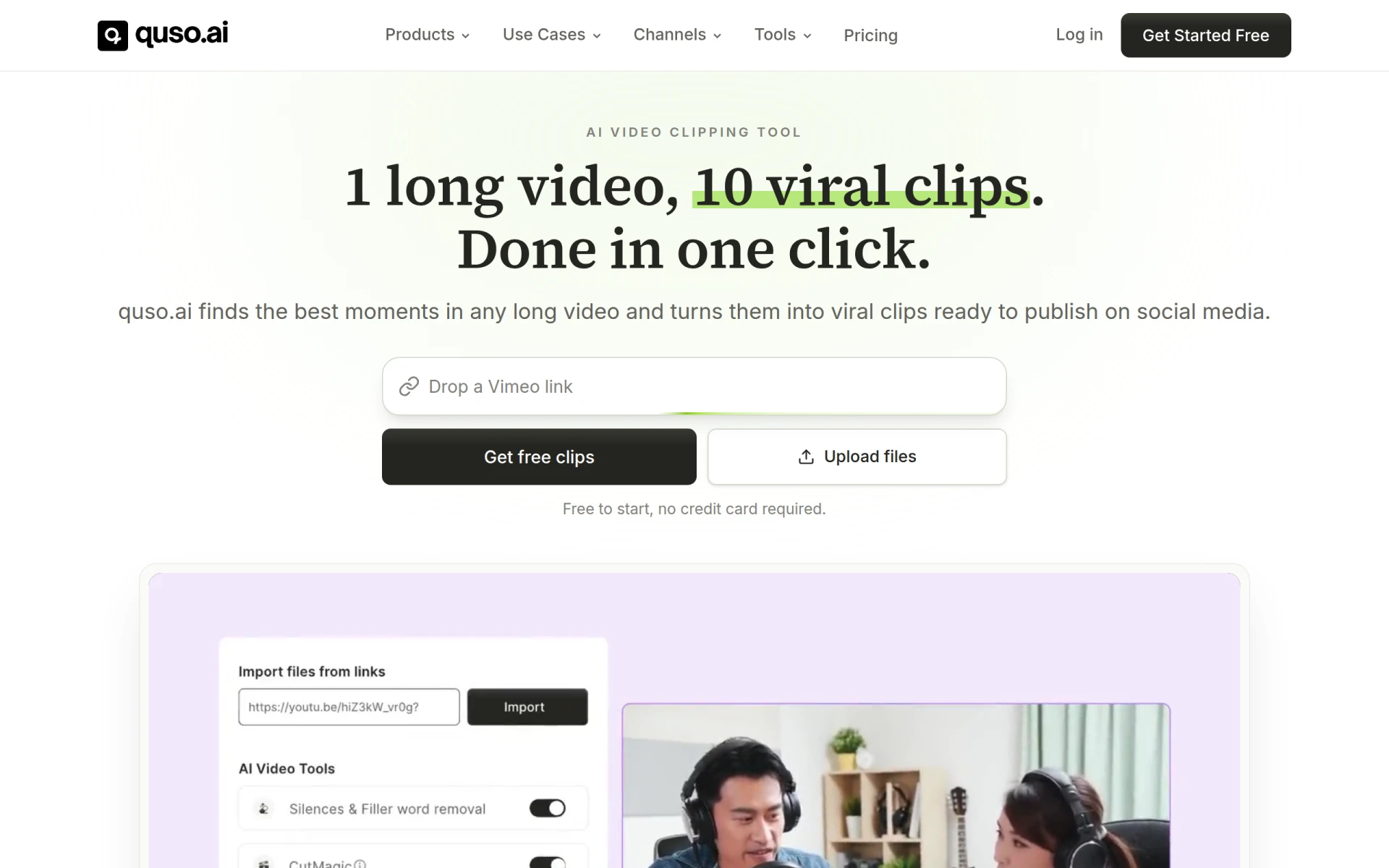
quso.ai is an AI-powered video editing tool designed to assist creators, marketers, and brands in repurposing long-form video content into short, shareable clips. The primary purpose of quso.ai is to enable users to efficiently extract and highlight the most engaging moments from their videos, making them suitable for platforms like TikTok, Instagram Reels, and YouTube Shorts. The software addresses common challenges such as time constraints and the need for engaging content by streamlining the video editing process, allowing users to maximize their reach and engagement on social media.
Key Features
- IntelliClips: AI identifies the most viral moments in your long videos.
- CutMagic: Automatically reframes videos for optimal vertical viewing.
- Auto-Captions: Generates captions in over 50 languages for accessibility.
- Multi-Platform Publishing: Schedule posts directly to various social media platforms.
- Video Editing Suite: Offers advanced editing tools for further customization.
- Data Retention: Keeps your video data for up to seven days.
- User-Friendly Interface: Simplifies the video editing process for all skill levels.
- Free Trial: Start using the platform without a credit card.
Benefits
Using quso.ai provides several practical advantages for businesses and creators. It saves time by automating the clipping and captioning processes, which can otherwise be labor-intensive. Users can increase their social media presence by producing more content without the need for extensive editing skills. The AI-driven features not only enhance the quality of the clips but also improve engagement rates by focusing on potentially viral content. Moreover, the ability to publish directly to multiple platforms simplifies the workflow, allowing users to maintain a consistent online presence.
Common Use Cases
- A podcaster can upload a full episode and instantly receive short clips highlighting key discussions, which can be shared on social media to drive traffic to the full episode.
- A marketing team can take a recorded webinar and create promotional snippets to attract more participants for future events.
- Influencers can repurpose longer videos from their YouTube channel into bite-sized clips for TikTok, increasing their reach and engagement.
- Brands can create quick promotional videos from longer advertisements to keep their content fresh and engaging on social media.
Who Should Use It
quso.ai is ideal for content creators, marketers, social media managers, and brands looking to enhance their video marketing strategies. It's particularly beneficial for those who produce a significant amount of video content and need a quick way to repurpose it for social media. However, it may not be the best fit for users who require highly detailed video editing functionalities, as its focus is primarily on creating short, shareable clips rather than comprehensive editing capabilities.
Pricing Overview
quso.ai offers a free plan with limited features, and paid plans start at $29 per month or $19 per month billed yearly. Each plan provides varying levels of credits for clip creation and additional features based on user needs.
Conclusion
In summary, quso.ai is a practical tool for anyone looking to maximize the impact of their long-form video content by transforming it into short, engaging clips. While it excels in automation and ease of use, potential users should assess whether its features align with their specific video editing needs. With a free plan available, it's accessible for those wishing to explore its capabilities before committing to a paid subscription.