Overview
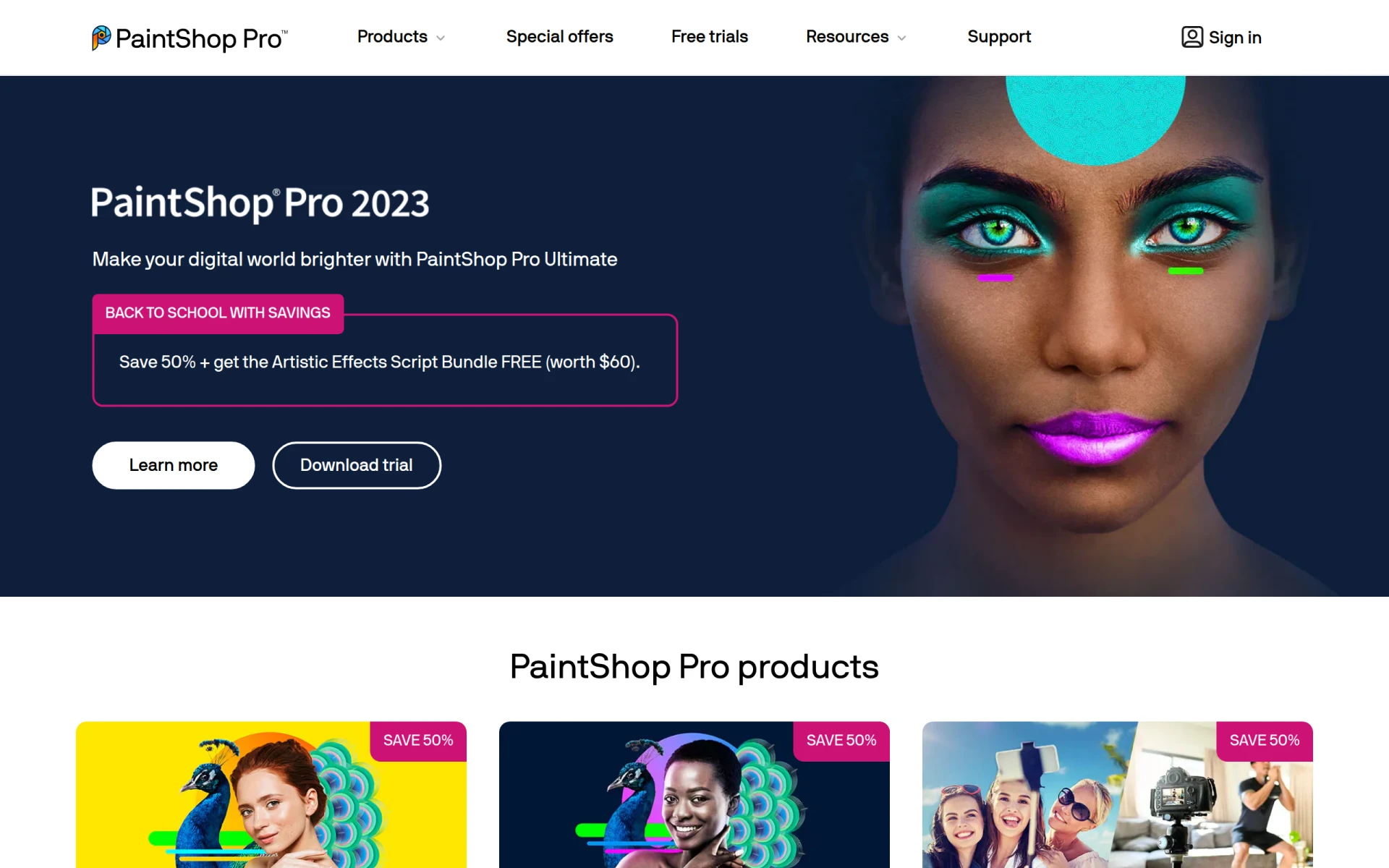
PaintShop Pro is a versatile photo editing software developed by Corel, aimed primarily at photographers, graphic designers, and hobbyists. Its primary purpose is to provide users with an all-in-one solution for editing photos, enhancing images, and creating graphics. The software addresses common challenges in photo editing, such as the need for user-friendly tools that deliver professional-quality results. By combining a range of powerful editing features with intuitive design tools, PaintShop Pro simplifies the editing process and enables users to achieve stunning visual outcomes.
Key Features
- Photo editing: Edit and enhance photos with a range of tools and filters.
- Graphic design: Create graphics and layouts with integrated design tools.
- AI-powered tools: Utilize artificial intelligence for tasks like upscaling images and removing backgrounds.
- Batch processing: Apply edits to multiple photos simultaneously to save time.
- Layer support: Work with multiple layers to create complex compositions.
- RAW image processing: Edit RAW images directly for maximum quality and detail.
- Custom brushes: Design and use custom brushes for unique effects.
- Text tools: Add and customize text elements in images.
- Frame and border options: Enhance photos with frames and borders.
- Easy sharing: Share edited images directly to social media platforms.
Benefits
PaintShop Pro offers practical advantages for users looking to enhance their images and create graphics. The AI-powered tools streamline complex tasks, allowing users to achieve professional-grade results without extensive experience. The software's batch processing capability is particularly valuable for photographers and businesses needing to edit large volumes of images efficiently. The integration of graphic design tools means that users can not only edit photos but also create marketing materials, social media posts, and other visual content, all within one platform. Furthermore, PaintShop Pro's user-friendly interface caters to both beginners and experienced users, making it accessible to a wide audience.
Common Use Cases
PaintShop Pro is commonly used in various situations, including:
- A photographer editing a series of wedding photos to enhance colors and apply consistent styling.
- A graphic designer creating promotional materials for a new product launch, combining images and text elements.
- An educator preparing engaging visuals for a presentation by using photo editing and design tools in tandem.
- A social media manager crafting eye-catching posts with custom graphics and edited images.
- An artist experimenting with creative effects and brushes to develop unique artwork.
Who Should Use It
PaintShop Pro is ideal for:
- Photographers looking for affordable and comprehensive editing software.
- Graphic designers who need robust tools for creating visual content.
- Hobbyists who want to enhance their personal photographs.
- Small business owners needing an all-in-one solution for marketing materials.
It may not be the best fit for professional photographers who require extensive RAW processing capabilities or for users looking for cloud-based solutions.
Pricing Overview
Pricing information for PaintShop Pro is available on their official website, with options for purchasing licenses or subscriptions. Specific pricing details were not provided.
Conclusion
PaintShop Pro is a powerful photo editing and graphic design tool that serves a diverse range of users. With its extensive feature set, including AI-powered tools and batch processing capabilities, it stands out as a strong option for photographers and designers alike. While it may have limitations in areas such as cloud integration, its affordability and comprehensive functionality make it a worthwhile consideration for those in need of photo editing software. Users are encouraged to explore the free trial available on the official website to determine if the software meets their needs before making a purchase.