PaintShop Pro
Paid
PaintShop Pro is a comprehensive photo editing software that combines powerful editing tools with graphic design capabilities.
High costs of premium graphic design software can limit freelance designers. Discover free alternatives that don't compromise quality.
High costs of premium graphic design software can be prohibitive for freelance graphic designers. You want to create stunning visuals without breaking the bank. Fortunately, there are several free alternatives that maintain quality while keeping your budget intact.
Freelance graphic designers often face significant challenges due to the high costs associated with premium design software. For instance, a subscription to Adobe Creative Cloud can cost upwards of $50 a month, which adds up quickly, especially for those just starting or working on a few projects. This financial burden can stifle creativity, as the pressure to produce high-quality work without the right tools becomes overwhelming. Additionally, the learning curve for these sophisticated tools can be steep, making it difficult to justify the cost when there are other pressing expenses.
PaintShop Pro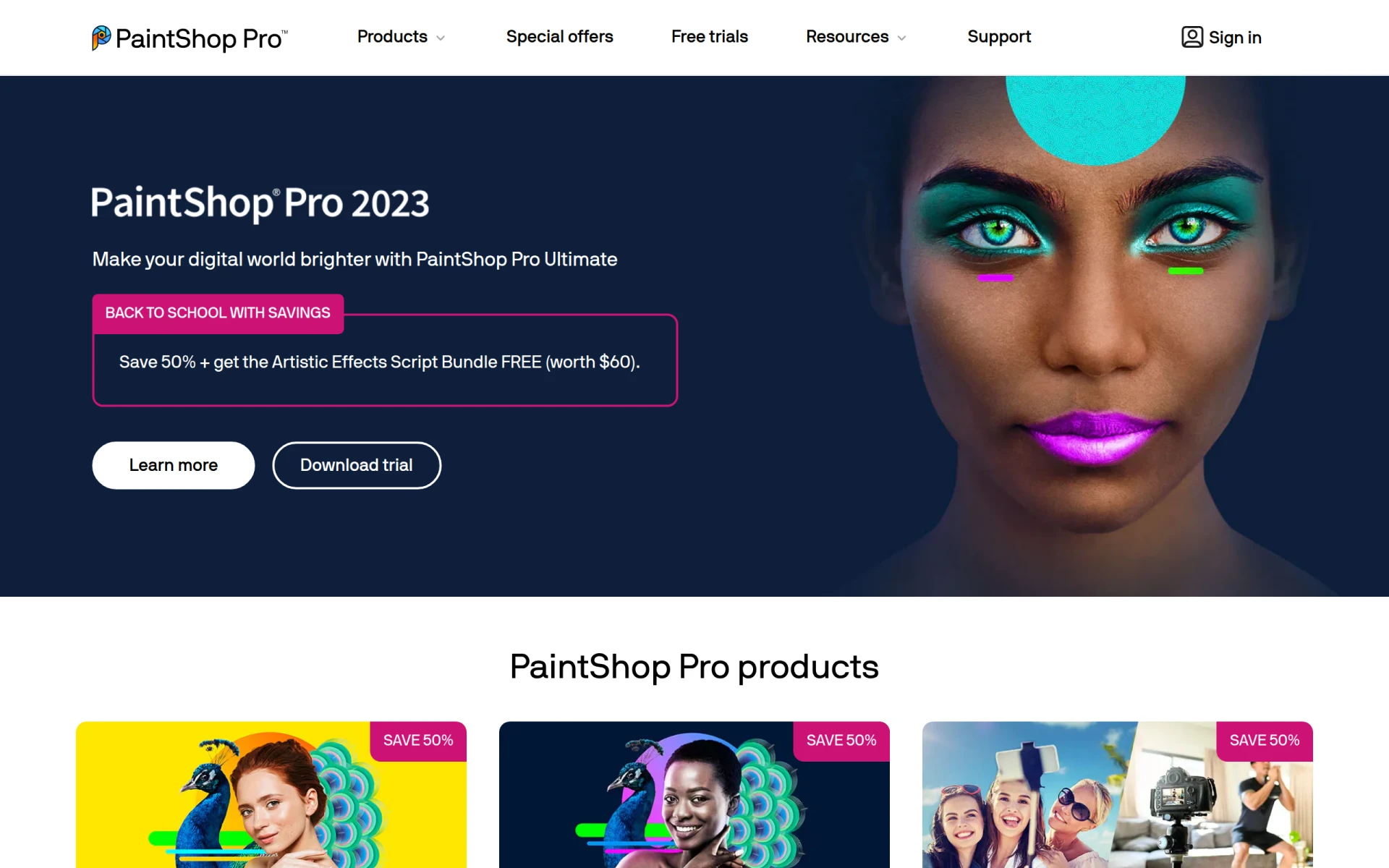 is an all-in-one photo editing and graphic design tool that caters to a wide range of creative needs. It combines powerful editing capabilities with graphic design features, making it a great choice for freelancers who require versatility in their software. Its user-friendly interface allows designers to dive into projects without the steep learning curve often associated with high-end software.
While PaintShop Pro is a paid software, it often runs promotions that make it accessible at a lower cost. The robust set of features includes AI-powered tools that enhance the editing process, making it easier for designers to achieve professional results quickly.
Pricing: Paid options available, including one-time purchases and subscriptions. Best for: Photographers and graphic designers needing robust editing tools.
BnbIcons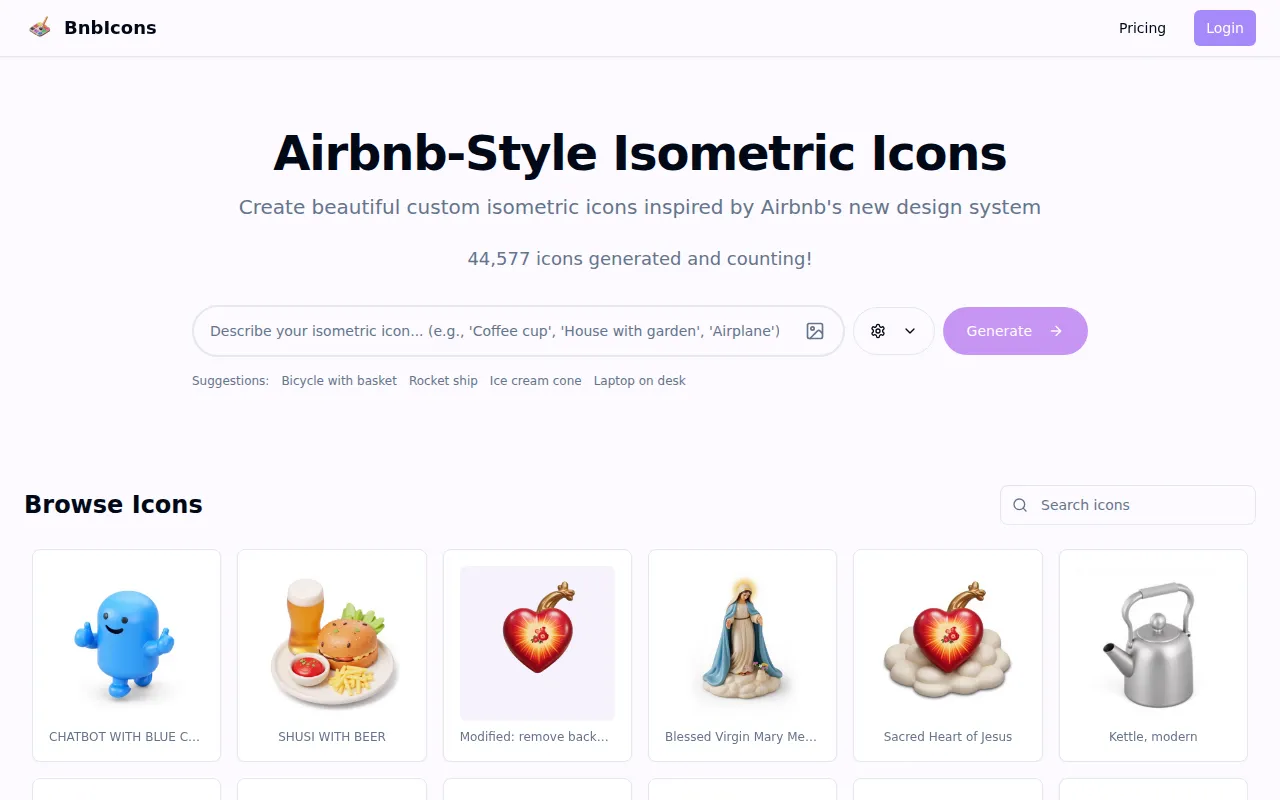 specializes in generating unique isometric icons that can enhance any design project. With a focus on user input, BnbIcons allows designers to create customized icons that fit their specific needs. This tool is especially beneficial for freelancers who require distinctive visuals for client projects, such as travel apps or marketing materials.
The user-friendly interface and AI-driven assistance make it easy to experiment with different designs. Although it operates on a freemium model, the customization options ensure that even the free version provides significant value.
Pricing: Freemium model; specific details currently unavailable. Best for: Developers and freelancers needing custom icons.
Canva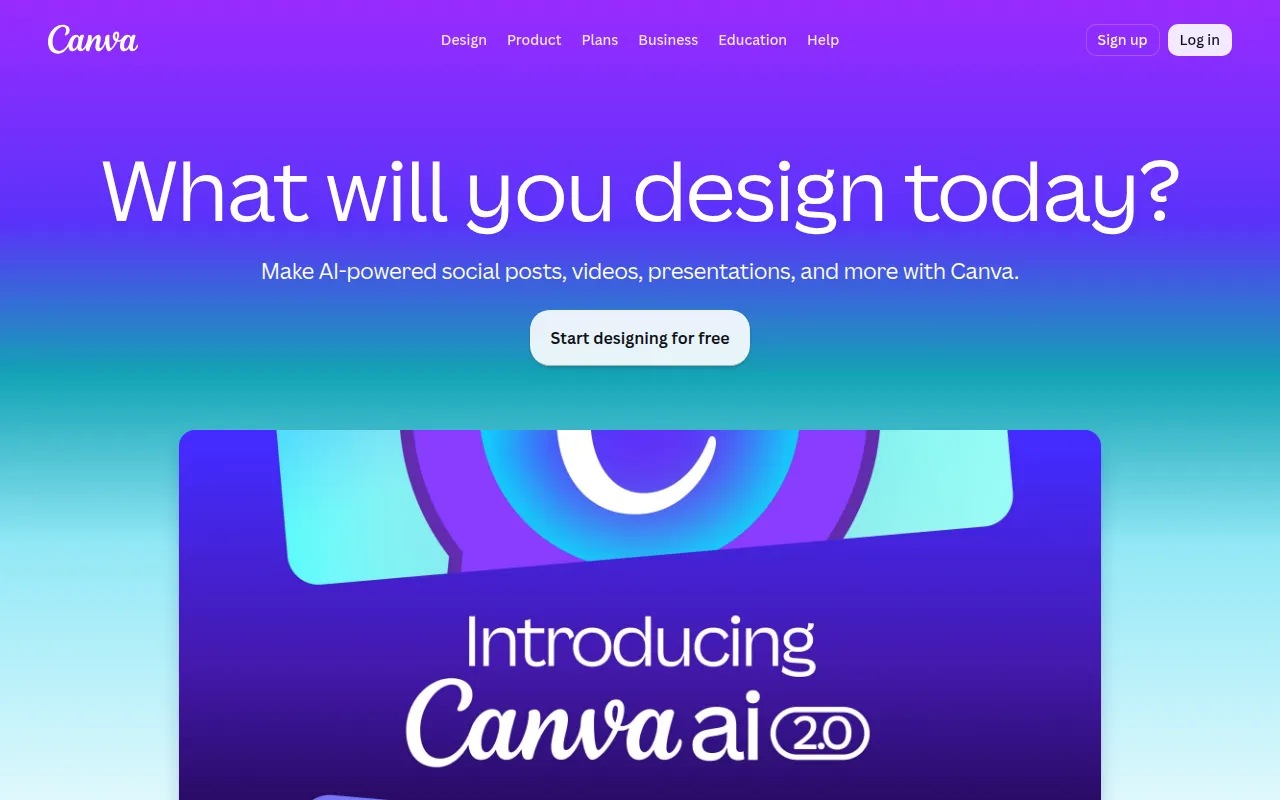 is a household name in graphic design, known for its accessibility and ease of use. Its extensive library of templates and user-friendly drag-and-drop interface make it an ideal choice for freelancers who need to produce high-quality visuals quickly. Whether creating social media graphics, marketing materials, or presentations, Canva provides a versatile platform for all design needs.
While Canva operates on a freemium model, the free version is robust, offering a plethora of templates and design elements. This tool is perfect for those who want to create stunning visuals without the steep learning curve associated with more complex design software.
Pricing: Freemium with a free tier and a subscription-based Pro plan. Best for: Small business owners and social media managers.
Microsoft Designer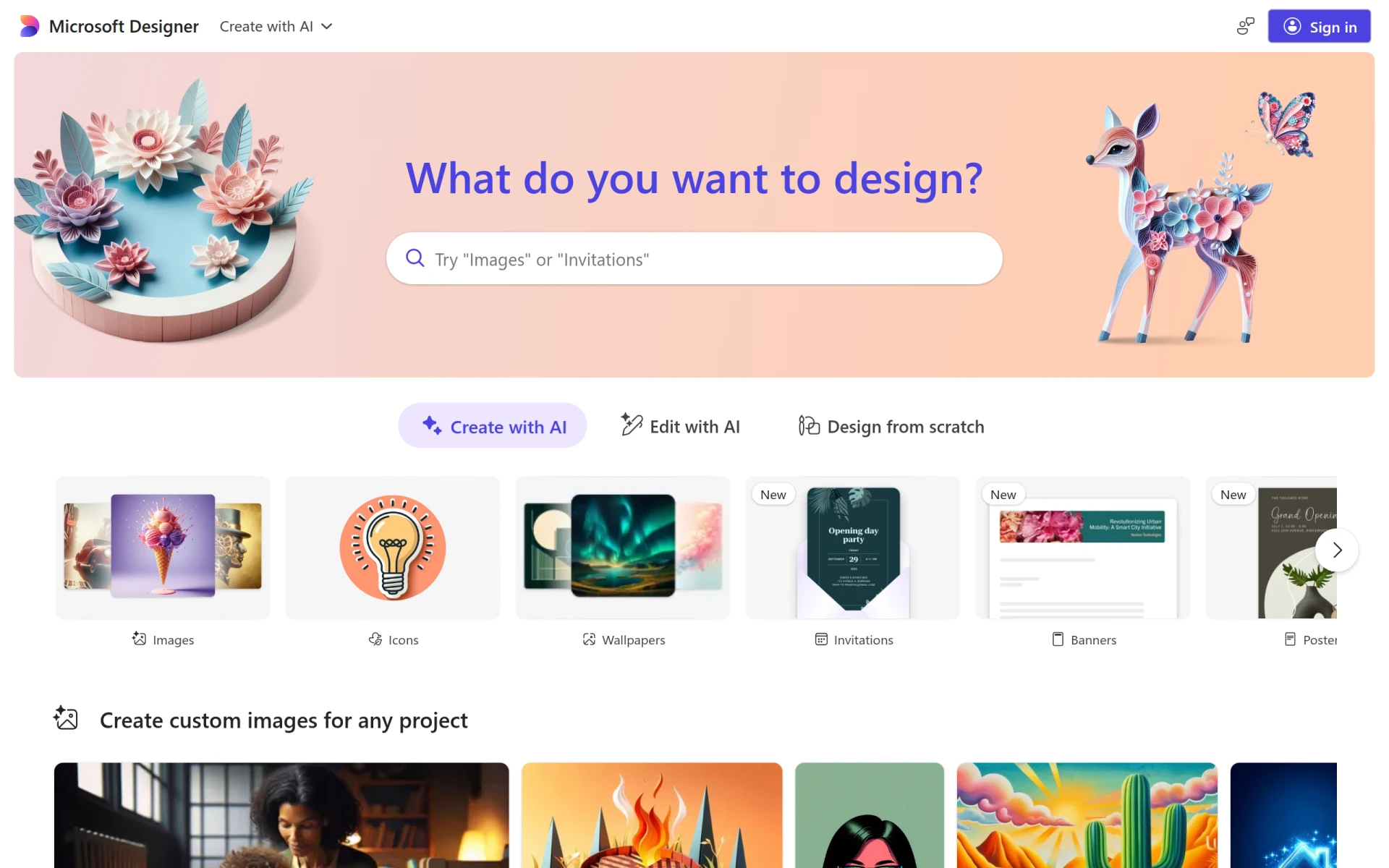 is designed to help users create professional-quality visuals with ease. Its intuitive interface and rich library of templates cater to those who may not have prior design experience but want to achieve impressive results. This tool is particularly useful for freelancers who need to produce high-quality digital portfolios or marketing materials efficiently.
Microsoft Designer offers robust image editing tools and text customization features, allowing users to create visually appealing content swiftly. The drag-and-drop functionality ensures that even beginners can navigate the software with ease.
Pricing: Freemium; specific pricing information currently unavailable. Best for: Small businesses and freelancers.
Noah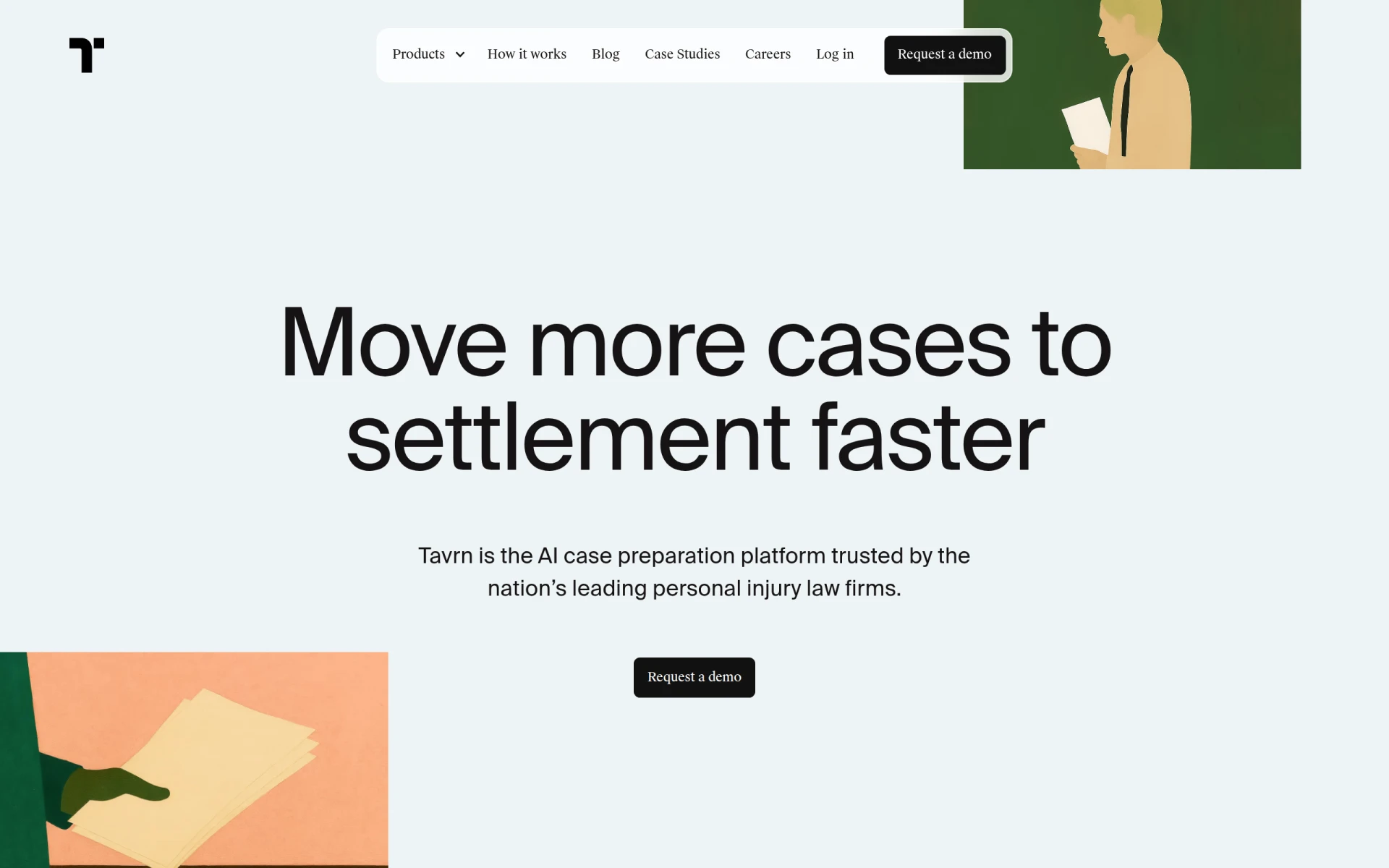 is a straightforward design tool that focuses on making graphic design accessible to everyone. Its drag-and-drop interface and template library are perfect for freelancers who want to create unique visual content without the complexity of advanced software. Noah is particularly beneficial for those who prioritize efficiency and simplicity in their workflow.
With collaboration tools built in, Noah facilitates teamwork, making it easier for freelancers to work with clients and receive feedback. Although it operates on a freemium basis, the features available in the free version are substantial enough for many users.
Pricing: Freemium; specific details currently unavailable. Best for: Freelancers and small business owners.
ZMO leverages AI technology to streamline the image creation process. This tool is perfect for graphic designers who need to generate custom images quickly and efficiently. ZMO's user-friendly interface allows for easy navigation and provides a wide range of customization options, making it a valuable asset for freelancers working under tight deadlines.
The template library ensures that designers have access to a variety of starting points, allowing for creative flexibility. Although ZMO operates on a freemium model, its capabilities make it worthwhile for those looking for quick solutions without sacrificing quality.
Pricing: Freemium; specific details currently unavailable. Best for: Designers needing fast visual content.
ArkDesign is a graphic design tool that incorporates AI-driven features to simplify the design process for users at all skill levels. This tool is particularly beneficial for freelancers who want to leverage technology to streamline their workflows. ArkDesign's template library and collaboration features make it an excellent choice for those who work with clients and teams.
With image editing tools and customizable options, ArkDesign allows designers to create unique visuals tailored to their projects. Although it follows a freemium model, the basic features provide ample resources for freelancers looking to enhance their design capabilities.
Pricing: Freemium; specific details currently unavailable. Best for: Freelancers and marketing teams.
Lucidpic is designed to simplify the creation of visuals for various digital platforms. Its user-friendly interface and extensive library of templates cater to freelancers who need to produce high-quality graphics quickly. Lucidpic is particularly useful for those who want to create visually appealing content without investing significant time in learning complex software.
The collaboration tools available in Lucidpic make it easy for freelancers to work with clients, ensuring that feedback is seamlessly integrated into projects. While it operates on a freemium basis, the features provided in the free version are robust for many users.
Pricing: Freemium; specific details currently unavailable. Best for: Freelancers and small to medium-sized businesses.
Pikto AI Studio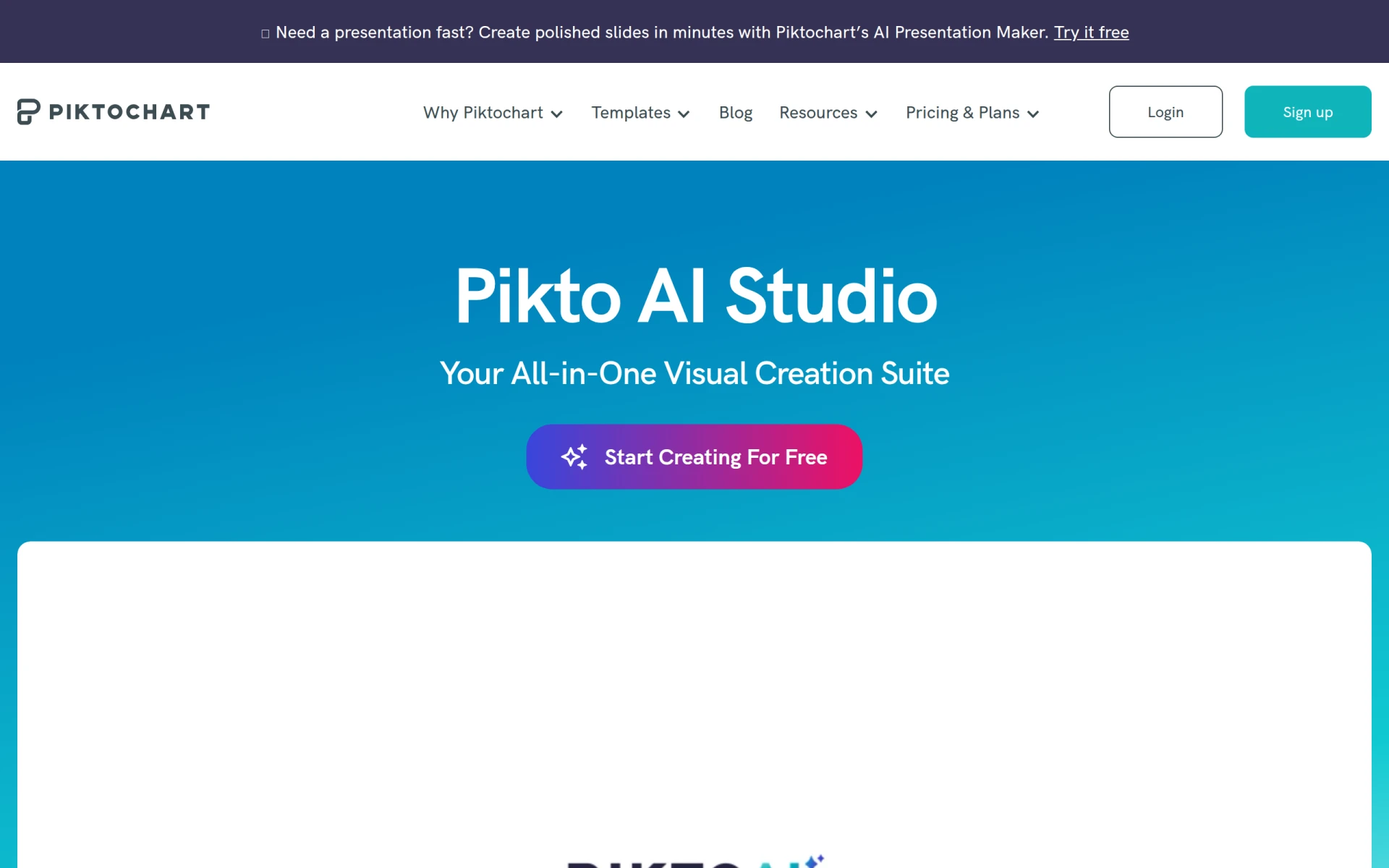 offers a unique approach to graphic design through AI-powered templates and design elements. This tool is ideal for freelancers who want to create high-quality visuals quickly, leveraging technology to enhance creativity. Pikto AI Studio's drag-and-drop interface makes it easy for users to navigate and produce impressive designs without extensive training.
The collaboration tools allow for efficient teamwork, making it a valuable resource for freelancers working on diverse projects. Although it operates on a freemium model, the features available in the free version provide significant value for many users.
Pricing: Freemium; specific details currently unavailable. Best for: Small businesses and freelancers.
Pebblely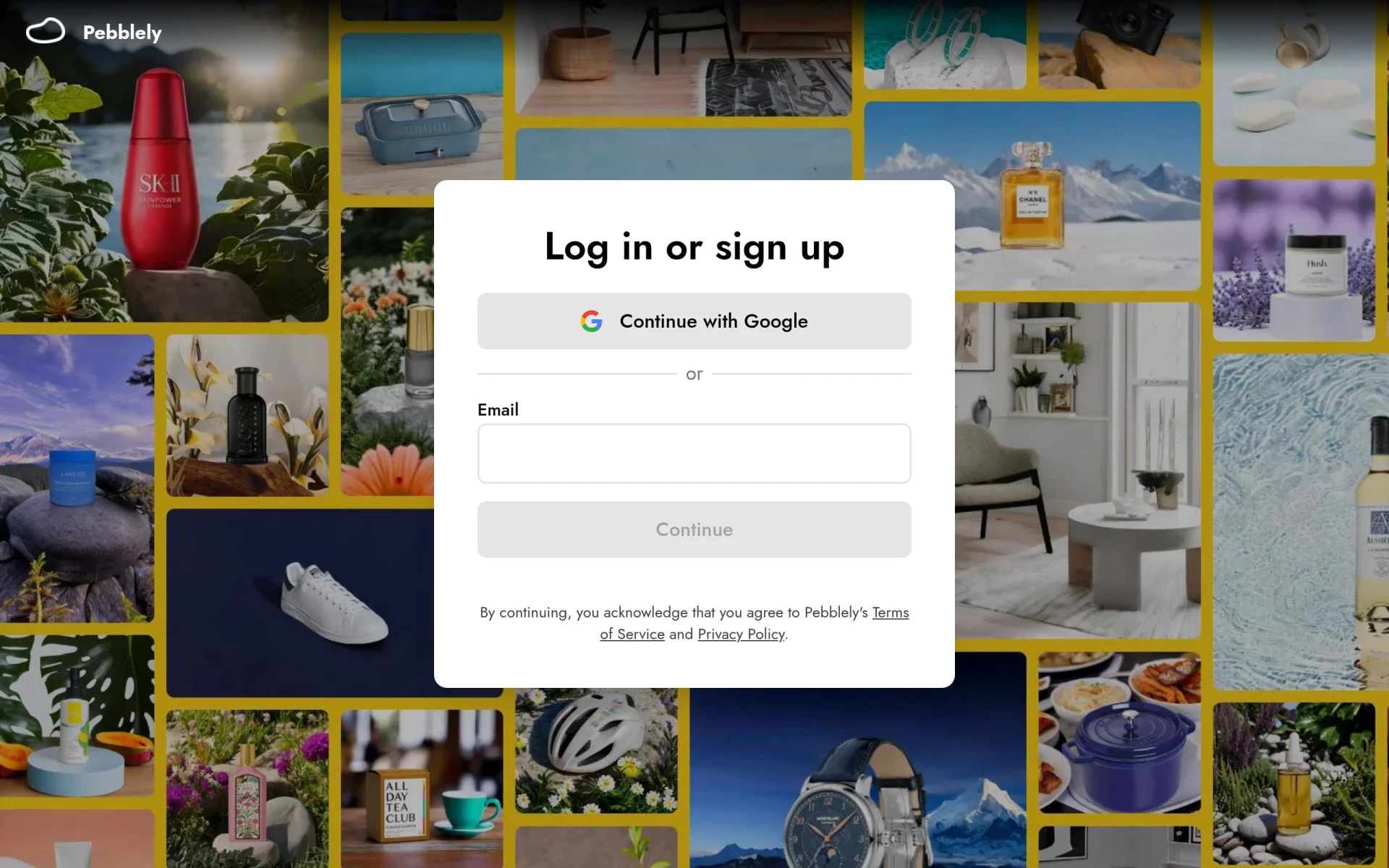 is a graphic design tool that simplifies the creation of visual content through user-friendly features and templates. This tool is particularly beneficial for freelancers needing quick design solutions for marketing materials or promotional content. Its drag-and-drop interface and extensive template library make it easy for users to produce high-quality visuals without extensive design experience.
The collaboration tools enhance teamwork, allowing freelancers to work efficiently with clients and incorporate feedback seamlessly. While Pebblely operates on a freemium basis, the available features in the free version are substantial enough for many users.
Pricing: Freemium; specific details currently unavailable. Best for: Small businesses and freelancers.
| Tool | Best For | Starting Price | Rating |
|---|---|---|---|
| PaintShop Pro | Comprehensive editing | $X/month | 0.0/5 |
| BnbIcons | Custom icon generation | Free | 0.0/5 |
| Canva | Quick and easy designs | Free | 0.0/5 |
| Microsoft Designer | Professional quality visuals | Free | 0.0/5 |
| Noah | Simplicity in design | Free | 0.0/5 |
| ZMO | Quick image solutions | Free | 0.0/5 |
| ArkDesign | AI-driven assistance | Free | 0.0/5 |
| Lucidpic | Simplifying visual creation | Free | 0.0/5 |
| Pikto AI Studio | AI-powered design | Free | 0.0/5 |
| Pebblely | Quick design solutions | Free | 0.0/5 |
Canva is the best choice for beginners due to its intuitive drag-and-drop interface and extensive library of templates. It allows users to create stunning visuals without prior design experience, making it accessible and easy to navigate for those just starting in the field.
PaintShop Pro stands out as the best choice for professionals thanks to its comprehensive editing tools and AI-powered features. Its batch processing capabilities and layer support provide advanced functionalities that experienced users will appreciate, allowing for more complex and high-quality designs.
Canva offers the best value pick with its robust free tier, allowing users to access a wide range of templates and design elements without any cost. The price-to-feature ratio is excellent, making it a smart investment for freelancers looking to maximize their return on design tools.
Freelance graphic designers can thrive without the financial burden of premium software. By exploring these free alternatives, you can enhance your design capabilities while staying cost-effective. Take action now and find the right tool that aligns with your creative vision.
PaintShop Pro is a comprehensive photo editing software that combines powerful editing tools with graphic design capabilities.
BnbIcons allows users to generate custom isometric icons inspired by Airbnb, enhancing design projects with ease.
Canva is a user-friendly graphic design tool that enables anyone to create stunning visuals for various purposes without prior design experience.
Microsoft Designer is a graphic design tool that enables users to create professional-quality visuals quickly and easily.
Noah is a design tool focusing on graphic design, enabling users to create unique visual content efficiently.
ZMO is an AI image generation tool that allows users to create custom images quickly and efficiently.
ArkDesign is a graphic design tool that simplifies the design process with AI-driven features for users of all skill levels.
Lucidpic is a graphic design tool that simplifies the creation of visuals for various digital platforms.
Pikto AI Studio is a graphic design tool that simplifies creating visuals through AI-powered templates and design elements.
Pebblely is a graphic design tool that simplifies the creation of visual content through user-friendly features and templates.
Some of the best free graphic design tools include Canva, Microsoft Designer, and BnbIcons. Each offers unique features that cater to different design needs, making them suitable for freelance graphic designers.
You can create professional designs by using free tools like Canva or PaintShop Pro, which provide templates and user-friendly interfaces. These tools allow you to produce high-quality visuals without the need for costly software.
While free graphic design tools often provide valuable features, they may have limitations such as fewer templates, lower export quality, or restricted collaboration options. However, many still offer substantial resources for freelancers.
Canva is widely regarded as the best graphic design tool for beginners due to its easy-to-use interface and extensive library of templates. It allows new designers to create professional-looking visuals quickly.
When choosing graphic design software, consider factors such as user-friendliness, template availability, collaboration features, and customization options. These criteria can significantly impact your design process and efficiency.
Most free graphic design tools allow for commercial use, but it's essential to review the specific licensing agreements of each tool to ensure compliance. This ensures that your designs can be used legally in commercial settings.
Some free design tools may offer premium features at a cost or have limitations that require upgrading to a paid version for additional capabilities. Always check the pricing model to understand potential costs.
Weekly roundup of new AI tools, launches, and trending software. No spam — unsubscribe anytime.
No credit card required · Cancel anytime
Weekly roundup of new AI tools, launches, and trending software. No spam — unsubscribe anytime.
No credit card required · Cancel anytime