PaintShop Pro
Paid
PaintShop Pro is a comprehensive photo editing software that combines powerful editing tools with graphic design capabilities.
Start your graphic design journey without breaking the bank. Discover free tools tailored for beginners.
As a beginner graphic designer, the desire to create stunning visuals can often be overshadowed by the daunting costs of professional software. You want to learn and experiment, but financial constraints can hold you back. Fortunately, there are several free graphic design tools available that can help you hone your skills without upfront investment.
Many aspiring designers face the challenge of balancing quality education with limited budgets. Traditional design software can be prohibitively expensive, often requiring hefty subscription fees or one-time purchases that new designers may not be ready to invest in. This financial barrier can hinder creativity and limit access to essential learning tools. Imagine wanting to create a captivating logo or social media post, but being restricted by the software you can afford. This is a frustrating reality for many, leaving them feeling stuck and unable to progress in their design journey.
Canva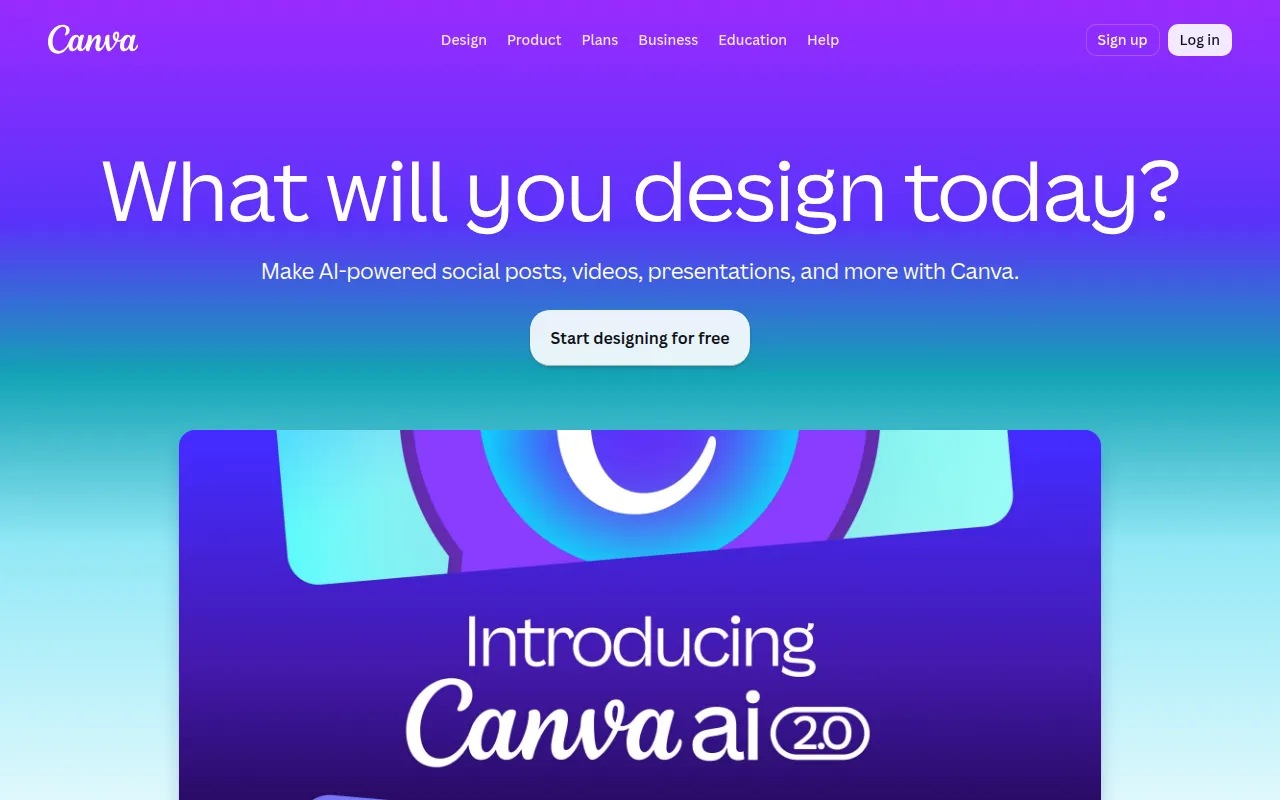 stands out as a remarkable graphic design tool specifically designed for users with no prior experience. Its user-friendly drag-and-drop interface makes it incredibly easy to create stunning visuals for a variety of applications, from social media posts to presentations. With thousands of templates available, beginners can quickly learn design concepts by modifying existing works rather than starting from scratch.
One of Canva's greatest strengths is its extensive library of elements, including images, icons, and fonts. This wealth of resources allows new designers to experiment with different styles and aesthetics without the pressure of creating something entirely unique on their own. The collaboration tools also enable users to easily share their designs with peers for feedback, fostering a supportive learning environment.
Pricing: Freemium - Canva provides a free tier with a subscription-based Pro plan for advanced features. Best for: Small business owners and social media managers.
While PaintShop Pro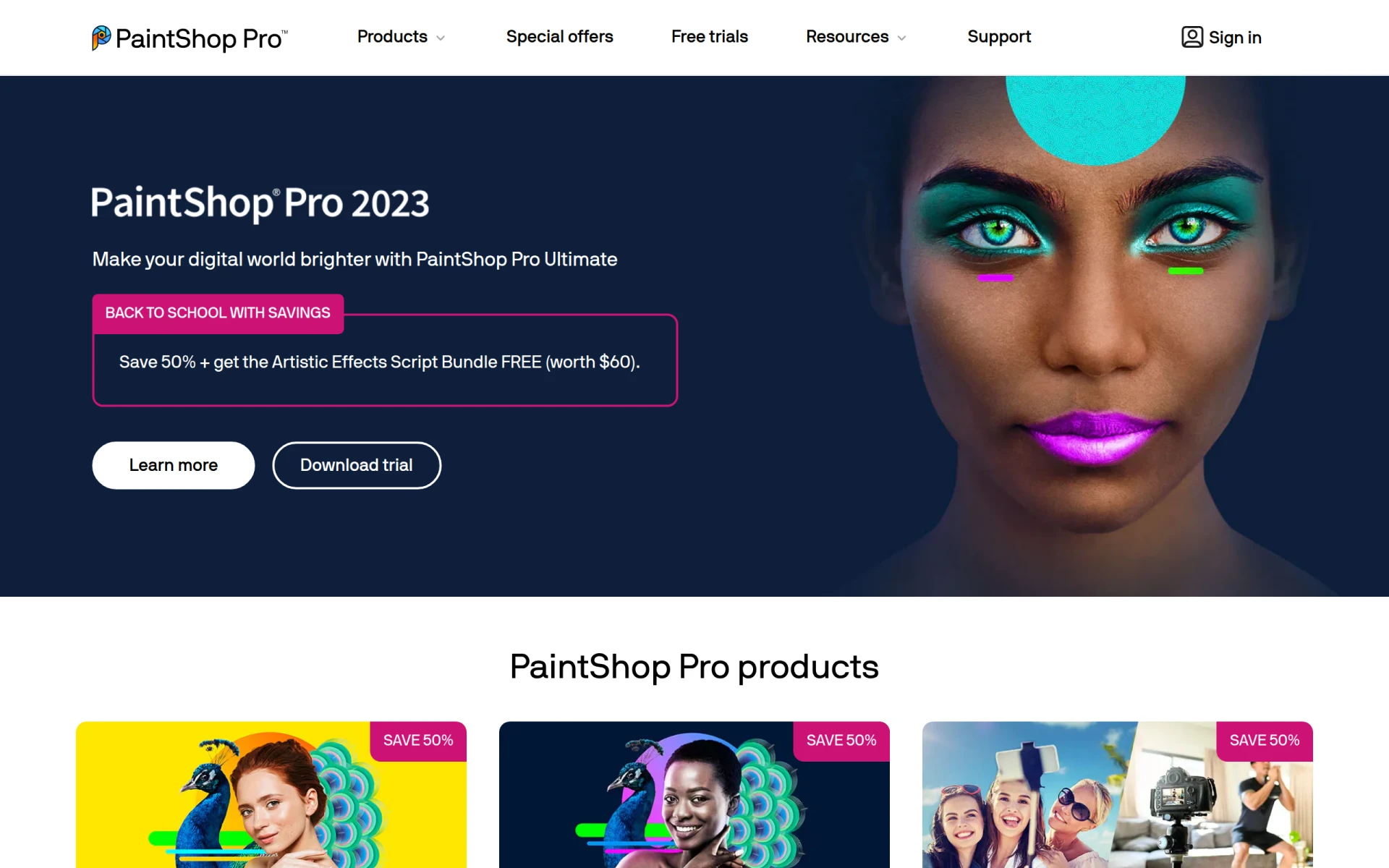 is primarily known as a photo editing software, its graphic design capabilities make it an excellent choice for beginners looking to delve into both fields. It combines powerful editing tools with a user-friendly interface that helps new designers learn the ropes of graphic design while improving their photo editing skills. This dual functionality allows users to enhance images and create graphics in one cohesive tool.
The AI-powered tools in PaintShop Pro can significantly speed up the design process, making it easier for beginners to achieve professional-quality results without extensive training. Additionally, the batch processing feature is particularly beneficial for users who need to edit multiple images at once, saving time and effort while learning.
Pricing: Paid - various options including one-time purchases and subscriptions. Best for: Photographers and hobbyists.
Microsoft Designer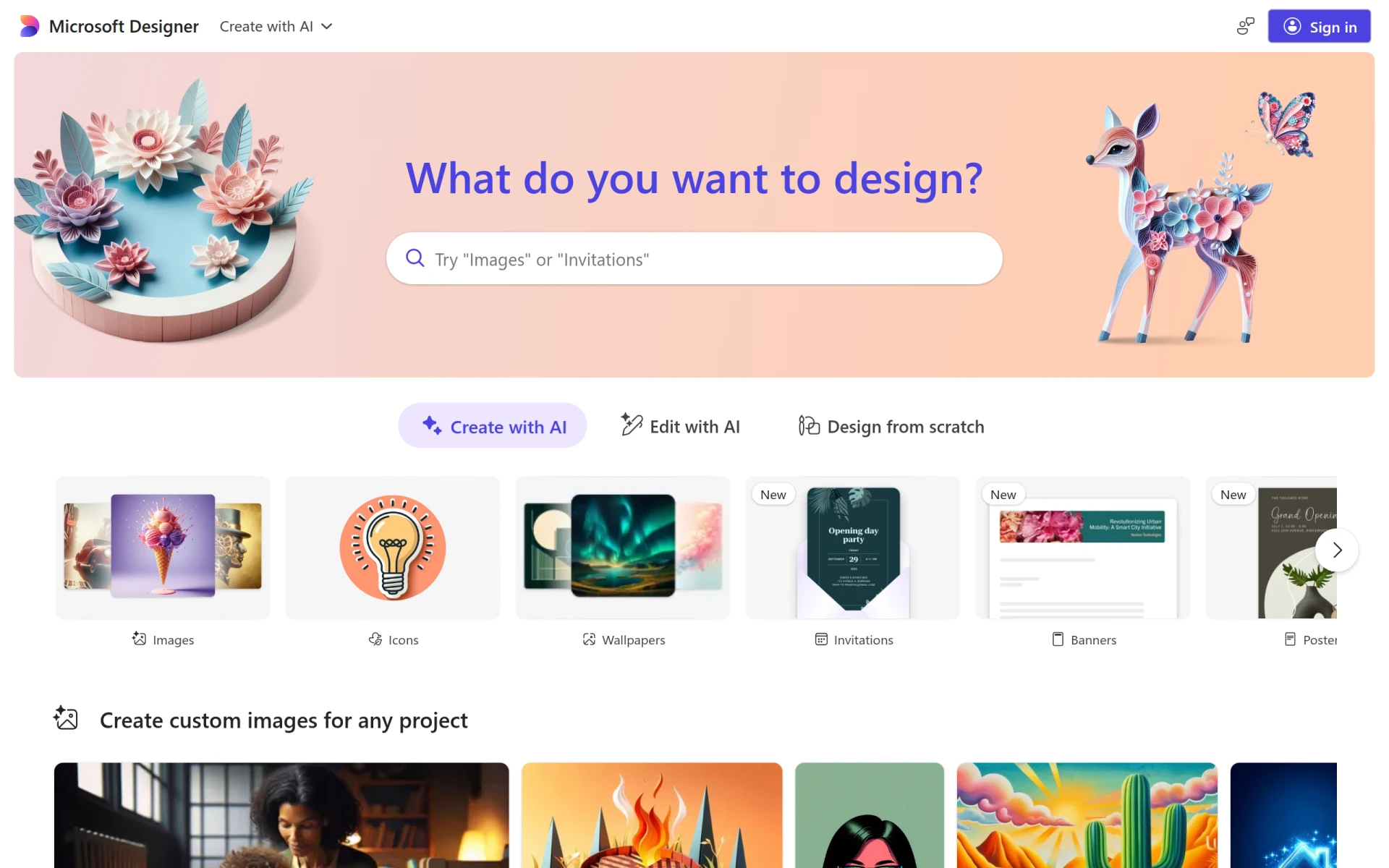 is a graphic design tool that focuses on efficiency and ease of use, making it a fantastic option for beginners. With a straightforward interface, users can dive into creating professional-quality visuals with minimal learning curve. The tool provides a variety of templates that cater to different needs, allowing beginners to produce content quickly while learning design principles.
One of the standout features of Microsoft Designer is its image editing capabilities, which help users refine their visuals without the need for additional software. This all-in-one approach allows beginners to experiment with design and editing in a single platform, fostering a practical learning experience.
Pricing: Freemium - Pricing information is currently unavailable. Best for: Small businesses and freelancers.
BnbIcons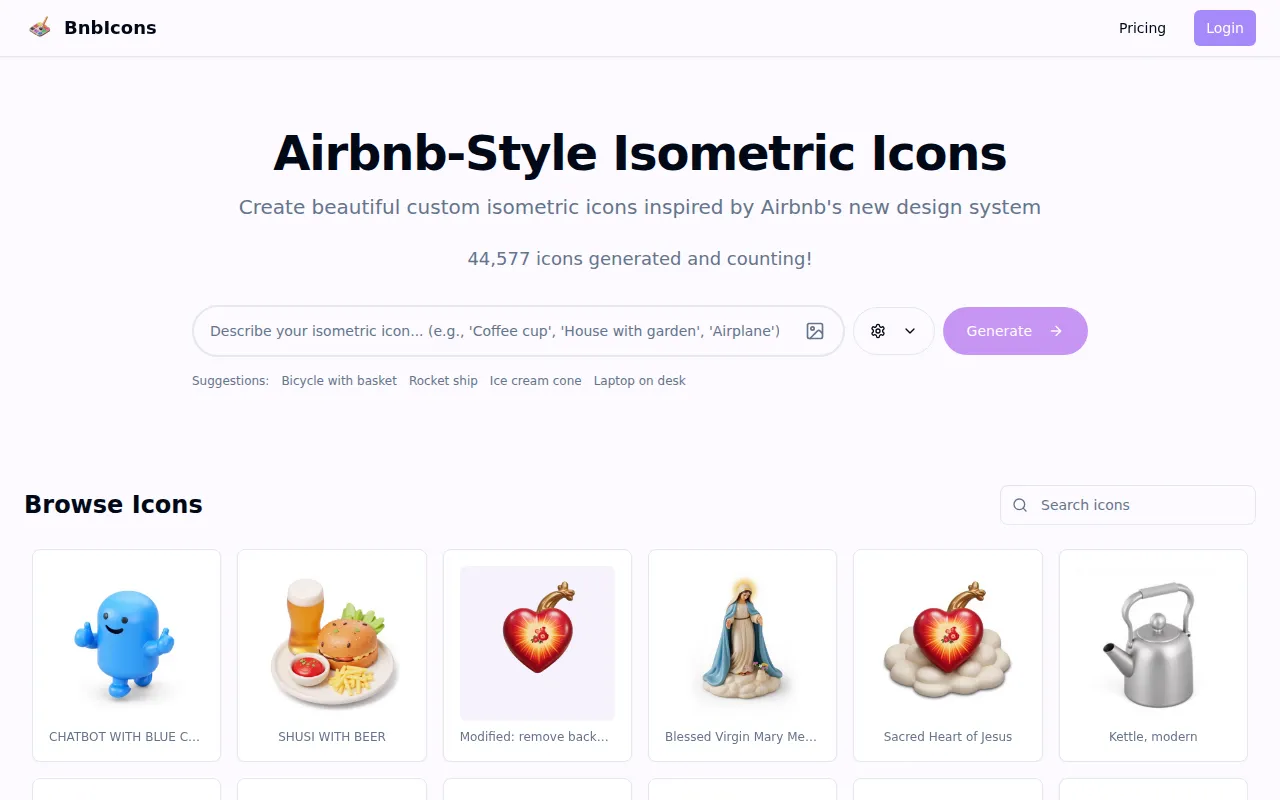 targets a niche but essential area of graphic design: custom icon generation. For beginners looking to create unique and cohesive branding elements for projects, this tool offers an easy way to generate isometric icons inspired by Airbnb. Its user-friendly interface allows new designers to create custom icons without the need for extensive graphic design knowledge.
The AI-driven design assistance ensures that users can produce high-quality icons that fit their specific needs, making it an invaluable resource for marketing teams or freelancers. With high-resolution output options, designs can be used across various platforms without losing quality.
Pricing: Freemium - Pricing details currently not available. Best for: Travel app developers and marketing teams.
ZMO is an AI image generation tool that enables users to create custom images swiftly and efficiently. For beginner graphic designers who need to produce visuals quickly, ZMO offers a streamlined approach to image creation. Its template library ensures that users can find inspiration and guidance as they learn the fundamentals of graphic design.
The customization options within ZMO allow beginners to experiment with different styles and concepts, providing an excellent platform for learning and creativity. The user-friendly interface means that even those with no design background can quickly get started.
Pricing: Freemium - Pricing information currently not available. Best for: Graphic designers and marketing teams.
AI SVG is a vector design tool that simplifies the creation and editing of scalable vector graphics. For beginner graphic designers looking to delve into vector design, this tool provides an accessible introduction. The drag-and-drop interface allows users to create and manipulate vector graphics easily, which is essential for modern design work.
The template library within AI SVG ensures that users have a starting point for their projects, helping to alleviate the fear of the blank page. Customizable elements allow for creativity while maintaining the integrity of vector graphics, which are crucial for high-quality designs.
Pricing: Freemium - Pricing information currently not available. Best for: Graphic designers and marketing professionals.
The AI Mockup Generator offers users a straightforward way to create high-quality mockups for various design needs. For beginners, this tool simplifies the process of presenting ideas and designs to clients or stakeholders. The extensive library of templates assists users in visualizing their concepts effectively, a vital skill in graphic design.
With customizable design options, beginners can tailor mockups to fit their unique visions. The user-friendly interface means that even those unfamiliar with design software can quickly navigate the tool, making it an excellent entry point for new designers.
Pricing: Freemium - Pricing information currently not available. Best for: Graphic designers and marketing teams.
ArkDesign is a graphic design tool that leverages AI-driven features to simplify the design process for users of all skill levels. For beginners, this means having access to smart design assistance that can guide them through creating compelling visuals. The tool’s template library offers a wide variety of options, allowing users to find inspiration while learning the design process.
Collaboration features within ArkDesign make it easy to share work with others, providing valuable feedback that enhances learning. The export options ensure that designs can be saved in various formats, making it easier for beginners to adapt their work as needed.
Pricing: Freemium - Pricing information currently not available. Best for: Small businesses and freelancers.
Noah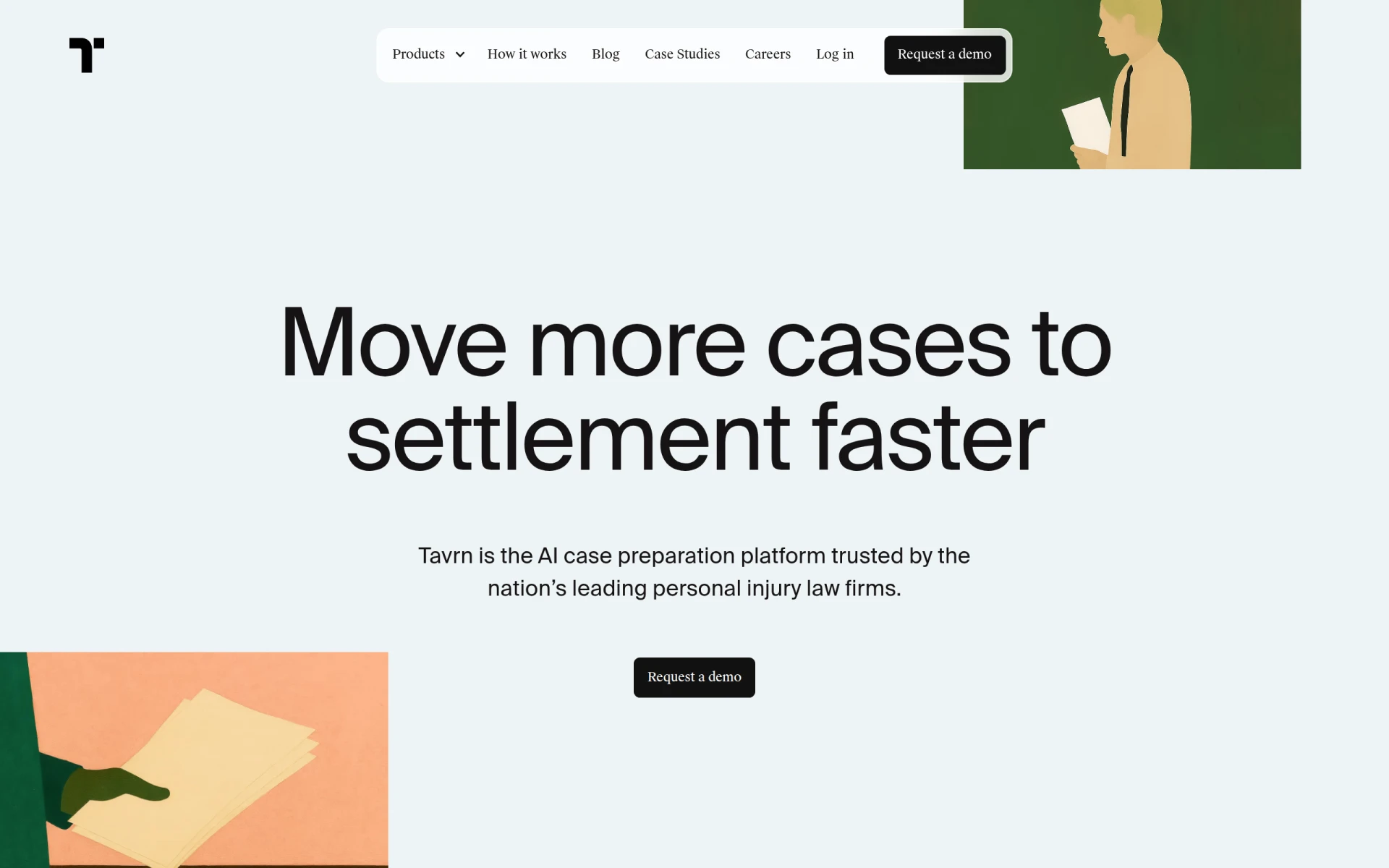 is designed for users who prioritize simplicity in their design process. With a straightforward drag-and-drop interface, even those with no prior experience can create stunning visuals quickly. The template library provides various options to help beginners spark their creativity while learning design fundamentals.
Collaboration tools within Noah allow users to share their work and receive feedback easily, creating a supportive environment for growth. This emphasis on user experience makes Noah an excellent choice for beginners who want to focus on their creativity without getting bogged down by complex features.
Pricing: Freemium - Pricing information currently not available. Best for: Small business owners and freelancers.
| Tool | Best For | Starting Price | Rating |
|---|---|---|---|
| Canva | Easy Visual Creation | Free | 0.0/5 |
| PaintShop Pro | Comprehensive Photo Editing | Paid | 0.0/5 |
| Microsoft Designer | Quick Visual Creation | Free | 0.0/5 |
| BnbIcons | Custom Icon Creation | Freemium | 0.0/5 |
| ZMO | Quick Image Solutions | Freemium | 0.0/5 |
| AI SVG | Vector Design | Freemium | 0.0/5 |
| AI Mockup Generator | Quick Mockup Solutions | Freemium | 0.0/5 |
| ArkDesign | Simplified Design Processes | Freemium | 0.0/5 |
| Noah | Simplicity | Freemium | 0.0/5 |
Canva emerges as the best choice for beginners due to its intuitive interface and extensive resources. The free tier provides ample opportunities for new designers to explore and learn the fundamentals of graphic design without incurring costs. With its vast template library and collaborative features, Canva serves as a perfect launchpad for aspiring designers.
PaintShop Pro is the best choice for professionals seeking a powerful tool that combines photo editing and graphic design capabilities. Its robust features and AI-powered tools allow experienced designers to create complex visuals efficiently, making it an invaluable asset for serious design projects.
Canva offers the best value for beginners due to its free tier, which provides a wealth of features without any upfront costs. The accessibility of a user-friendly platform combined with high-quality resources ensures that new designers can achieve a great return on their investment—both in terms of time and skill development.
Embarking on your graphic design journey doesn't have to be financially burdensome. With the free tools available today, you can build your skills, explore your creativity, and produce stunning designs without any initial investment. Start using these resources today and unlock your potential as a graphic designer.
PaintShop Pro is a comprehensive photo editing software that combines powerful editing tools with graphic design capabilities.
BnbIcons allows users to generate custom isometric icons inspired by Airbnb, enhancing design projects with ease.
Canva is a user-friendly graphic design tool that enables anyone to create stunning visuals for various purposes without prior design experience.
Microsoft Designer is a graphic design tool that enables users to create professional-quality visuals quickly and easily.
ZMO is an AI image generation tool that allows users to create custom images quickly and efficiently.
AI SVG is a vector design tool that enables users to create and edit scalable vector graphics easily.
AI Mockup Generator enables users to create high-quality mockups using AI technology for various design needs.
ArkDesign is a graphic design tool that simplifies the design process with AI-driven features for users of all skill levels.
Noah is a design tool focusing on graphic design, enabling users to create unique visual content efficiently.
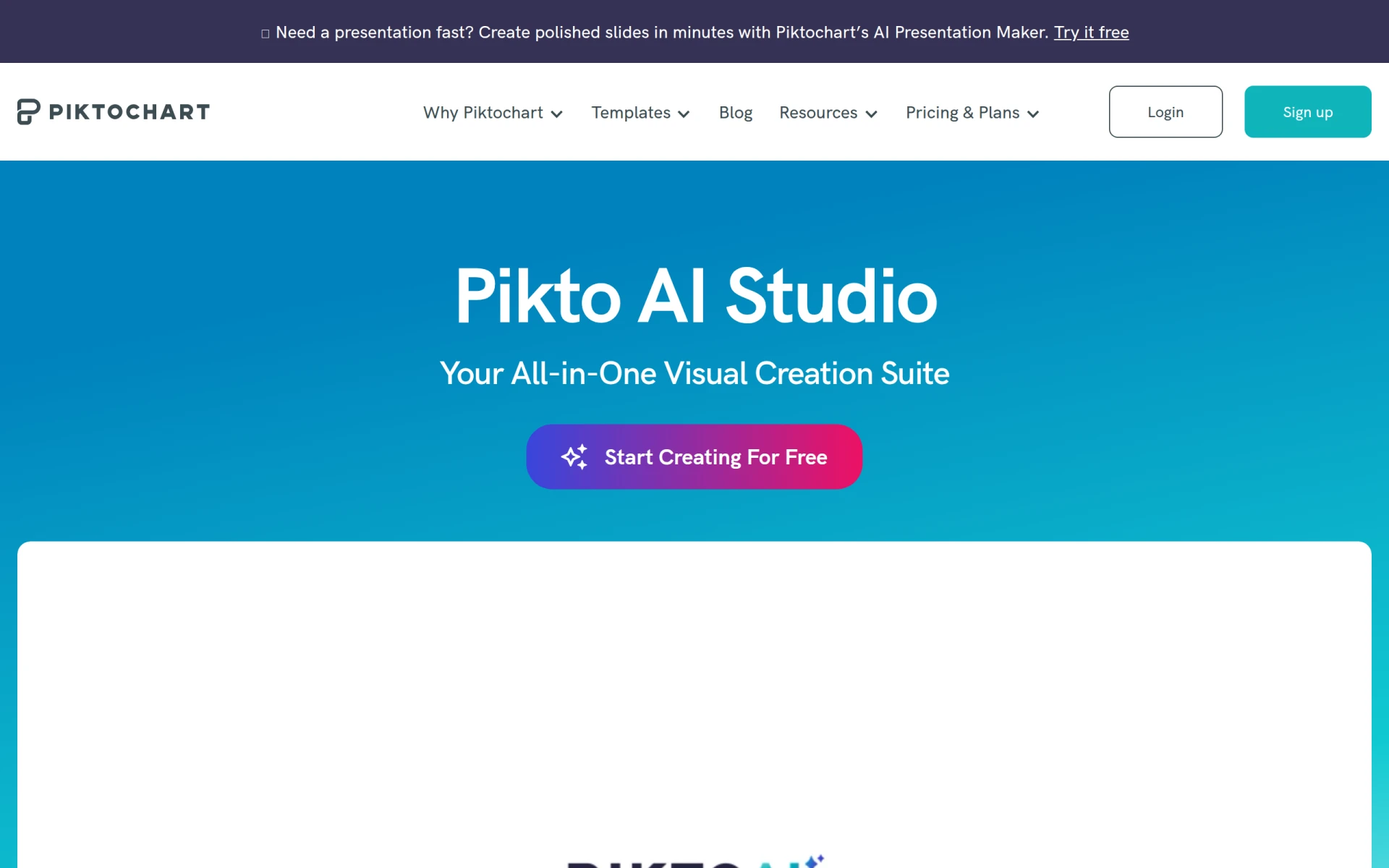
Pikto AI Studio is a graphic design tool that simplifies creating visuals through AI-powered templates and design elements.
Canva is widely regarded as the best free graphic design software for beginners due to its user-friendly interface, extensive template library, and collaborative features.
Yes, many graphic design tools offer free tiers, such as Canva, Microsoft Designer, and ZMO, allowing beginners to create quality designs without any cost.
Consider your specific needs, such as ease of use, available features, and whether you need collaboration tools. Look for software that aligns with your design goals.
While many free tools are suitable for professional projects, advanced features may be limited. Tools like PaintShop Pro offer robust capabilities for serious designers.
No, these tools are designed for beginners. They feature intuitive interfaces and templates that help you learn as you create.
Most free tools offer optional paid features or premium subscriptions, but you can access many essential functions without any cost.
Look for a user-friendly interface, template library, customization options, collaboration features, and export capabilities to meet your design needs.
Weekly roundup of new AI tools, launches, and trending software. No spam — unsubscribe anytime.
No credit card required · Cancel anytime
What's inside
The Ultimate Guide to Automating E-commerce Customer Support
Oct 12, 2026 · Business
Best AI Tools for Healthcare Administrators: Streamline Patient Management
Oct 12, 2026 · AI Tools
Top E-commerce Automation Tools for Streamlining Operations
Oct 11, 2026 · Business
Weekly roundup of new AI tools, launches, and trending software. No spam — unsubscribe anytime.
No credit card required · Cancel anytime
What's inside
The Ultimate Guide to Automating E-commerce Customer Support
Oct 12, 2026 · Business
Best AI Tools for Healthcare Administrators: Streamline Patient Management
Oct 12, 2026 · AI Tools
Top E-commerce Automation Tools for Streamlining Operations
Oct 11, 2026 · Business