Introduction
If you're a YouTuber, you know that the right video editing software can make or break your channel's success. With countless options available, determining which video editing tool offers the best features for YouTube can be overwhelming.
Why YouTubers Struggle With Determining which video editing software offers the best features for YouTube
YouTubers often face a unique set of challenges when choosing video editing software. For instance, they may need seamless integration with social media platforms, quick editing capabilities for timely uploads, and the ability to create engaging content that holds audience attention. In a fast-paced environment where trends change daily, finding the right tool that meets these needs can be a daunting task.
What to Look For in Media & Entertainment Tools
- User-Friendly Interface: A simple, intuitive interface allows YouTubers to focus on creativity rather than getting bogged down by complicated software.
- AI Features: Tools that leverage AI can save time by automating tasks like editing and clip selection, enabling creators to produce content more efficiently.
- Social Media Integration: Features that facilitate easy sharing on platforms like Instagram and TikTok are essential for reaching a broader audience.
- Video Format Support: Flexibility in handling various video formats ensures compatibility with different platforms and devices.
- Customization Options: The ability to add personalized elements like titles, animations, and effects allows creators to maintain a unique style.
Best Top 10 Video Editing Software for YouTubers
Gling - Best for Quick Editing Solutions
Gling stands out as an AI-driven video editing software specifically crafted for YouTube creators. Its automatic pause detection and viral clip generation capabilities make it an excellent tool for YouTubers who want to streamline their video creation process. The software's link-based video creation feature allows users to work efficiently, especially when producing content from multiple sources.
Gling is particularly beneficial for beginners and vloggers who need to edit videos quickly without compromising quality. With its support for various video formats, creators can easily tailor their videos for YouTube and other platforms.
- AI-Driven Video Editing: Automates the editing process, saving time and effort.
- Automatic Pause Detection: Highlights important moments, making it easier to create engaging content.
- Viral Clip Generation: Helps creators identify and produce clips with high potential for virality.
- Easy Link-Based Video Creation: Simplifies the editing process by allowing users to pull content from links.
- Support for Various Video Formats: Ensures compatibility with multiple platforms.
Pricing: Freemium model available; specific pricing details currently unavailable. Best for: YouTube content creators and beginners in video editing.
Spikes Studio - Best for Engaging Social Clips
Spikes Studio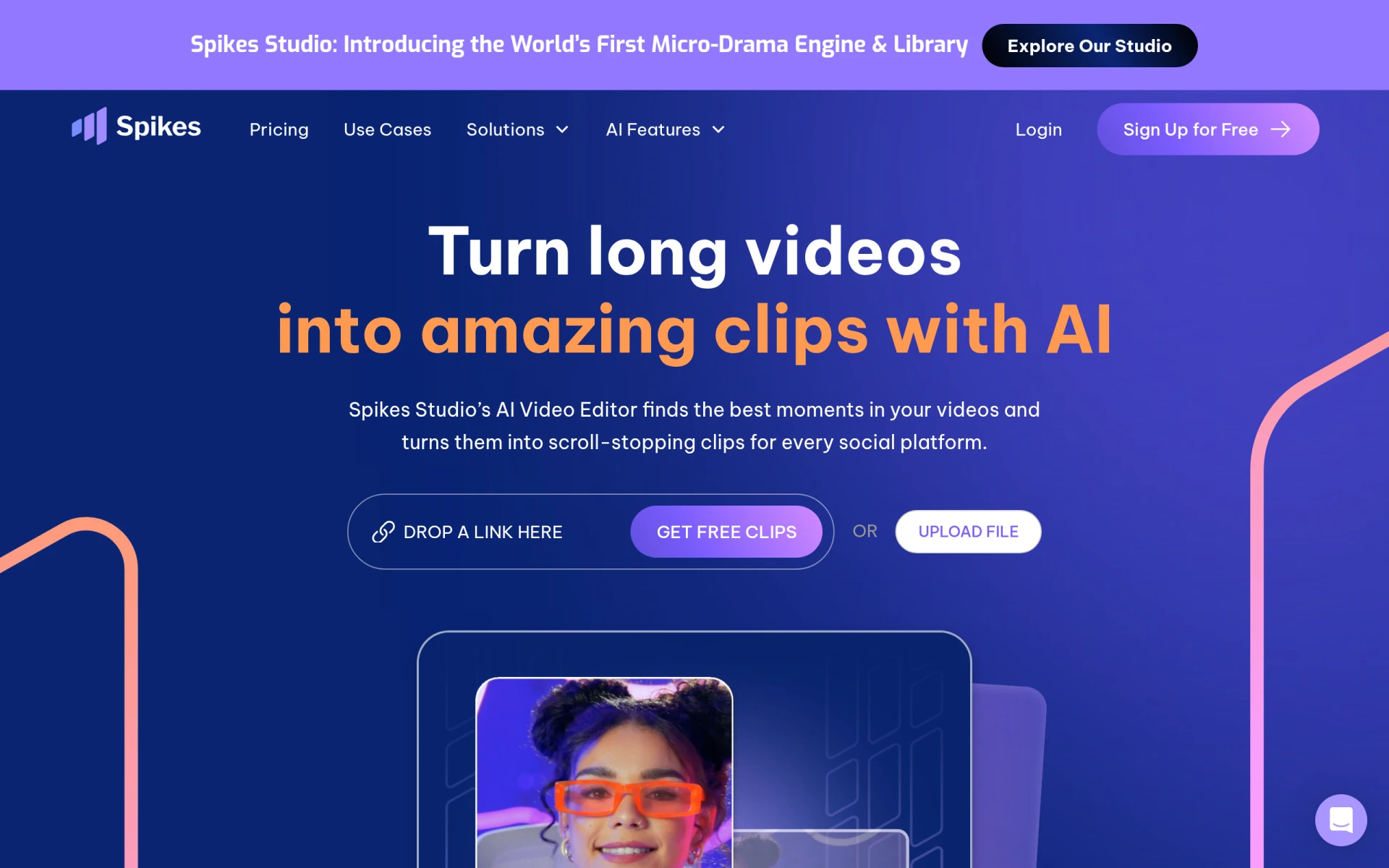 is an innovative AI-driven video editing tool tailored for content creators across platforms such as YouTube, TikTok, and Twitch. Its social customization features allow users to adapt their content for each platform, increasing engagement and viewership. Additionally, the performance analytics provide valuable insights into how videos are performing, enabling YouTubers to refine their strategies.
This tool is ideal for social media managers and marketing teams looking to create quick, engaging video snippets for campaigns. The ease of video publishing directly from the platform saves time and enhances productivity.
- AI Video Editing: Simplifies the editing process with AI assistance.
- Social Customization: Adapts content for various social media platforms.
- Video Publishing: Facilitates seamless sharing to platforms directly from the software.
- Performance Analytics: Offers insights into video performance to improve future content.
- Video Management: Organizes and manages video projects efficiently.
Pricing: Freemium model; Pro plan starts at $14.09 per month when billed annually. Best for: Content creators and social media managers.
Opus Clip - Best for Short-Form Content Creation
Opus Clip excels in transforming long-form videos into short, engaging clips perfect for social media sharing. With its AI clipping feature, YouTubers can easily extract highlights from longer videos, making it easier to create promotional content or teasers. The virality score helps creators understand which clips are likely to resonate with audiences, guiding their content strategy.
This tool is a must-have for individual content creators and marketing teams looking to maximize exposure on social platforms. The multi-language support broadens its appeal, making it accessible to a global audience.
- AI Clipping: Automatically identifies and extracts engaging clips from longer videos.
- Virality Score: Provides insights into which clips are likely to perform well.
- Multi-Language Support: Allows creators to reach diverse audiences.
- Auto Posting: Simplifies the sharing process across social media platforms.
- Filler & Silence Removal: Enhances video quality by removing unnecessary content.
Pricing: Freemium model; starter plan available for $15 per month. Best for: Individual creators and social media managers.
Wondershare Filmora - Best for User-Friendly Editing
Wondershare Filmora is a versatile video editing software that combines a user-friendly interface with powerful editing tools. Its extensive media library provides stock footage and music options, making it easy for creators to enhance their videos without needing additional resources. The software also offers robust audio editing tools and color tuning options, essential for producing high-quality YouTube content.
This software caters to small businesses, content creators, and educators who need an uncomplicated yet effective editing solution. With its motion graphics and titles customization, creators can add professional touches to their videos with minimal effort.
- Video Trimming and Splitting: Easily edit and manage video clips for a polished final product.
- Audio Editing Tools: Enhance sound quality and add music tracks seamlessly.
- Color Tuning Options: Adjust colors to achieve the desired visual effects.
- Extensive Media Library: Access stock footage and music to elevate video production.
- Motion Graphics and Titles Customization: Add a professional look to videos effortlessly.
Pricing: Freemium model; subscription and one-time purchase options available. Best for: Small businesses and content creators.
2short.ai - Best for Social Media Presence
2short.ai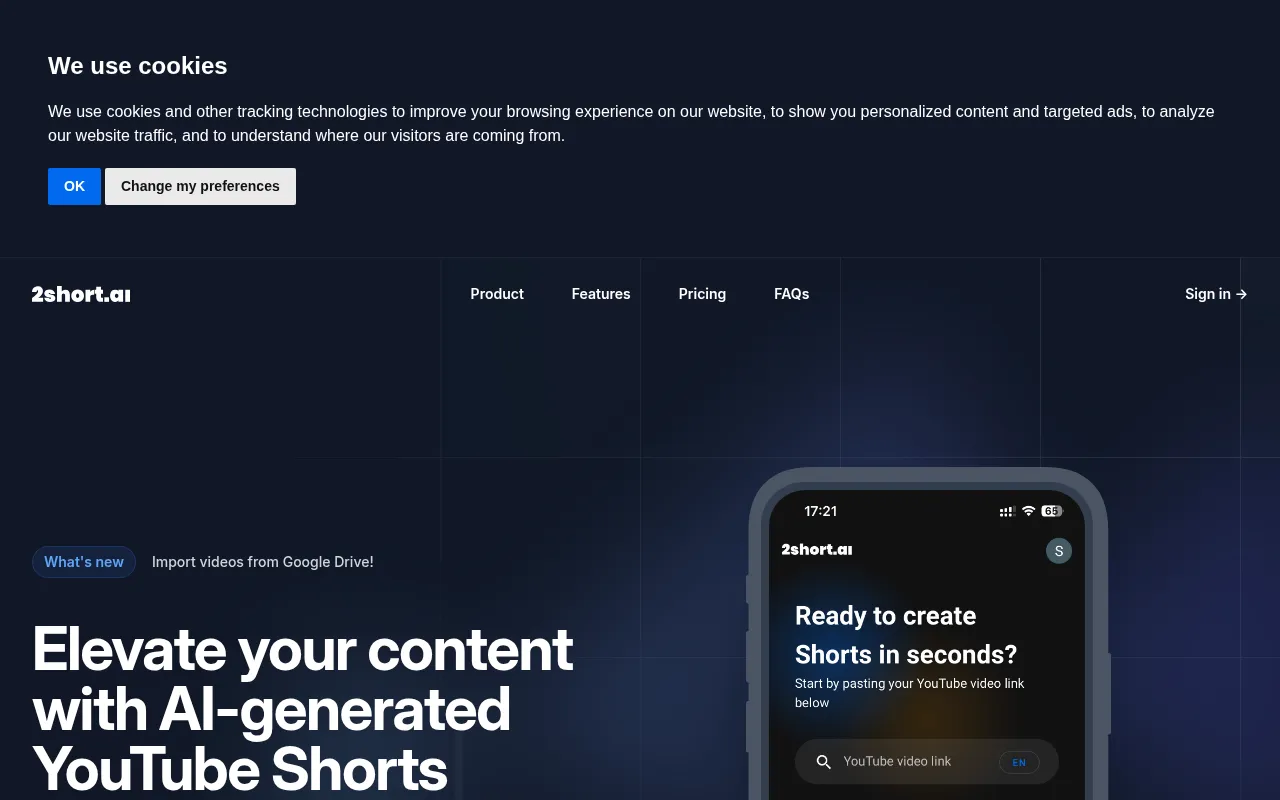 leverages AI technology to transform long YouTube videos into engaging short clips ideal for platforms like TikTok and Instagram. Its one-click short creation feature allows YouTubers to generate highlights quickly, catering to the fast-paced nature of social media content consumption. This tool also supports a variety of customizable clip lengths, enabling users to tailor their content to specific audience preferences.
This tool is perfect for content creators aiming to enhance their social media presence and marketers looking to promote products with concise video snippets. Its ability to import videos from Google Drive further streamlines the editing process.
- AI Video Highlight Extraction: Automatically identifies key moments in videos for easy editing.
- Import Videos from Google Drive: Facilitates seamless access to content for editing.
- One-Click Short Creation: Quickly generates engaging clips from longer videos.
- Supports TikTok and Instagram Reels: Optimizes content for popular social media platforms.
- Customizable Clip Length: Offers flexibility in creating content tailored to audience needs.
Pricing: Freemium model; pricing information not publicly available. Best for: Content creators and marketers.
Creative Reality Studio (D-ID) - Best for Unique Visual Content
Creative Reality Studio utilizes AI technology to create professional videos from still images, making it an innovative tool for YouTubers seeking to enhance their visual output. The text-to-video conversion feature allows creators to transform scripts into engaging videos, providing a unique storytelling approach. The user-friendly interface makes it accessible for beginners and experienced creators alike.
This tool is particularly useful for marketing professionals looking to create quick promotional content or educators aiming to present information in an engaging format. Its high-quality output ensures that the final videos meet professional standards.
- AI-Powered Video Generation: Transforms static images into dynamic video content.
- Text-to-Video Conversion: Easily converts scripts into videos, saving editing time.
- Audio Integration: Allows users to add voiceovers and soundtracks effortlessly.
- User-Friendly Interface: Makes the editing process straightforward and quick.
- High-Quality Output: Ensures professional standards for video quality.
Pricing: Freemium model; pricing information not publicly disclosed. Best for: Content creators and educators.
Levio - Best for Engaging Video Production
Levio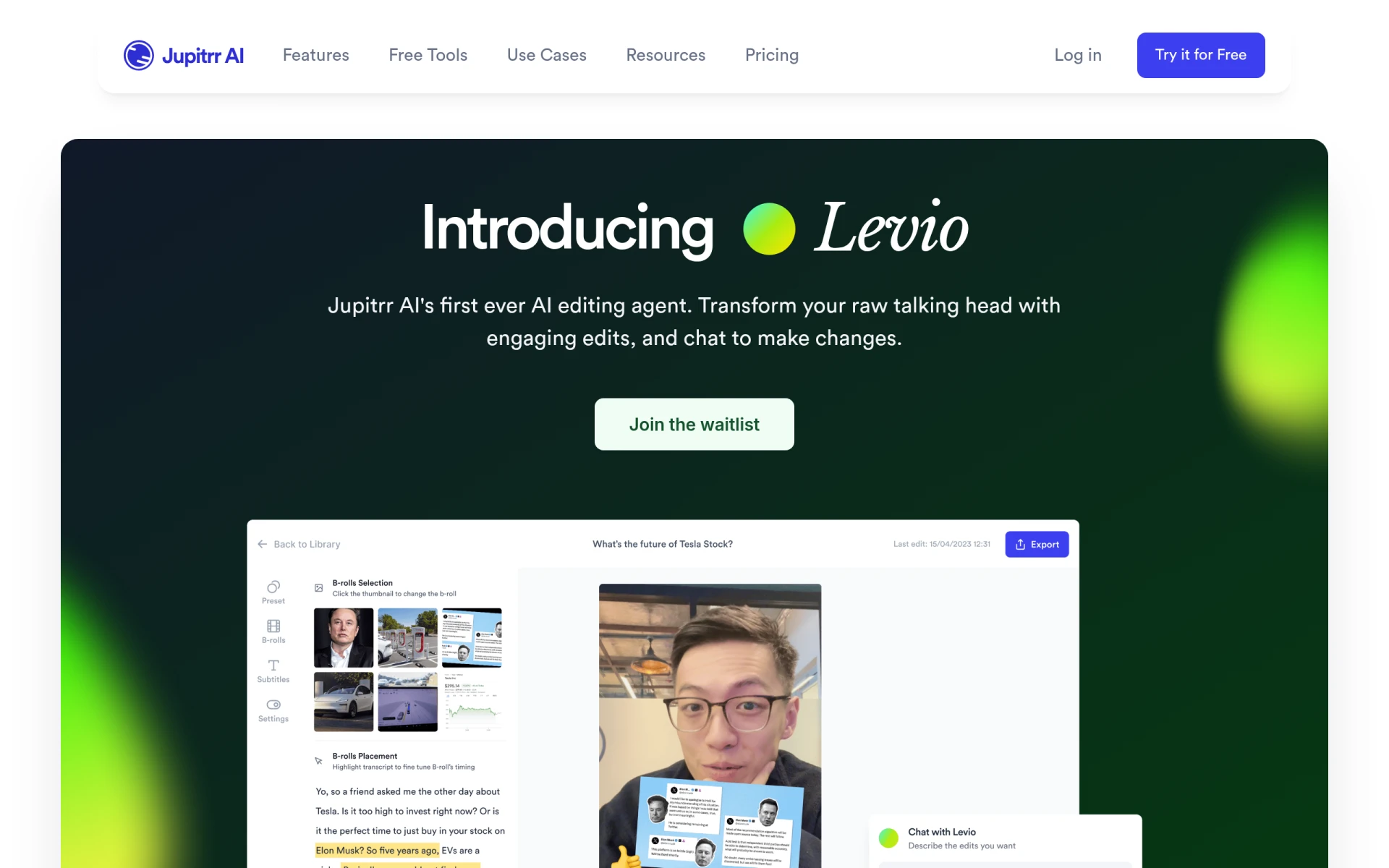 serves as an AI-powered video editing assistant, simplifying the process of creating engaging videos for YouTubers. Its automatic generation of engaging video hooks captures viewer attention from the start, while the addition of animated subtitles enhances accessibility and engagement. The integration of B-roll footage adds depth to storytelling, making videos more relatable and dynamic.
This tool is ideal for content creators looking for quick production tools and marketing teams needing efficient video editing solutions. Its creative features help users produce high-quality content without extensive editing experience.
- AI-Driven Editing Assistance: Streamlines the editing process and improves efficiency.
- Automatic Generation of Engaging Video Hooks: Captures viewer interest right away.
- Addition of Animated Subtitles: Enhances engagement and accessibility.
- Integration of B-Roll Footage: Enriches storytelling and video quality.
- Inclusion of GIFs and Emojis: Makes videos more relatable and fun.
Pricing: Contact for details; pricing information currently unavailable. Best for: Content creators and marketing teams.
Similar Video - Best for Effortless Video Generation
Similar Video is an AI-powered tool that simplifies video editing by generating content effortlessly. Its customizable templates and text-to-video functionality make it easy for YouTubers to create videos without extensive editing skills. The scene analysis feature helps identify key moments to highlight, ensuring that the final product is engaging and relevant to viewers.
This tool is ideal for marketers looking to create promotional videos quickly and small business owners wanting to enhance their online presence. Its automated voiceover feature adds a professional touch to videos without the need for recording.
- AI Video Generation: Simplifies content creation by automating video production.
- Customizable Templates: Allows users to create unique videos with minimal effort.
- Text-to-Video Functionality: Converts scripts into engaging video content easily.
- Scene Analysis: Identifies key moments to highlight in videos.
- Automated Voiceovers: Provides a professional touch without recording.
Pricing: Freemium model; pricing information currently unavailable. Best for: Marketers and small business owners.
Rendernet - Best for Advanced Video Editing
Rendernet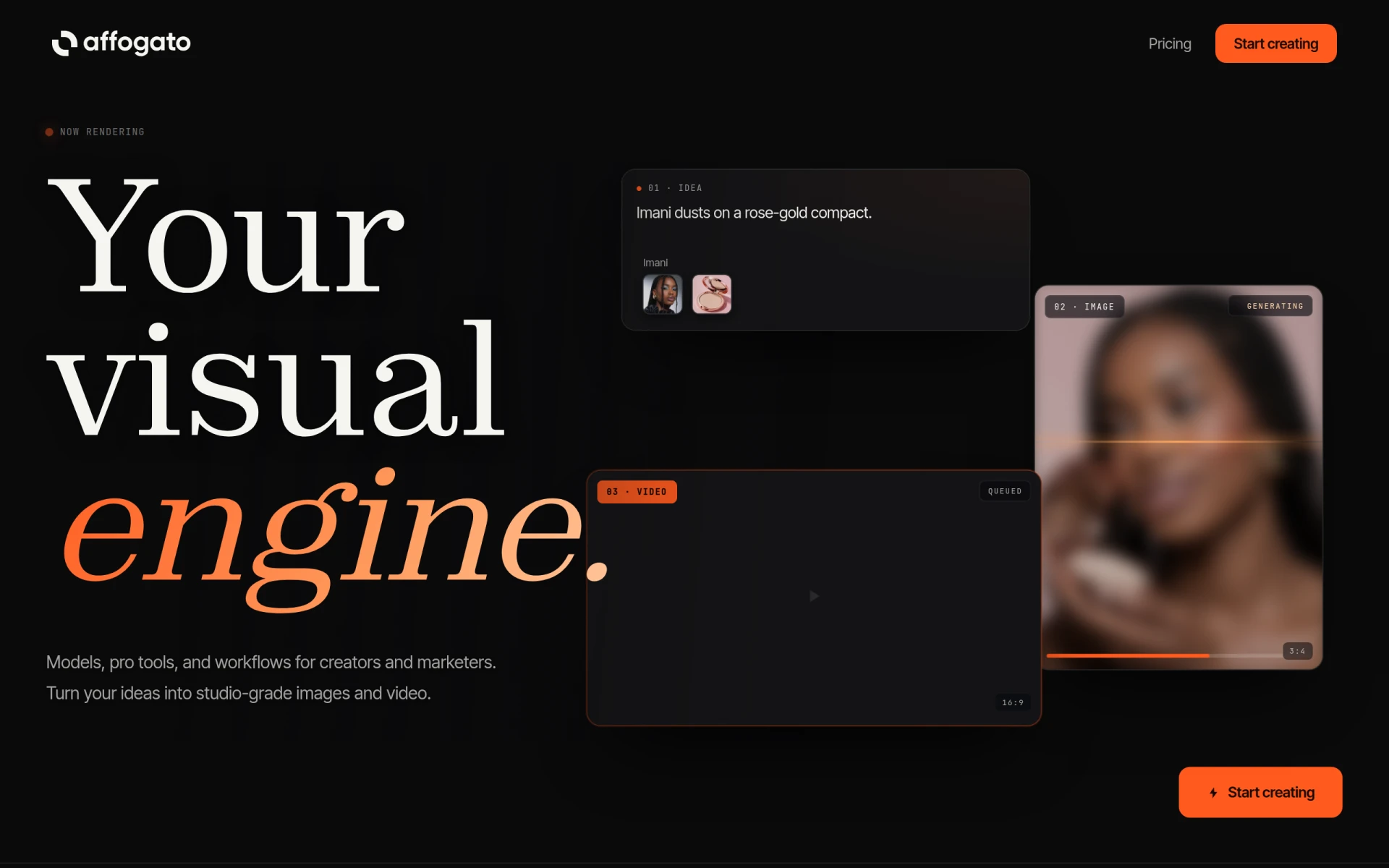 is an AI studio designed for generating and editing images and videos while ensuring character consistency across every frame. Its advanced AI-powered image generation capabilities allow for high-quality video production. This is particularly useful for creators who want to maintain visual integrity throughout their projects.
This tool is ideal for marketing teams and freelancers who require professional-quality outputs for client projects. The real-time rendering and upscaling technology enhance the efficiency of the editing process, ensuring high-quality final products.
- AI-Powered Image Generation: Produces high-quality images and videos automatically.
- Video Editing Capabilities: Offers advanced editing tools for professional output.
- Character Consistency: Ensures visual integrity across frames.
- Real-Time Rendering: Enhances efficiency in the editing process.
- Upscaling Technology: Improves video quality without losing detail.
Pricing: Paid model; tiered pricing based on credits used for rendering. Best for: Marketing teams and freelancers.
PowerDirector - Best for Versatile Editing Needs
PowerDirector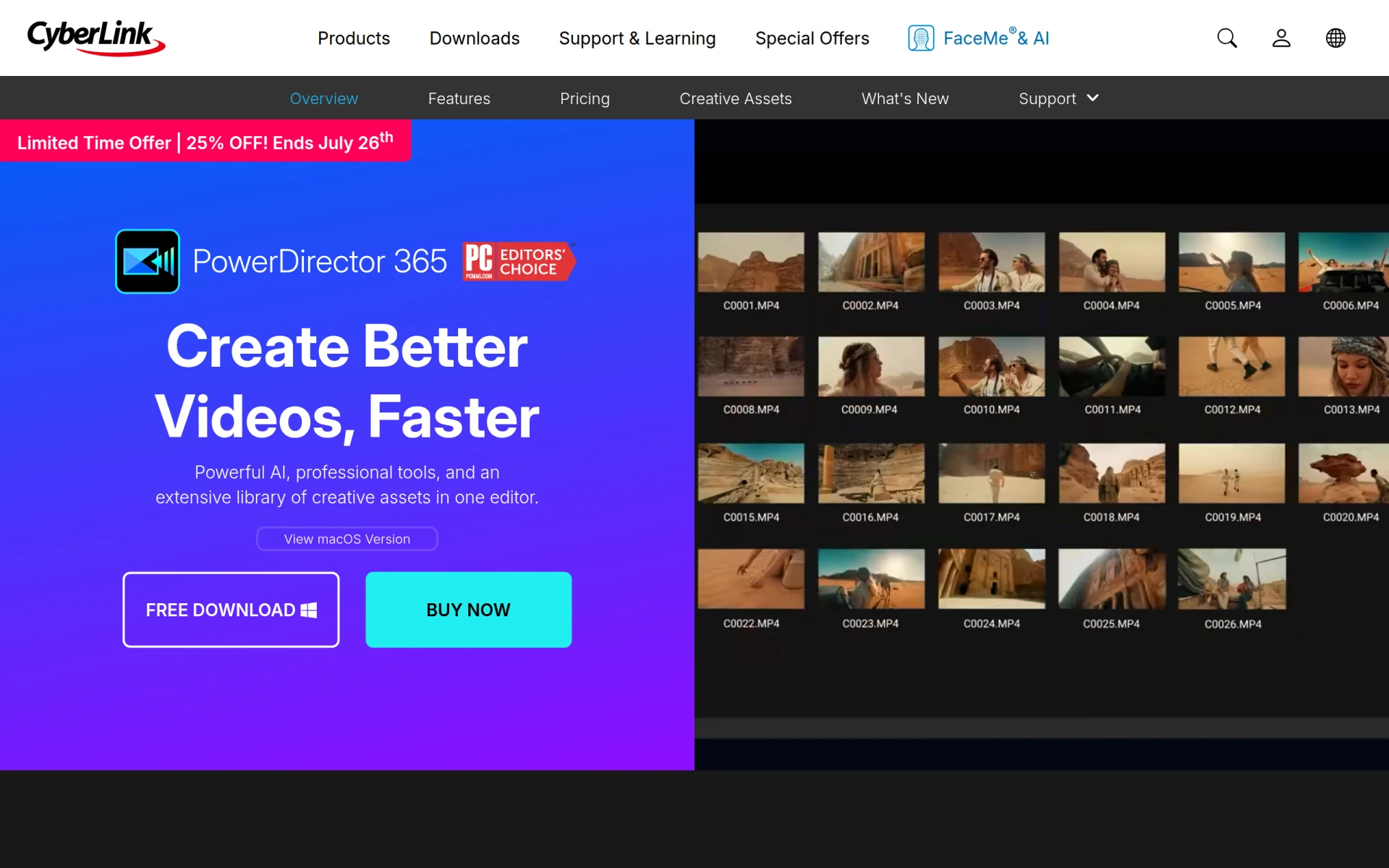 combines advanced AI tools with professional-grade effects, making it a versatile choice for YouTubers. Its extensive asset library, featuring over 130 million royalty-free assets, allows creators to enhance their videos significantly. The multi-camera editing and 360-degree video editing capabilities provide added flexibility in content creation.
This software is well-suited for small businesses and YouTube content creators aiming to produce engaging videos efficiently. The professional-grade effects elevate the overall quality, appealing to audiences looking for polished content.
- AI-Powered Editing Tools: Streamlines the editing process with intelligent features.
- Professional-Grade Effects: Enhances video quality and creativity.
- 130M+ Royalty-Free Assets: Provides a vast selection of media for video enhancement.
- Multi-Camera Editing: Allows for editing from multiple camera angles seamlessly.
- 360-Degree Video Editing: Supports innovative content creation for immersive experiences.
Pricing: Freemium model; subscription options available. Best for: Small businesses and freelancers.
Quick Comparison
| Tool | Best For | Starting Price | Rating |
|---|
| Gling | YouTube content creators | Free | 0.0/5 |
| Spikes Studio | Social media managers | Free / $14.09/mo | 0.0/5 |
| Opus Clip | Individual creators | Free / $15/mo | 0.0/5 |
| Wondershare Filmora | Small businesses | Free | 0.0/5 |
| 2short.ai | Content creators | Free | 0.0/5 |
| Creative Reality Studio | Content creators | Free | 0.0/5 |
| Levio | Marketing teams | Contact | 0.0/5 |
| Similar Video | Marketers | Free | 0.0/5 |
| Rendernet | Marketing teams | Paid | 0.0/5 |
| PowerDirector | Small businesses | Free | 0.0/5 |
Best Choice for Beginners
Wondershare Filmora is the best choice for beginners due to its user-friendly interface and extensive library of tutorials. The software simplifies the editing process, allowing new creators to produce high-quality content without overwhelming complexity.
Best Choice for Professionals
PowerDirector stands out for professionals, offering advanced features like multi-camera editing and a vast asset library. Its professional-grade effects and AI-powered tools provide the flexibility and quality needed for high-level video production.
Best Value Pick
Gling offers exceptional value with its freemium model, allowing creators to explore its features without initial investment. The efficiency gained through its AI-driven capabilities enhances ROI, making it a smart choice for budget-conscious YouTubers.
Conclusion
As a YouTuber, selecting the right video editing software is crucial to achieving your goal of creating professional-looking videos. By considering the tools outlined in this guide, you can confidently choose the right software to grow your audience and elevate your content.