Overview
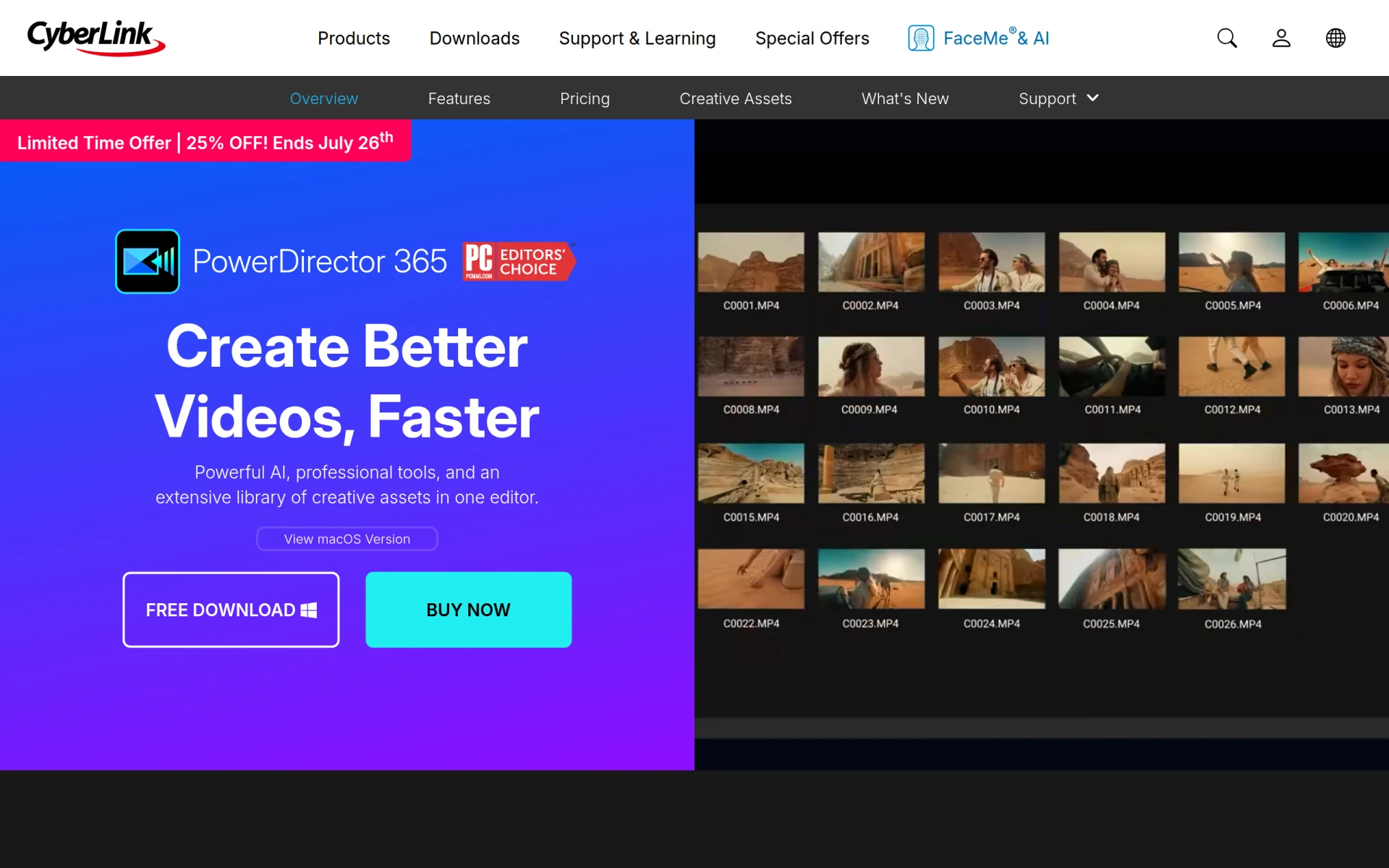
PowerDirector is a comprehensive video editing software designed for users ranging from hobbyists to professionals. Its primary purpose is to simplify the video creation process while providing powerful editing capabilities. The software addresses common challenges faced by video editors, including the need for intuitive navigation, advanced editing features, and access to a wide range of creative assets. With its AI-driven tools, PowerDirector enables users to produce high-quality videos efficiently, making it a popular choice for content creators worldwide.
Key Features
- AI-powered editing tools
- Professional-grade effects
- 130M+ royalty-free assets
- Multi-camera editing
- 360-degree video editing
- Motion tracking
- Color correction tools
- Audio editing capabilities
- Video stabilization
- Customizable templates
- Speed adjustment features
- Scene detection
- Cloud storage integration
- Support for 4K and 8K video
- Easy sharing options
- Subtitle and caption tools
Benefits
PowerDirector provides several practical advantages that enhance the video editing experience. Its AI tools help automate repetitive tasks, allowing users to focus on creative aspects rather than technical details. The extensive library of royalty-free assets offers a wealth of options for enhancing videos without worrying about copyright issues. Additionally, the software's user-friendly interface facilitates quick learning for beginners while still offering advanced features for seasoned editors. The ability to edit 360-degree videos and apply professional-grade effects makes it suitable for a variety of projects, from personal vlogs to corporate presentations.
Common Use Cases
PowerDirector is suitable for various situations. For instance, a small business might use it to create promotional videos highlighting their products or services. A YouTube content creator can leverage its AI tools and extensive asset library to produce engaging videos that attract subscribers. Freelancers may find it beneficial for editing client projects quickly while maintaining high quality. Additionally, educators can use PowerDirector to create instructional videos that capture students' attention. For filmmakers, the software provides advanced features that can elevate independent projects.
Who Should Use It
PowerDirector is ideal for a diverse range of users, including small businesses, marketing teams, educators, and independent content creators. Its balance of advanced features and user-friendly interface makes it accessible to beginners and professionals alike. However, it may not be the best fit for users who require a very high level of customization or those who prefer a completely free editing solution.
Pricing Overview
Pricing details for PowerDirector are not explicitly stated, and interested users should visit the official website for the latest information on subscription options and potential free trials.
Pros
PowerDirector offers a user-friendly interface that makes video editing accessible to beginners. The software includes a vast library of royalty-free assets, saving users time and resources. Its AI tools streamline the editing process, enhancing workflow efficiency. The ability to edit in 360 degrees and support for high-resolution video adds versatility. The software is regularly updated with new features, ensuring that users have access to the latest technology.
Cons
Some users may find the learning curve steep for advanced features. The availability of pricing information is limited, which may deter potential buyers. Certain features may require a subscription to access fully, which could be a drawback for cost-conscious users. Performance may vary depending on system specifications, potentially impacting editing speed. There may be occasional bugs or glitches that require troubleshooting.
Conclusion
PowerDirector is a robust video editing solution that caters to a wide range of users, from casual creators to professional videographers. Its combination of AI-driven tools, professional effects, and extensive asset libraries makes it a compelling choice for anyone looking to enhance their video projects. While it has some limitations, its strengths make it worth considering for those serious about video editing.