Introduction
As a content creator, you understand that high-quality video can make or break your audience engagement. However, the cost of professional video editing software often stands in the way, especially for newcomers who are just starting to build their brand.
Why Content Creators Struggle With High-quality video editing software can be expensive, especially for new creators.
The landscape of video production is laden with challenges for aspiring creators. Many high-quality editing tools come with hefty price tags that can range from hundreds to thousands of dollars. For someone just starting out, investing in expensive software can feel overwhelming. Additionally, the learning curve for complex software can deter creators from pursuing their passion, leading to frustration when they can't produce the content they envision. Many creators find themselves trapped in a cycle of low-quality production because they either cannot afford premium tools or feel intimidated by their complexity.
What to Look For in Video Production Tools
- User-Friendliness: An intuitive interface is essential for creators who want to focus on storytelling rather than grappling with software complexities.
- Key Features: Look for tools that offer essential editing capabilities like transitions, effects, and audio editing to enhance your videos.
- AI Integration: AI-powered features can significantly streamline the editing process, allowing creators to produce content faster without sacrificing quality.
- Affordability: Budget-friendly pricing options are crucial, especially for those just starting out or operating on tight budgets.
- Community and Support: A vibrant user community and responsive customer support can make a huge difference in your learning curve and troubleshooting.
Best Top Budget-Friendly Video Editing Software for Creators
VideoGen - Best for Quick Video Creation
VideoGen is an AI-powered video generator that excels in enabling users to create and edit videos efficiently. Its standout feature is the AI video generation, which allows you to produce videos in a fraction of the time it would take with traditional editing software. This makes it an excellent choice for content creators who need to churn out videos quickly without compromising on quality.
Additionally, VideoGen offers image-to-video conversion and AI voiceover integration, making it versatile for various projects. Whether you're creating marketing content or social media clips, VideoGen simplifies the process, making it accessible for creators at all levels.
- AI Video Generation: Quickly create videos from text or images, saving time and effort.
- Image to Video Conversion: Transform static images into dynamic videos, ideal for promotional content.
- AI Voiceover Integration: Add voiceovers to your videos easily without needing a professional voice artist.
- AI Sound Effects: Enhance your videos with sound effects generated by AI to create more engaging content.
- AI Image Editing: Edit your images directly within the platform to fit your video themes.
Pricing: Freemium - $16 per month with additional credits available for purchase. Best for: Small businesses looking to create marketing videos, freelancers offering video services, and marketing teams needing quick turnaround for promotional content.
Captions - Best for Effortless Video Sharing
Captions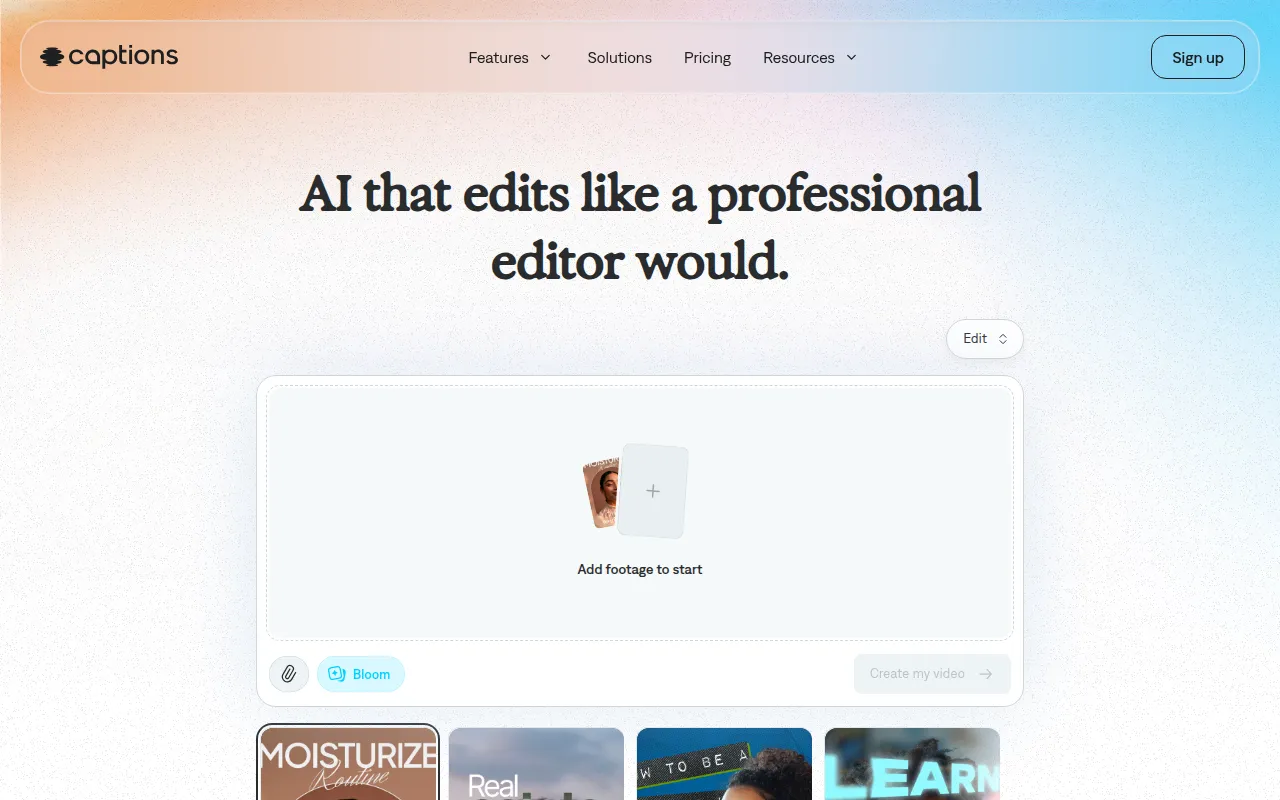 is an intuitive AI video editing tool designed for users of all skill levels. What sets Captions apart is its chat-based editing feature, which allows you to transform your ideas into shareable videos effortlessly. This approach is particularly appealing to those who might be intimidated by traditional editing interfaces, enabling a more conversational and accessible editing experience.
Furthermore, Captions provides a library of curated AI edit styles, allowing you to infuse your personality into your videos without extensive design knowledge. This makes it perfect for content creators who want to enhance their marketing efforts with minimal effort.
- AI Video Generation: Quickly convert text and ideas into engaging videos.
- Chat-based Editing: Edit your videos in a conversational manner, making it user-friendly.
- Library of Curated AI Edit Styles: Access a variety of styles to personalize your videos easily.
- Digital Twins or Custom AI Actors: Create unique characters that can represent your brand in videos.
- Custom B-Roll Generation: Automatically generate relevant B-roll footage to enhance your storytelling.
Pricing: Freemium - free sign-up, with the most popular subscription at $24.99 per month. Best for: Small businesses enhancing their marketing efforts, content creators needing quick video production, and marketing teams aiming for rapid campaign execution.
DaVinci Resolve - Best for Comprehensive Editing Needs
DaVinci Resolve stands out as a comprehensive video editing solution that integrates editing, color correction, visual effects, and audio post-production. This software is a favorite among professional editors but remains accessible for newcomers due to its free version. It offers an extensive suite of tools that allows creators to produce high-quality videos with advanced features typically found in expensive software.
The advanced color correction features and visual effects capabilities enable creators to enhance their storytelling, making it suitable for independent filmmakers and YouTube content creators alike. The learning curve may be steeper compared to simpler tools, but the payoff in terms of quality can be significant.
- Professional Video Editing Tools: Precise cuts and transitions to create polished videos.
- Advanced Color Correction: Enhance the visual storytelling of your videos.
- Visual Effects Capabilities: Add dynamic elements to your content for greater viewer engagement.
- Motion Graphics Tools: Create animated titles and effects to elevate your projects.
- Audio Post-Production Tools: Mix and master sound for professional-quality audio.
Pricing: Freemium - Free version available; DaVinci Resolve Studio for $295. Best for: Professional video editors, filmmakers working on independent projects, and content creators on platforms like YouTube.
Gling - Best for YouTube Creators
Gling is an AI-driven video editing software specifically designed for YouTube creators. Its automatic pause detection and viral clip generation features make it ideal for those looking to optimize their content for social media platforms. Gling streamlines the video creation process, allowing creators to focus on content rather than technical details.
Additionally, Gling supports various video formats and offers easy link-based video creation. This flexibility is essential for creators who need to adapt their content for multiple platforms quickly. As a result, Gling is perfect for vloggers and YouTubers who require quick editing solutions.
- AI-Driven Video Editing: Automate tedious editing tasks and save time.
- Automatic Pause Detection: Identify key moments to streamline your edits.
- Viral Clip Generation: Extract engaging clips from longer videos to boost engagement.
- Easy Link-Based Video Creation: Simplify the video creation process for various platforms.
- Support for Various Video Formats: Ensure compatibility across social media platforms.
Pricing: Freemium - Offers a free trial; specific pricing details currently unavailable. Best for: YouTube content creators, vloggers needing quick editing solutions, and beginners in video editing.
Instories - Best for Simplified Video Production
Instories is an AI video and content creation platform that simplifies the video production process for various users. Its combination of AI video generation and editing tools makes it accessible for content creators who may not have extensive technical skills. Instories allows users to create engaging videos easily, making it a great option for small businesses and marketing teams.
The platform's background removal and captioning features further enhance its usability, making it easy to focus on the message rather than the technical aspects of video creation. Users can create professional-looking videos quickly, which is essential in today's fast-paced digital landscape.
- AI Video Generator: Create videos quickly and efficiently from existing content.
- Image Generator: Generate images to complement your video projects seamlessly.
- Video Editing Tools: Access essential editing features to enhance your content.
- Background Removal: Easily remove backgrounds for a cleaner look.
- Captioning Features: Automatically add captions to your videos for accessibility and engagement.
Pricing: Freemium - Pricing information not explicitly available. Best for: Small businesses enhancing marketing efforts, marketing teams needing quick video content for campaigns, and freelancers producing high-quality videos efficiently.
HiClip - Best for Social Media Optimization
HiClip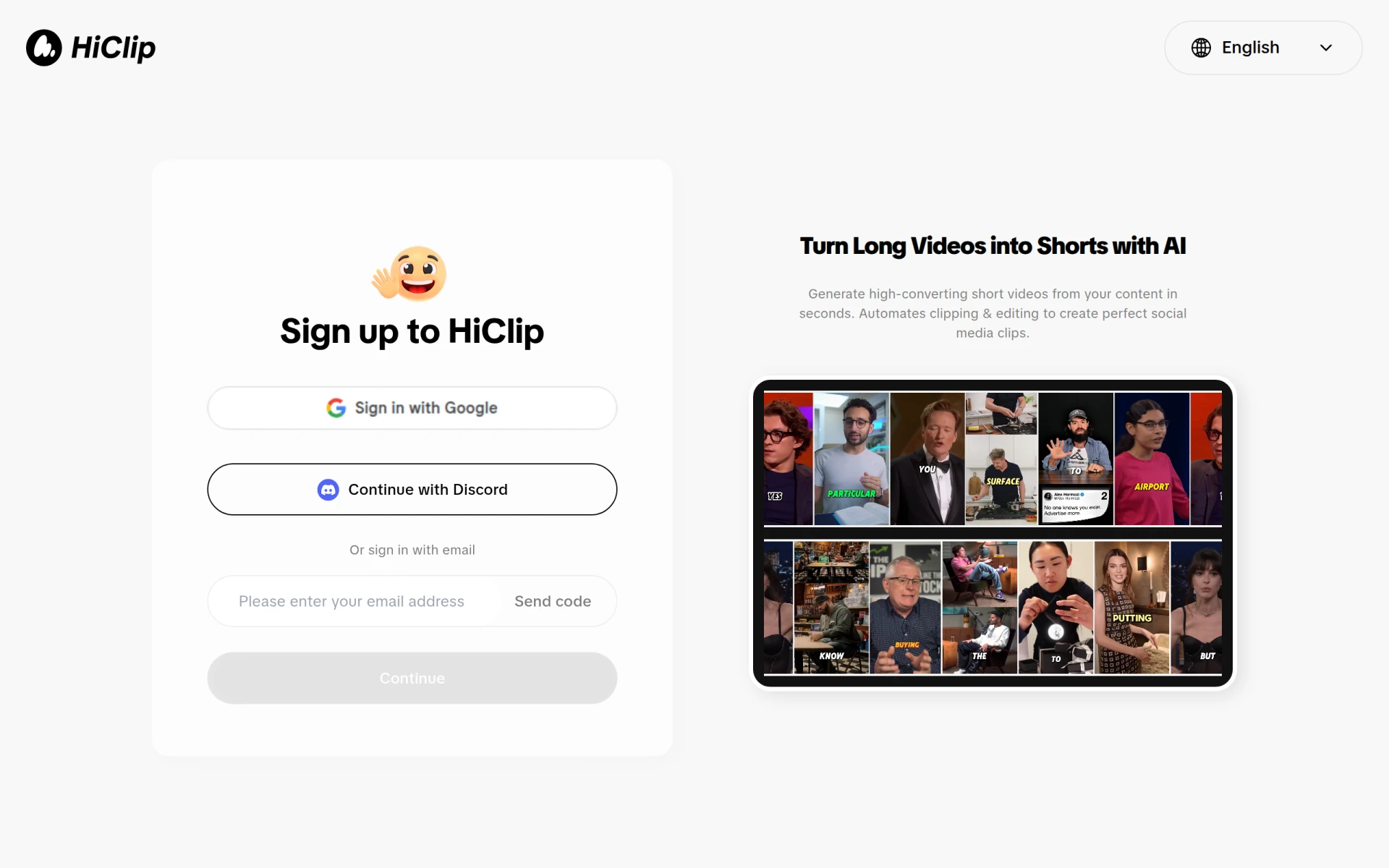 is an AI-powered video editing tool that transforms long videos into engaging short clips perfect for social media. Its user-friendly interface is designed for content creators looking to enhance their video marketing efforts without the need for extensive editing skills. HiClip is ideal for those who want to generate quick promotional materials that capture attention.
The tool's customizable templates help users maintain brand consistency while producing engaging content quickly. This feature is particularly beneficial for social media managers who need to create multiple clips for various campaigns.
- AI Clipping: Automatically create short clips from longer videos to maximize engagement.
- Video Editing: Access essential editing features for quick adjustments.
- Social Media Optimization: Tailor videos specifically for different social media platforms.
- Customizable Templates: Maintain brand consistency with ease.
- User-Friendly Interface: Designed for quick learning and efficiency.
Pricing: Freemium - Pricing information currently unavailable. Best for: Content creators enhancing video marketing efforts, marketing teams producing quick promotional materials, and social media managers generating engaging clips.
Levio - Best for Engaging Video Production
Levio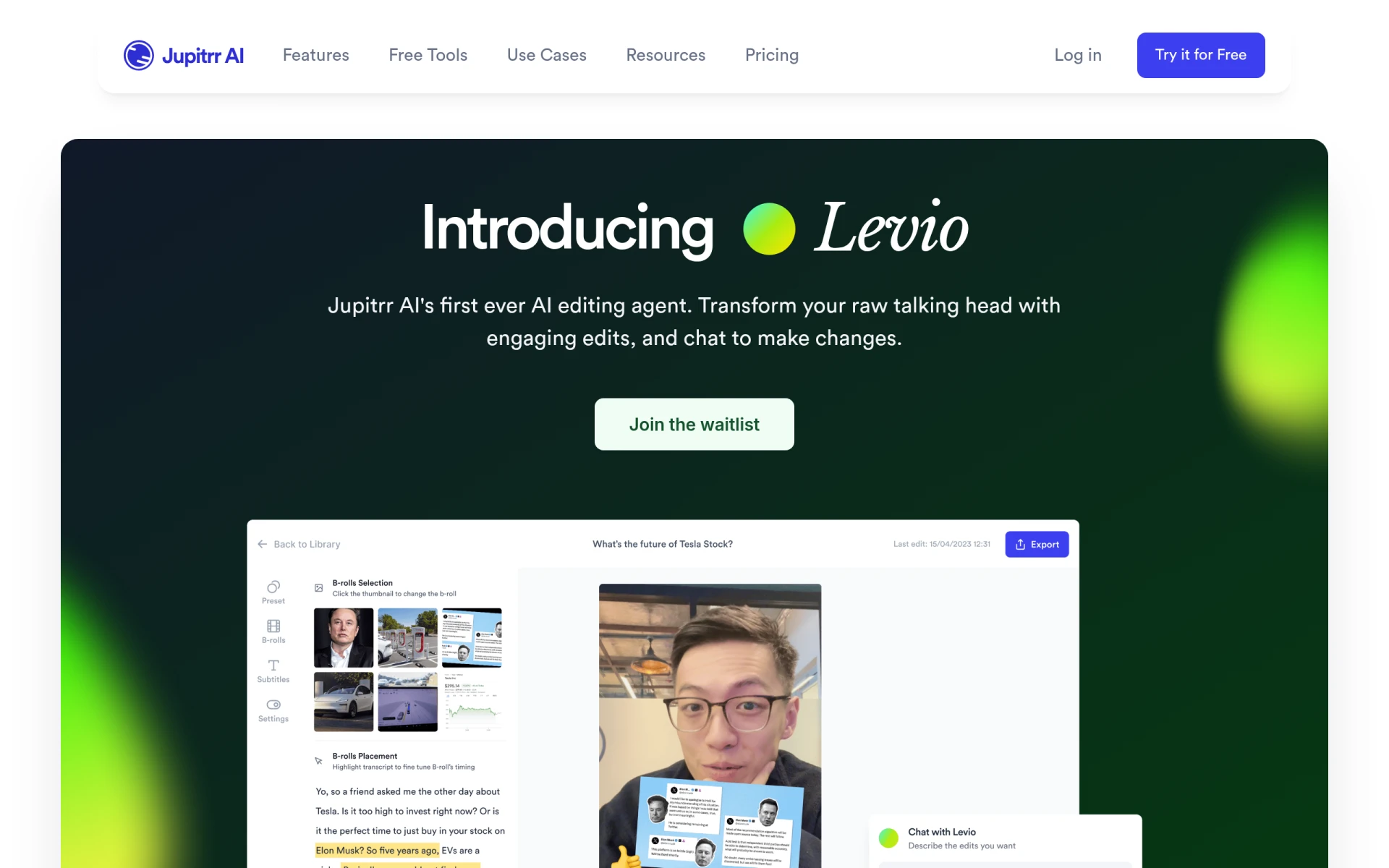 is an AI-powered video editing assistant that simplifies the process of creating engaging videos. Its features, such as automatic generation of engaging video hooks and animated subtitles, make it particularly appealing for creators looking to boost viewer engagement. Levio is a great choice for marketing teams needing efficient video editing solutions.
The inclusion of B-roll footage and relatable GIFs or emojis helps to enhance storytelling, making your videos more engaging and relatable. This is particularly beneficial for social media managers who want to create content that resonates with their audience.
- AI-Driven Editing Assistance: Simplify the editing process with smart suggestions.
- Automatic Generation of Engaging Video Hooks: Capture viewer attention from the start.
- Addition of Animated Subtitles: Increase accessibility and retain viewer interest.
- Integration of B-Roll Footage: Enhance storytelling effortlessly.
- Inclusion of GIFs and Emojis: Make your videos more relatable and engaging.
Pricing: Contact - Pricing details currently unavailable. Best for: Content creators looking for quick video production tools, marketing teams needing efficient video editing solutions, and social media managers wanting engaging content.
Stability - Best for Creative Content Production
Stability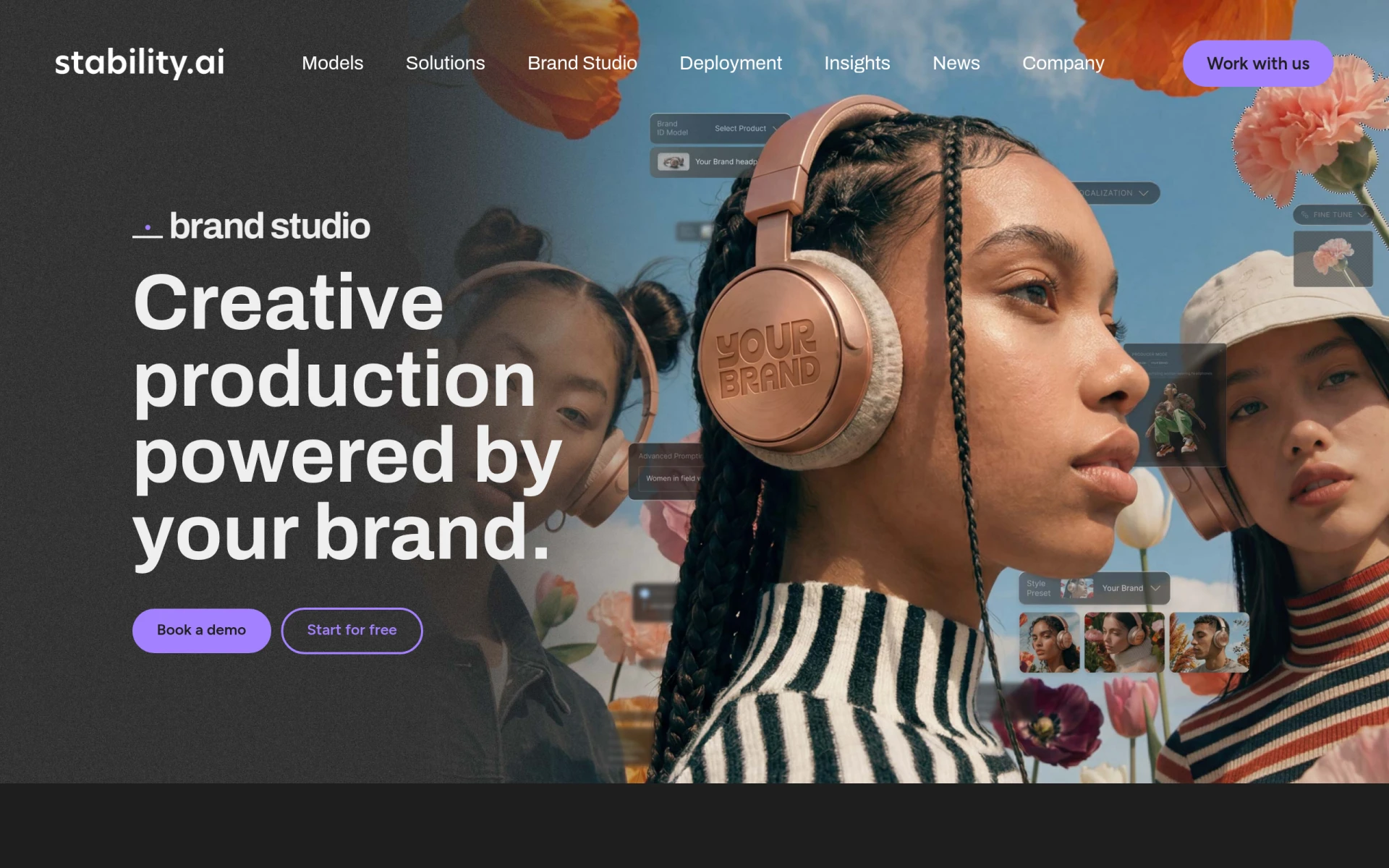 AI offers generative AI tools that streamline content production, helping teams create high-quality assets efficiently. Its features include image generation and editing, 3D and 4D video modeling, and storyboarding tools, making it a versatile choice for creative teams. Stability is particularly valuable for marketing departments needing quick asset generation.
The color grading capabilities enhance the visual quality of your videos, making it suitable for game developers and creative professionals looking to produce immersive environments. Stability AI’s focus on generative tools makes it a forward-thinking option for modern content creators.
- Image Generation: Quickly create images to complement your video projects.
- Image Editing: Fine-tune images for optimal integration into your videos.
- 3D and 4D Video Modeling: Create immersive experiences for viewers.
- Storyboarding Tools: Plan your video projects effectively.
- Color Grading: Enhance the visual quality of your content.
Pricing: Freemium - Trial period available; specific ongoing pricing details not provided. Best for: Creative teams enhancing content production, marketing departments needing quick asset generation, and game developers creating immersive environments.
Pictory - Best for Text-to-Video Projects
Pictory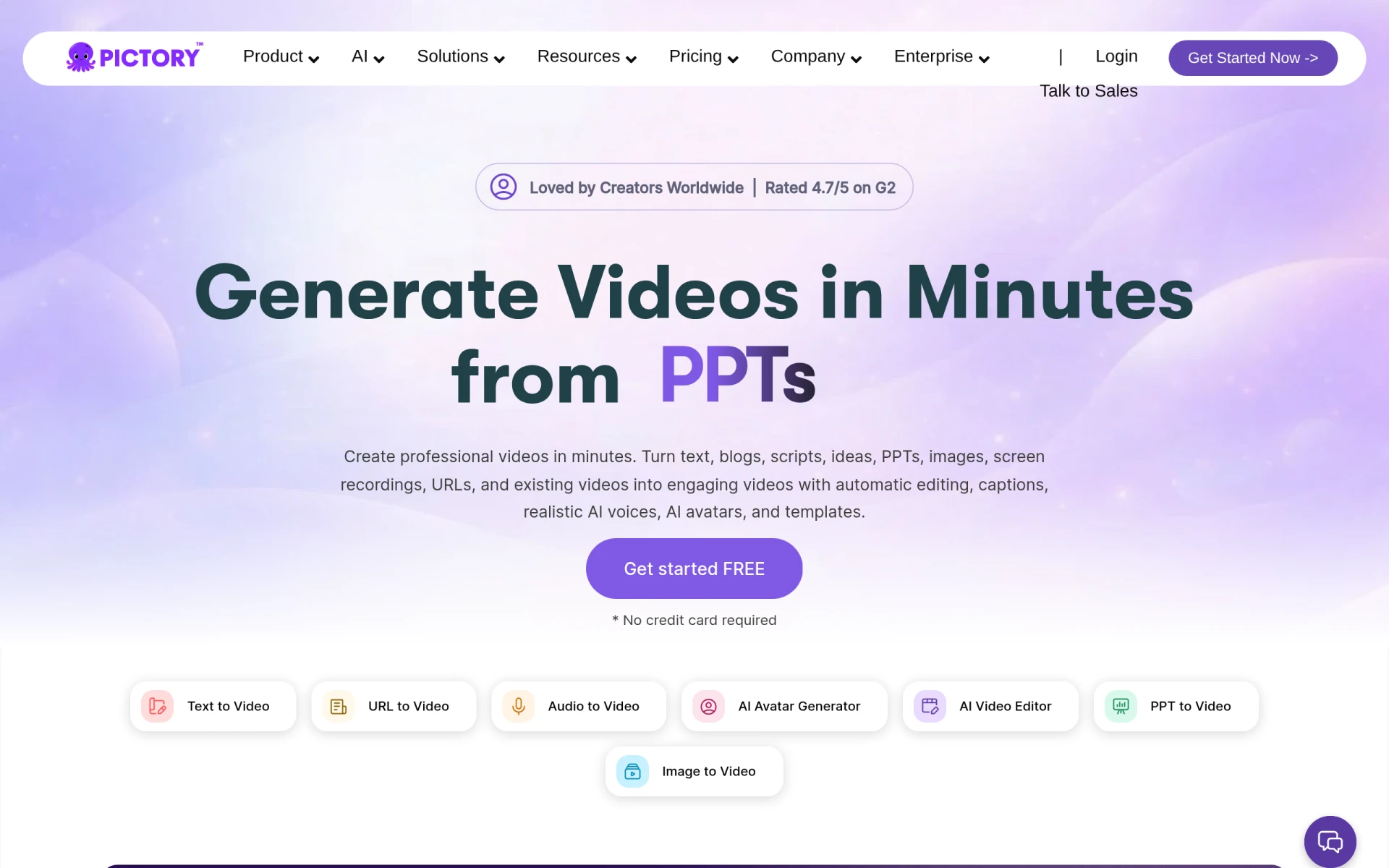 is an AI-powered video editing tool that excels in transforming text and images into professional videos quickly. It’s particularly beneficial for content creators who want to leverage written content, such as blogs or social media posts, and turn them into engaging videos. This feature allows for a unique way to repurpose content and reach wider audiences.
With customizable templates and automatic caption generation, Pictory makes it easy to produce high-quality videos without extensive editing skills. This is especially useful for small businesses looking to enhance their marketing efforts with visual content.
- Text to Video Conversion: Quickly create videos from written content.
- AI Voiceovers: Add professional-sounding voiceovers with ease.
- Customizable Templates: Personalize your videos to match your brand.
- Automatic Caption Generation: Enhance accessibility and engagement with captions.
- Image and Video Integration: Seamlessly combine text, images, and video.
Pricing: Paid - Plans starting from $25 per month. Best for: Small businesses enhancing their marketing efforts with video content, marketing teams requiring quick turnaround on video projects, and freelancers wanting to offer video content creation as part of their services.
The Influencer AI - Best for Innovative Marketing Solutions
The Influencer AI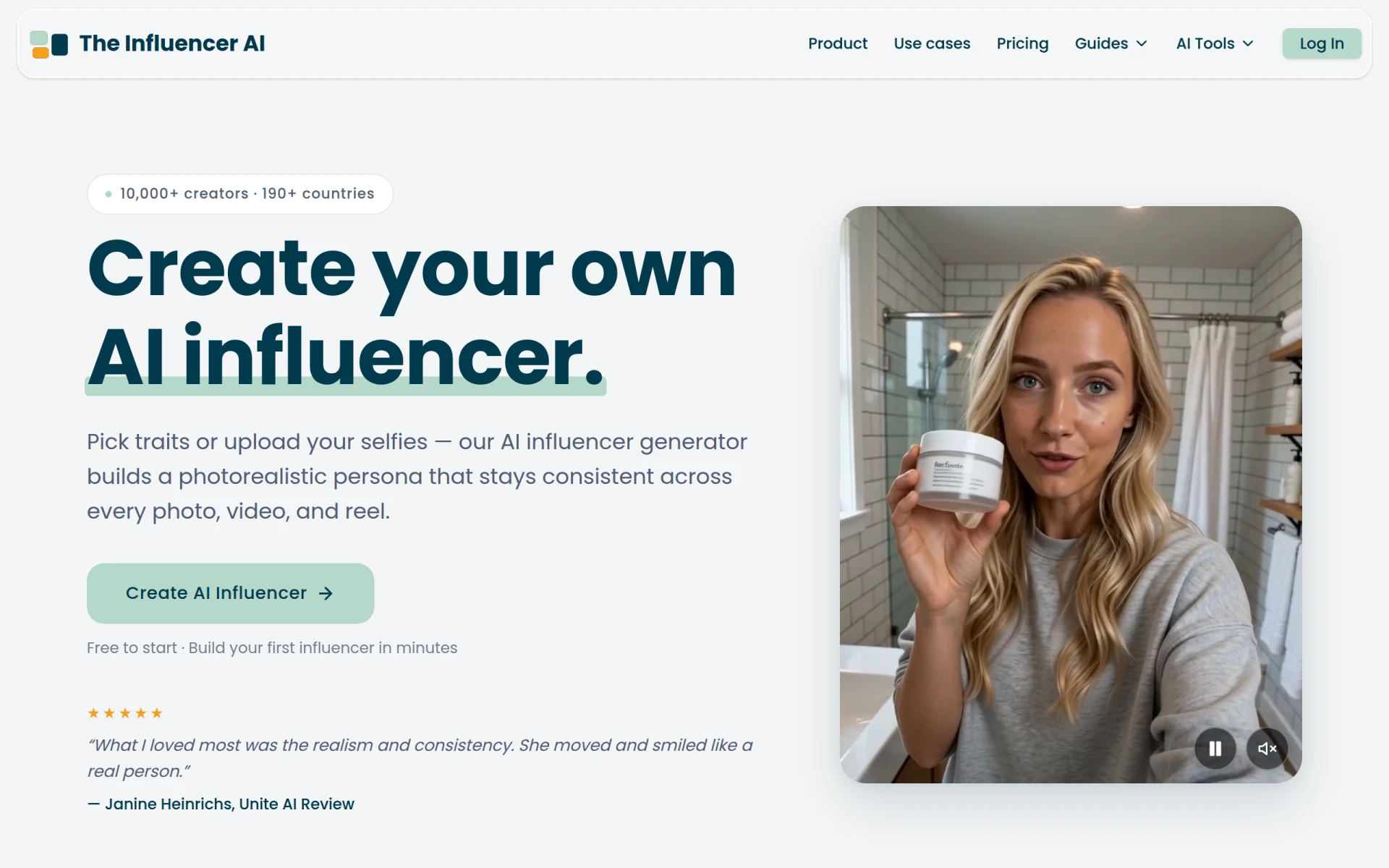 allows users to create realistic AI-generated influencers for marketing content. This innovative approach streamlines visual production, making it an attractive option for small businesses and digital marketers looking to enhance their campaigns with unique content. The ability to customize traits and create photorealistic personas adds a level of creativity that traditional methods cannot achieve.
With consistent output across media and capabilities for both video and image production, The Influencer AI is an exciting tool for content creators who want to stand out in a crowded marketplace. It allows for the production of high-quality visuals without the need for extensive resources.
- AI Influencer Generation: Create unique characters to represent your brand.
- Customizable Traits: Tailor influencers to fit your campaign needs.
- Photorealistic Persona Creation: Ensure high-quality visuals for marketing content.
- Consistent Output Across Media: Streamline your content production with reliable results.
- Video and Image Production: Produce engaging visuals for various platforms.
Pricing: Freemium - Flexible pricing model starting at $19 per month. Best for: Small businesses seeking cost-effective marketing solutions, digital marketers enhancing their campaigns with innovative content, and content creators producing high-quality visuals quickly.
Quick Comparison
| Tool | Best For | Starting Price | Rating |
|---|
| VideoGen | Quick Video Creation | $16/mo | 0.0/5 |
| Captions | Effortless Video Sharing | $24.99/mo | 0.0/5 |
| DaVinci Resolve | Comprehensive Editing Needs | Free / $295 | 0.0/5 |
| Gling | YouTube Creators | Free trial | 0.0/5 |
| Instories | Simplified Video Production | Not available | 0.0/5 |
| HiClip | Social Media Optimization | Not available | 0.0/5 |
| Levio | Engaging Video Production | Contact | 0.0/5 |
| Stability | Creative Content Production | Trial available | 0.0/5 |
| Pictory | Text-to-Video Projects | $25/mo | 0.0/5 |
| The Influencer AI | Innovative Marketing Solutions | $19/mo | 0.0/5 |
Best Choice for Beginners
For beginners, Captions is the ideal tool. Its chat-based editing feature simplifies the video creation process, allowing users to focus on their ideas rather than technical details. Coupled with its AI features and curated edit styles, it offers a low barrier to entry for those new to video editing.
Best Choice for Professionals
For professionals, DaVinci Resolve is the best choice. With its comprehensive suite of editing tools, advanced color correction, and visual effects capabilities, it delivers the features power users need to produce high-quality content. Its extensive functionalities make it suitable for independent filmmakers and seasoned video editors.
Best Value Pick
VideoGen offers the best value. With a freemium model starting at $16 per month, its extensive features, including AI video generation and image editing, provide a high return on investment for creators looking to produce quality videos without breaking the bank.
Conclusion
Finding the right video editing software that fits your budget doesn't have to be daunting. With the tools mentioned above, you can elevate your video production quality without sacrificing affordability. Explore these options and start creating compelling content today.