Why Look for Alternatives to Build AI?
While Build AI is a strong contender in the no-code AI application development space, it does come with certain limitations that may drive users to seek alternatives. One of the primary concerns is the pricing structure. Although Build AI offers a freemium model, many users find that the paid plans can become expensive as their needs grow. The flexible pricing is appealing, but for small teams or startups with limited budgets, the costs can add up quickly, especially if they require features that are only available in the higher tiers.
Moreover, Build AI might lack certain specific features that are essential for more complex projects. Users have reported challenges in integrating certain APIs or third-party services seamlessly, which can hinder the app development process. Additionally, while Build AI focuses on streamlining the app development process, some users feel that the platform does not provide sufficient support for intricate AI functionalities, such as machine learning model training or advanced data analytics. These limitations can make users look for alternatives that offer better flexibility, pricing, and feature sets tailored to their unique needs.
Best Alternatives to Build AI in 2026
Whacka - Best for Natural Language App Building
Whacka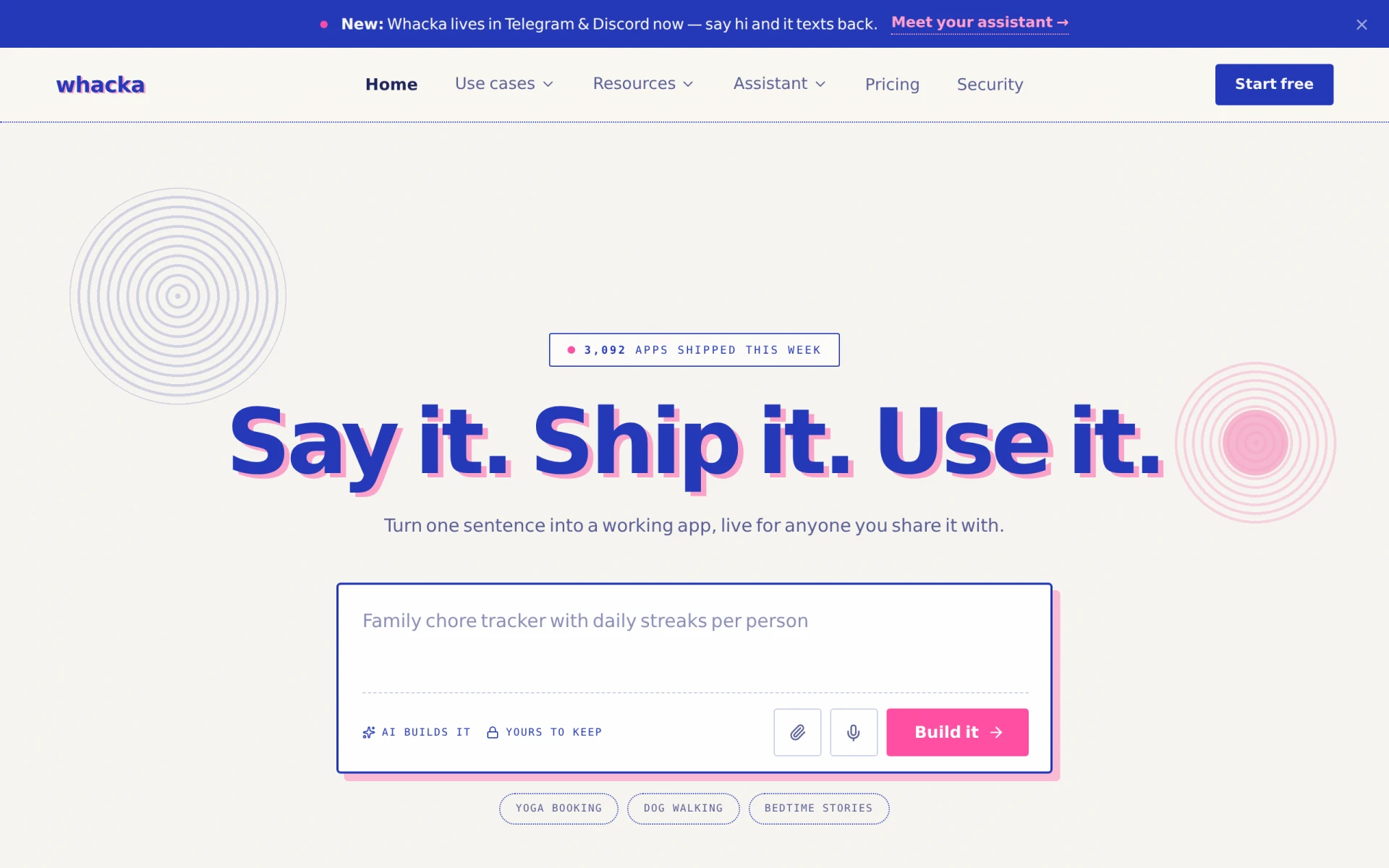 is a no-code app builder that sets itself apart by allowing users to create applications simply by describing them in plain language. This feature can be a game-changer for those who may not have a technical background but possess innovative ideas. Compared to Build AI, which requires some familiarity with app development concepts, Whacka's natural language interface makes it accessible to a broader audience. Users can articulate their app requirements in everyday terms, and Whacka translates those into functional applications, making it an excellent option for entrepreneurs and small business owners looking to bring their ideas to life quickly.
For teams that prioritize speed and ease of use, Whacka stands out with its user-friendly interface and intuitive design. The platform's flexibility allows for rapid iterations, which is essential in today's fast-paced development environment. While Build AI focuses on streamlining the development process, Whacka simplifies it to the point where users can create prototypes in minutes. This is particularly beneficial for startups that need to validate concepts quickly without getting bogged down by technical complexities.
- Key Strength: Natural language processing allows for effortless app creation.
- Key Strength: Rapid prototyping capabilities enable quick iterations and adjustments.
- Key Strength: Accessible to non-technical users, broadening the user base.
- Limitation: May lack advanced features needed for more complex app requirements.
Pricing: Freemium with a usage-based payment model. Best for: Non-technical users and small business owners looking for quick app development.
build0 - Best for Secure Internal Applications
build0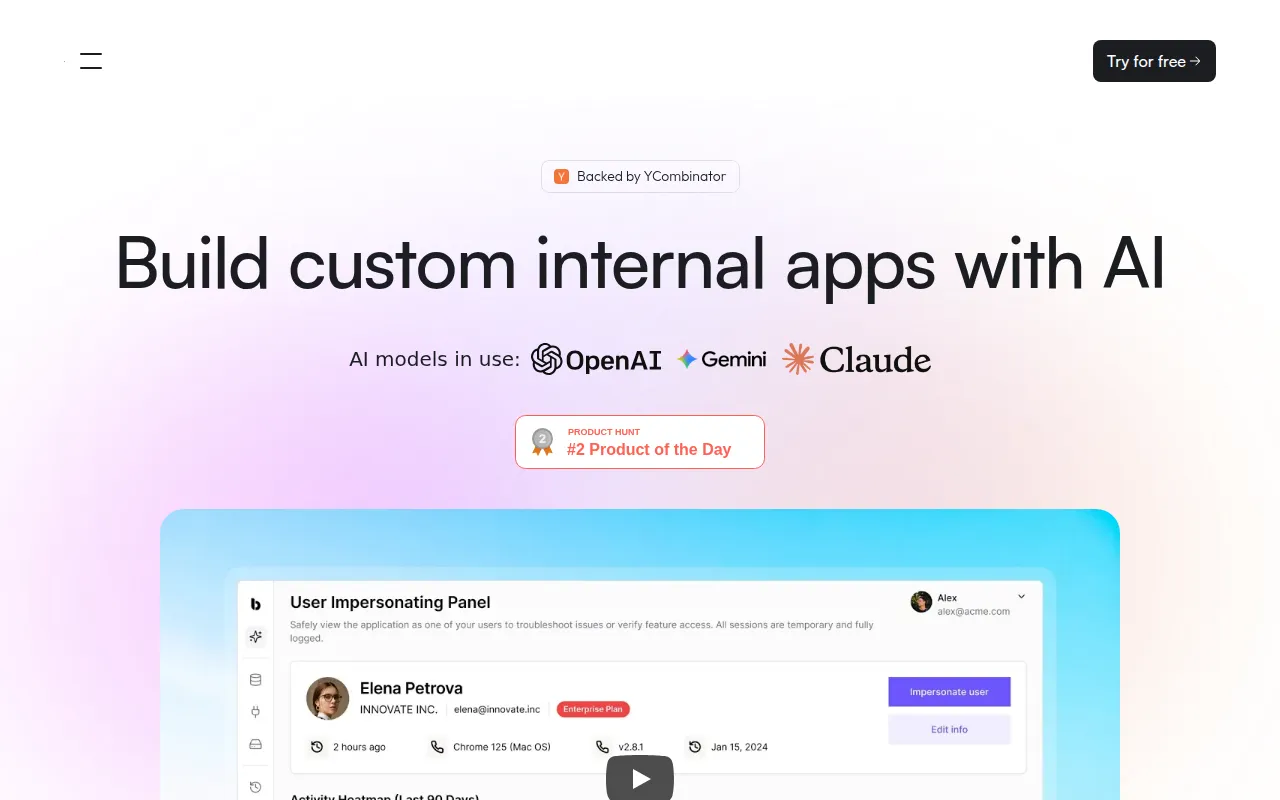 offers users the ability to create AI-powered internal applications quickly and securely, making it an ideal alternative for organizations that prioritize security and efficiency. Unlike Build AI, which focuses broadly on various AI applications, build0 specializes in internal tools that can support business operations, such as inventory management systems or employee performance trackers. This targeted approach ensures that users can create applications that are not only functional but also secure, addressing a common concern for businesses that handle sensitive data.
One of the most significant advantages of build0 is its emphasis on security features, which are often lacking in more generalized platforms like Build AI. With built-in encryption and compliance with various data protection regulations, build0 is a suitable choice for enterprises that need to adhere to strict security guidelines. Additionally, the platform’s user-friendly interface allows users with no coding experience to build sophisticated applications tailored to their internal processes, making it an excellent choice for companies looking to optimize their operations without the need for extensive technical resources.
- Key Strength: Strong focus on security features for internal applications.
- Key Strength: Specifically designed for internal business tools, enhancing usability.
- Key Strength: Quick application development without the need for coding skills.
- Limitation: Limited to internal applications; not suitable for external customer-facing tools.
Pricing: Freemium with a paid team plan at $35 per month. Best for: Businesses needing secure internal applications.
Reworkd - Best for Data Extraction Needs
Reworkd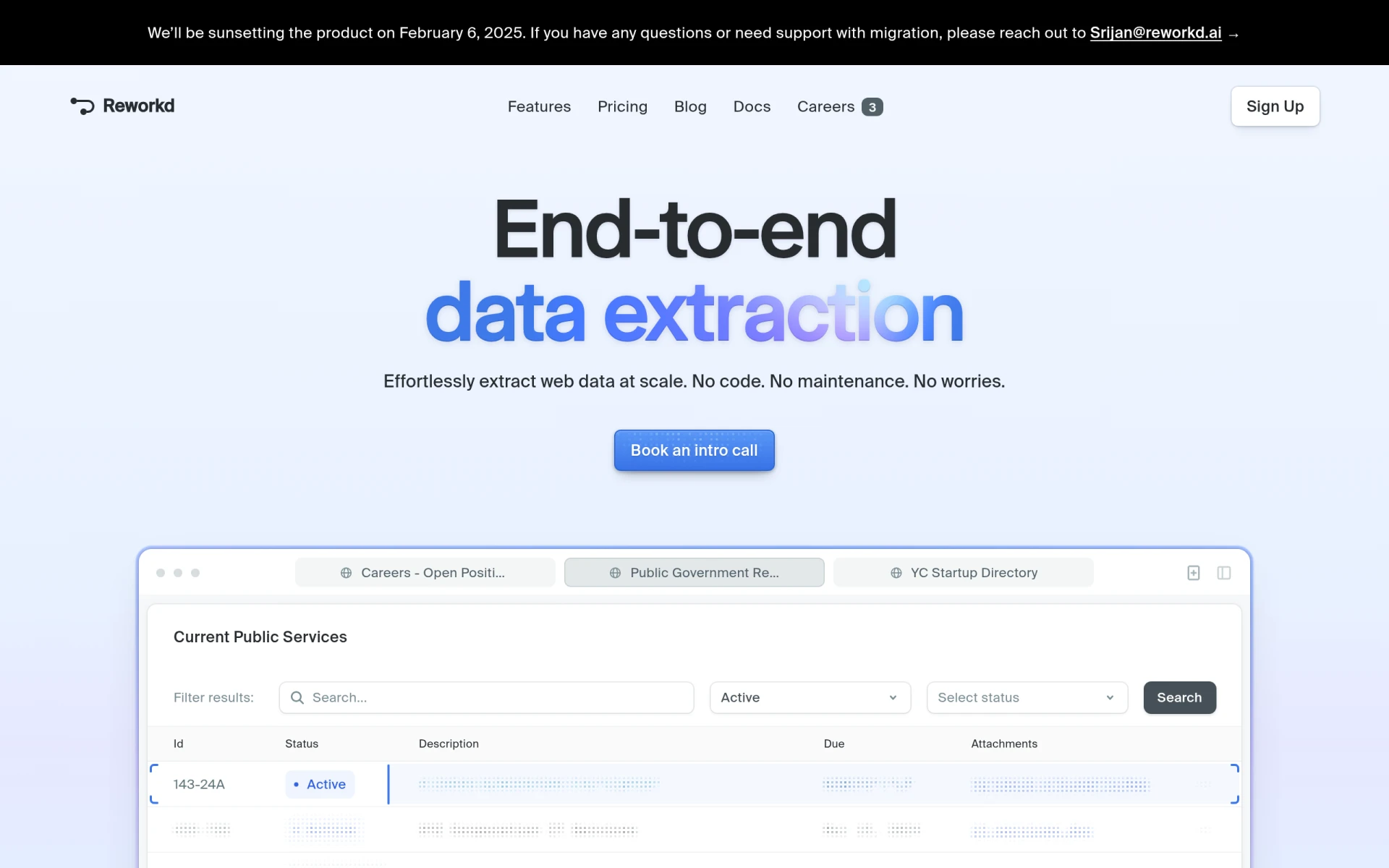 is an end-to-end web scraping tool that excels at efficient data extraction without the need for coding. This tool is particularly beneficial for users who need to gather data from various online sources for analysis or application development. Unlike Build AI, which primarily focuses on app development, Reworkd is tailored for users who require a robust solution for data collection. Whether you're a market researcher or a data analyst, Reworkd provides the flexibility and efficiency needed to streamline your data-gathering processes.
The platform's user-friendly interface allows users to set up web scraping projects quickly, making it a great choice for teams that need to gather large amounts of data without extensive technical expertise. Reworkd also offers powerful features like automated data extraction, data transformation, and integration with various databases, enhancing its utility for users who need comprehensive data solutions. This makes it a superior alternative for users whose primary focus is on data rather than application development.
- Key Strength: Specialized in data extraction with no coding required.
- Key Strength: Offers automated data gathering features for efficient workflows.
- Key Strength: Seamless integration with various databases for data management.
- Limitation: Not designed for general app development; focus is solely on web scraping.
Pricing: Freemium with a Pro plan for $99 per month. Best for: Market researchers and data analysts needing effective web scraping tools.
Lovable - Best for Rapid Digital Product Creation
Lovable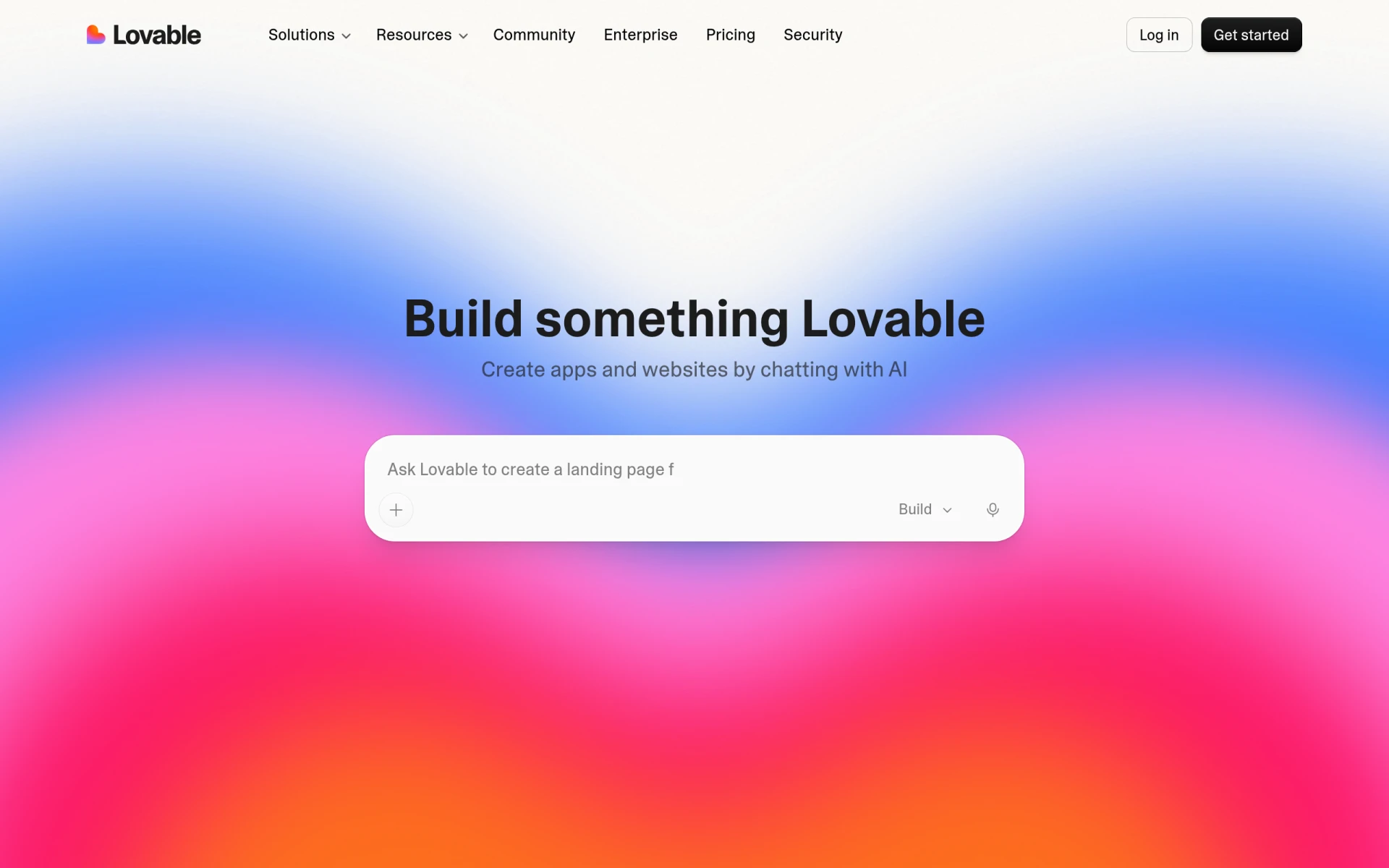 is an AI-powered app and website builder that enables users to create digital products quickly without any coding skills. This tool is ideal for individuals or teams looking to bring their ideas to life in a short time frame. Unlike Build AI, which may require some familiarity with app development concepts, Lovable’s straightforward interface allows users to start building immediately, making it accessible for everyone from entrepreneurs to educators. Its AI-driven functionalities further streamline the development process, allowing for rapid iterations and adjustments based on user feedback.
One of Lovable's standout features is its adaptability for various project types, whether you are developing a simple app or a more complex website. The platform provides a wide range of templates and design options that cater to different industries and use cases, enabling users to customize their products effectively. This level of flexibility, combined with its ease of use, makes Lovable an attractive alternative for those who want to create engaging digital experiences without delving into code.
- Key Strength: AI-powered features that enhance the building process.
- Key Strength: A vast selection of templates tailored to various industries.
- Key Strength: User-friendly interface that requires no coding skills.
- Limitation: Some advanced features may be limited in the free tier.
Pricing: Freemium with options to upgrade based on team needs. Best for: Entrepreneurs and small teams looking for rapid digital product development.
Replit - Best for Collaborative Development
Replit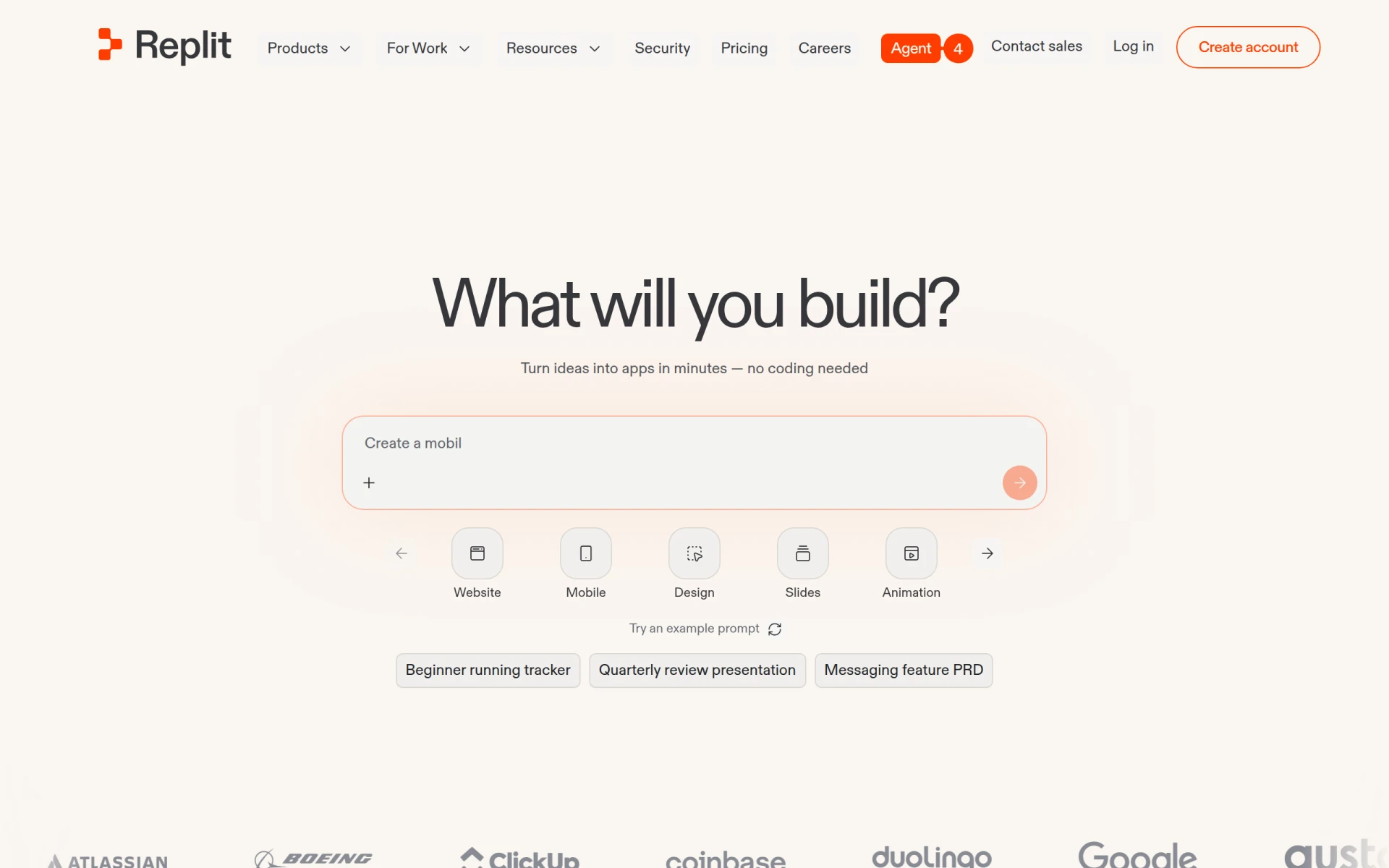 is a collaborative platform that allows users to build and deploy applications and websites quickly, leveraging AI without requiring coding skills. This platform stands out for its real-time collaborative features, enabling multiple users to work on a project simultaneously, which is particularly useful for educational environments or team projects. In contrast to Build AI, which is more focused on individual users creating applications, Replit fosters a community-driven approach that encourages collaboration and shared learning.
Another strength of Replit is its versatility. Users can create everything from simple scripts to complex applications using a wide variety of programming languages. This flexibility allows developers to experiment with different technologies and project types, making Replit a great choice for both novice and experienced developers. Moreover, its integration with various APIs and third-party services enhances its capabilities, allowing users to build more sophisticated applications compared to what is typically achievable with Build AI.
- Key Strength: Real-time collaboration features for team projects.
- Key Strength: Supports multiple programming languages for diverse project needs.
- Key Strength: Integration with APIs and third-party services enhances application capabilities.
- Limitation: Not specifically focused on no-code solutions; may require some coding knowledge.
Pricing: Freemium with paid plans offering additional features. Best for: Teams and educators looking for collaborative development environments.
Brief - Best for Team Alignment and Productivity
Brief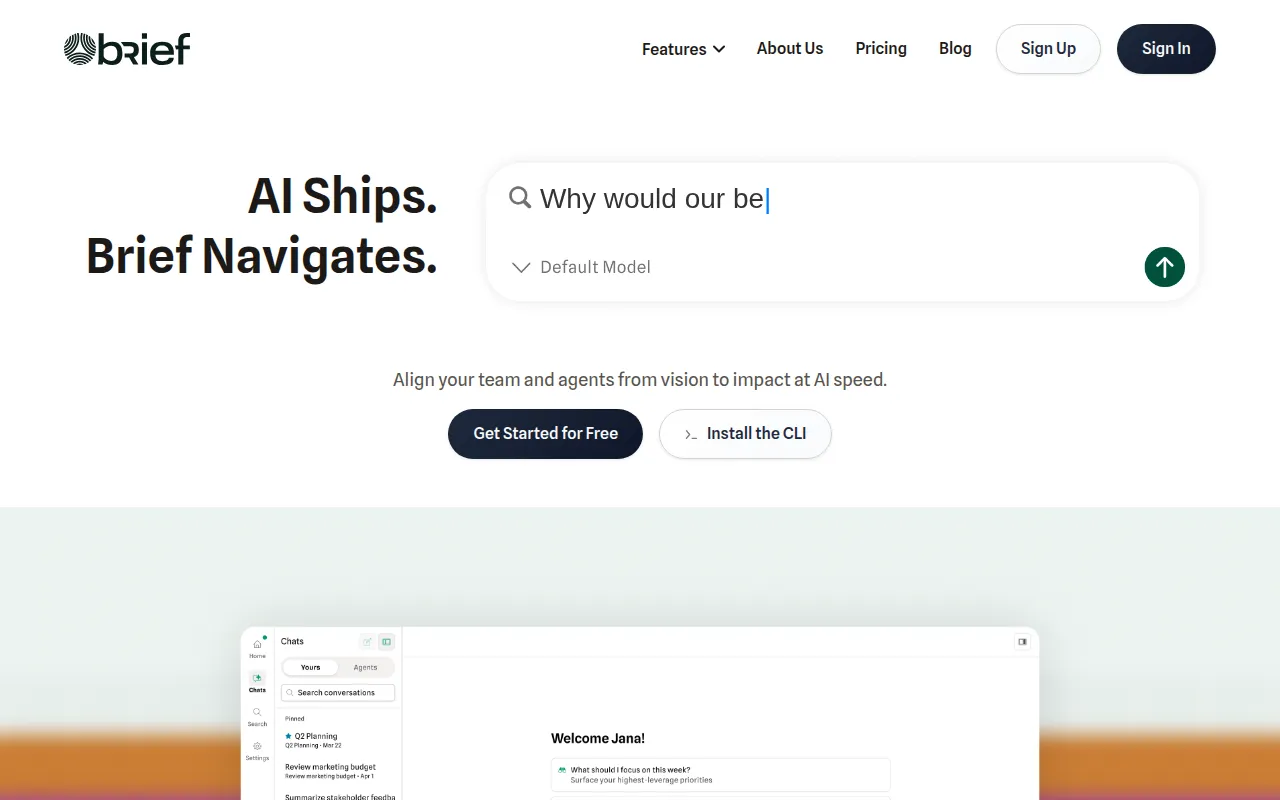 is an AI coding tool designed to enhance team alignment and productivity by streamlining the decision-making process. This tool focuses on aligning coding agents with team objectives, making it particularly useful for teams working on complex projects. Unlike Build AI, which primarily targets app development, Brief addresses the broader challenge of team collaboration and productivity in coding environments. This makes it an excellent choice for organizations that want to improve workflow efficiency and team communication.
One of the standout features of Brief is its ability to integrate with various project management tools, allowing teams to maintain visibility over their tasks and responsibilities. This integration ensures that everyone is on the same page, reducing the risk of miscommunication and project delays. Additionally, Brief’s AI-driven insights can help teams identify bottlenecks and optimize their workflows, which is a significant advantage over Build AI’s more singular focus on application creation.
- Key Strength: Enhances team alignment and communication.
- Key Strength: Integrates with project management tools for better task visibility.
- Key Strength: AI-driven insights for optimizing team workflows.
- Limitation: Primarily focuses on team productivity rather than app development.
Pricing: Freemium with a Pro plan at $49 per seat per month when billed annually. Best for: Teams aiming to enhance productivity and collaboration.
Momentic - Best for Simplifying Test Processes
Momentic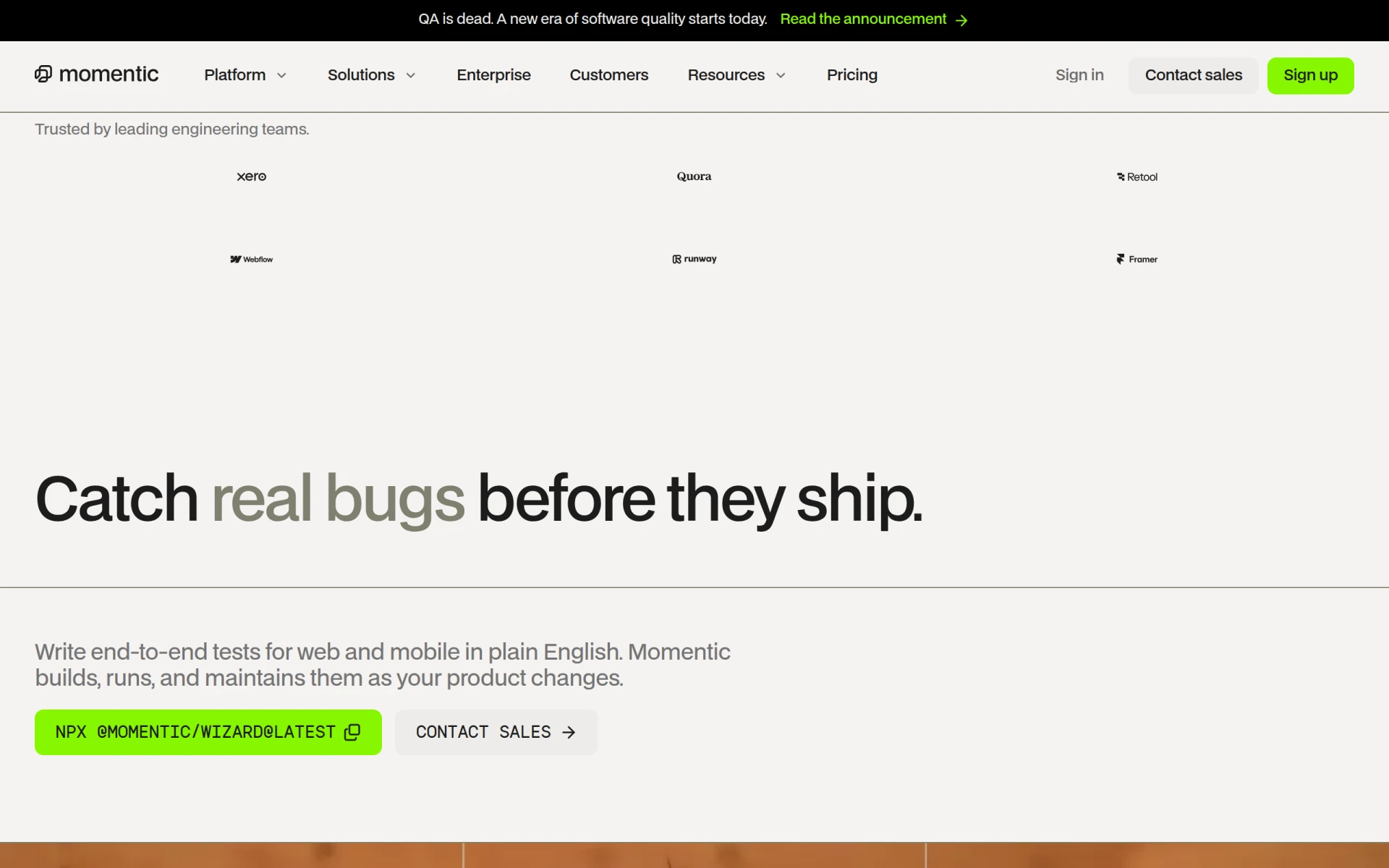 is an AI-driven end-to-end testing tool for web and mobile applications, simplifying the testing process by allowing users to write tests in plain English. This approach makes it easier for teams to create, execute, and debug tests without needing extensive technical knowledge. Unlike Build AI, which centers on application development, Momentic focuses on the critical but often overlooked area of application testing. This makes it an essential tool for developers and quality assurance teams looking to enhance their testing efficiency.
One of Momentic's key advantages is its ability to automate the testing process significantly, which can save considerable time and effort compared to manual testing methods. Additionally, the platform provides real-time feedback on test results, enabling teams to identify and address issues promptly. This level of automation and ease of use makes Momentic a valuable alternative for teams that prioritize quality assurance and need a reliable testing solution that integrates seamlessly into their development workflows.
- Key Strength: Allows test writing in plain English, making it user-friendly.
- Key Strength: Automates the testing process to save time and resources.
- Key Strength: Provides real-time feedback on test results for quick issue resolution.
- Limitation: May lack advanced testing features for highly complex applications.
Pricing: Freemium with a pay-as-you-go model starting at $125 per month. Best for: Development teams focused on quality assurance and testing efficiency.
Windsurf - Best for Coding Environment Management
Windsurf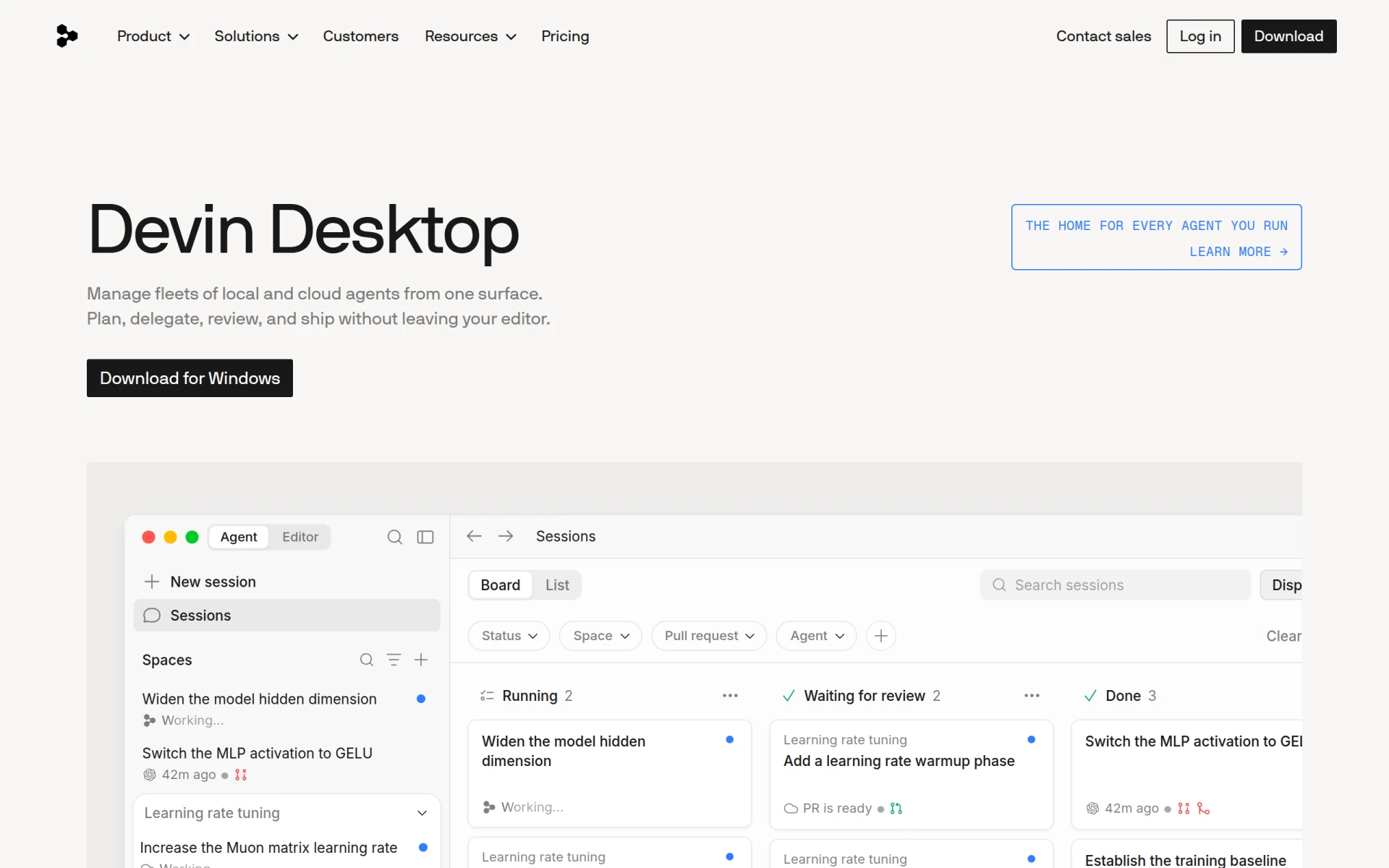 acts as an AI coding assistant that helps developers manage local and cloud agents seamlessly within their coding environment. This tool is particularly beneficial for developers who work across multiple environments or who need to coordinate between local and cloud resources. Compared to Build AI, which is more focused on general app development, Windsurf provides specialized support for managing coding environments, making it an excellent choice for teams that require a more integrated approach to their development processes.
One of the most significant advantages of Windsurf is its ability to streamline the management of local and cloud resources, reducing friction in the development process. The platform's AI-driven insights can help developers optimize their workflows and manage resources more effectively. This focus on coding environment management is a unique strength that sets Windsurf apart from Build AI, making it a compelling alternative for developers seeking to enhance their productivity and efficiency within their coding environments.
- Key Strength: Streamlines management of local and cloud coding resources.
- Key Strength: AI-driven insights for optimizing development workflows.
- Key Strength: Enhances productivity for developers working across multiple environments.
- Limitation: Primarily focused on coding environment management, not app development.
Pricing: Freemium with paid plans for enhanced features. Best for: Developers seeking efficient management of coding environments.
Retool - Best for Internal Tool Building
Retool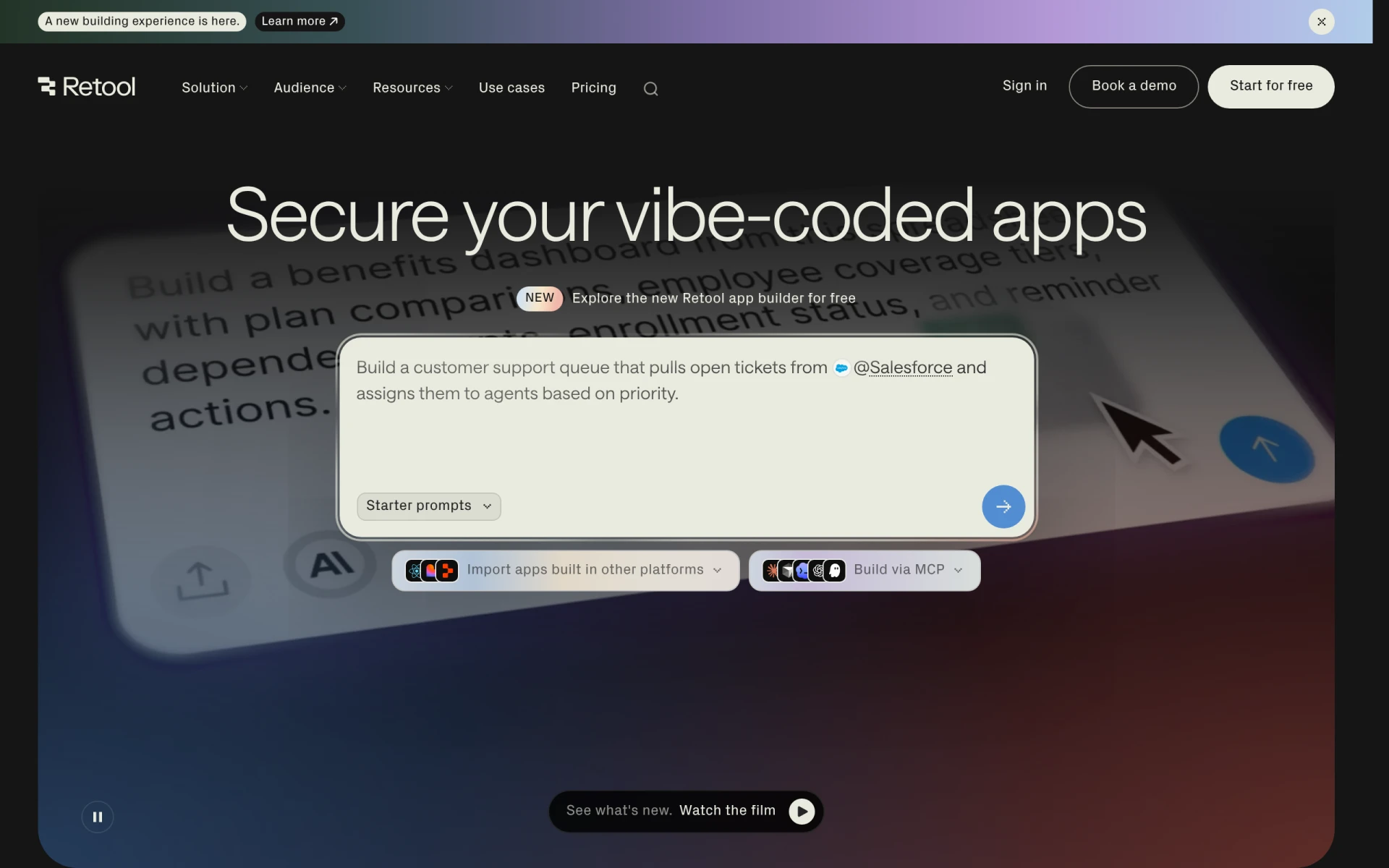 is a powerful platform that enables users to build, deploy, and manage internal tools using a unified engine that connects to various databases and APIs. This makes it an excellent alternative for businesses looking to create custom internal applications without starting from scratch. Unlike Build AI, which is more generalized, Retool focuses on internal tools, making it particularly appealing for organizations that need to streamline their operations and improve efficiency.
One of Retool’s standout features is its ability to connect to multiple data sources and APIs, allowing users to create applications that leverage existing data seamlessly. This capability is particularly valuable for teams that need to consolidate information from various systems into a single interface. Additionally, Retool's drag-and-drop interface allows users to build applications quickly without extensive coding knowledge, making it accessible for teams with varying technical abilities. This combination of flexibility and ease of use makes Retool a compelling choice for organizations focused on internal tool development.
- Key Strength: Connects to multiple databases and APIs for comprehensive internal tools.
- Key Strength: Drag-and-drop interface for quick application building.
- Key Strength: Focused on improving internal business operations and efficiency.
- Limitation: Primarily designed for internal tools; not suited for customer-facing applications.
Pricing: Freemium with paid plans for teams and enterprises. Best for: Businesses seeking efficient internal tool solutions.
AppDeploy - Best for No-Setup App Creation
AppDeploy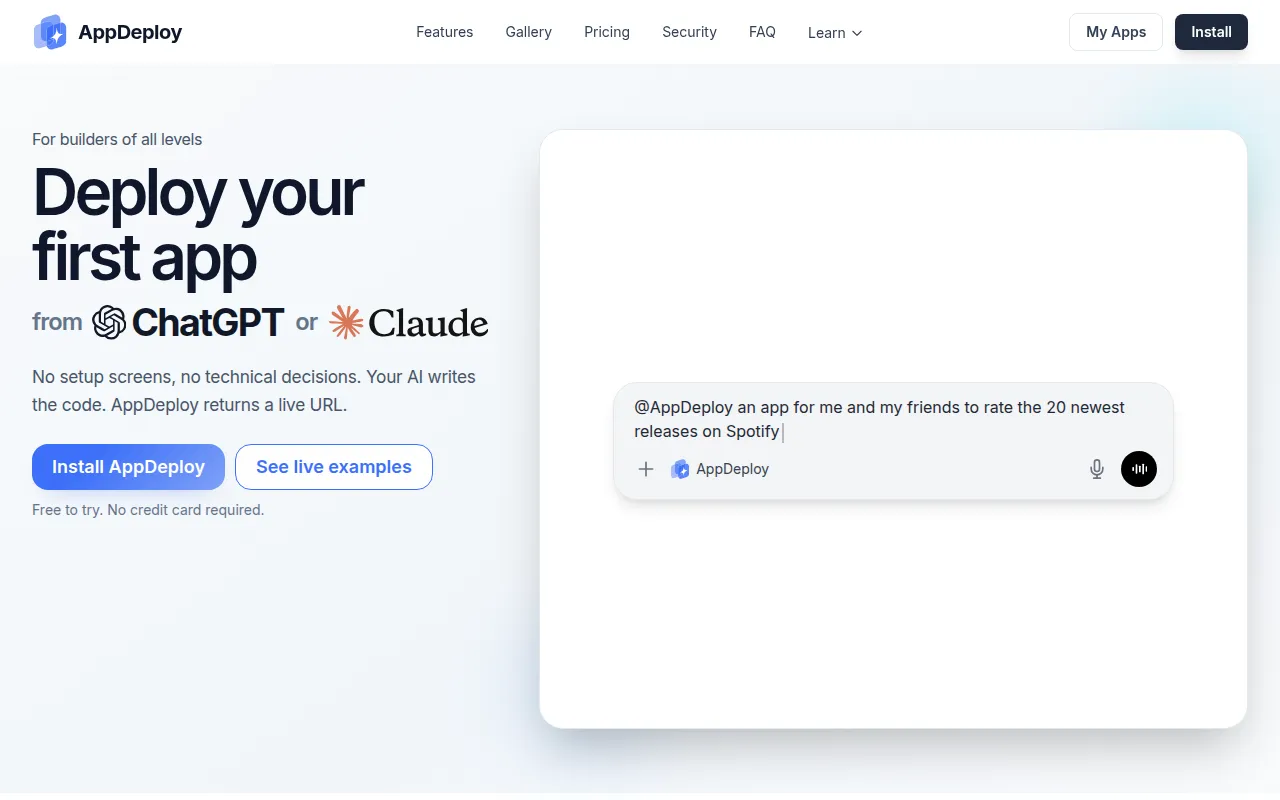 allows users to create and deploy applications directly from ChatGPT or Claude without any technical setup required. This makes it an ideal choice for those who want to leverage AI capabilities in app development without the need for coding skills. Compared to Build AI, which requires users to engage with a more structured development process, AppDeploy provides a more straightforward, conversational approach to app creation. This user-centric design is particularly appealing for entrepreneurs and small business owners looking to quickly launch applications based on AI-generated ideas.
The platform's ease of use is a significant advantage, as it allows users to bypass traditional development hurdles. By integrating with AI chat interfaces, users can dictate their requirements and receive functional applications almost instantly. This innovative approach to app development makes AppDeploy a go-to choice for individuals or teams looking for rapid deployment of ideas without the complexities often associated with traditional development platforms like Build AI.
- Key Strength: Conversational interface for effortless app creation.
- Key Strength: No technical setup required, making it highly accessible.
- Key Strength: Rapid deployment of ideas based on AI-generated suggestions.
- Limitation: Limited customization options compared to more traditional development platforms.
Pricing: Freemium with options for business access based on usage limits. Best for: Entrepreneurs and non-technical users seeking quick app creation.
Playcode - Best for Rapid Prototyping
Playcode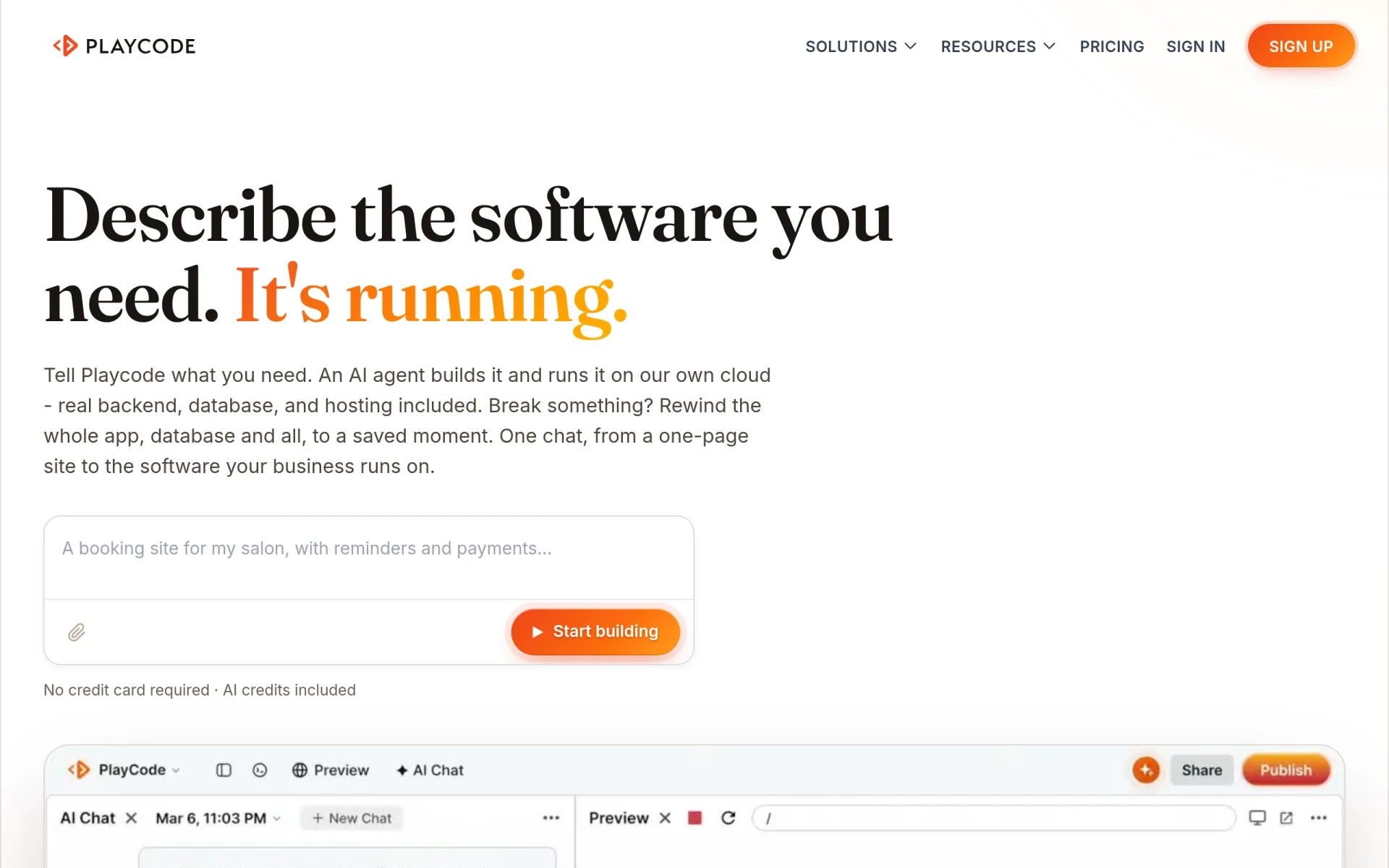 is an AI app builder that enables developers to create and prototype applications quickly and efficiently. This tool is particularly beneficial for developers who are looking to test ideas and iterate rapidly. Unlike Build AI, which is targeted more towards complete application development, Playcode focuses on the prototyping phase, making it a valuable asset for developers who want to visualize their concepts before committing to full-scale development.
One of Playcode's key advantages is its intuitive interface, which allows developers to create prototypes with minimal friction. This is particularly useful for teams that need to validate ideas quickly or present concepts to stakeholders. Additionally, Playcode provides access to a wide array of pre-built components, which can significantly speed up the prototyping process. This focus on rapid development and iteration makes Playcode an excellent alternative for developers seeking to streamline their workflow during the early stages of app development.
- Key Strength: Focuses on rapid prototyping, allowing for quick idea validation.
- Key Strength: Intuitive interface that minimizes development friction.
- Key Strength: Access to pre-built components for faster development.
- Limitation: Primarily designed for prototyping; may not be suitable for full application development.
Pricing: Freemium; specific pricing details are not available. Best for: Developers looking to quickly prototype and test ideas.
Jam - Best for Simplifying Bug Reporting
Jam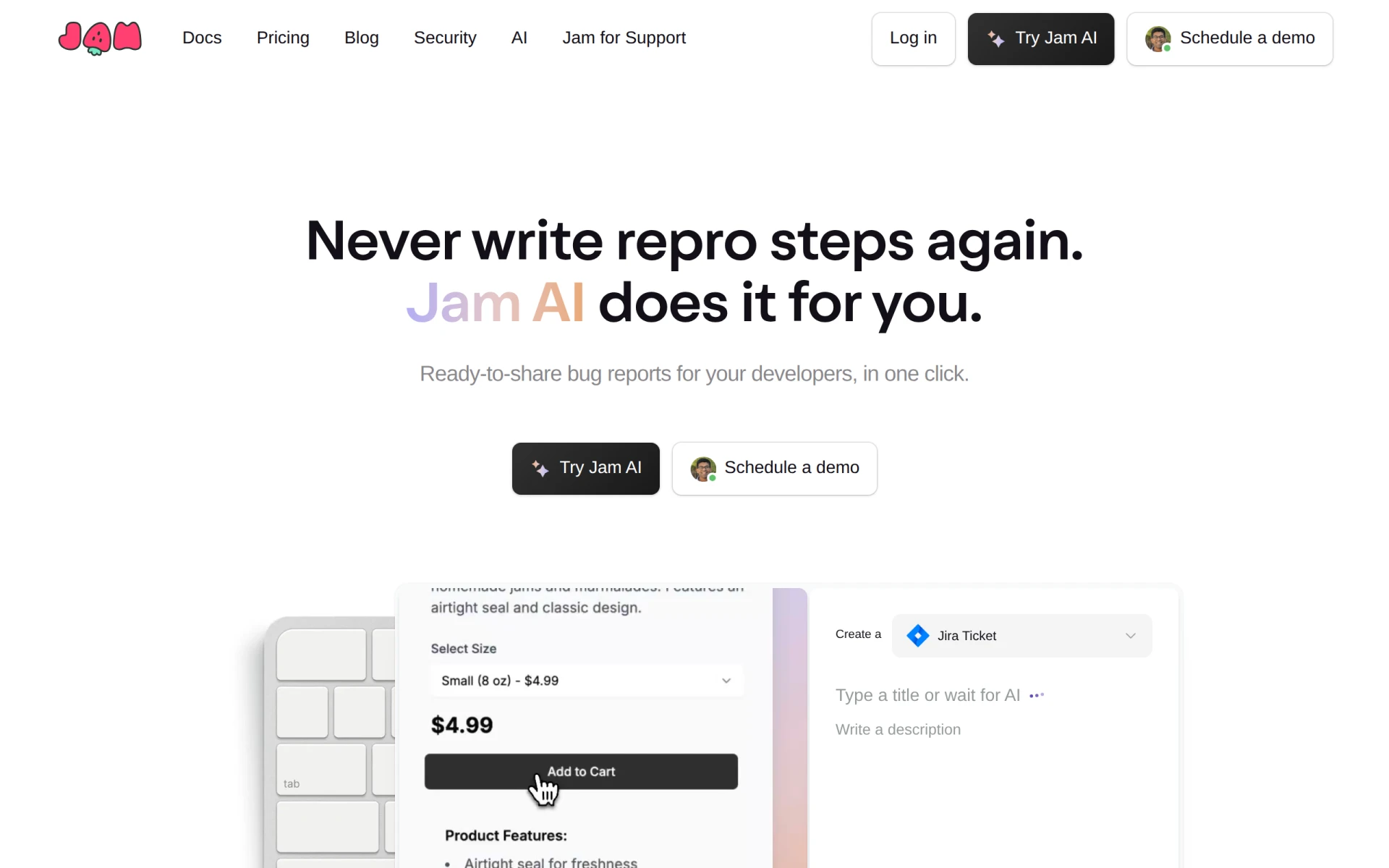 is a tool designed to simplify the bug reporting process by automatically generating ready-to-share reports for developers. This innovative approach addresses a common pain point in software development, where bug reporting can often become a tedious and time-consuming task. Unlike Build AI, which is focused on app development, Jam provides a specialized solution for improving the efficiency of development teams by streamlining the bug reporting process. This makes it particularly valuable for teams looking to enhance their workflow and reduce the time spent on bug tracking.
The automated reporting feature allows users to generate comprehensive bug reports with minimal effort, ensuring that developers have all the necessary information to address issues quickly. Additionally, Jam's interface is designed to be user-friendly, making it accessible for both technical and non-technical team members. This focus on simplifying bug reporting can lead to improved overall productivity and faster resolution of issues, making Jam a worthy alternative for teams that prioritize efficient development processes.
- Key Strength: Automates bug reporting to save time and effort.
- Key Strength: User-friendly interface accessible for all team members.
- Key Strength: Enhances overall productivity by simplifying the bug tracking process.
- Limitation: Pricing information is currently not available, which may be a concern for budget-conscious teams.
Pricing: Currently not available. Best for: Development teams looking to streamline bug reporting processes.
Xano - Best for No-Code Backend Development
Xano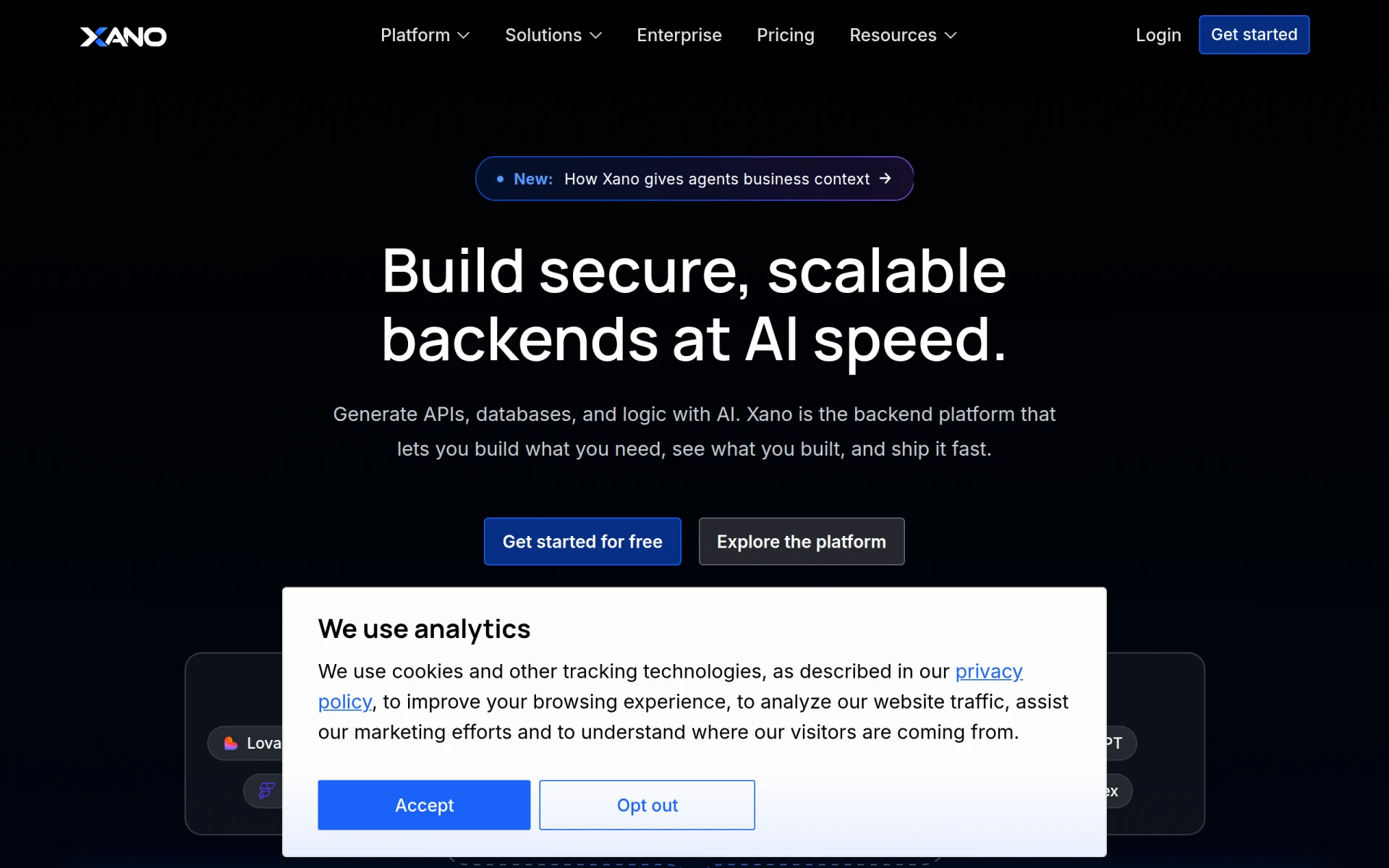 is a no-code backend development platform that allows users to build scalable applications without writing code. This tool is particularly beneficial for users who need to create robust backend systems to support their applications. Unlike Build AI, which focuses on front-end application development, Xano provides users with the ability to build and manage the backend infrastructure necessary for their applications. This makes it an excellent choice for developers and businesses looking to create complex applications without the need for extensive coding knowledge.
One of Xano's standout features is its ability to integrate with various front-end tools and APIs, allowing users to create a seamless connection between their backend and frontend systems. This flexibility is critical for developers who want to ensure their applications operate smoothly and efficiently. Additionally, Xano's no-code approach makes it accessible for users who may not have a technical background but still want to build powerful applications. This combination of ease of use and comprehensive backend capabilities makes Xano a strong alternative to Build AI for users focused on backend development.
- Key Strength: No-code backend development capabilities for scalable applications.
- Key Strength: Integrates with various front-end tools and APIs for seamless functionality.
- Key Strength: Accessible to non-technical users looking to build robust applications.
- Limitation: Focused primarily on backend development; users may still need a front-end solution.
Pricing: Freemium with various pricing plans, including a free tier for development and testing. Best for: Users focused on no-code backend development.
Codev - Best for Transforming Text Descriptions into Apps
Codev is an AI app builder that specializes in transforming text descriptions into production-ready web applications swiftly and efficiently. This unique capability makes Codev an attractive alternative for users who may not have extensive coding skills but possess clear ideas for applications. Unlike Build AI, which focuses on streamlined app development, Codev allows users to leverage their ideas directly by converting written descriptions into functional applications. This can significantly expedite the development process for users looking to bring their visions to life quickly.
The platform's AI-driven approach ensures that the resulting applications are not only functional but also aligned with the user's original vision. Additionally, Codev's easy-to-use interface allows for quick adjustments and iterations, enabling users to refine their applications based on user feedback. This focus on converting text to app functionality sets Codev apart from Build AI and makes it an excellent choice for entrepreneurs and small business owners who want to minimize the technical barriers to app development.
- Key Strength: Transforms text descriptions into production-ready applications.
- Key Strength: AI-driven process ensures alignment with user vision and requirements.
- Key Strength: User-friendly interface allows for quick adjustments and iterations.
- Limitation: Pricing details are limited, which may raise concerns for budget-conscious users.
Pricing: Freemium with a Plus plan at $19 per month and custom enterprise pricing options. Best for: Users seeking to quickly convert ideas into functional applications.
TestSprite - Best for Automated Software Testing
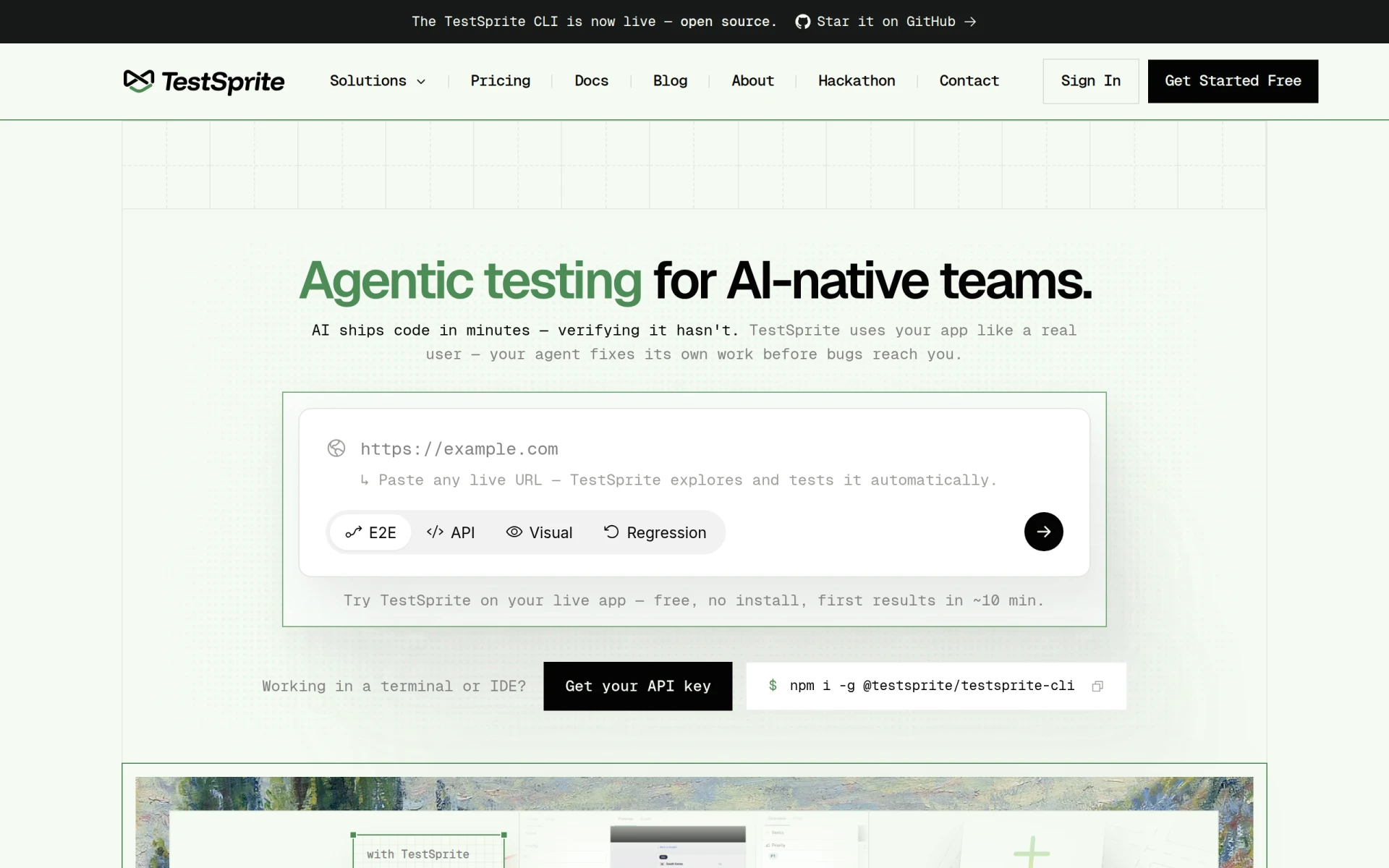
TestSprite is an AI-driven software testing platform that automates the creation, execution, and debugging of tests. This tool is particularly beneficial for development teams looking to enhance their testing efficiency and reduce the time spent on manual testing processes. Unlike Build AI, which focuses on application creation, TestSprite streamlines the testing phase, making it an essential tool for teams that prioritize quality assurance and want to ensure their applications are thoroughly tested before deployment.
One of TestSprite's standout features is its automation capabilities, which allow teams to create tests quickly and execute them with minimal effort. This not only saves time but also reduces the likelihood of human error in the testing process. Additionally, the platform provides comprehensive reporting features, enabling teams to identify issues and track test results effectively. This focus on automating the testing workflow makes TestSprite a compelling alternative for teams looking to improve their quality assurance processes compared to Build AI.
- Key Strength: Automates test creation and execution to enhance efficiency.
- Key Strength: Comprehensive reporting features for effective issue tracking.
- Key Strength: Reduces manual testing efforts, allowing teams to focus on development.
- Limitation: Pricing starts at $19 per month after the initial month, which may be a concern for budget-conscious teams.
Pricing: Freemium with paid plans starting at $19 per month after the initial month. Best for: Development teams focused on automated testing solutions.
Feature Comparison Table
| Tool | Best For | Starting Price | Free Plan | Standout Feature |
|---|
| Build AI | No-code app development | Free | Yes | Streamlined app creation |
| Whacka | Natural language app building | Free | Yes | Plain language interface |
| build0 | Secure internal applications | $35/mo | Yes | Focus on security |
| Reworkd | Data extraction needs | $99/mo | Yes | End-to-end web scraping |
| Lovable | Rapid digital product creation | Free | Yes | AI-powered app building |
| Replit | Collaborative development | Free | Yes | Real-time collaboration |
| Brief | Team alignment and productivity | $49/mo | Yes | Enhanced team communication |
| Momentic | Simplifying test processes | $125/mo | Yes | Plain English test writing |
| Windsurf | Coding environment management | Free | Yes | Local and cloud agent management |
| Retool | Internal tool building | Free | Yes | Connects multiple data sources |
| AppDeploy | No-setup app creation | Free | Yes | Conversational app development |
| Playcode | Rapid prototyping | Free | Yes | Quick prototyping capabilities |
| Jam | Simplifying bug reporting | N/A | No | Automated report generation |
| Xano | No-code backend development | Free | Yes | Scalable backend solutions |
| Codev | Transforming text descriptions into apps | $19/mo | Yes | AI-driven app creation |
| TestSprite | Automated software testing | $19/mo | Yes | Test automation |
How to Choose the Right Alternative to Build AI
Choosing the right alternative to Build AI largely depends on your specific needs and the unique features that each tool offers. If you are a non-technical user or a business owner looking to create applications quickly, Whacka or Lovable may be your best options due to their user-friendly interfaces and natural language capabilities. For teams focused on internal tool development, build0 or Retool would provide the necessary features for creating secure applications.
If your focus is on data extraction, Reworkd is specifically designed for that purpose and would serve you well. On the other hand, if you are an educator or developer looking for a collaborative environment, Replit would be suitable due to its real-time collaboration features. Meanwhile, if your primary concern is quality assurance, Momentic or TestSprite would offer robust testing solutions. Ultimately, assess your project requirements, team capabilities, and budget constraints to make an informed decision.
Final Verdict
In conclusion, while Build AI offers a solid platform for no-code app development, various alternatives cater to specific needs and use cases. For rapid prototyping, Playcode is an excellent choice, while Xano stands out for backend development. If your focus is on quality assurance, consider Momentic or TestSprite. Analyze your requirements carefully to choose the alternative that best aligns with your project goals and team capabilities.