Why Look for Alternatives to insMind?
While insMind is an AI-powered platform that simplifies visual content creation through image and video generation, it has several limitations that may prompt users to seek alternatives. One of the primary concerns is the lack of transparent pricing information, which can be frustrating for users trying to budget for their design tools. Additionally, insMind sometimes fails to deliver the depth of customization that many creators desire, leading to a one-size-fits-all approach that does not cater to individual artistic styles. Users have reported that while insMind can generate content, the editing capabilities are limited, making it less versatile for projects that require more nuanced changes.
Moreover, insMind may not handle specific use cases well, such as creating highly stylized graphics or integrating seamlessly with other design workflows. For example, marketers looking for tools that easily generate multimedia content across various channels might find insMind lacking in features that facilitate this process. As a result, many users are exploring alternatives that provide better pricing structures, more robust editing tools, and a wider range of creative options tailored to their unique needs.
Best Alternatives to insMind in 2026
Imagine - Best for Comprehensive Creative Needs
ImagineArt stands out as a robust alternative to insMind, particularly for creators and marketers looking for a comprehensive suite that generates not just images, but also videos and voiceovers from text prompts. This makes it an excellent choice for those who need to create diverse multimedia content without switching between multiple platforms. Compared to insMind, ImagineArt offers a more integrated experience, allowing users to manage all aspects of their visual storytelling in one place. Its user-friendly interface and powerful AI capabilities ensure that even those with minimal design skills can produce high-quality content quickly.
Moreover, ImagineArt excels in its flexibility, allowing for extensive customization of generated content. This is a significant advantage over insMind, where users often feel restricted by preset styles and formats. ImagineArt's ability to generate voiceovers adds another layer of creativity that insMind lacks, making it ideal for marketers aiming to create engaging video content. Overall, ImagineArt is a superior choice for those seeking a more versatile and comprehensive creative tool.
- Key Strength: Comprehensive multimedia content generation including voiceovers.
- Key Strength: Enhanced customization options for unique designs.
- Key Strength: User-friendly interface suitable for all skill levels.
- Limitation: Pricing information is not explicitly stated on the website.
Pricing: Freemium model available. Best for: Creators and marketers looking for an all-in-one creative suite.
Magic Studio - Best for Beginners
Magic Studio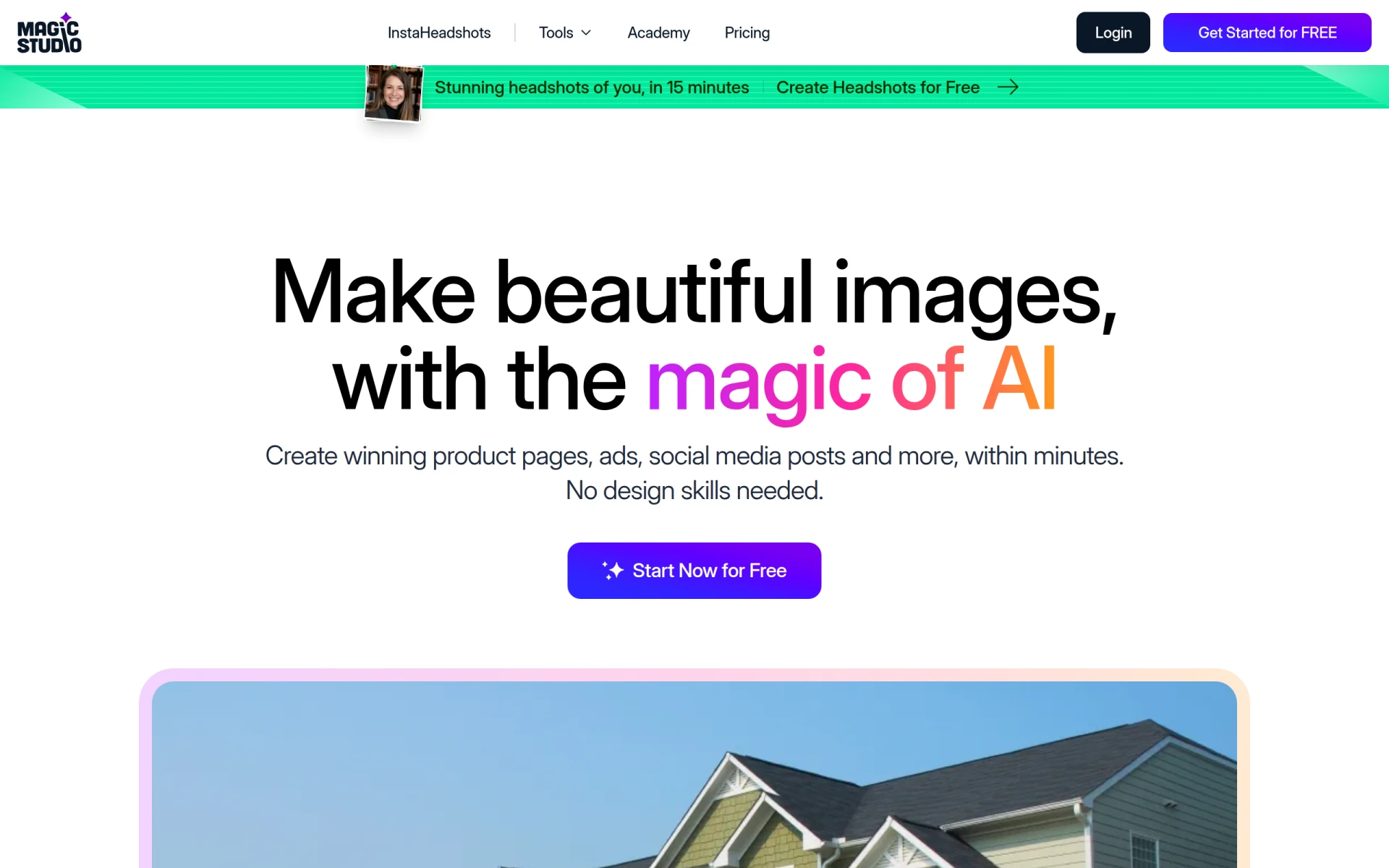 is an excellent alternative for users looking for an intuitive design tool that requires no prior design skills. This platform allows users to create stunning images effortlessly, making it particularly appealing for beginners or those who may be intimidated by more complex design software. Unlike insMind, which may have a steeper learning curve due to its multifaceted features, Magic Studio prioritizes ease of use, enabling users to focus on creativity rather than technicalities. Its AI-powered features streamline the design process, allowing users to produce high-quality results quickly.
Another key advantage of Magic Studio is its accessibility. The platform offers a freemium model that allows users to explore its basic features without commitment. This is particularly beneficial for those who want to experiment with design tools before investing in a subscription. In comparison, insMind's freemium approach lacks clarity in terms of the features available at no cost, which may deter potential users. Overall, Magic Studio is an ideal choice for beginners who want to create impressive visuals without the need for extensive design training.
- Key Strength: User-friendly interface tailored for beginners.
- Key Strength: Quick creation of high-quality images without prior design skills.
- Key Strength: Freemium model encourages exploration before commitment.
- Limitation: Advanced features may require a transition to the PRO tier.
Pricing: Freemium with a PRO tier for additional features. Best for: Beginners and casual users looking for an easy entry into design.
Picsart - Best for Versatile Creative Projects
Picsart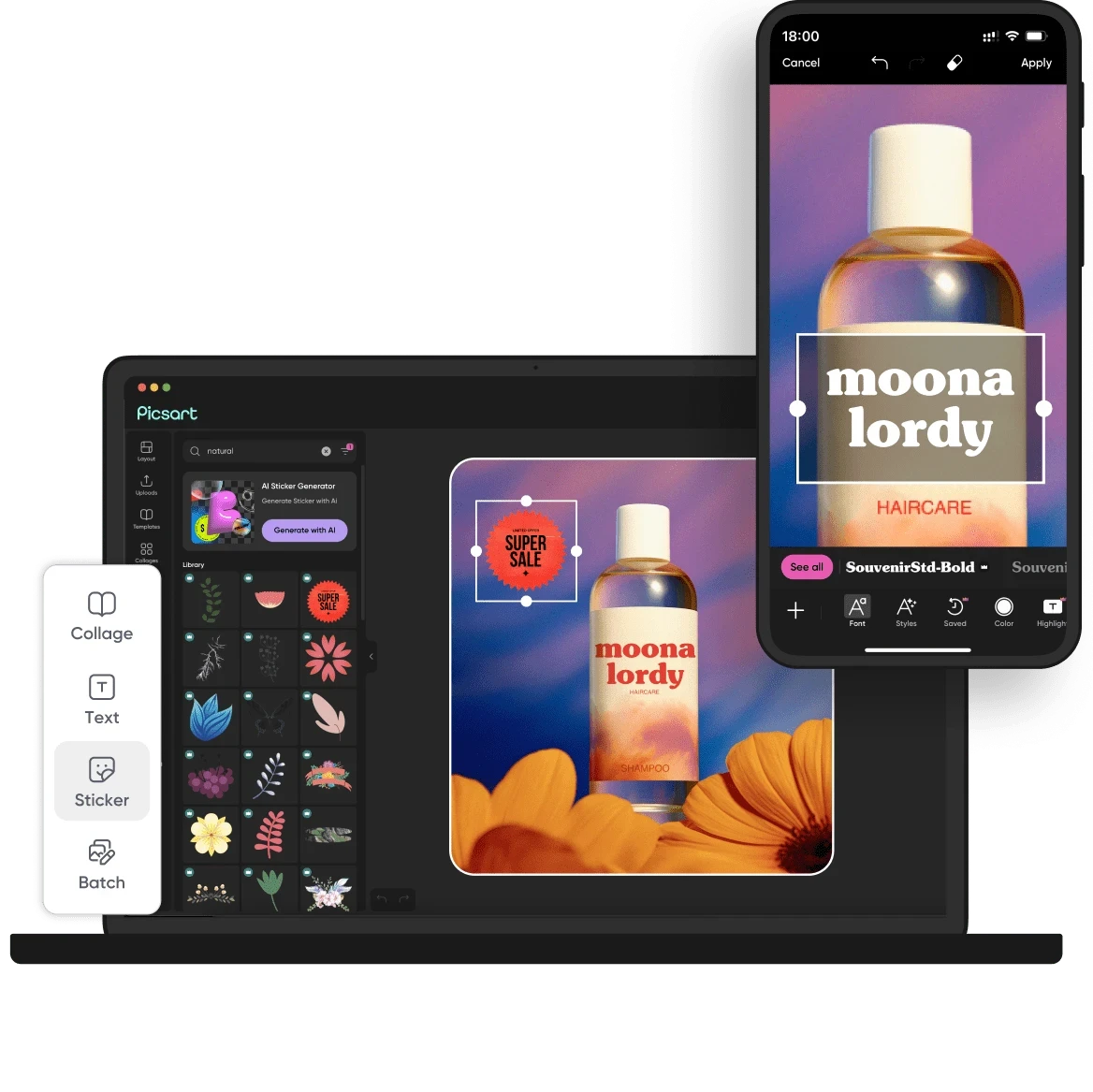 is a powerful all-in-one creative platform that offers a wide array of AI-powered design tools tailored for creating images, videos, and graphics efficiently. This versatility makes it a strong contender against insMind, especially for users who require a multifaceted tool that can handle various types of visual content. Unlike insMind, which primarily focuses on image and video generation, Picsart also includes a plethora of features such as templates, stickers, and customizable animations, enabling users to create more dynamic and engaging content.
Another significant advantage of Picsart is its robust community features, which allow users to share their creations and gain inspiration from others. This community aspect fosters collaboration and creativity, something that insMind lacks. Additionally, Picsart's streamlined editing tools make it easier to refine and enhance generated content, providing greater flexibility for users looking to achieve a specific artistic vision. In summary, Picsart is an ideal choice for those seeking a versatile platform that caters to various creative needs while also facilitating a collaborative environment.
- Key Strength: Comprehensive suite of tools for diverse creative projects.
- Key Strength: Strong community features for sharing and collaboration.
- Key Strength: Streamlined editing capabilities for refined content.
- Limitation: The extensive range of features may overwhelm new users.
Pricing: Freemium with various paid subscription plans for premium features. Best for: Users looking for a versatile platform for various visual projects.
LumiYing - Best for Audio-Visual Integration
LumiYing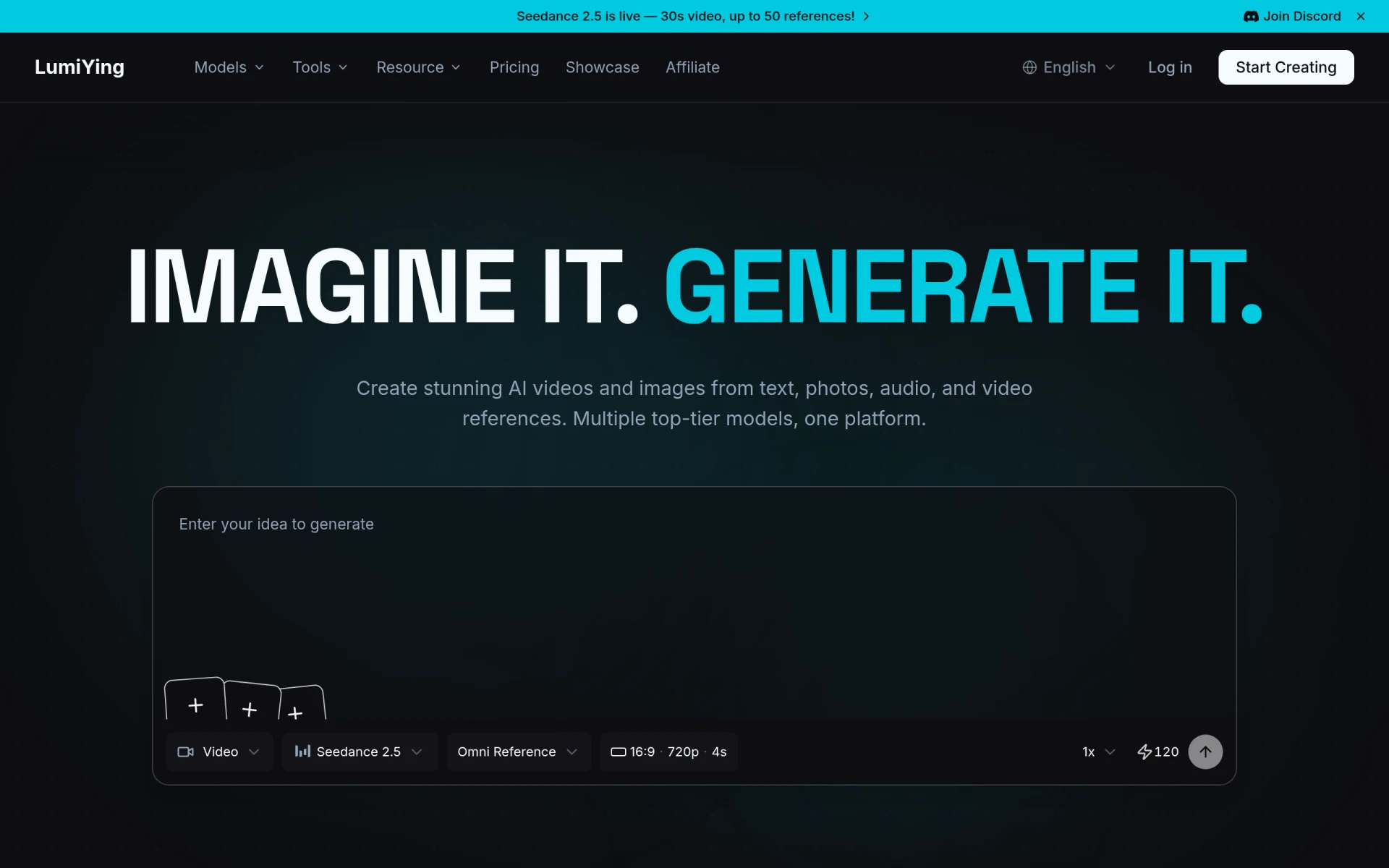 is an innovative AI-driven platform designed for generating videos and images from text, images, and audio references. This unique feature makes LumiYing an excellent alternative for users who want to create multimedia content that integrates various formats seamlessly. In contrast to insMind, which primarily focuses on visual content generation, LumiYing allows for a richer storytelling experience by incorporating audio elements into the creative process. This is particularly beneficial for marketers and content creators looking to engage their audience through multiple sensory channels.
The platform also boasts an intuitive interface that simplifies the content creation process, making it accessible for users of all skill levels. LumiYing's emphasis on combining different media types gives it an edge over insMind, particularly for projects that require a cohesive narrative across visuals and audio. Although LumiYing is still developing its full potential, its innovative approach to content creation positions it as a strong contender for those seeking to elevate their multimedia projects.
- Key Strength: Unique audio-visual integration for richer content creation.
- Key Strength: Intuitive interface that is easy to navigate.
- Key Strength: Ability to generate content from multiple input formats.
- Limitation: Pricing details are currently not available.
Pricing: Freemium model available. Best for: Users looking to create multimedia content with audio elements.
Kittl - Best for Advanced Design Features
Kittl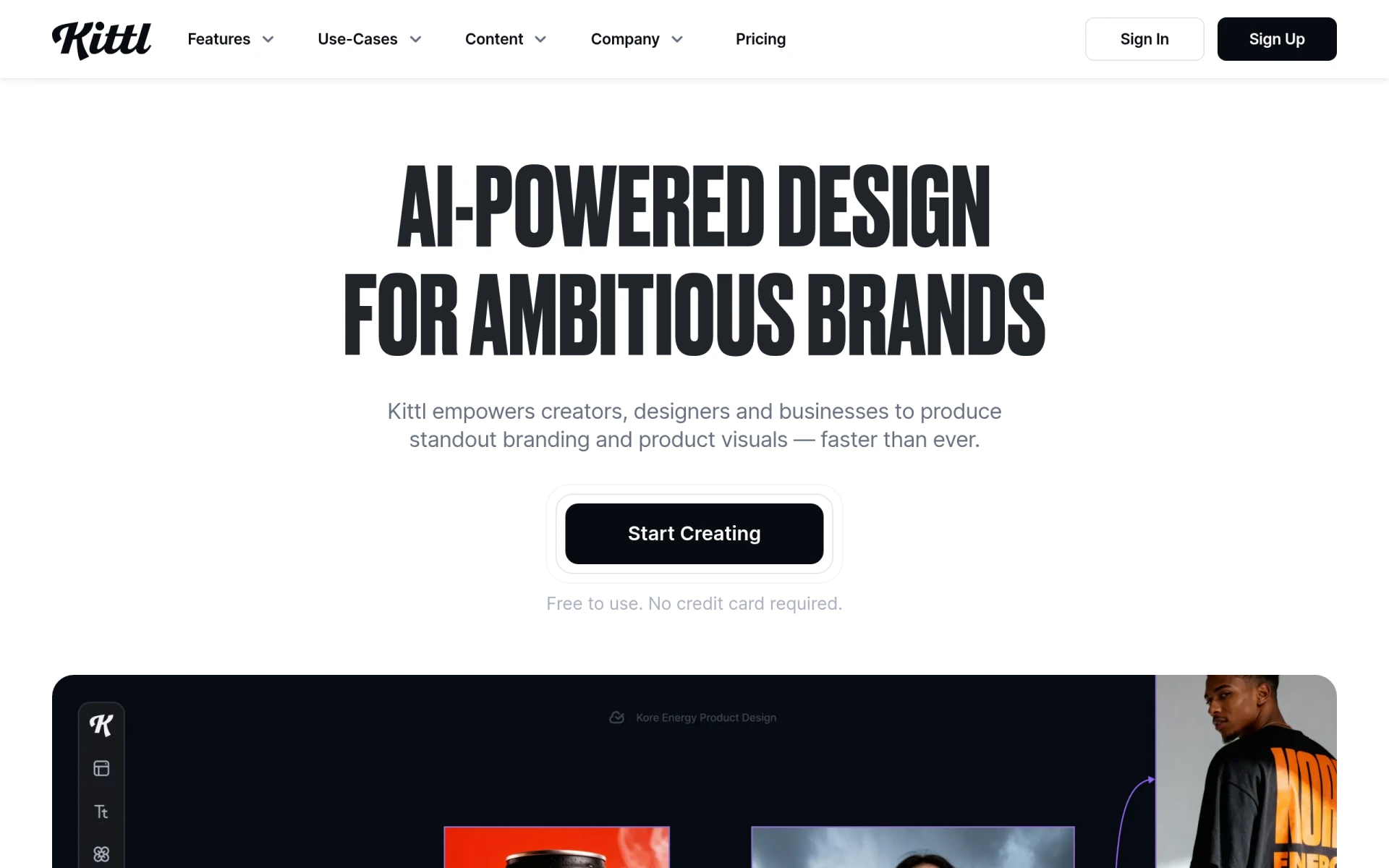 is an AI-driven design platform that empowers users to create stunning visuals with ease, utilizing advanced editing tools and curated assets. This platform is particularly effective for graphic designers and artists who seek more control over their creative processes than what insMind offers. Kittl's extensive library of design elements, combined with its powerful AI features, allows users to craft unique visuals tailored to their specific needs. This makes Kittl an ideal choice for professionals who require a higher level of customization and creativity in their projects.
Additionally, Kittl offers a seamless editing experience that surpasses the capabilities of insMind. Users can easily manipulate elements within their designs, allowing for intricate adjustments that can significantly enhance the overall quality of the output. The focus on advanced design features sets Kittl apart, making it suitable for users who are not only looking for a content generation tool but also a comprehensive platform for professional-grade design work. Overall, Kittl is a strong alternative for those seeking an intuitive yet powerful design tool.
- Key Strength: Extensive library of design elements for greater customization.
- Key Strength: Advanced editing tools for professional-grade designs.
- Key Strength: User-friendly interface that caters to various skill levels.
- Limitation: Limited free features may lead to a quick transition to paid options.
Pricing: Freemium model with additional paid features available. Best for: Graphic designers seeking advanced design capabilities.
Vance Video AI - Best for Video Enhancement
Vance Video AI is a robust tool designed specifically for enhancing, generating, and editing images and videos efficiently. This makes it a compelling alternative to insMind, especially for users focused on video content creation. Unlike insMind, which primarily targets general visual content, Vance Video AI offers specialized features that cater to the unique needs of video editors and creators. The platform's AI-enhanced capabilities allow for quick adjustments and enhancements, making the editing process much more efficient.
The user-friendly interface of Vance Video AI ensures that even those with little experience in video editing can produce impressive results. The platform's emphasis on video quality and enhancement sets it apart from insMind, which may not provide the same level of detail in video creation. For users who prioritize video projects and require a tool that can handle both the generation and the editing of content effectively, Vance Video AI emerges as a top choice.
- Key Strength: Specialized focus on video enhancement and editing.
- Key Strength: AI capabilities that streamline the editing process.
- Key Strength: User-friendly interface suitable for all experience levels.
- Limitation: Pricing details are not explicitly stated on the website.
Pricing: Freemium model available. Best for: Users focused on video content creation and enhancement.
Scenario - Best for 3D Asset Management
Scenario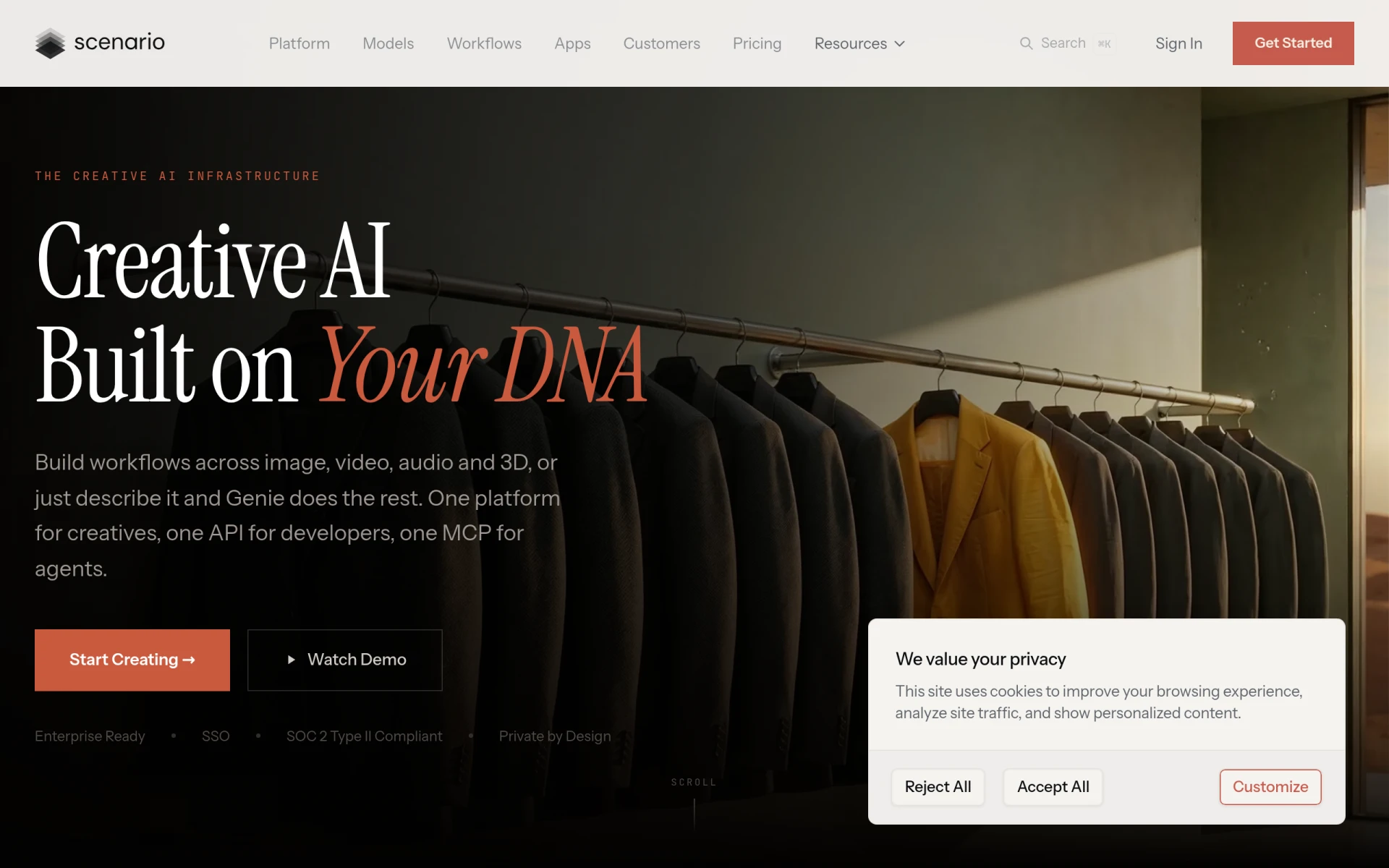 is a creative AI platform that excels in generating and managing 3D assets and workflows tailored to individual artistic styles. This makes it a standout alternative to insMind for users who require more advanced capabilities in 3D design. While insMind focuses on 2D image and video generation, Scenario allows creators to work in 3D, enabling a broader scope for innovation and creativity. The platform is particularly beneficial for game developers, animators, and designers looking to create immersive experiences.
Additionally, Scenario's structured approach to asset management streamlines the workflow, making it easier for users to maintain organization within their projects. This is a significant advantage over insMind, where users may find it challenging to manage multiple design elements effectively. With a subscription model starting at $15 for the Starter plan, Scenario offers a cost-effective solution for those looking to leverage AI technology in 3D design. Overall, Scenario is an ideal choice for users focused on creating and managing 3D assets.
- Key Strength: Specialized tools for generating and managing 3D assets.
- Key Strength: Streamlined workflows for efficient project management.
- Key Strength: Tailored to individual artistic styles for personalized design.
- Limitation: May not cater to users focused solely on 2D design.
Pricing: Monthly subscriptions starting at $15 for the Starter plan. Best for: Game developers and animators focused on 3D design.
Palette.fm - Best for Quick Image Colorization
Palette.fm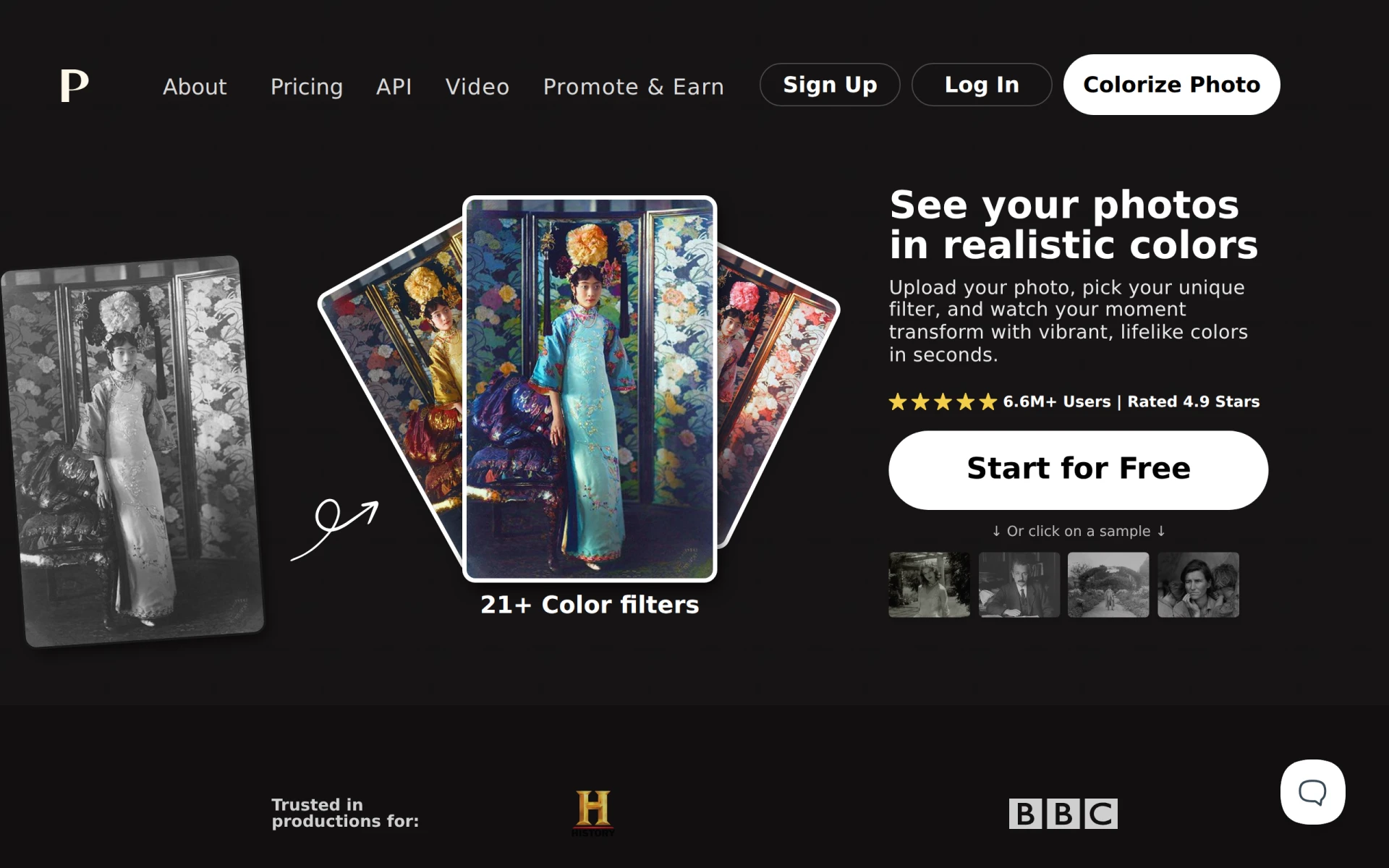 is an innovative online AI tool that specializes in colorizing black-and-white images quickly and accurately. This niche focus makes it a strong alternative to insMind for users looking to enhance historical photos or monochromatic designs. Unlike insMind, which offers a broader range of content generation, Palette.fm hones in on a specific task, providing exceptional results for users seeking to add color to their images. This specialization can be particularly useful for artists, historians, and educators who work with archival material.
The platform's fast processing time and ease of use make it accessible for users of all skill levels, from casual users to professionals. Palette.fm's ability to deliver accurate colorization without requiring sign-up adds to its appeal, offering a frictionless experience compared to insMind's more complex onboarding process. Overall, Palette.fm is an ideal choice for anyone seeking a straightforward solution for colorizing images.
- Key Strength: Specialized focus on rapid and accurate image colorization.
- Key Strength: No sign-up required for immediate usage.
- Key Strength: User-friendly interface that is easy to navigate.
- Limitation: Limited features beyond colorization.
Pricing: Freemium model available. Best for: Users needing to colorize black-and-white images quickly.
aividmaker - Best for Unique Multimedia Content
aividmaker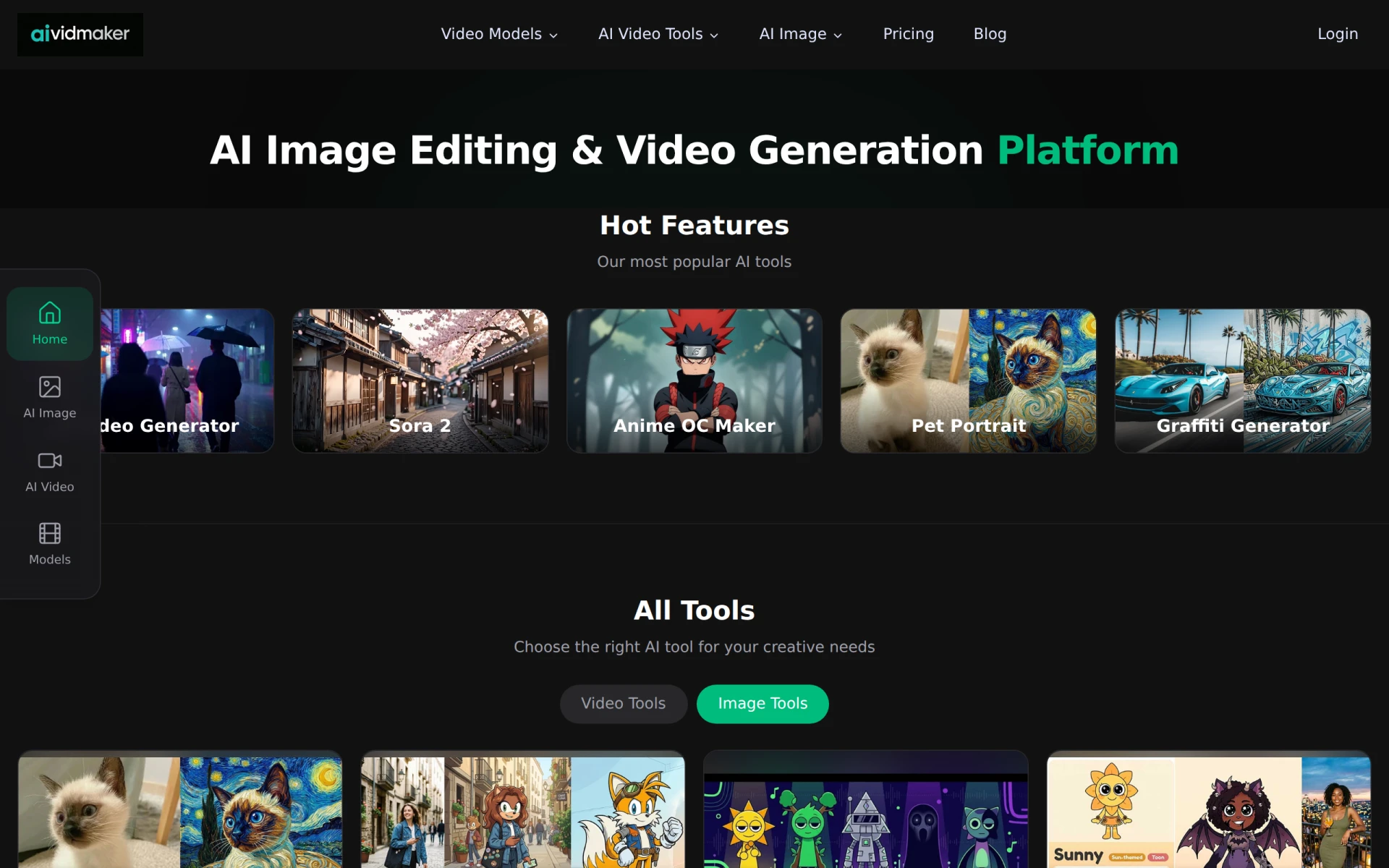 is an AI-powered tool designed for effortless generation of unique multimedia content, including videos and images. This platform is particularly appealing to users who want to create content that stands out, making it a strong alternative to insMind. While insMind focuses on basic image and video generation, aividmaker offers users the ability to create distinctive multimedia experiences that can be tailored to their branding and style. This flexibility is crucial for marketers and content creators who aim to differentiate themselves in a crowded digital landscape.
Additionally, aividmaker's user-friendly interface ensures that even those without a design background can effectively utilize its powerful features. The platform’s flexibility in offering both subscription plans and credit purchases allows users to choose a payment method that best suits their needs. In comparison, insMind’s pricing structure may not provide the same level of customization or transparency. Overall, aividmaker is an excellent choice for users seeking a unique and versatile tool for multimedia content creation.
- Key Strength: Unique content generation capabilities tailored to branding.
- Key Strength: User-friendly interface accessible to all skill levels.
- Key Strength: Flexible pricing model with subscription and credit options.
- Limitation: Pricing details may not be fully transparent.
Pricing: Freemium with subscription plans and credit purchases. Best for: Marketers and content creators looking for unique multimedia content.
Artta AI - Best for All-in-One Content Creation
Artta AI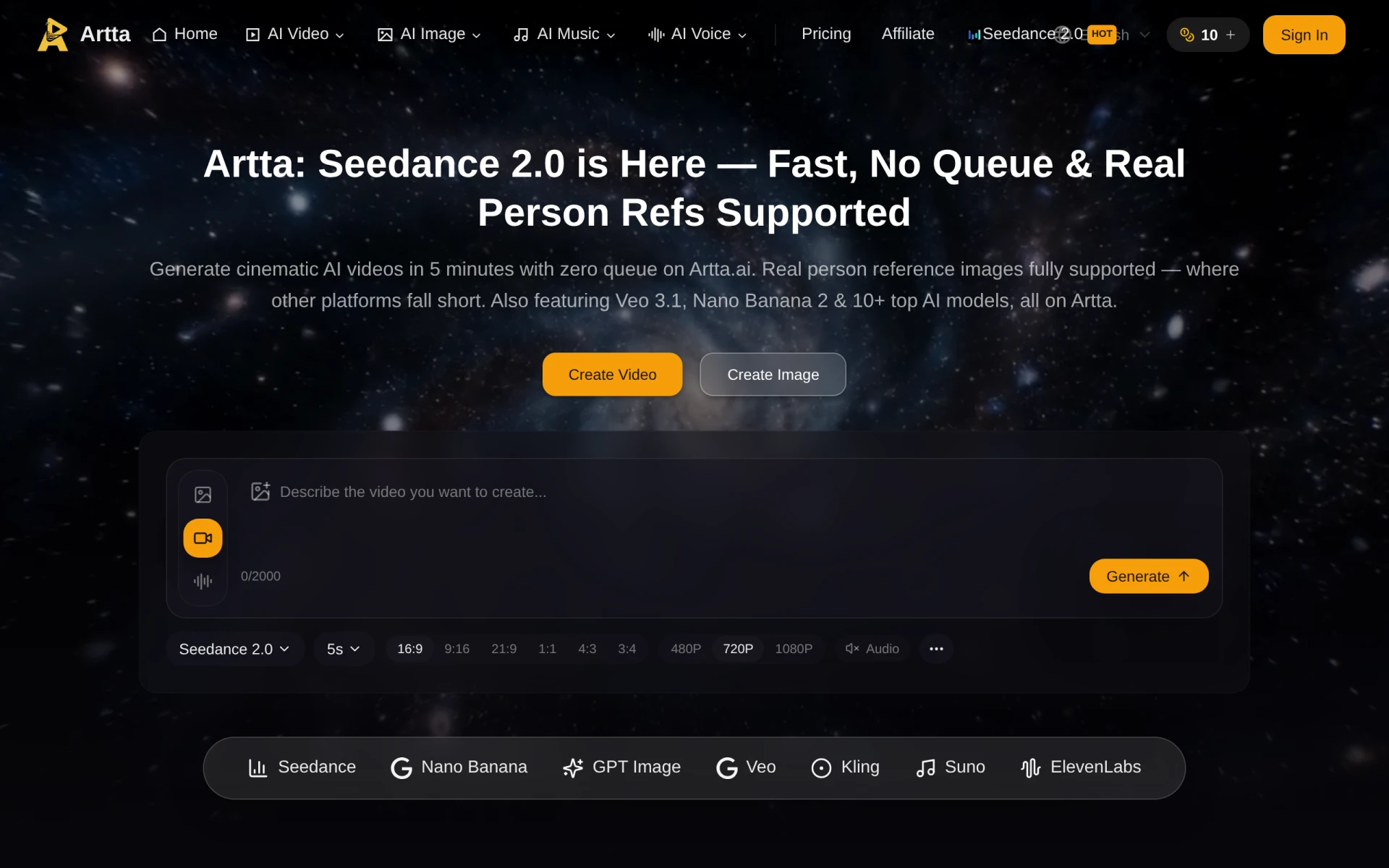 is an all-in-one platform that leverages advanced AI technology to generate both videos and images, providing a holistic solution for content creators. This platform is particularly beneficial for users who require a comprehensive tool that simplifies the content creation process. In contrast to insMind, which may feel limited in its capabilities, Artta AI offers a broader range of features that cater to various creative needs, making it suitable for marketers, social media managers, and graphic designers alike.
Moreover, Artta AI emphasizes user experience, ensuring that its interface is intuitive and easy to navigate. This allows users to focus on creating rather than getting bogged down by complex processes. The ability to generate both static and dynamic content in one place gives Artta AI a significant advantage over insMind, which may require users to switch between different tools for varying tasks. Overall, Artta AI is an excellent alternative for those seeking a comprehensive solution for multimedia content generation.
- Key Strength: All-in-one platform for generating both videos and images.
- Key Strength: User-friendly interface that enhances the creative process.
- Key Strength: Comprehensive features that cater to diverse content needs.
- Limitation: Pricing information is currently unavailable.
Pricing: Freemium model available. Best for: Content creators seeking a comprehensive solution for multimedia generation.
OpenArt - Best for Integrated Multimedia Creation
OpenArt is an AI-powered creator studio that allows users to generate videos, images, and audio all within one platform. This integrated approach makes it a compelling alternative to insMind, especially for users who require a seamless workflow that encompasses various forms of media. Unlike insMind, which primarily focuses on visual content, OpenArt enables users to create multimedia projects that can engage audiences on multiple levels, making it particularly appealing for marketers and content creators who want to tell more complex stories.
Another significant advantage of OpenArt is its emphasis on collaboration and community. Users can share their creations and draw inspiration from others, fostering a creative environment that enhances the overall user experience. Additionally, OpenArt's user-friendly interface ensures that even those with minimal design experience can navigate the platform effectively. Overall, OpenArt is an excellent choice for users seeking an integrated solution for multimedia content creation.
- Key Strength: Integrated platform for generating videos, images, and audio.
- Key Strength: Community features that encourage collaboration and inspiration.
- Key Strength: User-friendly interface suitable for all skill levels.
- Limitation: Pricing information is not explicitly detailed on the website.
Pricing: Freemium model available. Best for: Users seeking an integrated multimedia content creation solution.
Krea - Best for Enhancing Creative Assets
Krea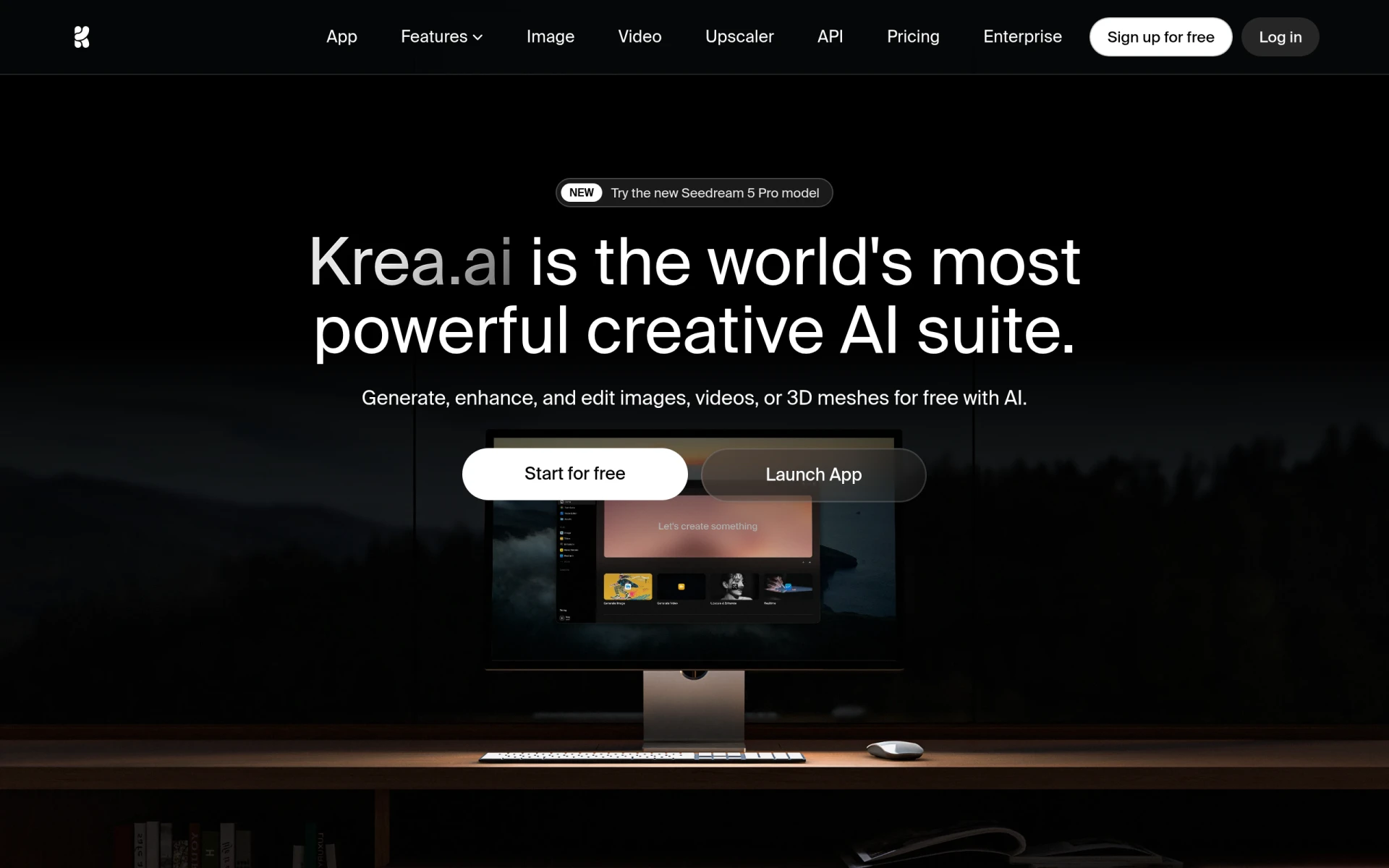 is an AI-powered creative suite that focuses on generating and enhancing images, videos, and 3D assets. This makes it an excellent choice for users who require a comprehensive tool for various types of creative work. Unlike insMind, which may not offer the same depth in asset generation, Krea allows users to create and refine content that aligns with their artistic vision. This versatility makes Krea a valuable resource for artists, designers, and marketers alike.
Moreover, Krea's emphasis on enhancing existing creative assets provides a unique advantage for users looking to elevate their designs. The platform's intuitive interface ensures that users can easily navigate its features, making it accessible to individuals of all skill levels. Krea’s focus on enhancing creative assets sets it apart from insMind, which may primarily focus on basic content generation. Overall, Krea is an ideal choice for users seeking a tool that can help them elevate their creative projects.
- Key Strength: Focus on generating and enhancing various creative assets.
- Key Strength: Intuitive interface that simplifies navigation and usage.
- Key Strength: Comprehensive features that cater to diverse creative needs.
- Limitation: Pricing details are currently unavailable.
Pricing: Freemium model available. Best for: Users seeking to enhance their creative assets across various media.
Canva Text to Image - Best for Text-Based Visuals
Canva Text to Image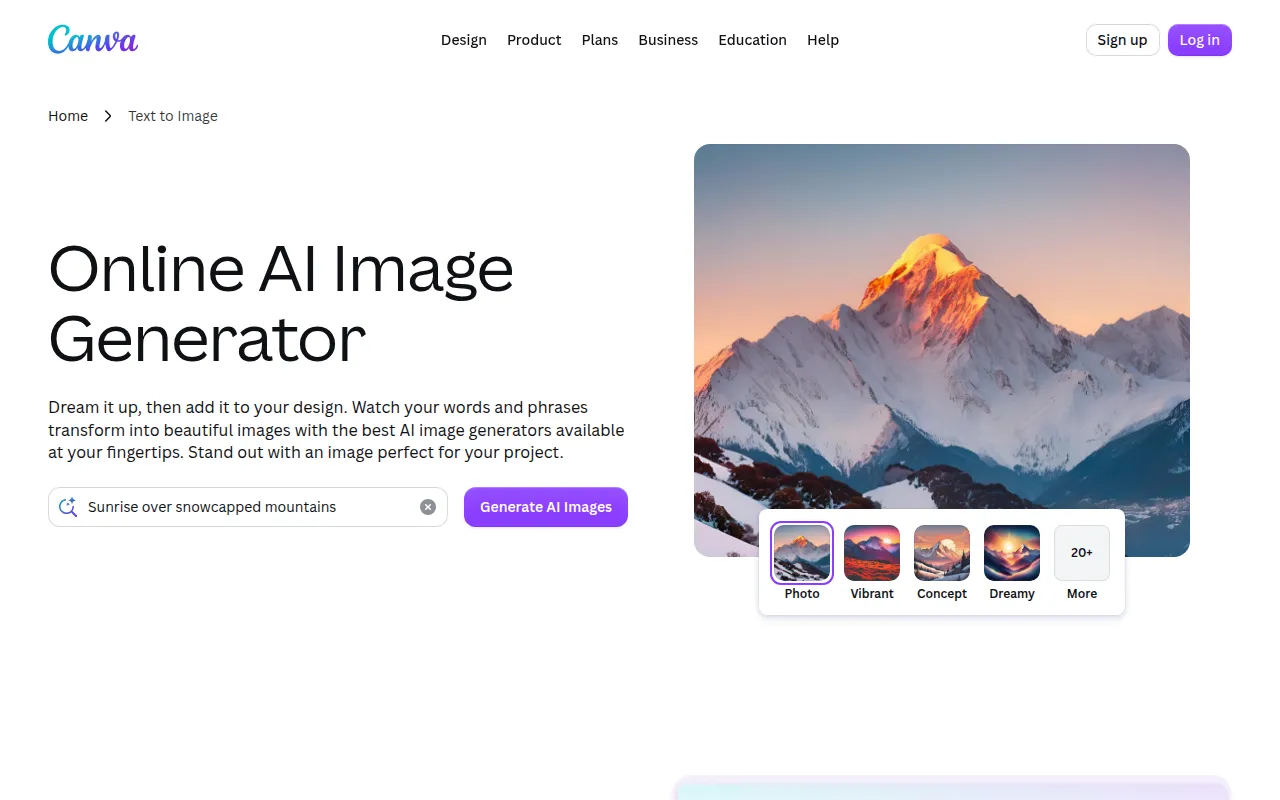 is a powerful graphic design tool that allows users to transform text prompts into visually appealing images, enhancing creative projects with ease. This capability makes it a standout alternative to insMind, particularly for users who want to create content that conveys messages visually. Unlike insMind, which may not focus as heavily on text integration, Canva Text to Image excels at translating ideas into stunning visuals, making it an essential tool for marketers, educators, and content creators.
Canva's extensive library of templates and design elements further enhances its appeal, allowing users to create cohesive and professional-looking content quickly. The platform’s user-friendly interface ensures that individuals with varying levels of experience can navigate it effectively, making it accessible to a broader audience. As a result, Canva Text to Image is an ideal choice for users who want to generate visuals that are both aesthetically pleasing and contextually relevant.
- Key Strength: Focus on transforming text prompts into high-quality visuals.
- Key Strength: Extensive library of templates and design elements for easy customization.
- Key Strength: User-friendly interface that caters to all skill levels.
- Limitation: Some advanced features are only available with paid subscriptions.
Pricing: Freemium model available through Canva's subscription plans. Best for: Users seeking to create visuals from text prompts.
Pixelcut - Best for Effortless Photo Editing
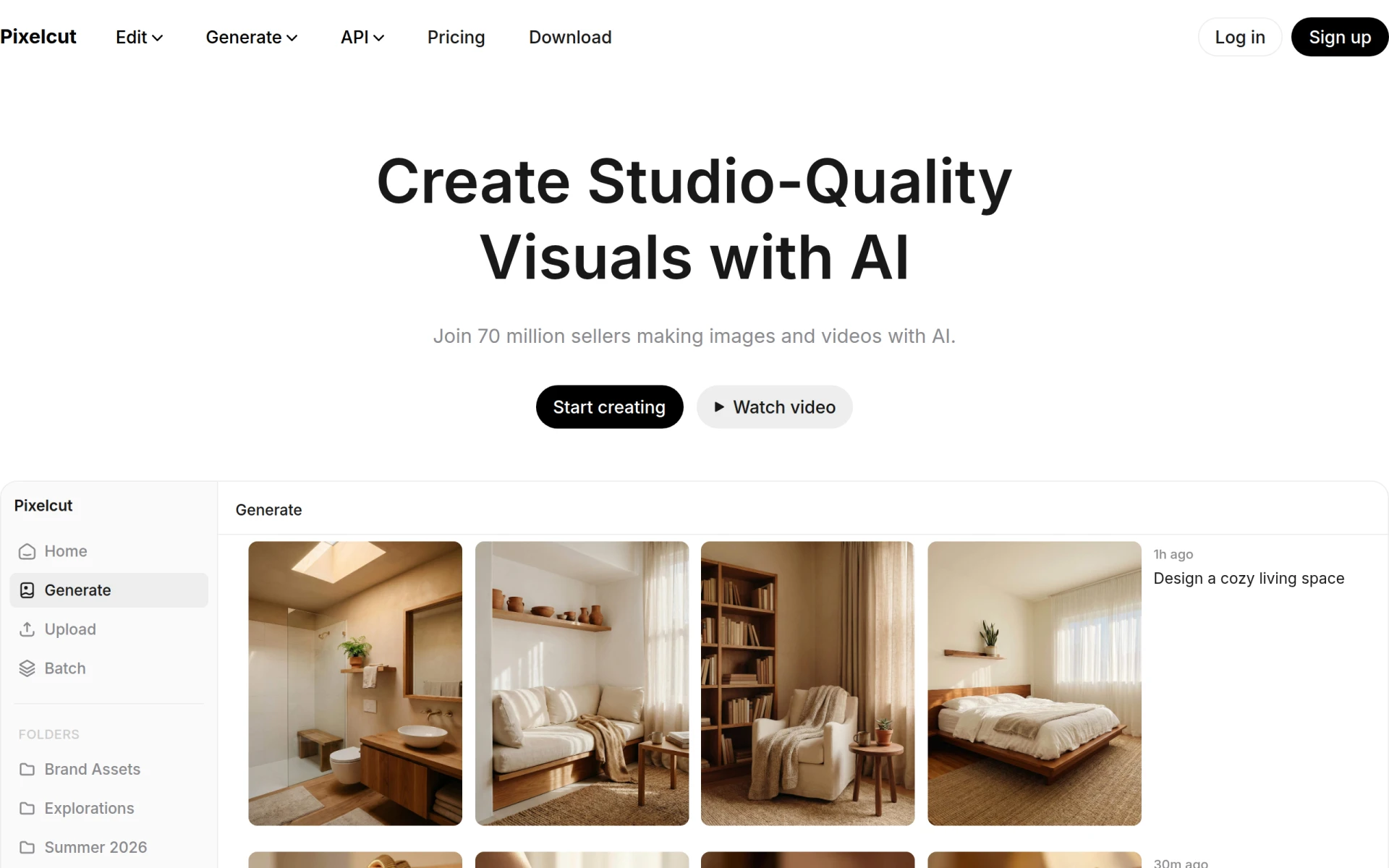
Pixelcut is an AI-powered photo editing tool designed to create stunning visuals effortlessly. This platform serves as an excellent alternative to insMind for users who prioritize quick and effective photo editing solutions. Unlike insMind, which may focus more on content generation, Pixelcut excels in enhancing existing images, making it ideal for photographers and social media managers who require polished visuals without a significant time investment.
Furthermore, Pixelcut’s user-friendly interface simplifies the editing process, allowing even novice users to produce high-quality results quickly. The platform's emphasis on automation and efficiency sets it apart from insMind, which may not offer the same level of editing sophistication. Overall, Pixelcut is a fantastic choice for those seeking an efficient and effective photo editing tool that delivers professional results.
- Key Strength: Focus on quick and effective photo editing capabilities.
- Key Strength: User-friendly interface designed for ease of use.
- Key Strength: AI features that automate the editing process for efficiency.
- Limitation: Limited features for content generation compared to other platforms.
Pricing: Freemium model available. Best for: Users seeking quick and effective photo editing solutions.
Prisma - Best for Artistic Transformations
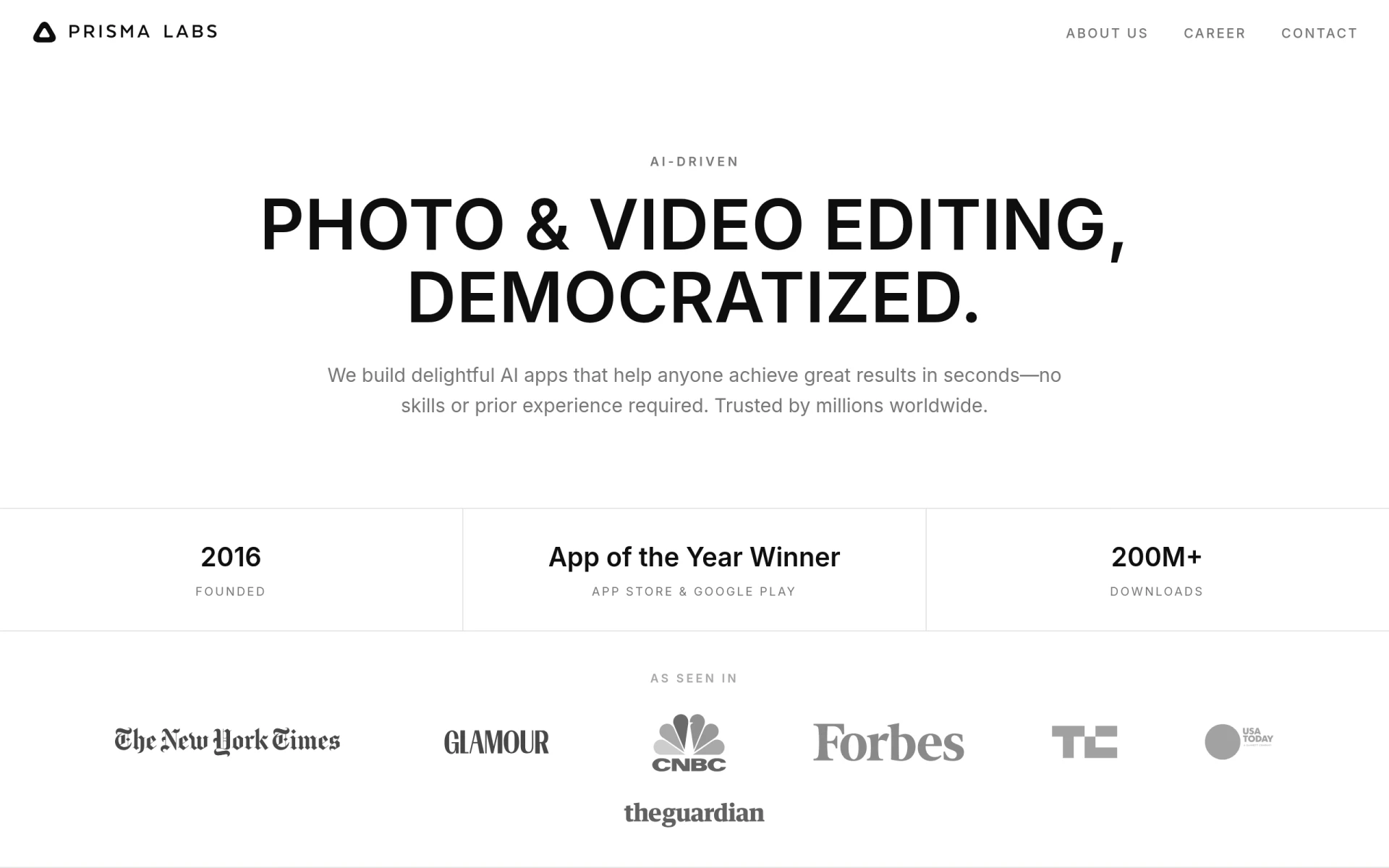
Prisma is an AI-powered photo and video editing tool that transforms images into artistic styles with ease. This makes it a unique alternative to insMind for users who want to infuse creativity into their content. Unlike insMind, which may focus on standard image and video generation, Prisma specializes in applying artistic filters and styles, allowing users to create visually stunning designs that stand out. This capability is particularly appealing for artists, social media influencers, and marketers looking to create eye-catching content.
Prisma's user-friendly interface ensures that users can easily navigate its features, making it accessible to both novice and experienced creators. The platform's emphasis on artistic transformation sets it apart from insMind, where users may feel limited by conventional design options. Overall, Prisma is an ideal choice for those seeking a tool that allows for creative expression through artistic photo and video editing.
- Key Strength: Specialization in artistic transformations and filters.
- Key Strength: User-friendly interface that enhances accessibility.
- Key Strength: Quick processing time for instant results.
- Limitation: Limited features for standard content generation.
Pricing: Freemium model available. Best for: Users looking to create artistic transformations of their images and videos.
Feature Comparison Table
| Tool | Best For | Starting Price | Free Plan | Standout Feature |
|---|
| insMind | Visual content creation | Freemium | Yes | AI-powered image and video generation |
Imagine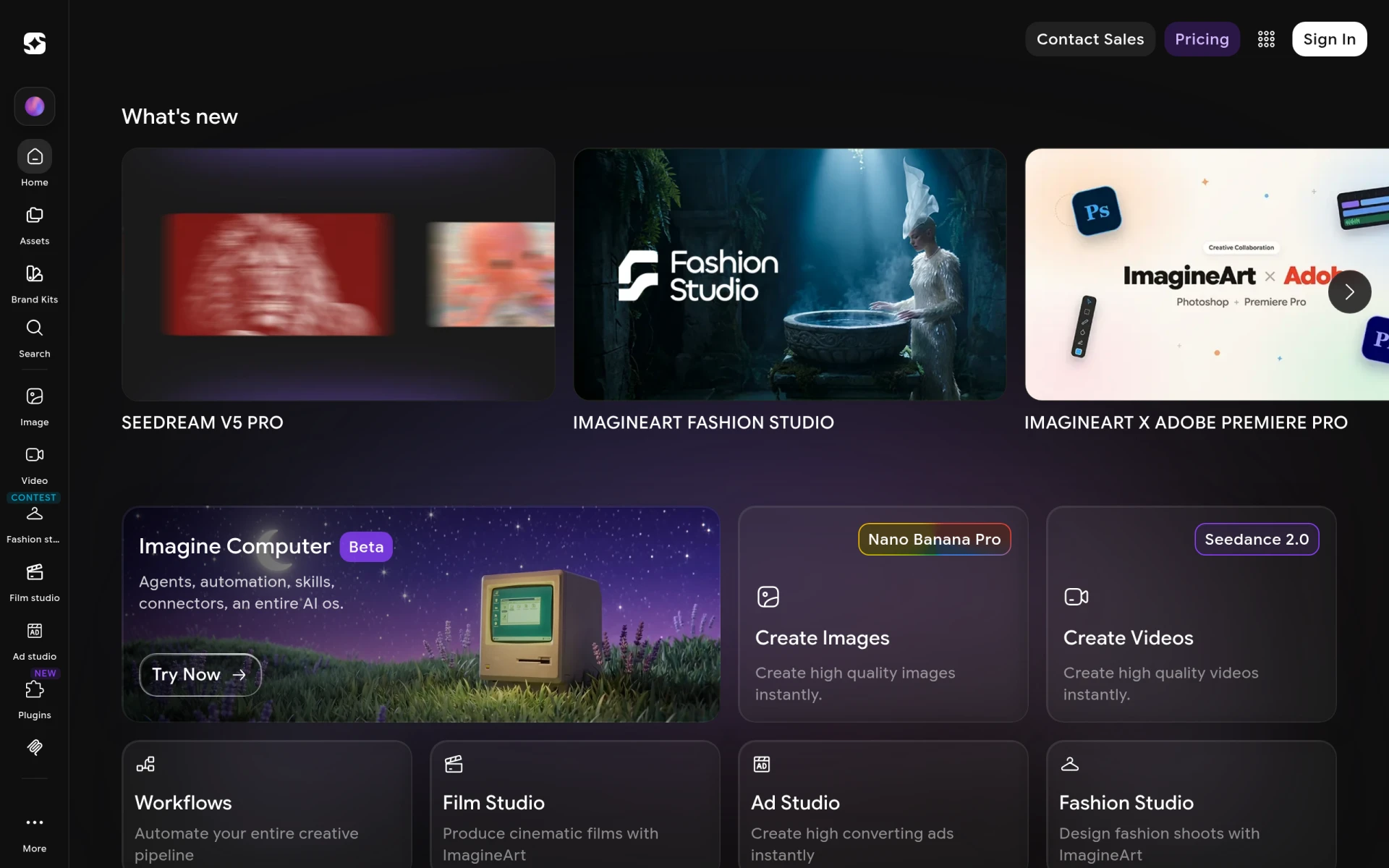 | Comprehensive creative needs | Freemium | Yes | Generates images, videos, and voiceovers |
| Magic Studio | Beginners | Freemium | Yes | Easy image creation without design skills |
| Picsart | Versatile creative projects | Freemium | Yes | All-in-one creative platform |
| LumiYing | Audio-visual integration | Freemium | Yes | Generates content from multiple formats |
| Kittl | Advanced design features | Freemium | Yes | Extensive library of design assets |
| Vance Video AI | Video enhancement | Freemium | Yes | Specialized video editing capabilities |
| Scenario | 3D asset management | $15/mo | No | Tools for generating and managing 3D assets |
| Palette.fm | Quick image colorization | Freemium | Yes | Rapid and accurate colorization of images |
| aividmaker | Unique multimedia content | Freemium | Yes | Customizable multimedia content generation |
| Artta AI | All-in-one content creation | Freemium | Yes | Generates videos and images |
| OpenArt | Integrated multimedia creation | Freemium | Yes | Generates videos, images, and audio |
| Krea | Enhancing creative assets | Freemium | Yes | Generates and enhances various media |
| Canva Text to Image | Text-based visuals | Freemium | Yes | Transforms text prompts into visuals |
| Pixelcut | Effortless photo editing | Freemium | Yes | Quick and effective photo editing |
| Prisma | Artistic transformations | Freemium | Yes | Transforms images into artistic styles |
How to Choose the Right Alternative to insMind
When selecting the right alternative to insMind, it is essential to consider your specific needs and use cases. If you are a beginner looking to create visuals without a steep learning curve, tools like Magic Studio or Canva Text to Image may be your best options. These platforms prioritize user-friendliness and provide templates and straightforward functionality that allow you to dive right into content creation.
For more experienced users or professionals who require advanced features and greater customization, platforms like Kittl, Vance Video AI, or Imagine will likely serve you better. These tools provide extensive libraries, advanced editing capabilities, and specialized functions that cater to users seeking high-quality, tailored content. If your work heavily relies on multimedia projects, consider OpenArt or LumiYing, which seamlessly integrate audio and visual elements to create a cohesive narrative.
Final Verdict
For those seeking an all-in-one solution for multimedia content creation, Artta AI and OpenArt stand out as excellent choices. However, if your focus is primarily on video projects, Vance Video AI is the best option available. For users who want to enhance their existing images or create artistic visuals, Prisma and Pixelcut offer specialized features that excel in those areas. Ultimately, your choice will depend on your specific needs and the type of content you wish to create.