Overview
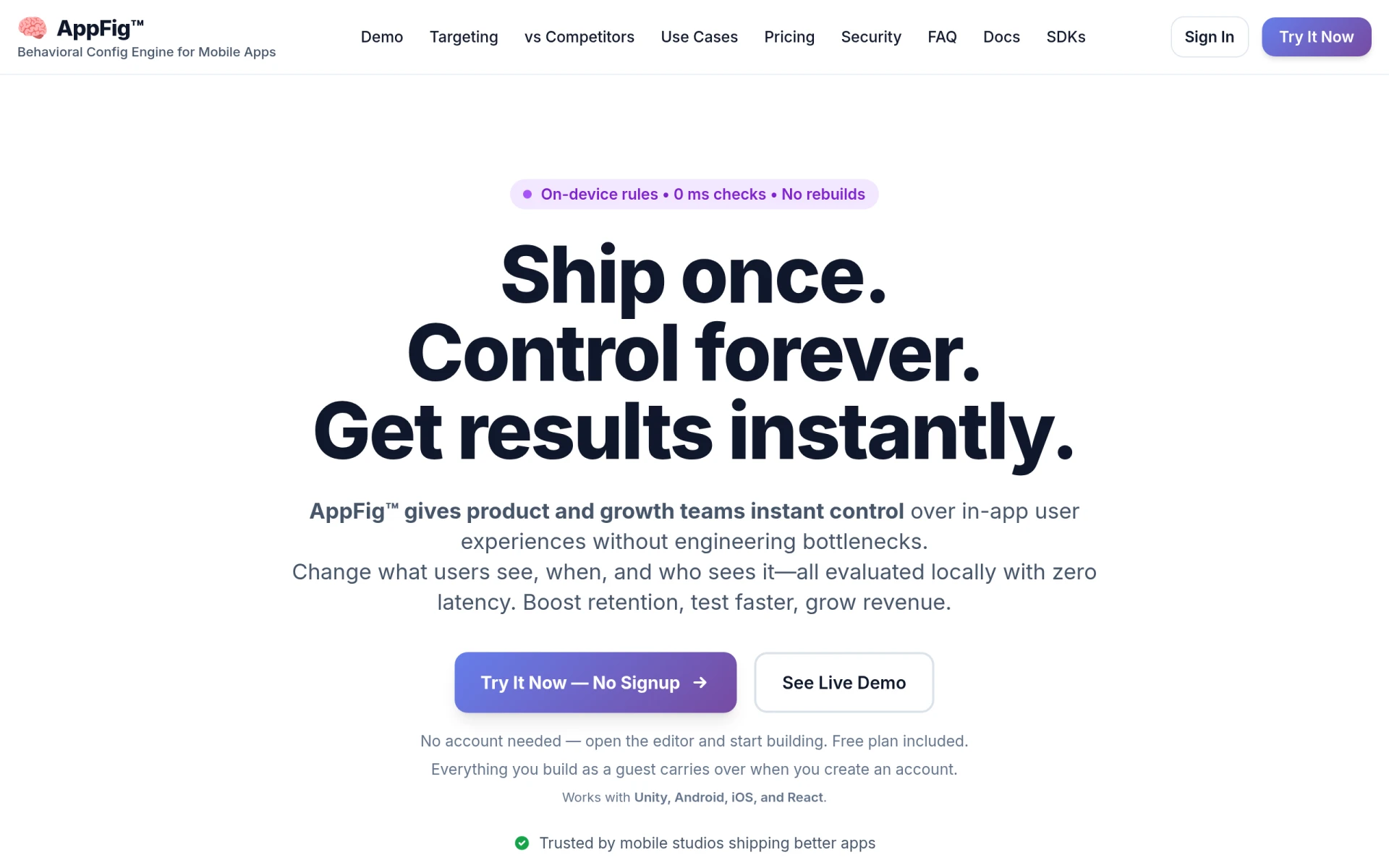
AppFig is a behavioral configuration engine designed specifically for mobile applications and games. Its primary purpose is to enable product and growth teams to manage in-app user experiences seamlessly, eliminating the need for engineering involvement in the process. By providing advanced event and property targeting capabilities, AppFig allows developers to modify what users see in real-time, enhancing user retention and optimizing app performance.
One of the significant problems AppFig addresses is the engineering bottleneck that often arises when changes need to be made to mobile applications. Traditionally, developers would need to go through lengthy cycles of coding, testing, and deploying updates. With AppFig, these changes can be implemented instantly and evaluated locally on the device, which not only saves time but also reduces the risk associated with deploying new code.
Key Features
- On-device rules
- Instant on-device evaluation
- CDN-first delivery
- Advanced event targeting
- Property targeting
- Zero latency checks
- No rebuilds necessary
- SDK support for Unity, Android, iOS, and React
- User segmentation capabilities
- Real-time adjustments
- Visual editing interface
- Guest mode for immediate use
Benefits
The practical advantages of using AppFig are significant for mobile app developers. First, it enables teams to deploy changes without the usual delays associated with traditional software development. This instant control allows teams to experiment and iterate quickly, leading to improved user engagement and retention rates. Additionally, the zero latency feature ensures that users experience changes immediately, enhancing their overall experience with the app. By minimizing the need for constant engineering support, teams can focus on strategic growth initiatives rather than getting bogged down in technical hurdles.
Common Use Cases
AppFig can be used in various scenarios, such as:
- A gaming studio looking to tweak in-game events based on player behavior without waiting for an update cycle.
- A marketing team wanting to customize user notifications based on demographic data and user interactions.
- An app developer testing different user interfaces for different segments of their audience to determine which performs better.
- A product team analyzing retention metrics and making real-time adjustments to in-app promotions or features.
Who Should Use It
AppFig is ideal for mobile app developers, product managers, and marketing teams focused on enhancing user experience in real-time. It is particularly beneficial for teams in fast-paced environments where timely updates are crucial. However, it may not be the best fit for organizations that require extensive customization capabilities or those with minimal technical resources, as some technical understanding is necessary to maximize its features fully.
Pricing Overview
Pricing information for AppFig is not explicitly detailed on their website. Interested users should visit the AppFig website for the most accurate and updated pricing options.
Conclusion
In summary, AppFig serves as an effective solution for mobile app developers seeking to enhance user experience without the constraints of traditional development processes. Its ability to deliver changes instantaneously and evaluate them locally provides a significant advantage in a competitive market. While it may not be suitable for every type of user, its benefits for mobile-focused teams are clear. Users should evaluate their specific needs and consider the potential integration of AppFig into their development process.