Overview
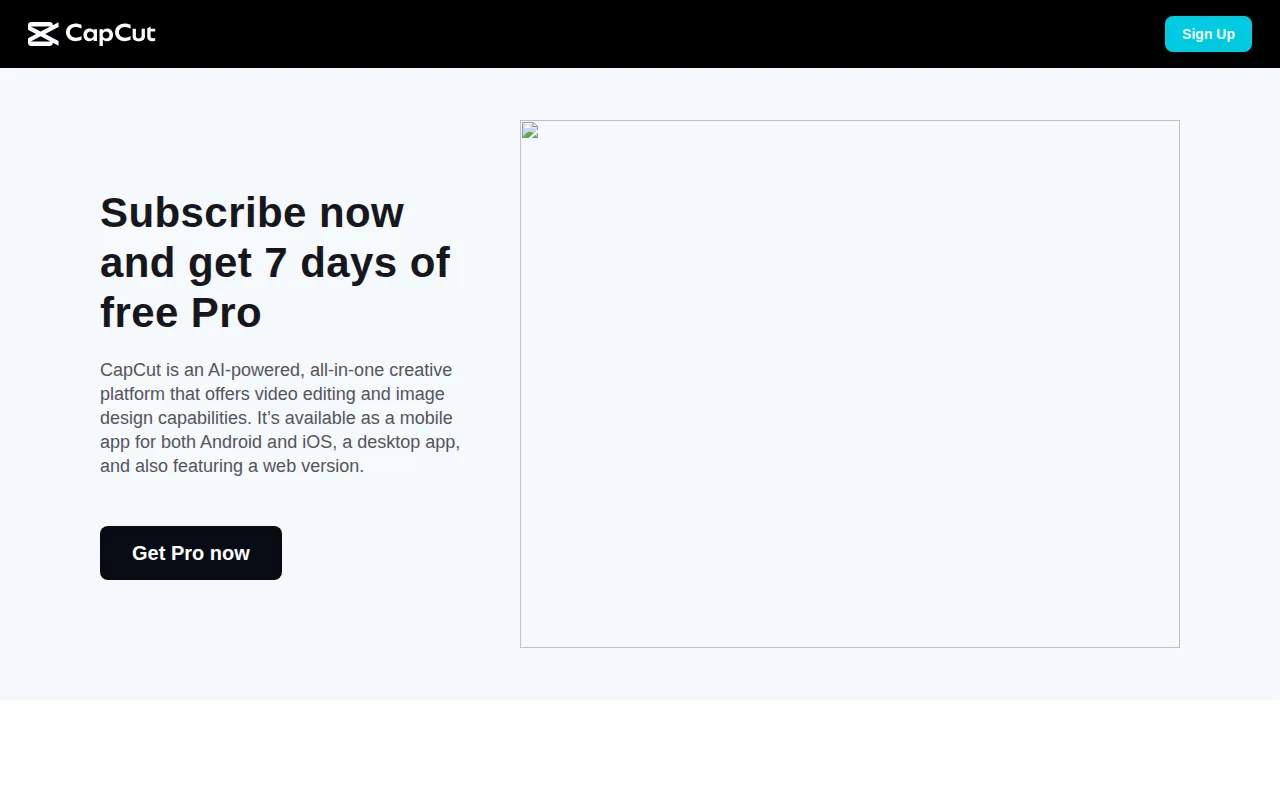
CapCut is a versatile video editing software that allows users to create and edit videos with ease. Its primary purpose is to provide a straightforward editing interface that caters to a wide range of users, from casual creators to professional videographers. CapCut addresses common challenges in video editing, such as the need for user-friendly tools, efficient editing processes, and versatile output options. With its intuitive design, CapCut helps users enhance their video content without requiring extensive technical skills.
Key Features
- Video trimming and splitting
- Multi-layer editing
- Text overlay options
- Audio editing tools
- Pre-made templates
- Transitions and effects
- Speed adjustment tools
- Color correction features
- Video export in multiple resolutions
- Picture-in-picture functionality
- Stock media library access
- Voiceover recording capabilities
- Keyframe animation support
- Background removal tool
- Video stabilization options
Benefits
CapCut provides practical advantages for users looking to create high-quality video content. Its user-friendly interface reduces the learning curve associated with video editing, making it accessible for beginners. The availability of pre-made templates and stock media helps streamline content creation, saving time for creators. Additionally, the software's robust editing features allow for professional-grade video production, enabling users to enhance their storytelling without requiring expensive equipment or software.
Common Use Cases
CapCut is suitable for various scenarios, including:
- Content creators producing social media videos for platforms like TikTok and Instagram.
- Marketing teams creating promotional videos for product launches.
- Educators developing engaging video lessons or tutorials.
- Small businesses looking to produce video advertisements without high costs.
- Hobbyists capturing and editing personal videos for sharing with friends and family.
Who Should Use It
Ideal users of CapCut include:
- Content creators and social media influencers who need quick and engaging video production tools.
- Small business owners seeking affordable video marketing solutions.
- Educators and trainers who want to create instructional videos.
However, it may not be the best fit for advanced video editors who require extensive features and functionalities found in professional-grade software. Additionally, users looking for advanced 3D effects or detailed color grading options might find CapCut lacking.
Pricing Overview
CapCut is free to use, with options for in-app purchases that enhance functionality or provide additional resources.
Conclusion
In summary, CapCut offers a user-friendly video editing solution suitable for various user types, particularly those focused on social media content creation. While it has certain limitations in terms of advanced features, its ease of use and accessibility make it a valuable tool for those looking to produce engaging videos quickly and efficiently. Users should consider their specific editing needs when deciding if CapCut is the right choice for them.