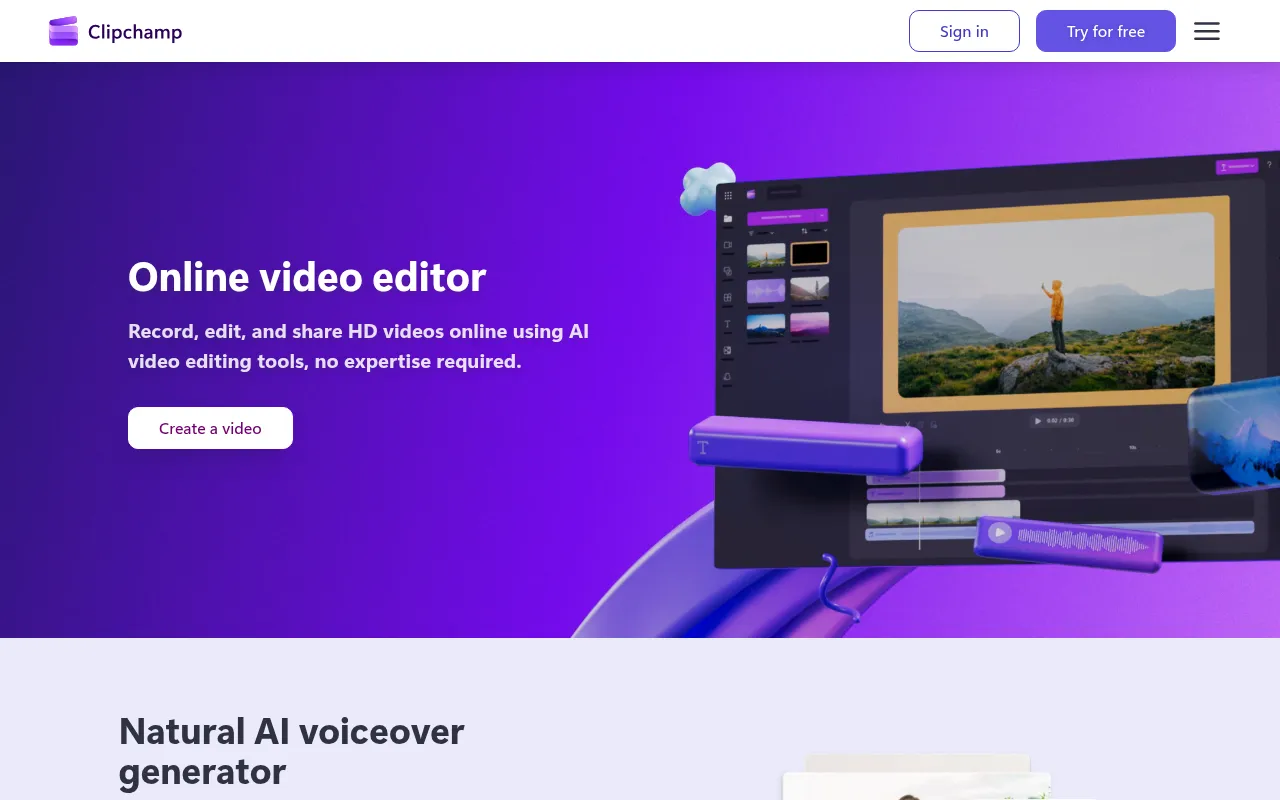
Introduction
As a beginner in video production, diving into the world of editing can often feel overwhelming, especially when faced with the high costs of professional software. You want to create stunning videos without draining your budget, but where do you start?
Why Beginners Struggle With High costs of professional video editing software deter beginners
Many aspiring video creators face a steep learning curve and tight budgets that make investing in expensive software daunting. For example, a student wanting to edit a project for school may discover that high-quality software costs hundreds of dollars, leaving them feeling frustrated and limited in their options. This financial barrier can stifle creativity and discourage individuals from developing their skills, ultimately preventing them from pursuing their passion for video production.
What to Look For in Video Production Tools
- User-Friendly Interface: Beginners need software that is intuitive and easy to navigate, allowing them to focus on creativity rather than struggling with complex features.
- Affordable Pricing: A variety of pricing options, including free trials or freemium models, is essential for those who want to experiment without financial commitment.
- Comprehensive Features: Look for tools that offer a range of features such as trimming, color correction, and audio editing to cover all basic editing needs.
- Learning Resources: Access to tutorials, forums, and customer support can help beginners quickly learn the software and improve their skills.
- Export Options: The ability to export videos in different formats and resolutions is vital for sharing content on various platforms.
Best Affordable Video Editing Software for Beginners
DaVinci Resolve - Best for Professional-Level Editing
DaVinci Resolve is a powerful and comprehensive video editing software that caters to beginners while offering professional-grade features. Its integration of editing, color correction, visual effects, and audio post-production makes it an attractive choice for those looking to create polished videos without a hefty price tag. The freemium model allows users to start with the free version, which is packed with features that can meet most beginners' needs.
- Professional video editing tools: Enables precise cuts and transitions, allowing beginners to craft their stories seamlessly.
- Advanced color correction features: Enhances visual storytelling, helping beginners learn the importance of color in video.
- Visual effects capabilities: Adds dynamic elements to videos, encouraging creativity in projects.
- Motion graphics tools: Assists in creating animated titles and effects, making videos more engaging.
- Audio post-production tools: Offers mixing and mastering sound options, essential for high-quality video.
Pricing: Freemium - Free version available, with DaVinci Resolve Studio priced at $295. Best for: Professional video editors, filmmakers, content creators on platforms like YouTube.
Wonder Studio - Best for Animation and Visual Effects
Wonder Studio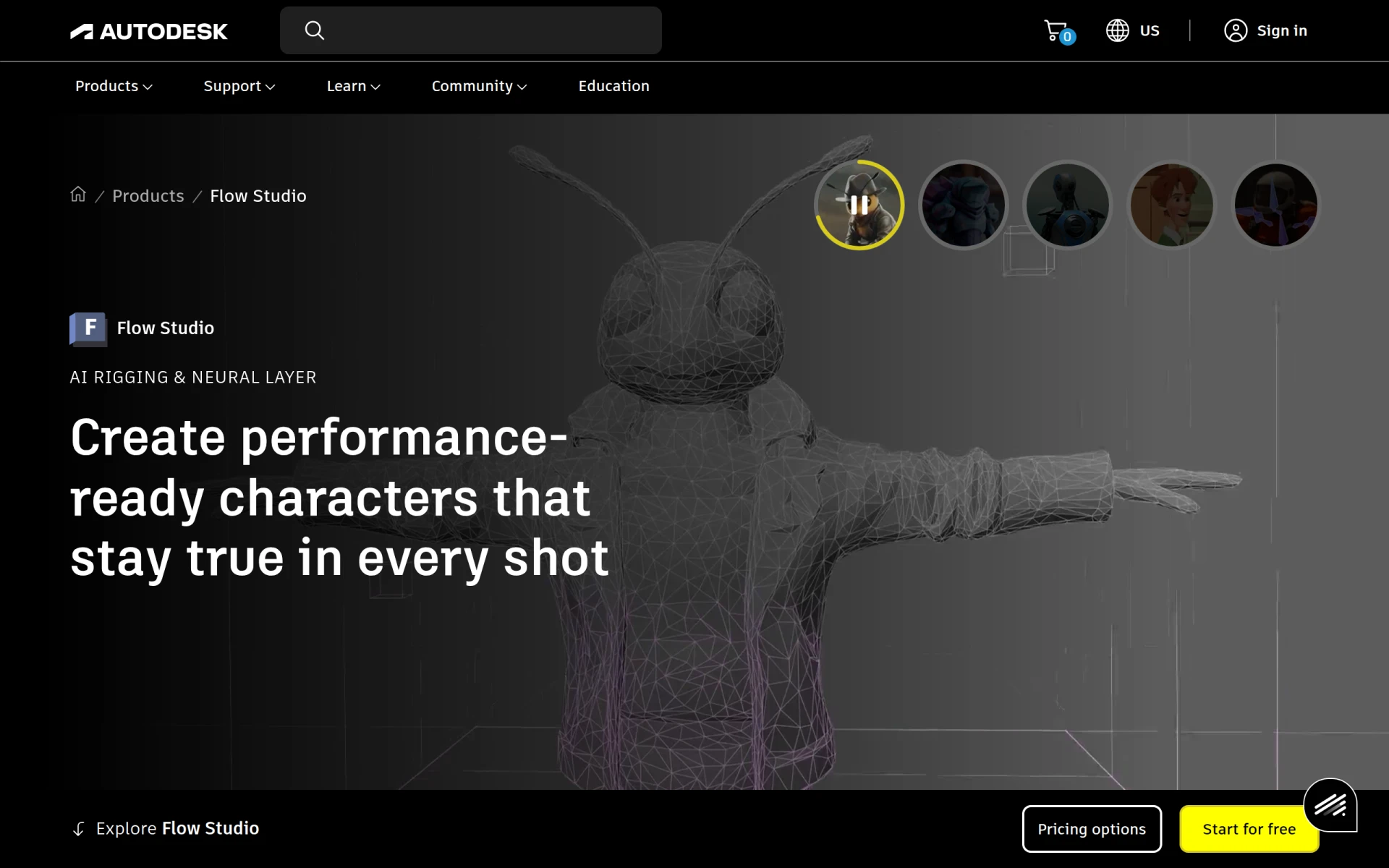 stands out as an innovative video editing tool that simplifies the creation of high-quality animations and visual effects, making it perfect for beginners interested in animation. Its AI-driven animation creation and automatic character rigging reduce the complexity of animation, allowing users to focus on storytelling. Although pricing details are not publicly listed, its unique features make it a compelling choice for aspiring animators.
- AI-driven animation creation: Makes it easier for beginners to create animations without deep technical knowledge.
- Automatic character rigging: Saves time and effort, allowing users to animate characters quickly.
- Scene compositing tools: Enables users to combine different elements seamlessly, enhancing visual storytelling.
- 3D object integration: Lets beginners experiment with 3D elements, broadening their creative possibilities.
- Voice and motion capture capabilities: Adds a professional touch to animated projects.
Pricing: Contact - Pricing details not provided. Best for: Independent filmmakers, marketing teams, content creators on social media.
Wondershare Filmora - Best for Ease of Use
Wondershare Filmora is a user-friendly video editing software designed specifically for beginners. Its intuitive interface and straightforward editing tools make it easy for anyone to create high-quality videos quickly. Filmora's extensive media library and customizable templates help users enhance their projects without feeling overwhelmed by complicated features.
- Video trimming and splitting: Essential for beginners, allowing them to easily cut and edit footage.
- Audio editing tools: Simplifies sound editing, ensuring that users can create a balanced audio experience.
- Color tuning options: Enables beginners to adjust the look of their videos, enhancing visual appeal.
- Extensive media library: Offers stock footage and music, providing resources that beginners can use to elevate their content.
- Motion graphics and titles customization: Helps users create interesting titles and effects that add professionalism to their videos.
Pricing: Freemium - Subscription-based model and one-time purchase option available. Best for: Small businesses creating promotional videos, content creators editing YouTube vlogs, educators producing online courses.
Adobe Premiere Pro - Best for Comprehensive Features
Adobe Premiere Pro is a professional-grade video editing software that, while more costly, offers powerful features that can benefit beginners who are serious about video production. Its non-linear editing capabilities and extensive toolset provide users with the flexibility to create high-quality videos. Although the subscription model may be a barrier, the software's robustness makes it worth considering for those looking to invest in their editing skills.
- Non-linear editing: Allows users to access any part of their video timeline, providing creative freedom.
- Multi-camera editing: Simplifies editing projects filmed with multiple angles, perfect for more complex projects.
- Advanced color grading: Offers professional-level color correction, enhancing the visual quality of videos.
- Audio mixing: Ensures that sound is balanced and clear, a critical aspect of any video project.
- Motion graphics templates: Provides pre-designed graphics that users can customize, saving time on projects.
Pricing: Paid - Subscription-based pricing model. Best for: Independent filmmakers, content creators for social media, marketing teams producing promotional videos.
VideoGen - Best for AI-Powered Editing
VideoGen is an AI-powered video generator that enables users to create and edit videos quickly and easily. Its user-friendly features and automation make it suitable for beginners who want to streamline their editing process. With its focus on AI integration, VideoGen allows users to produce videos that are engaging without requiring extensive technical skills.
- AI Video Generation: Speeds up the video creation process, making it accessible for beginners.
- Image to Video Conversion: Allows users to turn images into engaging videos effortlessly.
- AI Voiceover Integration: Adds a professional audio component to videos without the need for expensive recording equipment.
- AI Sound Effects: Enhances videos with sound effects that are automatically suggested based on content.
- AI Image Editing: Simplifies the editing process by suggesting edits based on visual elements.
Pricing: Freemium - $16 per month with additional credits available for purchase. Best for: Small businesses creating marketing videos, freelancers offering video services, marketing teams needing quick turnaround for promotional content.
Animoto - Best for Quick Video Production
Animoto is designed for individuals who need to create professional-quality videos quickly and easily. Its drag-and-drop interface allows users to assemble videos with minimal effort, making it a great choice for beginners who want to produce engaging content without getting bogged down in complex editing tasks.
- Video Creation Templates: Offers a variety of templates that make it easy to start projects, saving time.
- Drag-and-Drop Interface: Simplifies the editing process, allowing users to focus on creativity.
- Customizable Text and Fonts: Ensures that users can tailor their videos to fit their brand or messaging.
- Music Library with Royalty-Free Tracks: Provides a selection of music that can enhance the emotional impact of videos.
- HD Video Exporting: Guarantees that videos maintain quality when shared across platforms.
Pricing: Freemium - Pricing information not publicly listed. Best for: Small businesses looking to create promotional videos, marketing teams needing quick video content for campaigns, freelancers wanting to showcase their work through portfolio videos.
AutoCut - Best for Time-Saving Automation
AutoCut is an AI plugin designed for Adobe Premiere Pro and DaVinci Resolve that automates various video editing tasks. This tool is excellent for beginners who may find the editing process time-consuming. By automating repetitive tasks, AutoCut allows users to focus on the creative aspects of their projects.
- AutoCaptions: Automatically generates captions, making videos more accessible and professional.
- AutoCut Silences: Removes unnecessary silence, improving the overall flow of videos.
- AutoCut Podcast: Streamlines the editing process for podcasts, making it easier to create engaging audio-visual content.
- Updated AutoZoom: Ensures that important elements are always in focus, enhancing the viewing experience.
- AutoViral: Helps identify trending content, providing insights into audience engagement.
Pricing: Freemium - Free 14-day trial available, with specific pricing details not provided. Best for: Podcasters looking to enhance video content with captions, freelancers needing to speed up client video projects, marketing teams creating promotional videos efficiently.
CapCut - Best for Social Media Videos
CapCut is a user-friendly video editing tool designed for creating engaging content across various platforms, particularly social media. Its simple layout and rich feature set make it ideal for beginners who want to produce eye-catching videos quickly. With a strong focus on mobile editing, CapCut is perfect for creators on the go.
- Video trimming and splitting: Essential for quick edits, making it easy to cut unnecessary footage.
- Multi-layer editing: Allows users to work with multiple video and audio tracks, enhancing creative possibilities.
- Text overlay options: Enables users to add context and information directly onto videos.
- Audio editing tools: Provides basic audio editing features necessary for cohesive sound.
- Pre-made templates: Offers a range of templates that help beginners start projects effortlessly.
Pricing: Freemium - Free to use, with options for in-app purchases. Best for: Content creators producing social media videos, marketing teams creating promotional videos, educators developing engaging video lessons.
Captions - Best for Rapid Video Production
Captions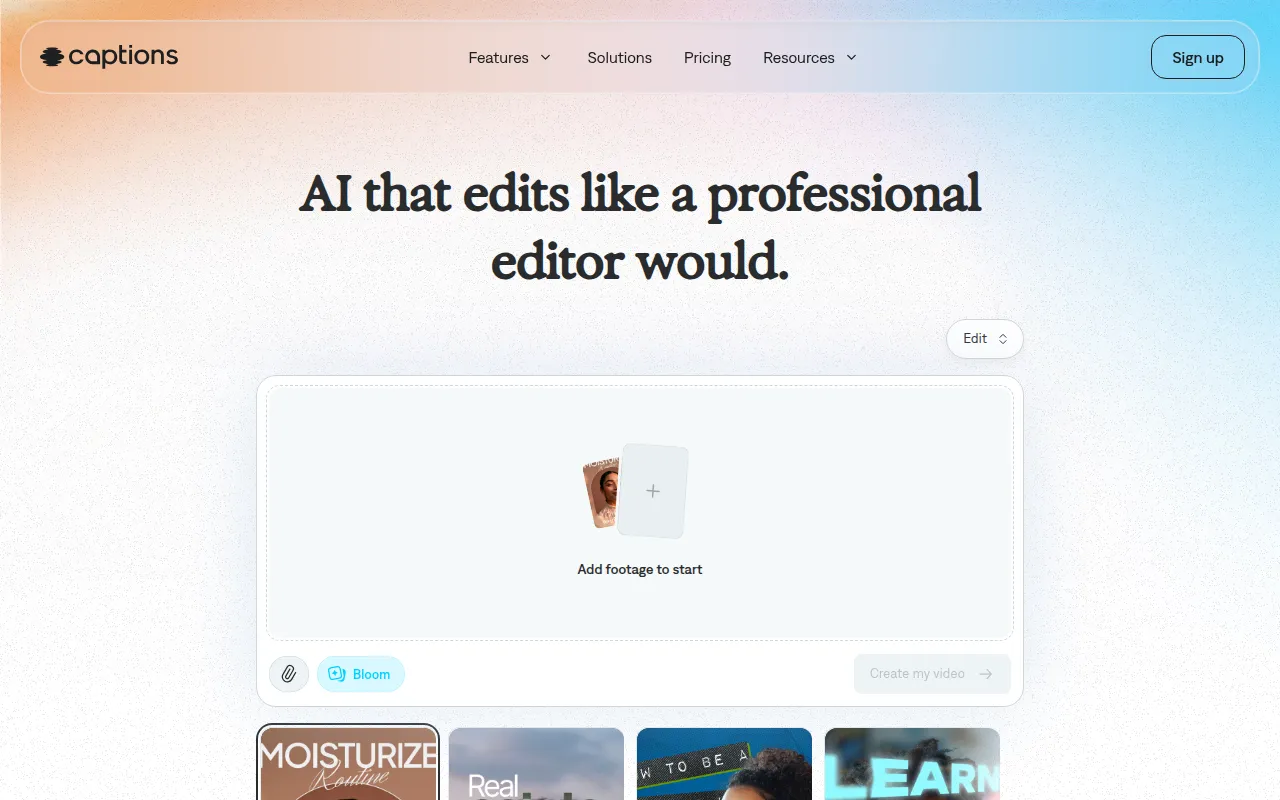 is an AI video editing tool that caters to users of all skill levels, transforming ideas into shareable videos with ease. Its chat-based editing interface simplifies the video creation process for beginners, helping them quickly produce quality content. With a library of curated AI edit styles, Captions allows users to create visually stunning videos effortlessly.
- AI Video Generation: Quickly turns concepts into videos, reducing the time spent on editing.
- Chat-based Editing: Facilitates a user-friendly experience, making it easy to manage edits.
- Library of Curated AI Edit Styles: Provides inspiration and guidance for beginners looking to enhance their videos.
- Digital Twins or Custom AI Actors: Offers unique character options for storytelling, adding depth to projects.
- Custom B-Roll Generation: Automatically generates supplementary footage, enhancing the final product.
Pricing: Freemium - Free sign-up available, with the most popular subscription priced at $24.99 per month. Best for: Small businesses looking to enhance their marketing efforts, content creators needing quick video production, marketing teams aiming for rapid campaign execution.
Quick Comparison
| Tool | Best For | Starting Price | Rating |
|---|
| DaVinci Resolve | Professional-level editing | Free or $295 | 0.0/5 |
| Wonder Studio | Animation and visual effects | Contact | 0.0/5 |
| Wondershare Filmora | Ease of use | Freemium | 0.0/5 |
| Adobe Premiere Pro | Comprehensive features | Paid | 0.0/5 |
| VideoGen | AI-powered editing | $16/month | 0.0/5 |
| Animoto | Quick video production | Freemium | 0.0/5 |
| AutoCut | Time-saving automation | Freemium | 0.0/5 |
| CapCut | Social media videos | Freemium | 0.0/5 |
| Captions | Rapid video production | Freemium | 0.0/5 |
Best Choice for Beginners
For beginners, Wondershare Filmora is the best choice due to its user-friendly interface and robust features. It strikes the perfect balance between ease of use and functionality, allowing newcomers to focus on creativity without getting bogged down by complex editing tasks.
Best Choice for Professionals
Adobe Premiere Pro stands out as the best choice for professionals. Its advanced features, such as multi-camera editing and extensive audio mixing capabilities, provide power users with the tools they need to create high-quality, polished videos.
Best Value Pick
DaVinci Resolve offers exceptional value for beginners and professionals alike. With a free tier packed with features that rival many paid options, users can access powerful editing tools without making a financial commitment, making it a top pick for those looking to maximize their return on investment.
Conclusion
With a range of affordable video editing software available, beginners no longer need to feel overwhelmed by high costs. By selecting the right tool that fits their needs, they can confidently embark on their video production journey.