Overview
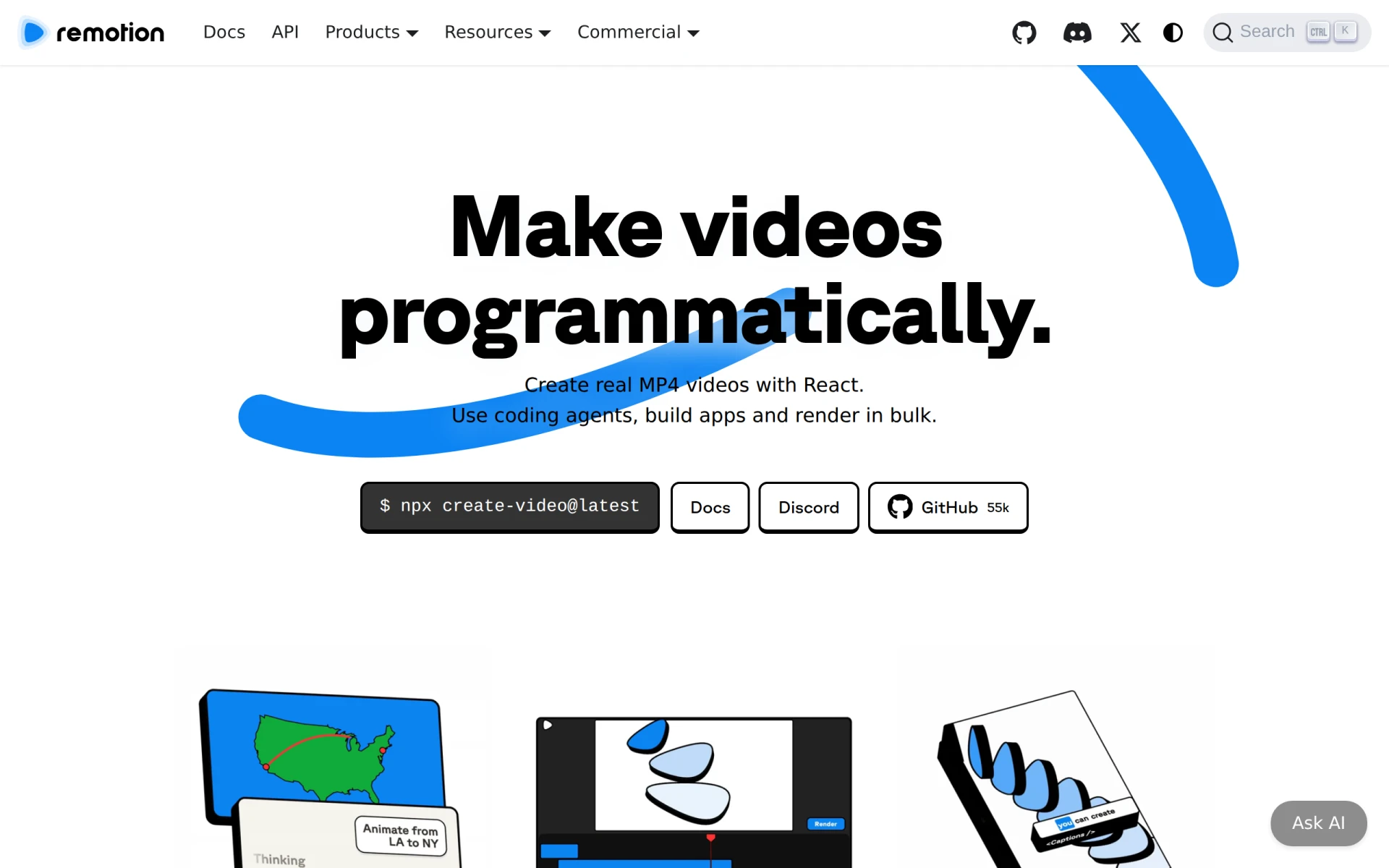
Remotion is a unique video editing tool that leverages the power of React to create videos programmatically. Its primary purpose is to enable developers and content creators to automate video production, making it easier to generate content that is both dynamic and customizable. By allowing users to write code to create videos, Remotion addresses several challenges in traditional video editing workflows, such as the need for repetitive tasks, the complexity of data management in video projects, and the desire for collaboration in video creation.
Key Features
- Programmatic Video Creation: Generate real MP4 videos directly from React code.
- Drag-and-Drop Editing: Edit and animate videos interactively with a user-friendly interface.
- Bulk Rendering: Render millions of videos on your own infrastructure efficiently.
- API Integration: Connect data sources to manage complexity in video projects seamlessly.
- Motion Design Systems: Create a library of animated assets for consistent branding.
- Server-Side Rendering: Generate videos on the server to handle larger workloads.
- Client-Side Rendering: Render videos in the browser for immediate feedback.
- Collaboration Tools: Enable teams to work together on video projects without barriers.
Benefits
Remotion offers practical advantages by streamlining video creation workflows through coding, which reduces manual effort and increases efficiency. By automating video production, teams can focus on creativity rather than repetitive tasks. The ability to connect dynamic data allows businesses to create personalized content at scale, which can significantly enhance engagement and marketing efforts. This software also supports collaborative workflows, making it simpler for teams to share ideas and assets during the video creation process.
Common Use Cases
Developers can use Remotion to build custom video editing tools tailored to their specific needs, such as creating promotional videos, tutorials, or personalized content for users. Marketing teams might utilize the software to generate videos based on real-time data, such as product launches or event highlights. Freelancers can automate client projects by creating templates for video ads or social media posts. Additionally, educational institutions may find value in producing instructional videos on a large scale, enhancing their online learning resources.
Who Should Use It
Remotion is ideal for developers, video editors, and creative teams who are comfortable with coding and looking to automate their video creation processes. It is particularly suited for companies that require bulk video rendering and have the technical resources to implement programmatic solutions. However, it may not be the best fit for users who prefer conventional video editing software without programming knowledge or those looking for a simple drag-and-drop interface without coding capabilities.
Pricing Overview
Remotion offers a free license for individuals and small teams of up to three people, with all features available for unlimited commercial use. For larger teams or collaborations, a company license is required, which is based on usage and includes additional support options. Specific pricing details for company licenses are not publicly listed and depend on the needs of the organization.
Conclusion
Overall, Remotion provides a powerful and flexible solution for programmatically creating videos. Its coding-centric approach is ideal for tech-savvy users who want to automate and customize their video production processes. While it has distinct advantages in terms of automation and data integration, potential users should consider their technical proficiency and the need for traditional editing features before deciding if Remotion is the right tool for their video needs.