Overview
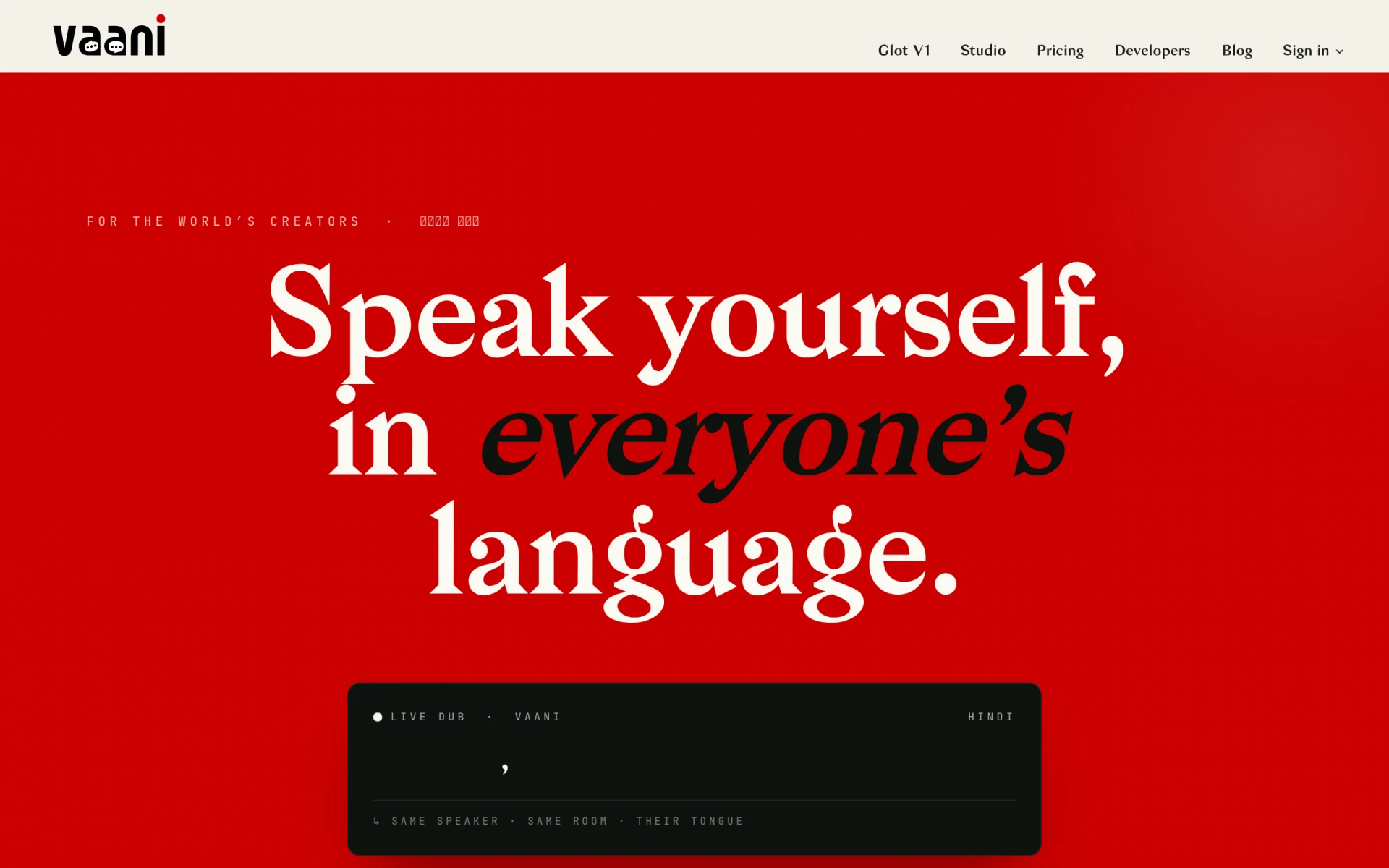
Vaani is a specialized video editing tool designed to facilitate the dubbing of videos into more than 40 languages. Its primary purpose is to enable creators, broadcasters, and studios to produce multilingual content efficiently. By addressing the challenges of language barriers in video production, Vaani helps users reach a broader audience and enhance viewer engagement through localized content.
Key Features
- Voice Cloning: Create realistic voiceovers using advanced voice cloning technology.
- Scene-Aware Translation: Automatically translate dialog while considering the context of scenes.
- Lip-Syncing: Sync the dubbed audio to the original video to maintain visual coherence.
- Multi-Language Support: Dub videos in over 40 languages, catering to diverse audiences.
- User-Friendly Interface: Intuitive design that simplifies the editing process for all skill levels.
- Cloud-Based Editing: Access and edit projects from anywhere with an internet connection.
- Export Options: Save videos in various formats compatible with multiple platforms.
- Collaboration Tools: Share projects with team members for efficient workflow.
Benefits
Vaani offers practical advantages by significantly reducing the time and effort needed for video dubbing. Its voice cloning technology ensures that voiceovers sound natural, enhancing the overall quality of the final product. The scene-aware translation feature minimizes the risk of miscommunication, leading to more accurate and engaging content. Additionally, the ability to lip-sync dubbed audio creates a seamless viewing experience, which is crucial for maintaining audience immersion.
Common Use Cases
Vaani is well-suited for various scenarios, including:
- A film studio looking to release a movie in multiple languages to maximize its audience reach.
- A YouTube creator aiming to provide content in different languages to engage international viewers.
- Educational institutions producing training videos for students in diverse linguistic backgrounds.
- Marketing teams creating localized advertisements to target specific regions effectively.
Who Should Use It
Vaani is ideal for content creators, video producers, educators, and marketing professionals who need to produce multilingual videos. It is particularly beneficial for those who frequently work with international audiences. However, businesses with very specialized dubbing needs or those requiring extensive customization may find Vaani’s features somewhat limiting.
Pricing Overview
Pricing information for Vaani is not readily available on the website.
Pros and Cons
Pros
- The voice cloning feature produces high-quality, natural-sounding audio.
- Scene-aware translation improves translation accuracy and context.
- The user-friendly interface makes it accessible for users at all skill levels.
- Multi-language support allows for diverse audience reach.
- Cloud-based editing enables flexibility in project access and collaboration.
Cons
- Pricing information is unclear, which may hinder decision-making for potential users.
- Some users may find the feature set insufficient for highly customized dubbing needs.
- Limited information on customer support options is available.
Conclusion
Vaani presents a compelling solution for those in need of efficient video dubbing across multiple languages. With its advanced features like voice cloning and scene-aware translation, it effectively addresses the challenges of multilingual content production. While it may not suit every user’s needs, particularly those requiring extensive customization, Vaani is a valuable tool for many creators and businesses looking to enhance their video content.