Overview
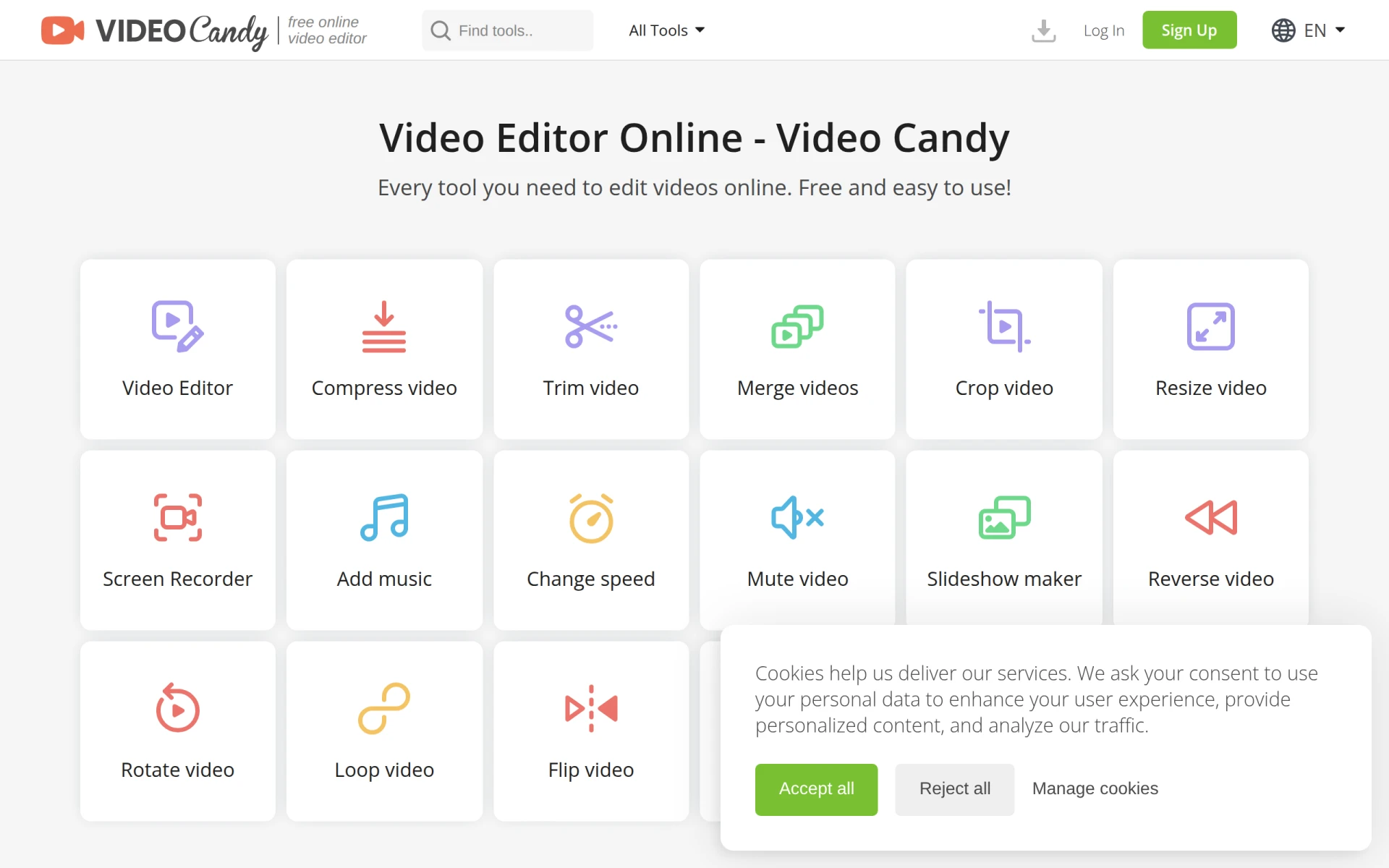
Video Candy is an online video editing tool designed to provide users with a range of essential video editing functions. Its primary purpose is to make video editing accessible and straightforward for everyone, regardless of technical skill level. The software addresses common video editing challenges, such as merging clips, trimming unwanted sections, compressing video files for easier sharing, and applying basic enhancements like brightness adjustment and volume control.
Key Features
- Video editing tools: A comprehensive suite for editing videos online.
- Video merging: Combine multiple video clips into a single file.
- Video compression: Reduce file size for easier sharing and storage.
- Video trimming: Cut out unwanted segments from your videos.
- Brightness adjustment: Enhance the visual quality of your videos.
- Volume control: Increase or decrease audio levels in your videos.
- Blurring tools: Apply blur effects to specific video sections.
- Text overlay: Add text annotations or titles to your videos.
- Cropping: Remove unwanted areas from the video frame.
- Resizing: Adjust video dimensions to meet specific requirements.
- Screen recording: Capture your screen activity for tutorial creation.
- Music addition: Incorporate background music into your videos.
- Speed adjustment: Change the playback speed of your videos.
- Audio removal: Eliminate audio tracks from your videos.
Benefits
Video Candy offers practical advantages for users looking to edit videos without investing in expensive software. Its web-based platform eliminates the need for downloads, making it convenient for quick edits. The various tools provided allow users to perform multiple editing tasks in one place, saving time and effort. Additionally, the free access to its features makes Video Candy an attractive option for budget-conscious individuals and small businesses.
Common Use Cases
Video Candy is suitable for various scenarios, including:
- A small business creating promotional videos to showcase products or services.
- A freelancer producing video content for clients, needing a quick and efficient editing solution.
- Educators recording and editing tutorials to enhance online learning experiences.
- Social media managers editing video posts to boost engagement across platforms.
- Content creators looking to add finishing touches to their videos before publishing.
Who Should Use It
Video Candy is ideal for casual users who need straightforward video editing capabilities without a steep learning curve. It is particularly useful for individuals or small teams that require basic editing tools to enhance their video content. However, professional video editors or those seeking advanced features may find the software limiting for complex projects.
Pricing Overview
Video Candy is free to use, allowing users access to its range of editing tools without any associated costs.
Conclusion
In summary, Video Candy is a user-friendly online video editor that caters to individuals and small businesses looking for basic editing functionalities. While it may lack some advanced features found in professional software, its free accessibility and ease of use make it a valuable tool for quick and efficient video editing tasks. Users should evaluate their specific editing needs to determine if Video Candy aligns with their requirements.