Overview
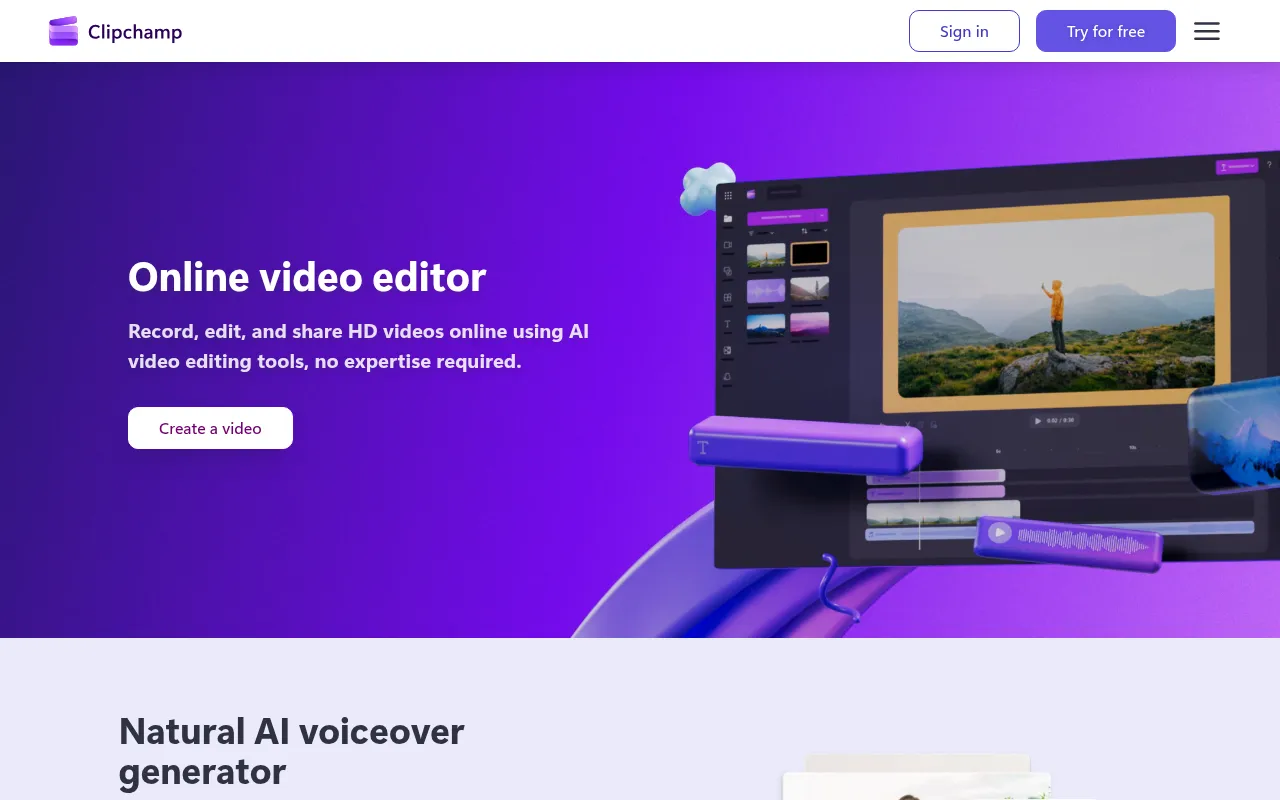
Clipchamp is an online video editing platform developed by Microsoft that enables users to record, edit, and share HD videos directly from their web browsers. The primary purpose of Clipchamp is to provide an accessible video editing solution that requires no prior expertise, making it suitable for both beginners and experienced users. This tool addresses common challenges in video production by offering features that simplify the editing process, such as AI-powered tools for voiceovers and subtitles, stock footage, and templates.
Key Features
- Video recording: Record videos directly from your webcam or screen.
- AI voiceover generator: Transform text into lifelike speech across various languages.
- AI subtitle generator: Automatically generate accurate subtitles in over 80 languages.
- Stock footage library: Access a range of royalty-free music and stock footage.
- Video templates: Utilize customizable templates for quick editing.
- High-resolution exports: Export videos in up to 4K resolution.
- User-friendly interface: Navigate a straightforward editing environment without technical skills.
- Cloud-based storage: Save and access projects online without the need for local storage.
Benefits
Clipchamp offers practical advantages by streamlining the video creation process. Users can quickly produce professional-quality videos, saving time and resources. The AI features enhance accessibility, allowing for easier content creation and wider audience reach. Additionally, the collaboration tools enable teams to work together efficiently on video projects, regardless of their location. Overall, Clipchamp helps businesses and individuals create engaging video content with minimal effort.
Common Use Cases
Businesses can use Clipchamp for creating marketing videos, social media content, training materials, and presentations. For instance, a small business may utilize the platform to produce promotional videos to enhance brand visibility. Educators can create instructional videos and tutorials to facilitate online learning. Freelancers, such as content creators and social media managers, can leverage Clipchamp to generate high-quality videos tailored to specific audiences.
Who Should Use It
Clipchamp is ideal for small businesses, marketing teams, educators, and freelancers who need a reliable and easy-to-use video editing solution. It is also well-suited for individuals looking to create personal video projects without extensive technical skills. However, it may not be the best fit for professional video editors who require advanced features and more extensive customization options.
Pricing Overview
Clipchamp offers a free version with basic editing tools, while premium features are available through Microsoft 365 Personal and Family plans. Users can access more advanced capabilities with a subscription.
Conclusion
Clipchamp is a versatile video editing tool that balances functionality and accessibility. With its range of features and user-friendly interface, it caters to a diverse audience, from beginners to experienced video creators. While it may not meet the needs of professional editors, its ease of use and AI-driven features make it a valuable option for many users looking to produce high-quality video content efficiently.